

.svg)


.svg)
.svg)







Zusammenarbeit an Partner-Support-Tickets


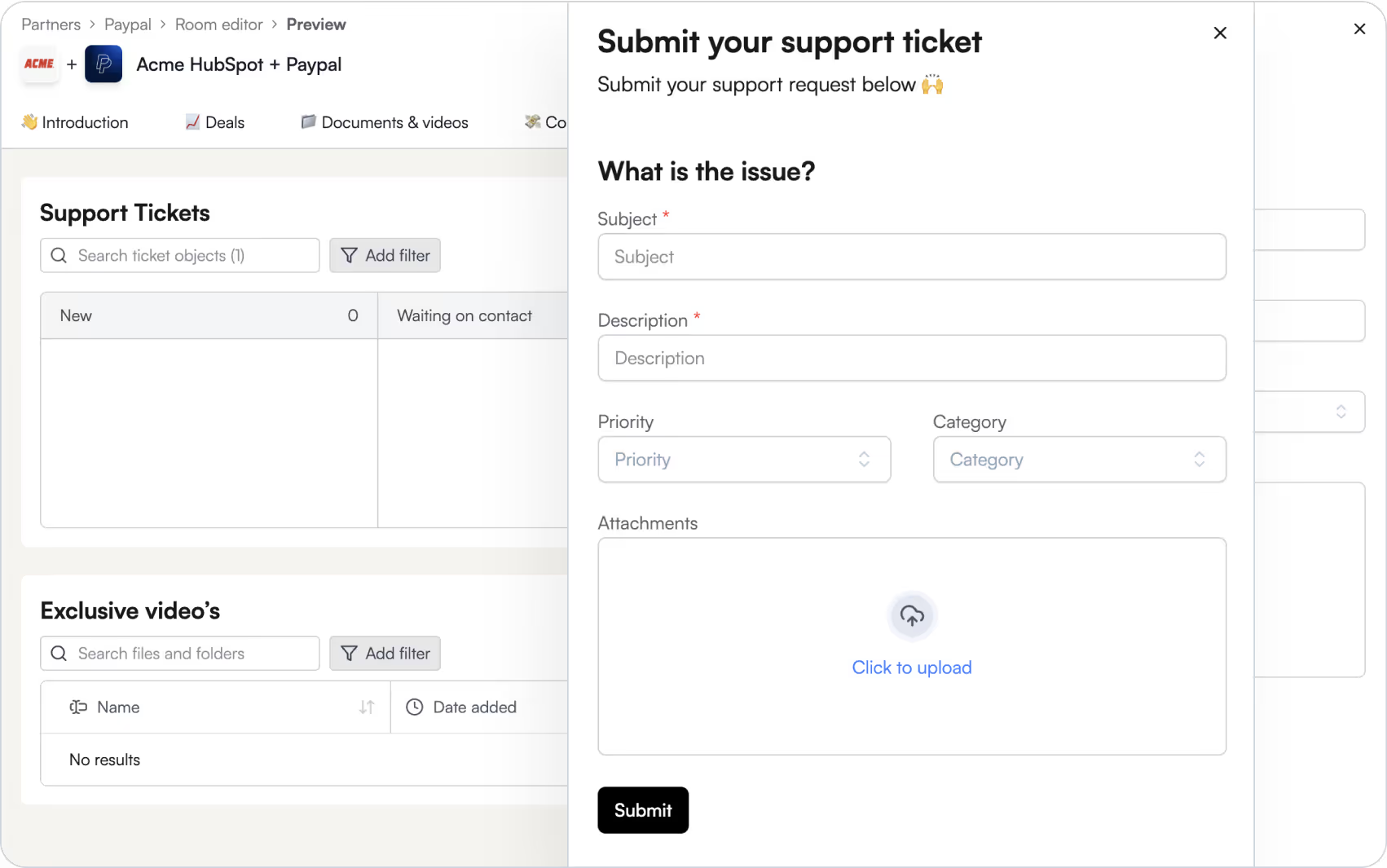
Lass Partner Support-Tickets einreichen
Schluss mit einzelnen Postfächern und fragmentierten Formularen. Partner können neue Support-Tickets über individuelle Formulare einreichen – direkt deinem CRM-Ticket- oder Case-Objekt zugeordnet.

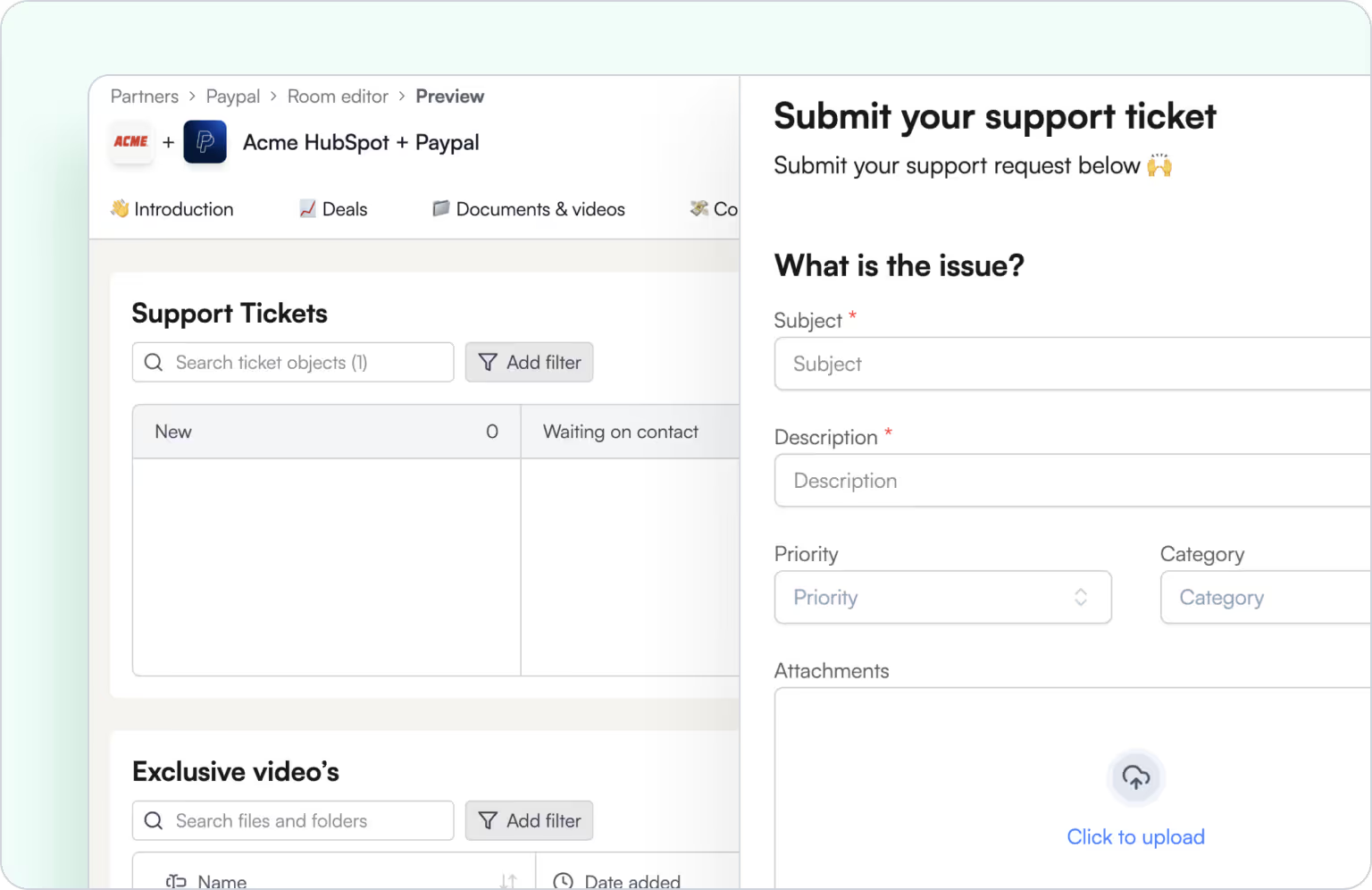
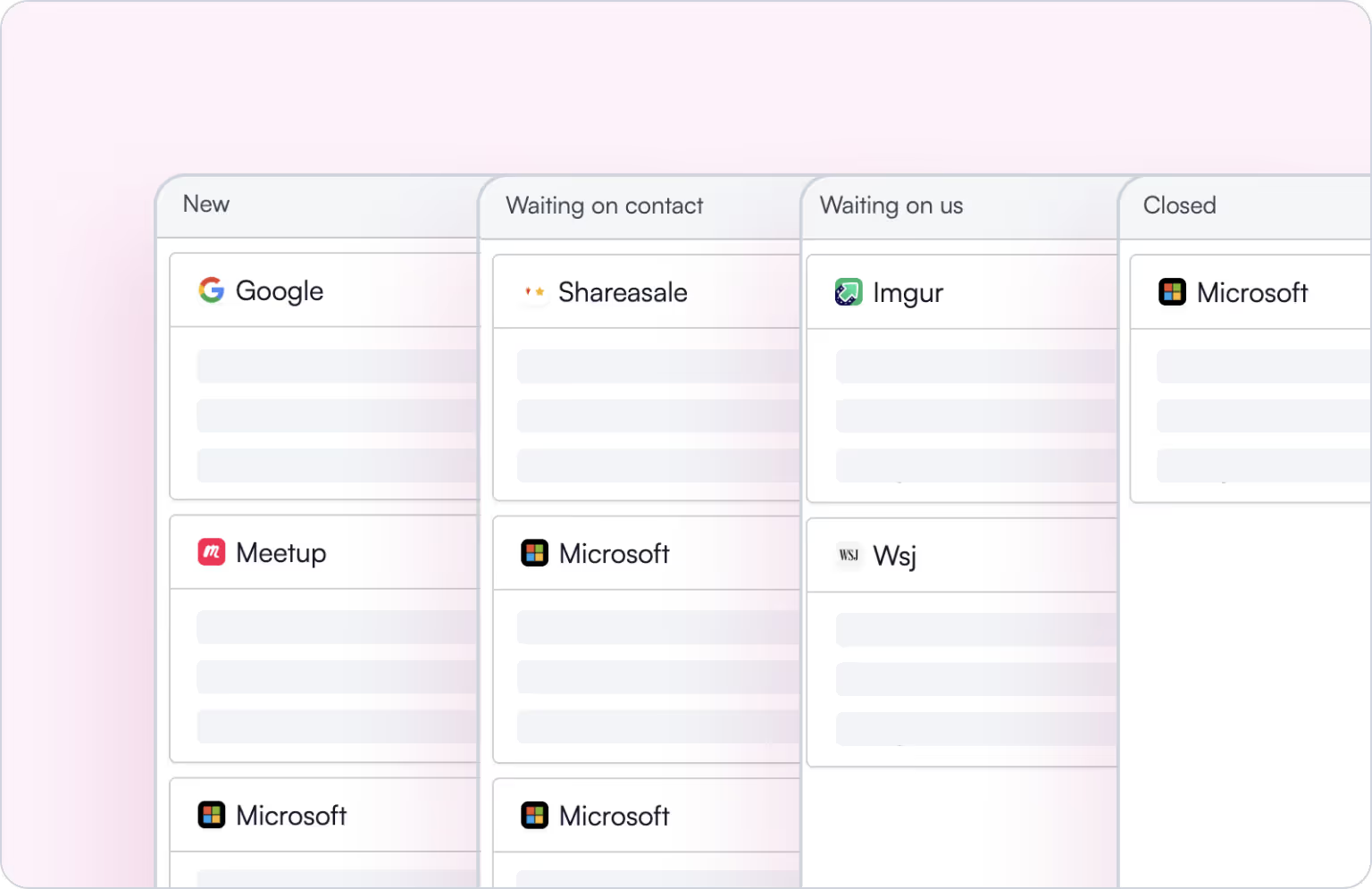
Echtzeit-Transparenz über Tickets
Partner erhalten automatisch Zugriff auf alle offenen Tickets, denen sie zugeordnet sind – ganz ohne zusätzlichen Aufwand.
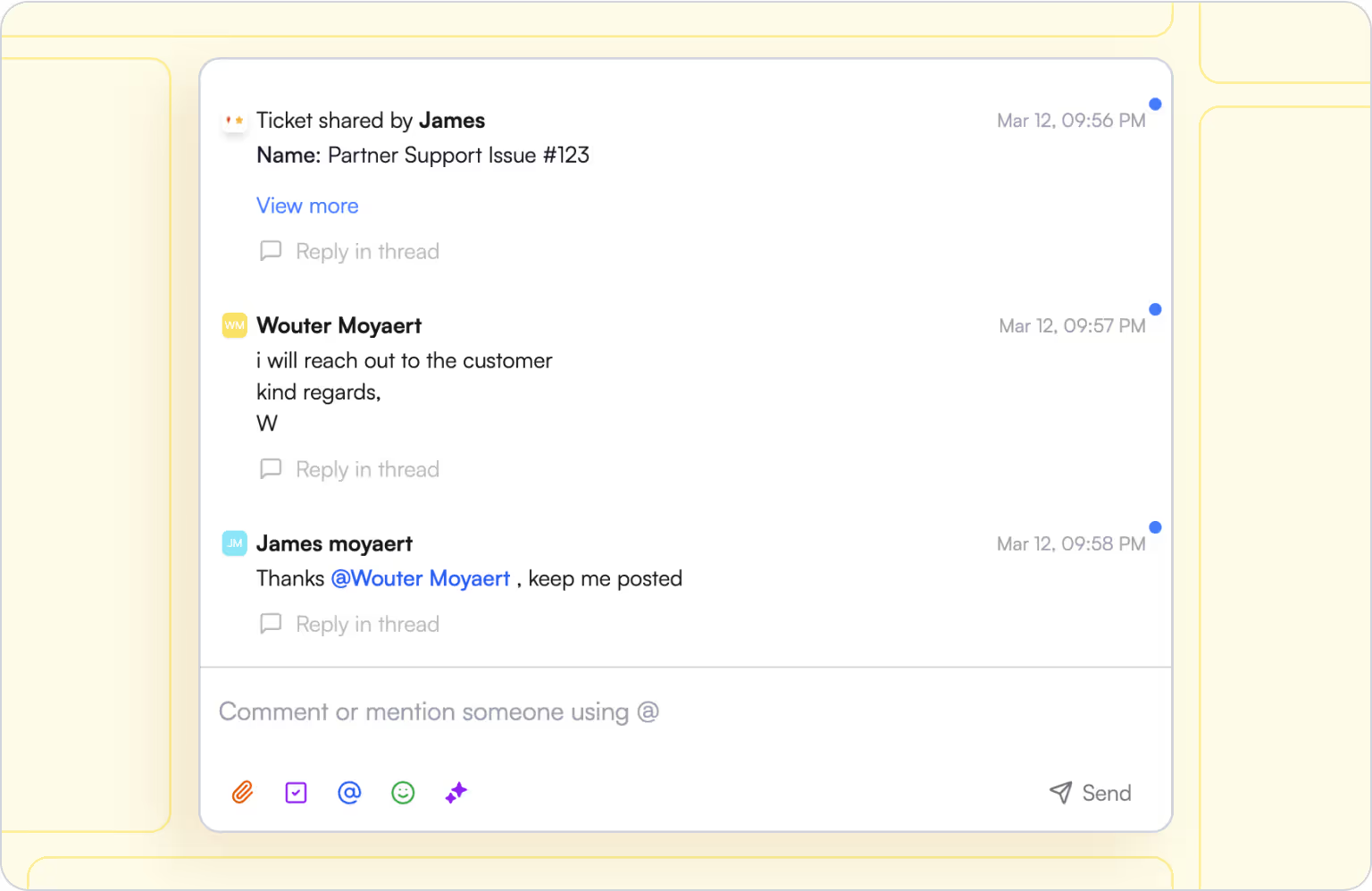
Arbeite gemeinsam an Tickets
Mach Support zu Co-Piloting – nicht zur Blackbox. Interne Teams und Partner können sich gegenseitig mit @name, kommentieren und in Echtzeit Updates teilen – mit voller Transparenz auf beiden Seiten.
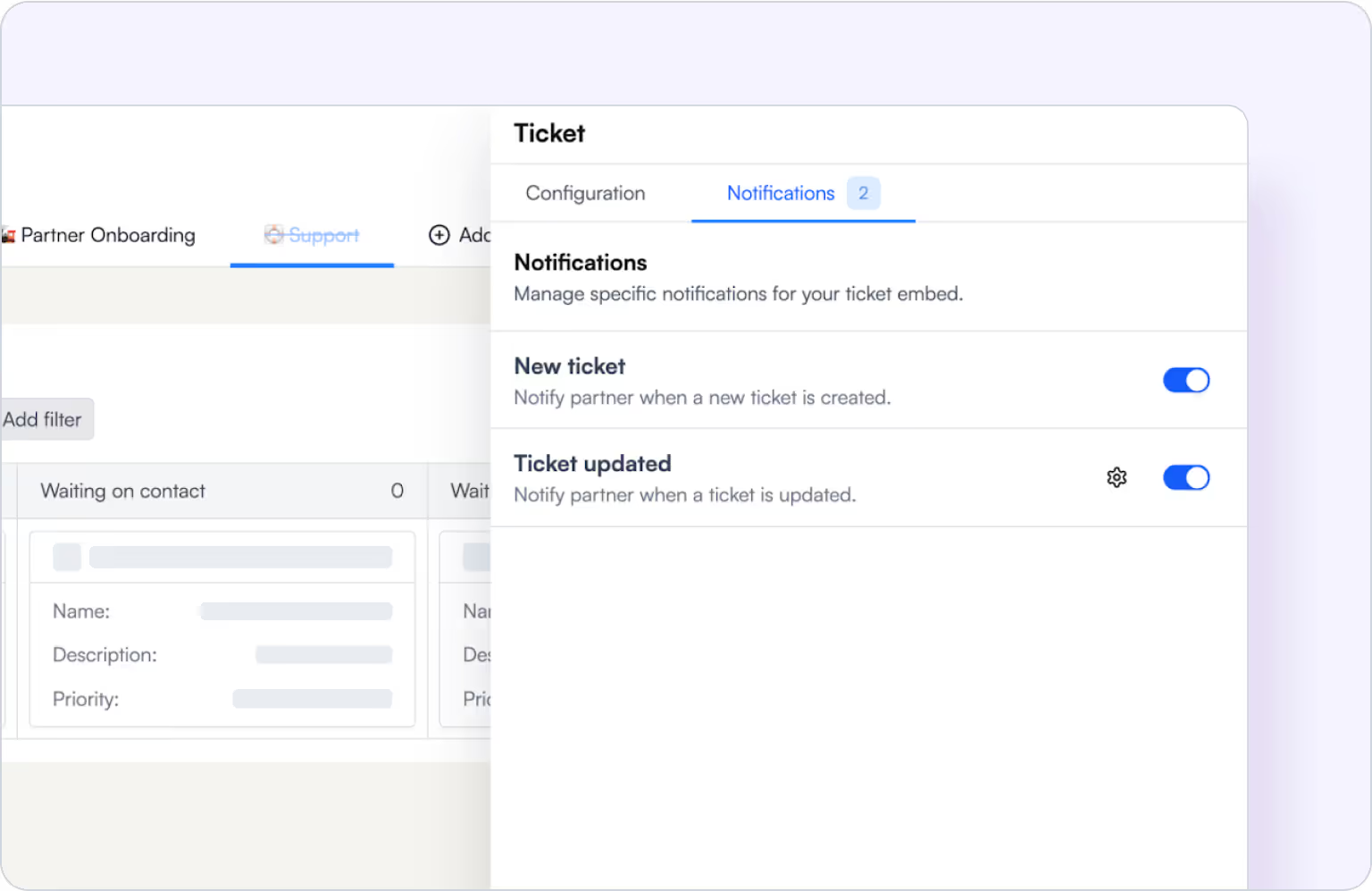
Halte Partner via E-Mail oder Slack auf dem Laufenden
Sende Partnern Echtzeit-Updates, sobald sich der Ticket-Status ändert. So sind alle jederzeit auf dem gleichen Stand.
Entwickelt für jede Rolle in deinem Partner-Revenue-Team
Für Partnermanager
Für Customer Succes & Enablement
Für Revenue- und Ops-Teams
Für das Produktmarketing
Für CROs und CX-Führungskräfte
Können Partner Support-Tickets einreichen?
Ja, du kannst jedes Support-Formular mit deiner Ticket-Pipeline verbinden. Einreichungen werden bidirektional mit HubSpot oder Salesforce synchronisiert.
Müssen sich Partner ins Partnerportal einloggen, um ein Ticket einzureichen?
Nein – Partner können Tickets über ein öffentliches Ticket-Formular einreichen und so von überall Supportanfragen stellen.
Mit welchen CRM-Objekten integriert sich Introw dafür?
Wir integrieren uns direkt mit dem Ticket-Objekt in HubSpot und dem Case-Objekt in Salesforce. Alle Felder, Updates und Verknüpfungen werden nativ synchronisiert.
Können Partner Tickets von Kunden sehen, die sie vermittelt haben oder verwalten?
Ja, Introw zeigt automatisch Tickets an, bei denen der Partner mit dem Kunden oder Konto verknüpft ist, basierend auf Ihrer CRM-Logik.
Ist die Zusammenarbeit sicher und berechtigungsbasiert?
Selbstverständlich. Du steuerst genau, welche Partner welche Tickets sehen und welche Rollen Zugriff haben.
Kann das in unsere eigene Plattform eingebettet werden?
Ja, alle Funktionen von Introw können auch in dein bestehendes Portal eingebettet werden.