


Are your partners completing training but still struggling to move deals forward?
When you’re working with resellers, referral partners, or distributors, collaboration alone isn’t enough. You need structured learning paths, certification gating, and clear CRM visibility into learner progress.
Here’s why many teams start looking beyond their current setup.
Why look beyond 360Learning for partner training?
360Learning is a strong collaborative learning platform. It supports social learning, peer-driven knowledge sharing, and discussion forums that help teams engage learners.
But training partners require a different approach and a solution built to support it.
When you’re working with resellers, distributors, or referral partners, you need more than shared courses. You need structured learning paths, clear certification management, and visibility into learner progress across different audiences.
As your partner ecosystem grows, friction starts to show. You may find yourself:
- Managing structured learning paths and certifications manually
- Creating workarounds for custom branding or external portals
- Chasing course completion instead of driving engagement
- Struggling to prove training effectiveness inside your CRM
- Segmenting partners across tiers without scalable controls
We’ve curated a list of solutions that help you move beyond 360Learning’s limitations.
The 18 best 360Learning alternatives for partner training
If your goal is scalable external training with measurable impact, these 360Learning alternatives are worth a closer look.
1. Introw partner LMS - Best overall for partner training tied to pipeline
Introw is designed for partner programs that need more than course hosting. It ties training, certifications, and learner progress directly to your CRM, making partner enablement measurable and scalable.
Best for
B2B SaaS companies running active referral, reseller, SI, or ISV partner programs that need training tied directly to CRM data and revenue visibility.
Why it’s a partner alternative
360Learning is strong for collaborative learning and internal knowledge sharing. Introw is built specifically for external partner training, connecting structured learning paths to pipeline outcomes.
Instead of operating as a separate learning management system, Introw works CRM-first.
Training completions and certifications sync directly with your CRM through its native Salesforce and HubSpot integrations. Learner progress becomes visible alongside deals, accounts, and forecasting dashboards.
This shifts partner training from course management to revenue visibility.
Highlights
- AI-powered course creation from your existing docs or website
- One-click certification management with structured training paths
- Bulk enrollment and automated training modules
- Email and Slack announcements to engage learners without forcing logins
- Partner-safe portal with role-based access and custom branding
- Real-time CRM sync for reporting and performance management
Consider if
You need structured external training programs tied to partner tiers, deal stages, or sell rights. This works especially well for SaaS businesses with active partner motions and customer-facing teams outside the organization.
For deeper visibility into how structured partner training connects to revenue, explore the full capabilities of Introw’s partner LMS.
Potential gaps
Not positioned as a full employee training platform. If your primary need is internal corporate training, a traditional LMS may still be required.
Pricing
External-user-friendly pricing models. Request a demo for details.
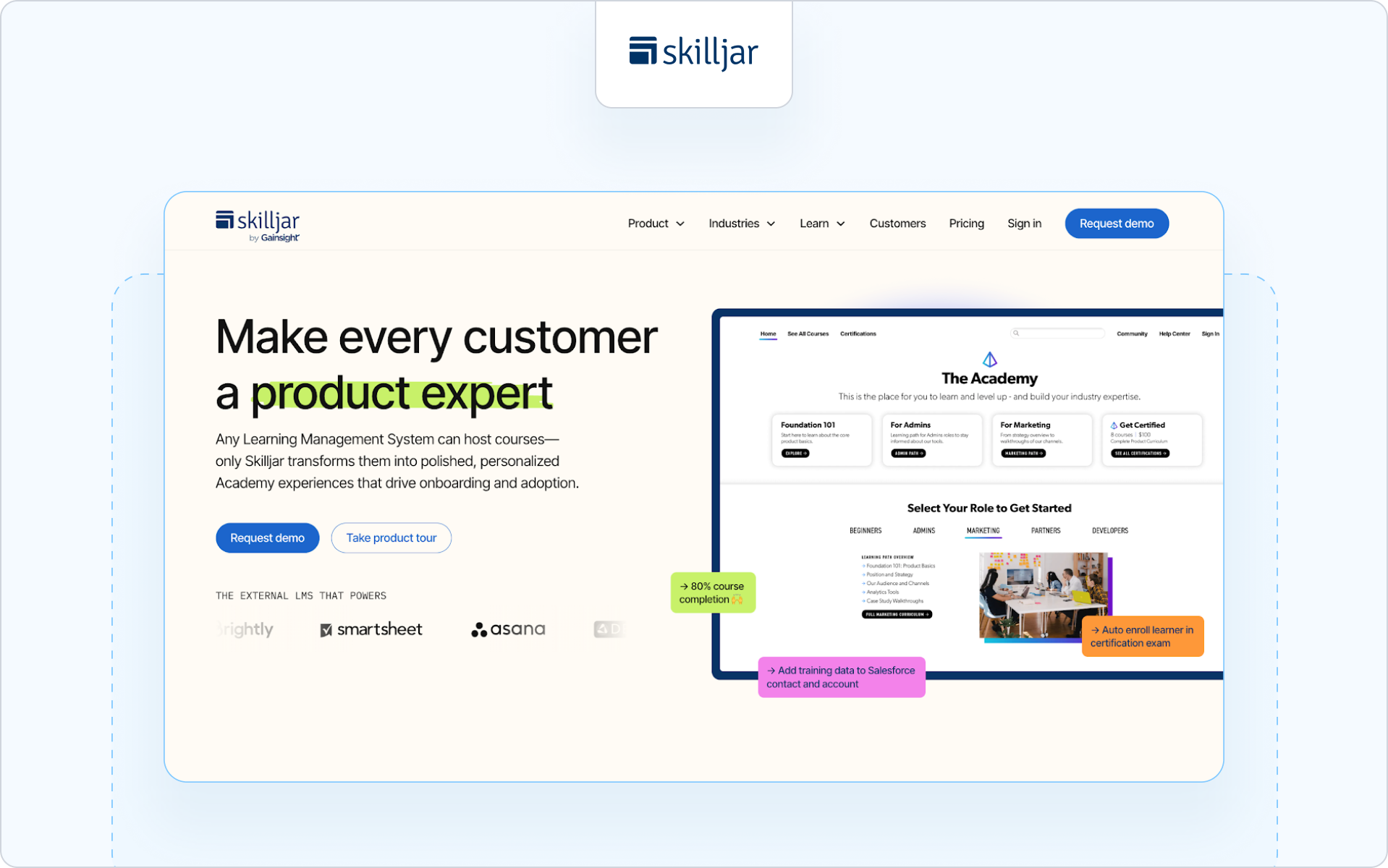
2. Skilljar - Best for customer and partner education at scale
Best for
Customer education and partner enablement teams that need scalable learning paths and strong reporting across diverse audiences.
Why it’s a partner alternative
Skilljar is designed for structured external training programs rather than internal corporate training. It supports branded academies, learner progress tracking, and advanced reporting to measure training effectiveness.
Highlights
- Structured learning paths with progress and completion tracking
- Advanced reporting dashboards
- CRM integrations, including Salesforce connectivity
Consider if
You want a modern learning platform focused on external training over internal collaboration.
If you’re comparing structured external platforms, it’s worth reviewing the best partner LMS software for a broader side-by-side comparison.
Potential gaps
Less focused on peer-driven social learning compared to collaborative learning platforms.
Pricing
Custom pricing. Demo required.
3. Docebo - Best for enterprise-grade partner and customer training
Best for
Enterprise teams running large-scale external training programs across multiple partner segments or global audiences.
Why it’s a partner alternative
Docebo positions itself as an extended enterprise LMS, meaning it supports internal and external training within the same scalable platform. It includes customizable portals and learning paths that can be tailored to partner audiences.
Highlights
- AI-powered content tagging and automation
- Multi-domain portals for different audiences
- Advanced reporting and analytics dashboards
Consider if
You need a scalable learning platform with strong governance, multilingual support, and enterprise security controls.
Potential gaps
Implementation can be complex. It may require dedicated admin resources compared to lighter external-first platforms.
Pricing
Custom enterprise pricing. Demo required.
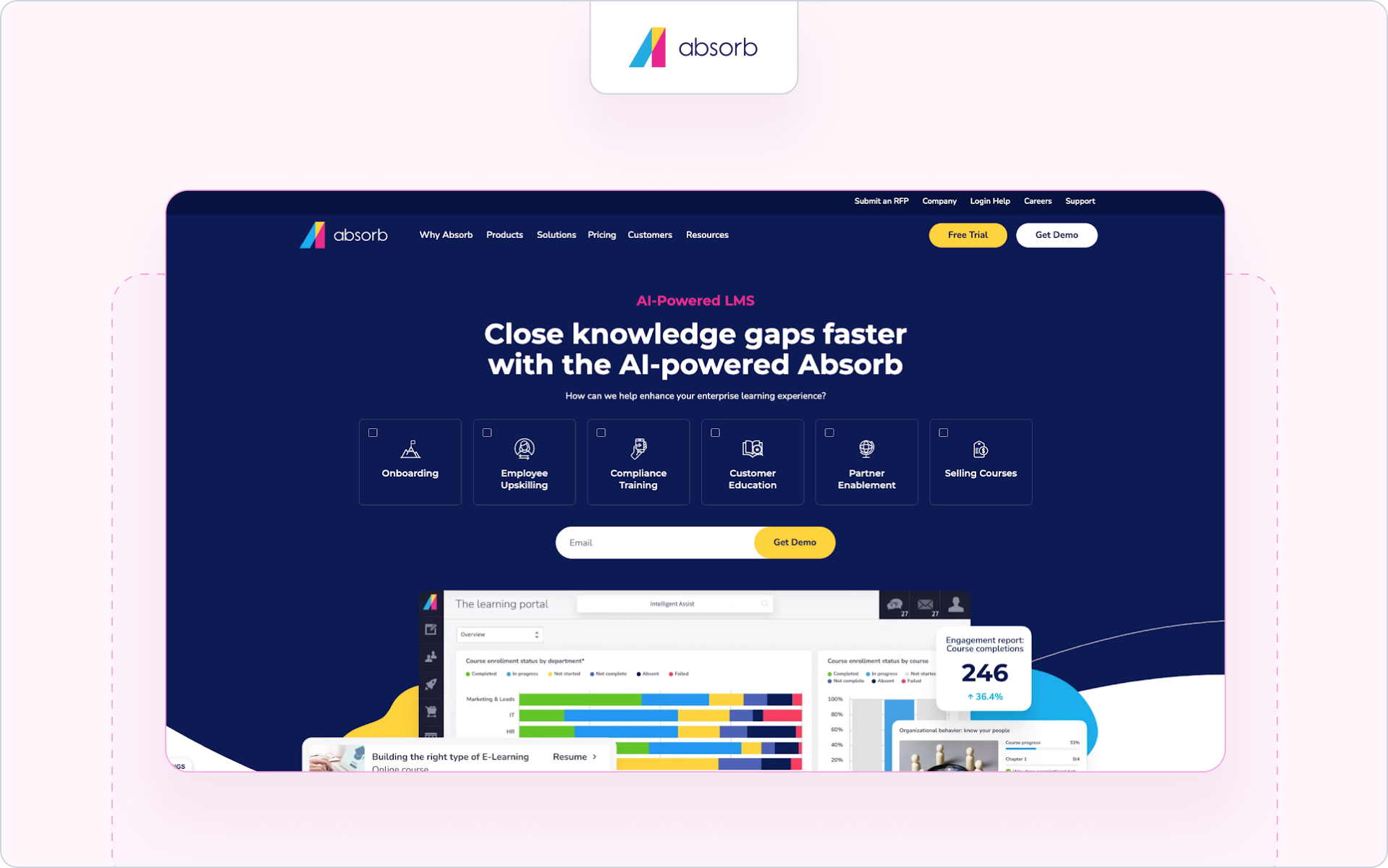
4. Absorb LMS - Best for configurable external learning environments
Best for
Organizations needing flexible external training programs with structured learning paths and configurable branding.
Why it’s a partner alternative
Absorb LMS supports separate portals, course management, and reporting for different audiences, making it suitable for partner training alongside internal initiatives.
Highlights
- Custom branding and white-labeled portals
- Learning paths with learner progress tracking
- Advanced reporting and compliance training tools
Consider if
You want a cloud-based LMS with scalable architecture and enterprise-ready analytics. If CRM visibility is a priority, it’s important to evaluate how the platform connects with the top CRM for partner management.
Potential gap
More traditional LMS structure; collaboration and social learning tools are not its core differentiator.
Pricing
Custom pricing based on usage and configuration.
5. LearnUpon - Best for multi-portal partner segmentation
Best for
Teams that need to manage training for different audiences with clean segmentation.
Why it’s a partner alternative
LearnUpon supports multiple portals within one LMS instance, allowing organizations to create structured training programs for partners without mixing them with internal employee training.
Highlights
- Multi-portal architecture
- Certification management
- Reporting dashboards with learner progress insights
Consider if
You need clear audience separation with manageable administrative overhead.
Potential gaps
AI-powered automation and advanced personalization features are more limited compared to some newer platforms.
Pricing
Tiered pricing based on user counts and portals.
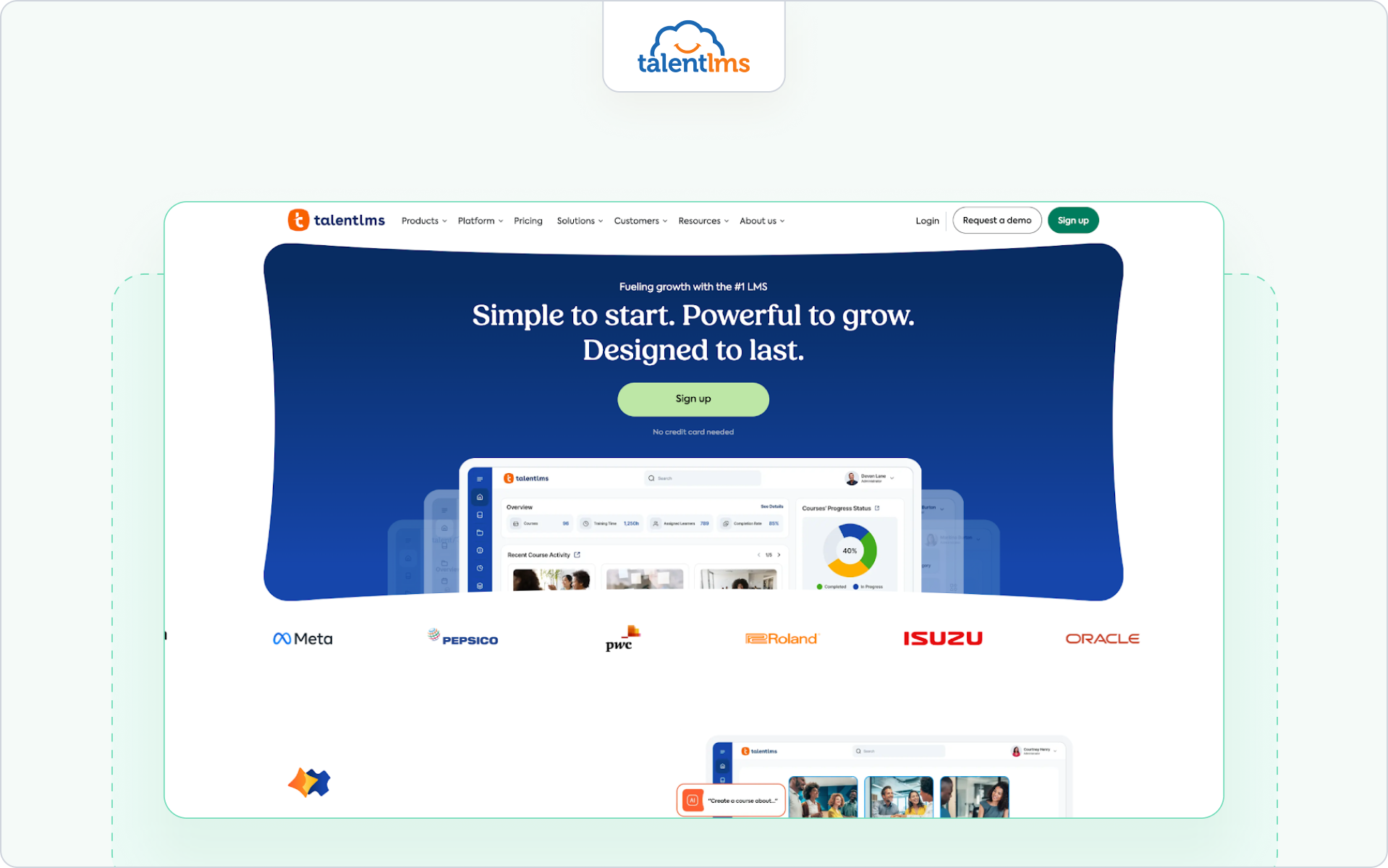
6. TalentLMS - Best for simple partner onboarding
Best for
Companies that want to launch external training quickly without heavy configuration.
Why it’s a partner alternative
TalentLMS offers learning paths, certification management, and customizable branding suitable for partner onboarding and structured training initiatives.
Highlights
- Easy course creation and course management
- Learning paths with course completion tracking
- Cloud-based LMS with fast deployment
Consider if
You need intuitive tools and a low administrative burden.
Potential gaps
Limited enterprise analytics and CRM-native reporting compared to partner-first platforms. For a deeper breakdown of platforms purpose-built for external programs, see our guide to partner training software.
Pricing
Transparent tiered pricing plans available publicly.
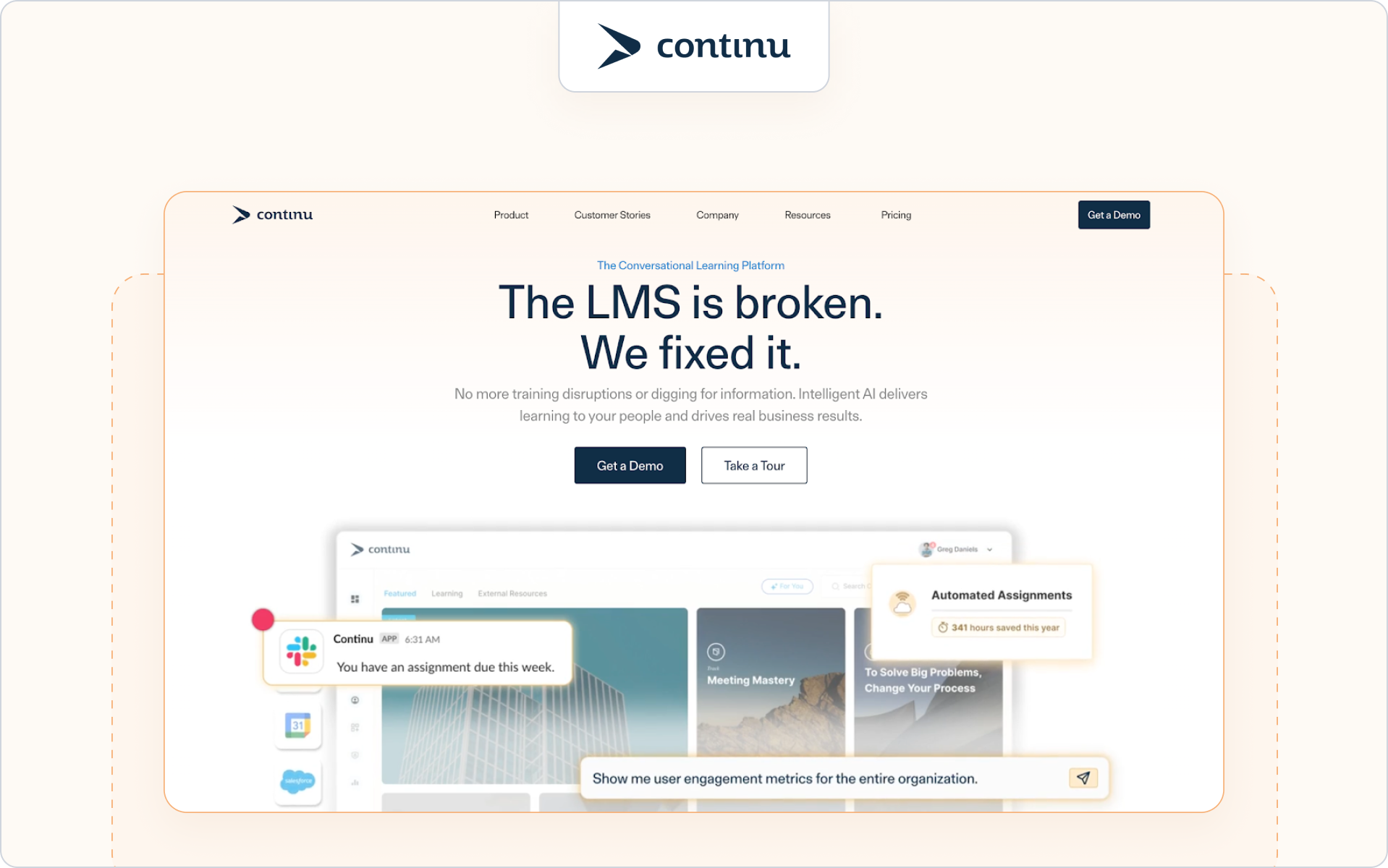
7. Continu - Best for intuitive partner training and engagement
Best for
Teams that want a user-friendly learning environment with strong engagement and intuitive progress tracking.
Why it’s a partner alternative
Continu supports structured learning paths, compliance tracking, and progress visibility across learners, which makes it useful for partner academies and external training initiatives where usability and engagement are priorities.
Highlights
- Intuitive interface that lowers learner friction
- Real-time progress tracking and reminders
- Centralized content delivery for structured learning
Consider if
You need an easy-to-deploy platform that helps partners engage with and complete training without heavy admin overhead.
Potential gaps
Not as enterprise-focused or CRM-native as some partner-centric solutions, with limited advanced partner segmentation features.
Pricing
Typically custom pricing after inquiry.
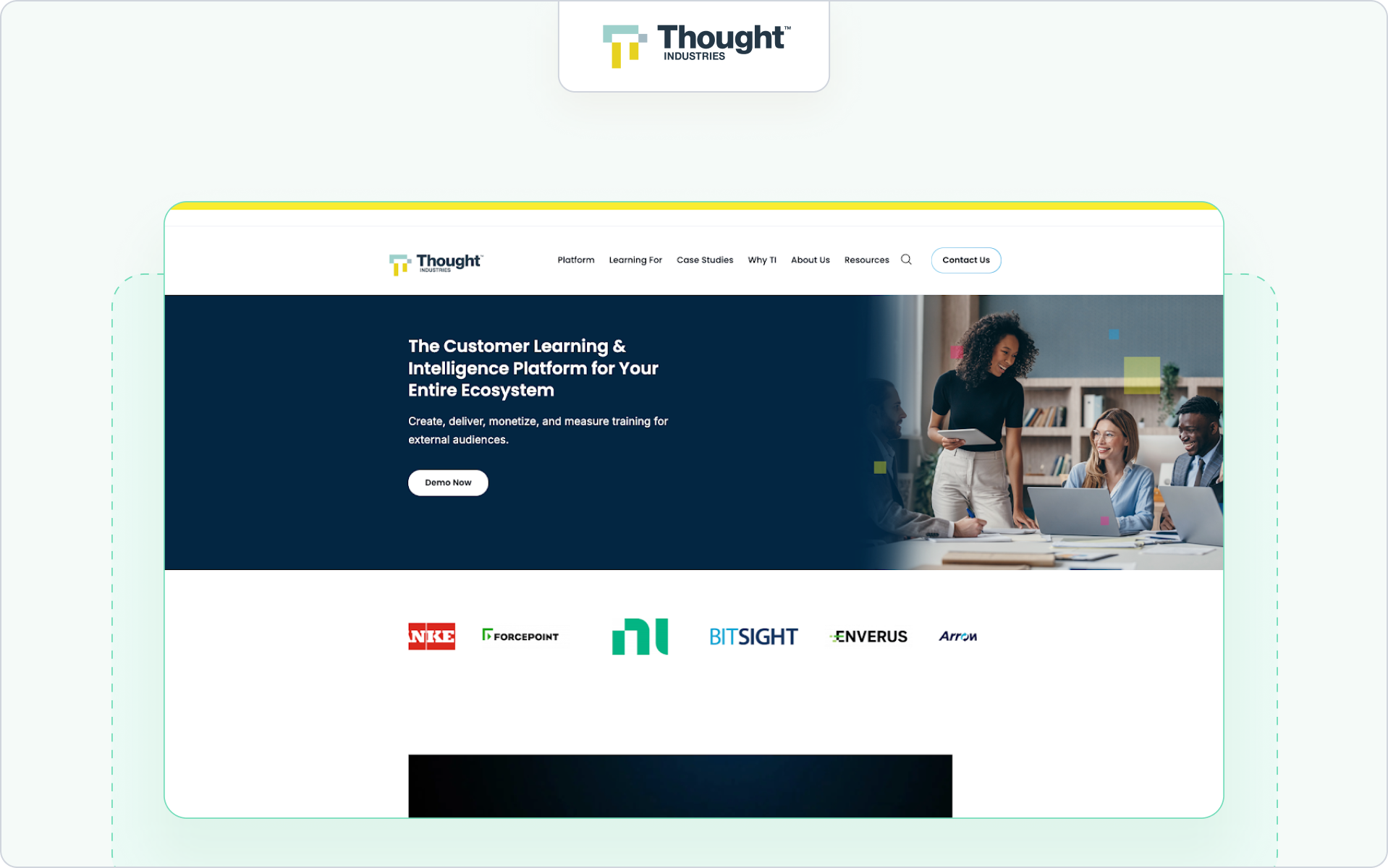
8. Thought Industries - Best for external ecosystems and extended enterprise training
Best for
Large organizations needing a scalable external training system with multi-tenant portals and advanced audience segmentation.
Why it’s a partner alternative
Thought Industries is purpose-built for external training use cases, including resellers, distributors, and other partners. Its multi-tenant structure and ability to deliver customized branded experiences make it suitable for complex partner ecosystems.
Highlights
- Multi-tenant portals for different audiences
- Advanced reporting and analytics
- Flexible content delivery and segmentation
Consider if
Your partner program includes multiple tiers or global branches, and you need strong audience segmentation.
Potential gaps
Higher implementation complexity and enterprise pricing compared to simpler LMS tools.
Pricing
Custom enterprise pricing.
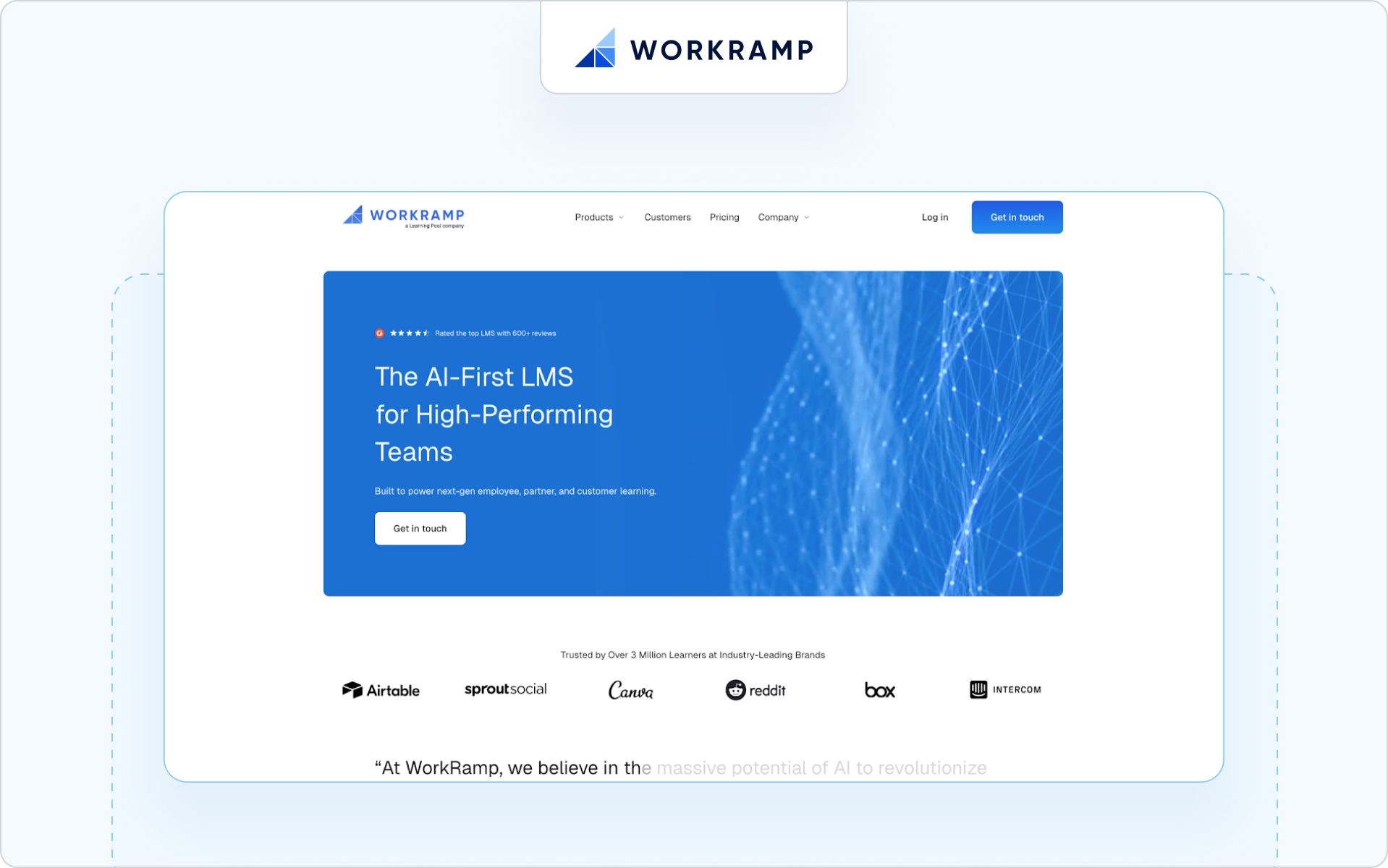
9. WorkRamp - Best AI-enabled platform for scalable training operations
Best for
Teams that want an AI-enabled system for partner training, automation of learning paths, and performance insights.
Why it’s a partner alternative
WorkRamp’s LMS allows organizations to build and deploy external training content alongside internal programs, with integrated dashboards, analytics, and automation that help surface training’s impact on performance and outcomes.
Highlights
- AI-powered learning, personalization, and automation
- Analytics dashboards for progress and engagement
- Scalable learning programs across audiences
Consider if
You want deep analytics and AI-enhanced learning for partner training at scale.
Potential gaps
Not a partner-native LMS; set-up and admin may require more internal resources.
Pricing
Custom pricing based on features and usage.
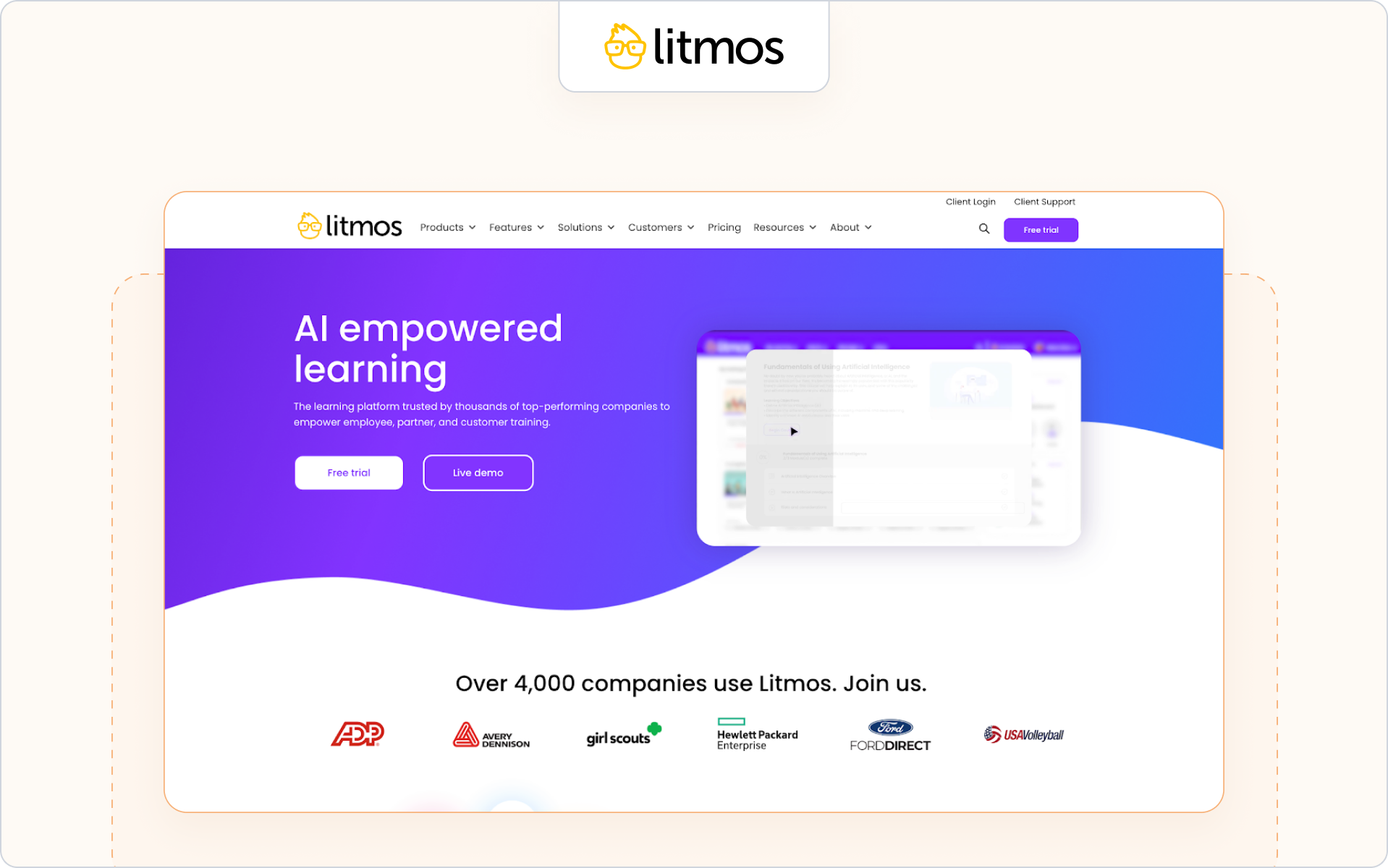
10. Litmos - Best for fast deployment and mobile partner training
Best for
Organizations that need to launch partner training programs quickly with strong mobile learning support.
Why it’s a partner alternative
Litmos supports structured training, certification management, and course completion tracking across different audiences. Its mobile learning capabilities make it suitable for remote learning scenarios where partners access training material on the go.
Highlights
- Mobile learning support for distributed partner teams
- Certification management with compliance training workflows
- Advanced reporting dashboards for learner engagement
Consider if
You want a scalable learning platform with global reach and multilingual support for partner training initiatives.
Potential gaps
Less focused on CRM visibility and partner-tier gating compared to more partner-native platforms.
Pricing
Custom pricing based on feature tier and user volume.
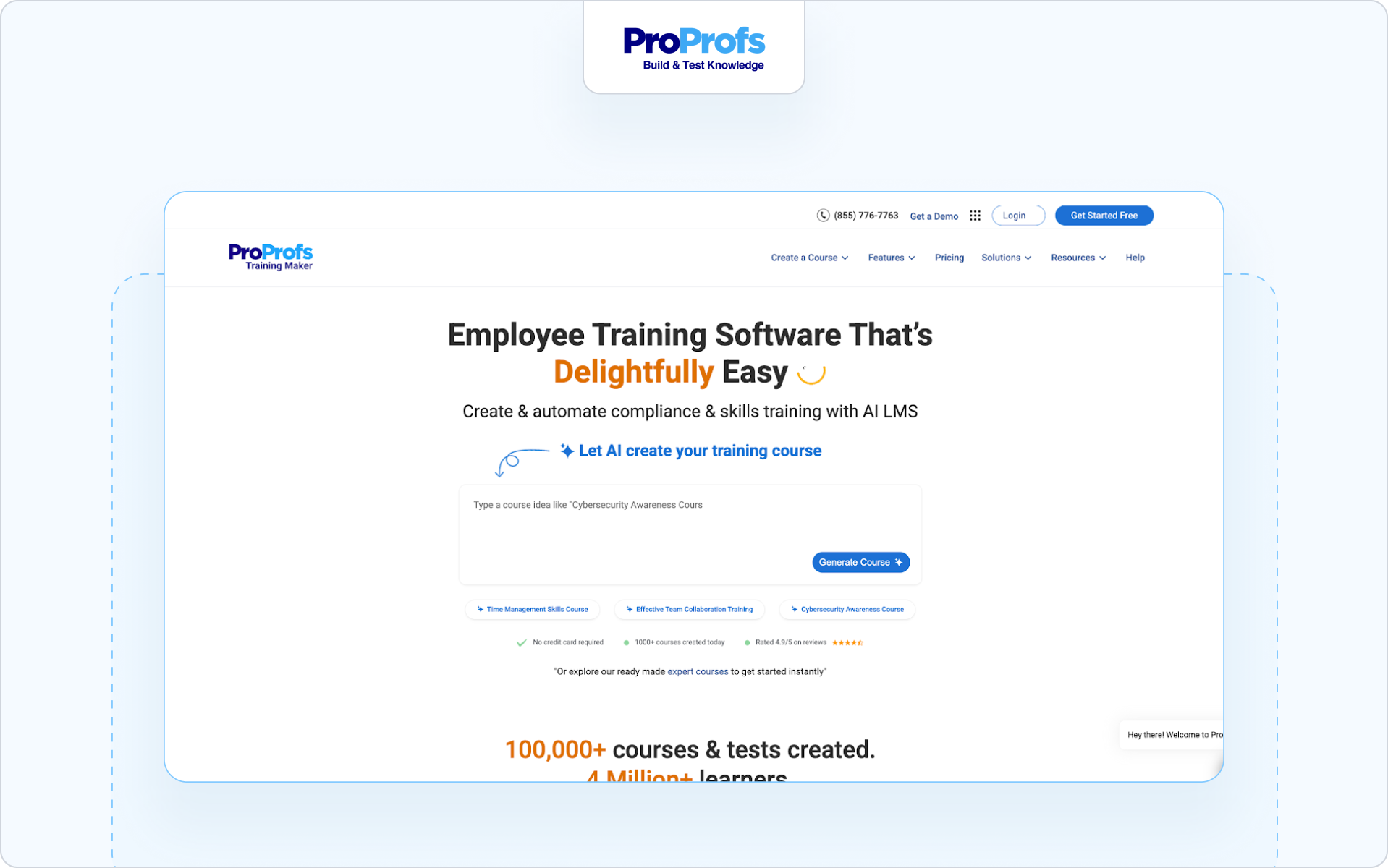
11. ProProfs LMS - Best for lightweight external training programs
Best for
Small to mid-sized businesses looking for simple partner onboarding and online courses without heavy configuration.
Why it’s a partner alternative
ProProfs LMS allows teams to create customized learning paths, assessments, and certification workflows. It’s suited for structured training where course management and learner progress tracking are more important than complex integrations.
Highlights
- Easy course creation and training modules
- Built-in tools for quizzes and assessments
- Intuitive interface designed to keep learners engaged
Consider if
Your primary focus is delivering clear, targeted training without enterprise complexity.
Potential gaps
Limited advanced reporting and fewer AI tools compared to larger enterprise learning management systems.
Pricing
Transparent subscription pricing available publicly.
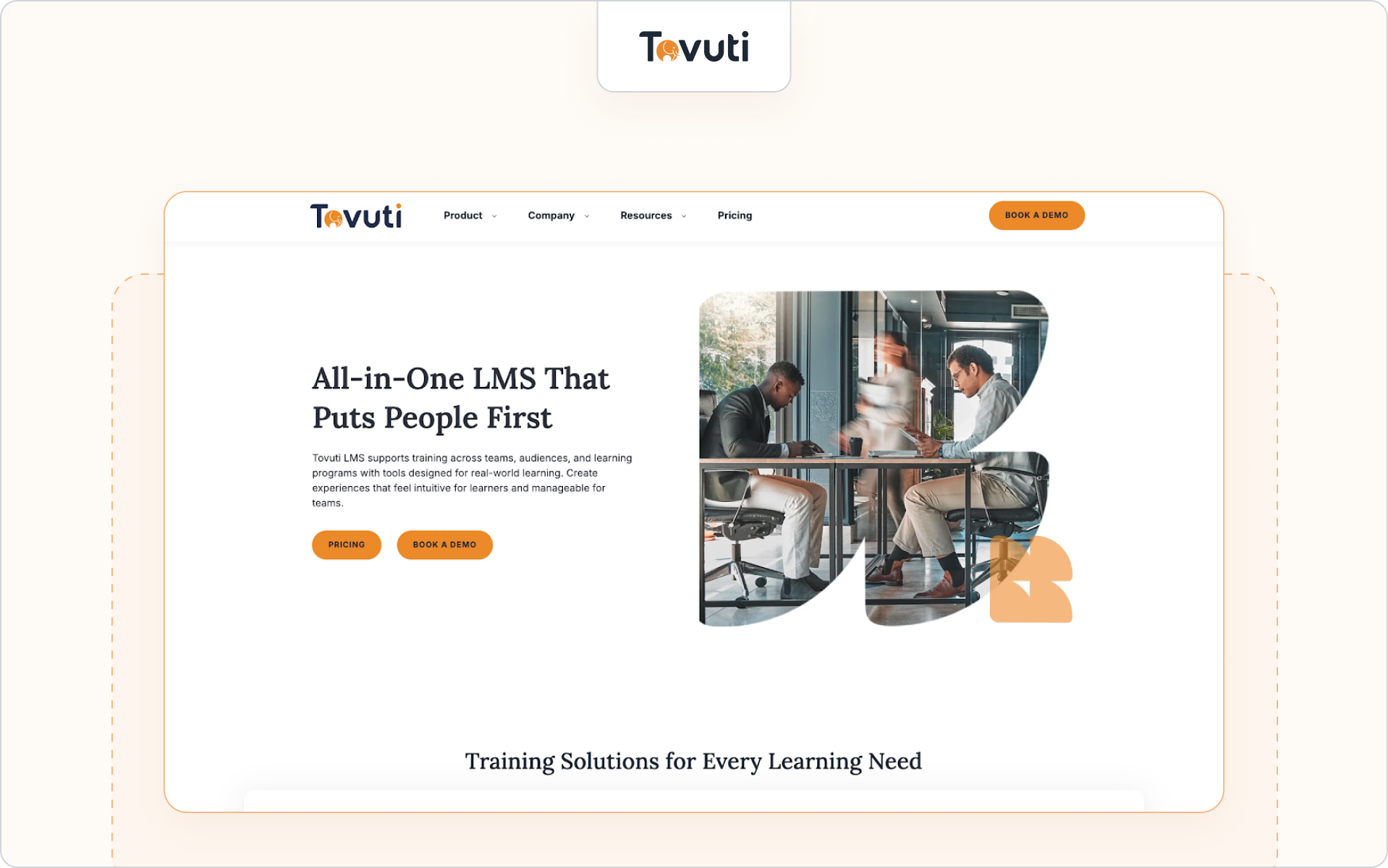
12. Tovuti LMS - Best for interactive and engagement-driven learning environments
Best for
Organizations prioritizing interactive elements and social learning tools to foster collaboration within partner academies.
Why it’s a partner alternative
Tovuti LMS includes customizable learning environments with gamified features, discussion forums, and built-in messaging tools that help engage learners and reinforce skill development.
Highlights
- Interactive elements and gamified training modules
- Social learning tools and discussion forums
- Personalized learning portals with custom branding
Consider if
You want to foster collaboration and strengthen learner engagement across partner communities.
Potential gaps
Advanced CRM-level reporting may require additional integration work.
Pricing
Custom pricing after consultation.
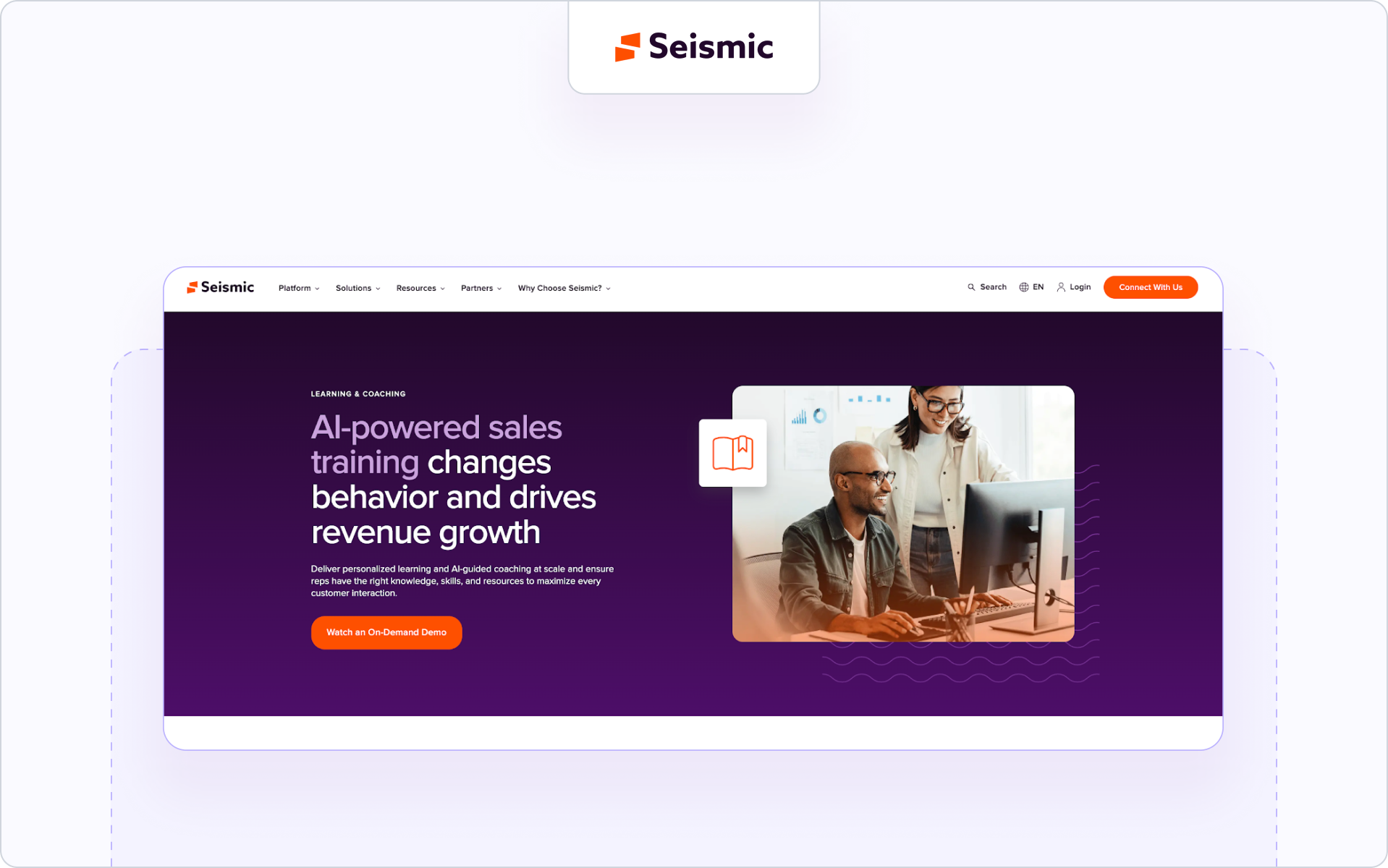
13. Seismic Learning - Best for skill reinforcement and coaching
Best for
Organizations that need to equip customer-facing teams with technical skills and reinforce training through coaching workflows.
Why it’s a partner alternative
Seismic Learning (formerly Lessonly) supports structured learning programs focused on skill gaps and ongoing performance management rather than just course delivery. It blends instructor-led training with self-paced modules.
Highlights
- Coaching workflows to address skill gaps
- Instructor-led training support
- Skill development tracking tied to performance management
Consider if
You prioritize behavioral reinforcement and measurable performance improvement for partners.
Potential gaps
Less emphasis on custom learning paths and certification gating compared to partner-native LMS tools.
Pricing
Enterprise pricing model.
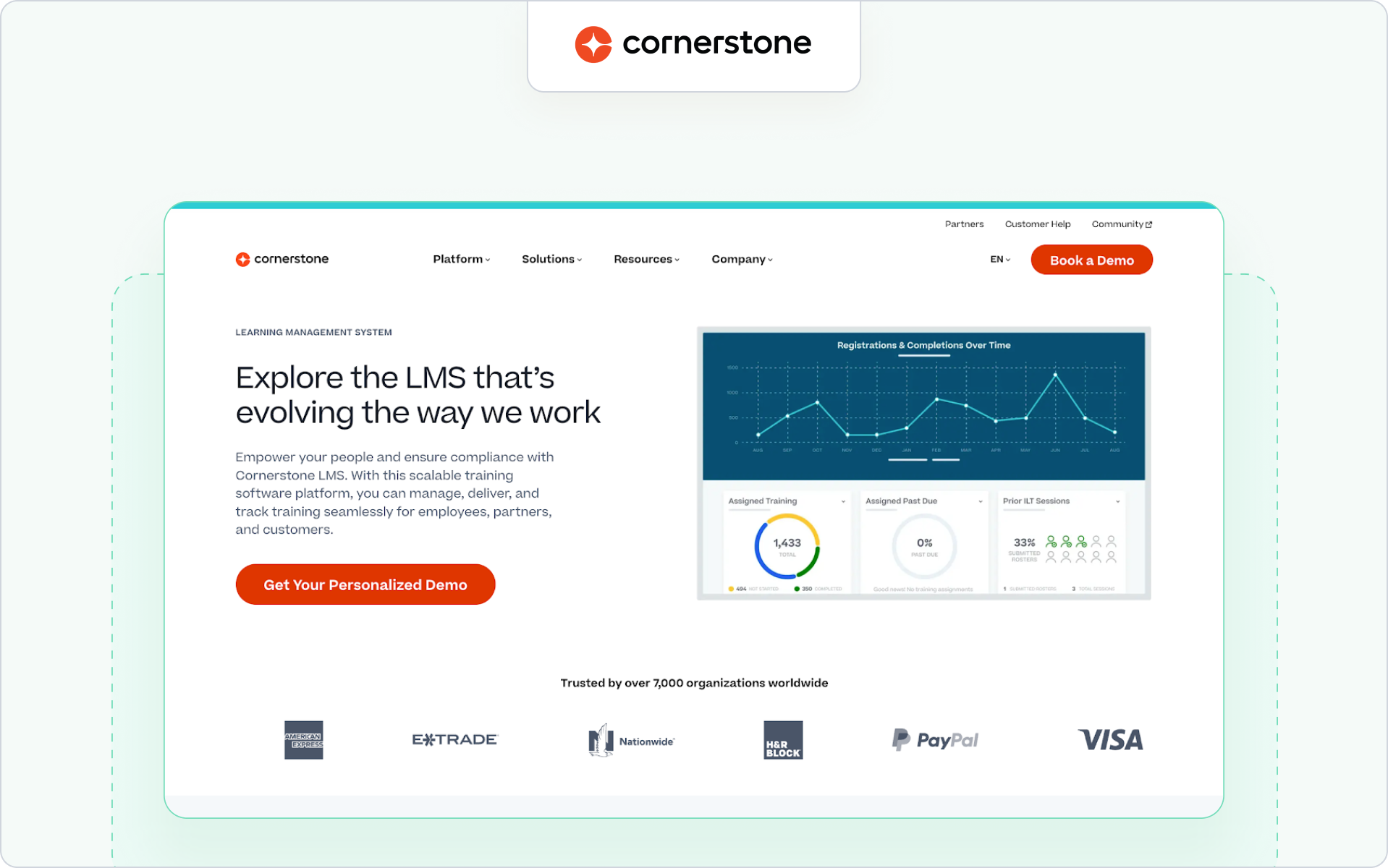
14. Cornerstone Learning - Best for global enterprise governance
Best for
Enterprise teams managing large-scale internal and external training across diverse audiences.
Why it’s a partner alternative
Cornerstone Learning supports structured learning programs, compliance training, and advanced reporting within a centralized learning process framework. It enables seamless integration with existing tools across enterprise ecosystems.
Highlights
- Compliance training with governance controls
- Seamless integration with enterprise systems
- Advanced reporting and administrative task automation
Consider if
You operate complex global partner networks with strict governance requirements.
Potential gaps
Implementation complexity and higher administrative overhead compared to modern learning platforms built specifically for partner enablement.
Pricing
Custom enterprise pricing.
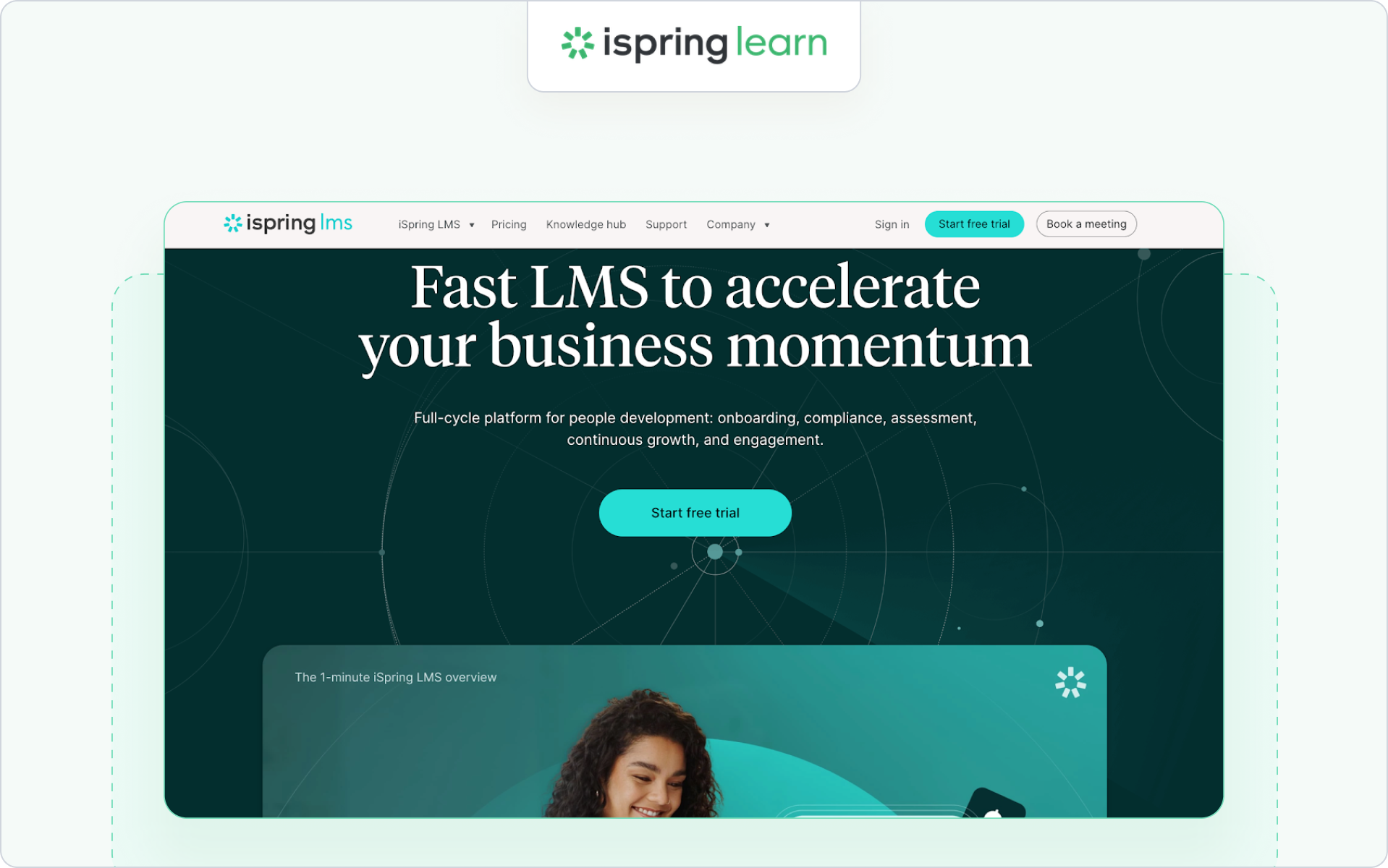
15. iSpring Learn - Best for fast course authoring and blended learning
Best for
Teams that need fast course creation and structured external training without heavy platform configuration.
Why it’s a partner alternative
iSpring Learn makes it easy to create customized learning paths and deploy training modules quickly. It’s particularly strong when instructional designers want direct control over course material and assessments.
Highlights
- Rapid course creation from existing training material
- Support for instructor-led training and blended formats
- User-friendly experience with straightforward admin
Consider if
You want speed and control over content development.
Potential gaps
Limited advanced automation and fewer AI-powered features compared to modern learning platforms.
Pricing
Tiered pricing based on active users.
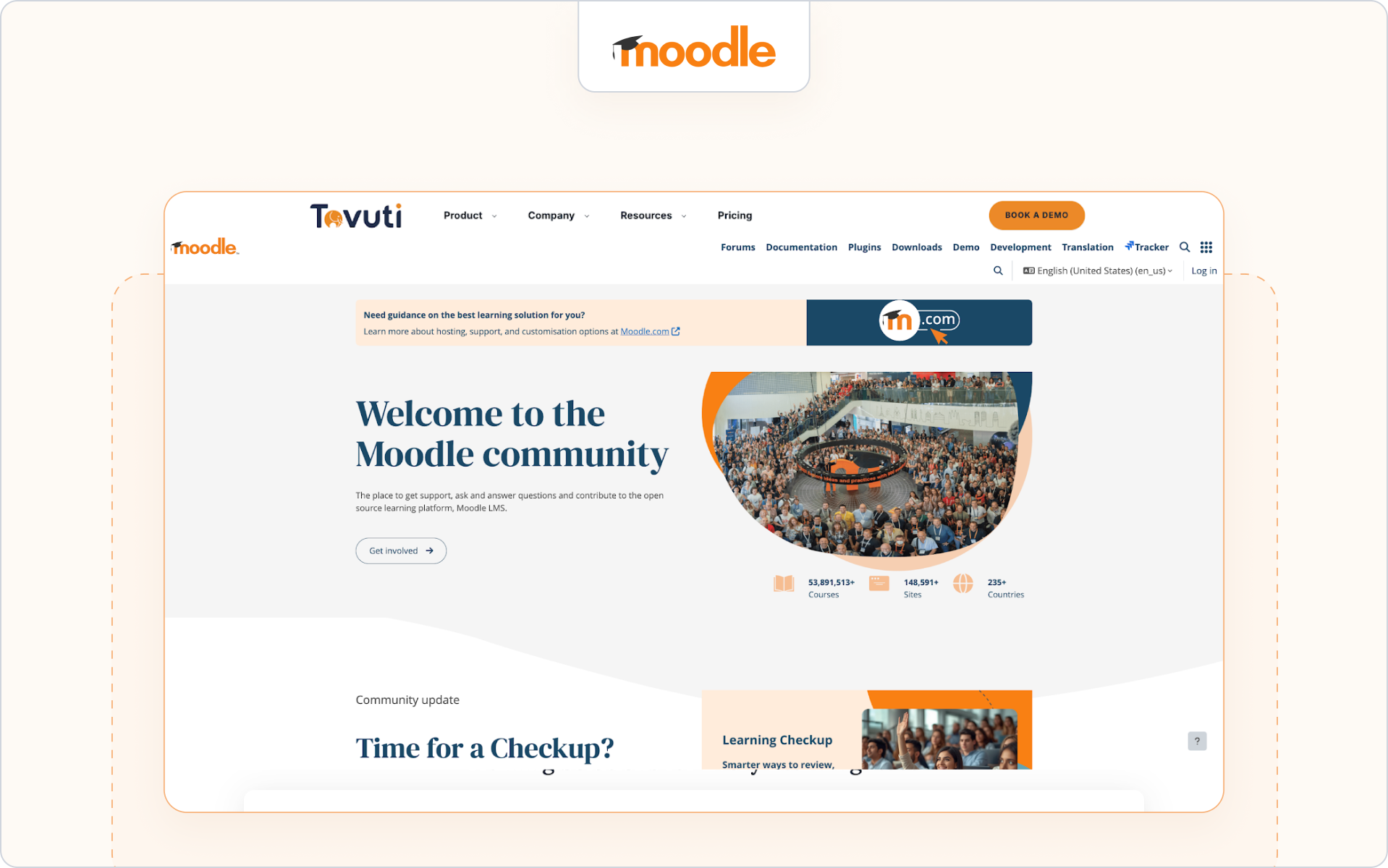
16. Moodle Workplace - Best for highly customizable learning environments
Best for
Organizations that need deep customization and flexible learning environments across internal and external training.
Why it’s a partner alternative
Moodle Workplace allows teams to build personalized learning paths, adaptive learning experiences, and complex role-based access structures. It supports structured training across different audiences with strong administrative control.
Highlights
- Highly customizable learning process
- Adaptive learning and role-based permissions
- Strong course management flexibility
Consider if
You have technical resources to configure and maintain a tailored training platform.
Potential gaps
Implementation and ongoing maintenance can require more administrative tasks than SaaS-first platforms.
Pricing
Pricing varies by hosting partner and configuration.
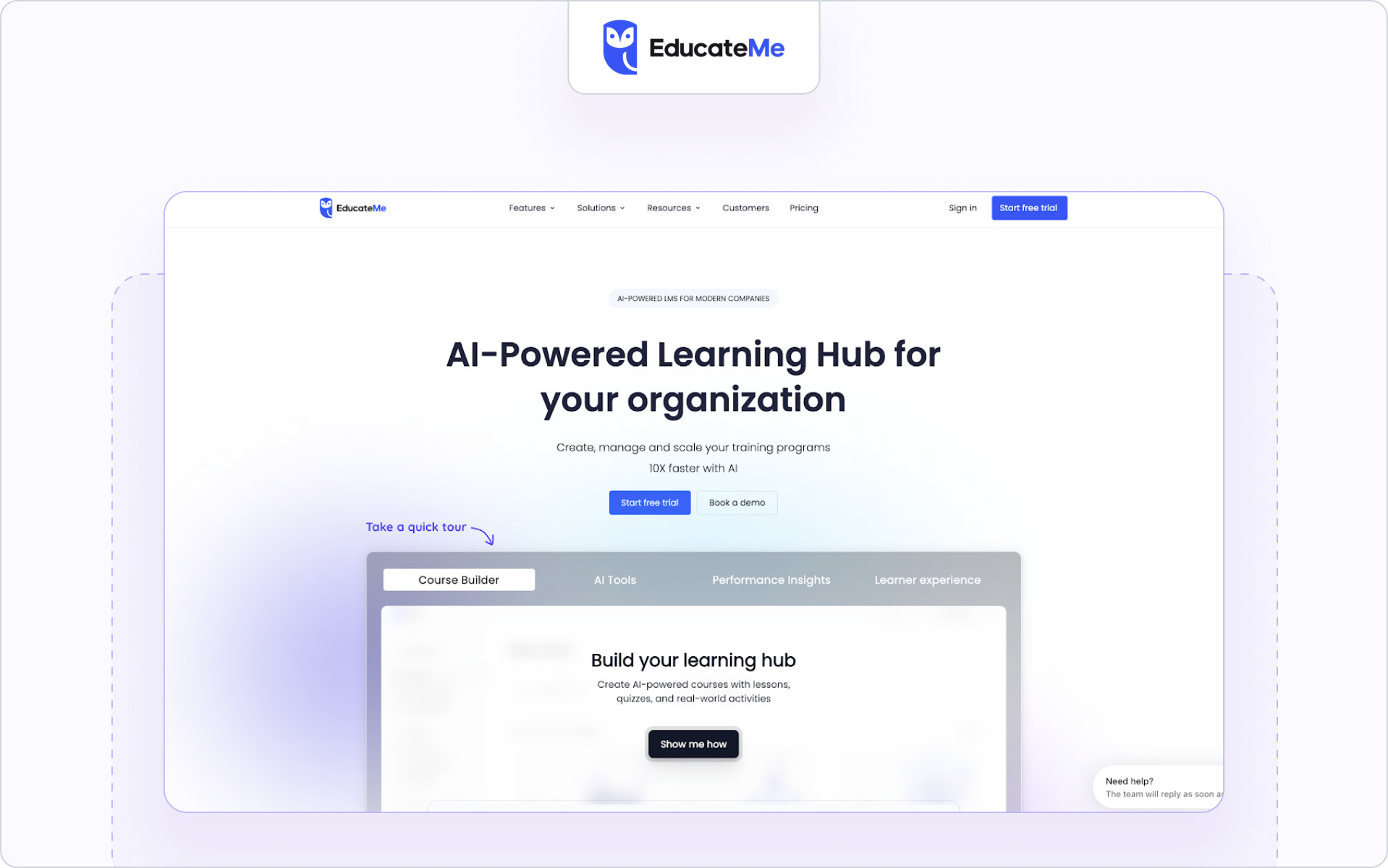
17. EducateMe - Best for cohort-based partner academies
Best for
Teams building external training programs that combine self-paced modules with live collaboration.
Why it’s a partner alternative
EducateMe supports personalized learning paths and interactive elements that help keep learners engaged. It blends collaborative learning with structured training, making it suitable for smaller but high-touch partner initiatives.
Highlights
- Cohort-based training programs
- Interactive elements and live sessions
- Personalized learning experiences
Consider if
You want to foster collaboration and build community within partner cohorts.
Potential gaps
Less enterprise-focused reporting and fewer CRM-level analytics features.
Pricing
Subscription-based pricing tiers.
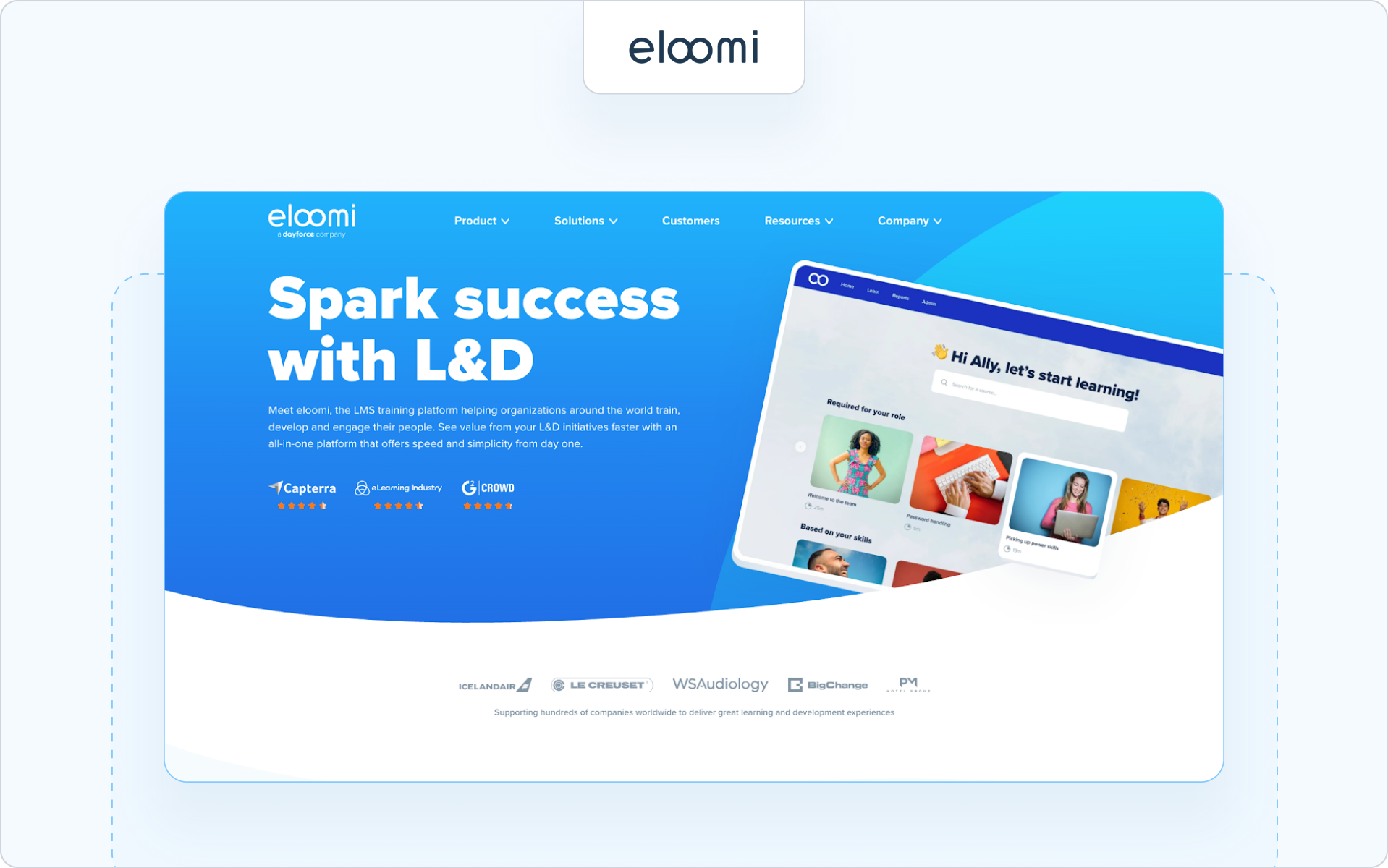
18. Eloomi - Best for skill development and performance alignment
Best for
Organizations looking to connect training initiatives with performance management and long-term skill development.
Why it’s a partner alternative
Eloomi helps organizations identify skill gaps and create structured learning programs that align with performance outcomes. It blends personalized learning with goal tracking to improve training effectiveness.
Highlights
- Skill gap identification and development tracking
- Learning programs aligned to performance goals
- Personalized learning paths for different audiences
Consider if
You want to connect partner training to measurable performance outcomes.
Potential gaps
Less focused on extended enterprise segmentation or CRM-native workflows.
Pricing
Custom pricing based on organization size and features.
Summary
We know that’s a lot to evaluate.
Not every 360Learning alternative will fit your partner strategy. What matters is choosing a platform that supports how your partners actually learn, sell, and deliver.
Instead of comparing feature lists, focus on the capabilities that move partner training from content delivery to measurable impact.
Let’s simplify the decision.
How to choose a 360Learning alternative for partners
That list was long.
Most 360Learning alternatives look similar on the surface. The real difference shows up in how they support external training, certification control, and CRM visibility.
Before you book demos, get clear on what your partner program actually needs.
Focus on these six areas.
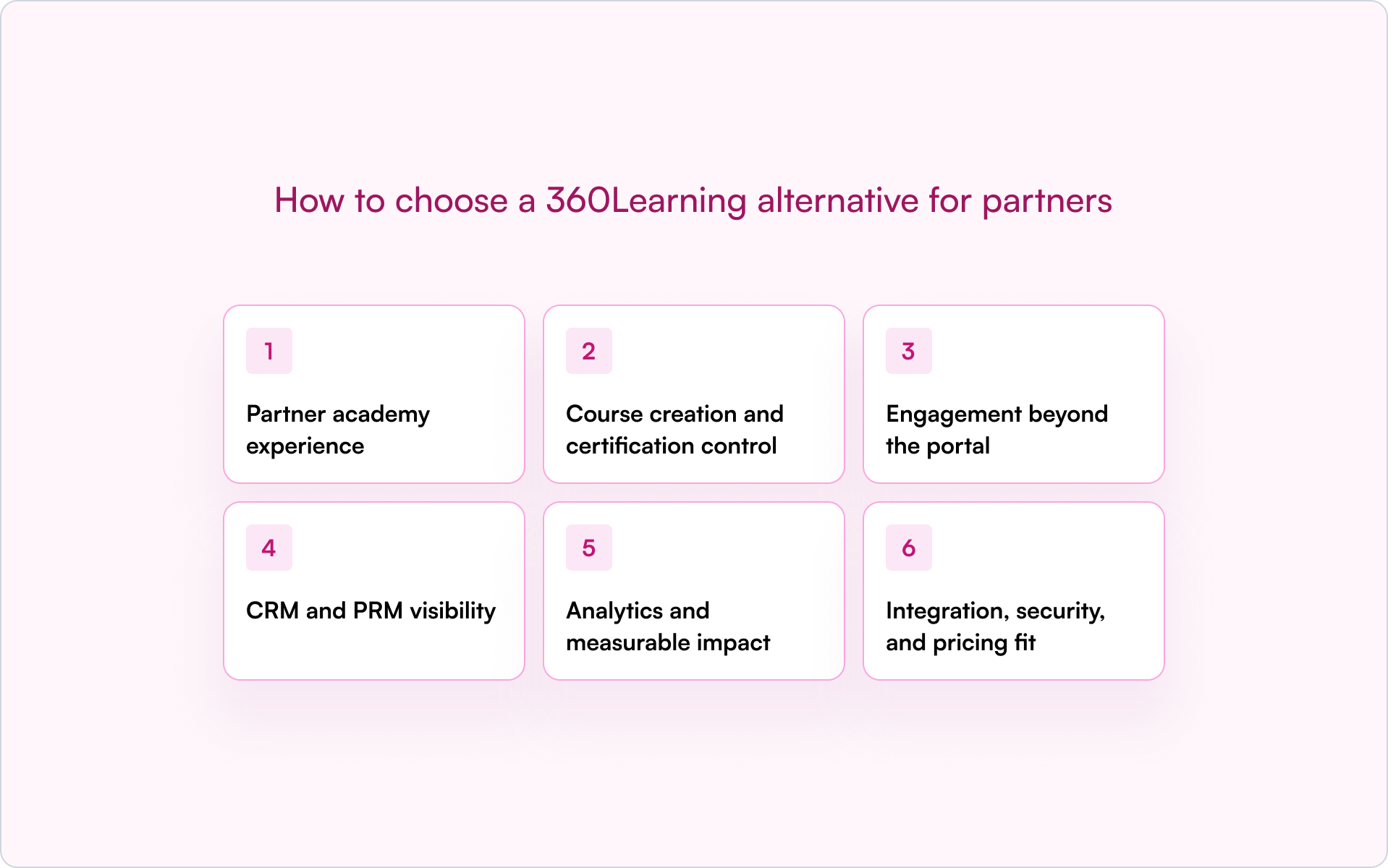
1. Partner academy experience
Your partner academy should feel purpose-built, not like an internal learning management system repurposed for external users.
Look for:
- White-label options and custom branding
- SSO and secure access controls
- Multi-tenant or branch segmentation
- Personalized learning portals for different audiences
If partners struggle to navigate the experience, learner engagement and course completion will drop.
2. Course creation and certification control
Partner training programs need structure.
You should be able to:
- Use AI-powered or built-in course creation tools
- Create customized learning paths by role or tier
- Issue one-click certificates with recertification windows
- Support multiple assessment types, including MCQ and open response
Certification management should reduce administrative tasks, not create more of them.
3. Engagement beyond the portal
Logging in once isn’t enough to keep learners engaged.
Modern platforms support:
- Email and Slack announcements
- Built-in messaging tools
- Nudges tied to learner progress
- Reply-to-email logging for better tracking
If a platform can’t engage learners outside the portal, completion rates will suffer.
4. CRM and PRM visibility
This is where many 360Learning competitors fall short.
External training should not operate in isolation. You should be able to:
- Push completions and certifications into Salesforce or HubSpot
- Tie certifications to deal stages
- Surface training effectiveness in pipeline reports
- Support renewal prep with training data
Without CRM visibility, training remains a reporting silo.
5. Analytics and measurable impact
Completion metrics are not enough.
Look for:
- Training-to-pipeline influence
- Partner leaderboard insights
- Skill gap visibility
- Performance management alignment
Training initiatives should support real revenue outcomes.
6. Integration, security, and pricing fit
Finally, assess long-term scalability.
- Seamless integration with existing tools
- Support for SCORM, xAPI, and APIs
- Strong governance and compliance training controls
- Pricing models designed for external audiences
A scalable learning platform should grow with your partner ecosystem, not penalize you for it.
Quick buyer checklist
When evaluating a 360Learning alternative for partners, make sure you can confidently say yes to these three areas:
☐ 1. External-ready experience
- Branded, multi-tenant academy
- SSO and secure access
- Role- or tier-based learning paths
☐ 2. Revenue-aligned training control
- Certification management with recert windows
- Off-portal engagement via email or Slack
- CRM visibility into completions and deal stages
☐ 3. Scalability and reporting
- Advanced reporting beyond course completion
- Integration support (SCORM, APIs)
- Predictable pricing for external audiences
With these criteria in mind, you'll be well equipped for your next steps.
Why Introw Is the Fastest Path to Partner-Ready Training
If partner training needs to move faster than your LMS allows, the bottleneck usually isn’t content. It’s workflow, certification control, and CRM visibility.
Introw removes that friction.
Launch fast
Use an AI-powered course builder to generate training from your existing docs or portal. One-click certificates and recert windows let you gate sell or deliver rights immediately.
Keep partners moving
Bulk enrollment by role or tier simplifies structured learning paths. Email and Slack announcements keep learners engaged without forcing logins.
Make training measurable
Completions and certifications sync into Salesforce or HubSpot, tying enablement directly to deal stages and forecasting.
Stay partner-safe
Role-based views and SSO ensure your academy feels secure and purpose-built for external users.
Your next steps
If you’re evaluating a 360Learning alternative for partners:
- Map your certification rules to revenue impact.
Decide which roles or tiers require gated access before deals can move forward. - Audit your current reporting gaps.
Identify where learner progress and course completion are disconnected from your CRM. - Test the workflow, not just the features.
See how quickly you can build, enroll, certify, and sync training in one system.
Further reading:
If you’re evaluating 360Learning alternatives as part of a broader partner strategy, you may also find these helpful:
- How to structure modern partner programs → partnership marketing guide
- A breakdown of leading platforms in adjacent categories → best talent LMS alternatives
- How to align enablement with long-term ecosystem growth → partner enablement guide
See how a partner-ready workflow would look for your business and request a demo today.
Still curious? Here are some quick answers to help clear things up
360Learning works well for collaborative internal training. For partner programs, many teams need stronger certification control, CRM visibility, and scalable segmentation.
An employee LMS supports internal corporate training. A partner LMS is built for external training, structured learning paths, certification management, and CRM alignment.
The strongest 360Learning alternatives offer native CRM integrations that sync learner progress and certifications directly into Salesforce or HubSpot.
Use a platform that logs certifications in your CRM. This allows you to gate sell or deliver rights and align training with deal stages.
Audit your existing training material, map it to structured learning paths, and use AI-powered course creation tools to accelerate the transition.



See AI-Native PRM in Action
Book a demo with one of our partner program experts, or explore Introw on your own time.