
Embed Power BI dashboards into your Partner Portal
Connect Power BI to Introw to display live dashboards directly in your partner portal. Use data from any source in your data lake to create and share powerful, visually engaging dashboards with your partners.
PowerBI inside your partner portal
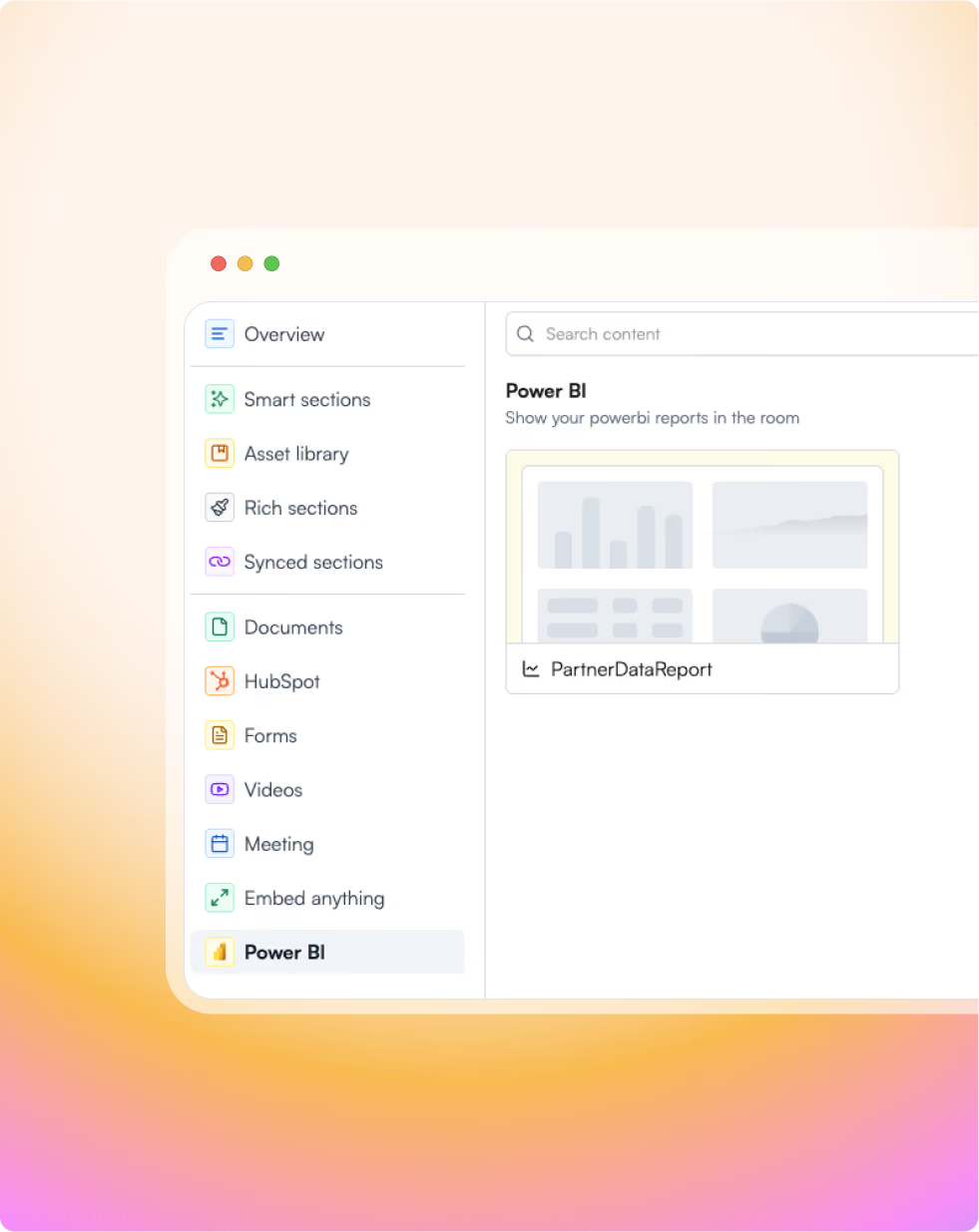
Introw allows you to embed your PowerBI dashboards and reports anywhere in the portal.

Manage access control
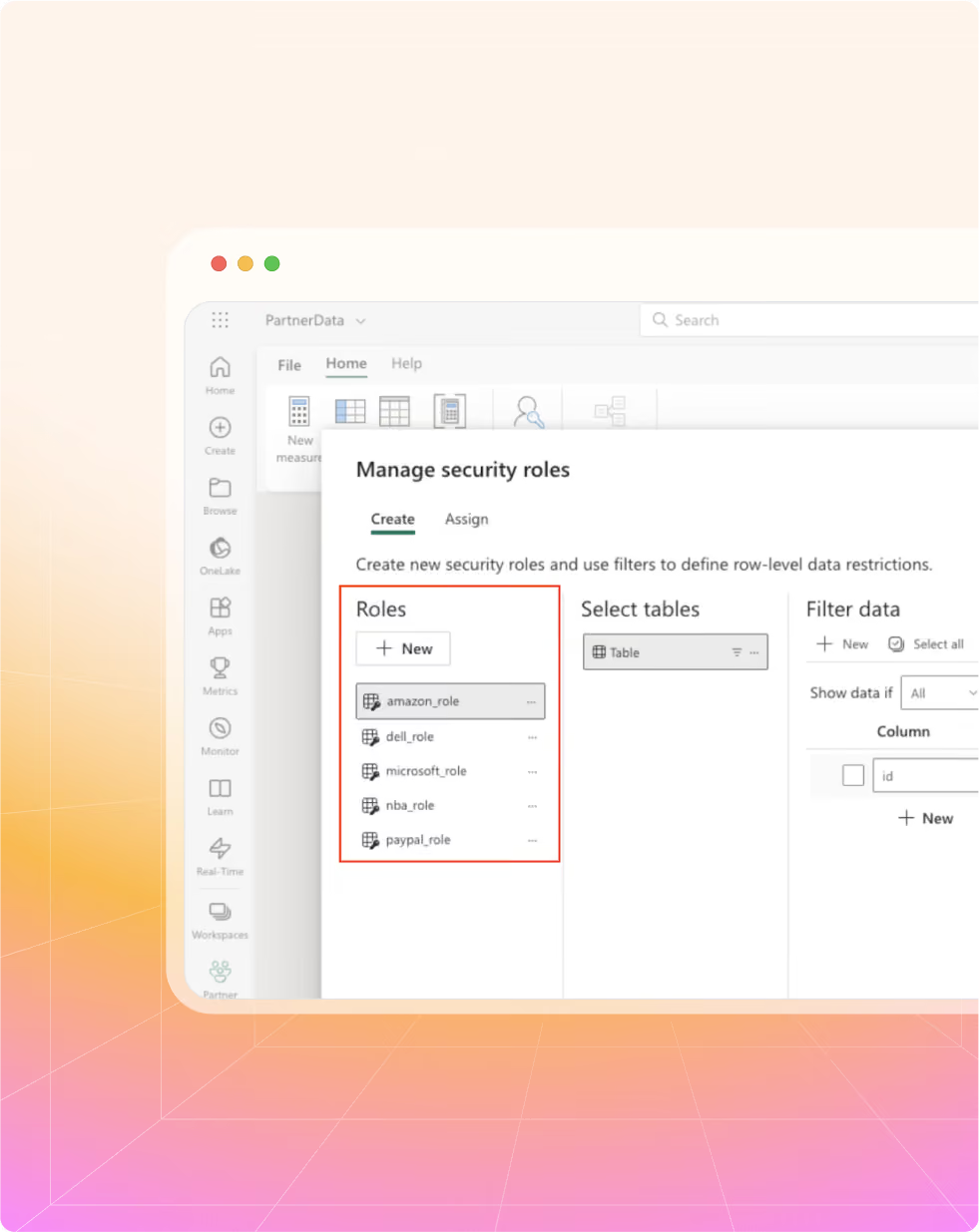
Segregate your data per partner so no data is leaked to other partners.
Get any data inside of your partner portal
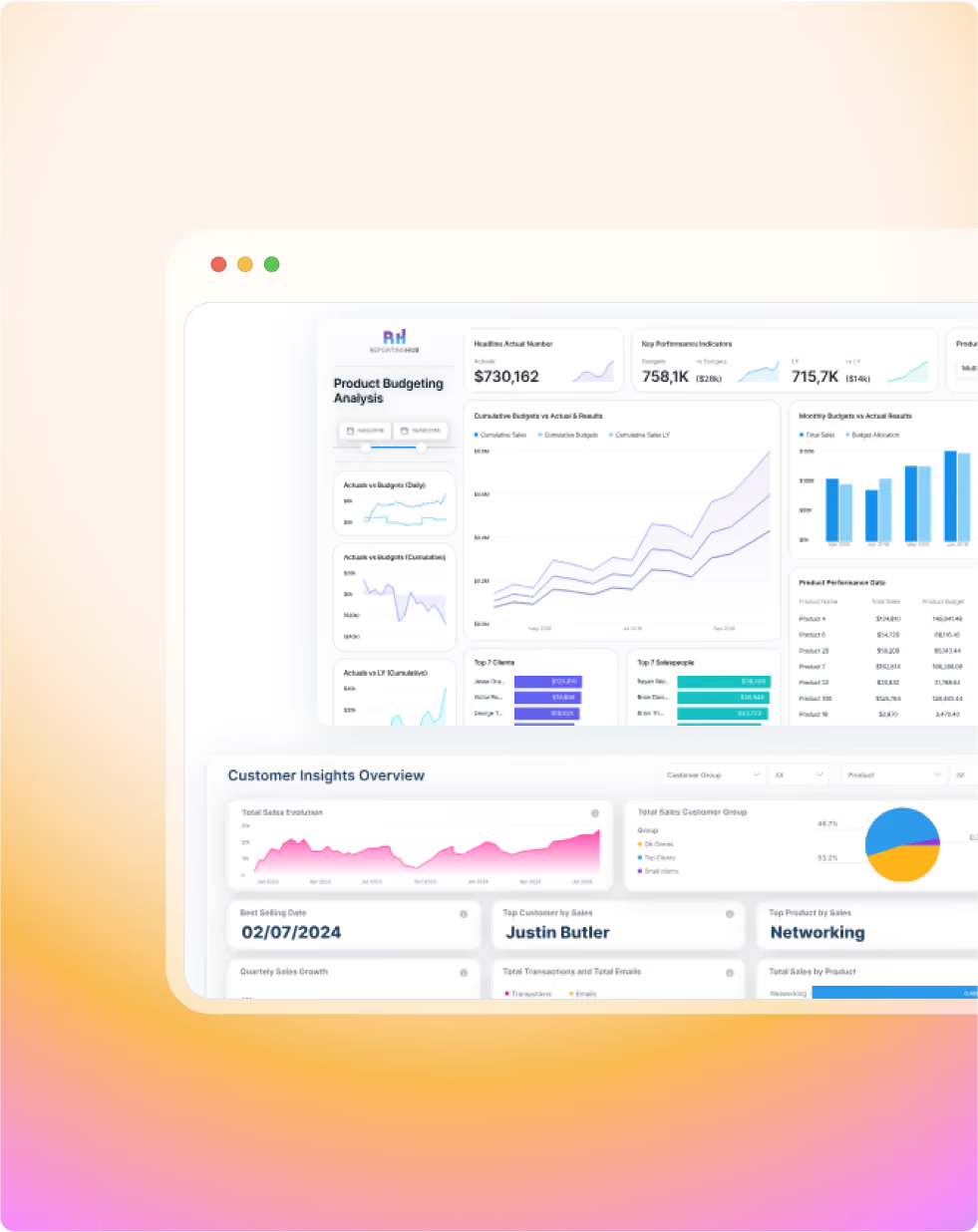
Pull data from any resource and combine it all into dashboards showing the full picture.
Run your partner program on Introw PRM, connected to Power BI
Deal & lead registration (CRM attribution + routing)
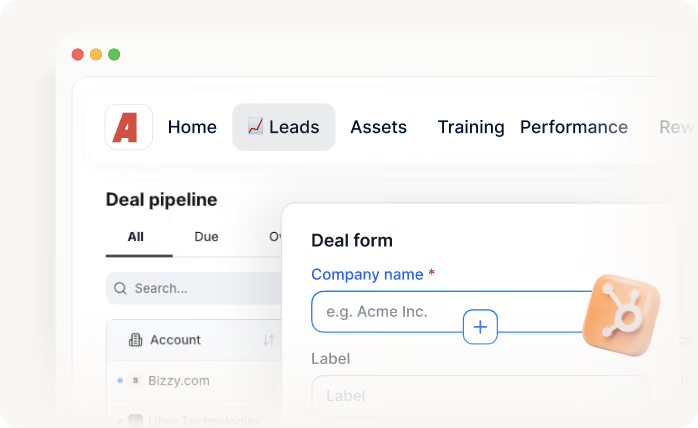
Route partner leads by region, language, segment, or ownership while writing clean, attributed data to your CRM.

Partner portal (tiers, resources, workflows)
Give partners one place to submit leads, access enablement, and stay aligned on shared opportunities.
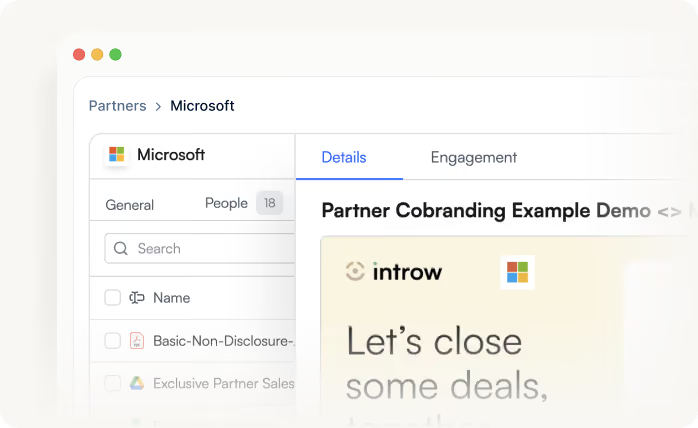
Partner enablement (content, co-marketing assets)
Share and track co-branded content so partners always use the latest pitch, deck, and playbook.
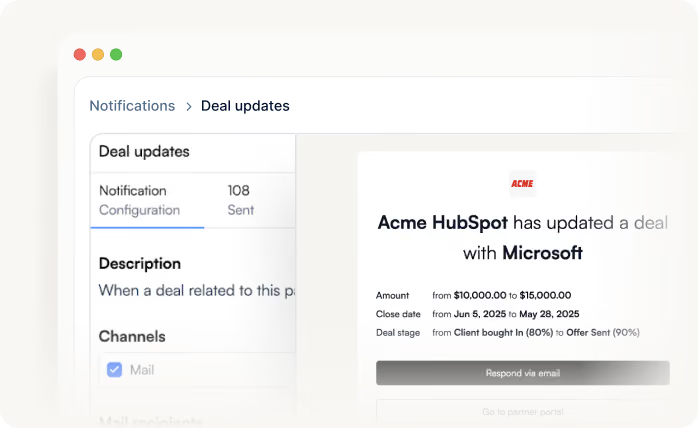
Partner engagement (updates, campaigns, activity tracking)
Automate deal updates so partners stay in the loop without manual chasing and keep your team out of inbox archaeology.
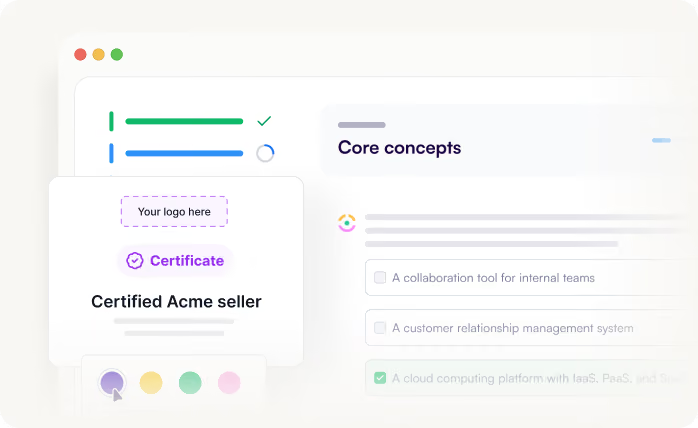
Partner LMS (training, certifications)
Train and certify partners at scale, so the best partners ramp faster and perform consistently.
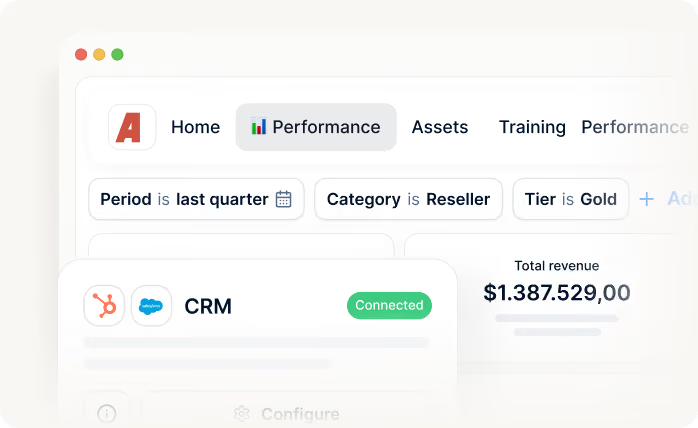
Reporting & analytics (partner-sourced pipeline + ROI)
Share and track co-branded content so partners always use the latest pitch, deck, and playbook.
Built for every role on your partner revenue team
Let us show you how we roll

Channel Partner Manager

Pipeline visibility
Deal registration
Partner updates
Tiering
Conflict resolution

CRO
Revenue generation and attribution
Forecasting
Pipeline quality
Channel leverage
Accountability

RevOps
CRM data health
Automation
Governance
Reporting consistency
Routing logic

Partner Marketing Manager
Campaigns
Co-marketing assets
Engagement tracking
Lead and revenue generation
Still curious? Here are some quick answers to help clear things up
No, you do not need to open up your PowerBI for anyone. Introw securely manages the data and access for your partners through a secured portal.
No, you do not need to educate them with another tool. Introw enhances your PowerBI through a seamless integration.
Setting up Introw PRM as your PowerBI Partner Portal is fast and hassle-free. Connect your PowerBI to Introw. Customize your partner portal, automate your workflows, share content, and start engaging with your partners. Read more in our guides about connecting PowerBI to Introw.
The best way to see how Introw PRM can enhance your partner engagement is by experiencing it firsthand. Book a demo for a personalized walkthrough, or start a free trial to launch your partner portal in minutes. Need to connect more than one partner? Simply upgrade to a paid plan. Explore our pricing to learn more.
Yes, data privacy and security is our number one priority. You are in full control to assign roles to your PowerBI dashboards and map those to your partners. That way, each partner will only ever be able to access data they are allowed to access.
Only a minute. We offer a 1 click seamless integration flow that instantly enables you to start collaborating with your partners.
Are you already an active Introw partner?
Book a demo with one of our partner program experts, or explore Introw on your own time.