Partner Management

A Guide to Choosing the Best CRM for Partner Management: 15 Top Tools For 2026

If PRM is a priority for your business, it’s vital to invest in a CRM that will support your efforts. Here’s how to choose the best CRM for partner management.

5 min. read
09 Dec 2025
⚡ TL;DR

A CRM-first approach is now essential for running high-performing partner programs. Traditional siloed PRM tools no longer cut it — modern SaaS teams need CRMs that offer native integrations, real-time deal tracking, partner engagement visibility, and forecasting capabilities. In this post, we break down the top 15 CRMs for partner management in 2026, from HubSpot and Salesforce to Creatio and Netsuite. Plus, we show how Introw — a CRM-native PRM — enhances your CRM with scalable workflows, co-sell automation, and clean, partner-attributed revenue tracking.

A strong CRM system should be the backbone of your partner programs. 

Embrace your CRM when it comes to partner management, and you can expect centralized relationships, seamless collaboration, full alignment with business operations, fewer channel conflicts, and improved revenue projections. 

What's more, by embedding partner management within a CRM, businesses gain a unified source of truth, improving efficiency, accountability, and long-term success in partner ecosystems.

Traditional, siloed partner tools simply can't keep up with the power of modern CRMs. 

It makes sense, then, that businesses are increasingly shifting to CRM-first workflows, integrating partner management into broader customer and revenue strategies. 

This transition eliminates inefficiencies caused by disconnected systems, enabling real-time visibility into partner performance.

When moving to a CRM-first workflow, businesses must understand the importance of native integrations, deal tracking, and forecasting. 

Look for CRM tools that offer native integrations with marketing automation, sales pipelines, and support tools to ensure that partner activities are fully aligned with business operations. 

Meanwhile, deal tracking within a CRM allows businesses to monitor partner-driven opportunities, assign leads effectively, and prevent channel conflicts. 

And forecasting capabilities provide data-driven insights into revenue projections, helping companies optimize their partner strategies.

To sum up, a CRM-first approach fosters stronger, data-backed partnerships that drive sustainable growth.

⬇️In this guide, we'll cover everything you need to know to make the best CRM decision for your business and your partners. 

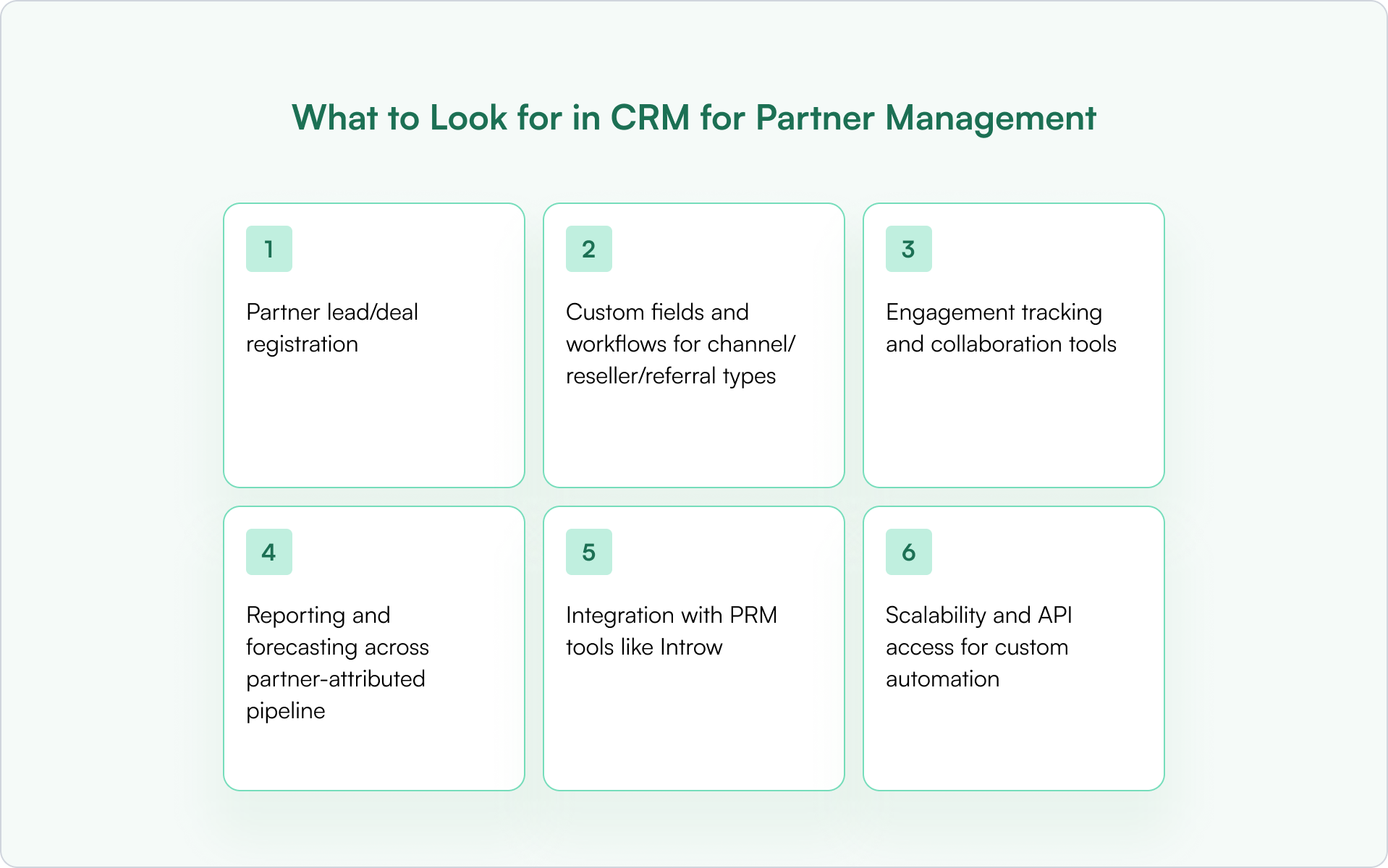
What to Look for in a CRM for Partner Management

When considering which CRM to go for, you'll undoubtedly already have several 'must have' features in mind. 

But here are the most important features to look out for when it comes to partner management: 

  • Partner lead/deal registration
  • Custom fields and workflows for channel/reseller/referral types
  • Engagement tracking and collaboration tools
  • Reporting and forecasting across partner-attributed pipeline
  • Integration with PRM tools like Introw
  • Scalability and API access for custom automation
15 Best CRM Platforms for Partner Management in 2026

So, we know that a CRM-first approach has a wide variety of benefits for partner management. 

But choosing the right CRM can be daunting; after all, it's a pretty big decision. 

And not every CRM is fit for partner management. 

To help you out, we've compiled a list of the best 15 CRM for partner management, along with their pros and cons. 

#1 HubSpot
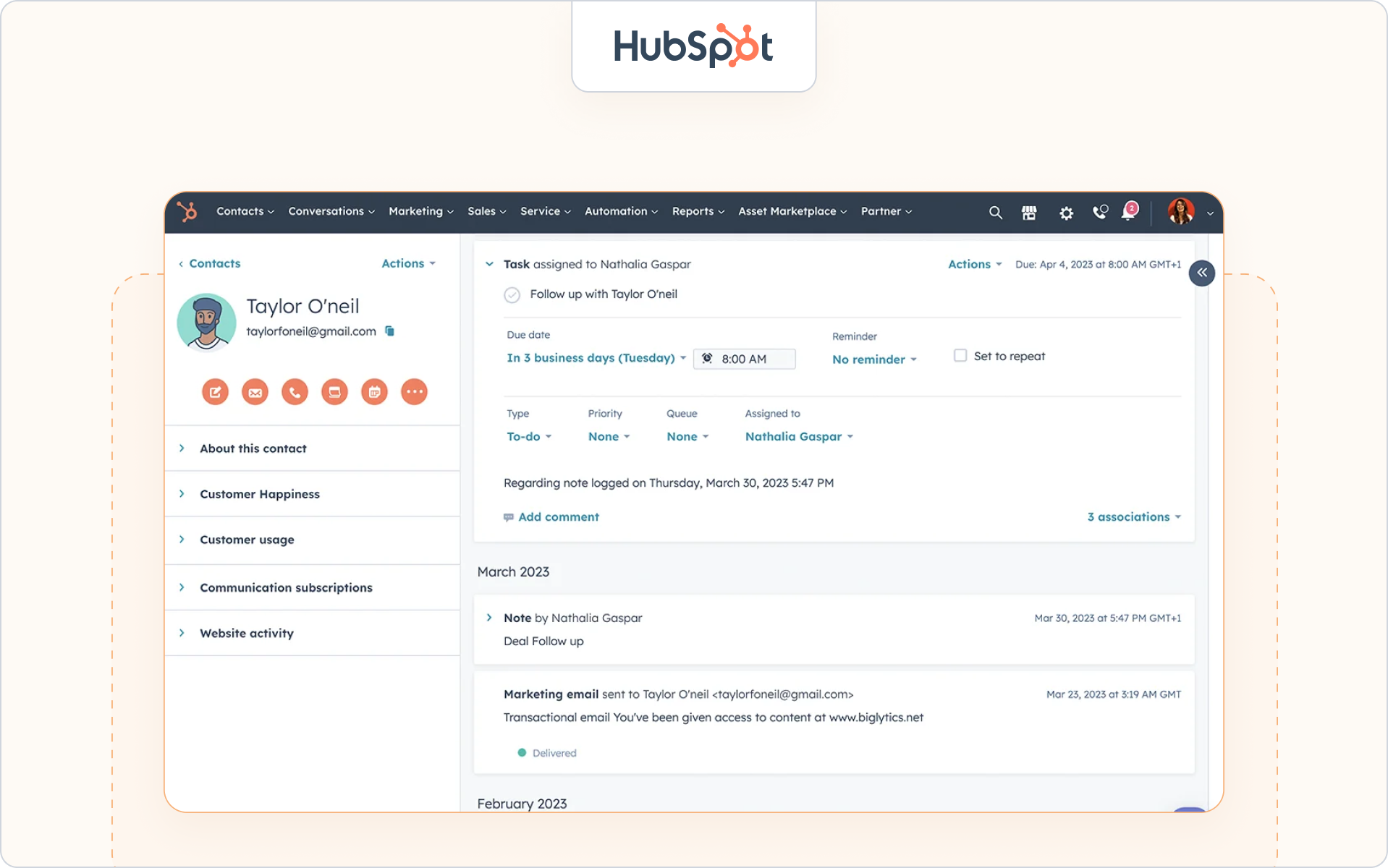
A giant of the CRM world, HubSpot's CRM is super popular among growing SaaS teams. 

​This comprehensive, AI-powered platform is designed to unify customer data, streamline business operations, and enhance customer experiences. 

It offers a suite of tools across marketing, sales, customer service, content management, and operations, all integrated into a single system to facilitate seamless collaboration and efficiency. ​

And when it comes to partner management, Hubspot's CRM boasts several key features, including:

For partner management, HubSpot CRM provides several key features:​

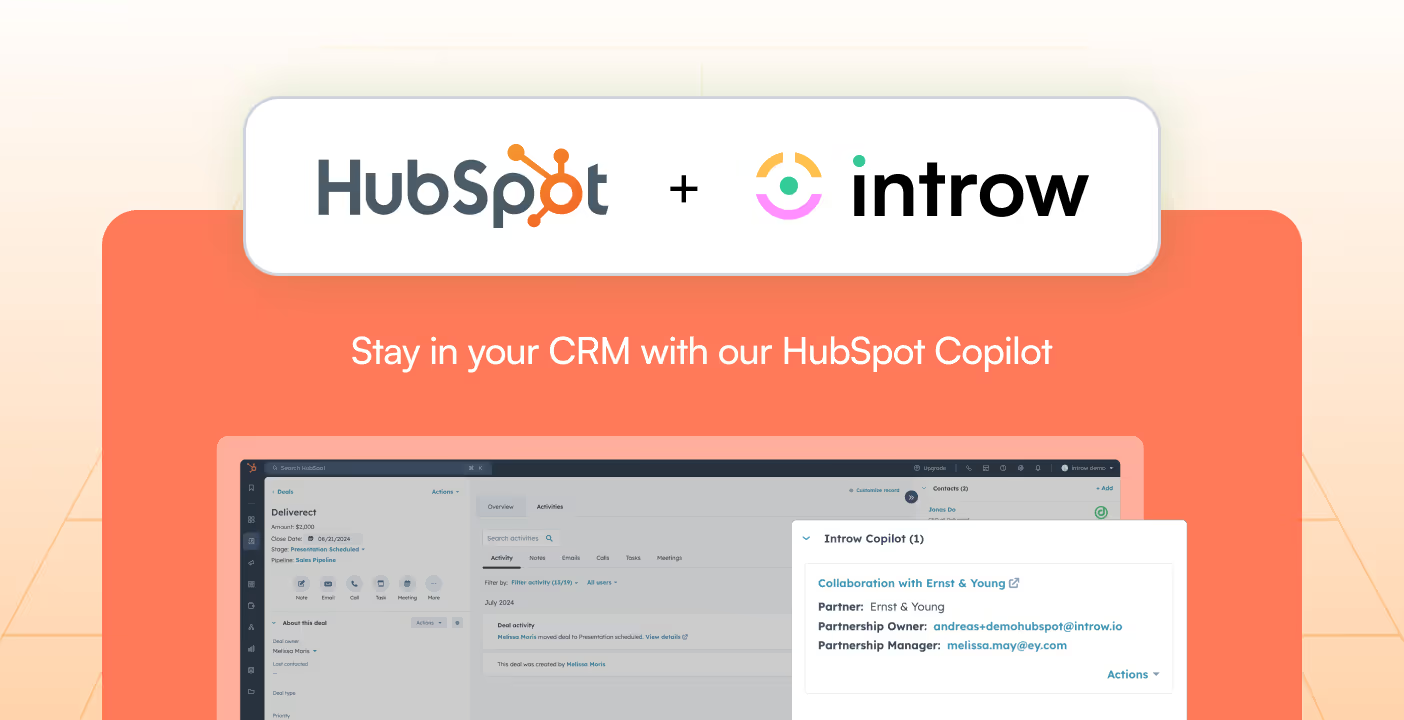
CRM partner relationship management (PRM) integrations: Access PRM software Introw through HubSpot's App Marketplace for partner engagement tracking, lead registration, and Slack-based collaboration.

✅ Association labels: Define and manage relationships with partners by labelling companies as "Partner" or "Distributor," clarifying roles and facilitating targeted communication. ​

✅ Partner services: Utilize Partner Services to track and manage services provided by partners, ensuring organized and efficient collaboration. ​

✅ Automation: Save time by automating workflows and repetitive processes 

These features enable businesses to effectively manage and nurture their partner relationships within HubSpot CRM.

🔗 Find out more about how Introw and Hubspot work together

#2 Salesforce
Salesforce remains the gold standard for enterprise partner programs. 

This comprehensive, cloud-based platform streamlines customer relationship management and partner relationship management by integrating sales, marketing, customer service, and more into a unified system. 

It empowers businesses to enhance customer interactions, improve satisfaction, and drive growth through data-driven insights and automation.

For partner management in CRM, Salesforce CRM offers several key features:​

Partner relationship management software integration: Seamlessly integrates with Introw to place PRM functionalities firmly within the CRM, enabling tracking of partner pipeline, engagement, and performance — all natively.

Powerful reporting and forecasting: Delivers key data insights to enable data-driven decisions, as well as accurate forecasting.

Personalized partner engagement: Provides personalized templates and data-driven enablement tools to engage partners effectively, enhancing communication and collaboration. ​

Automated processes: Automates marketing fund requests, discounting, and service case management, reducing manual tasks and increasing efficiency in partner interactions. ​

Real-time updates with partner connect: Facilitates secure deal tracking and real-time, automated updates on co-selling deals across different CRMs, ensuring transparency and reducing data duplication.

Scalability: Built on the Salesforce platform, it scales easily to accommodate growing partner ecosystems, adapting to evolving business needs. ​

🔗 Learn more here:  Introw + Salesforce Integration

#3 Zoho CRM
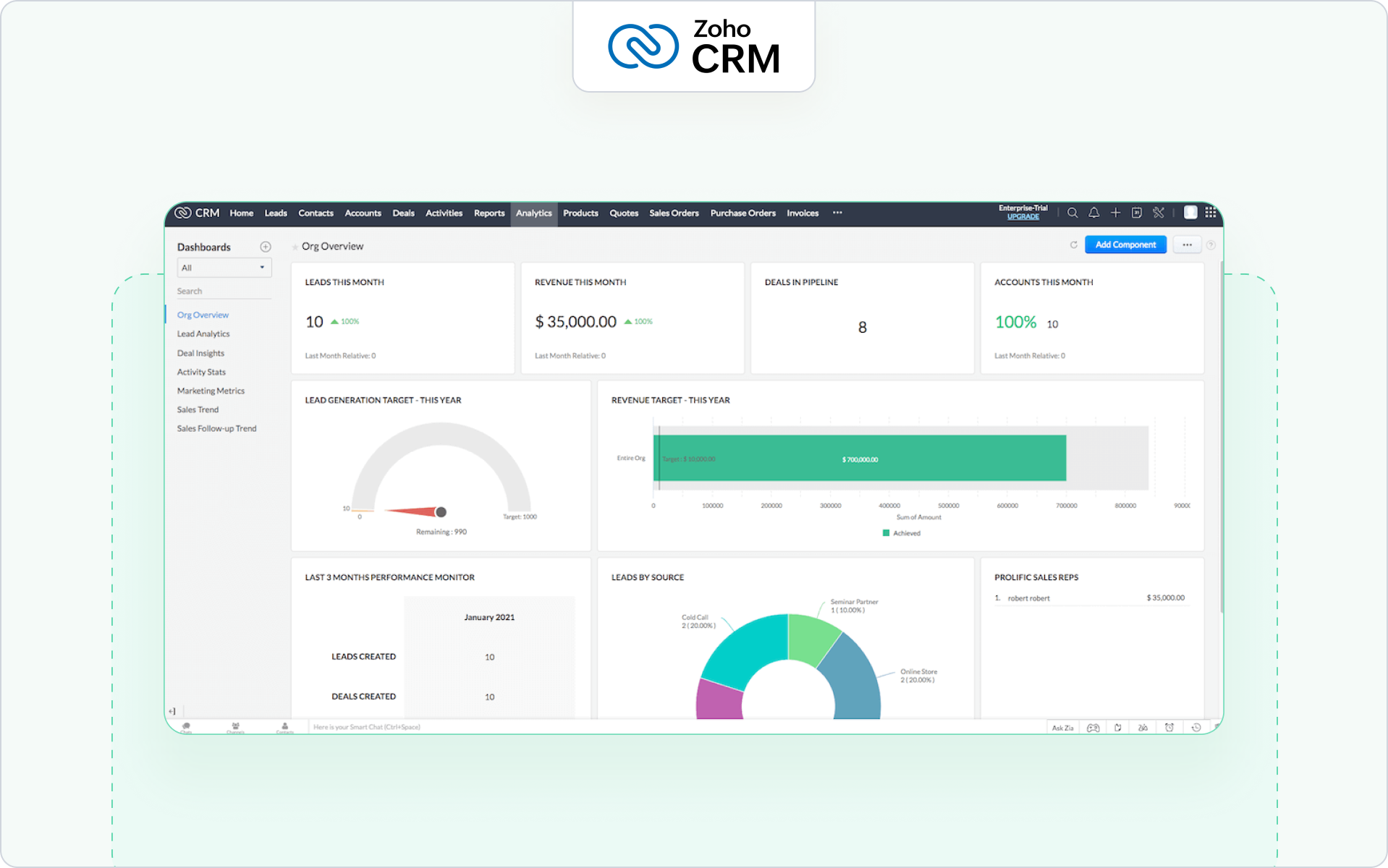
Zoho offers a flexible, cloud-based CRM that helps businesses manage sales, marketing, and customer relationships efficiently. 

It's also a good option for those looking for a CRM that will support partner relationship management for sustainable business growth. 

Territory management: Organize and manage partner territories effectively, aligning sales strategies with specific regions or market segments.

Workflow automation: Automate routine tasks and processes, enabling partners to focus on strategic activities and improving overall efficiency.

Advanced analytics: Gain insights into partner performance through detailed reports and dashboards, facilitating data-driven decision-making. ​

Customizable modules: Tailor CRM modules to fit specific partner management needs, ensuring a personalized and relevant experience. ​

Multi-channel communication: Engage with partners across various channels, including email, phone, and social media, ensuring seamless communication.

Pros: Affordable, customizable, partner portal add-on

Cons: Weaker reporting, fewer native integrations

Best For: SMEs or mid-market teams just starting their partner motion.

#4 Microsoft Dynamics 365
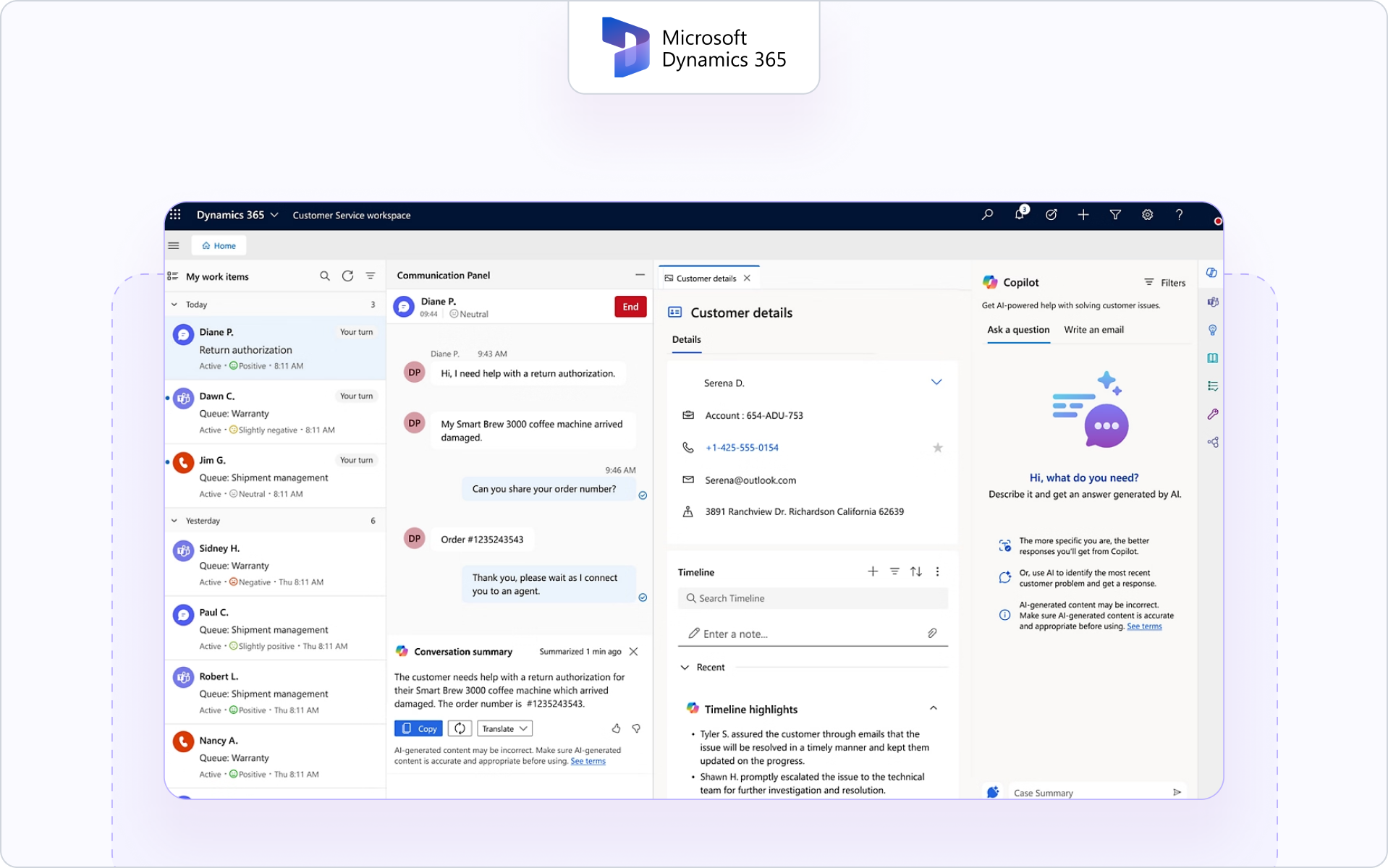
Microsoft Dynamics 365 is an AI-powered suite of business applications that combines CRM and ERP capabilities to enhance customer experiences and business operations. 

It integrates sales, marketing, service, and financial data to help organizations innovate, automate processes, and drive growth.

It encompasses several key features for partner management:

✅ Manage partner relationships with shared data insights

✅ Automate lead and opportunity tracking

✅ Integrate partner sales data for streamlined collaboration

✅ Enable partner performance monitoring through analytics

✅ Use AI to provide personalized partner support

Pros: Deep integrations, enterprise-friendly

Cons: Steep learning curve, dev-heavy

Best For: Enterprises already deep in Microsoft's stack or those with in-house CRM admins

#5 Pipedrive
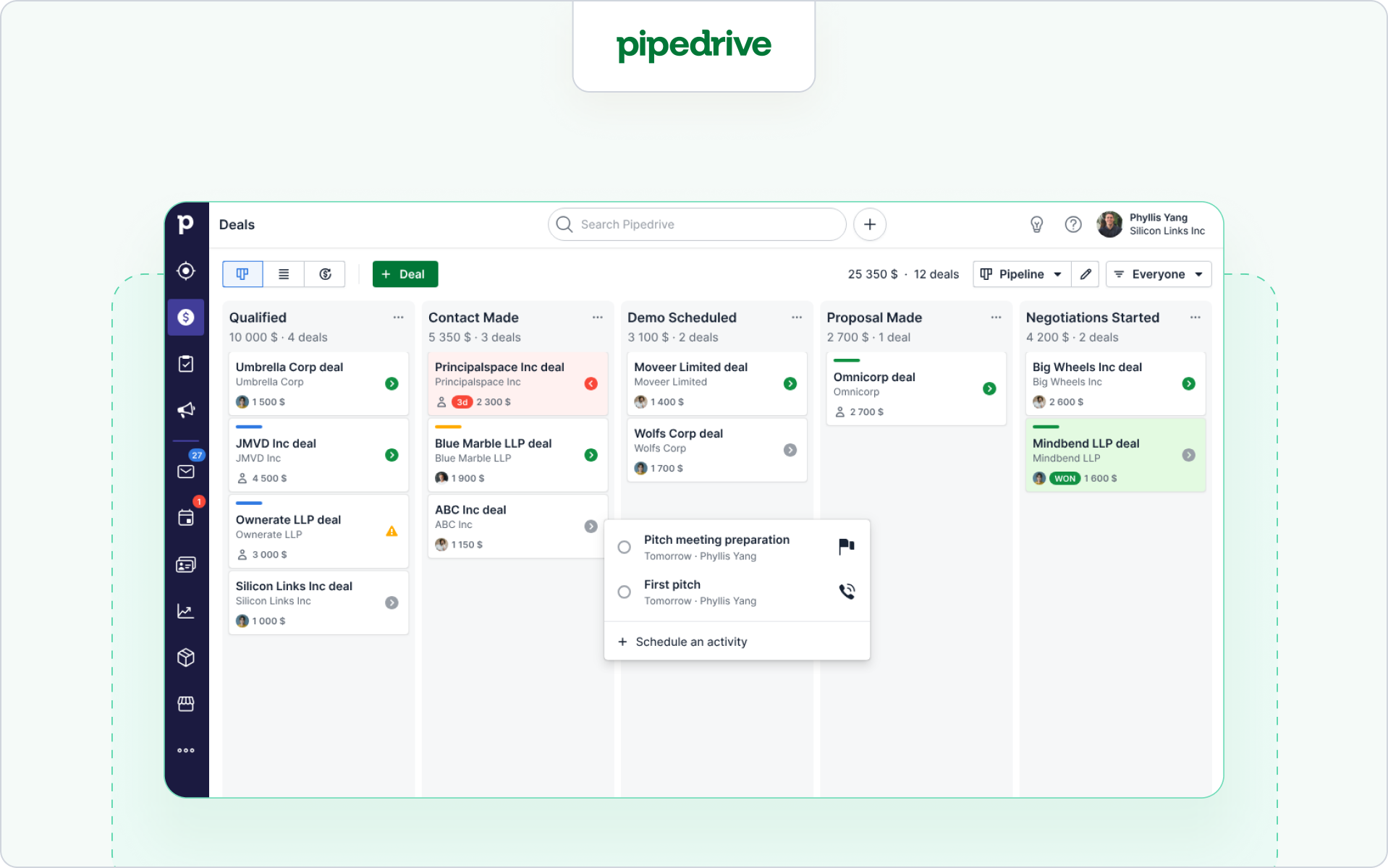
Pipedrive offers a clean, simple CRM that's easy to use. 

It automates repetitive tasks, tracks communications, and provides actionable insights to help sales teams optimize performance.

Admittedly, this one isn't purpose-built for partners, but it can support small partner programs with the right tagging and workflows.

When it comes to partner management, Pipedrive allows you to:

✅ Organize and track partner interactions in one space

✅ Automate partner follow-ups and communications

✅ Visualize partner pipeline for better decision-making

✅ Use AI for personalized partner management insights

✅ Centralize partner data for easy collaboration and reporting

Pros: Visual pipeline, easy setup

Cons: Limited partner automation, no partner-specific fields

Best For: Early-stage teams experimenting with partnerships

#6 Close.com

Close CRM is a platform designed to streamline sales processes for small businesses, focusing on automation, communication, and deal management. 

It offers an intuitive, fast interface for managing leads and communications — and can also prove useful for partner relationship management. 

Here's how:

✅ Track partner interactions and pipeline progress

✅ Automate partner outreach and follow-ups

✅ Centralize partner data and activity

✅ Monitor partner performance with analytics

✅ Seamlessly integrate with other tools for collaboration

Pros: Simple, easy-to-use

Cons: Limited customization

Best For: Small businesses with big growth ambitions 

#7 Freshsales
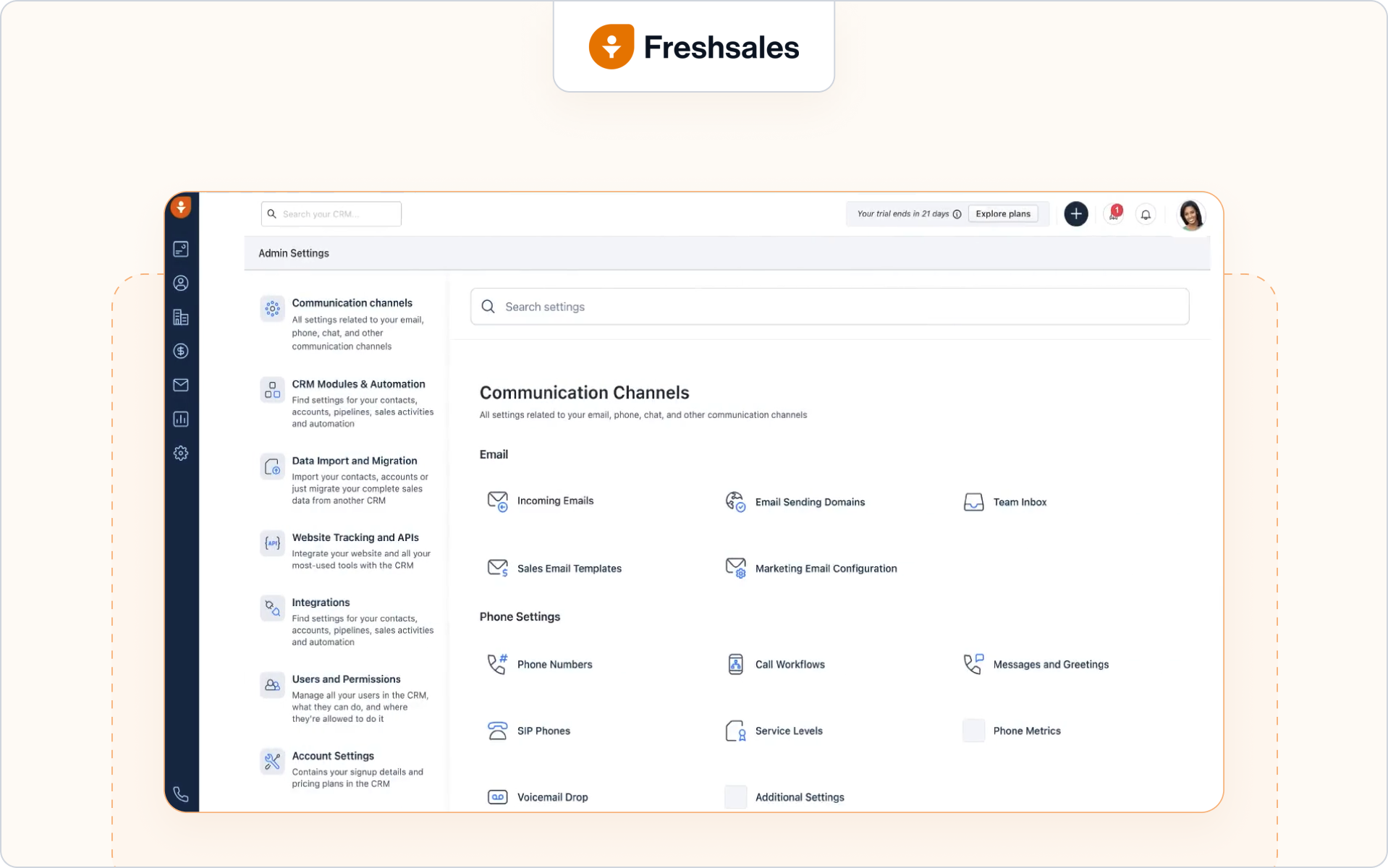
Freshsales by Freshworks is an AI-powered sales CRM that enhances revenue growth with automation, lead scoring, and predictive analytics. 

It streamlines workflows and provides insights to improve sales efficiency.

Here's how it can boost partner management:

✅ Track and manage partner relationships efficiently

✅ Automate follow-ups and communication with partners

✅ Centralized data for seamless collaboration

✅ AI-powered insights to optimize partner engagement

✅ Customizable pipelines to monitor partner deals

Pros: Easy to use and excellent customer support

Cons: Limited features and a steep learning curve

Best For: Start-ups and SMEs that need a friendly, affordable CRM solution. 

#8 Copper
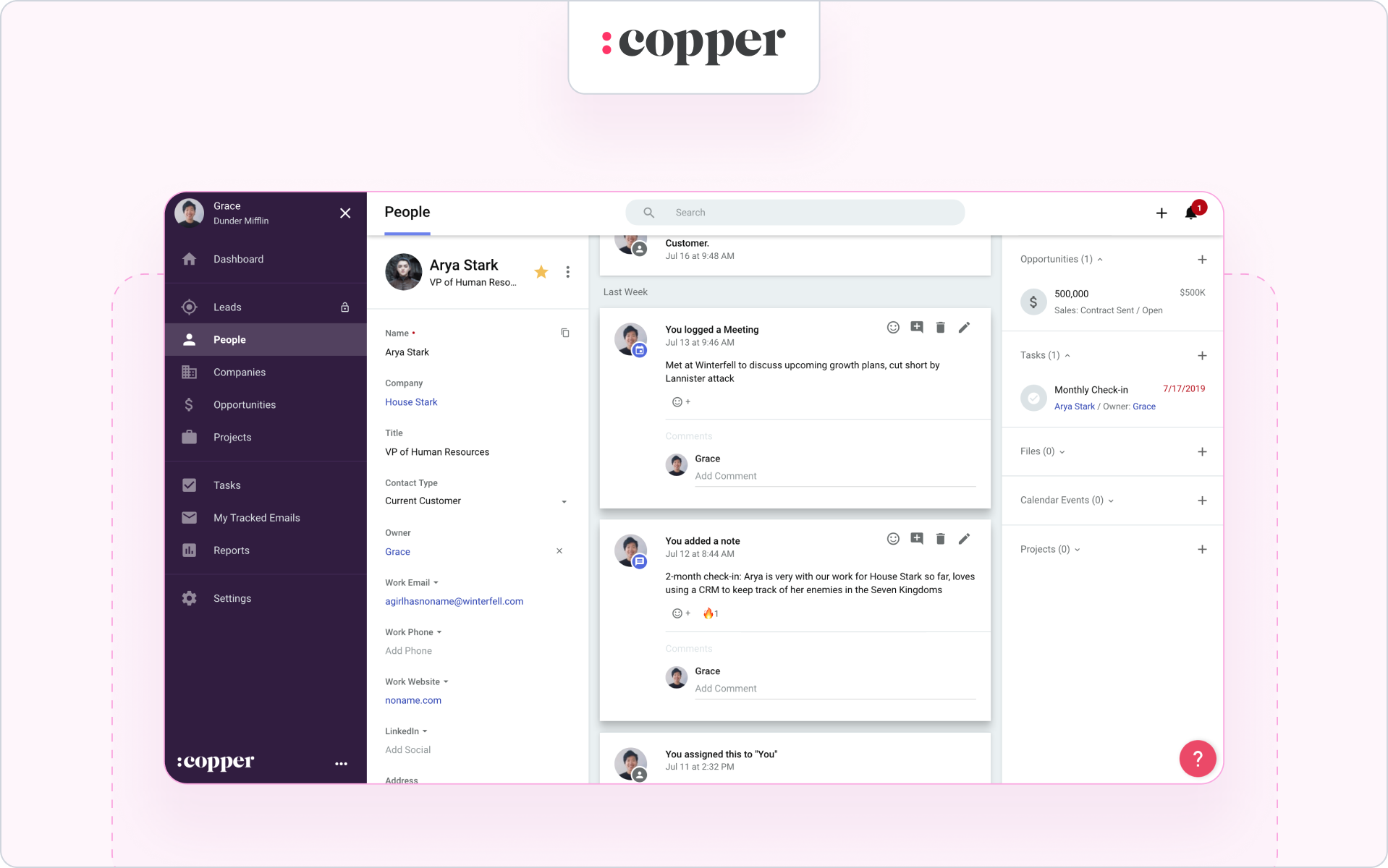
A relationship-focused CRM designed for Google Workspace users, Copper is all about streamlining contact management, deal tracking, and workflow automation. 

It also minimizes data entry and integrates seamlessly with Gmail.

Key features for partner management:

✅ Centralized partner contact and activity tracking

✅ Automated workflows for partner communications

✅ Custom pipelines to monitor partner deals

✅ Seamless integration with Google Workspace

✅ Real-time reporting and analytics for partner performance

Pros: Easy integration with Google properties, user-friendly 

Cons: Limited scalability

Best For: Businesses that depend on Google Workspace 

#9 Insightly

Insightly is a scalable CRM designed for businesses to manage customer relationships, sales, and marketing in one platform.

It offers automation, project tracking, and analytics to drive growth and efficiency.

Looking for a CRM to boost partner management?

Here's how Insightly can support PRM:

✅ Centralized partner relationship tracking

✅ Automated workflows for partner interactions

✅ Customizable pipelines for deal management

✅ Advanced analytics for partner performance monitoring

✅ Integration with third-party apps for collaboration 

Pros: Great customer support and deep customization  

Cons: Steep learning curve

Best For: SMEs and start-ups looking for a customizable and scalable CRM. 

#10 SugarCRM
A flexible, AI-driven CRM platform, SugarCRM is designed for B2B sales, marketing, and customer service. 

It automates data collection, provides predictive insights, and streamlines workflows for enhanced efficiency.

Key features for partner management include:

✅ Centralized partner relationship tracking

✅ AI-powered insights for partner engagement

✅ Automated workflows for seamless collaboration

✅ Custom dashboards for partner performance monitoring

✅ Integration with third-party tools for extended functionality

Pros: Lots of features, good customer support

Cons: Long implementation, steep learning curve

Best For: Large businesses and enterprises looking to commit to a CRM long-term

#11 Nutshell CRM

Nutshell is a user-friendly CRM that combines sales, marketing, and pipeline management into one intuitive platform. 

It simplifies lead tracking, automates workflows, and integrates with essential tools to enhance team collaboration and efficiency.

Here are Nutshell's most useful partner management features:

✅ Centralized partner contact and deal tracking

✅ Automated follow-ups and task reminders

✅ Customizable pipelines for partner relationship management

✅ Integration with marketing automation tools for outreach

✅ Real-time reporting and analytics for partner performance

Pros: Simple, easy to use, great customer support

Cons: Steep learning curve, limited integrations 

Best For: Smaller businesses looking for a simple, affordable CRM 

#12 Creatio
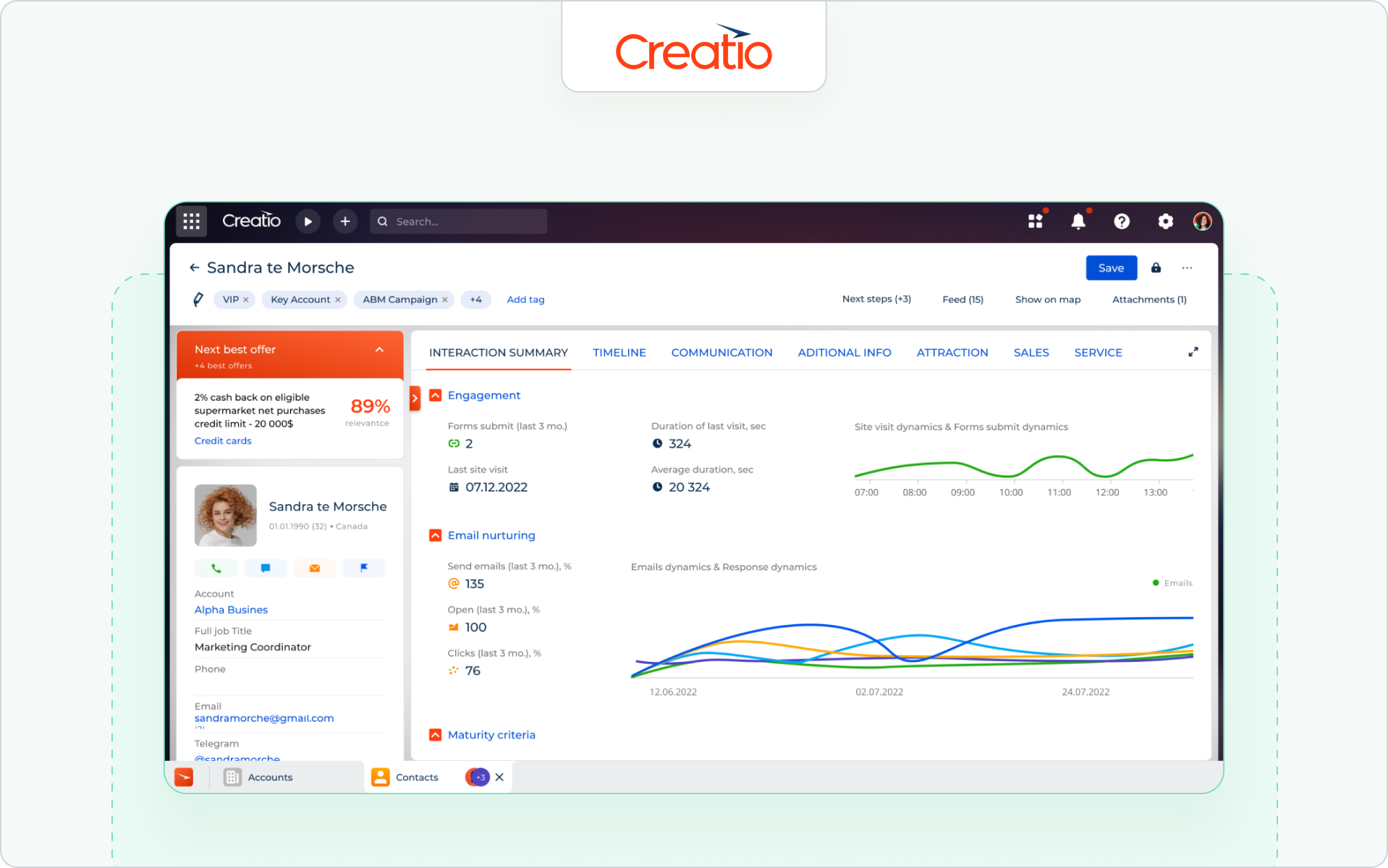
Creatio is an AI-powered, no-code CRM platform.

It automates workflows and customer relationship management for sales, marketing, and service teams, empowering businesses to streamline operations, optimize engagement, and enhance productivity.

It's pretty helpful when it comes to partner management, too. 

Here's how:

✅ Centralized partner relationship tracking

✅ AI-driven insights for partner engagement

✅ No-code automation for partner collaboration

✅ Custom dashboards for performance monitoring

✅ Seamless integrations for extended functionality

Pros: Great automation, customization, and usability 

Cons: Steep learning curve

Best For: Large businesses with multiple departments that require smooth company-wide adoption

#13 NetSuite CRM
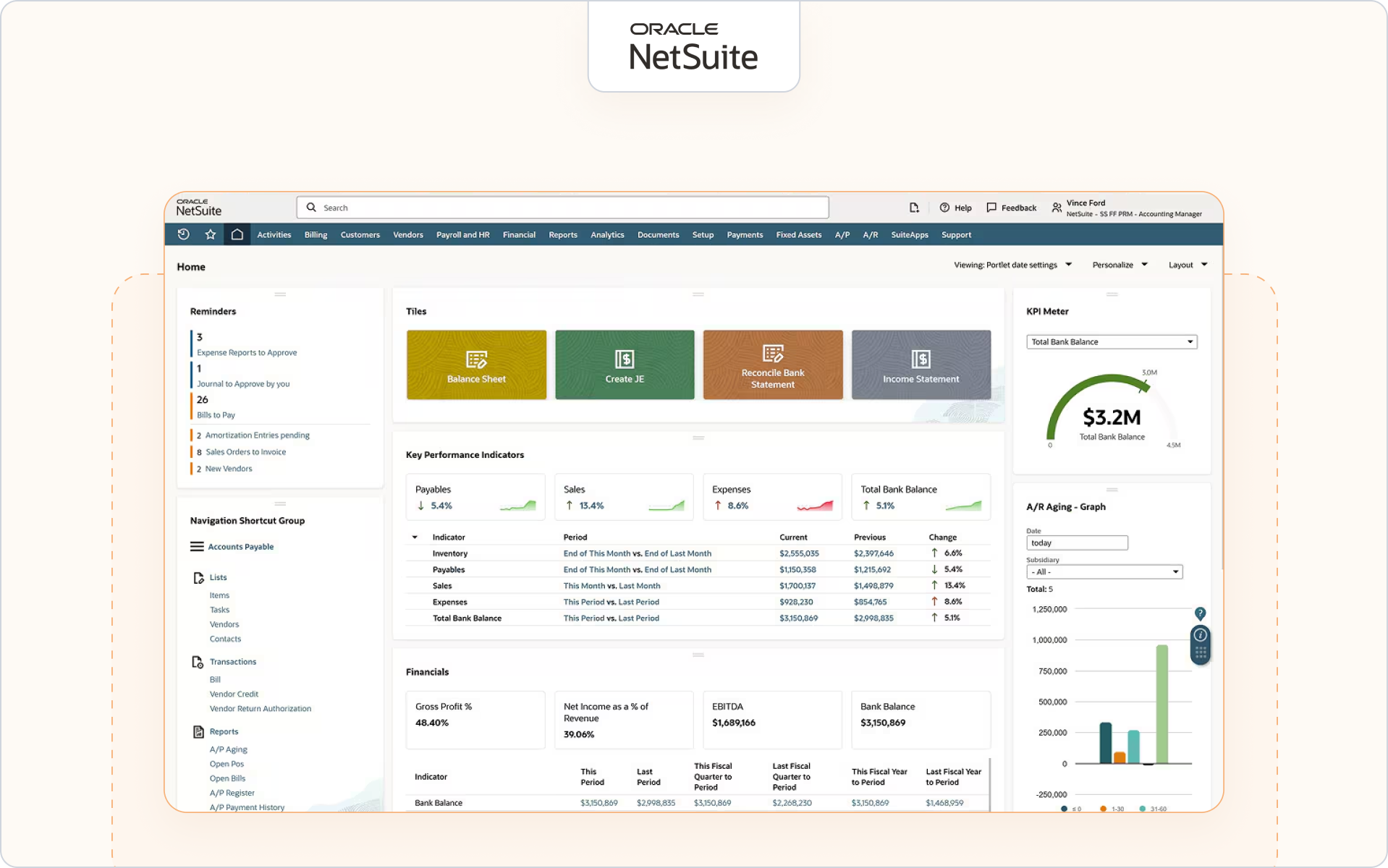
NetSuite is a cloud-based business management suite that includes CRM, ERP, and financial tools to streamline operations, automate workflows, and improve decision-making. 

It provides robust partner management capabilities, such as:

✅ Partner relationship management with centralized data

✅ Automated workflows for seamless collaboration

✅ Real-time analytics for partner performance tracking

✅ Custom dashboards to monitor deal progress

✅ Integration with third-party applications

Pros: Great functionality and ease of use. 

Cons: Steep learning curve, expensive, complex implementation

Best For: Enterprises that need to streamline their processes. 

#14 Monday CRM

Monday CRM is a flexible, no-code customer relationship management platform that helps businesses manage sales, projects, and workflows.

It centralizes data, automates tasks, and enhances collaboration to improve efficiency.

Monday's key features for partner management include:

✅ Centralized partner tracking and collaboration

✅ Automated workflows for partner onboarding and engagement

✅ Customizable pipelines to manage partner deals

✅ Integration with third-party tools for seamless operations

✅ Real-time analytics for partner performance insights

Pros: Great range of features, scalable, easy to customize

Cons: Steep learning curve

Best For: SMEs and service businesses 

#15 Zendesk Sell

A modern sales CRM, Zendesk Sell enhances productivity, provides full pipeline visibility, and integrates automation to streamline deal management. 

It helps sales teams manage leads, track interactions, and optimize workflows.

However, its features can also be used for PRM, including:

✅ Centralized partner tracking and collaboration

✅ Automated workflows for partner engagement

✅ Customizable sales pipelines for partner deals

✅ Real-time analytics for partner performance insights

✅ Seamless integrations with external tools

Pros: Simple user interface, intuitive to use, good automation features

Cons: Complex setup

Best For: Businesses of any size that want to streamline their processes

How to Choose the Right CRM for Partner Management

Ready to decide on your new CRM?

Here are some handy guidelines.

Make sure your new CRM has:

  • Native or customizable deal reg
  • CRM alignment with partner program complexity
  • Integration with a PRM like Introw
  • Automation and reporting

And watch out for these common pitfalls:

  • No partner-specific fields or segmentation
  • Manual tracking outside the CRM
  • No integration between CRM and partner activities

Three final tips for choosing a CRM for partner channel management:

  1. Align with RevOps early
  2. Evaluate scalability and workflow compatibility
  3. Test integrations with tools like Introw

How Introw Supercharges CRM for Partner Management

Of course, when it comes to partner relationship management, a CRM alone won't do. 

Sure, investing in the right CRM can significantly boost your partner relationships, but if you aim to establish a profitable ecosystem, PRM software is crucial

And your PRM must integrate seamlessly with your CRM. 

This is where state-of-the-art PRM Introw comes in. 

Here's why Introw stands out among other PRMs:

  • CRM-first: your team works entirely within Salesforce or HubSpot — no extra logins, no tool-switching. Partners still collaborate via a dedicated portal, fully synced with your CRM.
  • Deal and lead registration are mapped directly to the CRM
  • Partner engagement tracking is synced with both the CRM and Slack
  • Forecasting and visibility operates across all partner-attributed revenue
  • No-code workflows for referrals, resellers, and MSPs

But don't just take our word for it — book your personalized demo today and see Introw in action.

Conclusion

The message is clear — choosing the right CRM is foundational to scaling partner revenue. 

The best CRMs support visibility, collaboration, and clean partner data.

They also integrate seamlessly with your PRM, empowering you to effectively manage your partners without leaving your CRM. 

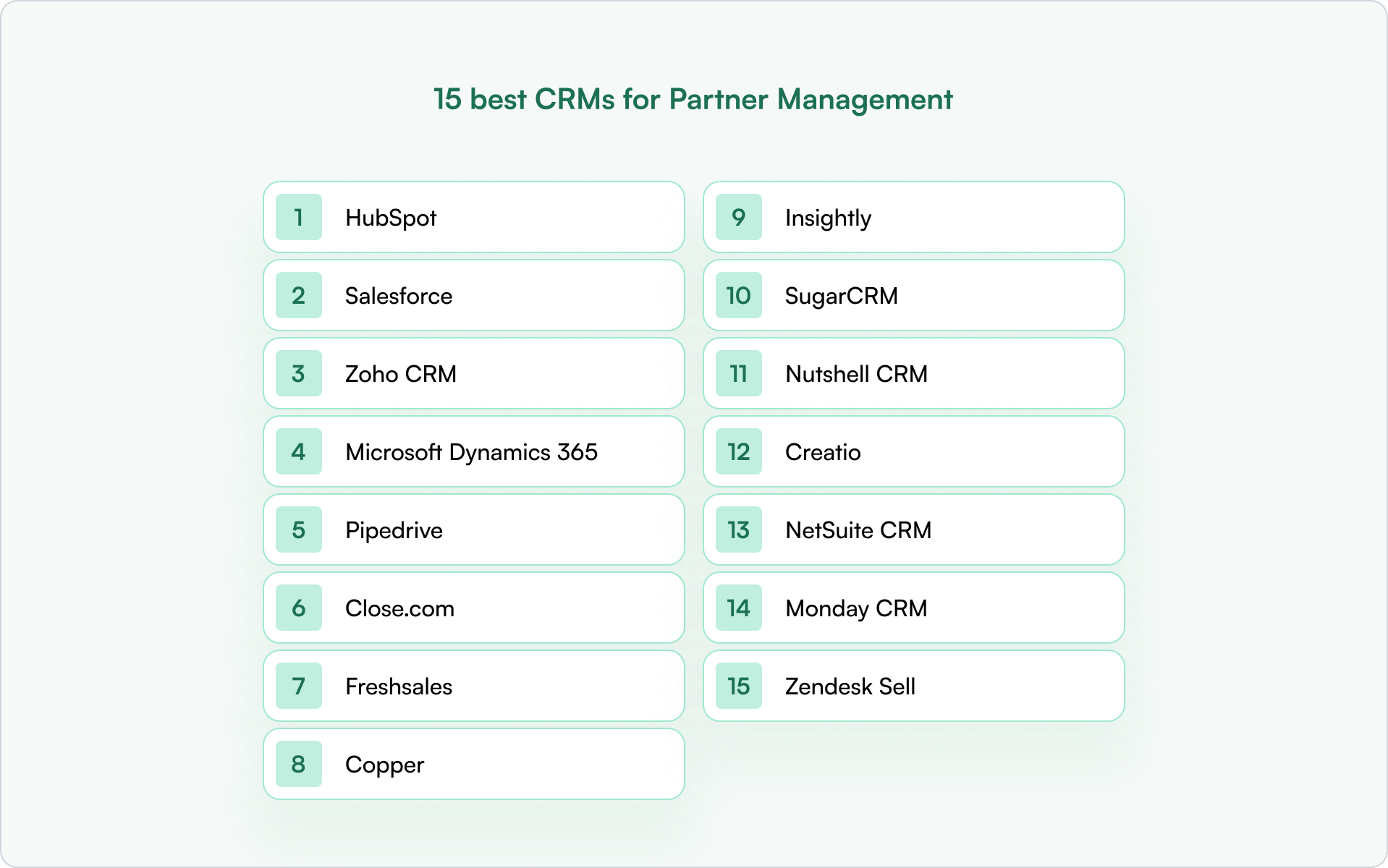
To recap, here are the 15 best CRMs for partner management in 2026:

  1. HubSpot
  2. Salesforce
  3. Zoho CRM
  4. Microsoft Dynamics 365
  5. Pipedrive
  6. Close.com
  7. Freshsales
  8. Copper
  9. Insightly
  10. SugarCRM
  11. Nutshell CRM
  12. Creatio
  13. NetSuite CRM 
  14. Monday CRM
  15. Zendesk Sell

Want to manage your entire partner program from your CRM? Try Introw — the CRM-first PRM.

FAQs

Still curious? Here are some quick answers to help clear things up.

Contact us

What is PRM, and how is it different from a CRM?

PRM (Partner Relationship Management) is software designed to help businesses manage partner programs, track partner sales, and optimize collaboration with channel partners, resellers, and affiliates. Unlike CRM software, which focuses on direct sales teams and customer relationships, a PRM system is built to support indirect sales channels by providing features like partner onboarding, deal registration, and performance tracking.

How do I choose the best PRM for my business in 2026?

When selecting a PRM platform, consider factors such as ease of implementation, CRM integration, automation features, and partner engagement tools. A good PRM solution should help you streamline business processes, reduce manual data entry, and improve partner collaboration. Look for features like 2-way CRM sync, marketing collateral management, and automated partner updates via Slack or email.

What are the key benefits of using a PRM solution?

A PRM system helps businesses manage partner relationships efficiently, leading to higher revenue growth, better sales performance, and improved customer satisfaction. Key benefits include: - Automated partner onboarding – Get new partners up to speed quickly. - Deal registration & lead tracking – Reduce conflicts and improve visibility. - Performance management – Track partner success, revenue targets, and engagement metrics. - Marketing & content sharing – Ensure partners have the necessary resources to sell effectively.

Why is Introw the best PRM solution in 2026?

Introw stands out as a modern PRM platform that prioritizes fast setup, seamless CRM integration, and partner engagement beyond the portal. Unlike traditional PRMs that require months of setup, Introw is ready to use in minutes. It also offers: - 1-click CRM integration – Works effortlessly with HubSpot, Salesforce, and other CRM systems. - Real-time analytics & reporting – Track partner performance and sales opportunities. - Automated partner updates – Keep partners informed via Slack, email, or in-app notifications.

Launch your partner portal
in minutes!

Thank you! Your submission has been received!
Oops! Something went wrong while submitting the form.

Related blog articles

Partner Management

A Masterclass in Modern B2B SaaS Partnerships: What We Learned from Martin Scholz

Adèle Coolens
Marketing & Partnerships
5 min. read
26 Jan 2026

As a team that spends every day talking to partnership professionals, we know one thing for sure: we can’t just talk the talk - we have to walk it, too. That’s why we brought in a true expert to level us up: Martin Scholz, seasoned SaaS partnership leader, strategist, and (bonus!) one of our own partners.

And wow, did he deliver.

Martin took us through a full-day training covering every nook and cranny of partnership management, from the fundamentals to the frameworks you won’t find in your average playbook. Here are the biggest takeaways from our session.

First Reality Check: 80% of Partnerships Fail

Martin opened with this stat: 80% of partnerships fail (source). Why? Because there’s no blueprint. No one-size-fits-all. Every company defines “partnership” differently.

The truth is, partnerships aren't a solo act. They're a team effort

What Successful Partnerships Actually Drive

Done right, partnerships don’t just generate revenue - they unlock scale:

  • Shorter sales cycles
  • Higher win rates
  • Transparent deal flow
  • Better-quality leads (hello, PQLs 👋)
  • More focus on your core business while partners drive volume

And yes - the Bow Tie model (Winning By Design) made an appearance.

Martin reminded us that many forget the power partners have across the entire customer lifecycle - not just in introducing or closing the deal, but in retention, expansion, and long-term value

Whether you're working with tech partners, service partners, or resellers, their role varies by stage - and your strategy should too.

Revenue is a Result, Not the Goal

A big mindset shift: Stop chasing revenue, start building outcomes.

Too many teams treat revenue as the first metric, but Martin reminded us it’s the result of well-executed partnership strategies. Instead, define shared targets and goals - then align around those.

The Biggest Risk? Too Many Wrong Partners

Here’s your new motto: Disqualify fast.

Don’t let “more” distract you from “better.” A bloated partner list full of misaligned or inactive collaborators is worse than having none at all.

The Secret Weapon: Your MAP (Mutual Action Plan)

Your MAP is your North Star.

It’s a living document, co-created with your partner, that defines what success looks like—milestones, metrics, activities. This is what keeps partnerships focused and accountable from day one.

The Partnership Lifecycle According to Martin

Partner Onboarding = The Honeymoon Phase

First impressions matter. Use this phase to build trust, show value, and get wins on the board.

Tips:

  • Deliver an amazing partner experience
  • Connect teams & execs (use leadership wisely!)
  • Execute on your MAP - don’t just let it sit in a doc
  • Prioritize fast wins and momentum
  • The first 90-120 days? Absolutely critical.

Partner Enablement = Where the Real Work Starts

Once the honeymoon is over, reality hits - and that’s when enablement really begins.

Key actions:

  • Run a no-fluff business review (internal + external)
  • Adjust the MAP to reflect reality
  • Tier and prioritize your partner list
  • Agree on new ways of working (cadence, content, etc.)

And a big one: Reality ≠ one single source per deal.

Most deals are touched by multiple sources (partners, marketing, sales) and yet traditional deal registration often gives credit to just one. It's time to rethink attribution and make space for the real complexity of modern sales motions.

Never forget: partnerships are built between people, not logos.

Best Practices for Partner Collaboration

Here's what Martin recommends:

  • Be part of the first 3 intro calls before partners go solo
  • Ensure strong overlap in goals and ICP
  • Use a PRM tool to streamline the entire partnership workflow:
    • Lead submission & deal registration
    • Transparency around pipeline
    • Goal tracking and performance measurement
    • Communication & updates in real time
    • Sales enablement that’s actually useful

Partner Experience is a Team Effort

Your partner doesn’t experience “the partnership” - they experience your product team, your CS team, your marketing team. Partner experience = everyone’s job.

And Yes - Some Partnerships End

Not every partnership is forever, and that’s OK. Offboarding should be handled with the same care and clarity as onboarding. It’s part of the cycle - not a failure.

Final Thought

Martin left us with this gem:

Work with partners so you can focus on your core business.

That’s the promise of a well-built, well-run partnership ecosystem. Not just revenue. Not just reach. But real business leverage.

Thanks again, Martin, for the masterclass. We’re sharper, smarter, and more aligned than ever, and we can’t wait to put these lessons into practice.

Partner Management

How to Prevent Channel Conflict Before It Kills a Deal

Simon Van Den Hende
Co-founder & AI engineer
5 min. read
21 Jan 2026
⚡ TL;DR

Channel conflict occurs when multiple channels or channel partners pursue the same deal without clear ownership.Most channel conflicts are preventable with strong channel management, clear deal registration rules, and clean CRM data. Teams that design for prevention spend less time resolving conflict and more time closing revenue.

Channel conflict rarely starts with open disagreement.

It usually appears late in the sales cycle, when a deal is already active, and expectations are already set. A partner believes they have ownership. The sales team believes otherwise. Another channel surfaces at the last moment.

At that point, resolving channel conflict becomes slow, political, and expensive.

The more effective approach is prevention. When rules are clear, data is shared correctly, and ownership is visible early, channel conflicts are far less likely to occur.

You'll learn about a prevention-first operating model for channel conflict, built for SaaS teams managing multiple channels, channel partners, and direct sales motions at the same time.

But, to prevent channel conflict, you need clarity on what channel conflict is and the types of channel conflict that show up in modern SaaS programs.

Channel Conflict 101 (Types, Causes, and B2B SaaS Context)

To prevent channel conflict, everyone needs to be aligned on what it actually means in a modern SaaS environment.

What is channel conflict?

In B2B SaaS, channel conflict occurs when multiple channels or channel partners pursue the same customers, accounts, or revenue without clear ownership, rules, or visibility.

This weakens channel relationships and makes effective channel partner management harder for partners and direct sales teams.

The main types of channel conflict in SaaS

Channel conflict type What it looks like in practice Where it shows up most
Vertical channel conflict A vendor’s direct sales team competes with a partner on the same account, renewal, or expansion Balancing direct sales with partners
Horizontal channel conflict Two partners at the same level compete for the same account, product, or region Resellers or SIs selling the same product in the same region
Multi-channel or ecosystem conflict Referral, reseller, marketplace, and SI motions overlap at the same time Programs using multiple distribution channels

These channel conflict types are rarely about bad behavior. They are a predictable outcome of multiple channels operating without shared rules or data.

Root causes of channel conflict in B2B SaaS

Most channel conflicts stem from a small set of structural issues:

  • Unclear rules of engagement across different channels
  • Overlapping territories, segments, or named accounts
  • Inconsistent pricing strategies, discounting, or price protection
  • Unmanaged renewals and expansions across the same customer base
  • Poor communication cadence and limited visibility into customer data

As SaaS teams scale and add new channels, these gaps quickly create potential conflicts, even when channel management intentions are sound. This is common when channel relationships evolve faster than the operating model behind channel partner management.

Next, we’ll look at how to detect channel conflict early, before it turns into an escalation, a stalled deal, or a damaged partner relationship.

Early Warning System: Spot Conflicts Before They Surface

Channel conflict is easiest to manage when you catch it early. The goal here isn’t perfect forecasting; it’s visibility into the signals that show channel conflicts forming before they slow a deal or damage channel relationships.

Signal categories

Pricing

Unusual discount requests, overlapping price protection, or duplicate quotes for the same product often signal early channel partner conflict. Left unchecked, these patterns can escalate into price wars that hurt brand integrity and market share.

Pipeline

Duplicate opportunities or accounts, missing partner fields, or sudden owner changes are classic indicators that multiple channels are touching the same account. In a customer relationship management system, this is often the first sign of horizontal conflict across the same channel or same region.

Engagement

Emails from partners raising concerns about fairness, silence after policy changes, or reduced response to announcements often indicate tension across channel members, even before it shows up in the sales channel data.

Renewals and expansions

When a direct sales team engages an account with an incumbent reseller or SI already in place, channel conflict occurs fast, especially if renewal ownership rules are unclear.

Automations to catch them

Early detection depends on automation, not vigilance.

Common safeguards include duplicate detection, stage-change alerts, two-opportunities-one-account reports, expiring deal registration timers, and renewal ownership rules enforced directly in your CRM.

A structured deal registration process is especially effective for surfacing potential conflicts early and keeping different channel partners on the same page.

Teams that rely on manual checks usually spot conflicts too late. Teams that automate signals spend far less time on conflict resolution and more time closing deals.

Let's design your channel program so these signals appear less often in the first place, starting with segmentation, territories, and pricing guardrails.

Program Design That Prevents Conflict (Get This Right First)

Most channel conflict is designed early. Strong program design aligns channel members across distribution channels before deals exist and reduces the need to resolve channel conflict later.

1) Segmentation & Territories

Clear segmentation is the foundation of conflict prevention.

  • Define a clear ICP and segment channel partners by region, vertical, tier, and install base
  • Use named-account programs for strategic partners operating at the same level
  • Set explicit rules for marketplace versus direct sales ownership
  • Avoid multiple distribution channels working the same customers by default

This kind of structure is a core pillar of effective channel management, especially as new channels are added.

2) Pricing & Commercial Guardrails

Pricing is where channel conflict escalates fastest.

  • Define pricing strategies by partner tier and sales channel, including referral, resale, marketplace, and SI
  • Set price protection duration and clarify renewal and expansion applicability
  • Enforce minimum advertised price policies where applicable to protect brand integrity
  • Use SPIFFs versus margin deliberately to prevent price wars and lower prices across channels

Fair pricing policies reduce direct competition between channel members selling the same product through different channels.

3) Exclusivity & Capacity

Exclusivity should be earned, not assumed.

  • Grant exclusivity only when justified by specialization, certification, or commitment
  • Set capacity limits per region, product line, or customer base
  • Avoid onboarding too many partners into the same sales channel

Capacity limits help minimize conflicts caused by too many partners competing in the same region or account.

4) Certification & Readiness Gates

Sell and deliver rights should reflect readiness across the supply chain.

  • Tie sell and deliver permissions to the certification status
  • Require certification for access to exclusive products or specific customer segments
  • Set expiration and re-certification SLAs aligned with supply chain management needs

Readiness gates protect customer satisfaction and reduce downstream conflict tied to poor execution.

5) Transparency by Design

Transparency keeps channel relationships stable as programs scale.

  • Publish rules of engagement in a partner portal as the single source of truth
  • Announce policy changes early and often through shared communication channels like email or Slack
  • Require acknowledgment to ensure all parties involved stay on the same page
  • Use SSO to remove access friction and reduce shadow communication

Platforms like Introw support this by combining a partner portal, announcements with read receipts, and frictionless access.

When paired with a structured deal registration process, teams can enforce rules consistently instead of relying on ad-hoc decisions.

Let's go deeper into deal registration itself and how to use it as a conflict firewall rather than a bottleneck.

Deal Registration: Your Primary Conflict Firewall

If you’re looking for a practical answer to how to manage channel conflict, deal registration is it. This is where ownership is established early and where most channel conflicts can be prevented instead of debated.

Policy Backbone

A clear deal registration process removes ambiguity across channel partners, direct sales, and other distribution channels.

Your policy should define:

  1. Eligibility criteria, required fields, proof of work, and a customer uniqueness test to prevent different partners pursuing the same account
  2. A protection window, typically 60–90 days, with explicit extension rules
  3. Renewal and expansion of ownership rules when the same customers move between partners and the sales team
  4. A conflict hierarchy, registered beats unregistered, incumbent beats net-new, certification status breaks ties
  5. An appeals and escalation window with defined evidence requirements

This is the operational layer of channel conflict resolution. Without it, vertical conflict and horizontal conflict are left to judgment calls, which quickly strain existing channel relationships.

SLAs and Operating Rules

Policy without speed creates friction.

Set clear SLAs:

  • Approval or decline within 48 hours
  • Automatic reminders before protection expires, usually seven days out
  • Reassignment rules for inactive deals based on no-touch thresholds

These mechanics are a core part of effective channel management, especially in programs that rely on co-selling and shared ownership across teams.

Many teams formalize this alongside their broader approach to managing co-selling effectively to keep all parties aligned.

Auditability and Visibility

Every decision should be traceable.

Approvals, declines, timestamps, and rationale should live in your customer relationship management system, with shared pipeline visibility limited to safe fields like stage, owner, and protection status.

This keeps different partners on the same page without exposing pricing or internal notes.

In practice, this is where a structured deal registration process, supported by modern partner relationship management software, makes it far easier to resolve channel conflict consistently as programs scale.

Next, we’ll look at the CRM data model you need to support this, and how to enforce these rules automatically across multiple channels.

Your CRM Data Model for Conflict Prevention (Salesforce/HubSpot)

Channel conflict becomes expensive when your CRM can’t answer basic ownership questions. A clean data model makes channel conflict visible early and keeps channel partners, direct sales, and RevOps aligned across multiple channels.

Required fields on Opportunity or Deal

Field group What it captures Why it matters
Partner motion Referral, reseller, marketplace, SI, MSP, ISV Clarifies which sales channel owns the motion
Partner identity Partner type and partner organization Prevents confusion between different channel partners
Attribution Sourced vs influenced with attribution % Reduces disputes over credit and revenue
Deal registration Deal reg ID with protection start/end dates Establishes priority for the same account
Pricing controls Price protection flag and discount band Limits price wars and inconsistent pricing strategies
Renewals and expansions Renewal/expansion flag with incumbent partner Avoids vertical conflict during renewals
Partner roles Partner contacts such as BDR, AE, SE, CS Makes ownership and accountability explicit
Conflict tracking Conflict status (none, risk, active) and notes Surfaces potential conflicts early
Activity tracking Last activity date Supports reassignment when deals stall

Without these fields, channel conflict occurs late, often after multiple partners have already engaged the same customers.

Governance Rules That Enforce Discipline

Fields only work if they’re enforced.

  • Stage-change validations that require partner fields before deals advance
  • Duplicate rules on accounts and opportunities to catch horizontal conflict early
  • Renewal ownership logic to prevent overlap with direct sales
  • Dashboards segmented by motion and conflict status for fast visibility

This is what managing channel conflict looks like in practice, not spreadsheets and exceptions.

How This Works In Practice

With native integrations for Salesforce and HubSpot, partner-submitted data stays synced without manual updates.

Shared pipeline views expose only safe properties, such as stage, owner, and protection status, so different partners stay aligned without seeing sensitive pricing or internal notes.

Announcements can then be used to communicate policy changes tied to these fields, keeping channel members on the same page as rules evolve.

At this point, conflict is no longer hidden. The question becomes how consistently your team reviews signals and communicates decisions.

Operating Cadence & Communications (the “no-surprises” policy)

Once ownership and risk are visible, cadence is what keeps channel conflict from resurfacing. This is how to manage channel conflict day to day, without escalation or guesswork.

Cadence That Prevents Surprises

Frequency What to review or communicate Why it matters
Weekly Partner pipeline review, expiring registrations, duplicate flags, high-risk deals Catches channel conflict before it impacts active deals
Biweekly Enablement and updates via announcements sent through email and Slack Keeps channel partners aligned across communication channels
Monthly Policy and pricing updates, decisions, and anonymized channel conflict example Reinforces fair pricing policies and consistent decisions
Quarterly Conflict metrics in QBRs, including rates, causes, and time-to-resolution Makes channel conflict resolution measurable and actionable

This rhythm supports strong channel relationships across multiple channels and distribution strategies, especially as new channels are introduced.

Response SLAs That Reduce Escalation

Speed signals fairness.

  • Deal registration decision within 48 hours
  • Conflict acknowledgment within 24 hours, with a resolution plan in five business days
  • Renewal ownership confirmed at least 90 days before renewal

Clear SLAs help resolve channel conflict consistently and protect existing channel relationships when the same account is touched by different partners or direct sales.

Keeping Communication Operational, Not Performative

Announcements should push updates through email and Slack, so channel members don’t have to log into another portal. Replies via email should write back to the CRM timeline automatically, preserving context and evidence without slowing the sales team.

This approach supports open communication without adding friction, and it scales far better than ad-hoc outreach.

Many teams formalize this cadence alongside guidance on building a channel partner program and broader ecosystem expectations outlined in a channel partnership guide.

At this point, channel conflict refers to a managed process, not an unexpected interruption. Incentives, recognition, and feedback loops can then reinforce the right behaviors, something teams often pair with thoughtful channel partner gamification.

Introw supports this prevention-first approach by enforcing rules, surfacing risk early, and keeping partners aligned without adding friction. Here's how.

How Introw Helps Prevent Channel Conflict

If you want to prevent channel conflict, your rules can’t live in slide decks or policy docs. They have to show up where deals are registered, approved, and worked on every day, by your team and your partners.

Introw does that by embedding your channel rules directly into the workflow.

Single source of truth from day one.

Deal and lead registration ensure every opportunity starts with the same required context.

Ownership, approvals, protection windows, and timestamps are clear from the moment a deal is submitted, which matters when your channel partners and direct sales team are working the same account.

Rules your partners don’t have to hunt for.

Rules of engagement, pricing bands, and territories live in the partner portal with SSO. Your partners always know what applies right now, without forwarding old emails or guessing which version is current.

Shared visibility without oversharing.

Shared pipeline views show partners exactly what they need, like stage, next step, and protection expiry, without exposing pricing or internal notes.

That keeps everyone aligned while deals are active and reduces channel partner conflict before it escalates.

Signals your team can act on early.

Alerts for new registrations, approval deadlines, expiring protection windows, and stage changes are pushed through email and Slack.

Partners can reply by email, and those responses are written back to the CRM timeline so decisions are based on full context, not memory.

This is what modern partner relationship management software is meant to support: consistent execution, fewer surprises, and channel conflict resolution that scales with your business.

With the right structure in place, prevention does most of the work. What remains is a clear, repeatable way to resolve the few conflicts that still surface.

Over to You: Prevent First, Resolve Less

Channel conflict doesn’t have to be a constant fire drill. When you design for prevention, most issues never reach escalation, and the few that do are easier to resolve without damaging trust or momentum.

The teams that handle channel conflict well don’t rely on heroics or exceptions. They rely on clear rules, early signals, and consistent execution across partners, direct sales, and systems. That’s what keeps deals moving and relationships intact as your channel scales.

What to do next:

  • Review where channel conflict occurs today and identify which signals surface too late
  • Pressure-test your deal registration, ownership, and renewal rules against real scenarios
  • Make sure your tooling enforces the model instead of working around it

Final Takeaway

Channel conflict is rarely about intent. It’s about clarity, timing, and visibility. Get those right, and conflict becomes manageable instead of disruptive.

If you want to see how this prevention-first model works in practice, you can request a demo and walk through how Introw supports it across your channel program.

Partner Management

Partner Lead Registration: Capture Leads Without Logins in 2026

Janis De Sutter
Software Engineer
5 min. read
16 Dec 2025
⚡ TL;DR

Partner lead registration works best when it’s dead simple for partners, validated quickly by you, and synced to your CRM in real time. Replace portal logins with lightweight capture (email, form, or Slack), auto-create clean records, and use clear rules to prevent channel conflict. Track status from submitted to approved to won, and give partners visibility without new passwords. If you use HubSpot, you can run HubSpot partner lead registration by mapping a short registration form to your deals and workflows. Introw lets partners register leads from email or a shared page, routes them to Salesforce or HubSpot, shows status back to partners, and keeps your team focused on revenue instead of spreadsheets.

Great partner programs die on their first form. You want partners engaged, but the moment they hit a login wall, many stop. The good news: you can run partner lead registration without a portal login, keep data clean, and still resolve ownership fast. Below is a practical guide for teams that want more registered leads, fewer disputes, and a smoother sales process.

Why partner lead registration matters now

As your partner ecosystem grows, multiple partners find the same end customer, sales reps ask “who owns this account,” and leadership needs pipeline visibility. Lead registration (capturing a partner-sourced prospect early) protects the partner’s effort, reduces channel conflict, and lets you assign leads to the right team fast. It also creates a trail you can trust for commission payments and co-sell attribution.

When you make registration lightweight and fair, partners stay engaged, your sales team sees context, and operations keep a single source of truth for registered leads and registered deal records.

What “partner lead registration” is (and how it differs from deal registration)

Think of lead registration as the earliest claim: the partner flags a prospect with enough data for you to review and accept or decline. Deal registration comes later, once there’s a qualified opportunity with stage, amount, and next steps. Both fit inside modern partner programs, but they serve different moments:

  • Lead registration: fast intake to assign leads, mark a cooling-off period, and prevent multiple partners from colliding on the same company.
  • Deal registration: deeper validation to approve an existing deal with co-sell motions, attached resources, and clear SLAs.

Successful programs use both. Start with easy lead registration to capture more top-of-funnel, then elevate to deal reg when real pipeline appears.

The no-portal approach: five simple ways to capture partner leads

Logins are the biggest drop-off point. You can capture leads without a portal login and still keep control.

  1. Email-to-CRM

Give partners a single address (for example, partners@yourcompany.com). When they send a short “registration form” by email (company name, contact, problem, consent), an automated flow parses the message, creates the record, and returns a case number and status.

  1. Open web form with allowlisting

Host a short registration form that’s public but gated by reCAPTCHA and a partner email domain check. Submissions create a lead and kick off validation, while approved third parties (your partners) get instant confirmation and a “pending” badge.

  1. Slack (or Teams) app

If you co-sell in shared channels, let partners use a “/register” slash command. The bot collects company, contact, use case, and creates the registered deal or lead in your system, then posts back the record link.

  1. HubSpot meetings + hidden fields

For HubSpot partner lead registration, use a short form attached to a partner-facing “Book a discovery” page. Hidden fields tag partner ID and program. When the form is submitted, HubSpot creates the contact, company, and a deal stub, and your workflow moves it to “Submitted for review.”

  1. CSV drop for field teams

Some service partners prefer bulk. A controlled CSV upload (fields validated on import) lets them register a new deal list weekly. Your system dedupes by domain and company name, flags conflicts, and returns approved/declined with reasons.

All five methods can feed the same backend rules, the same partner portal views, and the same commission plan. The difference is friction: partners can register from wherever they already work.

Design a registration form partners will actually complete

Keep it under a minute. These fields usually give you enough to decide:

  • Company name and domain
  • Primary contact: name, email, role
  • Opportunity context: problem, solution fit, services needed
  • Stage guess: new intro, discovery scheduled, evaluation
  • Partner: who is submitting, plus reseller or referral type
  • Consent: partner confirms the prospect agrees to be contacted

Optional, when needed: geography, target revenue, product interest, and competing vendors.

Make validation fair: from “submitted” to “approved” without drama

A good lead reg process balances speed and fairness. Publish the rules, enforce them consistently, and give partners a clean status they can see.

  • SLA: respond inside two business days.
  • Checks: duplicate by domain, existing deal check, territory rules, blocked accounts.
  • Results: approved (with hold window), ask for more info, or declined (with reason).
  • Hold window: 60–90 days of protection when partners complete the next step (for example, first meeting or intro email logged).
  • Channel conflict: if two partners submit the same prospect, the one who got the first meeting within the window wins, or you split by segment/solution if that’s your policy.

Introw codifies these rules so operations doesn’t have to referee edge cases every week.

Map it to your CRM: HubSpot and Salesforce without side spreadsheets

Whether you run Salesforce or HubSpot, treat partner lead registration like any other intake you want to automate and audit.

  • Objects: create a “Partner Registration” object or use a custom property set on Deals to track registration, status, partner, and window end date.
  • De-dupe: auto-link to Company by domain; show “existing deal” if one is open.
  • Workflows:
    • Submitted → Validation queue → Approved/Declined
    • Approved → Notify AE/partner → Start sales process tasks
    • First meeting scheduled → Lock or extend hold window
  • Dashboards: real time dashboards for operations and partner managers: pending, aging, approvals, meeting rates, win rates.

For HubSpot partner lead registration, keep your registration form in HubSpot, route through workflows, and surface status to partners via automated emails or a lightweight shared page. On Salesforce, mirror the same flow with Process Builder or Flow.

Incentives and SLAs that keep partners engaged (without overpaying)

You don’t need to pay for every submission. Reward progress, not spam.

  • Tiered incentives: small flat fee when the first meeting is completed, larger percentage on new customers won, and accelerators for high margin products.
  • Partner tier alignment: higher tiers may get faster response, priority support, or co-sell resources.
  • SLAs: you respond within two days; the partner books a meeting within 14 days; your rep updates next steps after every call. Clear, mutual commitments build trust.

Seven metrics that prove the system works

Leaders care about outcomes. Measure what moves revenue and reduces friction.

  1. Registration-to-meeting rate within 14 days
  2. Approval rate by partner and segment
  3. Conflicts avoided vs. unresolved disputes
  4. Win rate and sales volume on approved registrations
  5. Time to first response and time to approval
  6. Active protection windows by region and product
  7. Commission payments accuracy and cycle time

When the numbers are visible, you can adjust commission structures, spot partner behavior trends, and focus enablement where it helps most.

A 30-day rollout you can actually ship

You don’t need a massive project to modernize lead reg. Keep it tight and iterative.

  • Week 1: Write your acceptance rules, conflict policy, and hold window. Draft the short form.
  • Week 2: Build the flow in your CRM. Stand up email-to-CRM and a public form. Test dedupe and routing.
  • Week 3: Pilot with 10 partners across motions (referral, services, reseller). Meet twice, gather feedback, refine fields and emails.
  • Week 4: Launch. Publish the rules and FAQs in your partner portal, start weekly status summaries, and open a short appeal path.

Where Introw fits

Introw is built to remove friction from partner lead registration and deal registration alike:

  • No-login capture: partners register via email, a shared page, or Slack; Introw creates the record and sends status.
  • Smart validation: automatic dedupe, account checks, and clear status transitions from submitted to approved to won.
  • CRM-first: bi-directional sync with Salesforce or HubSpot, so ops and reps work in systems they already know.
  • Visibility: partners see progress and next steps without asking you to “check the portal.”
  • Payments: clean attribution makes commission management straightforward and commission payments timely.

If you’re ready to move beyond “please log in and fill this long form,” Introw gives you a lightweight, auditable path to more revenue and fewer headaches.

Ready to simplify partner lead registration?

If you want partners engaged, fewer conflicts, and clean data, make registration effortless and visible. Introw lets you capture leads without logins, validate fairly, and sync everything to your CRM so your sales team and partners can focus on winning. Request a demo and see how it works in your environment.