

.svg)


.svg)
.svg)







Blog

SPIFF Programs: What They Are, How to Design Them, and Examples That Drive Partner Sales
A well-designed SPIFF program can turn a slow quarter, product launch, or stalled partner pipeline into a surge of sales activity. Used well, SPIFFs can change behavior fast. Used poorly, they can create expensive distractions. If you’ve heard the term before but never really knew what it meant, you’re not alone.
What is a SPIFF program?
A SPIFF program is a short-term sales incentive used to reward a specific action. SPIFF stands for sales performance incentive fund, though you may also see it written as “spiff” or “spiv.”
The SPIFF program's meaning is simple: you offer an extra reward when someone does the thing you want more of.
.png)
That could mean a direct cash bonus for closing deals above a set value, selling a new product, registering qualified leads, or reaching specific sales targets during a promotion period.
Unlike standard sales commissions, a sales SPIFF is temporary and focused. Commission usually runs in the background as part of your long-term compensation plans. A SPIFF is used when you want immediate motivation around one goal.
A well-structured SPIFF program usually has five traits:
- Short-term: It runs for a month, a quarter, or a campaign window.
- Targeted: It focuses on one product, region, deal size, or behavior.
- Simple: The program rules are easy to understand.
- Stackable: It can run alongside regular commission.
- Trackable: Every qualifying sale is tied to clear eligibility criteria.
.png)
SPIFFs can motivate sales teams, individual salesperson performance, and external channel partners. This guide focuses on partner SPIFFs because they’re harder to manage. Your channel partners don’t live in your CRM, and they can’t always see what they’ve earned.
That’s why a strong channel partner incentive program needs more than a good reward. It also requires clear tracking, fast communication, and a simple way for partners to see progress.
If your goal is to improve partner sales, a SPIFF can help. But only when the reward, rules, and payout process are easy to trust.
Why companies run SPIFF programs
The best SPIFF programs don’t just offer extra money. They encourage specific sales behaviors when they matter most.
Here’s why they work.
.png)
#1 Urgency creates action
Most sales commissions become part of the background. Sales reps and channel partners expect them, so they rarely change behavior on their own.
A short-term incentive creates a reason to act now.
For example, a channel SPIFF program might offer:
- $500 for every new logo deal closed this quarter
- A bonus for selling a newly launched product
- Extra rewards for deals above a specific value
The deadline matters as much as the reward. When partners know the opportunity disappears after a promotion period, they’re more likely to prioritize that deal over competing opportunities.
This is why SPIFFs are often used during product launches, pipeline pushes, and other strategic initiatives where timing matters. Teams running incentives alongside their existing HubSpot integration can track participation and revenue generated without creating separate workflows.
#2 Clarity drives participation
A successful SPIFF program should be easy to explain.
If partners need a spreadsheet and three meetings to understand the reward, participation drops. If the rules fit in one sentence, participation rises.
For example:
“Close a new logo deal above $10,000 this quarter and earn $500.”
That’s clear. Partners know the sales goals, the reward, and the eligibility criteria immediately.
The most effective SPIFF program ideas focus on simplicity. Partners should spend time selling, not interpreting program rules.
#3 Visibility keeps partners engaged
A sales SPIFF only works when people can see it.
Many sales SPIFF programs fail because the incentive is announced once and then forgotten. The reward lives in an email or PDF while partners focus on daily sales activity.
Visibility creates immediate motivation.
For example, when incentives appear directly inside a partner portal, partners can see pending and confirmed SPIFF rewards alongside active deals. Seeing the reward attached to a live opportunity keeps the incentive top of mind.
This is especially important for channel partners who may be managing opportunities across multiple sales channels at the same time.
#4 Low friction means more claims
Even strong cash SPIFFs lose impact when the payout process is complicated.
If partners have to chase approvals, fill out forms, or wait months for reward distribution, participation drops. Friction creates doubt, and doubt reduces engagement.
The best incentive program experiences make claiming rewards almost automatic.
With tools such as deal and lead registration, partner activity can be tracked from the original opportunity through payout. Add automation, notifications, and approval workflows, and salespeople spend less time on admin and more time closing deals.
When earning a reward feels easy, more partners participate. When rewards are visible, simple, and easy to claim, SPIFFs consistently boost sales and increase sales activity.
How to design a SPIFF program that actually changes behavior
A successful SPIFF program starts with a clear goal. The reward matters, but the behavior matters more.
.png)
Step 1: Define the behavior you want to change
Start with the outcome, not the incentive.
Ask yourself:
- Do you want more deals registered?
- Do you want to shorten the sales cycle?
- Do you want bigger deals?
- Do you want more certified partners?
- Do you want to increase sales in a specific market?
Pick one.
The best sales incentive programs focus on a single objective. If you try to change too many sales behaviors at once, partners won’t know what matters most.
Step 2: Set clear, simple rules
Partners should understand the SPIFF in seconds.
Every SPIFF program should answer four questions:
- What triggers the bonus?
- How much is the reward?
- Who is eligible?
- When does it expire?
For example:
“Register and close a new logo deal above $10,000 before September 30 and earn a $500 bonus.”
Simple rules lead to more participation. Complex rules lead to salespeople guessing.
Step 3: Make the incentive meaningful
A bigger reward isn’t always a better reward.
The goal is to offer meaningful rewards that justify the extra effort. For many SaaS programs, cash bonuses between $250 and $1,000 are enough to change behavior. Enterprise-focused SPIFF campaigns may require larger payouts.
You can also experiment with:
- Cash SPIFFs
- Non-cash rewards
- Non-cash SPIFFs
- Tech gadgets
- Prepaid debit cards
The best reward is the one that motivates channel partners to take action.
Step 4: Use CRM-based conditions
Manual tracking breaks quickly.
The most effective SPIFF programs use CRM data as the source of truth.
For example:
- Deal stage = Closed Won
- Deal value > $10,000
- Close date falls within Q3
When all conditions are met, the reward is triggered automatically.
In Introw, SPIFFs are configured using CRM filters, so qualifying deals are identified automatically based on your existing CRM data.
Here's an example of Introw’s commission plan builder showing CRM-based SPIFF conditions and a live preview of qualifying deals:
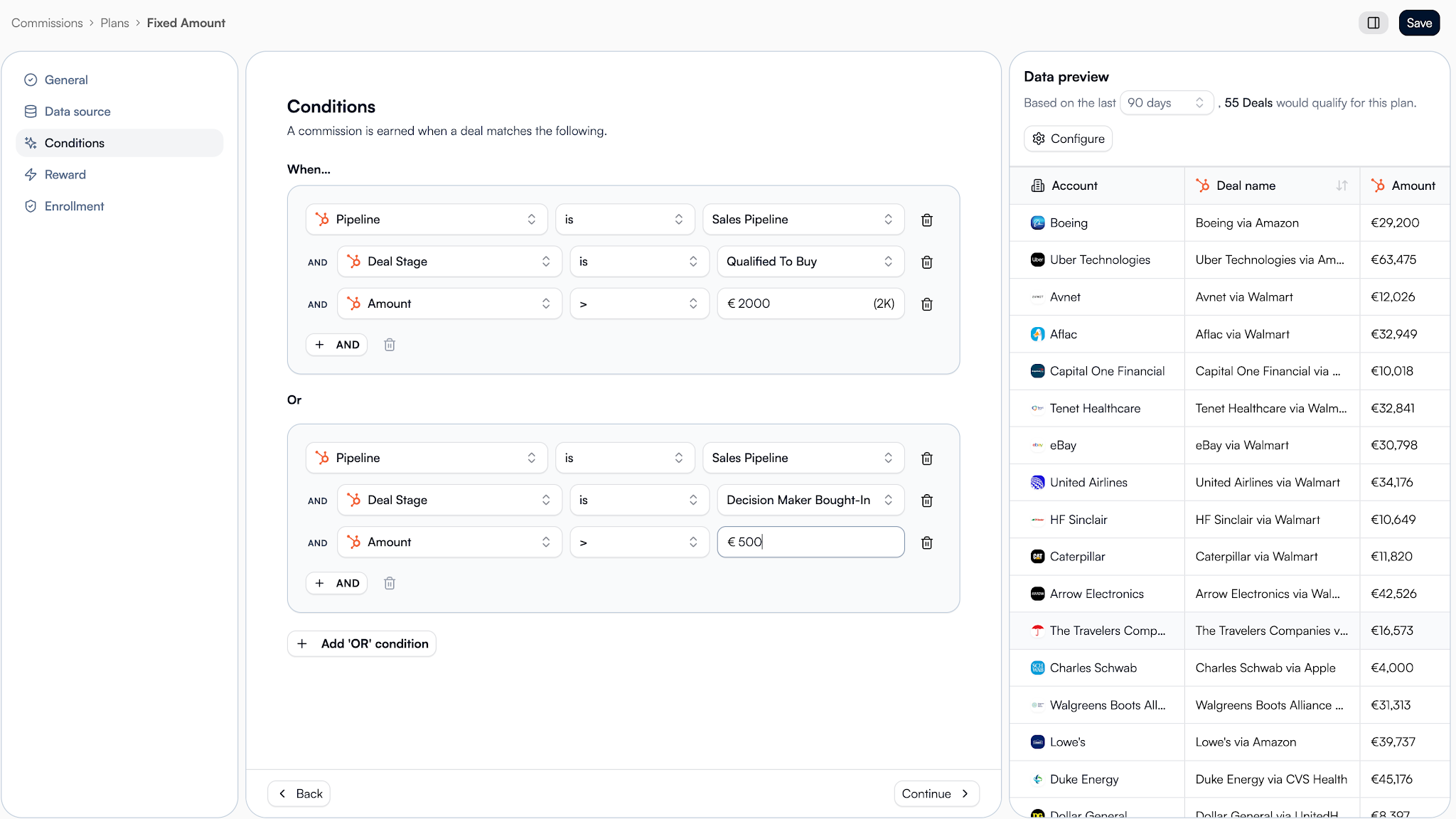
Good SPIFF program management starts with reliable data.
Step 5: Make the reward visible
Partners shouldn’t have to remember a SPIFF.
They should see it where they already work.
For example, Introw displays expected earnings directly on deal cards and inside the partner experience. Partners can see whether rewards are pending or confirmed without digging through old emails.
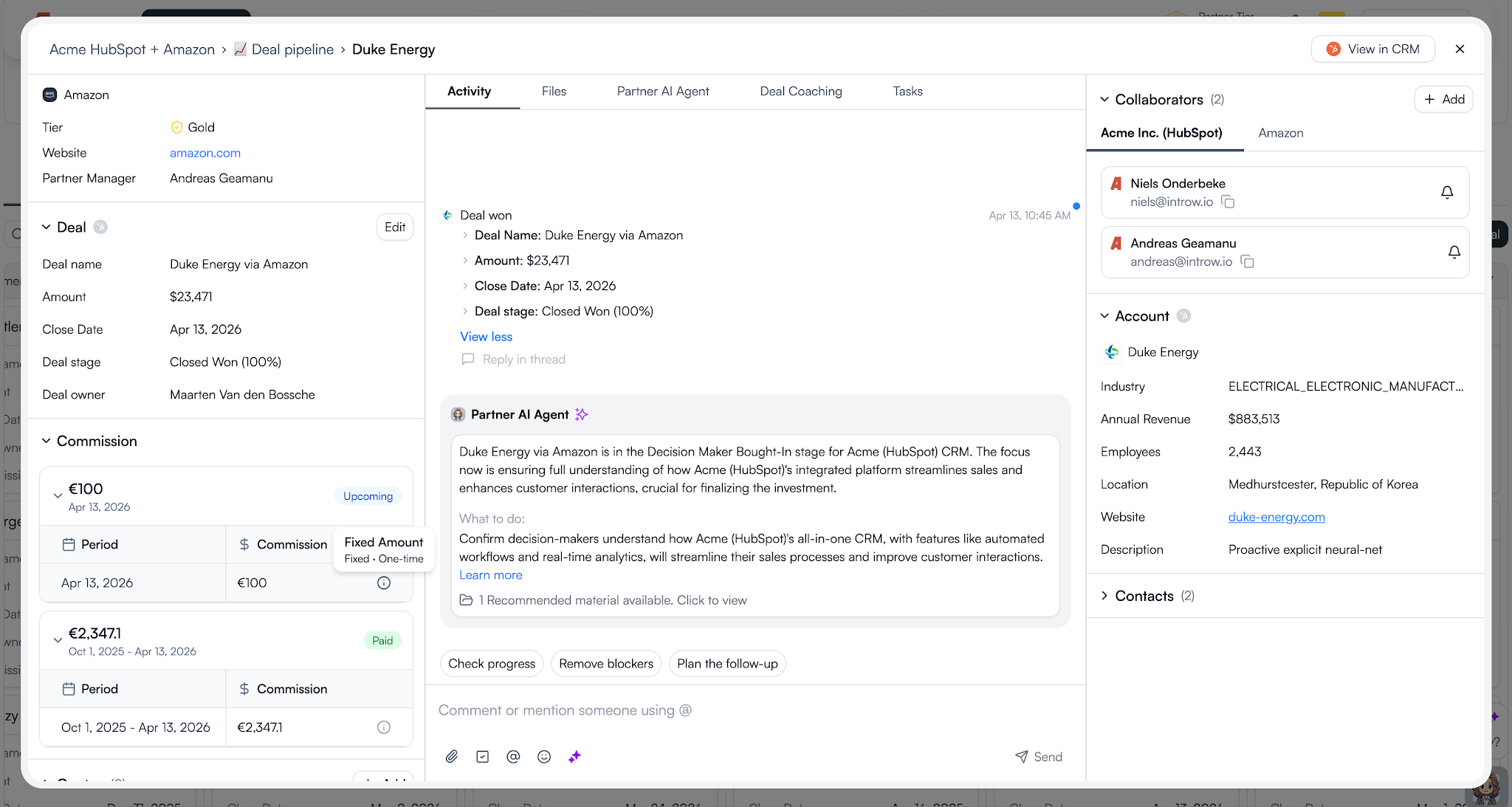
Visibility keeps sales teams driven and helps motivate channel partners throughout the entire campaign.
Step 6: Automate the payout process
A reward loses power when the payout process becomes a project.
A simple flow looks like this:
- The deal closes.
- The SPIFF calculates automatically.
- Eligible rewards are added to a statement.
- The partner uploads an invoice.
- Finance approves the payment.
- The reward is marked as paid.
Introw’s AI Agent can also help surface information and reduce admin work, making it easier to manage larger incentive programs without creating extra overhead.
The easier the process, the more likely partners are to participate.
Here's what this all looks like in action:
Step 7: Review and improve
Every SPIFF should teach you something.
After the campaign ends, review:
- How many partners earned the reward?
- How much sales revenue was generated?
- Which partner segments responded best?
- Did sales activity increase?
- Did you achieve the original sales goals?
Use those insights to improve future iterations.
The best partner programs don’t rely on one successful SPIFF. They run targeted incentives throughout the year as part of a broader incentive strategy.
A few well-designed SPIFFs will usually outperform one giant annual campaign.
The best way to see these principles in action is through real SPIFF program examples.
7 SPIFF program examples you can steal
Not every SPIFF needs to be complicated. Here are seven proven SPIFF program examples you can adapt for your partner program.
1. The activation accelerator
Use this SPIFF when you want new partners to take action quickly instead of waiting months to engage.
Rule: Earn $750 on your first closed-won deal as a new partner.
Trigger: First deal where deal stage = Closed Won.
Bonus: $750 flat fee.
Best for: New partners in their first 90 days.
Why it works: Early sales success builds confidence. Partners who close their first deal quickly are more likely to stay active and become a team motivated by results.
2. The Q3 pipeline push
This is one of the simplest sales SPIFF programs for accelerating pipeline movement before a deadline.
Rule: Earn $500 for every deal above $25,000 closed this quarter.
Trigger: Deal amount > $25K AND deal stage = Closed Won.
Bonus: $500 flat fee.
Best for: Active reseller partners.
Why it works: Short-term incentives and cash SPIFFs create urgency. Partners focus on closing deals before the deadline instead of letting opportunities sit in the pipeline.
3. The EMEA expansion bonus
Geographic incentives work well when you’re trying to grow partner activity in a specific market.
Rule: Earn an extra 5% on every DACH deal closed this quarter.
Trigger: Deal country = Germany, Austria, or Switzerland AND deal stage = Closed Won.
Bonus: 5% of deal value.
Best for: Reseller and referral partners expanding into new markets.
Why it works: Supports broader sales strategies without changing existing sales compensation plans. The bonus stacks on top of normal sales commissions.
4. The product launch SPIFF
When product launches need momentum, a targeted SPIFF can help direct attention where you want it.
Rule: Earn $300 for every deal that includes the new product.
Trigger: Deal contains the new product SKU AND deal stage = Closed Won.
Bonus: $300 flat fee.
Best for: New product launches.
Why it works: Partners sell what they’re rewarded to sell. This type of sales incentive helps boost sales of new offerings and improves product adoption.
5. The speed-to-close SPIFF
If deals are moving slowly through the pipeline, this type of SPIFF encourages faster action.
Rule: Earn $400 for any deal closed within 45 days of registration.
Trigger: Deal registration date to close date < 45 days.
Bonus: $400 flat fee.
Best for: Programs with a slow sales cycle.
Why it works: It encourages faster sales activity and helps prevent deals from becoming stale. The goal is to stop partners from letting opportunities delay closing deals.
6. The certification reward
Not every incentive program needs to be tied directly to revenue.
Rule: Earn $200 for completing an advanced certification.
Trigger: Certification completed with a passing score.
Bonus: $200 flat fee.
Best for: Individual salesperson development.
Why it works: Better-trained sales professionals often deliver stronger sales performance. It can also boost morale, improve job satisfaction, and increase long-term sales performance.
7. The stacked deal bonus
This example shows how SPIFFs and recurring commissions can work together.
Rule: Earn your standard commission plus a $1,000 bonus on deals above $100,000.
Trigger: Deal amount > $100K AND deal stage = Closed Won.
Bonus: $1,000 flat fee plus existing commission.
Best for: Gold and Platinum partners.
Why it works: SPIFFs don’t replace long-term compensation plans. They complement them. In Introw, partners can be enrolled in multiple plans at the same time, including recurring commissions, tiered SPIFFs, and one-time bonuses. Both rewards are calculated independently and rolled into the same statement.
Notice the pattern
Every example focuses on one behavior, one reward, and one clear trigger. That’s usually all you need to create a successful sales performance incentive fund that partners actually remember and act on.
So, what are things you should watch out for to make things go smoothly?
Common SPIFF mistakes to avoid
Even a good SPIFF program can fail if the execution is poor. Here are the most common mistakes to avoid.
.png)
Making the rules too complicated
If sales reps, channel partners, or an individual salesperson need a guide to understand the reward, participation drops.
Keep the program rules simple. A well structured SPIFF program should be easy to explain in one sentence.
Trying to reward too many behaviors
Some sales SPIFF programs try to influence multiple sales behaviors at once.
For example:
- Sell a new product
- Increase deal size
- Enter a new market
- Complete training
Pick one goal per campaign. The most effective SPIFF programs focus on a single outcome.
Offering rewards that don’t motivate action
A $25 reward on a six-month deal won’t motivate salespeople.
The reward should match the effort required. Whether you use cash SPIFFs, non cash rewards, prepaid debit cards, annual bonuses, or instant rewards, the incentive needs to feel worthwhile.
Making rewards hard to track
Partners should never wonder whether they’ve earned a reward.
Poor visibility hurts a program’s effectiveness and can damage team morale. Clear tracking helps motivate channel partners and supports healthy competition.
Ignoring payouts and compliance
Rewarding participants is only half the process.
You also need clear reward distribution, payment records, and tax compliance processes. This becomes even more important when managing channel partners across different regions.
Forgetting to measure results
After every SPIFF campaign, ask:
- Did sales targets improve?
- Was more sales activity generated?
- Did revenue increase?
- Did the SPIFF help move old inventory?
- Was the behavior change worth the cost?
The answers will help improve future SPIFF campaigns and strengthen your overall sales performance management approach.
Here is how partner teams run SPIFFs with Introw
Designing a SPIFF is only half the job. You also need a reliable way to track earnings, manage payouts, and keep channel partners informed.
Here’s what that looks like in Introw.
.png)
1. Create a SPIFF plan from CRM conditions
SPIFFs are created as commission plans using CRM data.
Set your date range, define the qualifying conditions, and choose the reward amount. Introw supports flat-fee and percentage-based rewards, and you can preview matching deals before the plan goes live.
2. Assign the plan to partners
Assign the SPIFF to individual partners or entire partner groups.
Partners can participate in multiple plans at the same time, including recurring commissions, certification rewards, and short-term incentive programs.
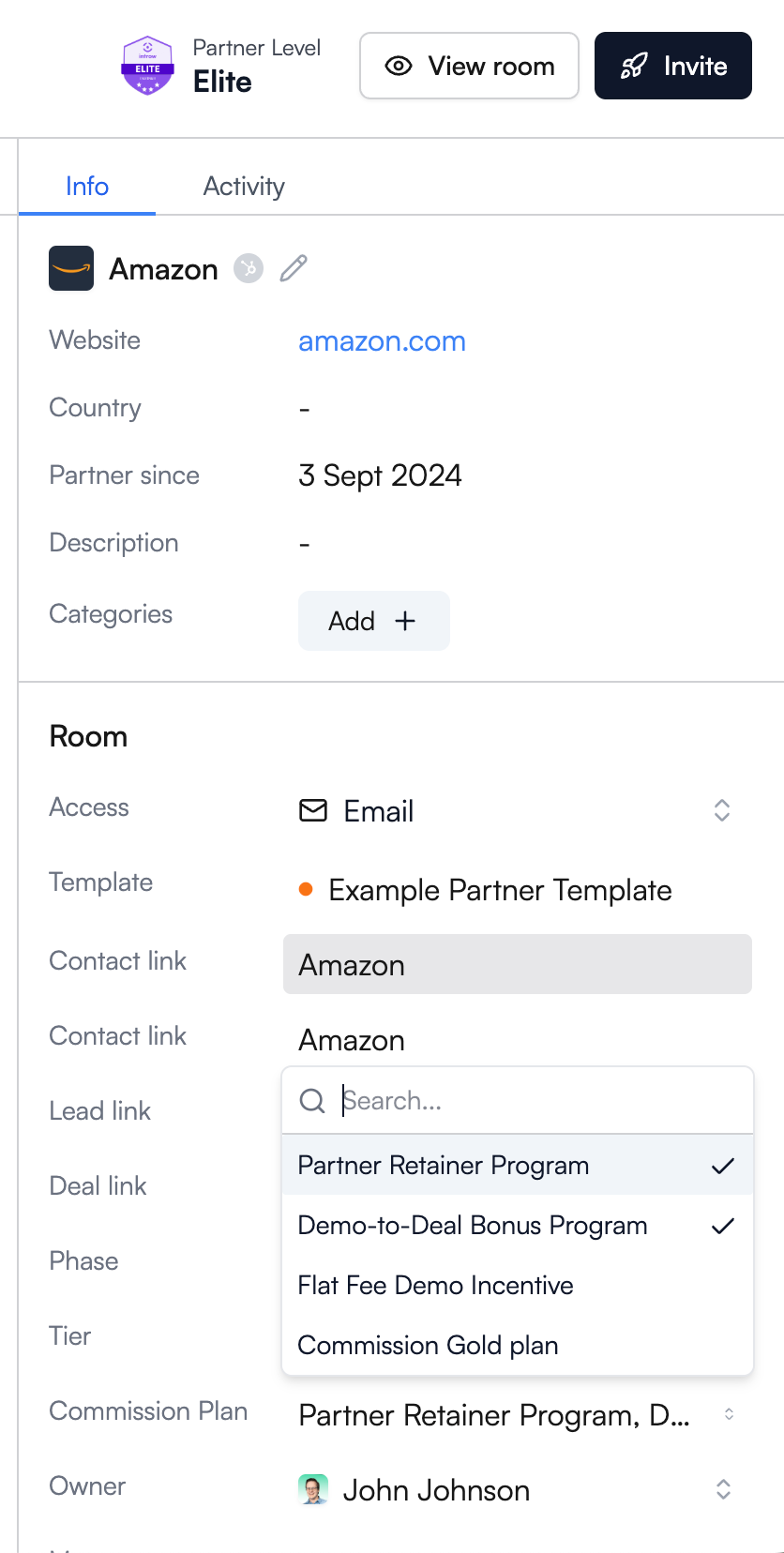
3. Partners see earnings in real time
Once the plan is active, partners can see expected earnings directly inside Introw.
Pending and confirmed rewards appear alongside deal information, helping partners stay focused on the opportunities that matter most.
4. Generate statements and collect invoices
When it’s time to pay, generate a statement with a few clicks.
Introw bundles eligible SPIFF rewards, sales commissions, and other payouts into a single statement. Partners can then upload invoices through the portal or simply reply to the notification email.
5. Approve payments and track everything
Every action is logged.
Partner managers and finance teams can review invoices, approve payments, and trace every reward back to the original CRM record. This creates a clear audit trail and simplifies reward distribution.
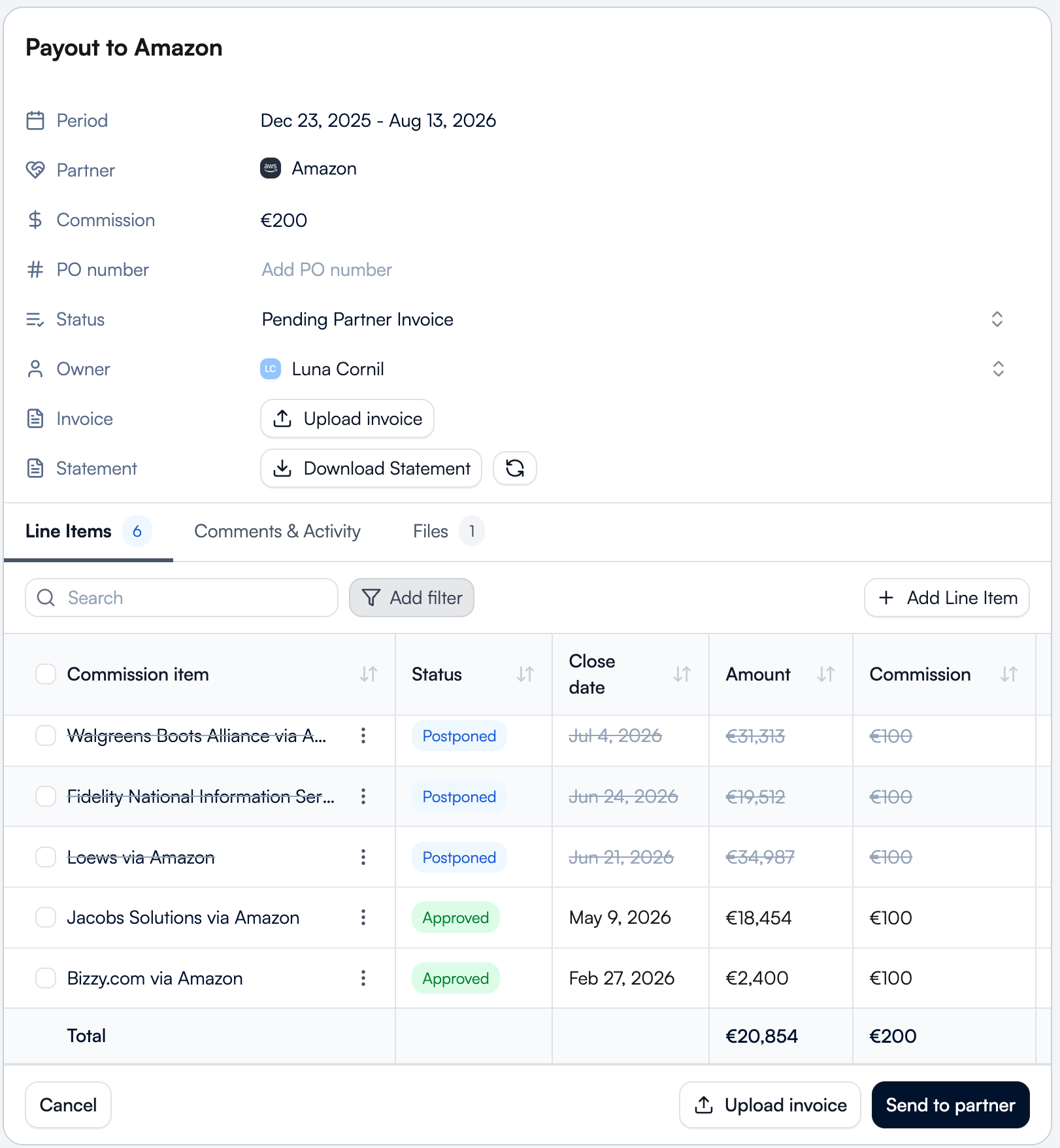
The commission overview ties it all together
The commission overview gives you one place to track SPIFF rewards, upcoming payments, and payout history.
Instead of managing spreadsheets, email chains, and separate systems, partner teams get a single source of truth for commissions, incentives, and partner earnings.
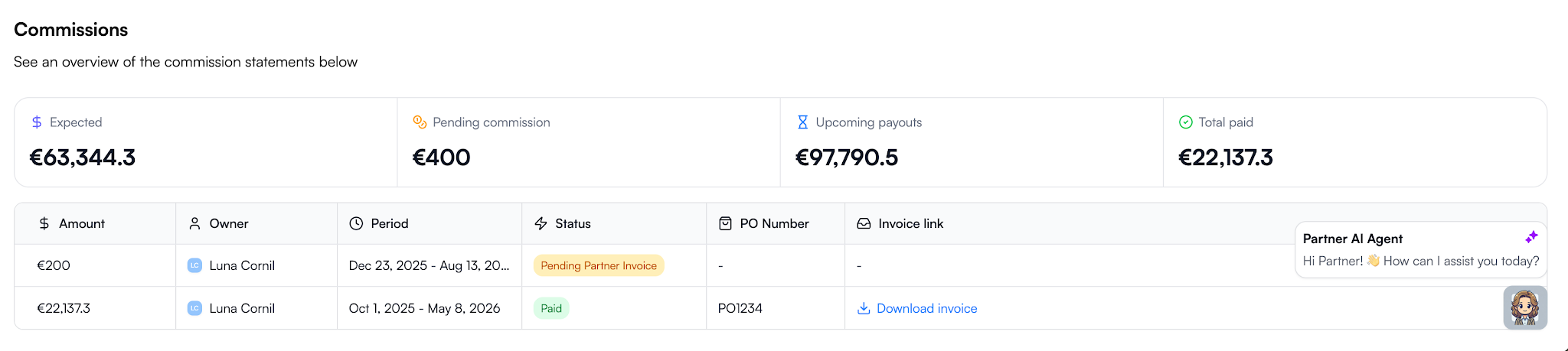
The result is a SPIFF program that’s visible to partners, tied directly to CRM data, and easy for finance teams to manage. Instead of tracking rewards across spreadsheets, email threads, and disconnected systems, everything lives in one workflow from deal registration to payout.
Ready to stop managing SPIFFs in spreadsheets? Request a demo and see how Introw automates partner incentives, commission tracking, invoicing, approvals, and payouts in one place.
15 MDF Best Practices for High-Impact Partner Programs
Why most MDF programs underperform
Most MDF programs don’t fail because the strategy is wrong. They fail because the operations around them are unclear, slow, or invisible to partners. Aligning early on expectations, ownership, and even the definition of MDF helps teams avoid the most common execution gaps.
The budget exists, but partners often don’t use it. In fact, roughly 60% of market development funds go unclaimed each year, not because partners aren’t interested, but because the process makes participation difficult.
.png)
Across many partner ecosystems, the same issues show up repeatedly:
- Channel partners don’t know funds are available
- The approval process takes too long
- Requests get lost in email or spreadsheets
- Marketing activities run without measurable outcomes
- Finance teams can’t track how marketing dollars were used
- Partner marketing teams can’t connect MDF investments to pipeline
Without structure, market development funds rarely support partner engagement or revenue growth. When MDF programs are tied to clear execution plans and measurable partner marketing campaigns, they become a predictable lever for demand generation instead of unused budget.
15 MDF best practices for SaaS partner programs
If you want market development funds to drive pipeline instead of sitting unused, you need a repeatable system. The following market development funds best practices are the framework strong SaaS teams use to make MDF programs predictable, measurable, and aligned with revenue.
.png)
1. Design your fund structure before you launch
Start with the question most teams skip: how should we allocate MDF in the first place?
Decide early whether MDF allocation is:
- Fixed per partner tier
- Performance-based
- Motion-based across reseller, referral, or integration channel partners
Also define:
- Eligible marketing activities
- Fiscal period (quarterly vs. annual)
- Whether unused MDF funds expire or roll over
Without this structure, approvals become inconsistent, and partners lose confidence in the program.
This is the foundation of strong MDF program management and best practices.
2. Make budget visibility self-service
Ask yourself this: can partners see their available budget without emailing you?
If not, adoption drops immediately.
Partners should always see:
- Total MDF allocation
- Pending requests
- Approved spend
- Remaining marketing budget
Real-time visibility improves partner engagement and increases participation in MDF campaigns faster than almost any other change you can make.
3. Build a standardized request form, not email
Inbox-driven requests slow everything down.
Instead, create a structured marketing development funds template partners complete before submitting requests. At minimum, capture:
- Campaign type
- Target audience
- Expected pipeline or qualified leads
- Timeline
- Budget requested
- Success metrics
When requests attach directly to CRM records, your MDF process becomes measurable from day one. Platforms designed for managing marketing development funds handle this automatically.
4. Set approval SLAs and default statuses
Partners don’t stop submitting requests because budgets are small. They stop because responses are slow.
Set a clear approval process, such as:
Submitted → Under review → Approved or declined
Then define an internal SLA, for example, five business days.
Predictability increases participation and improves demand generation activities across your partner ecosystem. It is one of the simplest MDF program best practices to implement.
5. Require a campaign brief, not just a budget ask
If a partner asks for marketing budget without a plan, pause.
Strong MDF programs require a short campaign brief that explains:
- What they want to run
- Who they want to reach
- What results they expect
- How the activity supports your strategic objectives
This improves strategic alignment and makes it easier to compare performance across MDF campaigns later.
6. Enable collaboration, not just approval
Approval is not execution.
After funding is approved, partners still need shared visibility into assets, timelines, and next steps. Otherwise, marketing initiatives disappear into email threads.
A structured collaboration environment improves partner marketing outcomes and keeps joint marketing initiatives visible across teams. It also strengthens ongoing partner engagement during campaign execution.
7. Link campaigns to deals and leads
Here’s the question leadership eventually asks: what did this spend actually generate?
If MDF campaigns are not connected to deals or sales leads, you cannot answer it.
Linking MDF-funded activities directly to pipeline turns market development funds into a measurable growth lever. It also helps channel managers understand which partners consistently generate qualified leads.
This is where many MDF programs break, and where the biggest gains usually happen. Make sure to use modern PRM that links all these activities directly in you CRM.
8. Track ROI automatically, not manually
If ROI lives in spreadsheets, you’re always reacting too late.
Modern MDF programs are being tracked directly in your CRM where you can connect spend directly to pipeline contribution so you can see which partners, campaigns, and marketing efforts drive revenue growth in real time.
That visibility helps you shift marketing investment toward activities that expand market reach and improve sales performance.
9. Gate future funds on proof of performance
A simple rule improves accountability quickly: show results before requesting more budget.
Ask partners to demonstrate:
- Campaign reach
- Lead generation
- Pipeline contribution
before approving additional MDF funds.
This ensures MDF investments support partners who execute and helps drive partner success across co-op programs and co-op funds.
10. Review and iterate quarterly
Treat MDF like a planning lever, not a reimbursement process.
Each quarter, review:
- Which partners used their allocation
- Which MDF campaigns generated pipeline
- Which marketing activities underperformed
These reviews strengthen your channel partner marketing strategy and make future MDF allocation easier to justify.
11. Segment MDF by partner motion, not just partner tier
Many teams allocate development funds by partner tier alone. That’s rarely enough.
Referral partners, resellers, and integration partners contribute differently to market development. Segmenting MDF allocation by motion improves market presence and ensures shared marketing resources support the right expected outcomes.
This is one of the most overlooked market development fund best practices.
12. Pre-approve high-performing campaign templates
Instead of reviewing every request from scratch, give partners a shortlist of proven campaign options.
Examples include:
- Co-branded campaigns
- Digital ads
- Local events
- Vertical webinars
Pre-approved templates reduce approval time and increase the likelihood of generating qualified leads.
They also help partners understand how to obtain marketing development funds faster because expectations are clear.
13. Tie MDF allocation to pipeline coverage targets
Not every region needs the same level of funding.
If pipeline coverage is weak in a segment or geography, allocate MDF funds there first. If another area already performs well, shift marketing investment elsewhere.
This ensures MDF allocation supports strategic priorities instead of spreading budget evenly across the partner program.
14. Combine MDF with incentive programs to change partner behavior
Funding alone doesn’t change behavior. Incentives do.
Pair MDF campaigns with structured channel partner incentive programs to encourage participation in demand generation campaigns and improve execution quality across channel partners.
This combination helps generate leads faster and strengthens overall partner performance.
15. Reserve budget for strategic initiatives, not reactive requests
Leave part of your development funds unallocated at the start of the quarter.
Use that reserve to support:
- New product launches
- Expansion into new regions
- Demand generation for priority segments
- Initiatives that increase brand visibility
This ensures MDF investments stay aligned with long-term strategic priorities instead of being consumed by opportunistic requests.
MDF request form template and checklist
A strong MDF request form does two things at once.
It makes approvals faster for your team, and it makes it easier for partners to submit campaigns that actually generate pipeline.
Without a structured request format, MDF campaigns become hard to evaluate, hard to compare, and almost impossible to attribute later.
A standardized marketing development funds template fixes that by ensuring every request captures the information needed to support demand generation, track sales performance metrics, and align spend with strategic objectives.
Use the template below as a default structure inside your partner program.
.png)
MDF request form checklist
Use this checklist to confirm your MDF process captures everything required for attribution and execution:
.png)
In a CRM-connected workflow, this structure also gives both you and your partners real-time visibility into MDF campaigns from request through execution and attribution, which is what makes modern MDF programs scalable.
Where Introw comes in
If you follow the framework above, your MDF program becomes structured. What most teams still struggle with is proving what that structure actually produces.
Introw closes that gap by connecting MDF requests directly to the partners, campaigns, and deals they are meant to influence inside your CRM. Instead of tracking approvals separately from pipeline, everything lives in one workflow.
That changes how MDF programs operate day to day:
- Partners submit structured requests without email back-and-forth
- Every request attaches automatically to the right partner and campaign
- Approvals follow a consistent approval process instead of ad-hoc routing
- Both you and your channel partners see available MDF funds in real time
- Marketing campaigns link directly to qualified leads and influenced deals
- ROI updates automatically as pipeline moves
This is what makes market development funds (MDF) measurable.
When a deal is generated or closed, you can see whether MDF supported it. When planning next quarter’s MDF allocation, you can see which partners generated pipeline and which marketing initiatives did not.
It also changes adoption. Because partners can see their allocation, submit requests quickly, and stay aligned on campaign execution, MDF funds get used instead of sitting unused across the partner ecosystem.
For a partner marketing manager managing Market Development Funds, that means fewer spreadsheets, clearer attribution, and better conversations with leadership about where marketing investment should go next.
If you want to see how structured MDF programs work when requests, approvals, campaigns, and pipeline all stay connected in one place, request a demo today.
Latest articles
12 Best Partner Portal Software Platforms: Features, Fit, and Gaps
What is a partner portal, and why and when do you need one
A partner portal is a secure space where your partners access the tools, data, training, and marketing materials they need to sell with you.
Modern partner portal software connects deal registration, partner onboarding, partner marketing, and CRM visibility in one platform so your team can manage relationships and revenue without spreadsheets.
Why and when you need one
You need a partner portal when your partner program starts influencing real sales. If your team is manually updating deals, your resellers need controlled access to pipeline data, or you cannot clearly tie partner engagement to revenue, manual processes will slow your business down.
The right partner portal software gives your partners access to relevant deals and support while keeping Salesforce or HubSpot as the single source of truth. That balance is what drives adoption, visibility, and scalable channel growth.
So what separates average partner portal software from the best partner portal software for your business?
It comes down to adoption, CRM alignment, and how well the portal supports your partners in real selling situations.
The Shortlist: Best Partner Portal Software (2026)
Here's our shortlist of partner portal software platforms worth comparing in 2026, starting with the option built specifically for SaaS channel programs.
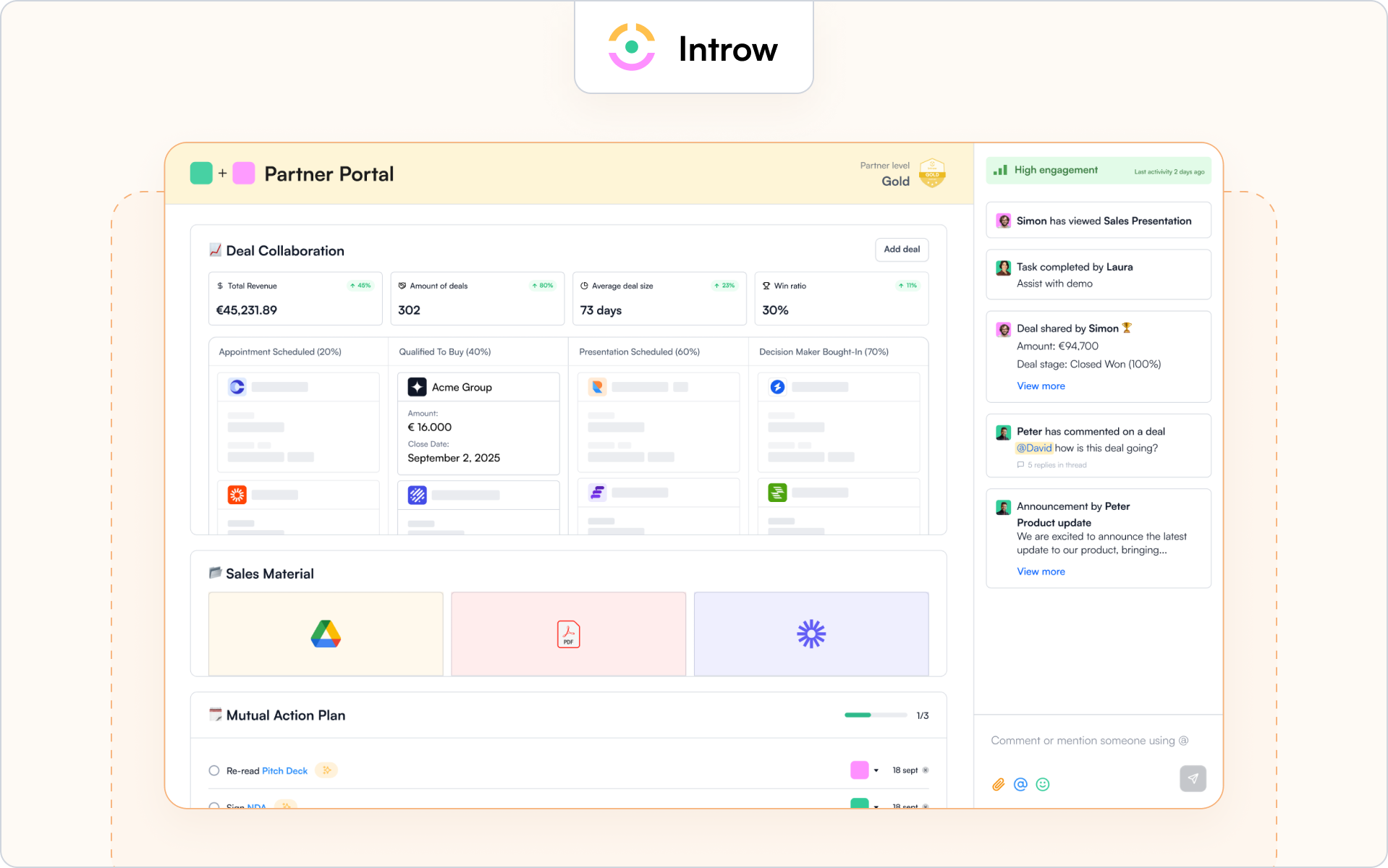
1. Introw partner portal
Best for
SaaS partner programs that care about adoption, CRM trust, and measurable revenue impact.
Why it’s a fit for portals
The Introw partner portal is built specifically for external partner use. It gives your partners controlled access to deals, leads, marketing materials, and training while keeping your CRM as the single source of truth.
Unlike traditional partner relationship management software that operates beside your CRM, Introw works inside it. Your partner portal reflects real Salesforce or HubSpot data with permission-based visibility. Your business data stays protected, and your partners see only what is relevant to them.
If adoption is your priority, this matters. Partners can engage through email and Slack without constantly logging in. When they reply by email, activity is logged automatically, so your team sees partner activities without chasing updates.
You can explore the full experience on Introw’s partner portal.
Highlights
Introw focuses on the practical elements that drive partner experience and revenue clarity. The portal connects your partner program directly to your CRM so you can manage deals, engagement, and performance in one platform.
- White-label branding and SSO so the portal reflects your brand
- Granular access controls for channel partners, resellers, and distributors
- Real-time deal registration and partner-safe pipeline views via our Salesforce integration or HubSpot integration
- Embedded Partner LMS for partner onboarding, certifications, recert windows, and AI-powered course creation
Because the portal is CRM-native, your sales team and internal teams do not need to reconcile data across disconnected tools. You get better reporting, clearer attribution, and visibility into how partners sell and influence deals.
If you want the broader category view, this guide to the best PRM software is a helpful companion.
Considerations
Introw is not designed as a heavy enterprise suite with complex incentive engines or layered distributor rebate structures. It focuses on adoption, clean CRM alignment, co-selling workflows, and partner enablement for SaaS channel programs.
If your channel programs rely heavily on advanced incentive modeling or carrier-style rule complexity, you should validate fit carefully.
Pricing note
Introw is structured to support external partner access without charging for casual logins. If you want to see how it works inside your CRM, you can request a demo.
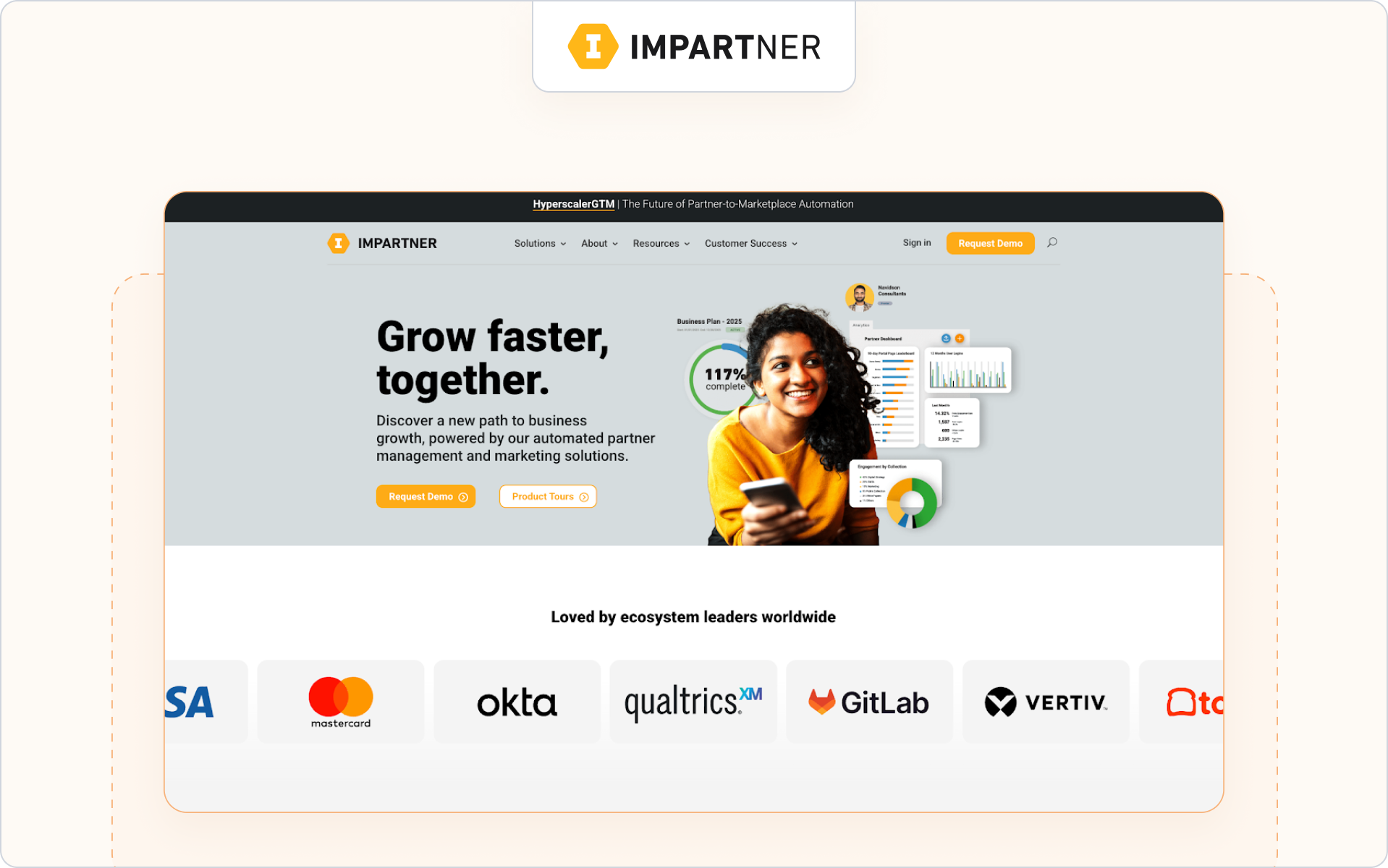
2. Impartner
Best for
Enterprise companies running large, multi-tier channel programs across regions and partner types.
Why it’s a fit for portals
Impartner is a long-standing partner relationship management software provider with a robust portal module. Its partner portal is designed to support complex channel programs, including distributors, resellers, and global alliances.
The platform emphasizes structured governance, automation, and scale. If your portal sits inside a broader enterprise PRM strategy, Impartner is often on the shortlist.
Highlights
- Configurable portal with role-based access and SSO
- Built-in deal registration workflows and approval routing
- Program management tools for tiers, incentives, and partner performance
Considerations
Impartner’s depth can mean a heavier setup and ongoing administration. If fast partner adoption and lightweight workflows are your priority, validate how complex the experience feels for your partners.
Pricing note
Enterprise pricing. Typically requires direct consultation.
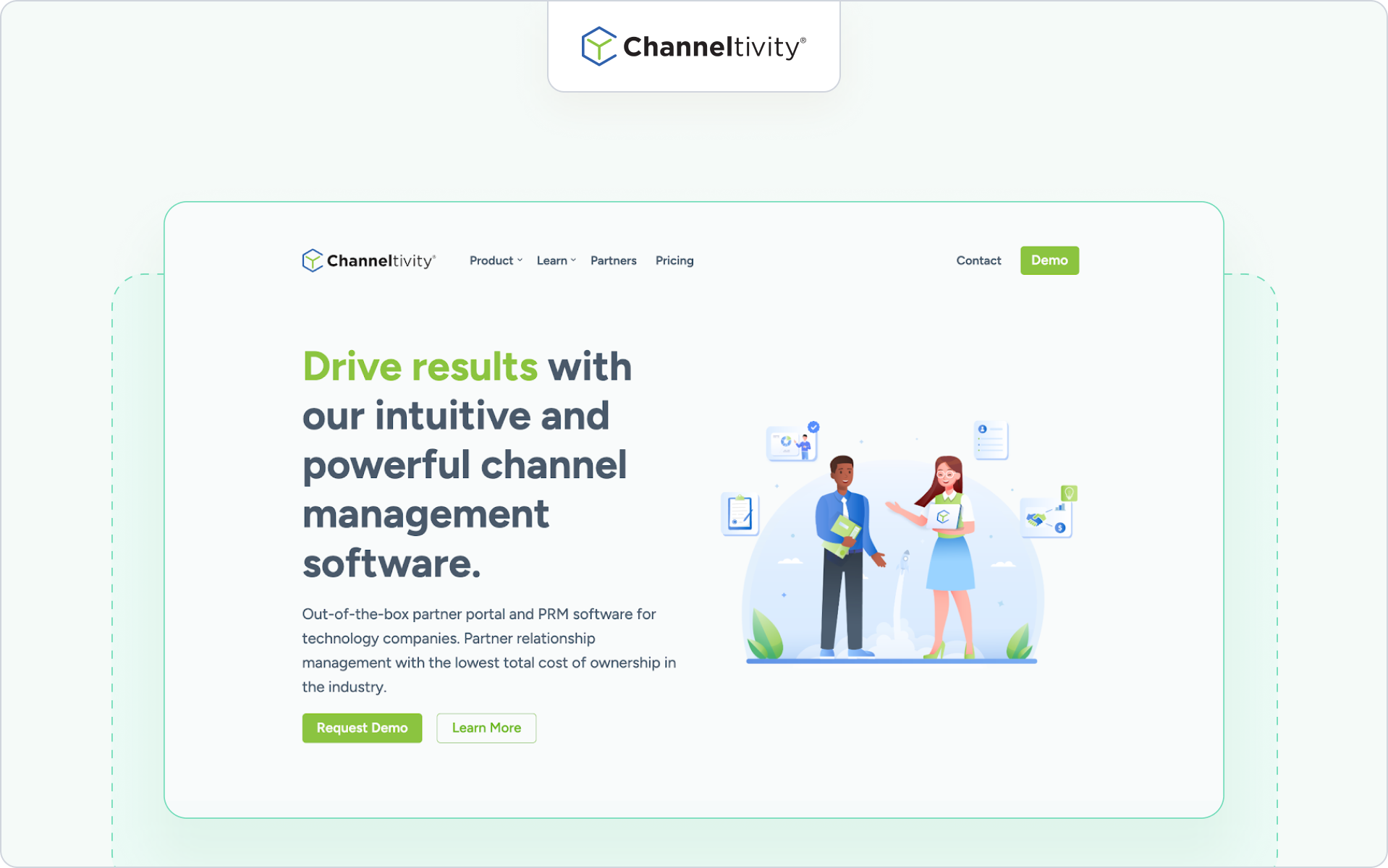
3. Channeltivity
Best for
Mid-market companies that want a clean partner portal combined with core PRM functionality.
Why it’s a fit for portals
Channeltivity positions its portal as a structured, self-service environment for channel partners. It supports deal registration, content access, training, and partner communication within a straightforward interface.
If you want partner portal software that balances functionality and usability without heavy enterprise overhead, this is a practical option.
Highlights
- Branded partner portal with permission-based access
- Deal registration and lead distribution workflows
- Resource libraries and training modules
Considerations
If your business relies heavily on advanced partner marketing automation or distributor-level complexity, validate how far the portal can scale with your channel strategy.
Pricing note
Public tiered pricing is available on their website.
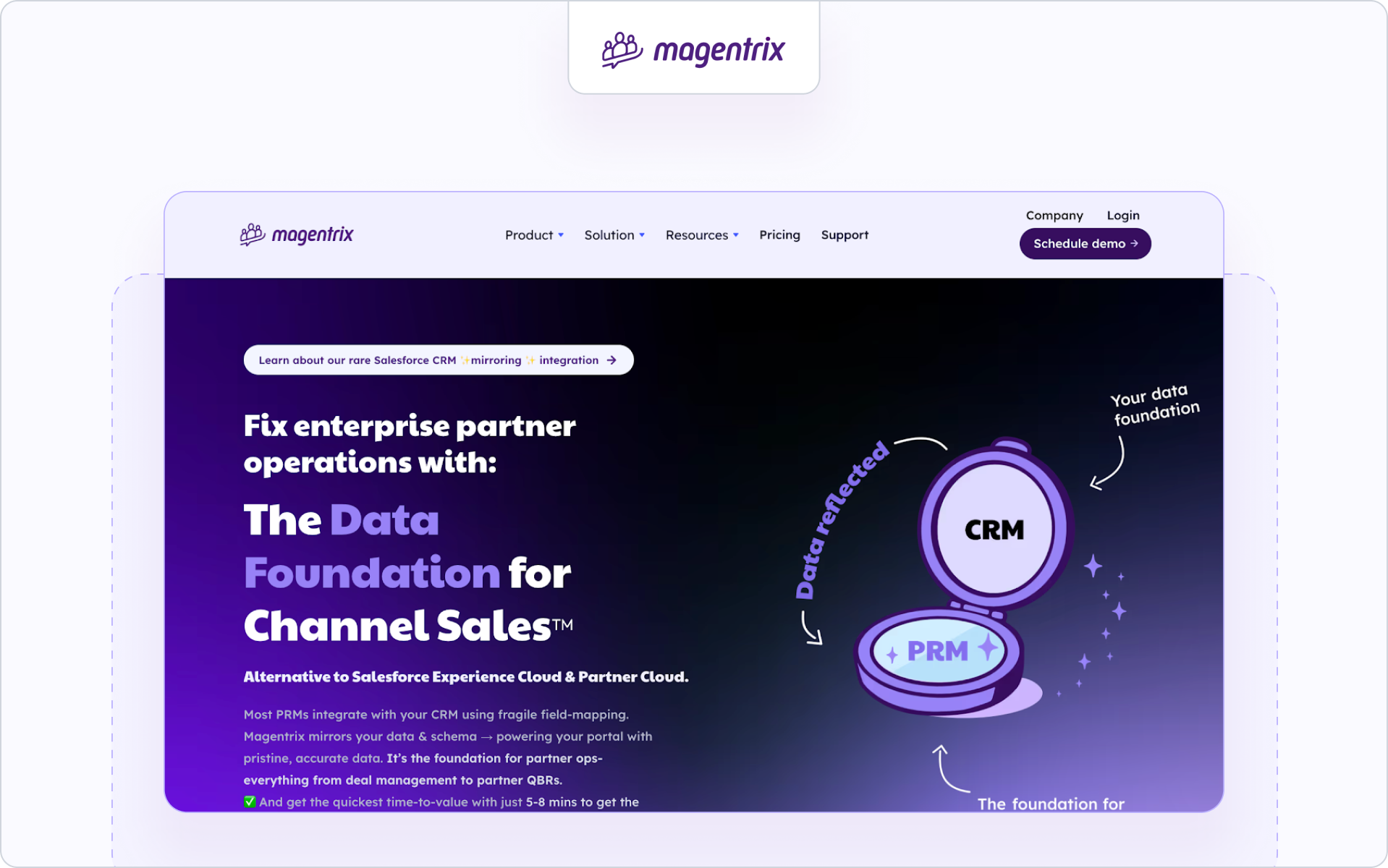
4. Magentrix
Best for
Salesforce-centric teams that want a flexible, community-style partner portal.
Why it’s a fit for portals
Magentrix offers partner portal software that integrates closely with Salesforce and can leverage Experience Cloud foundations. It combines portal capabilities with structured partner relationship management features.
If your business is deeply invested in Salesforce and you want strong layout customization, Magentrix can be a strong fit.
Highlights
- Salesforce-integrated deal and account visibility
- Customizable portal layouts and dashboards
- Training and onboarding modules
Considerations
Portal experience and reporting depth may depend on your internal Salesforce configuration capacity. Admin resources matter here.
Pricing note
Pricing is structured in tiers and typically requires consultation.
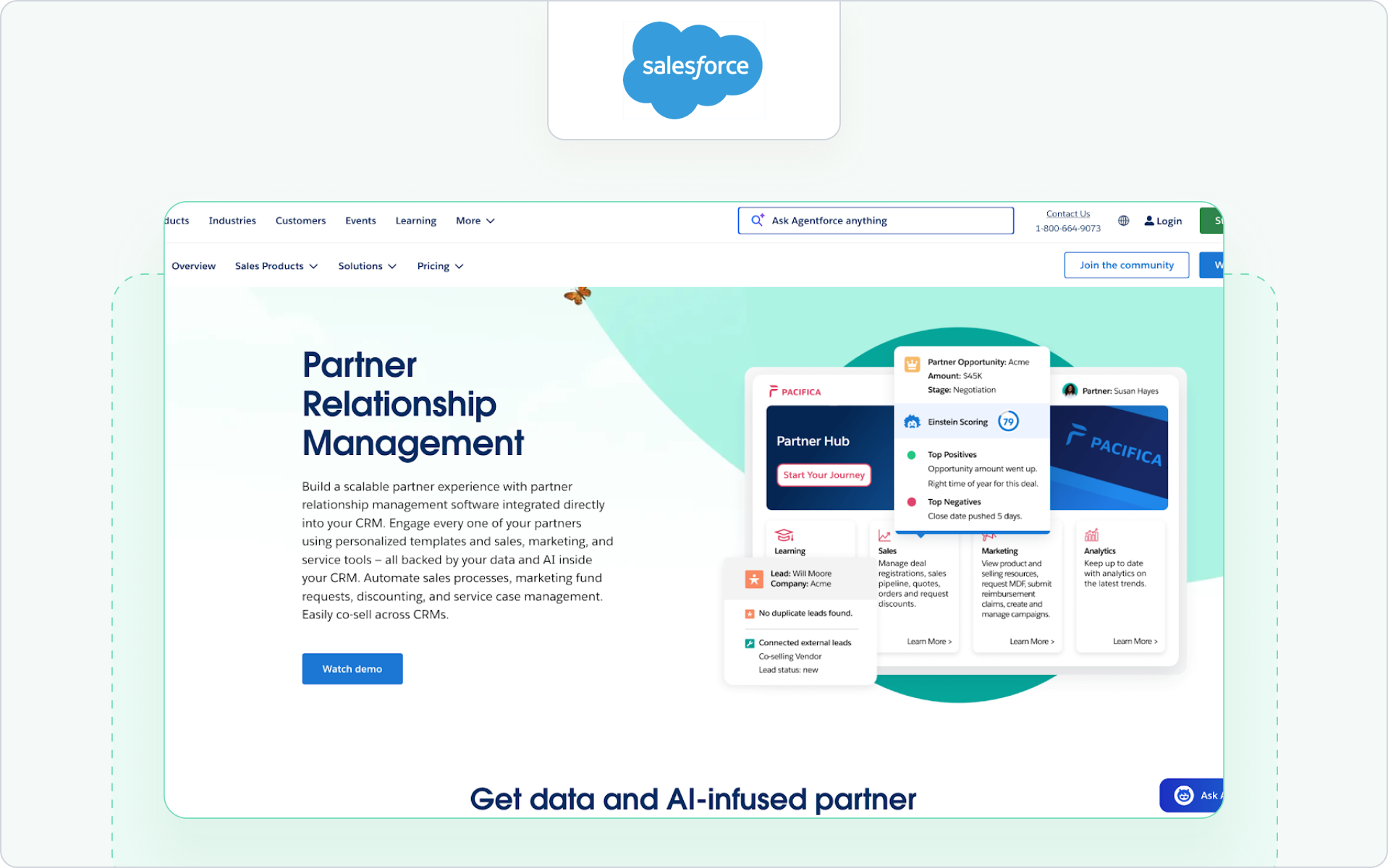
5. Salesforce PRM (Experience Cloud)
Best for
Organizations that want their partner portal fully embedded in the Salesforce infrastructure.
Why it’s a fit for portals
Salesforce PRM is built on Experience Cloud and allows you to create a partner portal directly inside your CRM environment. For Salesforce-first companies, this offers deep control over data access, workflows, and reporting.
This approach works well if your internal teams are comfortable managing Salesforce configurations and you want your partner portal tightly aligned with sales operations.
Highlights
- Direct CRM data access with granular role-based permissions
- Native deal registration and lead sharing
- Custom dashboards and reporting tied to sales performance
Considerations
Implementation and maintenance can be resource-intensive. If you want a fast-to-launch partner portal with minimal configuration, this route may require more internal support.
Pricing note
Pricing is typically per partner user license and varies by edition. Consultation with Salesforce is required for exact figures.
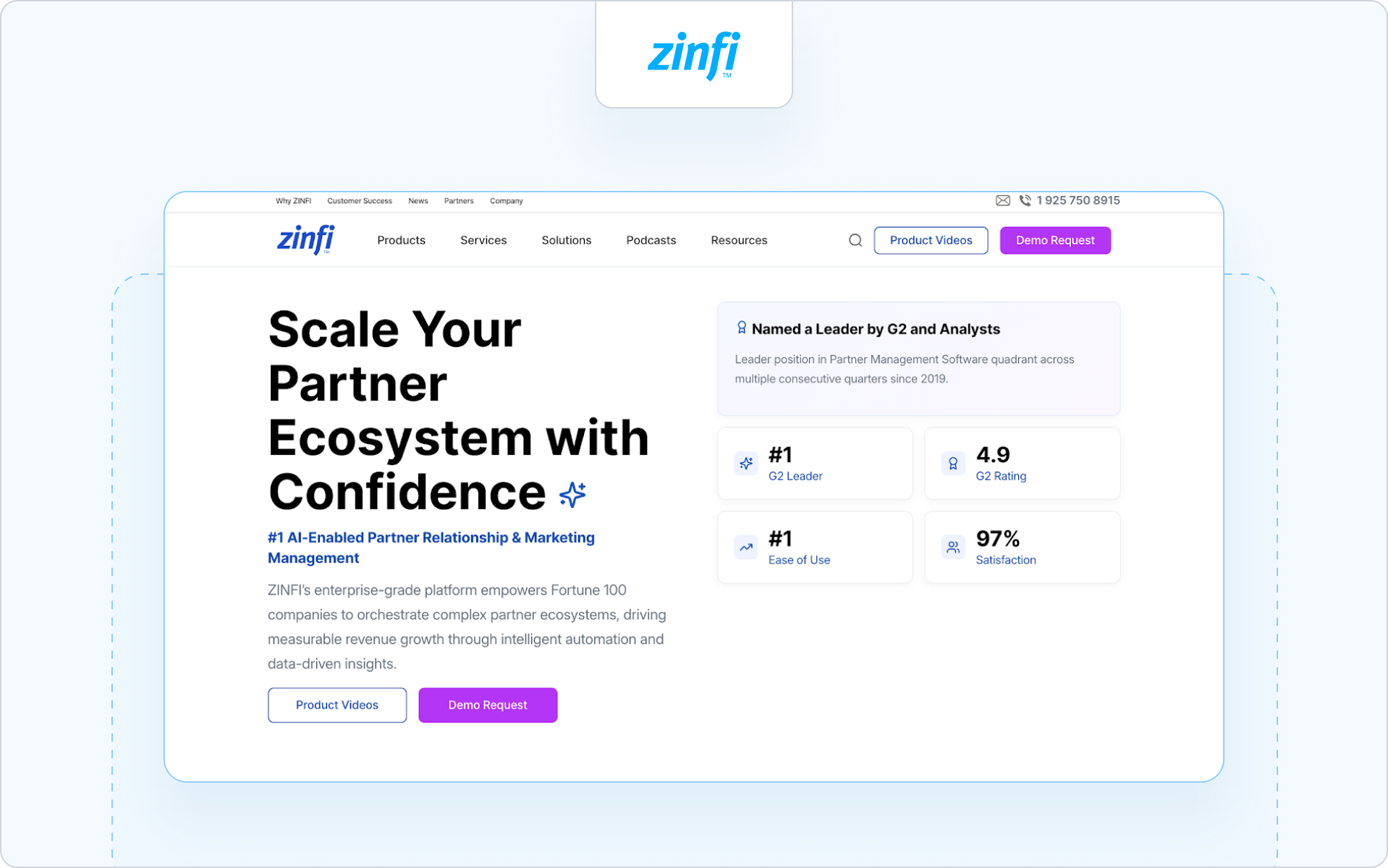
6. ZINFI
Best for
Organizations that want a full PRM suite with structured partner lifecycle management and global channel programs.
Why it’s a fit for portals
ZINFI positions its Unified Channel Management platform as an end-to-end partner relationship management solution. Its partner portal sits inside a broader system that supports complex channel programs across regions and industries.
If your partner portal is one layer inside a larger partner tech stack, ZINFI is often evaluated.
Highlights
- Structured deal registration and partner onboarding workflows
- Built-in learning management and certification modules
- Channel marketing automation with analytics for partner performance
Considerations
Because ZINFI is a comprehensive platform, portal experience and speed of rollout may depend on how much configuration your internal team can support.
Pricing note
Pricing is typically customized based on modules and scale.
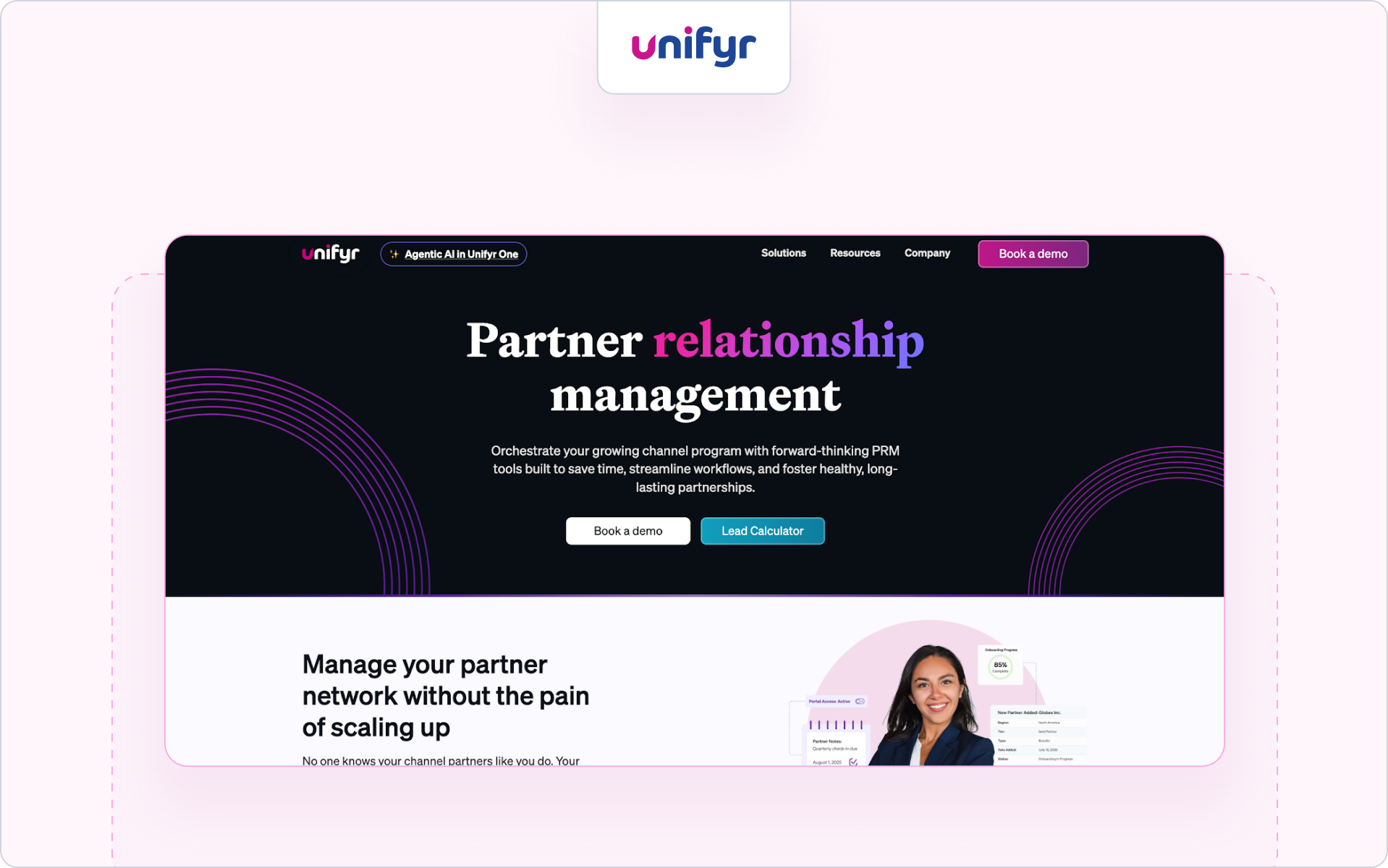
7. Unifyr
Best for
Vendors and distributors that prioritize through-channel marketing automation alongside their partner portal.
Why it’s a fit for portals
Unifyr combines PRM functionality with through-channel marketing automation. The partner portal is designed to support structured partner communication, campaign distribution, and co-branded marketing assets across large distributor networks.
This makes it a frequent contender for the best partner portal software for technology distributors that need marketing reach across multiple partners.
Highlights
- Integrated portal with deal registration and partner marketing workflows
- Campaign distribution and co-branded marketing assets
- Built-in learning and enablement features
Considerations
If your priority is CRM-native pipeline visibility and streamlined co-selling, validate how tightly reporting and attribution connect to your CRM.
Pricing note
Pricing is typically available upon request.
8. Mindmatrix (Bridge)
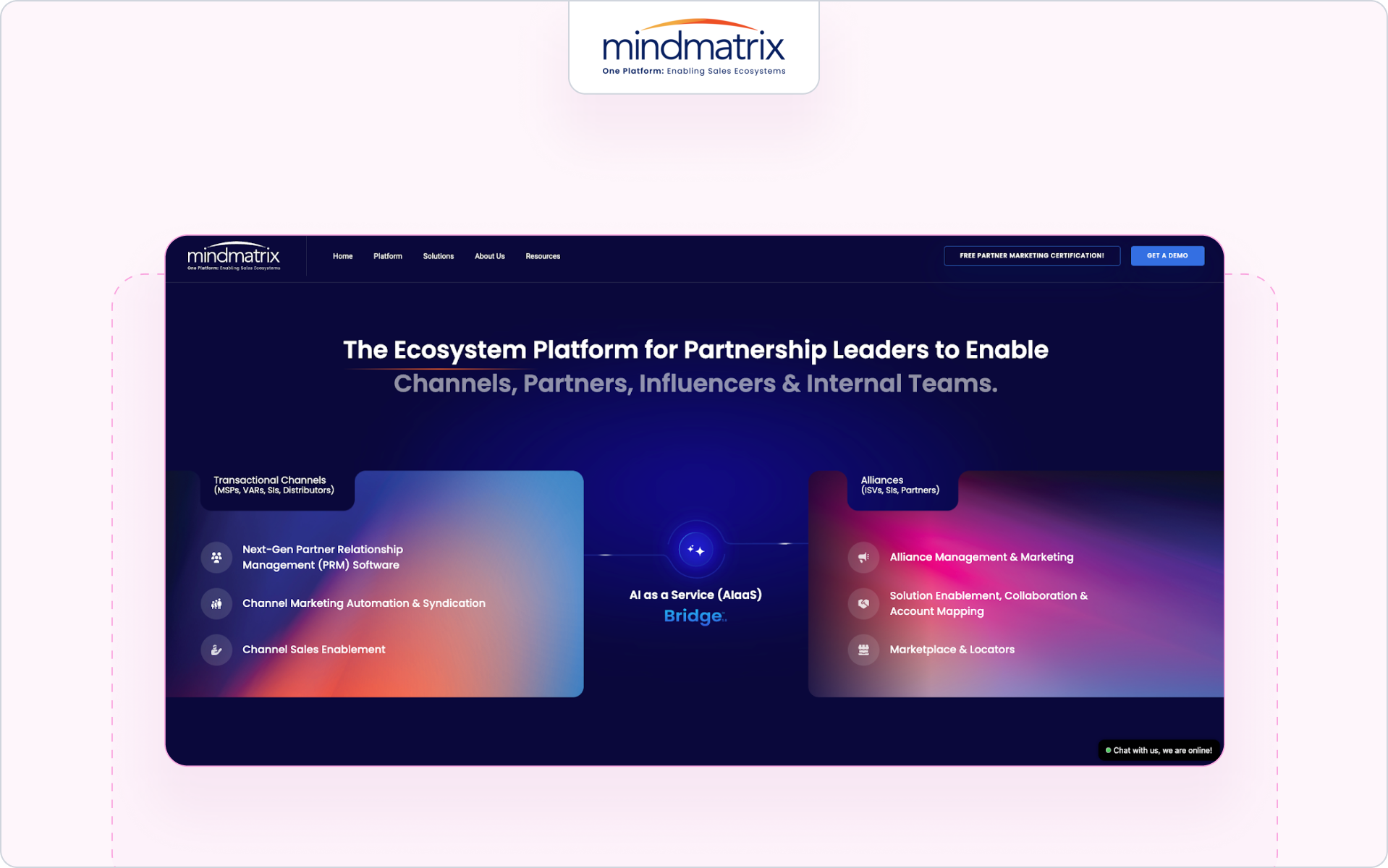
Best for
Companies that want a portal focused on sales enablement and partner marketing activation.
Why it’s a fit for portals
Mindmatrix blends partner portal functionality with marketing automation and enablement tools. The portal becomes a structured hub where partners access marketing materials, training, and sales content in one platform.
If your focus is driving partner engagement through marketing tools and guided selling workflows, this approach can fit well.
Highlights
- Resource hubs with trackable marketing materials
- Training and coaching modules
- Campaign and content distribution to help partners sell
Considerations
If your business requires deep CRM alignment for deal visibility and better reporting tied directly to revenue, confirm how data sync is handled.
Pricing note
Pricing varies by configuration and partner scale.
9. PartnerStack
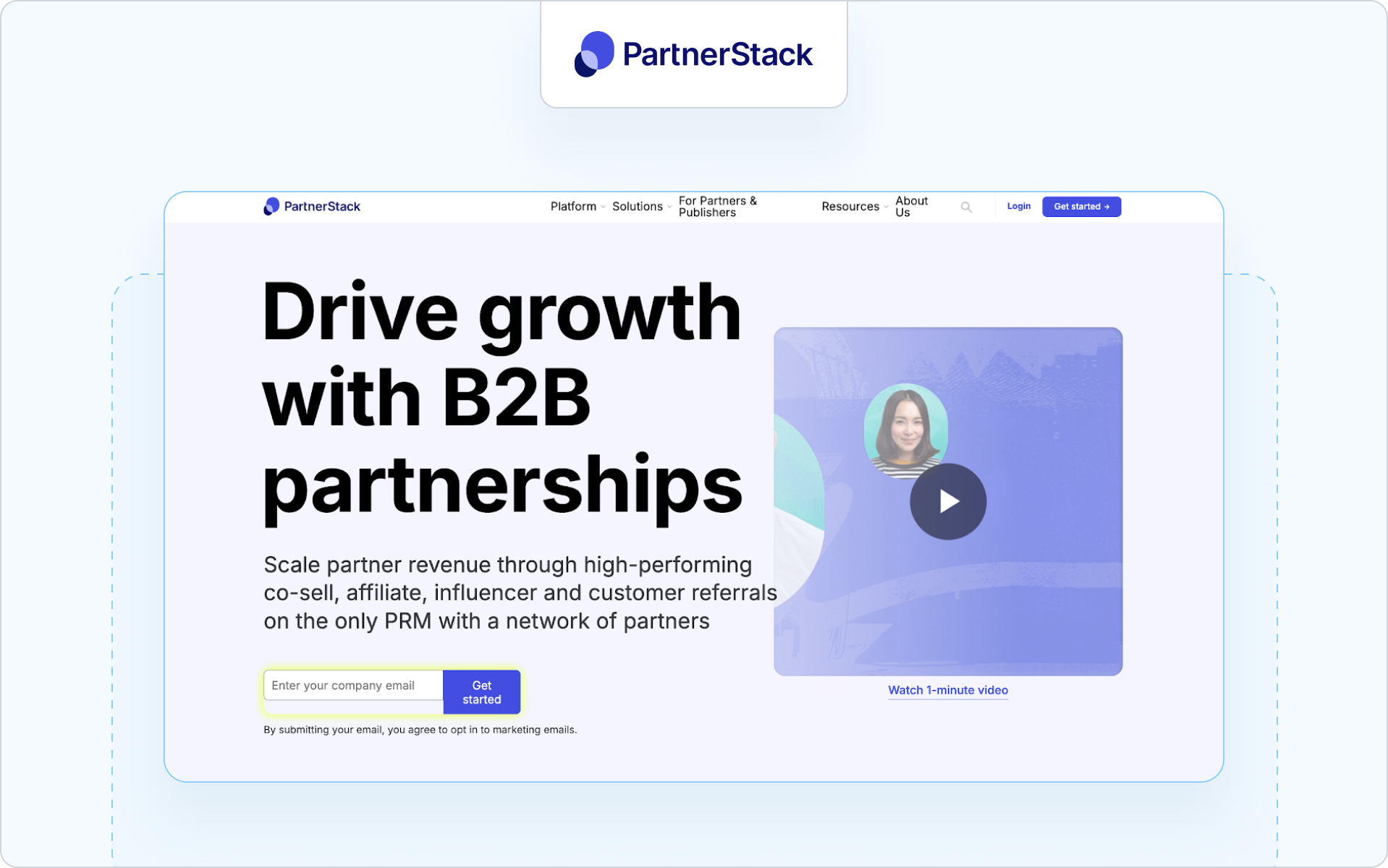
Best for
Companies running partner-led growth programs across affiliates, agencies, and SaaS resellers.
Why it’s a fit for portals
PartnerStack is less a traditional reseller portal and more a partner ecosystem platform focused on acquisition and performance tracking. It supports programs where incentives, referrals, and partner performance measurement drive growth.
If your channel programs revolve around partner recruitment and performance marketing rather than structured reseller co-selling, this model may align.
Highlights
- Marketplace-style partner recruitment and onboarding
- Automated tracking of referrals and conversions
- Incentive and payout management
Considerations
If you need structured deal registration, CRM-aligned pipeline access, and deep collaboration between partners and your sales team, validate fit carefully.
Pricing note
Pricing is typically customized based on program structure.
10. Channext
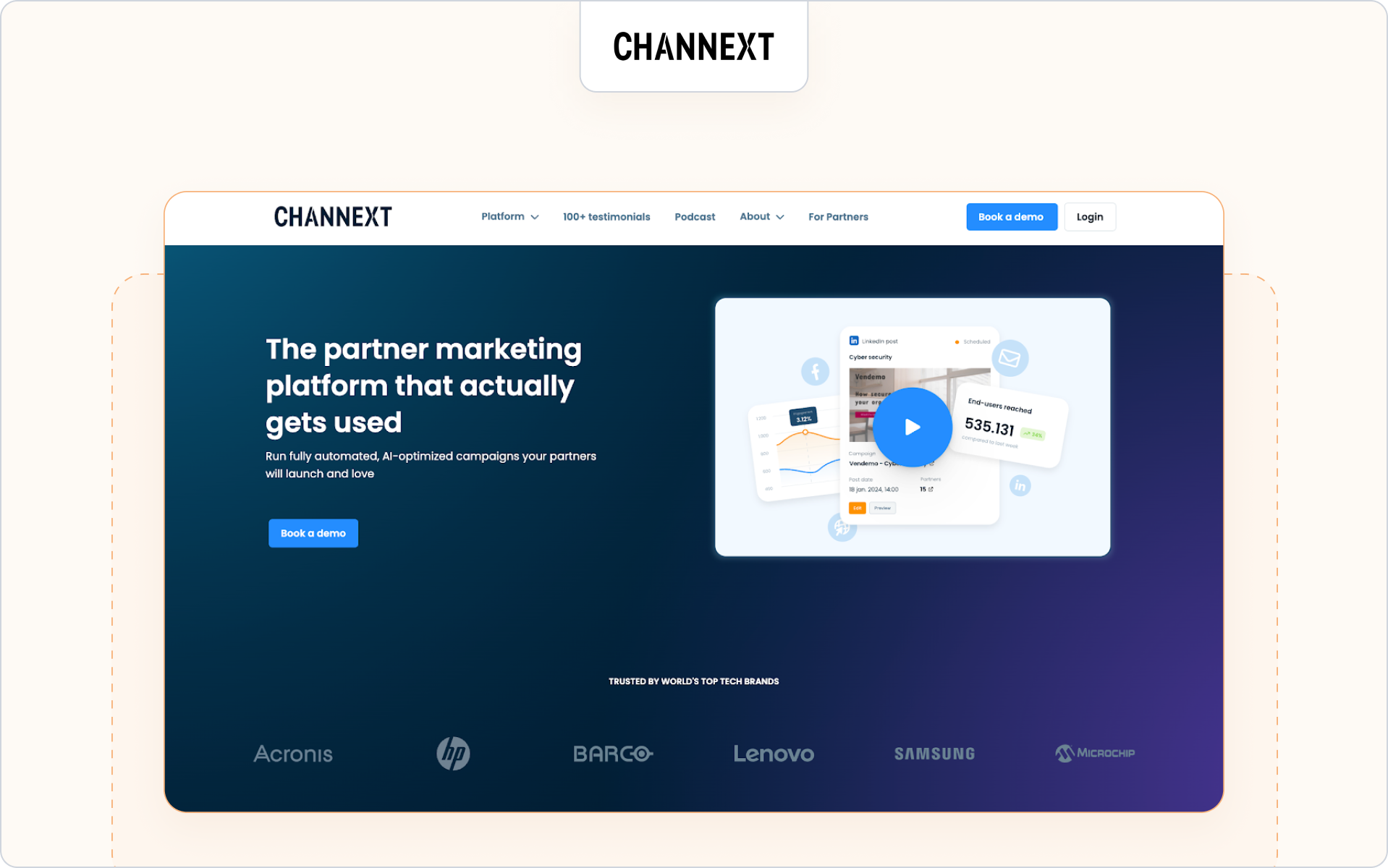
Best for
Vendors that prioritize partner marketing and campaign distribution across resellers and distributors.
Why it’s a fit for portals
Channext focuses heavily on partner marketing automation. Its portal-like environment enables partners to quickly find and activate marketing materials, campaigns, and co-branded marketing assets.
If your channel strategy is built around helping partners sell through ready-to-use marketing tools, Channext can act as a partner portal automation software layer focused on activation rather than deep CRM workflows.
Highlights
- Campaign distribution across resellers and distributors
- Central hub where partners access marketing materials
- Analytics tied to engagement and marketing performance
Considerations
If your business needs advanced deal registration, structured co-selling, or deep CRM-based collaboration, confirm how well Channext connects to your broader partner tech stack.
Pricing note
Pricing is typically provided upon request.
11. Kiflo
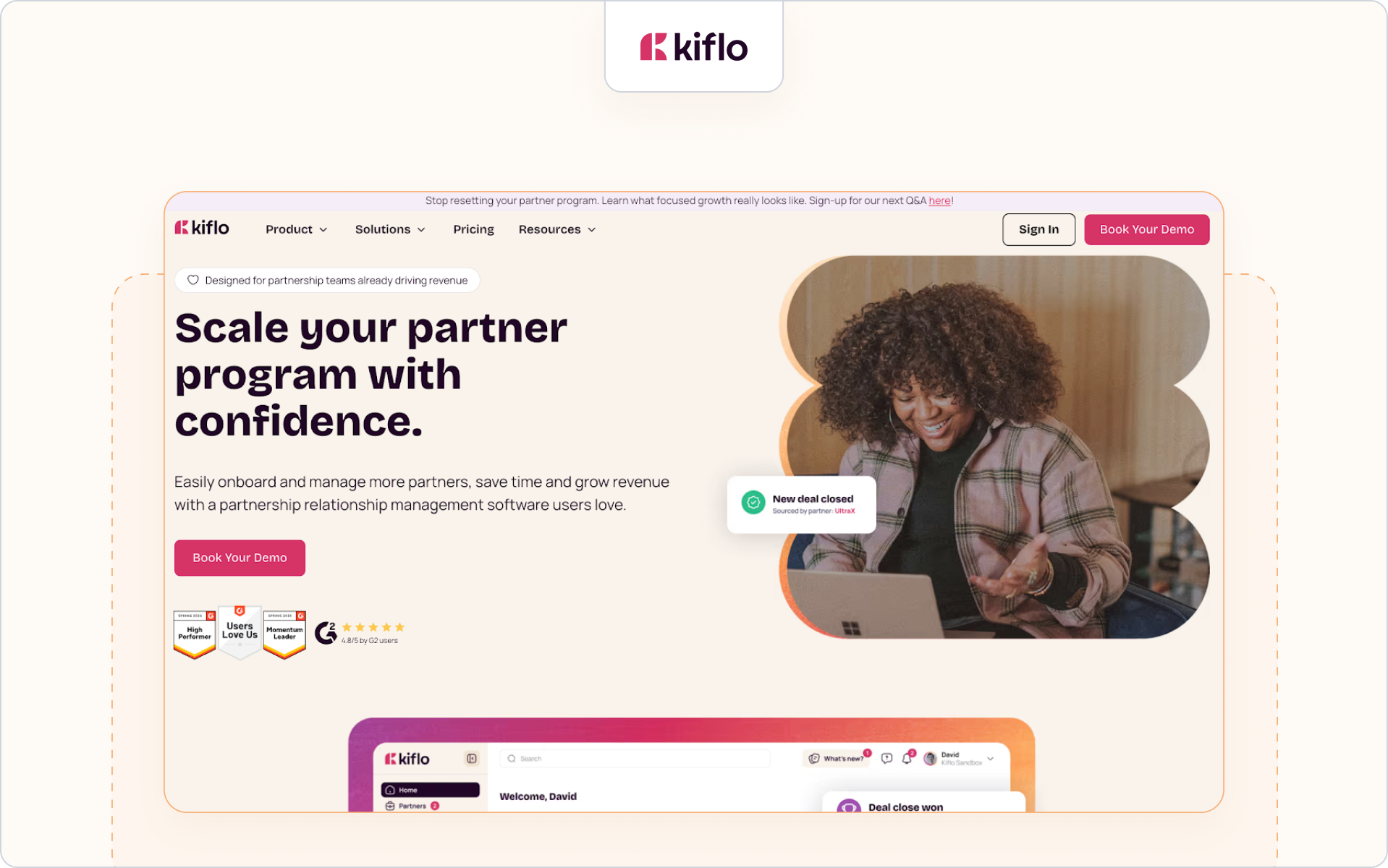
Best for
SMB SaaS companies launching or formalizing their first structured partner program.
Why it’s a fit for portals
Kiflo positions itself as a lightweight partner relationship management platform with built-in portal capabilities. It is designed to help smaller companies manage partnerships, track leads, and support partner onboarding without heavy enterprise overhead.
If you are building your first formal partner portal software solution and want a simpler approach to register deals and manage relationships, Kiflo may fit.
Highlights
- Straightforward deal registration and lead tracking
- Basic partner onboarding and training tools
- Dashboard views to help your team manage partner activities
Considerations
As your partner ecosystem grows, you may need more advanced CRM-native controls, partner communication automation, and deeper reporting to scale revenue across a larger industry footprint.
Pricing note
Tiered pricing is available, typically aligned to partner count and feature depth.
Main takeaways
The best partner portal software depends on your business model and how your partners sell.
- If you run complex channel programs with layered incentives, enterprise platforms may fit.
- If your focus is partner marketing activation, choose a portal built around campaigns and content distribution.
- If adoption, CRM alignment, and clean deal visibility matter most, prioritize software that keeps your CRM as the single source of truth.
Above all, choose a partner portal your partners will actually use. Adoption drives engagement. Engagement drives revenue.
Choosing your partner portal software is step one; getting partners to use it is step two.
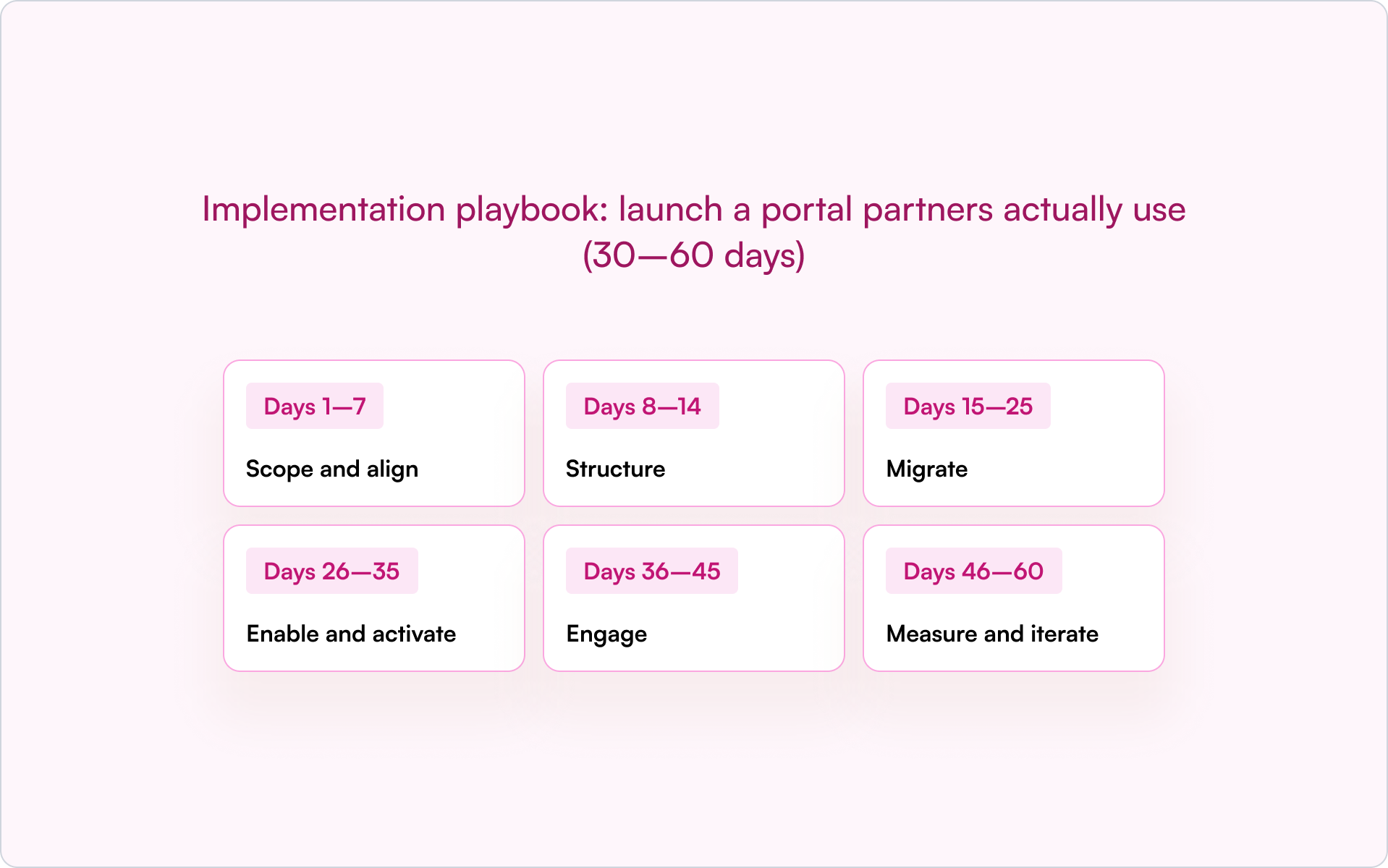
A structured rollout is what turns a portal into real adoption, deal registration, and measurable revenue impact. Here is our practical 30–60 day implementation playbook you can execute.
Implementation playbook: launch a portal partners actually use (30–60 days)
Treat your partner portal software rollout like a structured launch. Here is a practical 30–60-day framework you can follow.
If you want to validate your CRM setup before launch, this guide to the top partner management CRM can help you align reporting, deal visibility, and revenue tracking.
A structured rollout increases adoption. Adoption drives engagement. Engagement drives revenue.
If this framework feels heavy, it usually means your portal and your CRM are not aligned.
The right partner portal software reduces complexity instead of adding to it. It makes deal registration, partner onboarding, and CRM visibility part of one connected workflow.
Here’s how Introw approaches that model in practice.
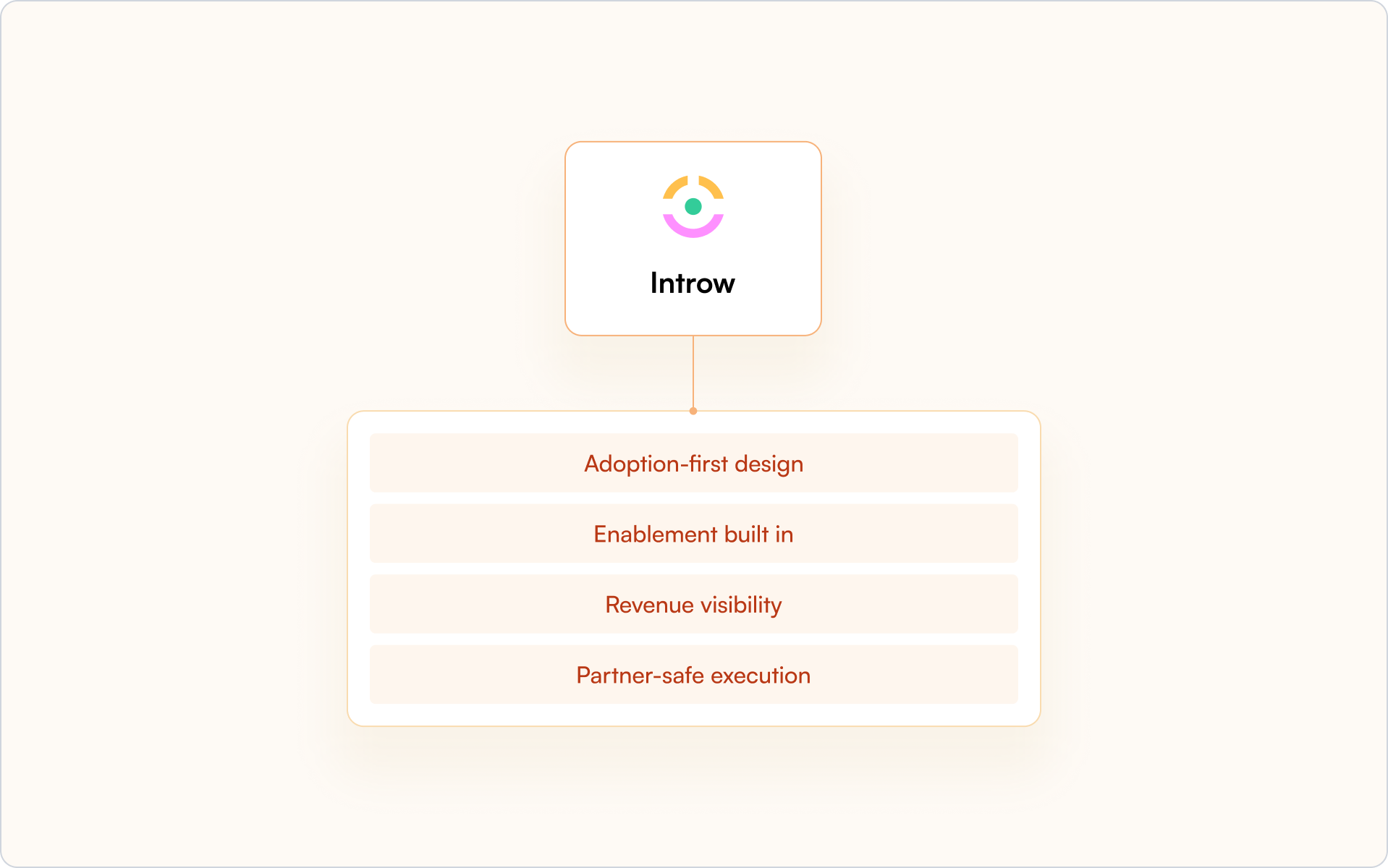
Why Introw is a top pick for partner portals (quick proof)
You’ve seen the landscape. Now here’s the difference. Introw is built around one idea: adoption drives revenue.
Adoption-first design
Your partners do not need another login. Announcements go out via email or Slack. Partners can reply by email, and their activity is logged automatically. Engagement happens where they already work.
Enablement built in
Create training in minutes with the AI course builder. Issue one-click certificates. Bulk enroll cohorts. Set recert windows. Partner onboarding and partner enablement live inside the portal, not in disconnected tools.
Revenue visibility
Completions, certifications, and content influence write back into Salesforce or HubSpot. Your CRM stays the single source of truth. Your sales team and internal teams see real partner impact.
Partner-safe execution
Surface deal registration clearly. Let partners register deals and collaborate through shared pipeline views with field-level safelists and SSO controls.
What you can do next
- Audit your current portal against the 30–60 day playbook
- Identify where adoption breaks down
- Decide whether your current partner portal software supports CRM-native visibility
If you want to learn how to enable your partners, request a demo today.
Because in the end, the best partner portal software is the one your partners actually use.
14 Partner Enablement Training Metrics to Track in 2026
Most partner teams can tell you how many partners completed training last quarter. Far fewer can tell you whether that training actually led to more deals, faster ramp times, or higher revenue per partner through proper partner analytics.
That gap — between activity and impact — is where enablement programs stall. In this guide, you’ll get a focused set of partner enablement training metrics to track, how to separate leading indicators from lagging ones, and how to wire the whole thing into your CRM so you can defend enablement spend with revenue outcomes.
Why partner enablement training metrics matter
Partner enablement training metrics are the KPIs that show whether your onboarding, training content, and certifications translate into real partner performance. If you’re building a channel like a founder builds a product, these metrics are your instrumentation — they tell you what’s working, what’s broken, and where your next iteration should go.
The common failure mode is measuring “inputs” (courses published, partners invited, sessions delivered) but not “outputs” (pipeline created, deals closed, revenue retained). When leadership asks, “Is this working?” you end up assembling a last-minute spreadsheet instead of opening a dashboard with a clear story.
The right partner enablement training metrics to track close that gap. They help you:
- Prove ROI on training and certification investments.
- Identify stuck partners early (before churn or inactivity becomes the default).
- Standardize coaching with objective signals instead of gut feel.
- Scale your program without adding headcount just to report on it.
Leading vs. lagging indicators for partner training (and why you need both)
If you only track lagging indicators like revenue, you’ll find out something went wrong after the quarter is over. If you only track leading indicators like course completions, you can end up celebrating progress that never turns into pipeline.
What are leading indicators?
Leading indicators are early signals that predict future performance. They’re especially valuable in partner programs because the time between “trained” and “producing revenue” can be long.
- Course enrollment rate: the percentage of partners who start assigned training — a signal of awareness and initial buy-in.
- Module completion velocity: how quickly partners move through onboarding content — often correlated with motivation and readiness.
- Content engagement: which resources partners access, how often, and where they drop off — useful for iterating your curriculum.
What are lagging indicators?
Lagging indicators are outcome-based metrics that confirm whether enablement drove business results. They’re what you use to justify budget and to decide what to double down on.
- Revenue per certified partner: compares revenue from certified vs. non-certified partners — one of the cleanest ways to quantify training value.
- Deal close rate by partner tier: shows whether more advanced enablement correlates with better conversion.
- Time-to-first-deal: how long it takes a new partner to register and close their first deal after onboarding.
How to balance both in reporting
A simple operating model: review leading indicators weekly to catch issues early, and review lagging indicators monthly or quarterly to validate ROI. When a lagging metric slips, use your leading indicators to diagnose why.
Core partner enablement training metrics to track for onboarding and certification
Onboarding is where most partner programs quietly lose momentum. The partners who don’t ramp quickly become “inactive” on your roster — but they still show up in partner counts, which can hide the issue. These metrics make onboarding performance visible.

#1 Training completion rate
Training completion rate measures the percentage of partners who finish assigned courses or modules. Low completion typically signals friction: unclear value, too much content, or a path that doesn’t map to how partners actually sell.
#2 Certification pass rate
Certification pass rate tracks how many partners pass certification exams on their first or subsequent attempts. If the pass rate is low, one of two things is usually true:
- The training doesn’t prepare partners for the exam (content gap), or
- The exam tests the wrong things (misalignment with real selling scenarios).
By the way, did you know that partners who have passed the certification can share it with their LinkedIn network in just one click in the Introw platform? It’s an excellent opportunity for you and your partners to strengthen brand awareness and expand your reach.
#3 Time to certification
Time to certification is the number of days from onboarding start to certification completion. In practice, it’s a proxy for time-to-revenue: partners who ramp quickly tend to show up in your deal registration data sooner.
#4 Content engagement by module
Content engagement by module tracks views, completions, and drop-off rates for each training section. This is the fastest way to find:
- Modules that partners consistently skip (too long, too generic, or poorly positioned).
- Modules that correlate with better downstream performance (keep and expand).
- Points in the curriculum where motivation drops (reorder, shorten, or reframe).
Partner engagement metrics that signal enablement effectiveness
Completion is a milestone — engagement is the habit. If partners aren’t consistently returning for collateral, updates, and new training, your enablement program turns into a one-time event instead of a growth system.
#5 Partner portal login frequency
Portal login frequency measures how often partners access your portal. Low logins don’t automatically mean partners don’t care — they often mean access is painful (too many passwords, slow UI, unclear navigation). CRM-first portals with SSO typically see higher engagement because you remove the friction.
#6 Resource downloads and content views
Track how often partners download or view sales collateral (pitch decks, case studies, battlecards, pricing, playbooks). Interpret this metric carefully:
- High views: content is relevant, discoverable, and timed to real selling moments.
- Low views: partners may not know content exists, or they’ve decided it’s not useful.
#7 Announcement and communication read rates
Read rates show whether partners open and engage with updates (product changes, program rules, tier requirements, co-marketing opportunities). If read rates are consistently low, partners become out of sync — and those gaps tend to surface mid-deal when it’s expensive to fix.
Pipeline and revenue metrics tied to partner enablement
This is where enablement stops being a “nice-to-have” and becomes a growth lever. If you want leadership to fund training, you need a clean line from enablement to pipeline creation and revenue conversion.
#8 Deal registrations per certified partner
Compare deal registration volume between certified and non-certified partners. A common pattern is “certified but inactive” — partners finish training but don’t translate it into pipeline. When that happens, you may have:
- A mismatch between certification and the partner’s real motion,
- Missing incentives (no meaningful tier benefits or MDF access), or
- Partners who need enablement closer to live deals (e.g., deal coaching, joint calls).
#9 Time to first deal after certification
Time-to-first-deal measures how long it takes a newly certified partner to register and close their first opportunity. Shorter timelines mean your enablement is practical, not academic — and that you’re getting faster payback on training investment.
#10 Partner-sourced vs. partner-influenced revenue
These metrics prevent undercounting your channel’s contribution. Track both:
- Partner-sourced revenue: deals the partner originated and registered.
- Partner-influenced revenue: deals where the partner contributed but didn’t originate.
Pro tip: In Introw, you can set up separate attribution tracking for partner-influenced vs. partner-sourced revenue and make both metrics visible in your dashboards. This gives you accurate insight into your channel's full contribution without manual tracking.
#11 Average deal size by partner tier
Comparing average deal size across tiers helps you validate whether advanced training and program benefits are translating into bigger outcomes. If top-tier partners consistently close larger deals, it’s a strong signal your enablement path is aligned with real revenue leverage.
Partner satisfaction and retention metrics
Training metrics don’t just predict sales outcomes — they predict relationship outcomes. Partners who feel supported stay engaged longer, and longer-tenured partners are typically more productive.
#12 Partner Net Promoter Score (NPS)
Partner NPS measures how likely partners are to recommend your program. Collect it via lightweight surveys at key moments (post-onboarding, post-first-deal, quarterly). A strong NPS usually means partners understand your value proposition and feel the program is worth prioritizing.
#13 Partner churn rate
Partner churn rate tracks the percentage of partners who leave your program over a given period. High churn often points to poor enablement, lack of support, or better opportunities elsewhere in their partner lifecycle.
#14 Program renewal rate
Renewal rate measures how many partners re-commit at the end of a contract or tier period. Declining renewal is often an early warning that your program benefits (including enablement) aren’t translating into partner ROI.
How to track partner enablement metrics in your CRM
If you want reliable attribution, you need one system of record. For most companies, that’s the CRM. When enablement data lives in a disconnected LMS or portal, you can’t confidently answer the question: “Did training change outcomes?”

Required fields on partner and deal records
To operationalize the partner enablement training metrics to track, add (or standardize) fields like:
- Certification status: current certification level and expiration date.
- Training completion date: when onboarding was completed (or last updated).
- Partner tier: ties training requirements to expected performance.
- Deal source: partner-sourced vs. partner-influenced (critical for attribution).
Dashboards and reports to build
- Enablement coverage: certification status by partner, tier, and region.
- Outcome comparison: pipeline, win rate, and revenue for certified vs. non-certified partners.
- Velocity view: time-to-certification and time-to-first-deal trends over time.
Build dashboards that drive action. If a report can’t lead to a specific next step (coach, nudge, change the curriculum, adjust tier requirements), it’s likely noise.
Automations for real-time visibility
Automations turn reporting into operations. Examples:
- Alerts when certifications are expiring.
- Reminders when training is incomplete after X days.
- Flags when certified partners haven’t registered a deal in 60–90 days.
CRM-first tools like Introw can trigger automations inside HubSpot or Salesforce — keeping enablement data visible where your team already works.
Why measuring partner training ROI is difficult (and how to avoid common traps)
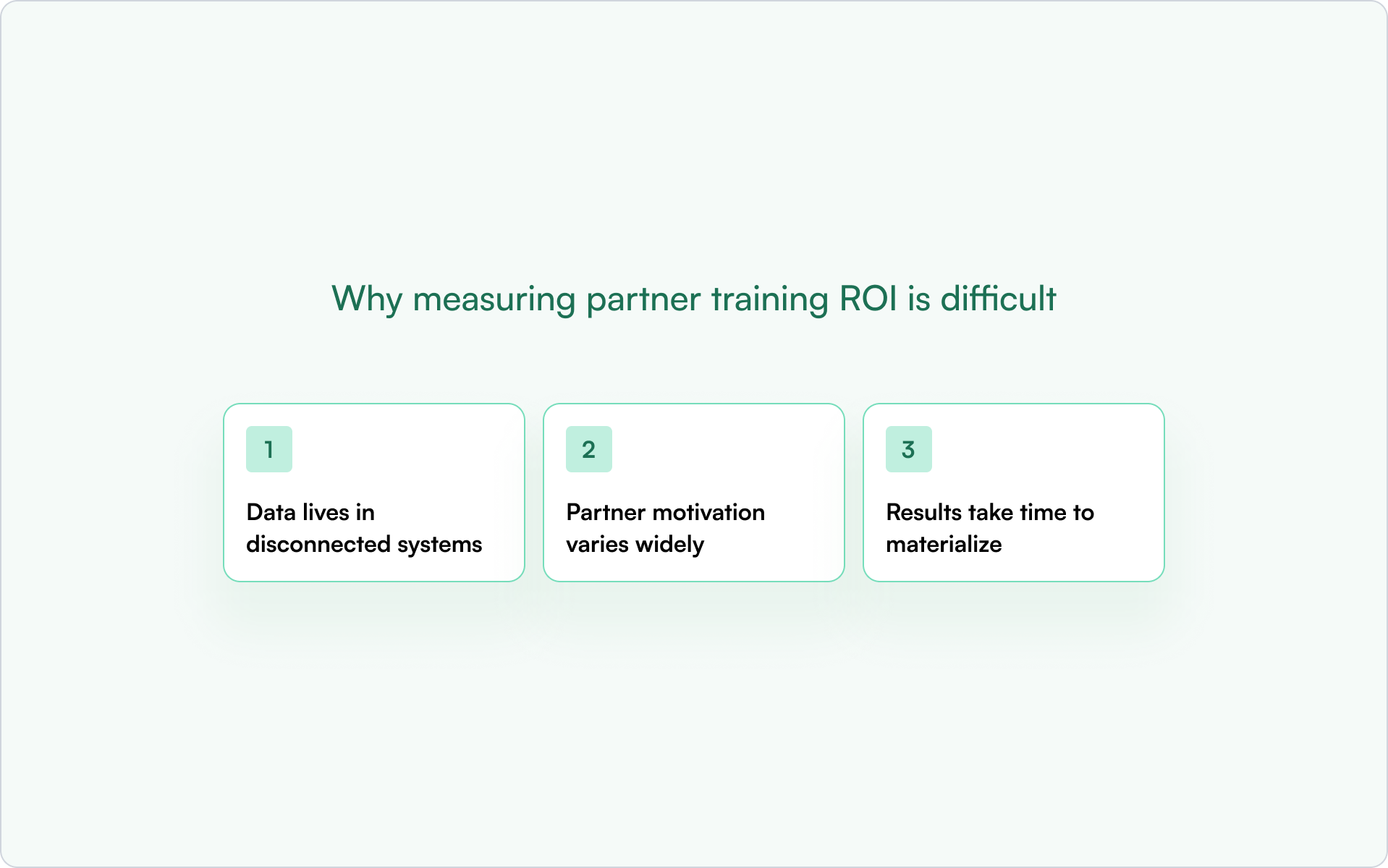
Data lives in disconnected systems
LMS data, CRM data, and partner portal data often don’t sync. That breaks attribution because you can’t connect the training path to the opportunity record without manual work. CRM-first PRMs reduce this problem by keeping the key partner activity signals close to the revenue data.
Partner motivation varies widely
Partners have competing priorities. Even great training gets ignored if it feels generic, if it’s too long, or if certification doesn’t unlock real benefits. If you see high enrollment but low completion, motivation and incentives are usually the root cause — not content quality alone.
Results take time to materialize
The revenue lag is real. A partner who completes certification in Q1 might not close their first deal until Q3. This is exactly why you need a balanced dashboard: leading indicators tell you whether you’re building future performance while lagging indicators validate the payoff.
Who should see partner enablement reports (and what each team needs)
A single “master dashboard” rarely works. Different stakeholders need different slices of the truth — and different levels of detail.
- Partner managers: certification status, portal engagement, inactive-certified partner lists (coaching and outreach).
- RevOps: data quality, attribution rules, pipeline hygiene, and forecasting impact.
- CROs and revenue leaders: partner-sourced revenue, influenced revenue, deal velocity, and ROI by program.
Conclusion: turn partner enablement into a measurable growth engine
If you’re serious about scale, partner enablement can’t be measured by “who completed training.” It has to be measured by what changed: faster ramp, more pipeline, better win rates, larger deal sizes, and longer partner retention.
The good news is that you don’t need dozens of metrics. You need the right partner enablement training metrics to track, tracked consistently, and connected to CRM outcomes so the story is obvious to anyone reading the dashboard.
Turn partner enablement data into revenue with Introw
Tracking enablement metrics in spreadsheets or disconnected systems creates blind spots. Introw’s CRM-first PRM keeps enablement data inside HubSpot or Salesforce — giving you real-time visibility without manual exports or reconciliation.
Deal registration, partner portal activity, and announcement engagement all sync back to your CRM automatically. That means you can report on certification status, time-to-first-deal, and partner-sourced revenue without chasing data across systems.
If you want to see how this works in practice, you can request a demo and walk through how Introw tracks partner enablement metrics automatically.
Partner Performance 101: What Every Channel Leader Should Know
Partner performance is how you measure and evaluate a partner’s contribution to your revenue goals — including leads, sales, retention, and deal influence. If you’re building a partner program inside a startup, it’s also the difference between “partners feel promising” and “partners are a predictable growth channel.”
Most channel leaders know they should track partner performance. Fewer know what to measure, where to track it, or how to turn the data into decisions that improve outcomes. This guide walks through the metrics, CRM setup, and operating practices that make partner performance measurable — and improvable.
What is partner performance?
Partner performance refers to how you measure and evaluate a partner’s contribution to your broader go-to-market goals. It’s not just “how many leads did they send?” It’s their impact on sales outcomes (pipeline and revenue), customer retention, conversion rates, and the real influence they have on deals.
A useful mental model is to treat partners like an extension of your revenue team. You wouldn’t manage an AE purely on “emails sent,” so you shouldn’t manage a partner purely on “leads submitted.”
- What it measures: leads, sales, retention, deal conversions, engagement, and enablement activity
- Why it’s more than lead counts: a partner who registers ten leads that never close is performing differently than one who registers three that all convert.
- How it’s measured in practice: combine leading indicators (training completion, portal activity) with lagging indicators (pipeline, closed revenue) so you can both coach partners and forecast outcomes.
This distinction matters because programs that only track top-of-funnel activity often over-invest in partners who generate noise, and under-invest in the partners who actually drive revenue.
Why partner performance analysis matters for revenue teams
If you can’t measure partner contribution, you can’t manage it. And if you can’t manage it, you definitely can’t forecast it.
Partner performance analysis is what turns a partner program from a cost center into a revenue function. It aligns partners with your internal teams, reduces attribution debates, and gives leadership a clear story about what the channel is producing.
- Alignment: ensures partners and internal teams share the same objectives
- Value demonstration: proves partner contribution beyond lead volume — critical for budget conversations
- Optimization: identifies underperformers and top contributors so you can allocate resources smarter
- Forecasting: enables accurate revenue predictions when data lives in the CRM instead of spreadsheets
Practically, teams that treat performance analysis as optional end up firefighting: chasing updates, debating credit, and trying to scale on messy data. Teams that treat it as foundational spend more time growing revenue and less time untangling process.
12 Partner performance metrics and KPIs to track
To measure partner performance effectively, you track the right metrics and Key Performance Indicators (KPIs).
When you set targets, use a SMART lens (Specific, Measurable, Achievable, Relevant, Time-bound). “Improve engagement” is vague. “Increase deal registration volume by 20% in Q2” is measurable and operational.
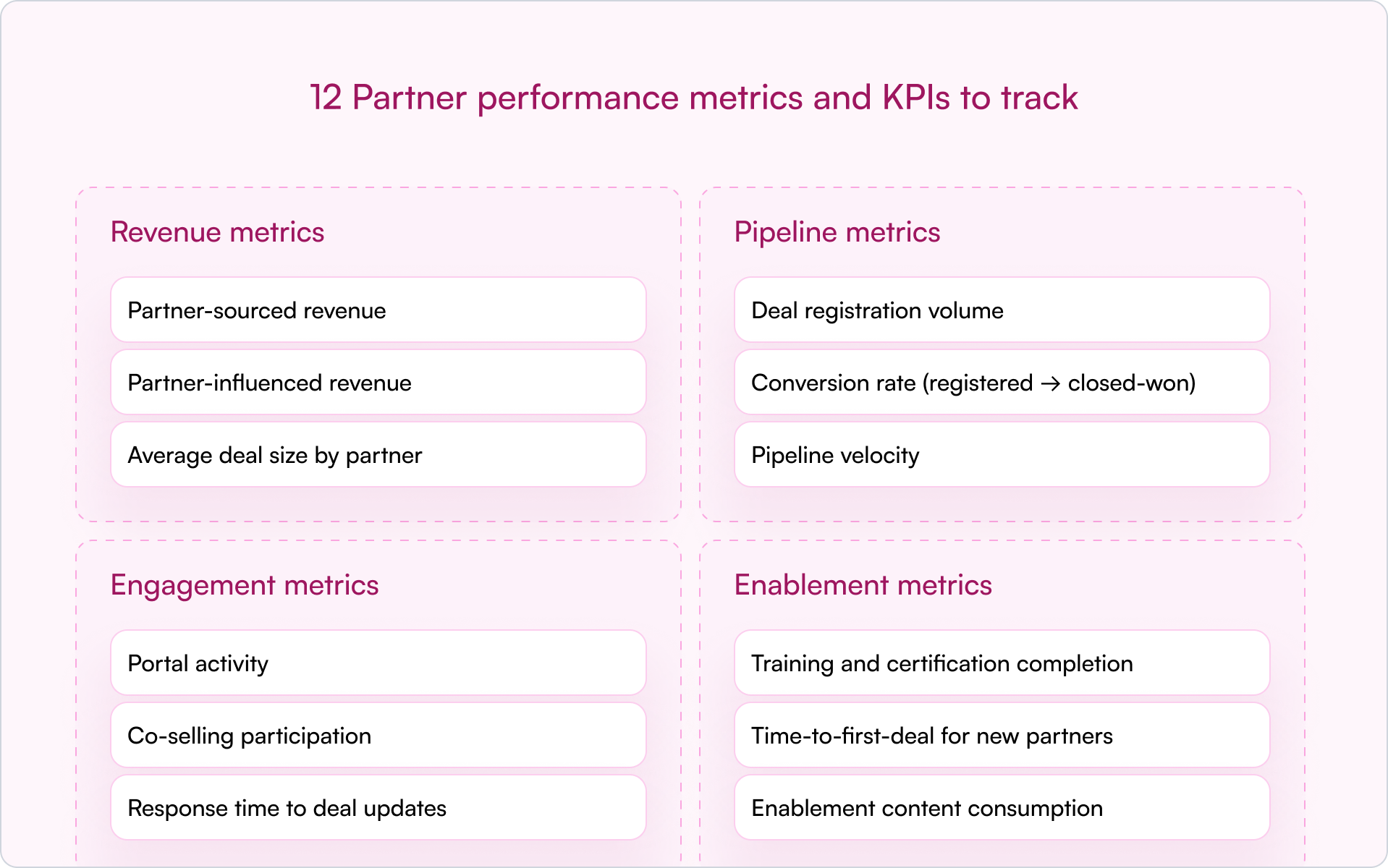
Revenue metrics
Revenue metrics tie partner activity directly to financial outcomes:
- Partner-sourced revenue: revenue from deals the partner originated and brought to you
- Partner-influenced revenue: revenue from deals the partner helped close but didn’t originate
- Average deal size by partner: identifies which partners bring larger, more strategic opportunities
In early-stage companies, sourced vs. influenced is where things often get messy. Define both up front. Otherwise, you’ll burn cycles debating credit instead of building pipeline.
Pipeline metrics
Pipeline metrics show the health and velocity of your partner funnel:
- Deal registration volume: how many deals partners are submitting
- Conversion rate (registered → closed-won): a quality signal behind the volume
- Pipeline velocity: time from registration to close — slow velocity often signals enablement gaps or deal complexity
Engagement metrics
Engagement metrics help you see whether partners are truly active:
- Portal activity: logins, content views, resource downloads
- Co-selling participation: joint calls, shared opportunities, collaboration frequency
- Response time to deal updates: how quickly partners respond on active deals
Engagement is often the earliest warning signal. If a partner stops showing up — fewer logins, slower responses, no co-selling — performance usually drops next.
Enablement metrics
Enablement metrics are leading indicators of future partner performance:
- Training and certification completion: are partners equipped to sell and implement?
- Time-to-first-deal for new partners: how long until they register their first real opportunity?
- Enablement content consumption: what materials are they actually using?
When a partner underperforms, enablement is often the first place to look. Low output isn’t always low effort — it can be low support.
How to track partner performance in your CRM
Tracking partner performance directly in your CRM is the most effective approach. A CRM-first model keeps partner data in one central location so Sales, Partnerships, and RevOps can work from the same source of truth.
Traditional PRM software often lives in a separate platform. That separation creates predictable problems: siloed data, messy attribution, and reporting that requires manual cleanup. A CRM-first approach avoids that by keeping partner workflows and reporting where your revenue team already operates.
Essential fields for partner attribution
Accurate tracking starts with clean data. To attribute deals and revenue properly, your CRM needs consistent partner fields and definitions.
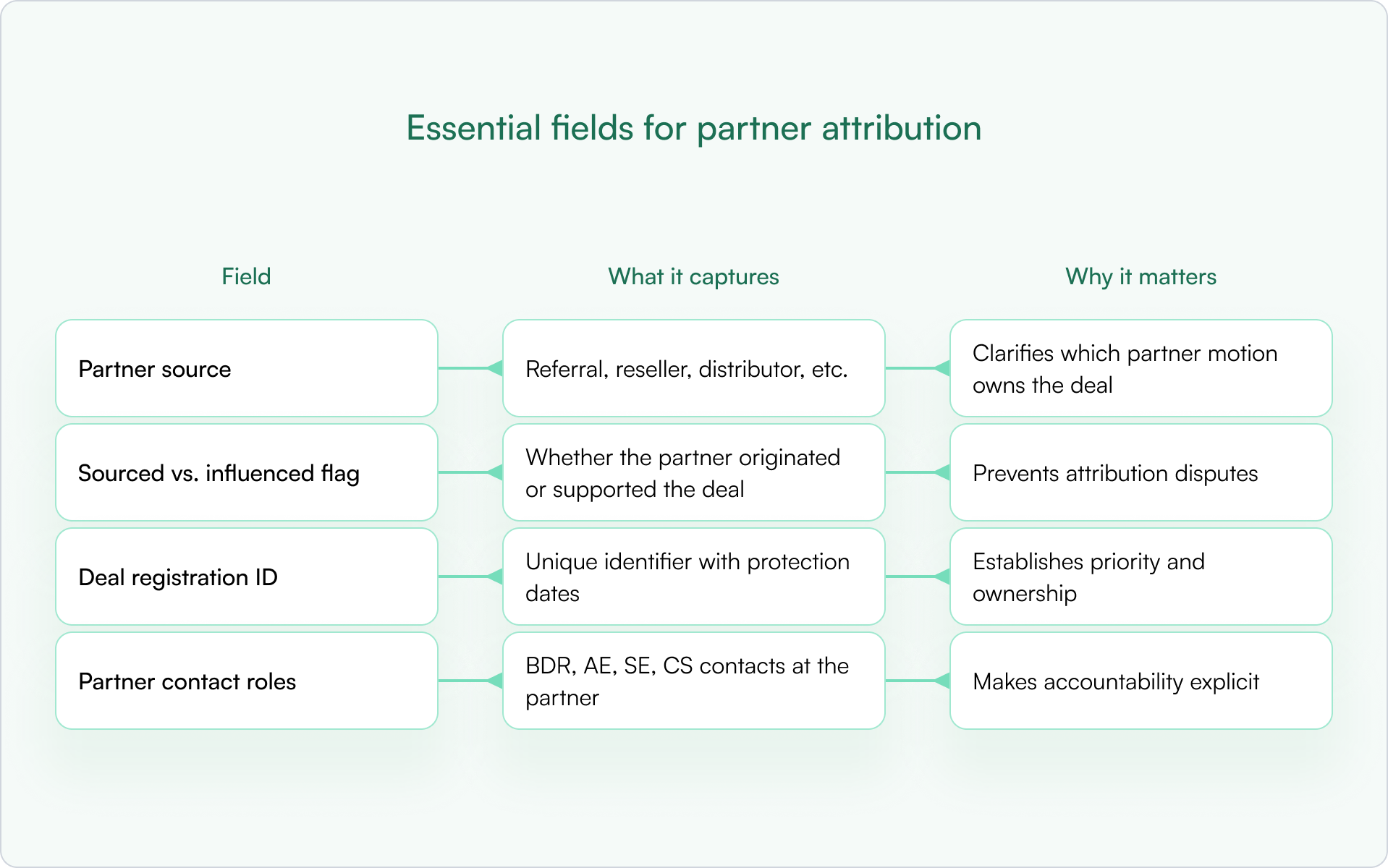
Without these basics, you’ll spend more time debating ownership than closing deals — and your reporting won’t be trusted.
Dashboards and reports every channel leader needs
Once the fields are in place, build dashboards that answer “what’s happening?” in under 60 seconds:
- Revenue by partner (sourced vs. influenced): who’s actually driving outcomes?
- Pipeline by partner tier: are top-tier partners outperforming?
- Deal registration approval and conversion rates: where are deals getting stuck?
- Engagement trends over time: is activity increasing or declining?
Automation for real-time partner performance visibility
Automation is how you scale partner performance tracking without adding headcount. Automated workflows can sync deal updates, alert you on stale deals, and surface underperforming partners early.
CRM-first PRMs like Introw support this inside HubSpot or Salesforce, keeping partner data up-to-date without relying on a disconnected portal. The alternative — manual spreadsheet updates — breaks as soon as you go beyond a handful of partners.
How to improve partner performance in 5 steps
Improving partner performance is an ongoing operating rhythm, not a one-time fix. The goal is to build a system where expectations are clear, data is shared, and interventions happen early — before a quarter is already lost.
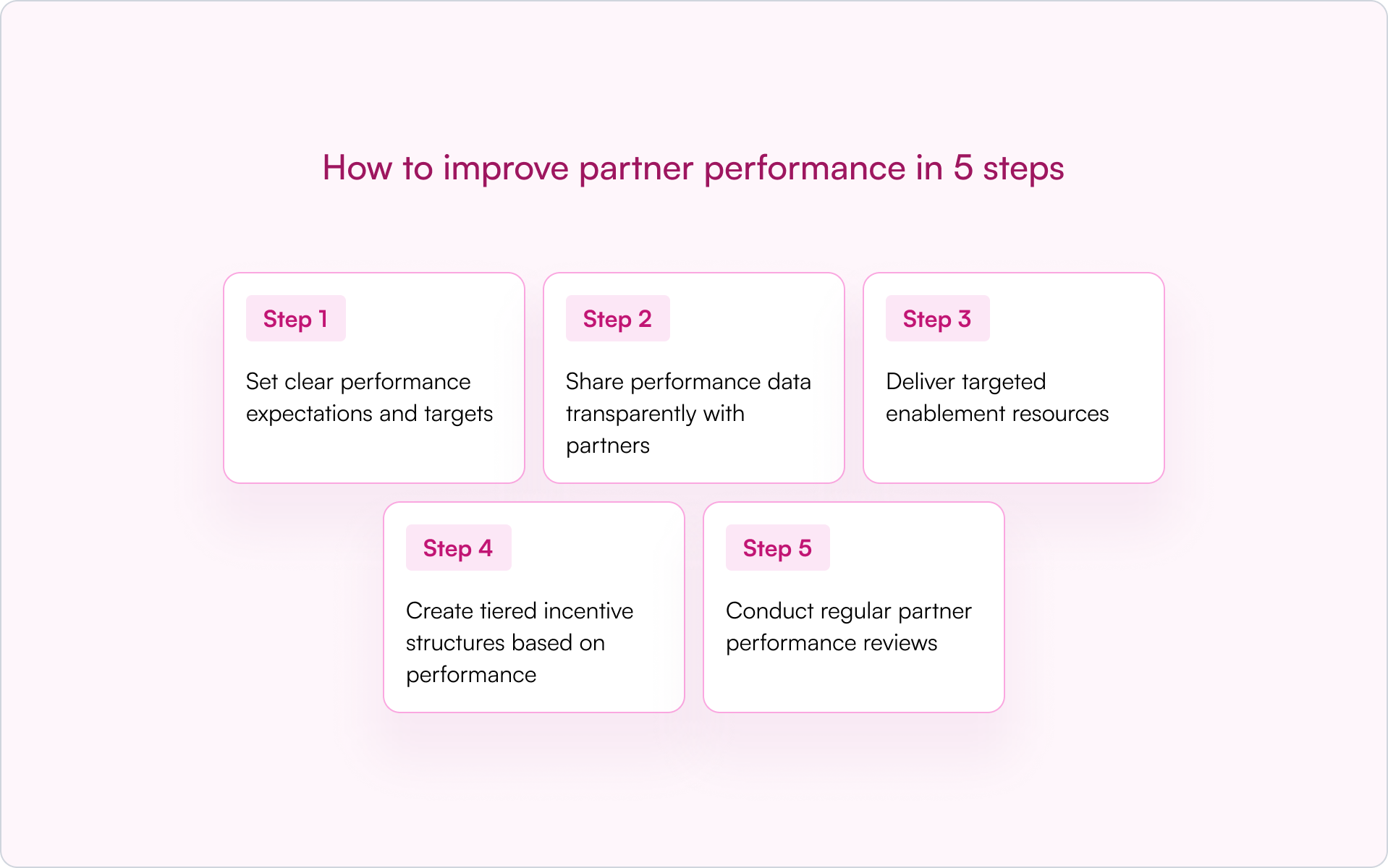
1) Set clear performance expectations and targets
Partners perform better when “good” is defined. Use SMART goals and write them down — in your partner agreement, onboarding plan, or QBR template. Targets can be revenue-based, pipeline-based, or activity-based depending on partner maturity.
Ambiguity creates friction. Clarity creates accountability.
2) Share performance data transparently with partners
If you want partners to behave like a revenue channel, show them the score. Give partners visibility into their pipeline, deal status, and next actions so they don’t rely on ad hoc status checks.
Modern tools like Introw support shared pipeline views so partners can see impact without needing a portal login or full CRM access.
3) Deliver targeted enablement resources
Underperformance is often a capability gap, not a motivation gap. Use enablement metrics to pinpoint what’s missing: product training, competitive positioning, discovery questions, or implementation readiness.
Don’t assume low performance means low effort. Sometimes it means low support.
4) Create tiered incentive structures based on performance
Tiered programs (Bronze, Silver, Gold) are a powerful way to motivate partners. They reward top performers with better benefits and give others a clear path to level up.
Partner scoring — a systematic method for ranking partners based on a combination of performance data — can power tiering. The criteria should be transparent so partners know exactly how to advance.
5) Conduct regular partner performance reviews
Build a cadence: QBRs for strategic alignment and monthly (or biweekly) pipeline reviews for active partners. Reviews work best when guided by CRM data, not gut feel.
Come prepared with trends, specific stuck deals, and a short action plan. That turns the meeting from a status update into a growth lever.
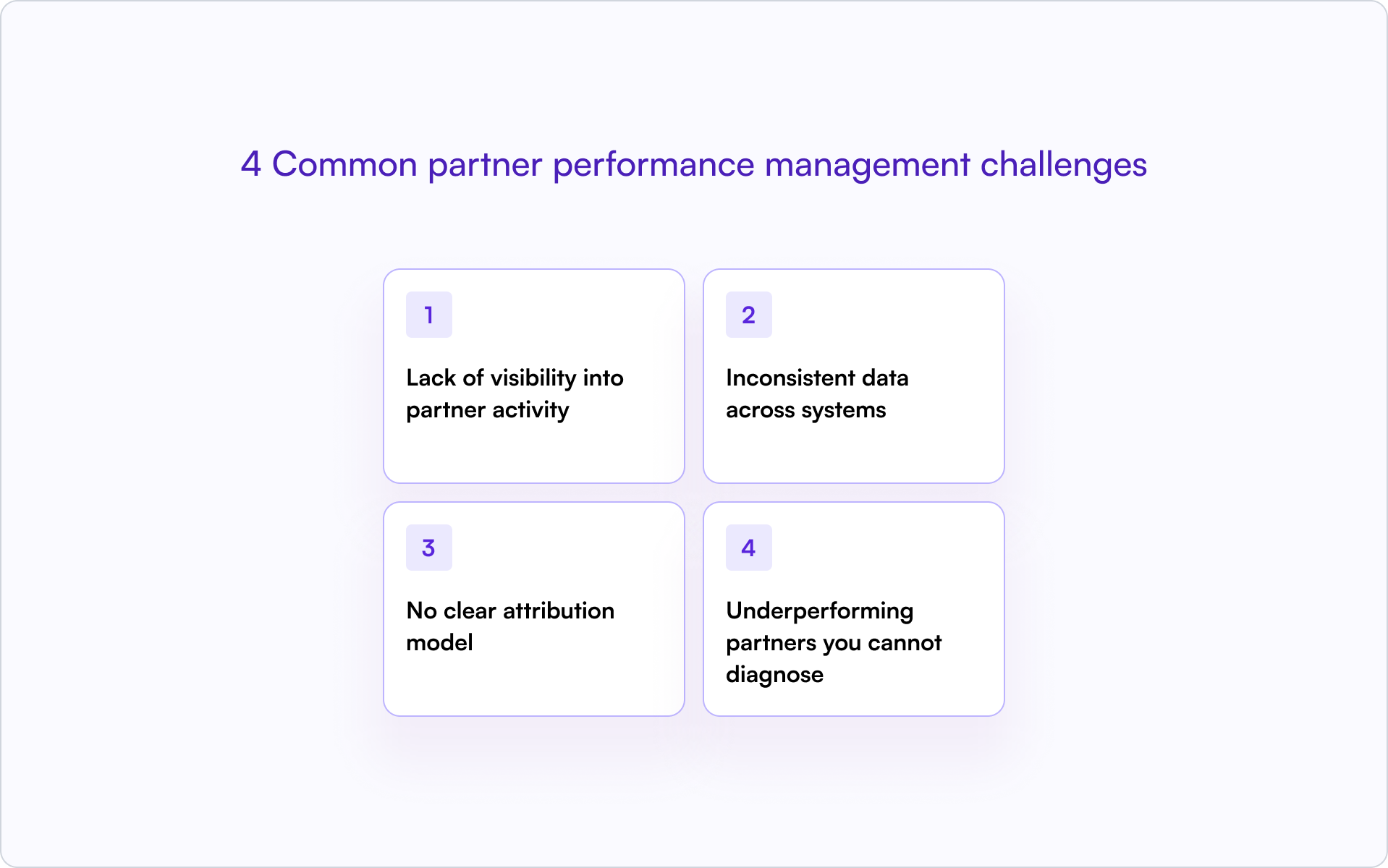
4 Common partner performance management challenges
If you’re searching for better partner performance, you’re usually running into a few predictable bottlenecks. The good news is that most are process and data problems — and those are fixable.
Lack of visibility into partner activity
When partner data lives in spreadsheets or disconnected portals, you’re effectively operating blind. You can’t see deal progress in real time, which makes forecasting unreliable and prevents early intervention.
Inconsistent data across systems
Duplicate records, missing fields, and mismatched lifecycle stages break reporting. The bigger issue is trust: once teams stop trusting the data, they stop using it — and your partner program becomes “feelings-based” again.
No clear attribution model
Without a documented attribution model, it’s difficult to credit partners fairly — especially for influenced deals. Ambiguity leads to disputes that damage partner relationships and slow deal cycles.
Underperforming partners you cannot diagnose
Without performance metrics, you’ll know a partner is struggling but not why. Is it lack of training? Poor lead quality? No internal champion? Low activity? Data turns vague concern into a clear plan.
How to scale partner performance tracking without manual work with Introw
As your program grows, manual tracking breaks. Spreadsheets become time-consuming, error-prone, and outdated — exactly when you need real-time visibility the most.
The solution is to adopt CRM-first PRM software. With this approach, partner data stays inside your core CRM (HubSpot or Salesforce), partners can collaborate without separate logins, and partner performance metrics update automatically.
That gives you a scalable operating system for partner performance — one source of truth, clean attribution, and reporting your revenue leaders can actually trust.
For example, Introw’s Dashboard section allows you to define the metrics that matter most to your partners by pulling data directly from your CRM. You can select which pipeline to use (for example, Sales Pipeline or Renewal Pipeline), decide which attributed deals to include, such as Partner-Sourced Deals or Reseller Deals, and choose which property to use for aggregated data (such as Deal Amount, MRR, or Contract Value). This flexibility provides clear, real-time insights into your partnership performance.
.png)
Introw shows the following default metrics.
- Total Revenue: All deals with this partner that are marked in your CRM as closed won
- Weighed pipeline : All deals with this partner that are neither closed won nor closed lost.
- Number of deals: Total value of all deals closed won with this partner.
- Total deals: All deals registered including closed won.
- Average deal size: Total value of all deals (incl. closed lost) divided by the amount of deals.
- Average sales cycle: The average 'days to close' for all closed won deals in your CRM, showing the average time between Create Date and Close Date.
- Revenue over time
Conclusion: partner performance is a system, not a spreadsheet
The fastest way to improve partner performance is to stop treating it like a vague relationship metric and start treating it like a revenue discipline. Define what “performance” means, track it inside your CRM, and build a cadence to review and improve it.
When you do, partners stop being an unpredictable side bet and start becoming a channel you can scale with confidence.
Subtle next step: If you want partner performance visibility without spreadsheets or a disconnected portal, see how Introw helps channel leaders track partner performance inside their CRM. Book a demo.
How Certification Programs Improve Partner Engagement
Certification programs improve partner engagement by transforming passive resellers into confident advocates who actually use your portal, register deals, and stay in your program longer. For founders building a repeatable channel, the “why” matters: partner activity rarely drops because people don’t like you — it drops because they’re unsure how to win with your product, and it’s easier to sell what they already know.
A good certification program solves that with a simple flywheel: structured training builds competence, competence builds confidence, and confidence drives action. Instead of onboarding being a one-time event, certification creates accountability, progress signals, and incentives that keep partners engaged long after week one.
What is partner certification?
Partner certification is a structured process where partners complete training, pass assessments, and earn credentials that validate their ability to sell, implement, or support your product. In B2B SaaS, certification confirms that a partner understands your product well enough to represent it accurately to customers.
You’ll hear this called channel partner certification when it applies to resellers and distributors, or PRM certification when the status is tracked inside a partner relationship management system. The label varies, but the purpose stays the same: a repeatable standard that separates prepared partners from those still ramping.
Certification fits within a broader partner enablement program, which includes all the training, content, tools, and support you provide to help partners succeed. Certification is the checkpoint that proves enablement is working — and highlights where it isn’t.
Why certification programs improve partner engagement
If your partner program is growing but partner activity is uneven, certification is one of the cleanest levers you can pull. It works because it aligns three forces that founders care about: partner confidence, operational accountability, and clear incentives.
Partners invest more time when they feel competent
Partners who understand your product are far more likely to pitch it. Certification removes the uncertainty that causes partners to default to competitors they already know.
When a partner completes structured training and passes an assessment, they gain confidence to answer customer questions, handle objections, and position your product correctly. That confidence translates into more customer conversations and more registered opportunities.
Certification creates accountability and progress signals
Certification acts as a commitment device: once partners invest time to earn a credential, they’re more likely to stay active because they’ve already put skin in the game.
Progress tracking reinforces this effect. Badges, levels, and visible milestones keep partners returning to the portal and moving through your partner training programs. Each module completion is a small win that nudges them toward the next step.
Certification becomes especially effective when it unlocks tangible benefits like better margins, deal registration access, or co-marketing eligibility — the credential becomes a visible reminder of what’s at stake.
Certified partners close deals faster and with higher quality
Certified partners require less hand-holding from your team. They position products correctly, set accurate expectations, and reduce support burden after the sale. Better deals lead to better outcomes, which builds more confidence — and that confidence feeds the next deal.
Over time, certified partners tend to become your most reliable source of partner-sourced revenue because their execution is consistent and repeatable.
Key engagement metrics certification programs impact
Certification isn’t just “nice enablement.” When it’s designed well, it shows up in the numbers quickly — especially in programs where partners have many competing priorities.
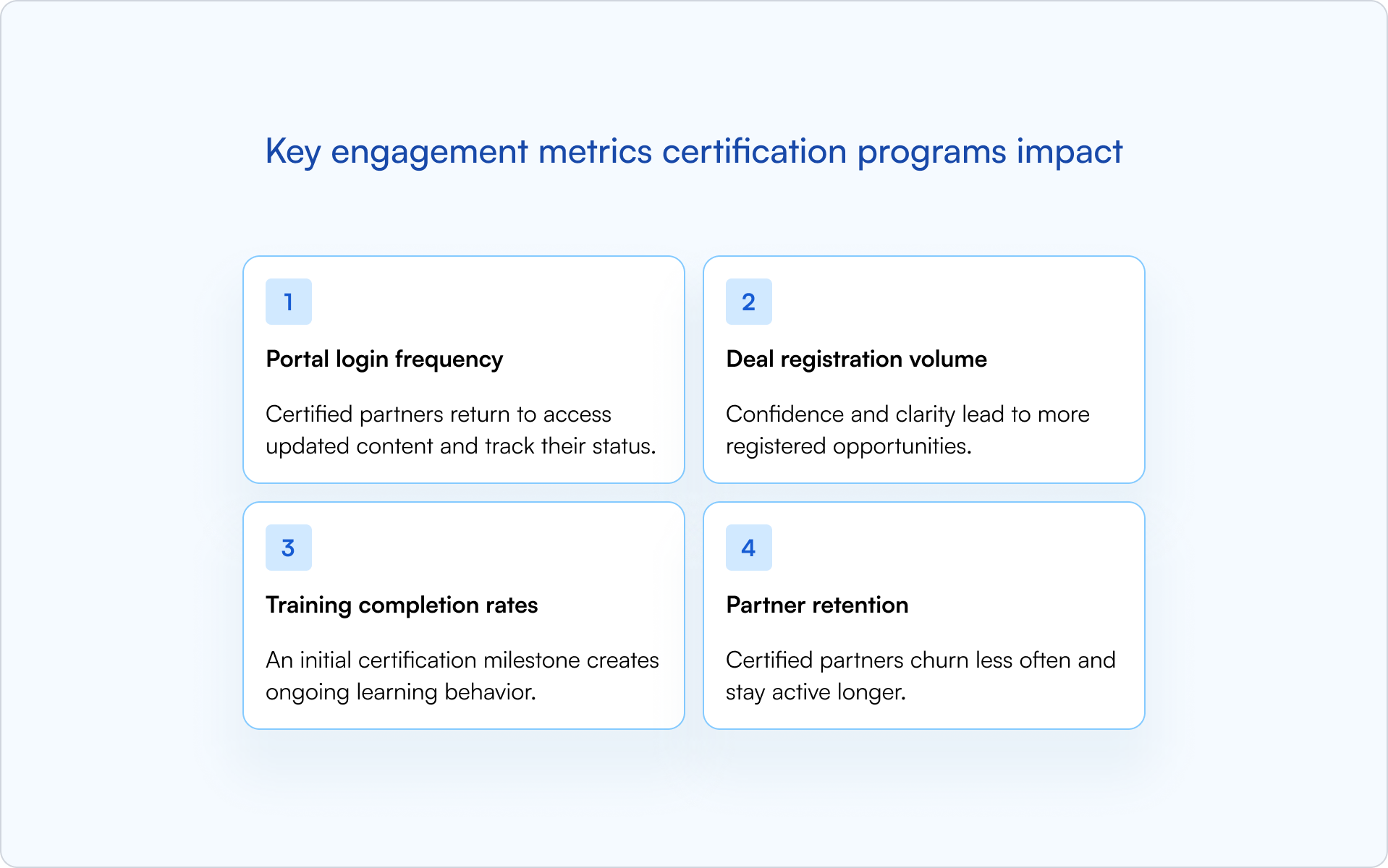
- Portal login frequency: Certified partners return to access updated content and track their status.
- Deal registration volume: Confidence and clarity lead to more registered opportunities.
- Training completion rates: An initial certification milestone creates ongoing learning behavior.
- Partner retention: Certified partners churn less often and stay active longer.
Portal login frequency and content consumption
Certification gives partners a reason to log in initially. Recertification keeps them coming back. The practical founder takeaway: if your portal experience is high-friction, you’ll kneecap adoption no matter how good your training is.
A low-friction partner portal makes engagement easier. When partners can access training, check their status, and find resources without repeated logins, engagement stays high. When every session requires a new password reset, it doesn’t.
Deal registration volume and velocity
Partners who complete training understand deal registration requirements and submit cleaner, faster registrations. They know what fields matter, what proof of work looks like, and how protection windows function.
Some programs gate deal registration behind channel partner certification. Done thoughtfully, gating reduces low-quality submissions and speeds approvals.
Training completion and recertification rates
Initial certification creates a habit of learning. Recertification windows keep partners engaged over time rather than dropping off after onboarding ends.
The key is treating certification as a repeatable partner certification process, not a one-time training event. Partners who recertify stay current on product updates and maintain their competitive edge.
Partner retention and program tenure
Certified partners have higher switching costs. They’ve invested time, earned credentials, and built expertise that doesn’t transfer to a competitor’s product. That investment compounds into longer tenure — more trust, more deal flow, and more willingness to co-sell with you.
Types of partner certification programs
Not all certifications serve the same purpose. The right mix depends on your partner types — and what you’re actually asking them to do in-market.
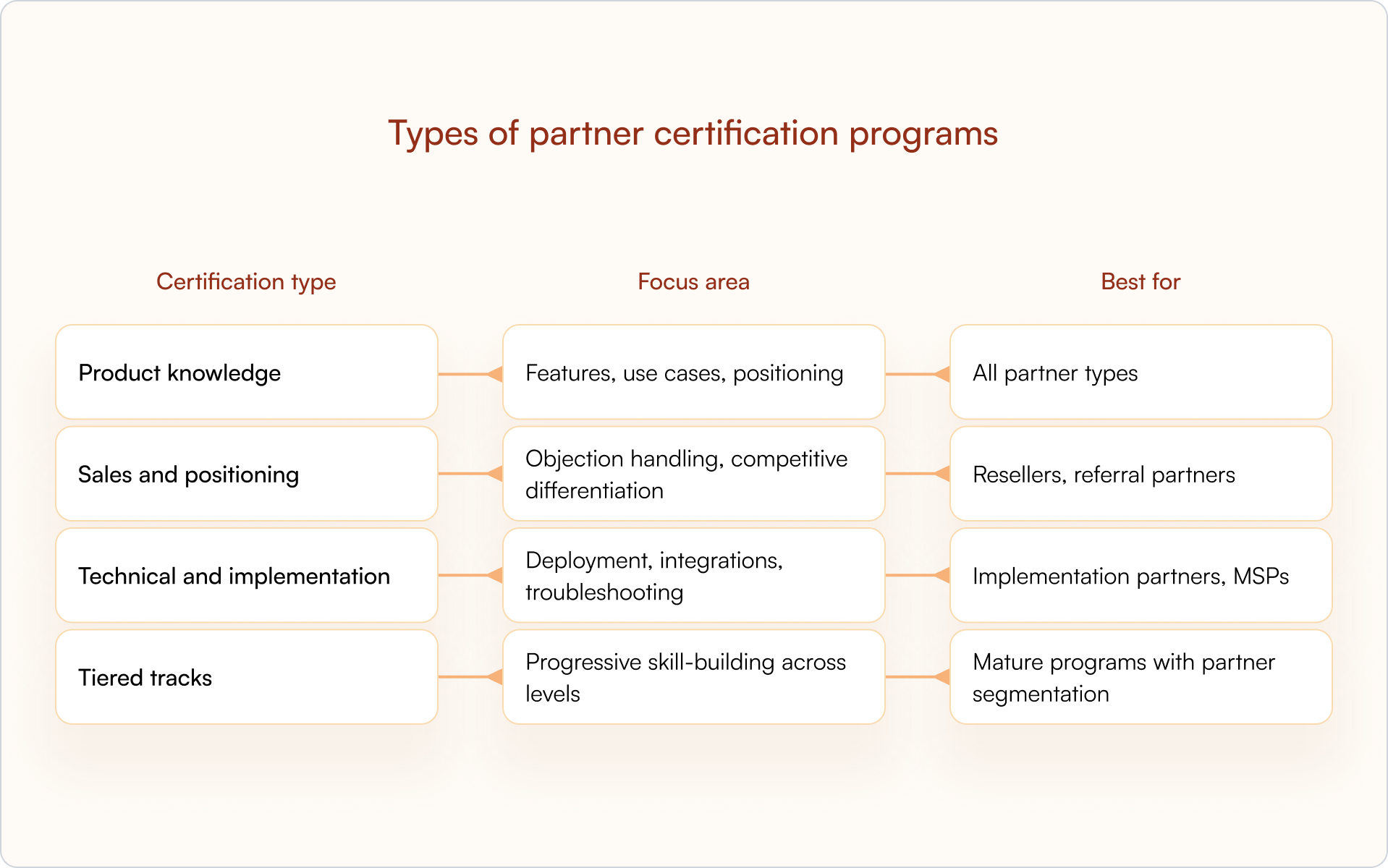
Product knowledge certifications
Product knowledge certifications cover core functionality and value propositions. Every partner who speaks to customers benefits from this foundation.
Product certifications are typically the first step in partner onboarding and the prerequisite for more advanced tracks.
Sales and positioning certifications
Sales certifications focus on how to sell: competitive positioning, discovery questions, demo skills, and objection handling. They’re most relevant for revenue-generating partners.
Sales certifications help standardize channel partner certification readiness across your partner base, so every partner tells a consistent story in the field.
Technical and implementation certifications
Technical certifications are for partners who deliver or support your product. They cover integrations, configuration, troubleshooting, and deployment best practices.
Technical certification often has the clearest impact on support burden and customer outcomes. A well-trained implementation partner reduces escalations and improves time-to-value.
Tiered certification tracks
Mature programs create bronze, silver, and gold tiers that unlock benefits as partners advance. Tiered structures motivate continued learning and provide clear milestones.
Tiered tracks also help you segment partners by capability, which informs how you allocate leads, MDF, and co-marketing resources.
How to build a certification program that drives engagement

Building a certification program that partners actually complete requires more than good content. It requires clear goals, smart segmentation, and operational discipline — the same fundamentals you’d apply to any growth lever.
1. Define certification goals tied to engagement outcomes
Start with the behavior you want to change. Map each certification to a specific engagement metric. For example: product certification might be tied to deal registrations; technical certification might be tied to implementation quality and lower escalations.
Treat certification as a core pillar of your enablement program rather than a standalone training project — that keeps the focus on outcomes, not content volume.
2. Segment certification paths by partner type
Resellers, referral partners, and implementation partners have different jobs. One-size-fits-all programs create friction and drop-off.
Offer role-specific tracks that respect what each partner type actually does. This matters even more in channel partner certification programs where “partner” can mean five different roles across sales and delivery.
3. Create modular and digestible learning content
Partners are busy. Marathon training sessions don’t work.
Break content into short modules that partners can complete between customer calls. A modern partner portal hosts partner training programs that are easy to consume and easy to resume.
4. Set clear completion criteria and expiration windows
Define what “certified” means: quiz scores, practical assessments, video completions, or live enablement sessions. Ambiguity creates disputes — and disputes create disengagement.
Expiration dates drive recertification and ongoing engagement. Clear criteria improve the partner certification process and reduce confusion about who qualifies for what.
5. Tie certification to deal registration and pricing access
Certification works best when it unlocks tangible benefits. Access to deal registration, better margins, and co-marketing funds create a real incentive to complete and maintain credentials.
Many vendors require channel partner certification before granting access to higher discounts, deal registration, or MDF. Linking enablement to revenue creates a direct connection between learning and earning.
6. Automate reminders and recertification workflows
Certifications lapse silently without automation. CRM-connected systems can trigger reminders based on expiration dates, keeping your partner enablement program active without manual chasing.
A CRM-first approach pays off here: certification status stays visible alongside deals and partner records, which is where your team already spends time.
How to track certification and engagement in your CRM
Certification data belongs in your CRM, not a disconnected LMS. When certification status lives alongside deals and partner records, you get visibility, attribution, and forecasting in one place. More importantly, you can answer the question founders get asked constantly: “Is this partner investment actually driving revenue?”
Required fields for certification tracking
Add fields to partner and contact records:
- Certification status: Active, expired, in progress
- Certification type: Product, sales, technical
- Certification date: When earned
- Expiration date: When renewal is required
- Certification level: Tier if applicable
Connecting certification to deal and partner records
Link certification status to opportunities. This lets you correlate certification with deal outcomes and identify which certifications actually drive revenue.
When you can see that certified partners close faster, submit higher-quality deal registrations, and churn less, you have the data to justify continued investment in enablement.
Dashboards for certification and engagement correlation
Build reports that show certification completion alongside engagement metrics. A CRM-first PRM makes visibility automatic and supports PRM certification reporting without manual exports.
With native integrations for Salesforce and HubSpot, partner data stays synced without spreadsheets or duplicate entry.
Common challenges with partner certification programs
Even well-designed programs hit obstacles. The difference between certification that drives engagement and certification that becomes shelfware is usually operational detail.
Low completion rates
Partners abandon certification when content is too long, the portal experience is frustrating, or the benefit isn’t clear. Reducing friction and communicating value upfront helps — especially when you highlight tangible benefits like discounts, deal registration access, and MDF eligibility.
Certification without behavioral change
Passing a quiz doesn’t guarantee better selling or implementation. Use practical assessments, role-based scenarios, and “show your work” requirements to close the gap between knowledge and execution.
Tracking fragmentation across systems
Certification data in an LMS while deals live in the CRM creates blind spots. Connected systems give you one source of truth — which is especially important for teams managing PRM certification requirements alongside pipeline metrics.
Recertification fatigue
Partners resent endless recertification requirements. Keep expiration windows reasonable, and make renewal content about what changed (product updates, new positioning, competitive shifts) rather than forcing them through the same material again.
Best practices for strategic partnerships certification
If your program includes strategic partners — where multiple stakeholders need to stay aligned across sales and delivery — certification is most effective when it’s simple, visible, and meaningfully rewarded.
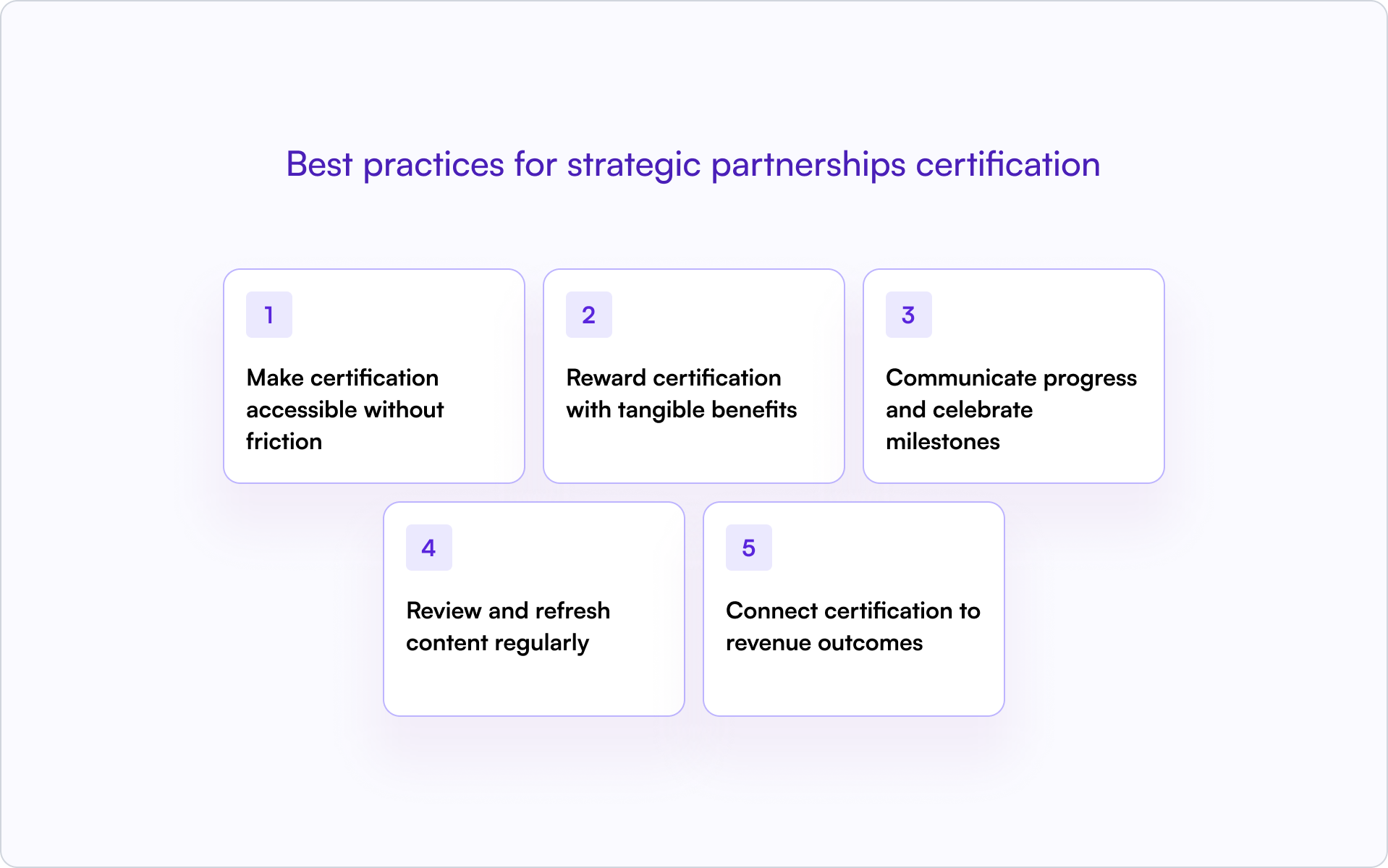
1. Make certification accessible without friction
SSO, no repeated logins, and mobile-friendly content remove barriers. Partners who hit login walls disengage. Frictionless access improves onboarding completion and long-term engagement.
2. Reward certification with tangible benefits
Certified partners expect something in return:
- Better margins or discount access
- Priority deal registration approval
- Co-marketing eligibility
- Badge or logo for their website
3. Communicate progress and celebrate milestones
Use announcements and notifications to recognize completions. Public recognition motivates others to participate. Visible milestones are especially effective in strategic partnerships certification programs where multiple stakeholders need shared clarity on progress.
4. Review and refresh content regularly
Stale certification content signals a neglected program. Update training when products or positioning change. Treat certification content as living training, not a one-time launch.
5. Connect certification to revenue outcomes
Show partners and your leadership that certification correlates with partner-sourced revenue. Connecting certification to revenue justifies investment in the program and makes partner certification benefits measurable.
Turn certification into a partner engagement engine
Certification isn’t a checkbox — it’s an ongoing engagement mechanism that compounds over time. When it’s connected to your CRM and partner portal, certification becomes measurable and manageable.
You can see which partners are certified, which certifications are expiring, and how certification status correlates with deal outcomes — all without leaving the workflows your team uses to run pipeline.
Introw helps teams track certification alongside deals and automate the workflows that keep partners engaged. Certification status syncs directly to HubSpot or Salesforce, reminders go out automatically, and partners can access training without repeated logins.
If you want to see how a CRM-first partner portal makes certification trackable and actionable, book a demo.
Understanding Partner Pipeline: The Complete Guide for 2026
Partner pipeline is the collection of active sales opportunities your channel partners are working — from the moment they register a deal through close. It’s distinct from your direct sales pipeline and represents the revenue potential flowing through your partner ecosystem.
In a lot of startups, partner teams track this inconsistently (or not at all). Deals end up scattered across spreadsheets, portals, and email threads, which means forecasts are incomplete and attribution becomes a guessing game.
This guide breaks down what partner pipeline actually means, how it differs from partner-sourced and partner-influenced pipeline, and how to track it in your CRM without adding friction for partners or your RevOps team.
What is partner pipeline?
Partner pipeline is the set of active sales opportunities that your channel partners are working through your sales process. It tracks deals from the moment a partner registers an opportunity through close — whether that’s a referral partner submitting a lead, a reseller quoting a prospect, or an SI co-selling alongside your team.
This is different from your direct sales pipeline. Partner pipeline represents revenue potential flowing through your partner ecosystem, not deals your internal team is working alone.
Depending on your go-to-market, you might hear related terms:
- Channel partner pipeline: partner pipeline in organizations with formal channel programs.
- Co-sell pipeline: opportunities where partners and your team work the deal together.
The key distinction: partner pipeline isn’t just “deals partners touched.” It’s the full set of opportunities where partners have active involvement and some level of ownership or contribution.
Why partner pipeline matters for revenue growth
Founders and revenue leaders care about partner programs for one reason: growth. But you can’t manage what you can’t see. Tracking partner pipeline separately changes how leadership forecasts, plans, and measures partner program ROI.
Accurate revenue forecasting
If partner deals live in spreadsheets or disconnected portals, your forecast is incomplete. You either miss pipeline that could close this quarter or double-count deals that show up in both partner and direct reports.
Tracking partner opportunities alongside direct deals gives leadership a complete picture — especially in co-sell motions across regions and segments, where the same account can involve both partner and direct participation.
Clear partner attribution
Attribution answers a simple question: which partner brought or influenced this deal?
- Partner-sourced: The partner originated the opportunity (they found the prospect and brought them to you).
- Partner-influenced: The partner contributed to a deal your team (or another source) originated, through technical expertise, relationships, or implementation support.
Getting attribution right matters for commission accuracy, partner tiering, and understanding which partnerships actually drive results. Without clean attribution, you’re guessing.
Reduced channel conflict
Channel conflict happens when multiple partners, or your direct team and a partner, pursue the same account without clear ownership. It’s frustrating for everyone and often surfaces late — when a deal is already in motion.
Visible partner pipeline plus consistent deal registration reduces duplicate efforts and disputed deals. When ownership is clear from day one, conflicts are far less likely to escalate.
Measurable partner program ROI
Tracking pipeline lets you measure whether your partner program investment pays off. You can see deal flow, conversion rates, and revenue tied to partners — not just anecdotes about “good relationships.”
This is what makes partner programs defensible in budget conversations. If you can’t show pipeline and revenue, you can’t prove value.
Partner pipeline vs partner-sourced vs partner-influenced pipeline
These terms get used interchangeably in board decks and QBRs, but they mean different things. Here’s the clean way to keep them straight.
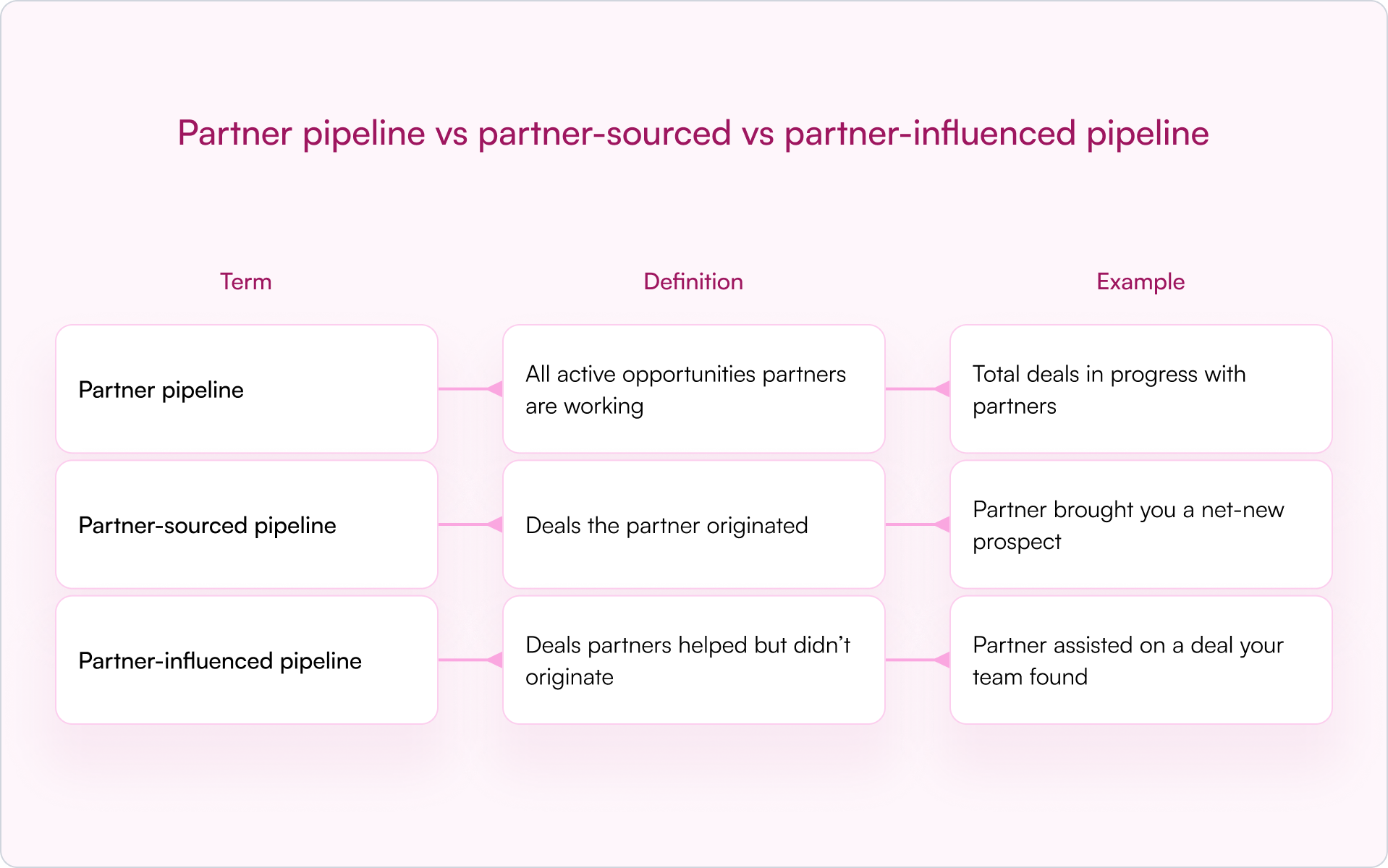
Partner pipeline defined
Partner pipeline is the full set of opportunities in your partner channel, regardless of who found them first. It includes deals partners sourced, deals they’re influencing, and co-sell motions where both teams are actively involved.
Partner-sourced pipeline defined
Partner-sourced deals are opportunities where the partner identified and referred the prospect. They’re net-new to your business, meaning the partner created the demand. This is often the cleanest input into attribution and the easiest to credit.
Partner-influenced pipeline defined
Partner-influenced deals are opportunities where a partner contributed — through technical expertise, customer relationships, or implementation support — but your direct team (or another source) originated the lead.
Influenced deals still matter for forecasting and fair attribution. Many teams split credit between sourced and influenced to reflect the actual contribution.
How partner pipeline management works
Partner pipeline management is the operational workflow that moves deals from registration through close. It’s not a concept — it’s a set of repeatable steps you can instrument and improve.
Deal registration and lead intake
Deal registration is the process where partners formally submit opportunities for approval and protection. This is the entry point for pipeline.
When a partner registers a deal, they’re claiming ownership and requesting protection from competition, whether from other partners or your direct team. Modern approaches allow registration via forms, email, or portal without forcing partner logins.
Opportunity tracking and stage updates
Once registered, deals move through stages. Partners (or partner managers) update status as opportunities progress — from qualified to proposal to negotiation to close.
The common failure mode is predictable: you end up chasing partners for updates, partners don’t respond, and the partner pipeline becomes stale. Low-friction update methods (for example, email replies that sync back to your CRM) improve compliance without nagging.
CRM sync and data flow
Partner pipeline data belongs in your CRM (Salesforce, HubSpot) — not a separate spreadsheet or a disconnected portal. This is where a CRM-first approach matters.
When partner data lives in your CRM, everyone sees the same reality: Sales, Partnerships, RevOps, and leadership. Clean CRM data enables accurate reporting, forecasting, and attribution.
Pipeline reporting and dashboards
Once data flows into your CRM, you can build reports showing partner pipeline by stage, partner, region, product, and sourced vs. influenced contribution.
This is what makes a partner program measurable. Without reporting, you’re relying on memory and anecdotes — which doesn’t scale past a handful of deals.
Common partner pipeline stages
Partner pipeline stages typically mirror your direct sales stages, though some teams simplify them for partners. A common structure looks like this:
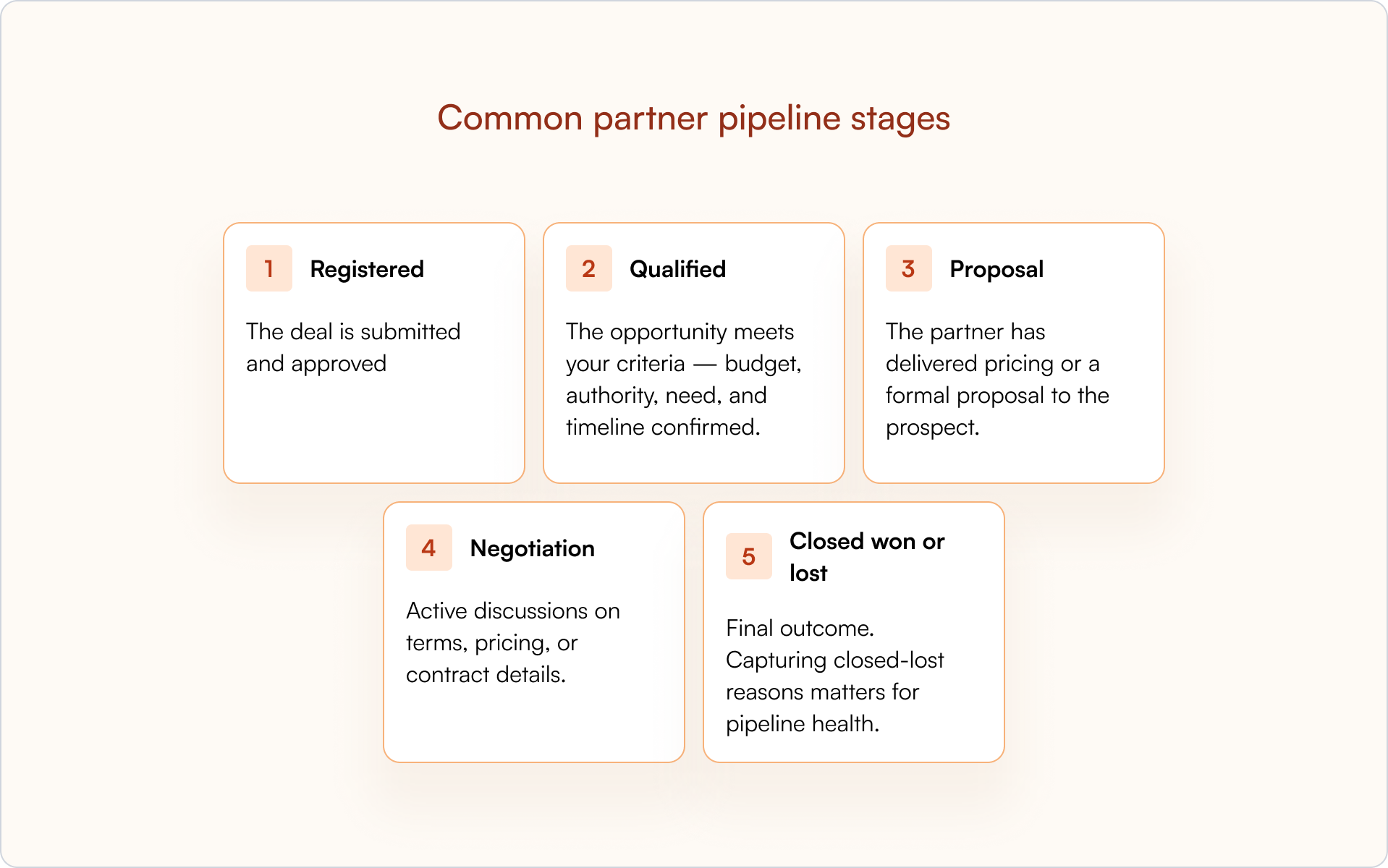
Registered
The deal is submitted and approved. The protection period begins, typically 60–90 days where the partner has exclusive ownership.
Qualified
The opportunity meets your criteria — budget, authority, need, and timeline confirmed. This is where you know the deal is real.
Proposal
The partner has delivered pricing or a formal proposal to the prospect. The deal is actively being worked.
Negotiation
Active discussions on terms, pricing, or contract details. The deal is close to a decision.
Closed won or lost
Final outcome. Capturing closed-lost reasons matters for pipeline health: it tells you where deals are falling apart and whether partners need enablement, better positioning, or faster internal support.
Key partner pipeline metrics to track
Here are the metrics partner managers and revenue leaders typically monitor:
- Partner pipeline coverage: Ratio of partner pipeline to partner revenue target. Indicates whether you have enough deals in motion to hit goals.
- Partner pipeline velocity: How quickly deals move through stages. Slower velocity can signal enablement gaps or stuck deals.
- Partner win rate: Percentage of partner deals that close successfully. Compare to direct sales to understand partner effectiveness.
- Partner-sourced revenue: Total closed revenue from partner-originated deals. Often the clearest output metric.
- Average deal size by partner: Reveals which partners bring larger opportunities and informs where to invest (enablement, MDF, co-sell support).
How to track partner pipeline in your CRM
Setting up partner pipeline tracking in Salesforce or HubSpot is where “CRM-first” becomes real. The goal is simple: partner-submitted data should land in the same system your revenue team actually uses to run the business.
Essential fields for partner opportunities
Add the following fields to your opportunity (or deal) records:
- Partner name: which partner is working the deal
- Partner type: referral, reseller, SI, etc.
- Deal registration ID: link to the registration record
- Sourced vs. influenced: how the partner contributed
- Registration expiration date: when protection ends
Without partner fields, you can’t report on partner pipeline accurately — and you’ll struggle to resolve conflicts when they inevitably show up mid-quarter.
Partner pipeline tracking in Salesforce
In Salesforce, partner pipeline tracking typically means custom fields on the Opportunity object, partner account relationships, and reports filtered by partner. Stage-change validations can enforce that partner fields are populated before deals advance.
Introw’s Salesforce integration syncs partner-submitted data automatically, so you don’t rely on manual entry.
Partner pipeline tracking in HubSpot
In HubSpot, you’ll use deal properties, partner company associations, and dashboards. The same principle applies: partner data flows into your CRM without manual work.
Introw’s HubSpot integration keeps partner data clean and visible to everyone who needs it.
How to share partner pipeline visibility without exposing sensitive data
Partners want to see their deal status. That’s reasonable — it helps them sell. But you typically can’t (and shouldn’t) expose everything you track internally, like pricing strategy, discount levels, margin, or internal deal notes.
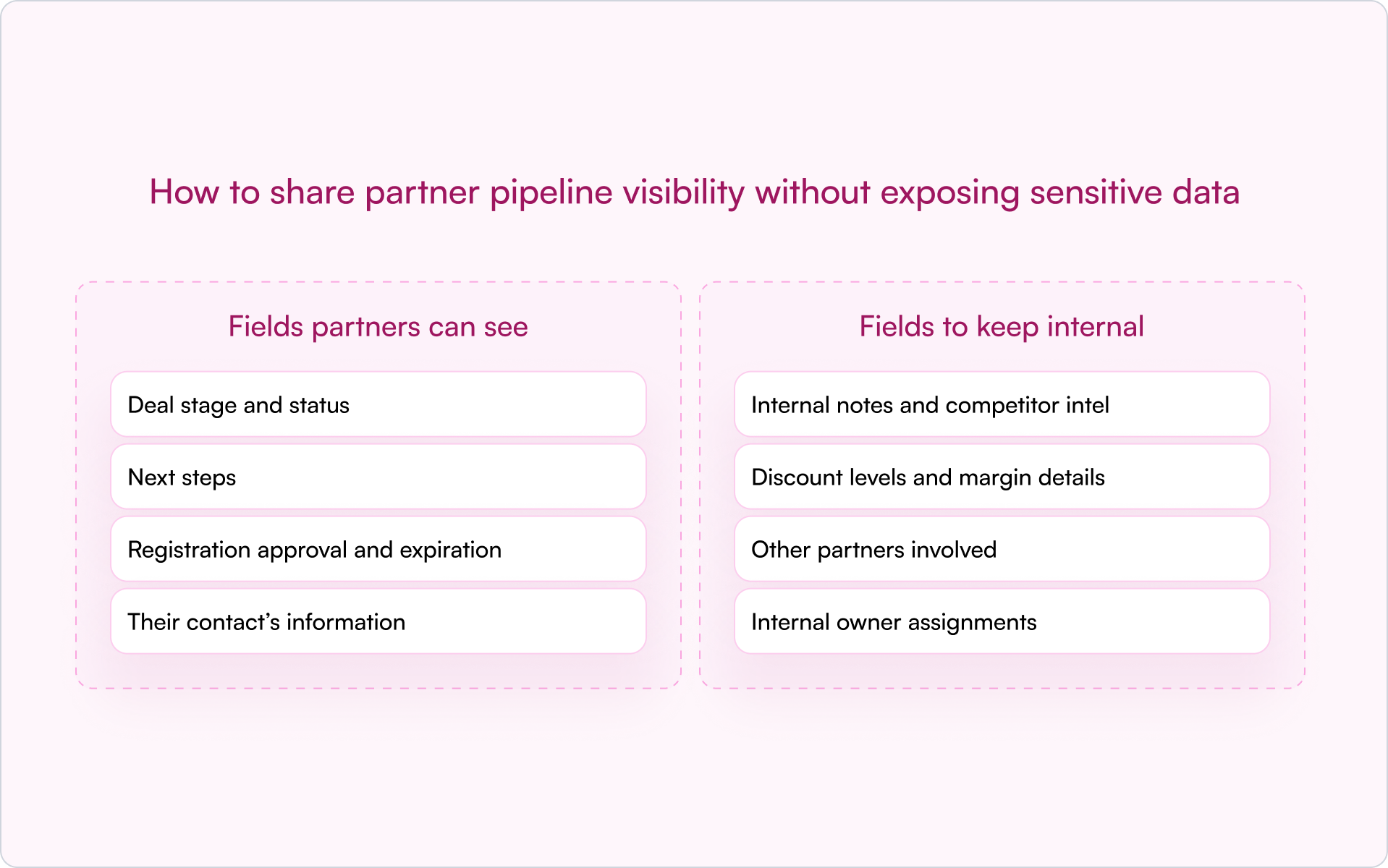
Fields partners can see
- Deal stage and status
- Next steps
- Registration approval and expiration
- Their contact’s information
Fields to keep internal
- Internal notes and competitor intel
- Discount levels and margin details
- Other partners involved
- Internal owner assignments
Permission controls and role-based access
CRM-first tools let you define exactly which fields partners can view. SSO and role-based access ensure the right people see the right data — and only that data.
Introw’s shared pipeline feature handles this without building custom portals. Partners see their deals; you control what’s visible.
When to start tracking partner pipeline
Not every company needs formal partner pipeline tracking from day one. But there are clear signals you’ve outgrown informal processes.
- You have more than a handful of active partners
- Deals are being disputed or duplicated
- You can’t forecast partner revenue accurately
- Partners complain about lack of visibility into their deals
If any of that sounds familiar, the “spreadsheet + email thread + memory” system is already costing you deals and trust. The fix isn’t more admin work — it’s better plumbing.
How to build a CRM-first partner pipeline
A CRM-first approach means partner pipeline tracking is built on top of your existing CRM, not in a separate system that hides partner activity and forces your team to reconcile data at the end of every month.
The benefits are practical:
- Single source of truth: Sales, Partnerships, and RevOps see the same data.
- No partner login friction: Partners can register deals and get updates without logging into another portal.
- Real-time visibility: Pipeline stays current instead of waiting on manual syncs.
- Clean attribution: Partner-sourced and partner-influenced revenue becomes trackable and forecastable.
This is what modern partner relationship management software is designed to support: not a second system, but an extension of the CRM you already use.
Conclusion: make partner pipeline a first-class revenue input
If you’re serious about partnerships as a growth lever, your partner pipeline can’t live in the shadows. Once you track it inside your CRM, you get better forecasting, cleaner attribution, and fewer surprises — which is exactly what you want as you scale.
If you want to see how this works in practice, book a demo and walk through how Introw tracks partner pipeline inside your CRM.
Top 12 Partner Collaboration Platform Options: What to Compare (Plus a Shortlist)
Partner Collaboration ≠ “Another PRM Tab”
Most partner relationship management software promises better partner relationship management, but your real goal isn’t to manage tabs or dashboards. You want deals to move faster, protect partner revenue, and catch channel conflict before it hits your CRM.
The friction shows up in small ways.
Your sales team works inside Salesforce or HubSpot, while channel partner updates sit in separate partner portals. Then, someone ends up reconciling partner data just to understand deal flow.
Where collaboration breaks down
- Deal registration doesn’t write back cleanly to your CRM
- Lead distribution lacks visibility for your sales team
- Manual data entry keeps systems loosely aligned
- Email and Slack updates never connect to partner performance
- Channel conflict surfaces too late
Across reseller programs, referral programs, and tech partners, these gaps make partner onboarding heavier than it should be.
What real collaboration looks like
A true partner collaboration platform keeps everything anchored in your CRM integration. Shared records update in real time. Conversations write back automatically. You can see deal flow and partner performance without exporting data.
If collaboration lives inside your CRM, you need a clear way to test whether a platform actually supports that. Not in theory. In practice.
Partner collaboration platform checklist (What to compare in 2026)
When evaluating a partner collaboration platform, don’t get distracted by feature lists. Focus on what protects your CRM, improves deal flow, and keeps partner relationships aligned across the entire partner lifecycle.
Use this checklist to compare partner collaboration tools and the top PRM platforms for partner collaboration in 2026.
Strong partner management depends on choosing PRM software that keeps collaboration inside your CRM instead of pushing it into disconnected partner portals.
If you’re evaluating partner relationship management software or comparing CRM alignment, the right CRM for partner management should make collaboration visible inside your existing systems, not outside them.
Once you’ve pressure-tested the criteria, the real question is simple: which partner collaboration platforms can actually check these boxes?
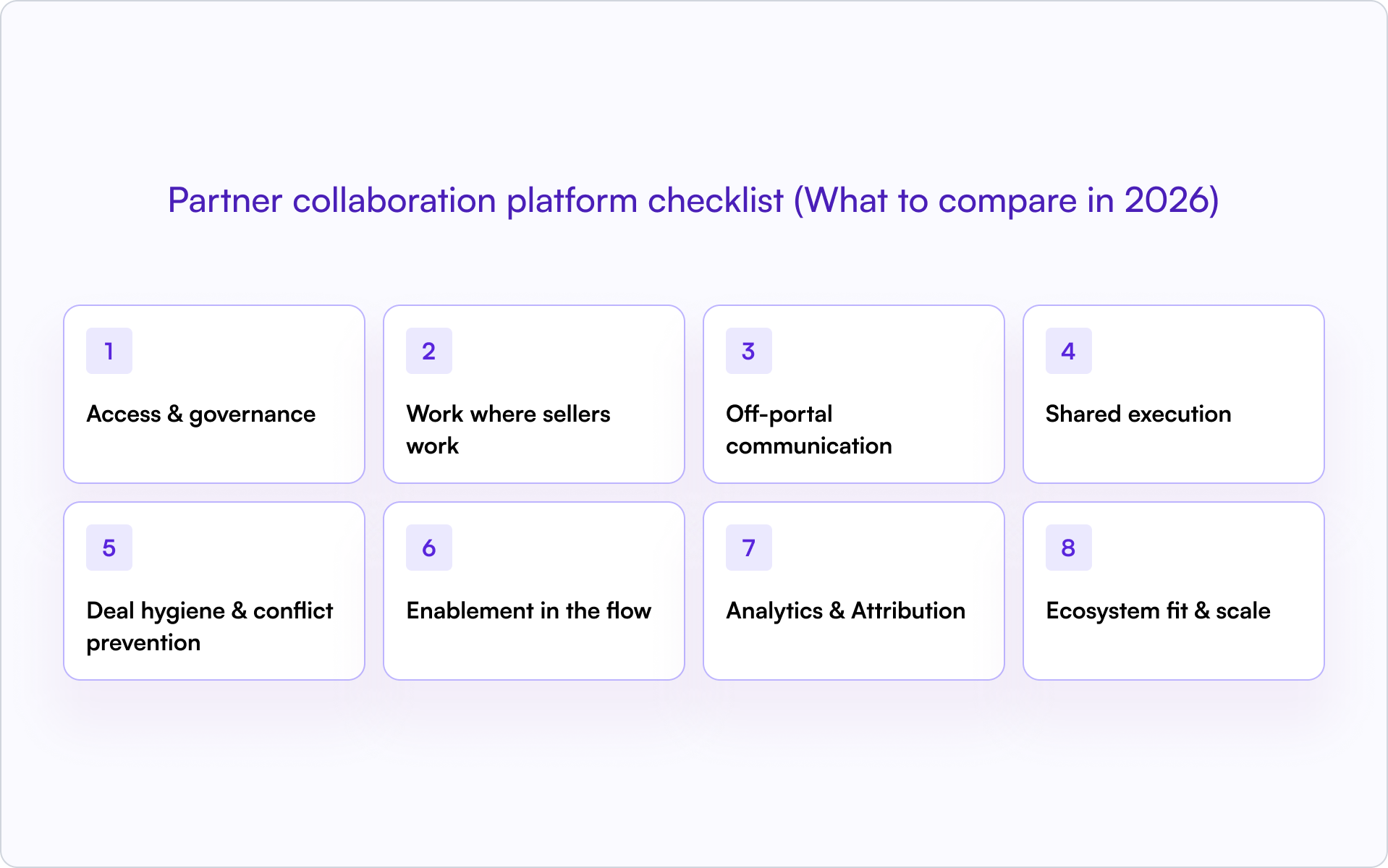
Partner collaboration platform shortlist
Not every PRM platform is built for real collaboration. This shortlist focuses on partner collaboration platforms that keep deal flow visible, reduce channel conflict, and support structured execution across the entire partner lifecycle.
1) Introw – CRM-native collaboration for modern partner programs
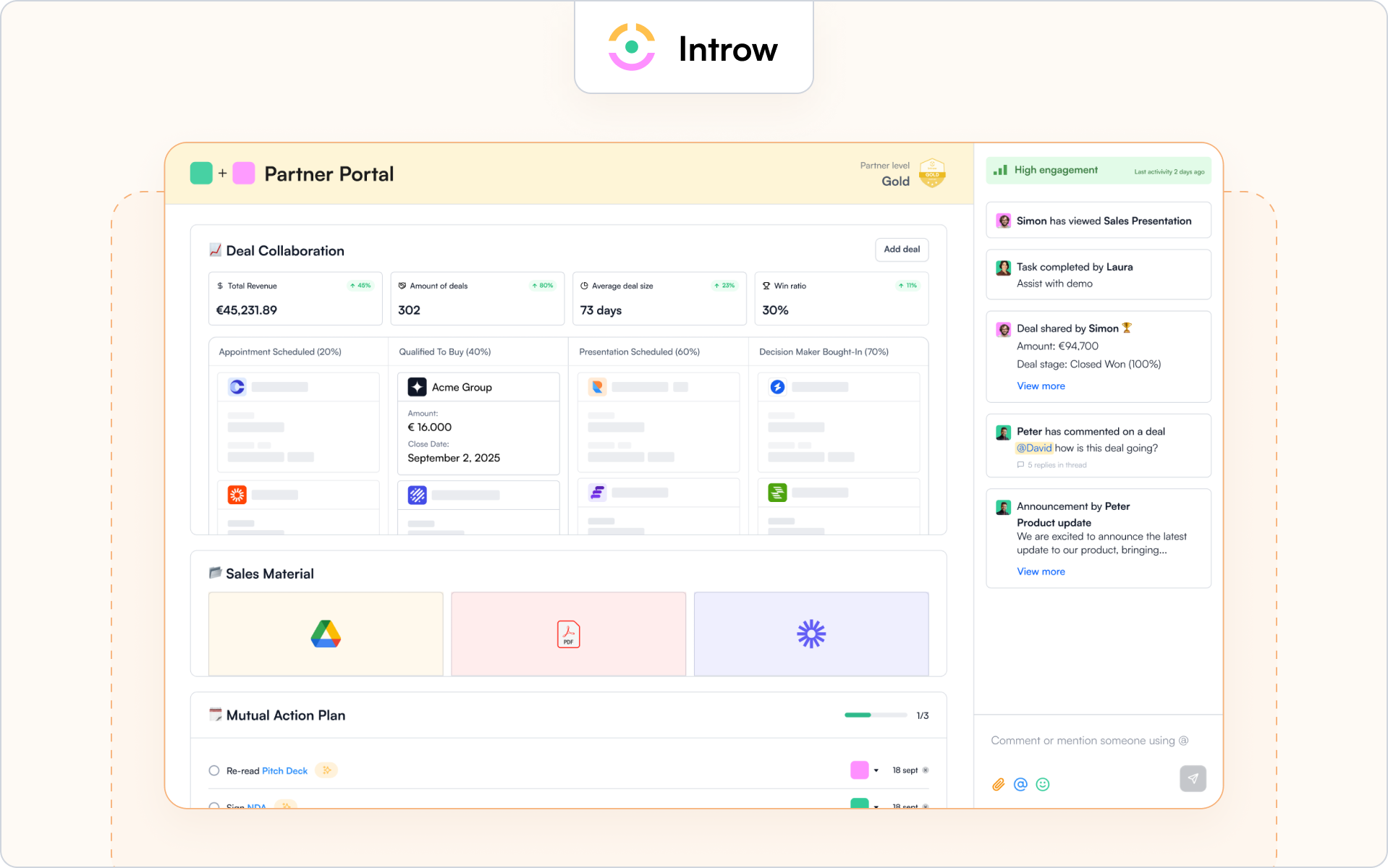
Who it’s for
Introw is built for SaaS companies running reseller programs, referral programs, and strategic partnerships that need collaboration tied directly to pipeline. It’s a strong fit for revenue teams that live inside CRM and don’t want another disconnected PRM software layer.
If your sales team works in Salesforce or HubSpot and your partner management motion depends on shared deal context, this is designed for you.
Why it stands out
Introw is a partner collaboration platform that keeps shared work anchored inside your CRM instead of pushing it into isolated partner portals. Collaboration happens where sellers already work, with native Salesforce integration and HubSpot integration.
That means partner engagement, deal registration, and shared execution stay connected to real deal flow. No duplicate systems. No manual data entry just to understand what your channel partner is doing.
It also gives you governed visibility. Different partner types see only what they should, which helps prevent channel conflict before it escalates.
Key collaboration features
- CRM-first collaboration with field-level visibility controls and full audit logs.
- Off-portal email and Slack threads that attach to opportunities and write back automatically.
- Partner-safe pipeline views and structured deal registration workflows to reduce channel conflict.
- Shared execution tools, such as assigned next steps and action tracking tied directly to the opportunity.
- A configurable partner portal that supports dynamic partner portals without breaking CRM alignment.
Where it may not fit
If you’re only looking for basic partner portals to host marketing materials or need a lightweight free plan for simple referral programs, this may feel more robust than you need.
Introw is built for teams that want collaboration, governance, and CRM integration working together as a unified system.
Request a demo to see how collaboration works directly inside your CRM.
2) Impartner: PRM suite with collaboration spaces at enterprise scale
Who it’s for
Teams evaluating Impartner are typically enterprise brands and SaaS companies running structured partner programs across multiple partner types and regions.
Why it stands out
Impartner is a full partner relationship management PRM suite built for governance-heavy environments. It combines partner portals, deal registration, lead distribution, and marketing automation across the entire partner lifecycle.
Key collaboration features
- Configurable partner portals with workflow-based deal registration.
- Structured collaboration spaces and task tracking.
- Performance tracking and reporting across channel programs.
Where it may not fit
For teams prioritizing CRM-first collaboration embedded directly in deal flow, it can feel portal-centric and introduce a steep learning curve.
3) Channelscaler: enterprise partner operations and enablement platform
Who it’s for
Teams evaluating Channelscaler are typically enterprise SaaS companies running structured partner programs across reseller programs and channel partnerships.
Why it stands out
Channelscaler combines partner relationship management, partner onboarding, and marketing execution inside a governance-focused PRM software environment built for complex partner ecosystems.
Key collaboration features
- Configurable partner portals with structured deal registration and lead distribution.
- Partner onboarding workflows tied to channel programs.
- Performance tracking dashboards across the entire partner lifecycle.
Where it may not fit
If your priority is CRM-native collaboration embedded directly inside opportunity records, it may feel portal-driven rather than collaboration-first.
4) Channeltivity: lightweight collaboration for mid-market
Who it’s for
Teams exploring Channeltivity are often mid-market SaaS companies running structured reseller programs without enterprise complexity.
Why it stands out
Channeltivity focuses on practical partner management, clean deal registration, and accessible partner portals that support day-to-day collaboration.
Key collaboration features
- Structured deal registration and lead distribution workflows.
- Task management and communication inside partner portals.
- Reporting dashboards for partner performance and revenue contribution.
Where it may not fit
For complex partner ecosystems or layered strategic partnerships, collaboration depth and governance controls may be limited.
5) PartnerStack: marketplace-driven collaboration for affiliates and resellers
Who it’s for
Companies evaluating PartnerStack are typically SaaS companies scaling referral programs and reseller programs through marketplace-based partner discovery.
Why it stands out
PartnerStack combines partner management with marketplace infrastructure. It supports automated onboarding, automated marketing campaigns, and partner revenue tracking.
Key collaboration features
- Marketplace-based partner discovery and onboarding.
- Deal tracking and attribution for referral programs.
- Performance tracking tied to revenue contribution.
Where it may not fit
If your priority is structured co-sell collaboration embedded inside CRM deal flow, it may feel acquisition-focused rather than collaboration-first.
6) Crossbeam: account mapping plus partner rooms
Who it’s for
Teams considering Crossbeam are SaaS companies focused on account mapping and strategic partnerships with tech partners.
Why it stands out
Crossbeam strengthens partner discovery by securely comparing partner data. It’s strong at the discovery → collaboration transition before formal deal registration.
Key collaboration features
- Secure account mapping between business partners.
- Partner rooms for shared visibility and early-stage coordination.
- CRM integration to push insights back to the sales team.
Where it may not fit
It is not full partner relationship management software. It complements PRM platforms rather than replacing deal registration or partner portals.
7) PartnerTap: account mapping and co-sell collaboration
Who it’s for
Companies considering PartnerTap are typically SaaS companies and tech partners focused on account mapping and co-sell collaboration across strategic partnerships.
Why it stands out
PartnerTap centers collaboration around secure partner data sharing and shared visibility into deal flow before formal deal registration.
Key collaboration features
- Secure account mapping across business partners.
- Shared pipeline visibility for co-sell motions.
- CRM integration to sync collaboration insights to the sales team.
Where it may not fit
It complements PRM platforms but does not replace full partner relationship management software for channel management or partner portals.
8) Unifyr: channel marketing and partner operations platform
Who it’s for
Companies evaluating Unifyr are typically enterprise SaaS companies and tech companies running distributed channel programs with strong marketing execution requirements.
Why it stands out
Unifyr, formerly Zift Solutions, combines partner relationship management, through channel marketing automation, and campaign execution inside a unified platform. It is built for organizations managing structured reseller programs and large partner ecosystems.
Key collaboration features
- Through channel marketing automation and campaign distribution across partner portals.
- Structured deal registration and lead distribution workflows.
- Performance tracking dashboards tied to partner engagement and revenue contribution.
Where it may not fit
If your priority is CRM-first collaboration embedded directly inside deal objects, it may feel more marketing-centric than collaboration-native.
9) Slack with Salesforce or HubSpot apps: flexible “bring your own” collaboration
Who it’s for
Teams combining Slack with Salesforce PRM or HubSpot are usually SaaS companies wanting flexible collaboration tools tied loosely to CRM integration.
Why it stands out
This approach keeps conversations in Slack while pinning threads or notifications to CRM records. It can reduce manual data entry if configured well.
Key collaboration features
- Channel-based collaboration across internal and external teams.
- CRM notifications and updates pushed into Slack.
- Flexible routing across partner types and territories.
Where it may not fit
It requires strong governance to prevent channel conflict and data drift. It is not a unified platform or full PRM software solution.
10) Notion with CRM sync: mutual plans and shared hubs
Who it’s for
Teams using Notion with CRM sync are typically modern SaaS companies wanting lightweight collaboration for mutual action plans.
Why it stands out
Notion can serve as a shared workspace for file hubs, execution plans, and documentation across partner relationships.
Key collaboration features
- Mutual action plan templates.
- Shared file and documentation hubs.
- CRM sync for visibility into deal flow.
Where it may not fit
It requires governance wrappers to prevent channel conflict and lacks built-in deal registration or structured partner management.
11) Monday.com with PRM templates: task-based partner workspaces
Who it’s for
Teams adapting Monday.com for partner programs are usually mid-market SaaS companies needing task tracking and dashboards.
Why it stands out
Monday.com offers flexible boards that support partner onboarding, shared tasks, and light partner management.
Key collaboration features
- Task boards for deal flow and partner onboarding.
- Dashboards for performance metrics.
- Integrations with CRM systems.
Where it may not fit
It is not purpose-built PRM software and may require manual data entry to maintain partner data alignment.
12) Gainsight Customer Communities: external community-led collaboration
Who it’s for
Organizations using Gainsight Customer Communities are typically enterprise brands focused on post-sale collaboration with active partners.
Why it stands out
It supports structured communities for partner engagement and shared resources across complex partner ecosystems.
Key collaboration features
- Community-based collaboration for active partners.
- Content sharing and discussion threads.
- Reporting dashboards for engagement metrics.
Where it may not fit
It is less sales-centric and does not replace PRM platforms for deal registration, lead distribution, or CRM-native co-sell execution.
If you want, next we can trim further by tightening repetitive phrasing across tools while preserving keyword density.Summary
A long feature list doesn’t guarantee better collaboration.
The question now isn’t which platform has the most features. It’s which one actually improves how your sales team and your channel partner work together.
How to implement partner collaboration in 30–45 days
You don’t need a six-month rollout. You need structure, ownership, and clear guardrails. Here’s a practical way to stand up partner collaboration across your partner programs in 30–45 days.
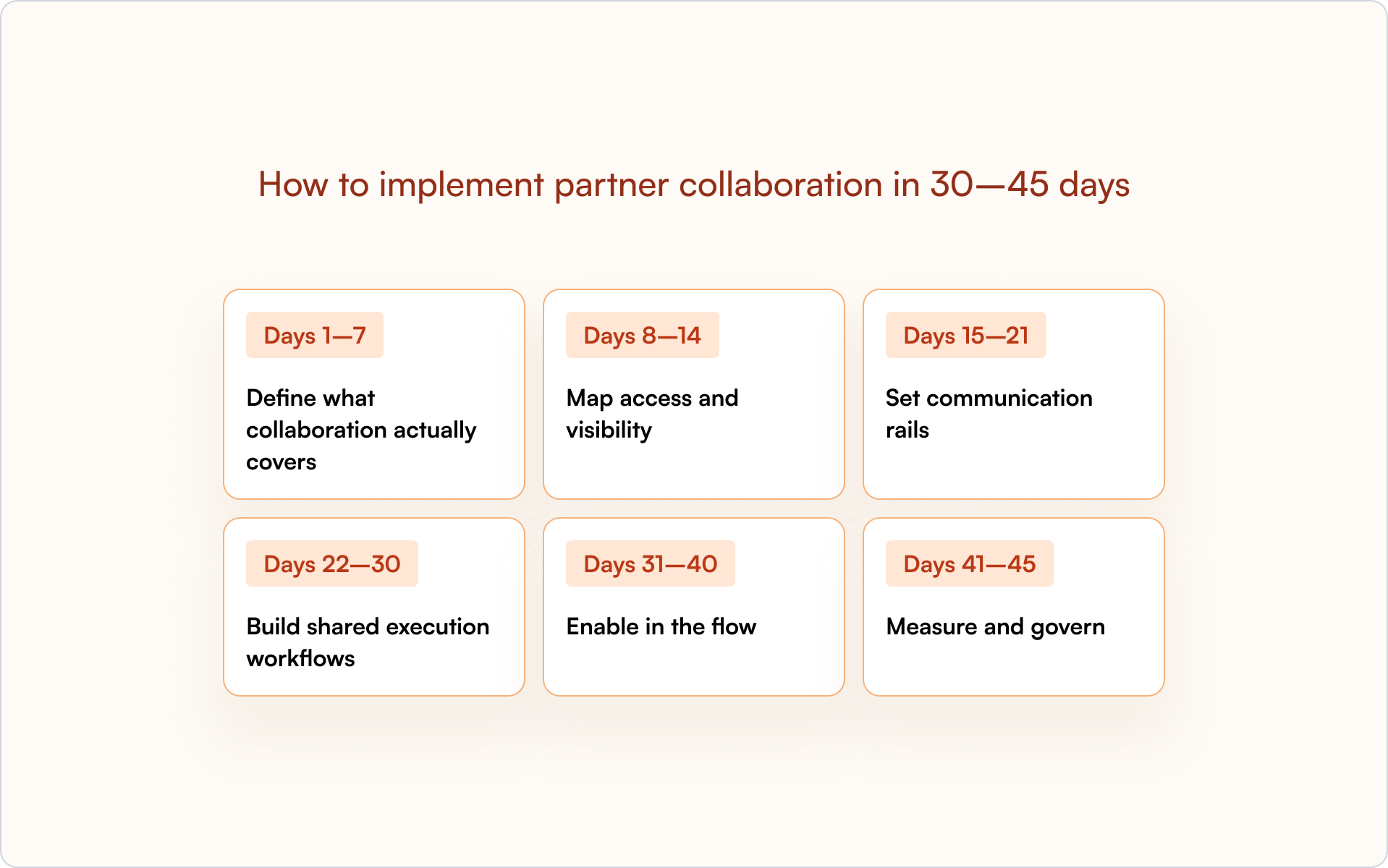
Days 1–7: define what collaboration actually covers
Start by defining the collaboration objects inside your CRM.
- Decide which objects partners can collaborate on: opportunities, accounts, renewals, and expansions.
- Clarify how deal registration connects to those objects.
- Align on how this supports the entire partner lifecycle, not just new deals.
If this step is vague, partner relationships will stay vague.
Days 8–14: map access and visibility
Next, design access before inviting partners in.
- Map fields, sections, and roles by partner type.
- Define what each channel partner, tech partner, or reseller can see and edit.
- Set time-bound links and expiration rules to protect partner data.
The goal is simple: prevent channel conflict before it happens.
Days 15–21: set communication rails
Now decide how communication works.
- Define Slack and email collaboration channels tied to opportunities.
- Enable reply-by-email so off-portal updates write back to your CRM.
- Set routing rules by territory or role so the right partners are looped in.
This removes manual data entry and keeps deal flow visible to your sales team.
Days 22–30: build shared execution workflows
Collaboration without structure creates noise. Add shared execution.
- Create mutual action plan templates for source, co-sell, and renewal motions.
- Assign next steps with owners and due dates.
- Align SLAs across partner programs and reseller programs.
This is where collaboration turns into measurable partner performance.
Days 31–40: enable in the flow
Support partners without pushing them into separate portals.
- Surface certification status inside the deal context.
- Recommend content and marketing materials by stage.
- Make it easy for new partners to complete onboarding without leaving the workflow.
This increases partner engagement and partner adoption.
Days 41–45: measure and govern
Finally, make collaboration measurable and auditable.
- Build dashboards for touches, time-to-stage movement, and win rate.
- Track channel conflict rate and revenue contribution across partner types.
- Review audit logs and refresh safelists quarterly.
When collaboration is visible, governed, and tied to performance tracking, it becomes part of your partner management discipline, not just another tool.
Remember: Structure first. Tools second.
That’s exactly the kind of collaboration Introw was built to support.
Why Introw for partner collaboration
Most PRM platforms add structure. Introw focuses on how work actually moves between your sales team and your channel partner.
It is built around one idea: a partner collaboration platform should live inside your CRM, not around it. That’s what separates partner relationship management PRM in theory from collaboration in practice.
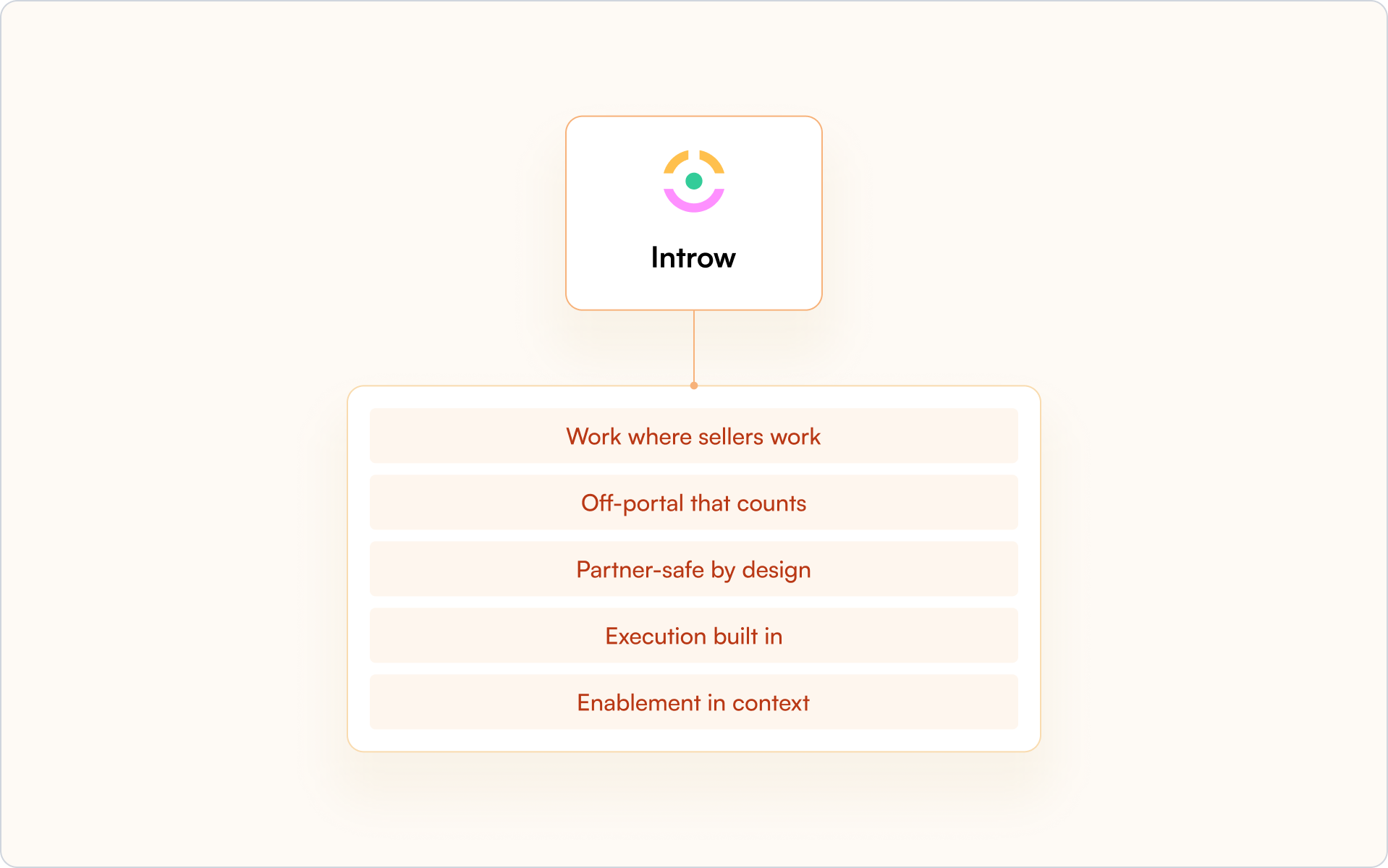
Work where sellers work
Introw runs natively inside Salesforce and HubSpot through its Salesforce and HubSpot integration. Collaboration lives in the side panel of the opportunity or account, not in a separate portal.
Your sales team does not switch tools. Your tech partners do not lose context. Deal flow stays visible across the entire partner lifecycle.
Off-portal that counts
Partners reply by email or Slack, and the conversation attaches directly to the right opportunity. No copy-paste. No manual data entry.
Every update writes back to your CRM, so partner data, deal registration activity, and shared execution stay connected.
Partner-safe by design
Introw uses field-level safelists, role mapping, time-bound links, and full audit trails. Each partner type sees only what they should.
That protects partner relationships and helps prevent channel conflict across complex partner ecosystems.
Execution built in
Collaboration is not just conversation. Introw supports assigned tasks, mutual action plans, conflict flags, and surfaced deal and lead registration context inside the thread.
Instead of adding another feature-rich platform to manage, collaboration becomes part of your channel programs and partnership programs.
Enablement in context
Training and certification status from your partner LMS can surface directly in the deal view. Content recommendations appear based on the stage.
Partner onboarding and partner engagement happen inside the flow of work, not in disconnected partner portals.
Your next steps
- Map where collaboration currently breaks down between your sales team and your partners.
- Identify which partner types need governed visibility and which fields must stay protected.
- Decide whether your current PRM software truly supports collaboration inside your CRM.
If not, you are likely evaluating the best PRM software based on features instead of execution.
Request a demo to see a 10-minute collaboration flow inside Salesforce or HubSpot.
Further reading
If you are refining your broader partner strategy, explore some of our other guides:
- Practical guidance on scaling partner engagement
- A structured approach to partner enablement
- How to align collaboration with your overall partnership marketing
Partner Management Automation in 2026: How to Automate Partner Workflows
Partner management automation is the use of software to handle repetitive partnership workflows — deal registration, partner communication, onboarding, and reporting — without manual intervention. In 2026, the teams that scale partner revenue the fastest aren’t the ones with the most portal features. They’re the ones that remove friction for partners while keeping everything measurable for the revenue team.
The most effective approach is CRM-first: automation that enhances your existing HubSpot or Salesforce instead of creating a separate system that hides partner activity.
Manual partner management works fine with a handful of partners. It breaks down fast when you’re chasing updates across fifty partners, copying data between systems, and watching engagement drop because nobody wants to log into another portal.
This guide covers what you can automate, how to implement it step by step, and how to choose partner management software that keeps everything visible inside your CRM.
What is partner management automation?
Partner management automation refers to using software to handle repetitive partnership tasks without manual intervention. Instead of chasing partners for updates, tracking deals in spreadsheets, or manually routing approvals, automation runs the workflow inside your existing systems — with clear ownership, timestamps, and reporting.
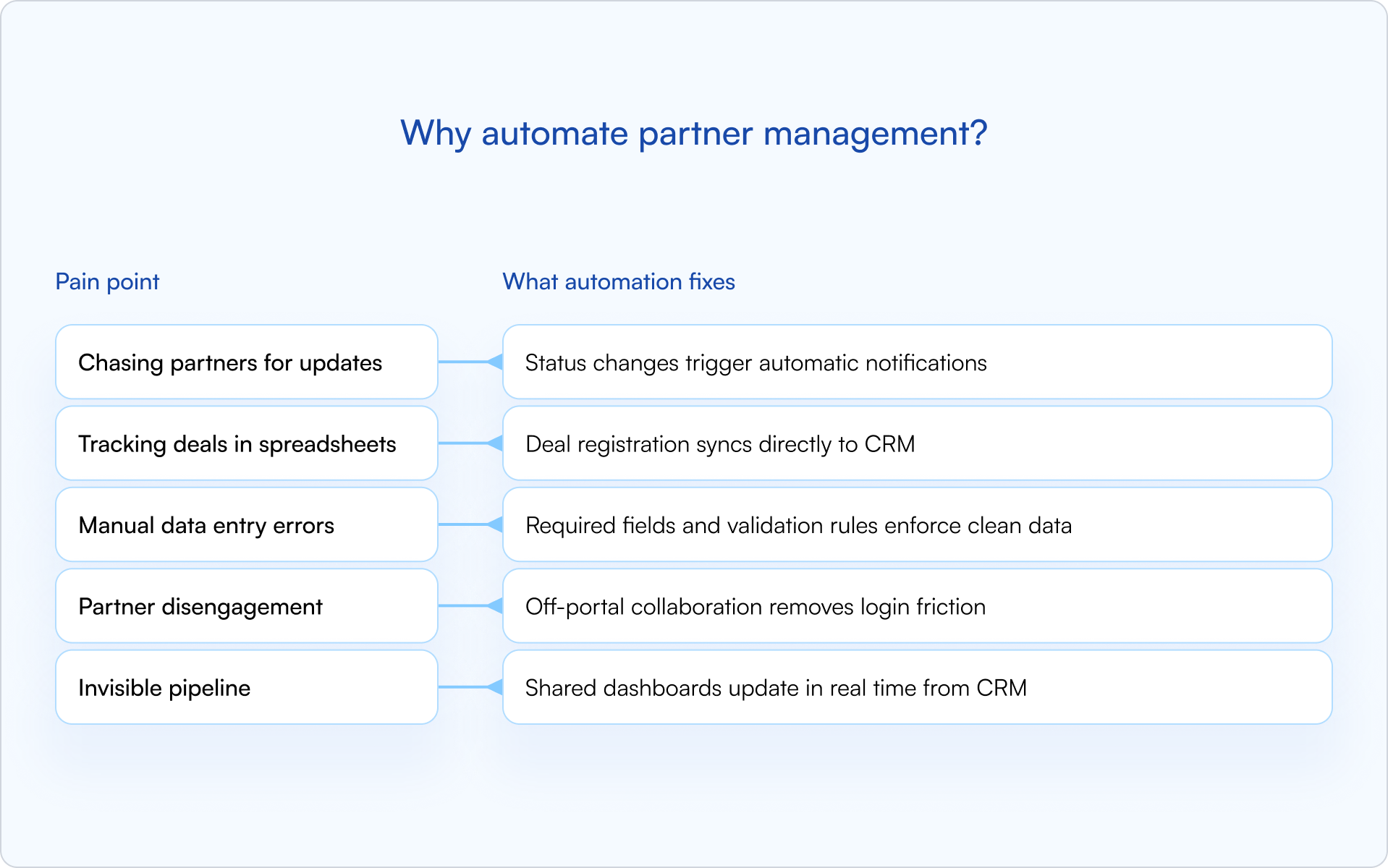
In practice, partner management automation typically covers four areas:
- Deal and lead registration: Partners submit opportunities through forms or email, and the system auto-routes for approval, timestamps decisions, and syncs everything to your CRM.
- Partner communication: Triggered emails, Slack notifications, and announcements go out automatically when deals change status, policies update, or registrations expire.
- Pipeline visibility: Dashboards update in real time from CRM data, so sales, partnerships, and RevOps see the same reality.
- Onboarding workflows: Welcome sequences, task checklists, and document collection happen without manual coordination.
The key distinction is where automation lives. Traditional PRMs often create a separate system that hides partner activity from your CRM. CRM-first automation keeps everything visible inside HubSpot or Salesforce, so partner-sourced revenue is trackable and forecastable alongside direct sales.
Why automate partner management?
Manual partner management works fine with five partners. It breaks down quickly at fifty — especially once you’re dealing with approvals, attribution questions, and a pipeline that leadership wants to forecast.
The pain points are predictable: chasing partners for deal updates, copying data between systems, correcting duplicate records, and watching engagement drop because partners don’t want to log into another portal. Meanwhile, leadership can’t forecast partner revenue because the pipeline is invisible.
The outcome is simple: automation removes the friction that slows everything down. You can grow from twenty partners to three hundred without proportionally scaling headcount, because repetitive work is handled automatically and consistently.
Partner management tasks you can automate
Not every task benefits equally from automation. The highest-impact workflows are the ones that are high-volume, repetitive, and prone to human error — the exact places where a founder-led partnerships function starts to crack as you scale.

Deal and lead registration
This is where most teams start, and for good reason. Manual deal registration creates delays, disputes, and dirty data.
With automation, partners submit deals through a form or email. The system auto-routes the submission for approval, timestamps the decision, and syncs the deal to your CRM. Protection windows are enforced automatically, and expiring registrations trigger reminders before they lapse.
Deal registration is also your primary defense against channel conflict. When ownership is established early and visible to everyone, disputes become rare.
Partner communication and announcements
Partners miss updates when communication depends on someone remembering to send an email. Automation makes “the right update at the right time” the default.
Trigger notifications for the moments that matter: deal status changes, policy updates, expiring registrations, and approval decisions. Notifications can go out via email, Slack, or in-portal announcements — whichever channel your partners actually check.
Off-portal collaboration is a major lever here: partners can reply to notifications via email, and responses sync back to the CRM timeline. No login required.
Pipeline visibility and reporting
Shared pipeline views give partners visibility into their deals without exposing sensitive pricing or internal notes.
Property-level controls let you decide exactly what partners see (stage, next step, protection expiry) while keeping discount bands and internal comments hidden. Dashboards update automatically from CRM data, so you’re not manually pulling reports.
Partner onboarding and enrollment
Onboarding is a repeatable process — and repeatable is exactly what automation is good at. Onboarding new partners involves a predictable sequence: welcome emails, document collection, profile creation, and task assignments.
Automation runs that sequence without manual coordination. Partners receive welcome content, complete required steps, and get provisioned in your CRM, all triggered by enrollment. SSO removes password friction so partners can access the portal immediately.
Partner enablement and training
Training assignments can be automated based on partner tier, certification status, or product focus.
Content lives in the partner portal, completion is tracked automatically, and reminders go out when certifications expire. Partners stay ready to sell without requiring your team to manually assign and follow up on every course.
Payouts and commissions
For programs with referral or reseller commissions, automation can calculate payouts based on deal stage, generate reports for finance, and trigger disbursements.
Payout automation depends heavily on your partner model. Not every program needs it, but for programs that do, automation eliminates the back-and-forth between partner managers, finance, and partners.
How to implement partner management automation
Partner management automation works best when it’s introduced deliberately, not all at once. The goal is to automate what’s repetitive, protect what’s sensitive, and keep the pipeline trustworthy.
1) Audit your current partner workflows
Start by mapping where manual work lives today. Which tasks involve copying data between systems? Where do partners get stuck? What causes the most friction for your team?
Common culprits include deal registration, status updates, onboarding, and reporting. Document pain points before selecting tools or building workflows.
2) Identify high-impact automations first
Not everything deserves automation on day one. Focus on workflows that are high-volume, repetitive, and error-prone.
Deal registration and status notifications are usually the best starting points. Both are frequent, both directly impact partner engagement, and both create clean CRM data that benefits everyone downstream.
3) Select a CRM-first partner management platform
The platform you choose determines whether automation enhances your CRM or creates a parallel system you’ll be reconciling forever.
Look for:
- Native HubSpot or Salesforce integration: Real-time sync, not batch imports.
- Off-portal collaboration: Partners can take action via email without logging in.
- Property-level sharing: Control exactly what partners see in shared pipeline views.
- Fast implementation: Days to weeks, not months.
A CRM-first approach keeps partner activity visible where revenue teams already work — which is what makes attribution and forecasting realistic instead of aspirational.
4) Configure workflows and launch
Set up deal registration forms, approval routing, notification triggers, and shared pipeline views. Then test with a small partner cohort before rolling out broadly.
Start simple. You can add complexity later once the foundation is working and your team trusts the data.
5) Measure results and iterate
Track partner engagement, registration volume, approval times, and pipeline accuracy. Metrics tell you whether automation is working and where to refine.
The goal isn’t perfect automation on day one. It’s continuous improvement based on what you learn.
Best practices for partner management automation
Automation can backfire if it creates friction instead of removing it. These principles help keep your partner program scalable without making it feel robotic.
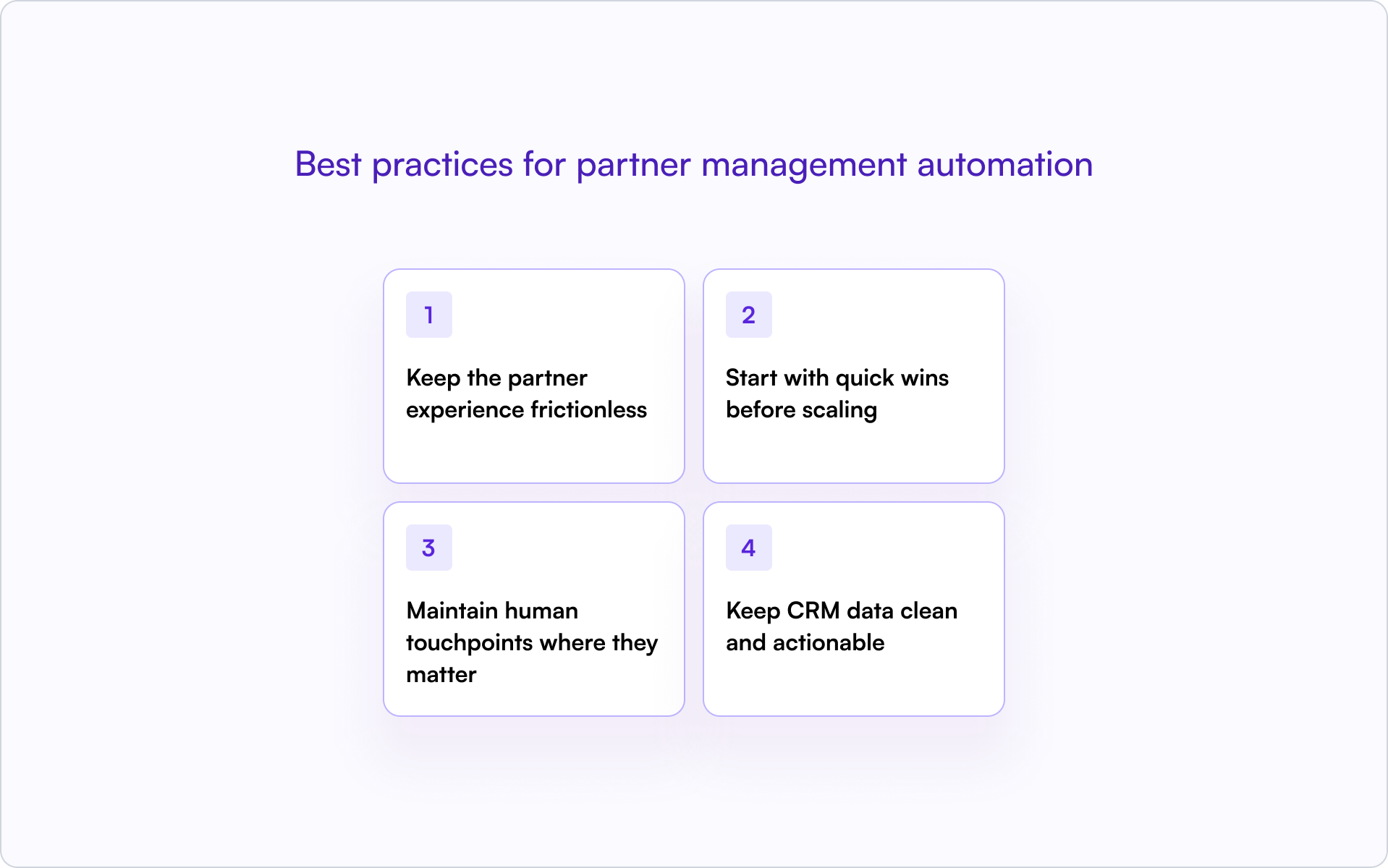
Keep the partner experience frictionless
Portal login walls kill engagement. The moment partners hit a login screen, many stop — especially when registering a deal is “nice to have” compared to running their own pipeline.
- Let partners submit deals via email or lightweight forms.
- Push notifications through channels they already check.
- Enable off-portal collaboration so partners can respond without logging in.
The fewer clicks required, the higher the engagement.
Start with quick wins before scaling
Prove the value of partner management automation with one or two workflows before expanding. Early wins build internal trust and help partners see the system as a benefit, not bureaucracy.
Deal registration is usually the best starting point. It’s visible, it’s frequent, and it creates immediate value for partners and your team. Once deal registration is working, expand to training, payouts, or complex routing.
Maintain human touchpoints where they matter
Automation handles repetitive work. Strategic relationships still require personal attention.
Use automation to free up time for high-value conversations like QBRs, conflict resolution, and partner development. The goal is to spend less time on data entry and more time on relationships.
Keep CRM data clean and actionable
Automation is only as good as the data it runs on.
Set up validation rules, duplicate detection, and required fields to maintain a single source of truth. When partner data is clean, reporting is accurate, attribution is clear, and forecasting becomes possible.
Partner management software for automation
The partner management software landscape includes several categories, each with different trade-offs. If you’re a founder choosing a direction, the real question is: “Will this make partner revenue more visible in our CRM — or less?”
CRM-native partner management platforms
CRM-native platforms are built directly on HubSpot or Salesforce. Partner activity syncs in real time, attribution lives in the same system as direct sales, and forecasting doesn’t require exporting data from a separate portal.
Introw is an example of a CRM-first approach. The partner portal, deal registration, and shared pipeline all live on top of your existing CRM, with no separate database and no data silos.
Standalone PRM platforms
Traditional PRMs like PartnerStack, Impartner, Allbound, Zift Solutions, and Kiflo operate as separate systems.
Standalone platforms are often feature-rich, but they create a parallel database that requires integration to sync with your CRM. Partner activity can become invisible to sales and RevOps unless you invest in maintaining the integration.
HubSpot PRM and Salesforce PRM options
When evaluating HubSpot PRM or Salesforce PRM options, the key question is whether the platform enhances your CRM or sits alongside it.
Native CRM tools offer basic partner tracking, but they often lack deal registration, shared pipeline views, and off-portal collaboration. Third-party integrations vary widely in sync quality and implementation complexity. CRM-first platforms like Introw offer tighter integration than standalone solutions, with real-time sync, property-level visibility controls, and partner collaboration without requiring logins.
Build a partner program that runs (almost) on autopilot
Partner management automation delivers on a straightforward promise: less manual work, cleaner data, engaged partners, and scalable growth.
The teams that get it right don’t automate everything at once. They start with high-impact workflows, choose CRM-first tools, and iterate based on what they learn. A CRM-first approach keeps partner activity visible where revenue teams already work — which means accurate attribution, reliable forecasting, and a partner program that scales without proportionally scaling headcount.
If you’re evaluating what “CRM-first” looks like in practice, you can get a demo and see how Introw automates partner management inside your CRM.
How to Build a Predictable Channel Partner Revenue Engine
Most partner programs generate revenue. Fewer can predict it.
The difference isn’t luck or partner quality — it’s whether your systems make channel partner revenue visible, attributable, and repeatable. When deals appear without context, ownership gets disputed, or pipeline hides in spreadsheets, forecasting turns into guesswork.
This guide breaks down the business models, metrics, partner engagement practices, and CRM architecture that turn partners into a reliable revenue engine you can actually plan around.
What makes channel partner revenue predictable
Channel partner revenue is income generated through third-party intermediaries — resellers, distributors, referral partners, or implementation partners — rather than your direct sales team. Partners increase market reach and drive sales through commissions, margins, and co-selling initiatives. For many technology vendors, indirect revenue accounts for a significant share of total revenue, yet it often remains the hardest to forecast.
The difference between predictable and unpredictable partner revenue usually comes down to three things:
- Clear attribution: You know which partner brought the deal, and you can prove it in reporting.
- Documented processes: Deal registration, pricing rules, and territory assignments follow consistent, enforced workflows.
- Real-time visibility: Pipeline data lives in your CRM, not in partner inboxes or disconnected spreadsheets.
When attribution is unclear, deals appear without context. When processes are informal, ownership gets disputed. When pipeline is hidden in portals or email threads, forecasts miss.
Put those three foundations in place and partner revenue becomes something you can plan around — not just hope for.
Channel partner business models that drive growth
Different partner types generate revenue differently. The mix you choose shapes how predictable your channel partner revenue can become — and which systems you need to support it.
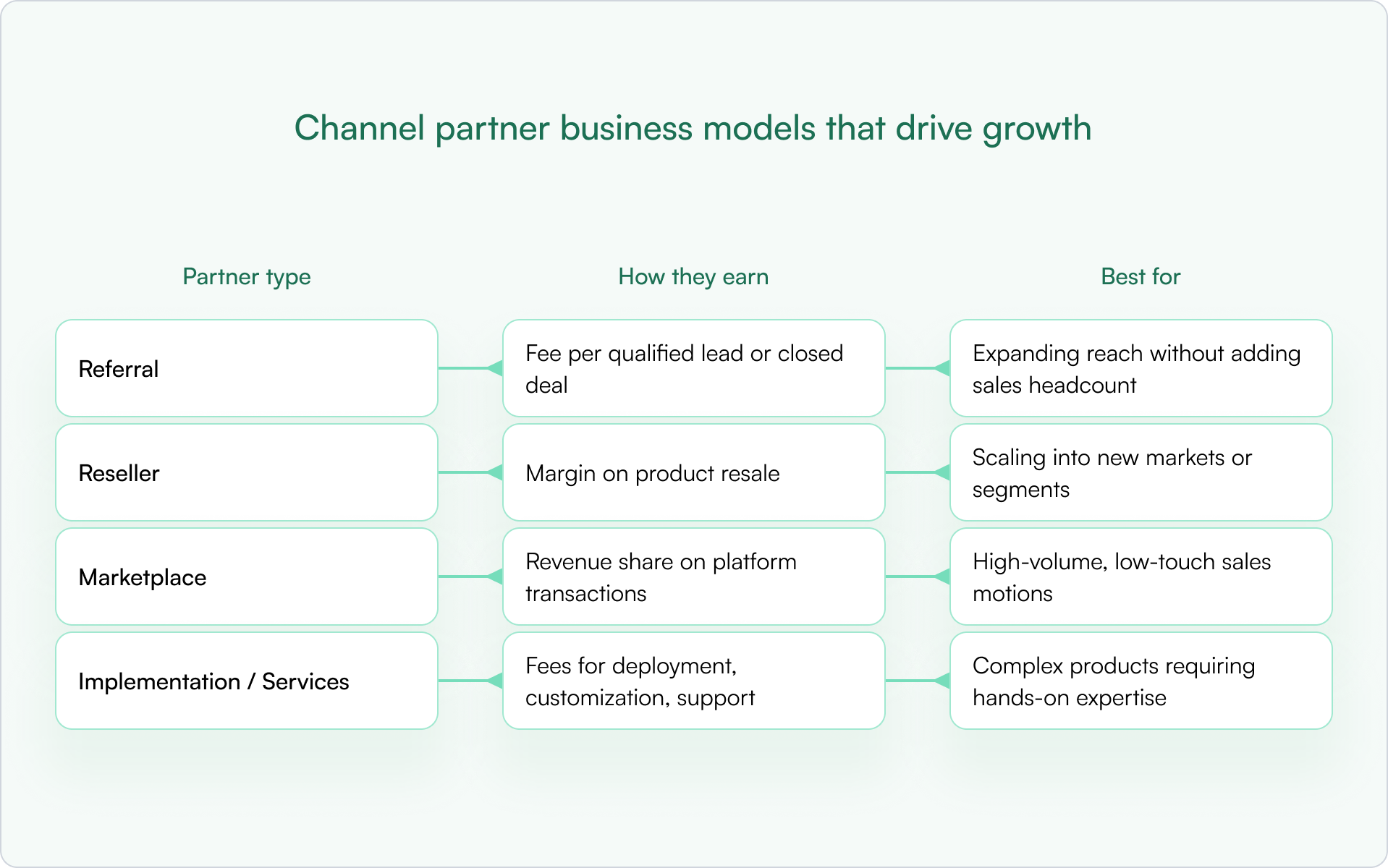
Most companies end up with a blend. The key is to match the model to the segment and build rules that prevent overlap, confusion, and channel conflict.
Referral partners
Referral partners send qualified leads in exchange for a fee. They don’t own the customer relationship or handle the sale. Referral programs are a strong entry point because commitment is low on both sides, and the operational overhead is minimal.
Reseller partners
Resellers purchase and resell your product at a margin. They own the customer relationship and handle the sales process. This motion can scale quickly into new markets, but it only stays predictable if you have clear pricing guardrails and a clean ownership model.
Marketplace partners
Marketplace partners sell through platforms like AWS, Azure, or app marketplaces. Revenue is shared based on platform terms. Marketplace motions work best for high-volume, low-touch sales where buyers expect self-serve discovery, purchase, and provisioning.
Implementation and services partners
System integrators, consultants, and MSPs earn from services around your product — deployment, customization, and ongoing support. These partners often influence deals even when they don’t close them directly, which makes attribution and forecasting more nuanced. If you don’t model “influence” in your CRM, you’ll systematically undercount their impact.
Key metrics for channel partner revenue analytics
If you’re trying to make channel partner revenue predictable, you need metrics that support decisions, not vanity dashboards. You can’t build a predictable revenue engine without knowing what to measure. The right metrics give you the analytics to make decisions, spot problems early, and improve forecast accuracy over time.
Partner-sourced revenue and attribution
Partner-sourced revenue is the primary measure of channel success: revenue directly generated by partners. The distinction between “sourced” and “influenced” matters here.
- Sourced: The partner originated the deal and brought it to you.
- Influenced: The partner materially helped progress or close a deal they didn’t originate.
Both are real value, but they require different rules, reporting, and incentives. If you mix them, you’ll misread performance and misallocate enablement effort.
Deal registration volume and conversion
Deal registration volume tracks how many deals partners register. Conversion rate tracks what percentage of registered deals become closed-won.
- Low registration volume usually signals an engagement or incentives problem — partners don’t see value in registering.
- Low conversion typically points to enablement gaps, weak qualification, or slow internal follow-up.
Partner engagement and enablement rates
Engagement metrics include portal logins, training completions, content downloads, and deal activity. High engagement correlates with higher revenue contribution. Low engagement is often an early warning sign that shows up before your pipeline starts slipping.
Sales cycle length by partner type
Compare how long partner-sourced deals take versus direct deals. Some partner types close faster because they bring existing relationships. Others take longer due to handoffs and multi-party coordination. Knowing these differences is what makes forecasting credible.
Customer retention from partner deals
Retention reveals partner quality and fit. If partner-sourced customers churn faster than direct customers, you may need tighter qualification, better handoffs, or different partner incentives. If they churn less, your best move may be to double down on the partners (and segments) producing that outcome.
How to improve partner engagement to grow channel partner revenue
Predictability isn’t just systems and policy. It’s also behavior. Engagement drives revenue. Partners who are active, enabled, and informed close more deals. Partners who feel ignored or confused go quiet — and so does their pipeline.
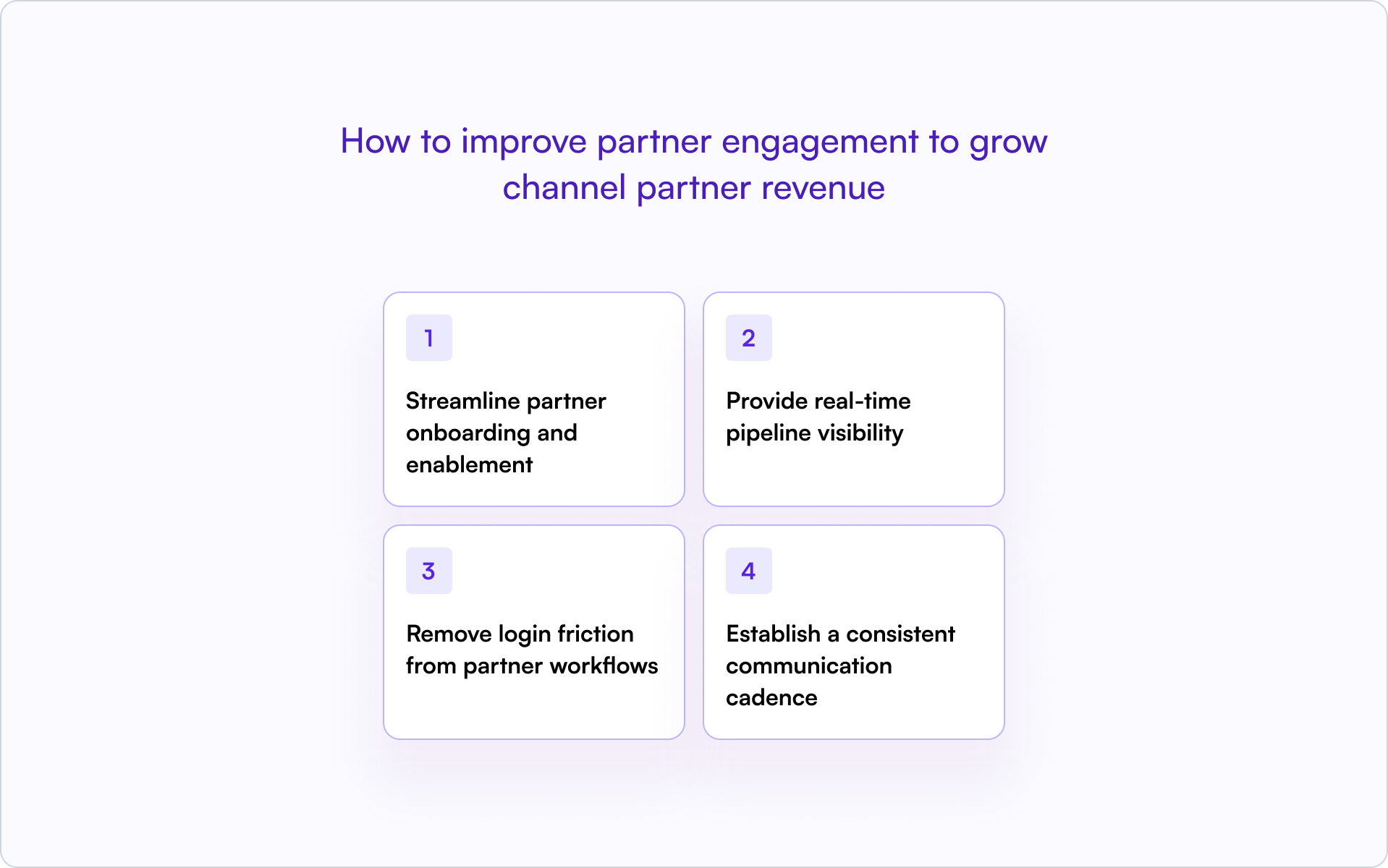
1) Streamline partner onboarding and enablement
Fast onboarding means faster revenue. Partners who know how to sell and position your product within their first week are far more likely to register deals early.
Provide self-serve training, clear playbooks, and certification paths. Define what “activated” means for your program — first registration, first co-sell meeting, first closed-won — and track it like a core funnel stage.
2) Provide real-time pipeline visibility
Partners want to see deal status without chasing your team for updates. Shared pipeline views — with limited, safe fields — keep them engaged and accountable.
When partners can see stage, next step, and protection expiry, they stay involved. When they can’t, they disengage or escalate.
3) Remove login friction from partner workflows
Every login wall kills engagement. The moment partners hit a portal login, many stop — especially for “quick” actions like registering a lead or sharing an update.
Allow partners to register deals, submit updates, and respond via email without forcing portal access. Off-portal collaboration keeps deals moving without adding friction.
4) Establish a consistent communication cadence
Regular updates prevent surprises. Weekly pipeline reviews for active partners, biweekly announcements, and monthly policy updates keep everyone aligned on pricing, program changes, and expectations.
Silence breeds confusion. Consistent communication builds trust — and trust is what keeps partners registering deals instead of “just trying it” and hoping you notice later.
CRM data model for channel partner revenue attribution
Your CRM is the foundation for tracking and forecasting channel partner revenue. Without the right fields and governance, attribution becomes a guessing game — and the quarter-end scramble becomes normal.
Required fields on opportunities and deals
The following fields make partner revenue visible and attributable:
- Partner Type: Referral, Reseller, Marketplace, SI/MSP
- Partner Organization: The specific partner company
- Sourced vs. Influenced: Who found the deal versus who helped
- Deal Registration ID: Links back to the registration record
- Protection Start / End Date: When exclusivity expires
- Incumbent Partner: For renewals, who currently owns the relationship
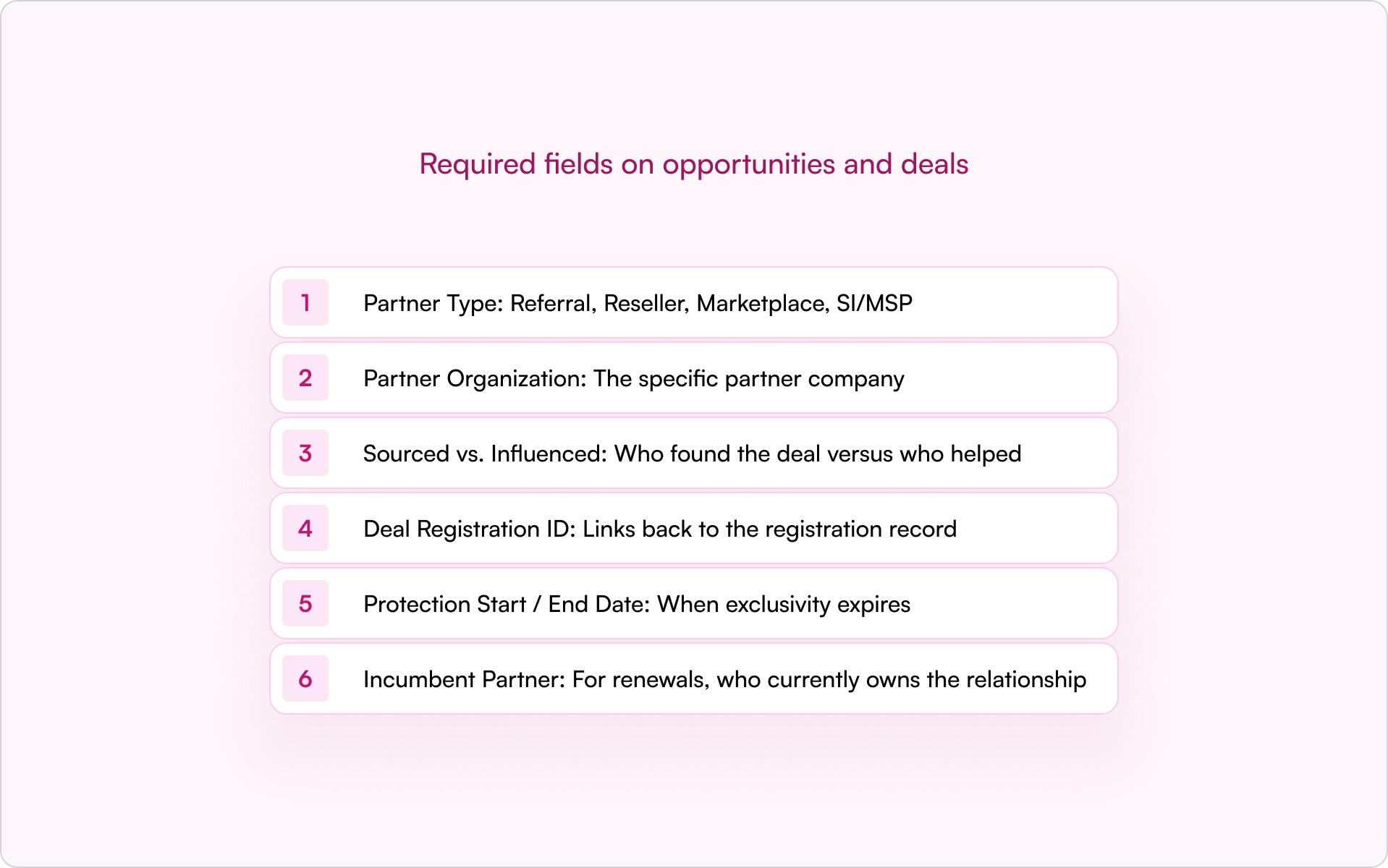
Without partner fields on opportunities, you can’t answer basic questions about partner contribution — and disputes become inevitable because everyone is relying on memory and screenshots.
Sourced vs. influenced attribution models
Sourced means the partner originated the opportunity. Influenced means the partner participated but didn’t originate it.
Some companies split credit. Others use primary attribution. There’s no single right answer — but you need a clear rule, applied consistently, before deals close. Otherwise you’ll end up negotiating credit in the most emotional moment of the cycle.
Governance rules to keep partner data clean
Fields only work if they’re enforced. A practical governance layer usually includes:
- Stage-change validations: Require partner fields before deals advance
- Duplicate rules: Catch overlap on accounts and opportunities early
- Renewal ownership logic: Prevent conflict between partners and direct sales
- Dashboards: Segment by motion and conflict status for fast visibility
Clean data means accurate forecasting. Messy data means surprises at quarter-end — and surprises are expensive.
How deal registration drives channel partner revenue
Deal registration is where ownership gets established early — and where most channel conflicts can be prevented instead of debated later.
Deal registration policy essentials
A clear policy removes ambiguity across partners, direct sales, and other channels. Your policy should define:
- Eligibility criteria, required fields, and proof of engagement
- Customer uniqueness rules to prevent multiple partners pursuing the same account
- A protection window — typically 60–90 days — with explicit extension rules
- Renewal and expansion ownership rules
- A conflict hierarchy: registered beats unregistered, incumbent beats net-new, certification status breaks ties
Without a clear policy, ownership disputes slow deals and strain partner relationships. Worse, partners learn that registration doesn’t protect them, so they stop registering.
Protection windows and SLAs
The protection window is the period a partner has exclusive rights to a registered deal. Most teams set protection windows between 60 and 90 days, depending on sales cycle length.
Approval SLAs matter too. Partners expect a decision quickly — 48 hours is a common benchmark. Slow approvals signal that registration isn’t valued, which reduces adoption and makes your channel harder to forecast.
Conflict resolution hierarchy
When two partners claim the same deal, speed and consistency matter more than debate.
Establish rules such as: registered beats unregistered, incumbent beats net-new, certification status as a tiebreaker. Document escalation paths and evidence requirements. When the rules are clear upfront, resolution is faster and fairer — and your internal teams spend less time litigating deals.
Building your channel partner revenue tech stack
The right tools make predictable channel partner revenue possible. The wrong tools — or too many tools — create friction and hide data.
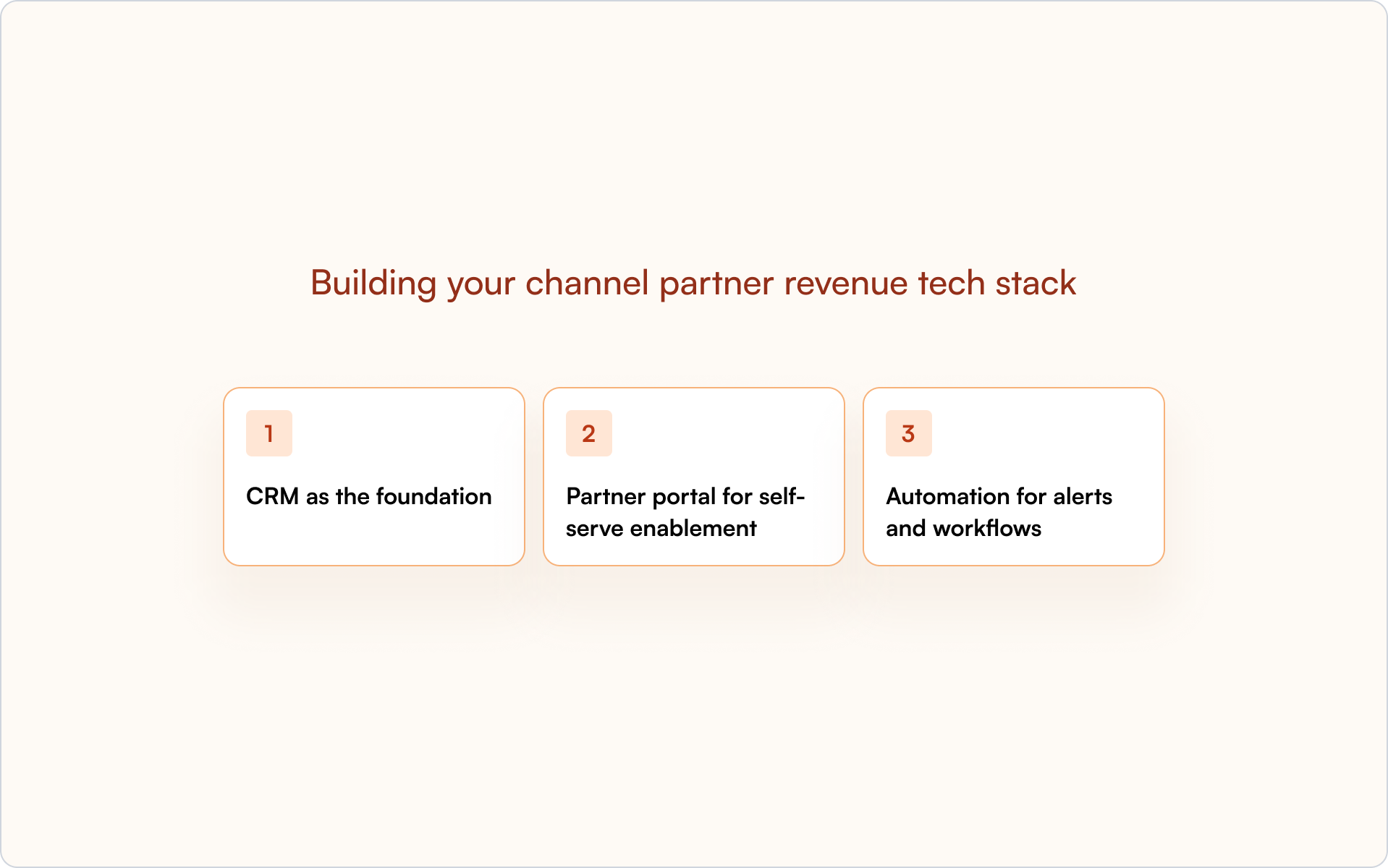
CRM as the foundation
HubSpot or Salesforce should be the single source of truth. Partner data belongs in the CRM, not a disconnected system.
A CRM-first architecture enables forecasting, attribution, and alignment between Sales, Partnerships, and RevOps. When partner activity is visible in the CRM, everyone works from the same reality.
Partner portal for self-serve enablement
A portal gives partners access to training, content, deal registration, and pipeline status. The best portals are CRM-connected, so data stays in sync without manual updates.
Partners get what they need without chasing your team. Your team gets clean data without chasing partners.
Automation for alerts and workflows
Automate deal registration approvals, expiration reminders, stage-change notifications, and partner announcements. Automation reduces manual work and prevents deals from slipping through cracks.
Most importantly, automation enforces consistency. Your program stops relying on tribal knowledge and “who happens to see the email.”
Build a partner revenue engine inside your CRM
Predictable channel partner revenue comes from CRM-first systems, not disconnected tools.
When partner activity lives inside your CRM, you get visibility, attribution, and forecasting in one place. Sales, Partnerships, and RevOps see the same pipeline. Disputes decrease because ownership is clear. Forecasts improve because data isn’t trapped in portals or spreadsheets.
A real partner revenue engine looks like consistent processes, clean data, and real-time visibility — all inside the system your team already uses.
If you want to see how a CRM-first approach works in practice, get a demo and walk through how Introw supports it across your partner program.
What Is Partner Collaboration and Why Most Teams Get It Wrong
Partner collaboration is when two or more businesses work together — sharing resources, expertise, and goals — to achieve outcomes neither could reach alone. In B2B SaaS, it’s the difference between signed partners who never engage and partners who actively drive pipeline.
Most teams get partner collaboration wrong not because they lack partners, but because they rely on portals partners won’t log into, data that lives outside the CRM, and rules that aren’t visible to anyone. This guide breaks down what collaboration actually means, why it breaks down in the real world, and how to build collaboration that scales without the usual friction.
What Is Partner Collaboration?
Partner collaboration is when two or more entities — businesses, organizations, or individuals — actively work together, sharing resources, expertise, and goals to achieve outcomes greater than either could accomplish alone.
In B2B SaaS, partner collaboration typically means vendors and their channel partners (resellers, referral partners, implementation partners) coordinating on deals, sharing pipeline visibility, and aligning on go-to-market efforts.
The key distinction: partner collaboration goes beyond signing agreements. It’s the day-to-day execution — deal updates, shared visibility, and mutual accountability — that turns a partnership into revenue.
Core elements of effective partner collaboration
- Shared goals: Working toward common revenue objectives, not just individual sales targets
- Resource pooling: Combining knowledge, technology, market reach, and customer relationships
- Mutual benefit: Creating value for all parties — market access, enhanced offerings, revenue growth
- Trust and communication: Sharing deal updates, challenges, and information openly
- Strategic approach: Defining roles, responsibilities, and processes upfront
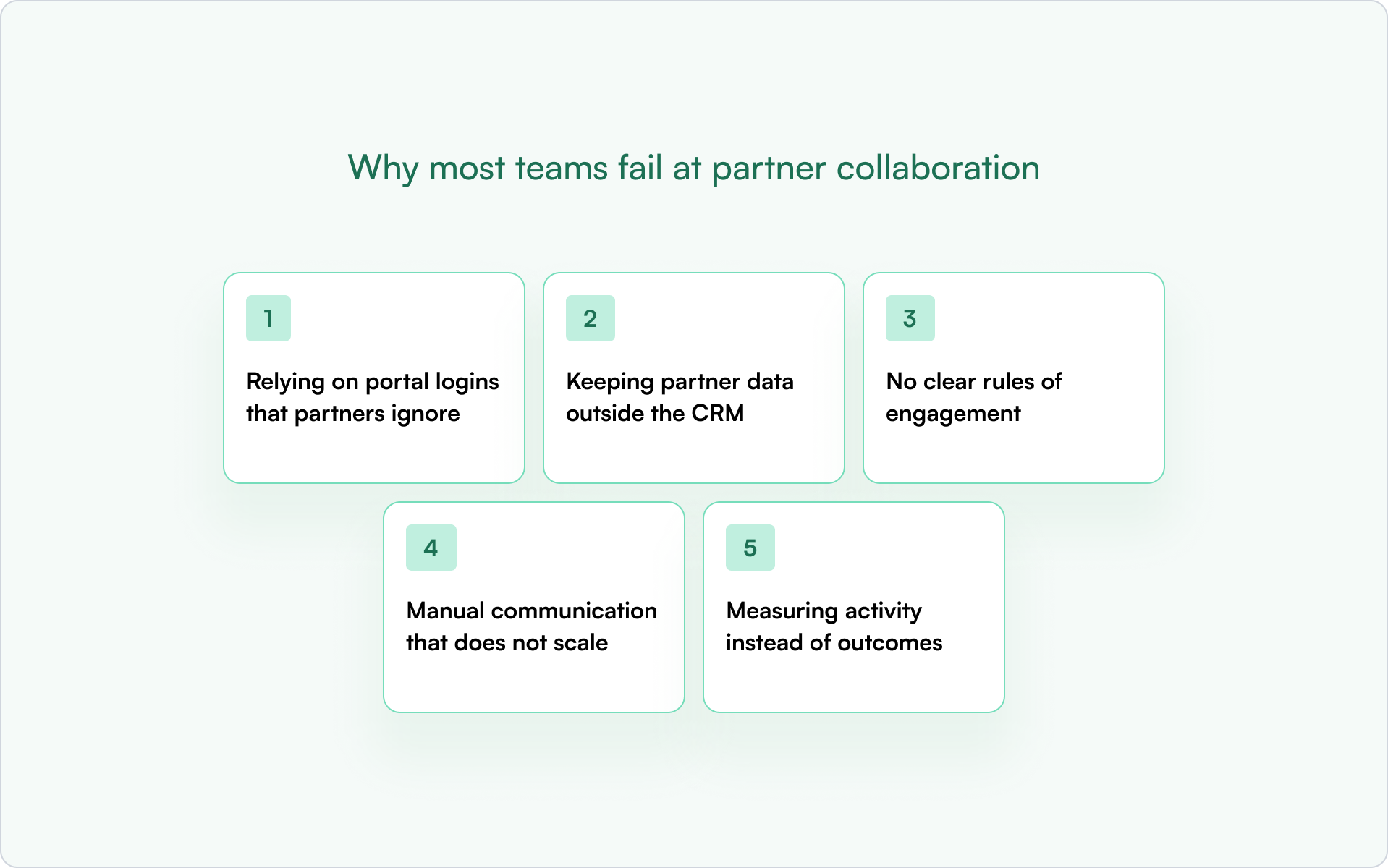
When these pieces are in place, partners become a scalable revenue channel. When they’re missing, you end up with signed partners who never engage — or worse, partners who engage but create confusion instead of pipeline.
Why Partner Collaboration Matters for Revenue Growth
Partner collaboration isn’t a relationship exercise. It’s a revenue lever.
When collaboration works, partners accelerate market expansion, reduce customer acquisition costs, and help you deliver more complete solutions. When it doesn’t, you’re left chasing updates, losing deals to confusion, and wondering why your partner program isn’t scaling.
What effective collaboration actually drives
- Market expansion: Partners with relationships in your target verticals or regions open doors faster than your direct team alone
- Enhanced solutions: Combining your product with partner expertise — implementation, integrations, services — creates better customer outcomes
- Cost efficiency: Sharing go-to-market costs like marketing, sales infrastructure, and support reduces your overall spend
- Stronger relationships: Deeper partner ties lead to more referrals, renewals, and co-sell opportunities over time
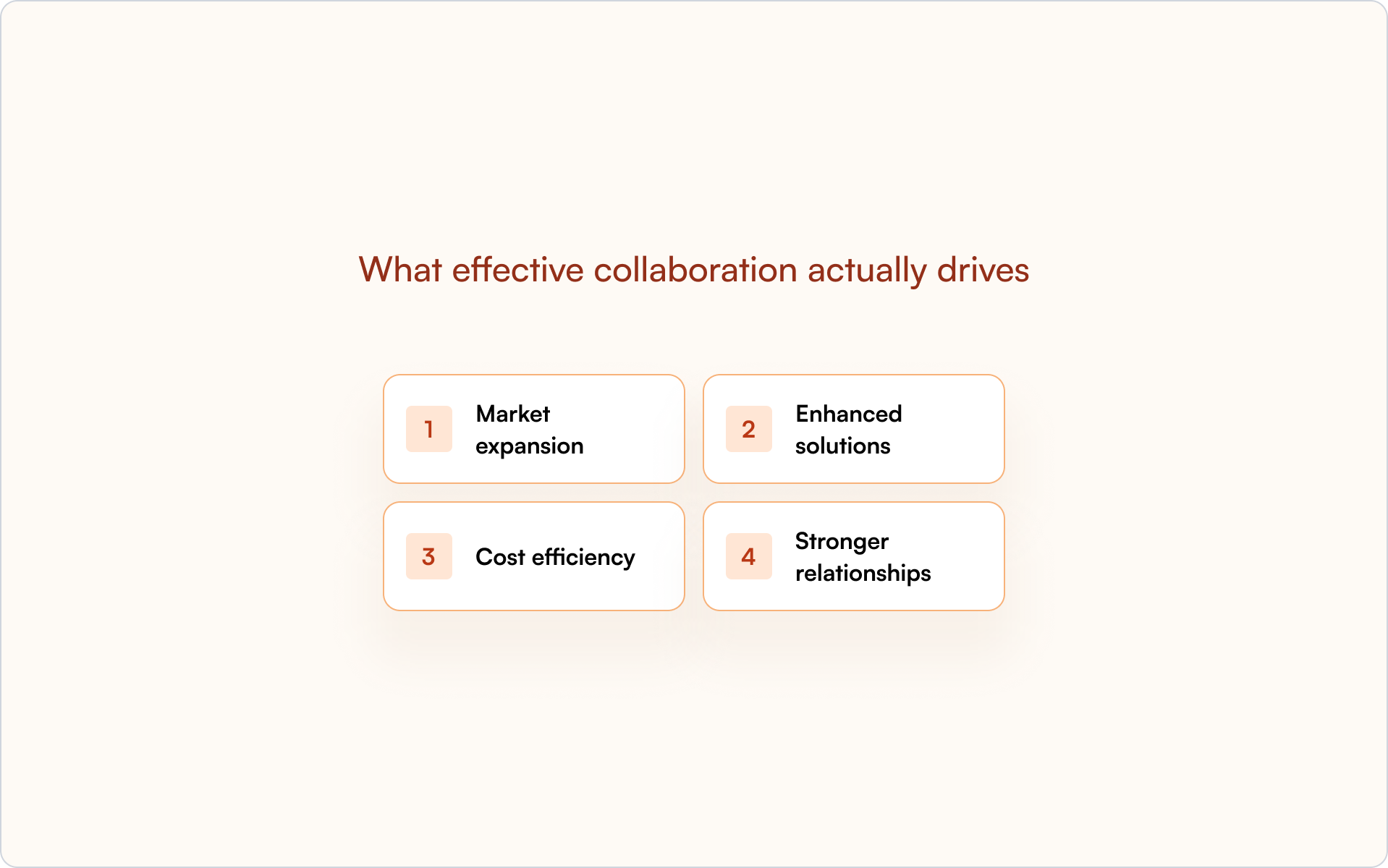
The math is straightforward: partners who collaborate effectively bring real pipeline. Partners who don’t become names in a spreadsheet.
Collaboration vs. Partnership (and Why the Difference Matters)
Partnership and collaboration get used interchangeably, but they’re not the same thing.
A partnership is the formal agreement — the contract, the tier, the commercial terms. Collaboration is the ongoing work of executing together. You can have a signed partnership agreement and still fail completely at partner collaboration.
This distinction matters because most partner programs fail at collaboration, not partnership. The agreements are fine. The execution is where things break down.
Why Most Teams Fail at Partner Collaboration
If you’ve ever wondered why your partner program looks good on paper but underdelivers on revenue, the answer is usually one (or more) of these five issues.
1) Relying on portal logins that partners ignore
Traditional PRMs require partners to log into a separate portal to submit deals or get updates. The problem is simple: most partners won’t do it. They’re busy selling — not managing another set of credentials.
The portal becomes a graveyard. Deals go unregistered. Updates stop flowing. And you’re left wondering why engagement dropped off right after onboarding.
2) Keeping partner data outside the CRM
Many teams track partner activity in spreadsheets, emails, or siloed tools. Sales can’t see partner pipeline. RevOps can’t trust the data. Attribution becomes guesswork, and forecasting breaks.
This is where “CRM-first” matters. When partner data lives inside HubSpot or Salesforce — not alongside it — everyone sees the same reality.
3) No clear rules of engagement
Partners and direct sales clash when there’s no clarity on who owns which accounts, how deals are registered, or what protection windows exist. This causes channel conflict and erodes trust fast.
Without documented rules, every overlap becomes a judgment call. And judgment calls don’t scale.
4) Manual communication that does not scale
Chasing partners for updates via email or Slack threads works with five partners. It collapses at fifty. Updates get lost, deals go dark, and partner managers burn out.
The fix isn’t more effort — it’s automation that keeps communication flowing without manual follow-up.
5) Measuring activity instead of outcomes
Tracking portal logins or training completions misses the point. What matters is partner-sourced revenue, deal velocity, and pipeline contribution.
Activity metrics create false confidence. Outcome metrics tell you whether partner collaboration is actually working.
How to Collaborate with Partners Without Portal Logins
Here’s the shift that changes everything: partners don’t have to log into a portal to collaborate effectively.
Off-portal collaboration means partners can register deals, provide updates, and stay informed via email or lightweight forms — no credentials required. Replies sync back to the CRM automatically, so nothing gets lost and your team isn’t stuck reconciling notes later.
What off-portal partner collaboration looks like in practice
- Email-based updates: Partners reply to notifications, and responses sync to the CRM deal record automatically
- Lightweight forms: Shareable links for deal registration — no account creation required
- Real-time visibility: Partners see deal status without logging in, and you see their updates inside your CRM
When you remove the login barrier, engagement goes up. When updates sync automatically, data stays clean. That’s the foundation of partner collaboration that actually scales.
What Effective Partner Collaboration Looks Like
When collaboration works, it’s visible in how deals move — not just in how many partners you’ve signed.
Shared visibility into deals and pipeline
Both you and your partners see deal status, next steps, and blockers without chasing each other. Property-level sharing lets you show partners what they need (stage, protection expiry, next step) without exposing internal notes or pricing.
Frictionless, real-time communication
Updates flow automatically via email or Slack. Partners don’t have to remember to log in. You don’t have to chase them. Every touchpoint is logged in the CRM timeline.
Clear ownership and accountability
Deal registration establishes who owns what and for how long. Rules of engagement are documented and accessible. Disputes are rare because the rules are visible to everyone.
Mutual value and win-win structures
Collaboration works when both sides benefit. Partners get leads, visibility, and support. You get pipeline, market reach, and revenue. Align incentives clearly, and the relationship sustains itself.
Tools and Technology to Collaborate with Partners
The right technology makes partner collaboration repeatable. The wrong technology creates another system to manage — and another place where the truth gets lost.
What to look for in partner collaboration tooling
- CRM integration: Tools that work inside HubSpot or Salesforce — not alongside them — keep data clean and visible
- Deal registration: Centralized submission, approval workflows, and protection windows that enforce your rules
- Partner portal: A self-serve hub for resources, deal status, and communication — but not the only way to engage
- Off-portal engagement: Email and Slack-based collaboration for partners who won’t log in
- Reporting and attribution: Accurate tracking of partner-sourced vs. partner-influenced revenue
Introw is a CRM-first PRM built directly on HubSpot and Salesforce. It enables off-portal collaboration without forcing partner logins — so partners stay engaged and your data stays clean.
If you want to see how this works in practice, get a demo to walk through how Introw supports partner collaboration inside your CRM.
How to Measure Partner Collaboration Success
Activity metrics tell you partners are logging in. Outcome metrics tell you whether partner collaboration is driving revenue.
Partner engagement rate
The percentage of partners actively submitting deals or providing updates within a given period. Low partner engagement signals friction in the collaboration process — usually a login or communication problem.
Deal registration volume and velocity
How many deals partners register and how quickly deals move through stages. This measures whether partners are bringing real pipeline, not just names.
Partner-attributed revenue
Closed-won revenue sourced or influenced by partners. This is the ultimate measure of whether collaboration drives business results.
Time to first response
How quickly partners respond to deal updates or requests. Faster responses indicate healthy, engaged collaboration.
Channel conflict rate
The frequency of disputes over deal ownership between partners or between partners and direct sales. Lower is better — it means your rules of engagement are working.
Build Partner Collaboration That Scales Inside Your CRM
Partner collaboration doesn’t fail because of bad intentions. It fails because of bad systems — portals partners won’t use, data that lives outside the CRM, and rules that aren’t visible or enforced.
The teams that scale partner revenue don’t rely on heroics. They rely on clear rules, shared visibility, and tools that meet partners where they already work.
If you’re ready to collaborate with partners without chasing logins or losing deals in spreadsheets, get a demo of Introw to see how CRM-first partner collaboration works.