Best PRM to work with Hardware Distributors
Give hardware distributors the deal visibility, quote collaboration, technical enablement, and territory alignment they need - while keeping long sales cycles and partner attribution synced to HubSpot or Salesforce.
Trusted by partnership professionals at












How hardware distribution partnerships usually work

Hardware distributors usually support regional coverage, partner recruitment, and complex product-driven sales cycles. For example, a hardware vendor entering a new market might work with a regional distributor to recruit local resellers, support deal registration across that reseller network, and coordinate pipeline visibility without giving every partner direct CRM access.
Deals often involve multiple contacts across sales, technical pre-sales, and post-sale support - all of whom need different levels of access.
Partners need fast access to accurate specs, pricing context, quotes, and next steps without logging into your CRM.
Territory rules, multi-contact collaboration, and long-cycle follow-through make manual partner management especially fragile.
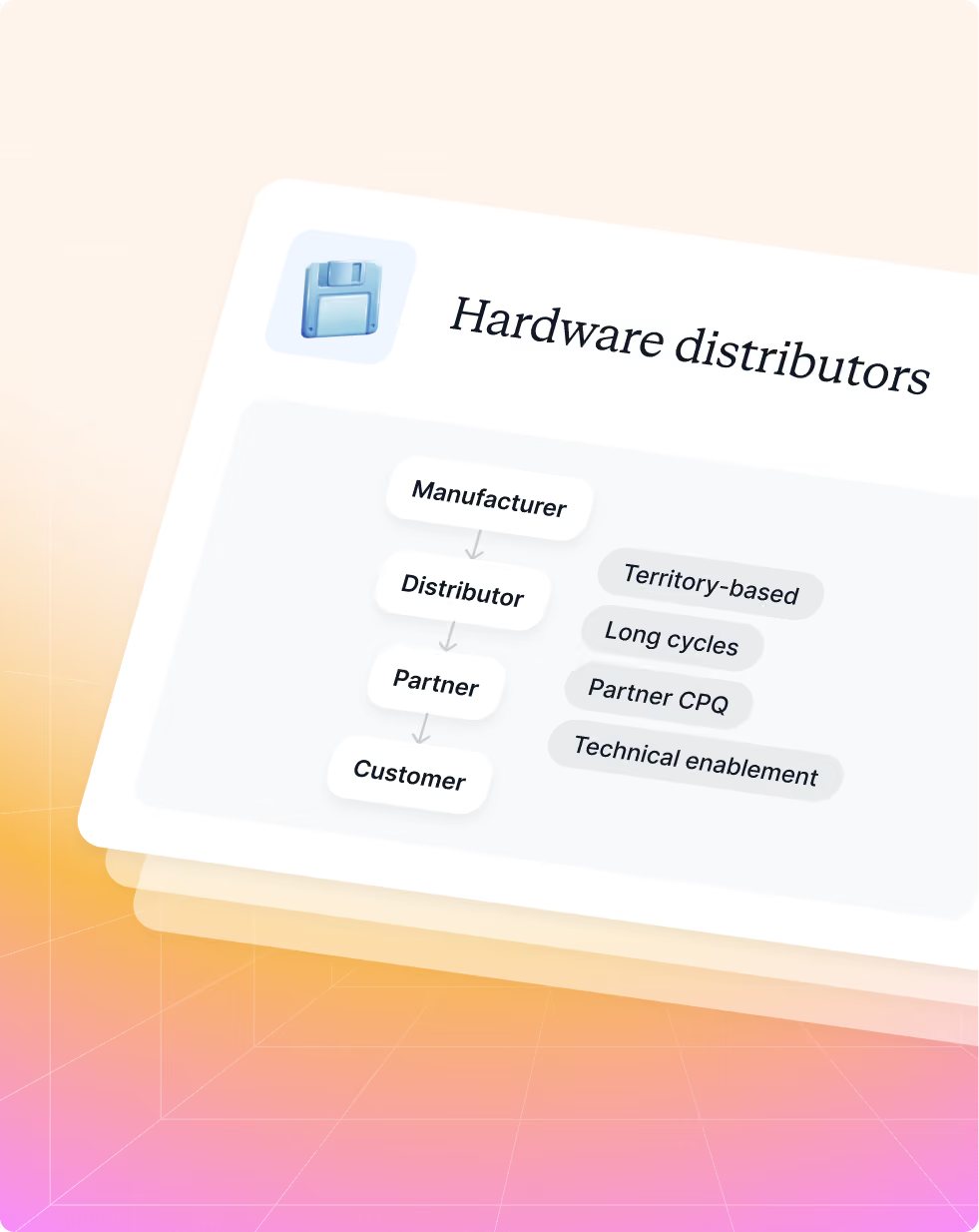
What hardware distributors need from your portal

Visibility
A controlled view of active deals, deal status, close timing, key documents, and partner-specific dashboards.

Action
A way to register deals, collaborate on quotes, involve technical contacts, and stay updated on changes automatically.

Motivation
Clear enablement, technical certifications, current product assets, and fast access to the information needed to move a deal forward.
Best Introw setup for hardware distributors
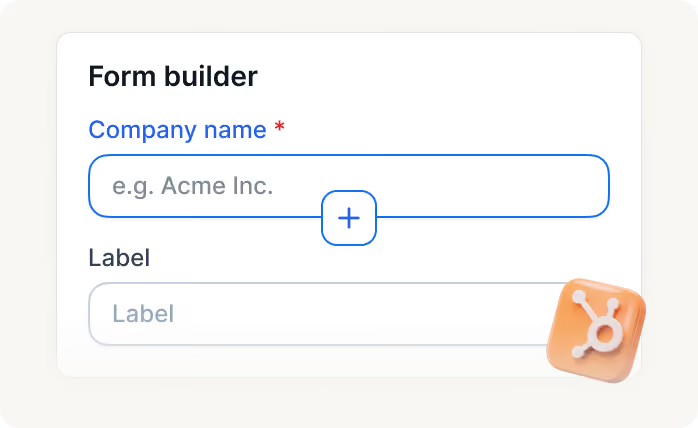
Deal registration + territory-aware routing
Standardize incoming deal submissions and keep ownership rules clear across territories, segments, and partner relationships.

Shared pipeline + quotes and line items
Let distributors collaborate on long-cycle deals and handle quote workflows without opening your full CRM.

Asset hub for technical content
Centralize spec sheets, launch kits, comparison docs, and partner-specific files so distributors always use the latest material.
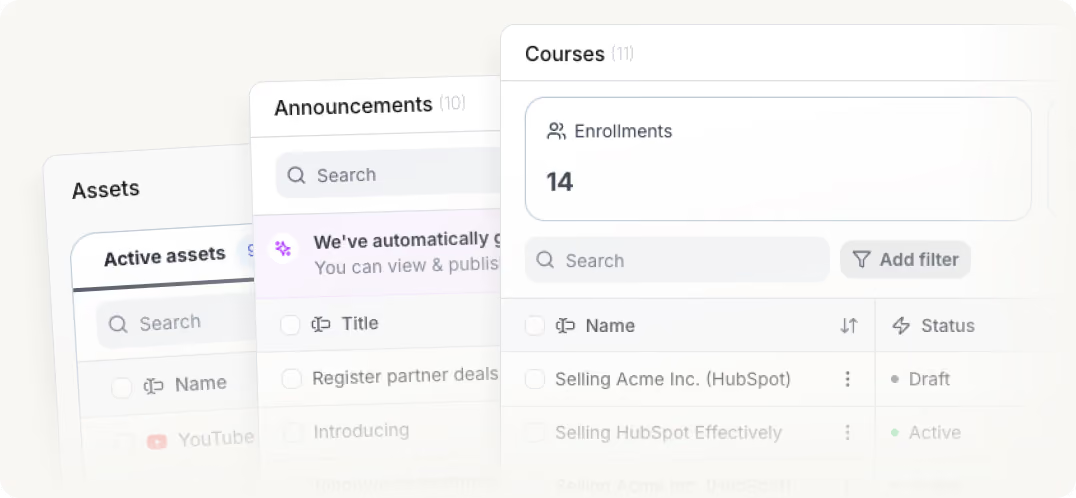
Training, certifications, and onboarding tasks
Ramp sales and technical distributor contacts with structured tasks, courses, and certificates tied to partner readiness.
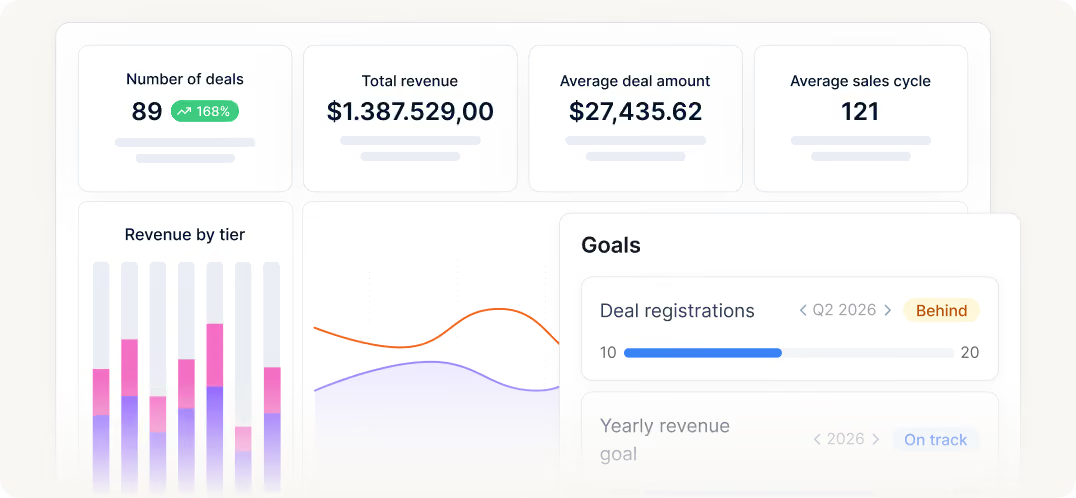
Dashboards, goals, and collaborator-based visibility
Track revenue goals, quote activity, and partner progress while limiting access to the right contacts on the right deals.
How Introw helps
hardware distributors
Without Introw

Hardware distributors often work across large reseller networks, but it is difficult to see performance clearly across distributor teams and downstream partners without messy reporting structures.
The distributor needs to see the deals, activity, and performance of all associated resellers, while each reseller should only see their own data. Most tools do not support that structure well.
In hardware channels, distributors often help submit deals on behalf of resellers or support reseller-led deal registration. Managing that manually creates attribution issues, duplicate claims, and channel conflict.
Pricing requests, stock-related coordination, opportunity updates, and onboarding often happen through spreadsheets, emails, and partner managers acting as intermediaries.
It is hard to keep distributors and reseller networks aligned on product updates, certifications, sales materials, and program requirements when everything is spread across different systems.

With Introw
Introw supports distributor-led channel structures where distributors can see the performance and pipeline of their associated resellers, while each reseller only sees the data relevant to them.
Distributors can register deals on behalf of resellers, or share deal registration forms directly with resellers through off-portal flows — so partners do not even need to log in to submit opportunities.
All deal registration flows stay connected to Salesforce or HubSpot, helping vendors manage ownership, attribution, duplicate detection, and channel conflict more reliably.
Distributors and resellers can collaborate through Introw instead of relying on spreadsheets and inboxes, while internal teams keep control over permissions and CRM access.
Training, partner content, onboarding resources, announcements, and performance tracking can all be managed in one structured partner experience tailored to different partner roles.
Built for every role on your partner revenue team

Channel Partner Manager

Pipeline visibility
Deal registration
Partner updates
Tiering
Conflict resolution

CRO
Revenue generation and attribution
Forecasting
Pipeline quality
Channel leverage
Accountability

RevOps
CRM data health
Automation
Governance
Reporting consistency
Routing logic

Partner Marketing Manager
Campaigns
Co-marketing assets
Engagement tracking
Lead and revenue generation
Built for partner programs across industries

.avif)
.avif)
.avif)
.avif)
.avif)
.avif)
.avif)
.avif)
.avif)
.avif)
.avif)
Related partner motions













Introw integrates with your entire tool stack
Power your partner workflow with 100+ integrations.
Still curious? Here are some quick answers to help clear things up
Yes - if quotes and line items are enabled, distributors can work from deal data in the shared pipeline and sync quote output back to your CRM.
Yes - teams use CRM-driven routing and ownership rules to keep regional distribution motions clean and scalable.
Yes - Introw supports collaborators and partner contact management so multiple sales or technical contacts can stay aligned on the same opportunity.
Yes - you control which CRM properties and objects are visible and editable for partner users.
Yes - use courses, certificates, asset hubs, and onboarding tasks to ramp both commercial and technical partner contacts.
No - they work through Introw while your CRM remains secure.
Yes - Introw supports shared pipelines for more than deals, including leads, contacts, companies, and support tickets.
Are you already an active Introw partner?
Start with deal registration and quote collaboration, then expand into technical enablement and distributor dashboards.