Your Partner AI Agent in Microsoft Teams
Introw's AI Agent lives in every shared partner channel and internal team channel. Register deals, add comments, create tasks, pull partner insights, coach open deals, and prep QBRs from a Microsoft Teams message. Every action syncs to HubSpot or Salesforce automatically.
Most Microsoft Teams integrations are notification pipes. Deal updates in, announcements out. Introw does that too, but the shift is the AI Agent.

Meet your partners where they already are
Push notifications in Microsoft Teams
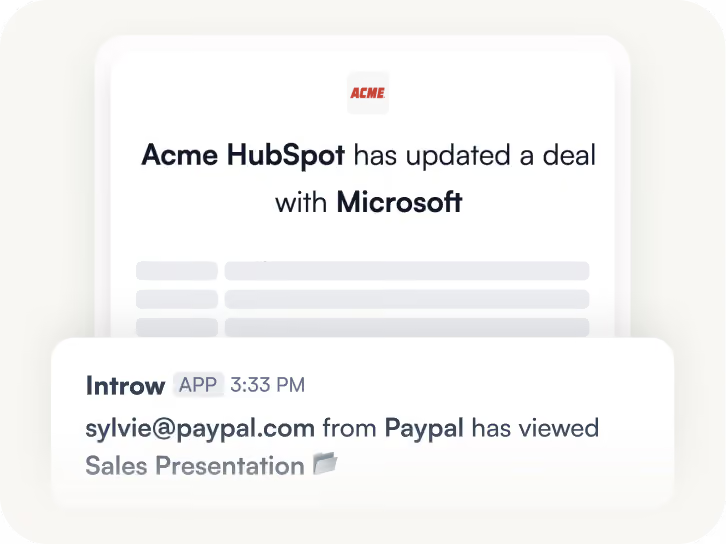
Every update in your partner portal lands instantly in Teams. Deal updates, form submissions, comments, mentions, and task activity all get pushed to the channel you choose. Partners stay in the loop without ever opening the portal.

Register deals without leaving Microsoft Teams
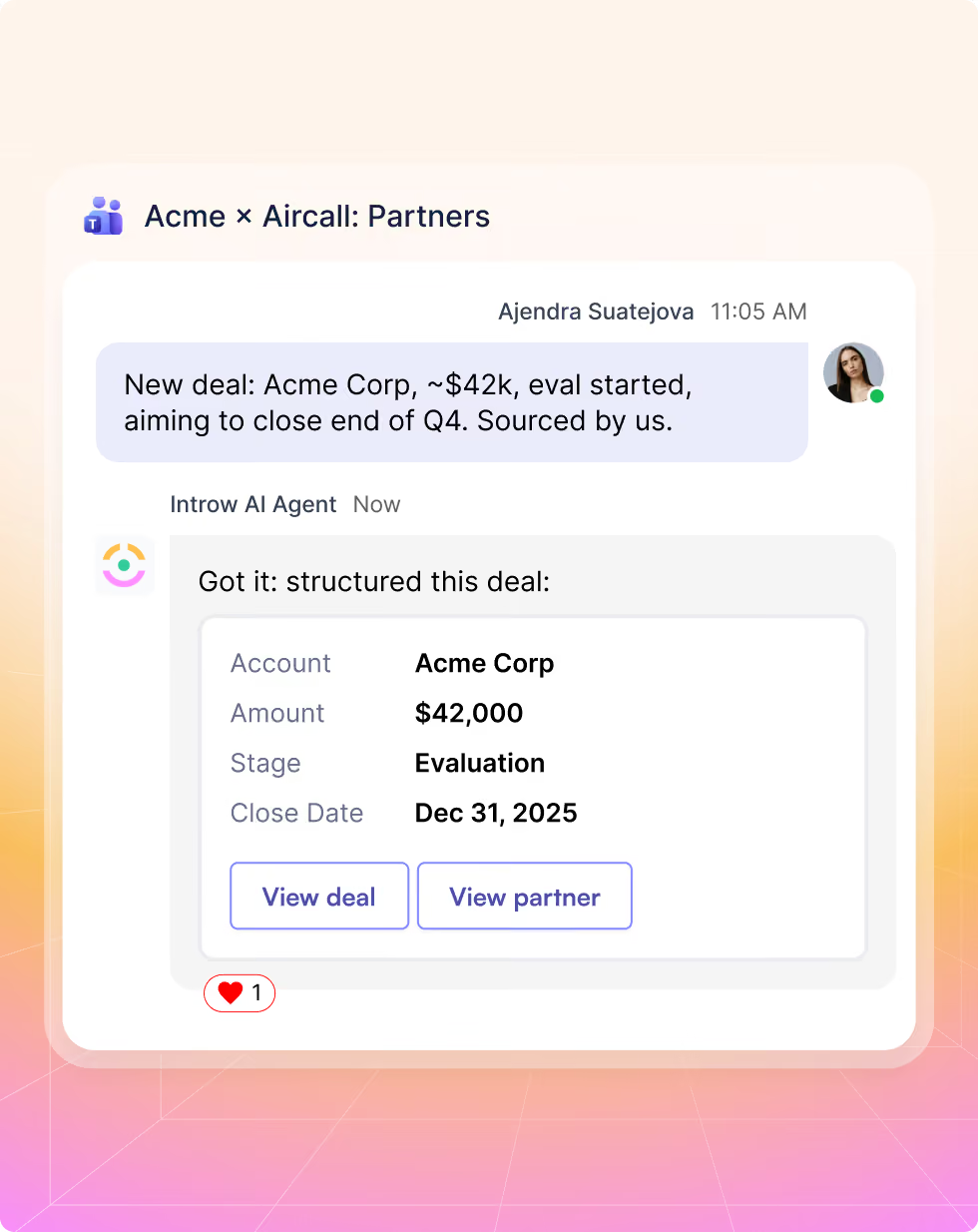
Partners describe the deal in a shared Microsoft Teams channel. The AI Agent captures the details, structures them, confirms, and writes the CRM record to HubSpot or Salesforce in seconds. No portal login, no form to fill, no data left behind.
AI deal coaching inside every deal notification
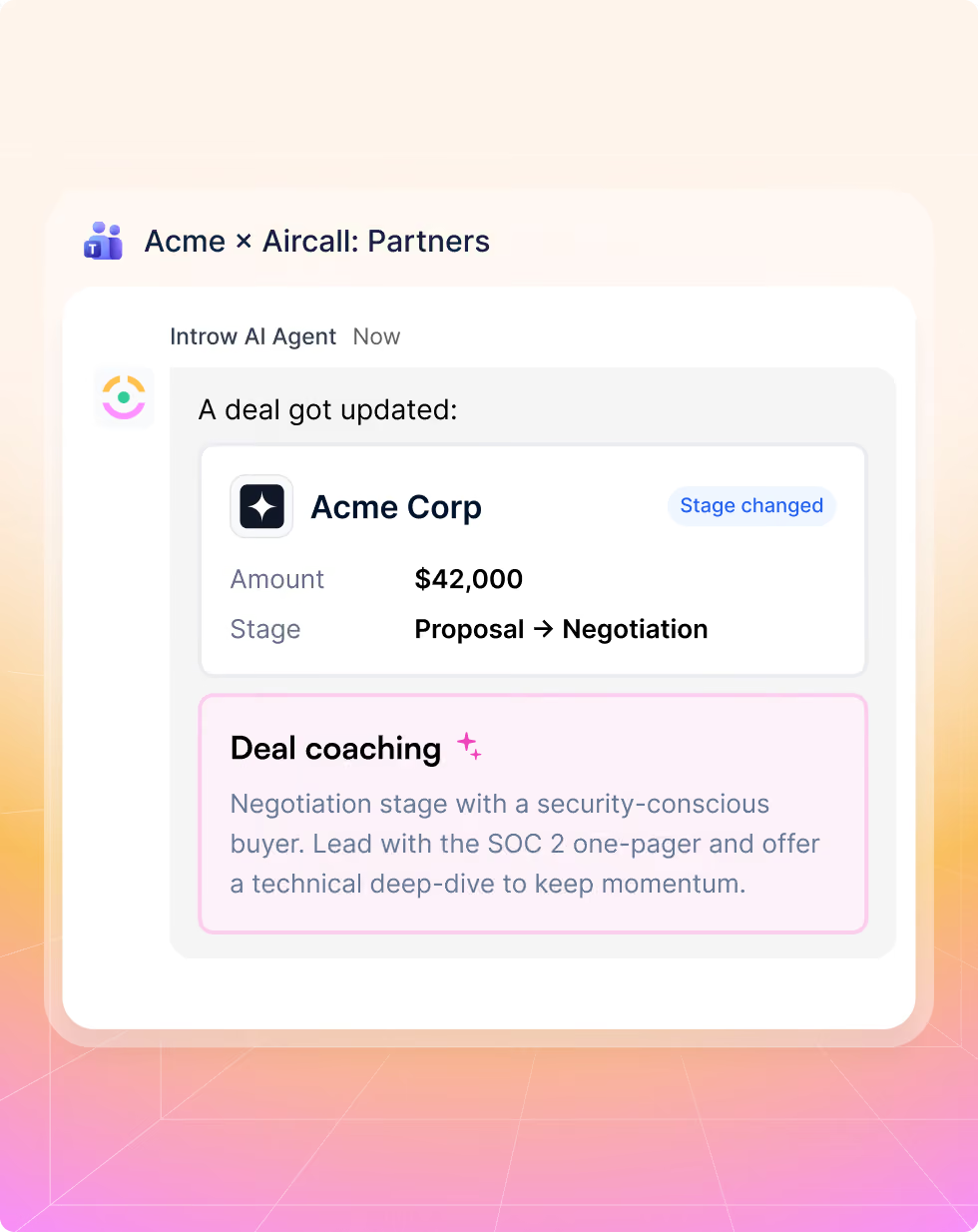
Every Microsoft Teams deal notification includes contextual AI coaching alongside the update. Stage-specific guidance, objection handling, and relevant assets delivered at the moment the partner learns something changed. No new tool to open, no portal to check.
Partners get answers without leaving the conversation
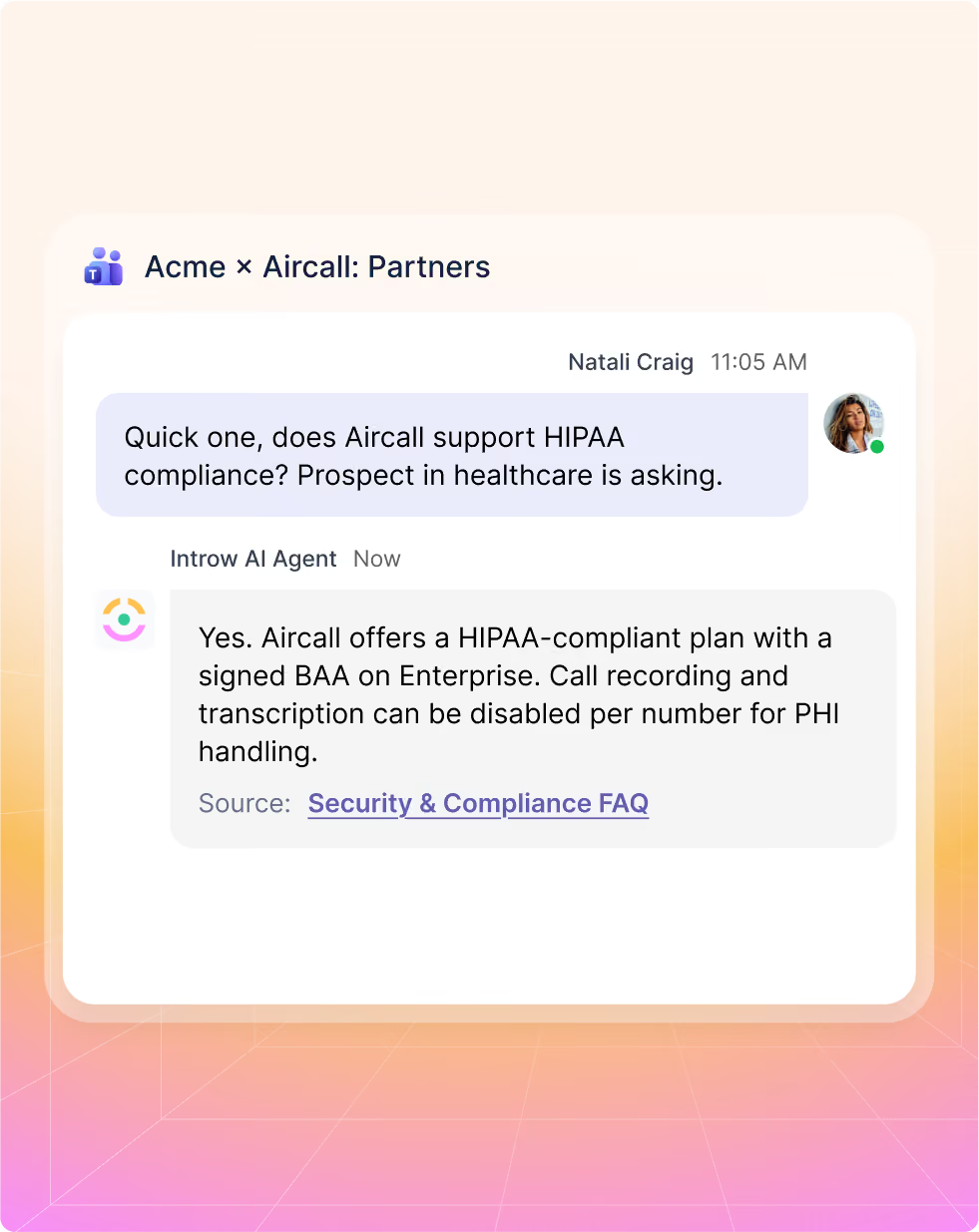
Partners ask product questions, program questions, or pricing questions directly in the shared channel. The AI Agent surfaces answers from your enablement content in seconds. No ticket, no back-and-forth email, no waiting for your team to reply at a convenient time.
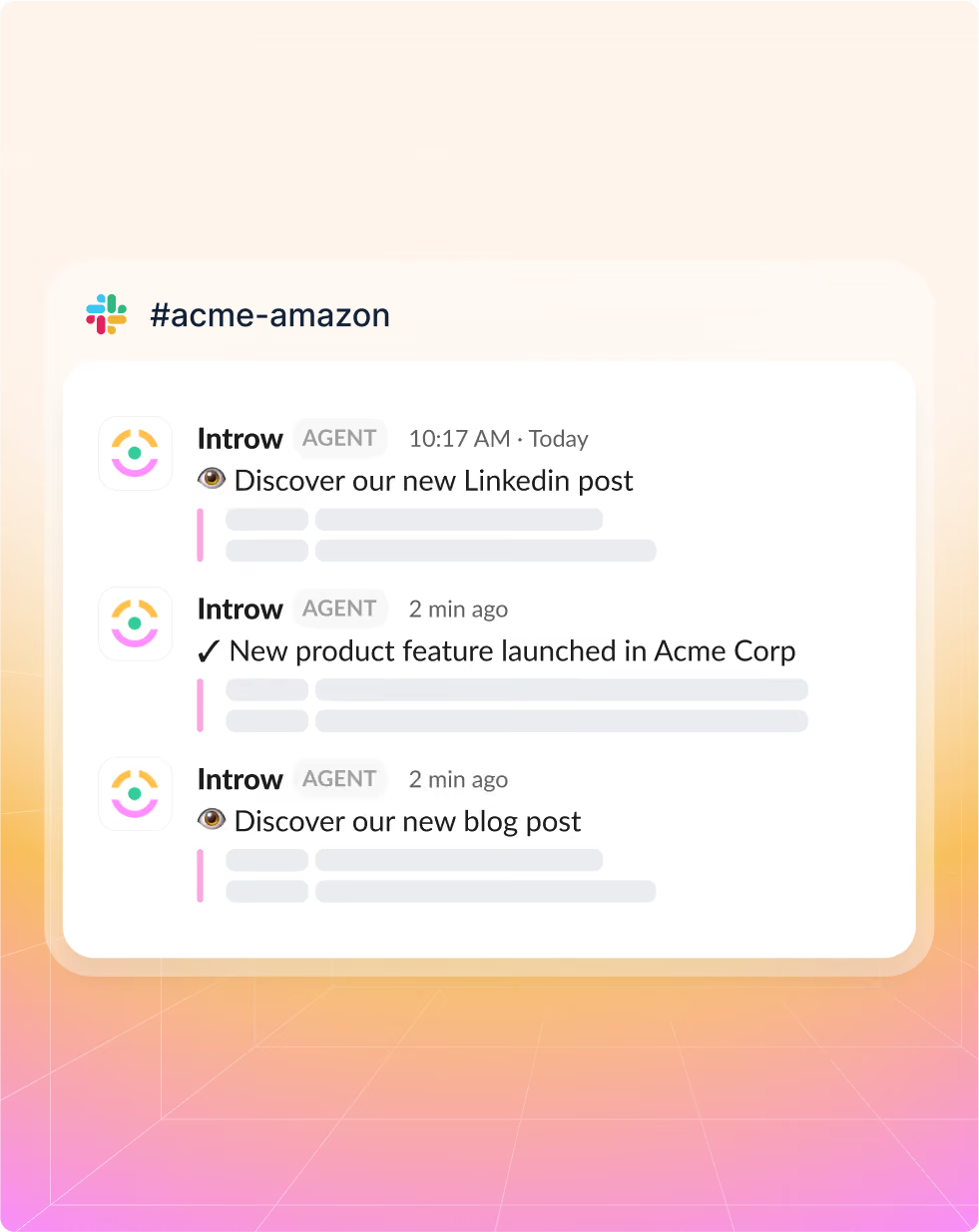
AI-generated announcements in every Slack channel
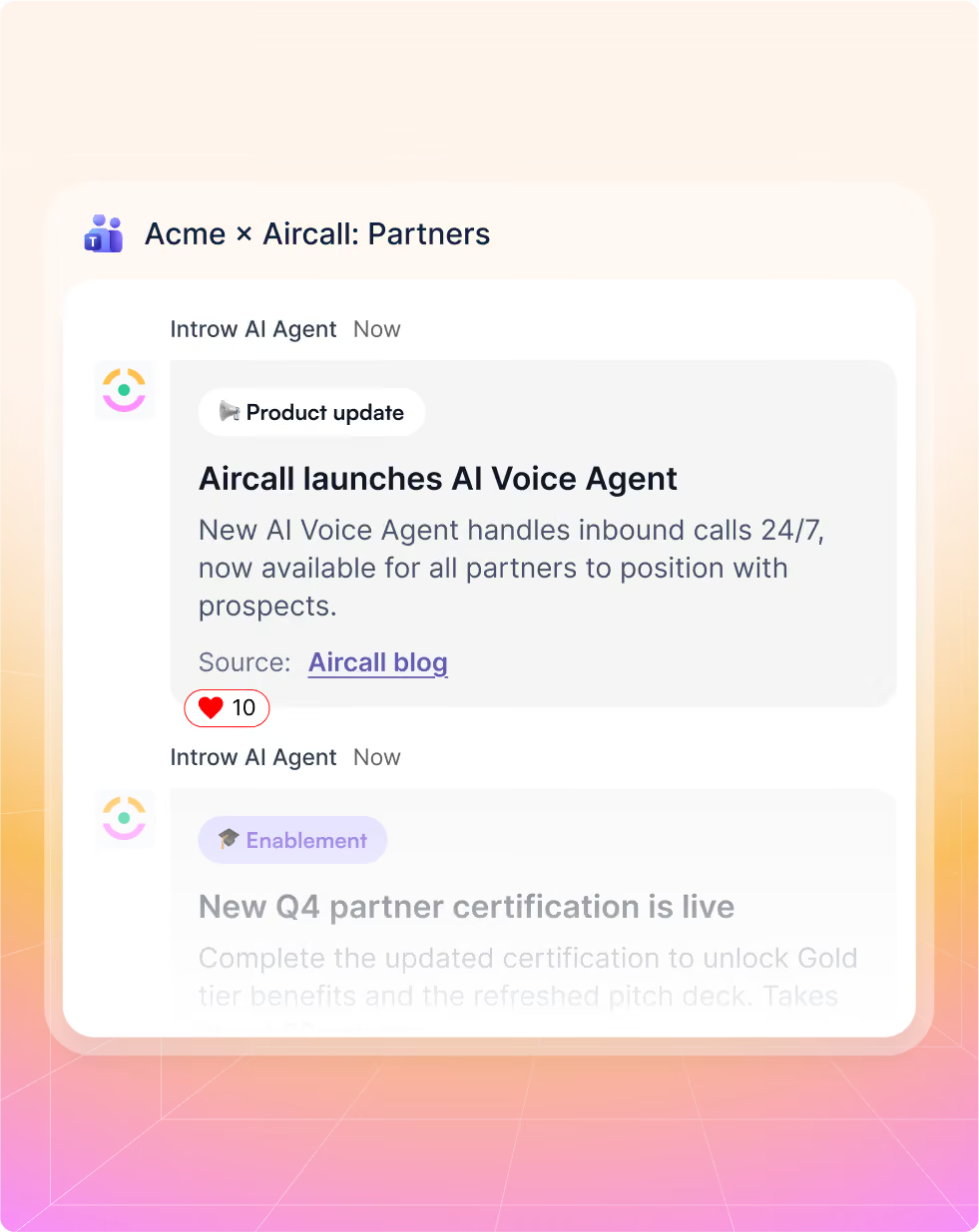
Turn any blog post, LinkedIn post, or product update into a partner-ready announcement in seconds. Introw's AI Announcement generator drafts the copy, then delivers it to shared partner and internal team channels. Say goodbye to writing from scratch and copy-pasting across every channel.
Connect in one click. Ready in a minute.
1. Connect Microsoft Teams
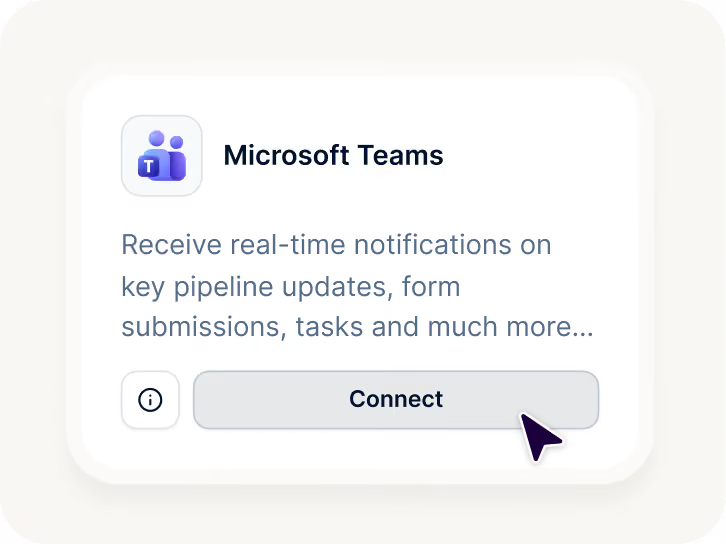
Connect Microsoft Teams from Introw Settings > Integrations. Sign in with Microsoft 365 and approve permissions. (Tenant admin consent may be required)
2. Select Channels
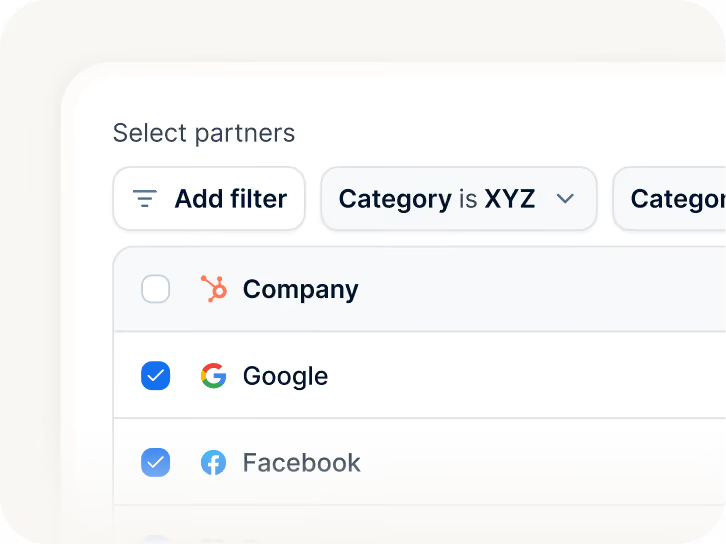
Add the Introw app to each Teams channel you want to use: standard, private, or shared with partners
3. Immediately live
The AI Agent and notifications go live immediately. No training, no onboarding required.
Built for every role on your partner revenue team
Let us show you how we roll

Channel Partner Manager

Pipeline visibility
Deal registration
Partner updates
Tiering
Conflict resolution

CRO
Revenue generation and attribution
Forecasting
Pipeline quality
Channel leverage
Accountability

RevOps
CRM data health
Automation
Governance
Reporting consistency
Routing logic

Partner Marketing Manager
Campaigns
Co-marketing assets
Engagement tracking
Lead and revenue generation
Still curious? Here are some quick answers to help clear things up
Partners can register deals by describing them in a shared channel, and the AI writes the CRM record. They can ask product, program, and pricing questions and get instant answers from your enablement content. They receive AI deal coaching alongside every deal notification. They can add comments and create tasks on shared CRM objects. And they receive automatic updates on every deal stage change, win, loss, and portal event, without logging into anything.
No, you connect your own Microsoft Teams to Introw. Partners collaborate in shared channels that span both organizations using Teams' native shared channels feature (part of Teams Connect). No extra seats, no credentials for partners to manage, and no access to your internal channels.
Other PRM Microsoft Teams integrations send notifications. Introw does that too, but the difference is the AI Agent. Partners can register deals, get enablement answers, receive deal coaching, and collaborate on CRM objects, all from a Microsoft Teams message. No other PRM brings a full AI Agent into Microsoft Teams channels.
Both. In shared partner channels, partners use the AI Agent to register deals, ask questions, and get coaching. In internal team channels, your partner managers and GTM team can use it to pull partner snapshots, review open deals, and prep QBRs on demand.
Under a minute. Connect your Microsoft Teams organization via one-click from Introw settings, select your channels, and the AI Agent and notifications go live immediately. No training, no configuration required to get started.
See AI-Native PRM in Action
Book a demo with one of our partner program experts, or explore Introw on your own time.