Partner workflow automation software
Introw is a headless PRM platform that turns your partner program’s admin into automations: pick a trigger, narrow it to the right partners, add conditions, waits, and choose what happens next. The program keeps itself moving, so your team spends its time on partner deals instead of follow-ups.











%25201.svg)
Every partner program has rules that live in someone’s head. When a partner certifies, move them up a tier. When onboarding finishes, pay the bonus. Nobody has time to enforce them across two hundred partners.

Introw turns those rules into automations. Nothing slips, nothing waits on someone remembering, and your program grows without your headcount growing with it.
Introw turns your program’s rules into automations that never forget

Whoever runs the program builds the rules. No developer, no agency, nothing to install.
Pick a trigger, pick an action, test it, turn it on. That’s a workflow.
AI names the workflow and drafts the emails inside it. You edit and approve.
From your head to running by itself
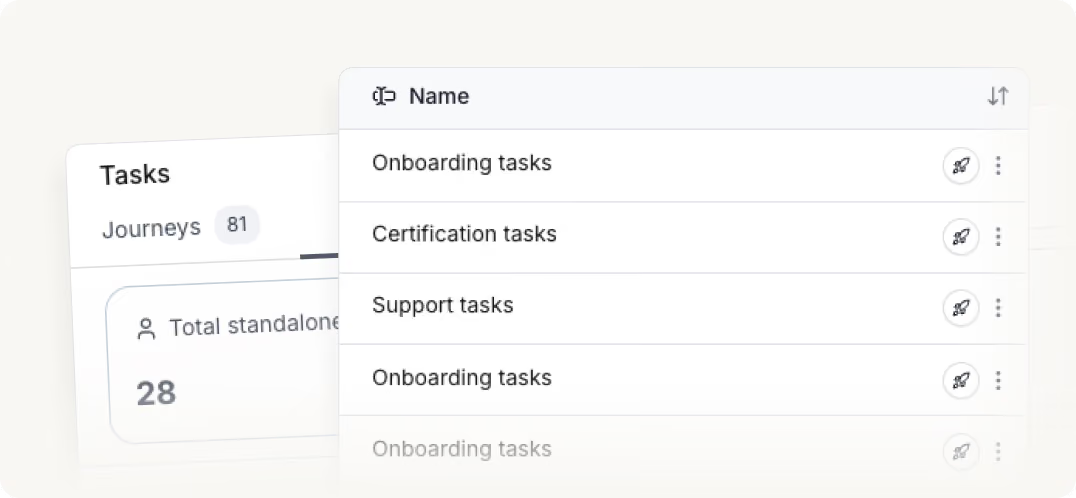
1. You pick what starts it
A task handed over, training finished, a partner going quiet, a field changing in your CRM.
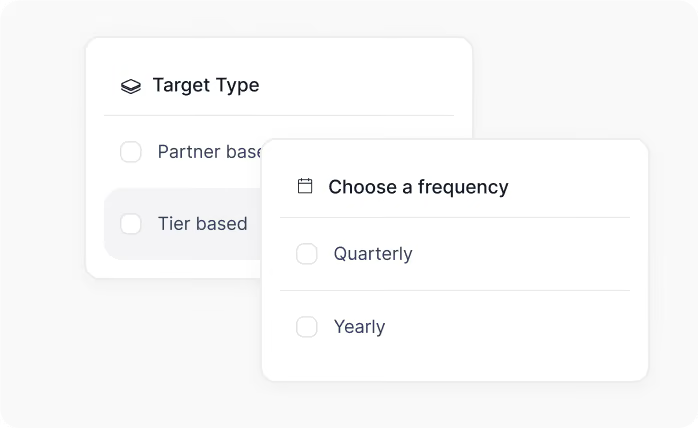
2. Only the partners you want
Aim it at everyone, or just gold tier, or just your resellers in one region. Everyone else is left alone.

3. The nudge lands before the deadline
Partners can submit deals from the portal, Slack, or email and see real-time updates as those deals progress.

4. Introw does the rest
A tier bump, the bonus paid, an email or a Slack message, a note in your CRM. The rule can split.
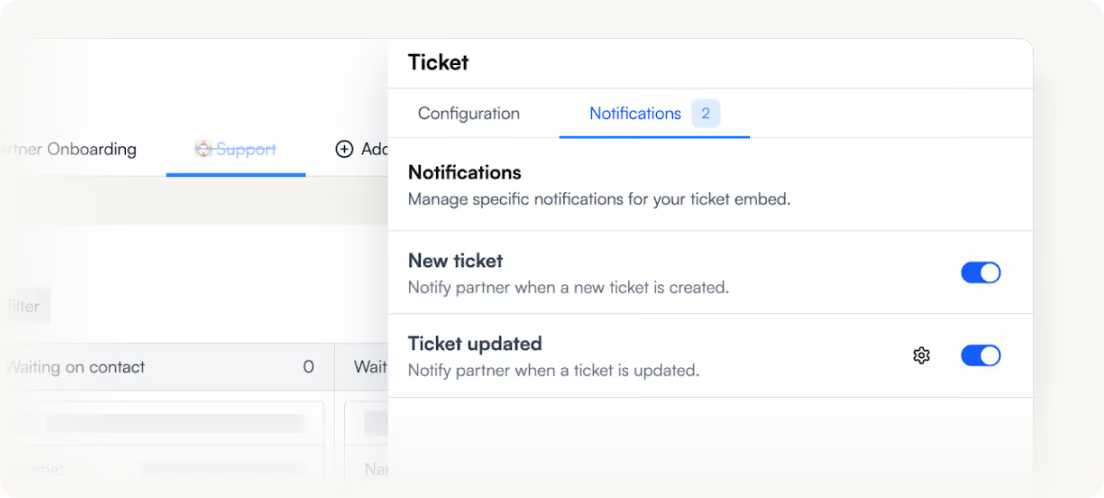
5. No email you can’t unsend
Try it on one real partner first, with nothing written and nothing sent. Then switch it on for real.
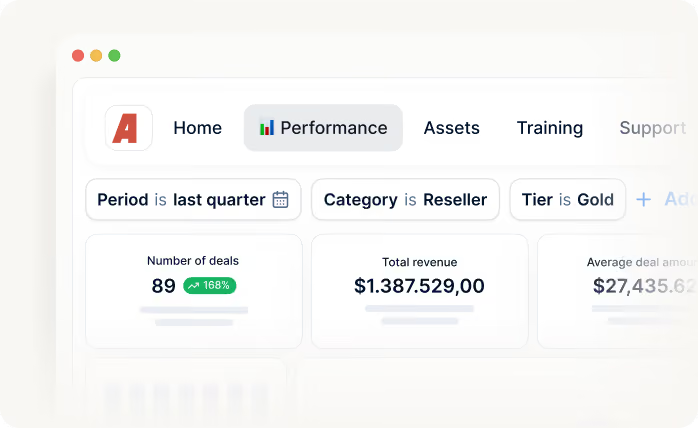
6. You can prove what happened
Open it any time, see which path each partner took and where they are now. You always have the answer.
What you can automate with workflows

Onboarding & activation
Chase the onboarding checklist, remind partners of what’s left, and enroll them in the next journey the moment they finish the first.

Tier upgrades & rewards
Move a partner up a tier when they certify, book the sign-up bonus when onboarding completes, and issue the certificate without anyone doing it by hand.

Reminders & follow-up
Nudge a partner three days before a task is due, on email, Slack, or Teams. If it slips anyway, tell their partner manager.

CRM-driven changes
React to a field changing on the partner’s account in HubSpot or Salesforce: switch their portal experience, add them to a segment, or write a note back to the record
Built for every role on your partner revenue team

Channel Partner Manager

Pipeline visibility
Deal registration
Partner updates
Tiering
Conflict resolution

CRO
Revenue generation and attribution
Forecasting
Pipeline quality
Channel leverage
Accountability

RevOps
CRM data health
Automation
Governance
Reporting consistency
Routing logic

Partner Marketing Manager
Campaigns
Co-marketing assets
Engagement tracking
Lead and revenue generation
Partner portal FAQs
A process you write down once so Introw enforces it for you. Something happens to a partner, a course finished, a task completed, a field changing in your CRM, Introw checks whether it’s the case you care about, waits if it should, and then acts. You build it by picking from a list, not by writing code.
Move a partner up a tier, put them on a different portal experience, add them to a segment, or enroll them in a journey. Issue a certificate, book a commission line, or create a task for them or your own team. Email their contacts, nudge them on Slack or Teams, or log a note on their CRM record.
No. The person who runs the program builds the rules themselves on a no-code canvas, nothing to install, nobody to book. A first workflow is four choices and a test run, so it can go live the same afternoon you thought of it.
An afternoon. Pick a trigger, narrow it to the right partners, choose what happens, and test it. Most teams start with one or two obvious rules, chasing an onboarding task, moving a tier when a partner certifies, and add more as they go.
Yes, and nothing goes live by accident. A workflow saves as a draft and Introw tells you exactly what’s still unfinished. You can run it against one real partner without writing anything or sending anything, then switch it on once you’ve seen what it does.
Both directions. A field changing on the partner’s account in HubSpot or Salesforce can start a workflow, and a workflow can write properties and log notes back onto the CRM record. Your CRM stays the source of truth.
Every run is logged and drawn back onto the same canvas you built, so you can see which path a partner took and where they stopped. When a partner asks why they haven’t heard from you, the answer is on screen rather than in a log file.
See AI-Native PRM in Action
Book a demo with one of our partner program experts, or explore Introw on your own time.