Partner Management

The 13 Best Partner Management Systems: What to Look For (Plus Top Options)

Compare the best partner management systems for increasing revenue. See what to look for, how they differ, and which platform fits your CRM.

5 min. read
28 Jan 2026
⚡ TL;DR

The best partner management system for increasing revenue acts as a revenue operating layer for indirect sales, aligning collaboration, protected opportunity workflows, enablement, and attribution directly inside your CRM. If your goal is revenue growth, prioritise CRM-native execution, off-portal collaboration, secure data visibility, automated certifications, conflict prevention, and real-time pipeline attribution. The right platform should improve execution speed this quarter, not six months from now. Ready to see how modern partner execution drives predictable pipeline? Request a demo.

Partner management system vs PRM: What’s the difference?

If you’re evaluating tools, you’ll quickly encounter the term partner relationship management (PRM). Not every platform, however, operates at the same operational depth.

Here’s the practical distinction:

PRM Partner management system
Focuses on a partner portal, content sharing, and basic workflows for program management Acts as an end-to-end operating layer for your entire partner motion
Centralizes documents, announcements, and simple deal registration Covers recruitment, partner onboarding, training, deal and lead distribution, co-sell collaboration, lifecycle engagement, MDF alignment, performance tracking, and revenue attribution
Often operates alongside the CRM Designed to work CRM-first, keeping Salesforce or HubSpot as the system of record
Optimizes administration Optimizes revenue execution

Why this matters for revenue growth

A portal organizes content and workflows. A true operating layer moves pipeline.

The best partner management system for increasing revenue reduces handoffs between sales, RevOps, and channel teams.

It shortens approval cycles and connects collaboration directly to protected opportunity workflows, attribution, and performance reporting inside the CRM.

The result is less manual coordination and clearer execution.

If you want a deeper breakdown of portal-led approaches, explore our guide to the best PRM software.

The distinction is structural. But structure alone does not create impact. Next, we’ll break down what a revenue-ready system must include to influence pipeline this quarter.

What to look for (Revenue-critical checklist)

Choosing the right system is less about features and more about execution. The capabilities below determine whether your partner motion supports pipeline or slows it down.

1. CRM-first architecture (Salesforce/HubSpot)

If your system sits outside the CRM, friction starts immediately.

Look for:

  • Two-way sync of opportunities, accounts, contacts, and activities
  • Collaboration directly inside Salesforce or HubSpot
  • Controlled field visibility for external users
  • Real-time updates without manual imports

A CRM-native foundation keeps the system of record intact instead of duplicating data across disconnected tools.

Why it drives revenue

When every external touchpoint logs to the CRM timeline, forecast accuracy improves. Sales, RevOps, and channel teams operate from shared data instead of parallel spreadsheets.

If you’re unsure which CRM foundation is strongest, evaluating the top CRM for partner management should be part of your buying process.

2. Protected opportunity workflows with conflict prevention

Revenue protection is not just a form. It’s governance.

Look for:

  • SLA timers with automated reminders
  • Duplicate detection and conflict alerts
  • Defined protection windows
  • Escalation paths for disputes
  • Automated routing rules

A modern system should prevent channel conflict before it hits your forecast.

Why it drives revenue

Clear ownership reduces friction between sales and external teams. Faster approvals shorten sales cycles and increase active participation across indirect motions.

3. Off-portal collaboration (Email/Slack → CRM timeline)

External teams do not want another login.

Look for:

  • Reply-by-email or Slack that logs to the CRM record
  • @mentions and shared next steps
  • Mutual action plans with trackable tasks
  • Notifications tied to stage changes

The best systems meet partners where they already work instead of forcing behavior change.

Why it drives revenue

Faster responses compress cycles. Logged conversations create auditable progress and clearer attribution without manual updates.

4. Enablement that lives in the flow

Training should support live deals, not sit in a separate portal.

Look for:

  • Structured onboarding and certification paths
  • Certificates tied to selling permissions
  • Stage-aware content recommendations
  • Gates before resellers can transact

This is where partner lifecycle management becomes operational instead of theoretical.

Why it drives revenue:

Certified partners ramp faster and close more effectively. Embedded enablement improves win rates without adding headcount.

5. Activation and communication controls

Engagement is about consistent activation, not mass emails.

Look for:

  • Segmented announcements by tier, region, or type
  • Campaign tracking and notification analytics
  • Content engagement tied to opportunity movement
  • Support for co-branded marketing initiatives

Healthy ecosystems depend on clear communication across indirect sales models.

Why it drives revenue

Consistent activation increases sourced and influenced pipeline. When communication connects to opportunity movement, marketing efforts become measurable.

6. Attribution and forecasting clarity

If influence cannot be measured, it cannot be scaled.

Look for:

  • Sourced vs influenced revenue tracking
  • Touch-to-stage movement analysis
  • Time-to-close comparisons by partner type
  • Incentive and tier performance reporting

This is where advanced platforms differentiate from basic management software.

Why it drives revenue

Attribution clarity helps tune incentives, enablement, and investments. That improves execution speed instead of relying on assumptions.

7. Governance, security, and scale

Growth without control introduces risk.

Look for:

  • Field-level permission controls
  • Time-boxed sharing links
  • Audit logs and SSO
  • Multi-org support
  • Data residency safeguards

Why it drives revenue

Security enables broader participation without exposing sensitive data. Controlled scale allows more contributors without sacrificing visibility.

Taken together, these seven pillars determine whether a PMS simply organizes activity or actively drives revenue growth.

See how this works end-to-end inside your CRM and across your partner programs and request a demo today.

Now that you know what revenue-critical capabilities look like, let’s compare the top options that actually deliver them in practice.

The Shortlist: The 13 Best Partner Management Systems for Increasing Revenue (2026)

1. Introw
Best for

B2B SaaS teams running structured reseller or referral motions inside HubSpot or Salesforce that want CRM-first execution and real-time revenue visibility.

Why it increases revenue

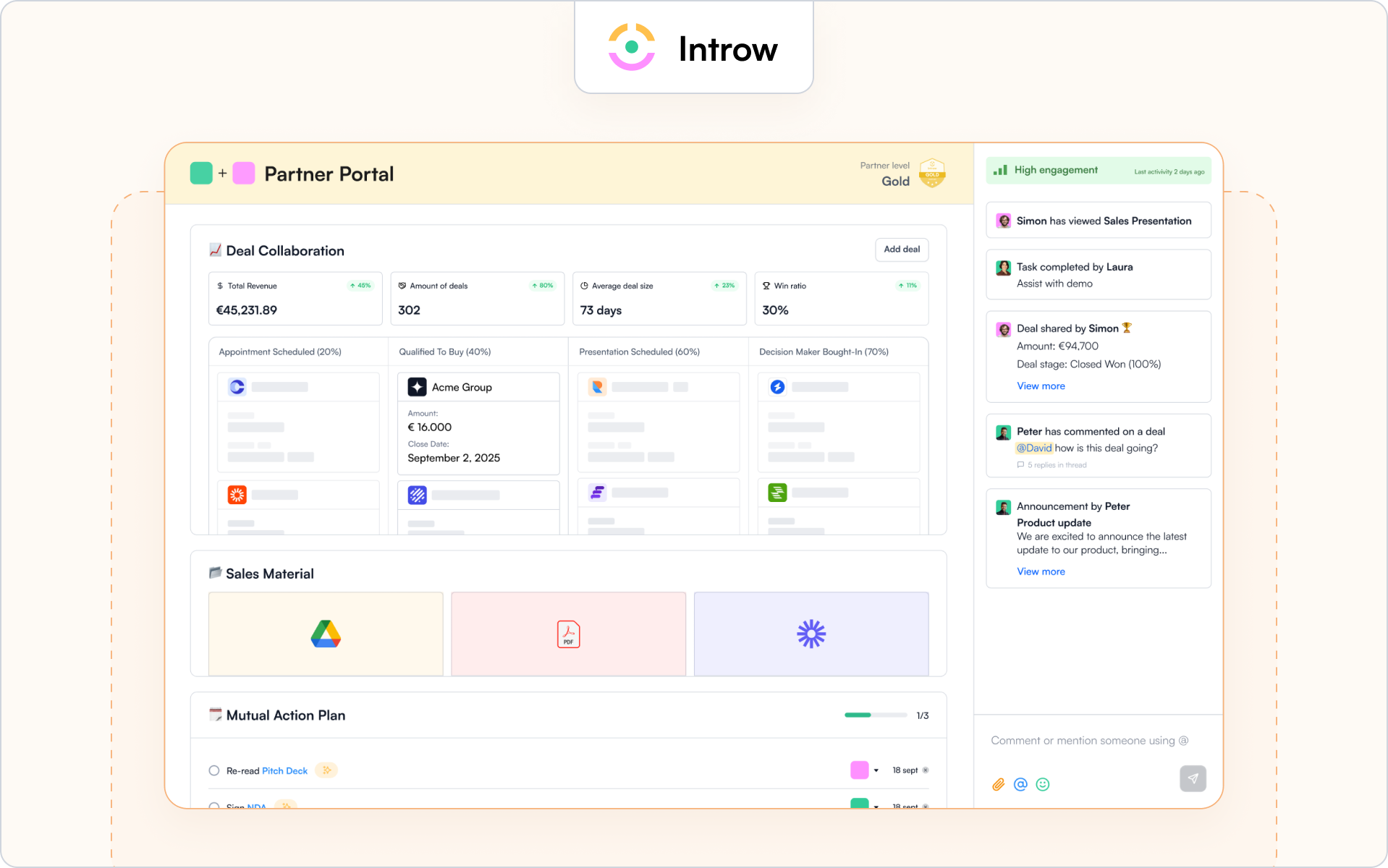
Introw acts as a revenue operating layer rather than just a portal. It connects collaboration, protected opportunity workflows, enablement, and attribution directly to your CRM.

Revenue levers include:

  • CRM side-panel collaboration that keeps sales and RevOps aligned
  • Email and Slack conversations that log automatically to the CRM timeline
  • Conflict detection and protection logic for submitted opportunities
  • Stage-aware announcements tied to opportunity movement
  • Built-in certifications connected to selling permissions
  • Secure data sharing with audit trails and governance controls

Because everything syncs in real time, external activity influences forecasting instead of living in a separate system. That visibility improves win rates and execution speed across indirect motions.

Where it may not fit

Introw is not built for affiliate-heavy ecosystems or marketplace-style models.

It is also not a dedicated MDF accounting suite. And it is purpose-built for organizations using HubSpot or Salesforce, so companies without a CRM foundation will not unlock full value.

Good to know

Teams typically go live quickly because the platform works with existing CRM data structures rather than replacing them.

Introw is particularly strong for off-portal collaboration that still feeds attribution and forecasting.

If your priority is predictable indirect revenue inside your CRM, this is where Introw stands out. Request a demo to see how.

2. Impartner
Best for

Large enterprises with complex global ecosystems that need structured workflow control and governance at scale.

Why it increases revenue

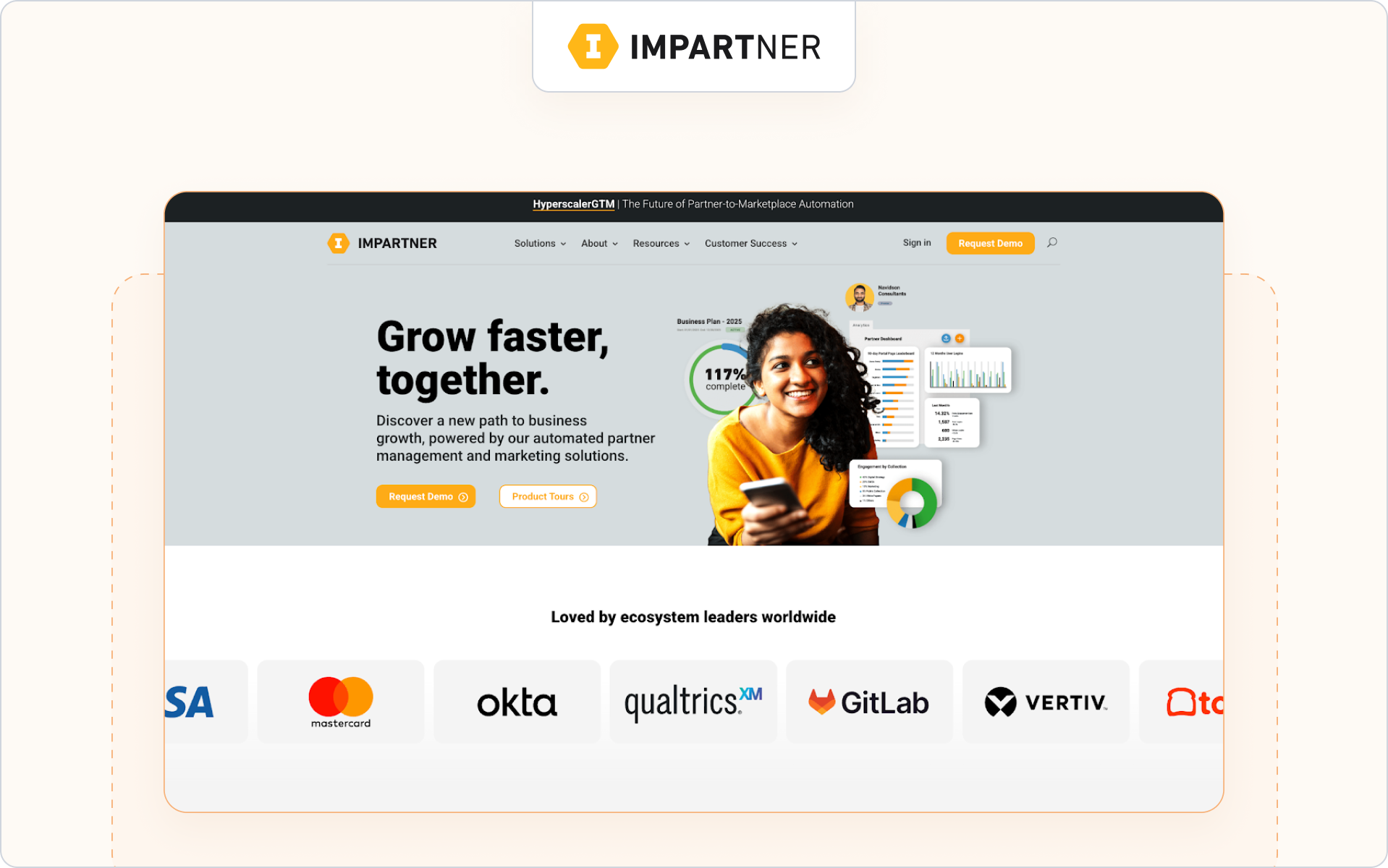
Impartner is an enterprise-focused PRM suite built for mature channel operations. It supports protected opportunity workflows, automated ramp processes, and advanced reporting across multi-tier structures.

Revenue levers include:

  • Configurable opportunity approval and lead routing rules
  • Tier-based performance dashboards
  • Campaign execution through channel marketing automation

This structure can streamline global operations and improve visibility across regions.

Where it may not fit

Mid-market SaaS teams may find the configuration depth heavier than necessary for leaner indirect models.

Good to know

Impartner typically requires a structured rollout and dedicated channel operations resources.

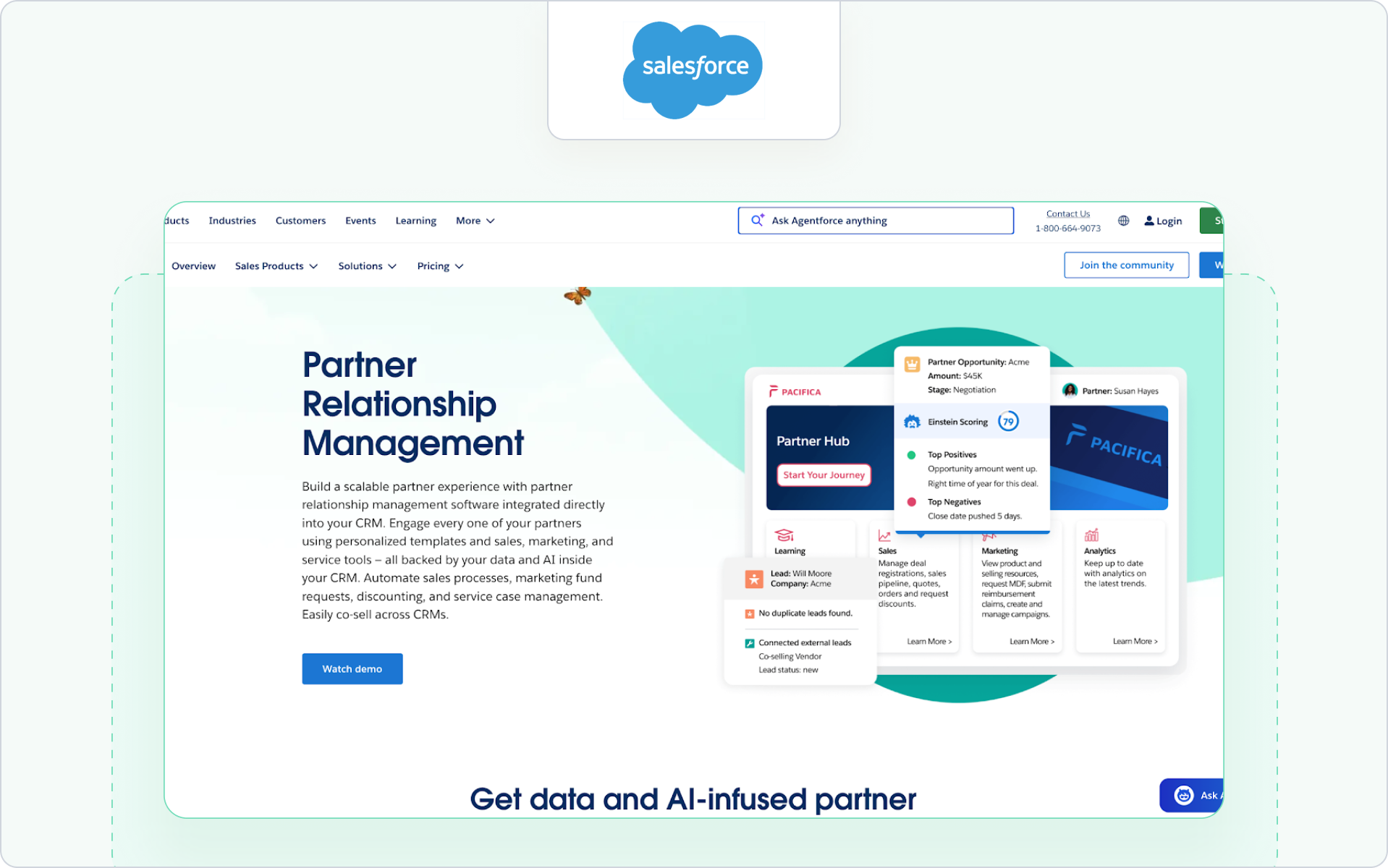
3. Salesforce PRM (Experience Cloud)
Best for

Organizations standardized on Salesforce that want structured channel execution directly inside Sales Cloud.

Why it increases revenue

Salesforce PRM extends Salesforce functionality through Experience Cloud. It centralizes protected opportunity workflows, onboarding processes, and portal-based coordination within existing CRM data structures.

Revenue levers include:

  • Native opportunity and account visibility
  • Configurable approval workflows
  • Engagement reporting tied directly to CRM data

This alignment reduces silos and supports revenue growth when the entire go-to-market motion runs inside Salesforce. Teams evaluating this model often compare it with other approaches to Salesforce partner management to assess how deeply collaboration lives inside the CRM.

Where it may not fit

Teams seeking lightweight deployment or strong off-portal coordination may find it portal-centric.

Good to know

Best suited for companies already investing heavily in Salesforce customization and governance.

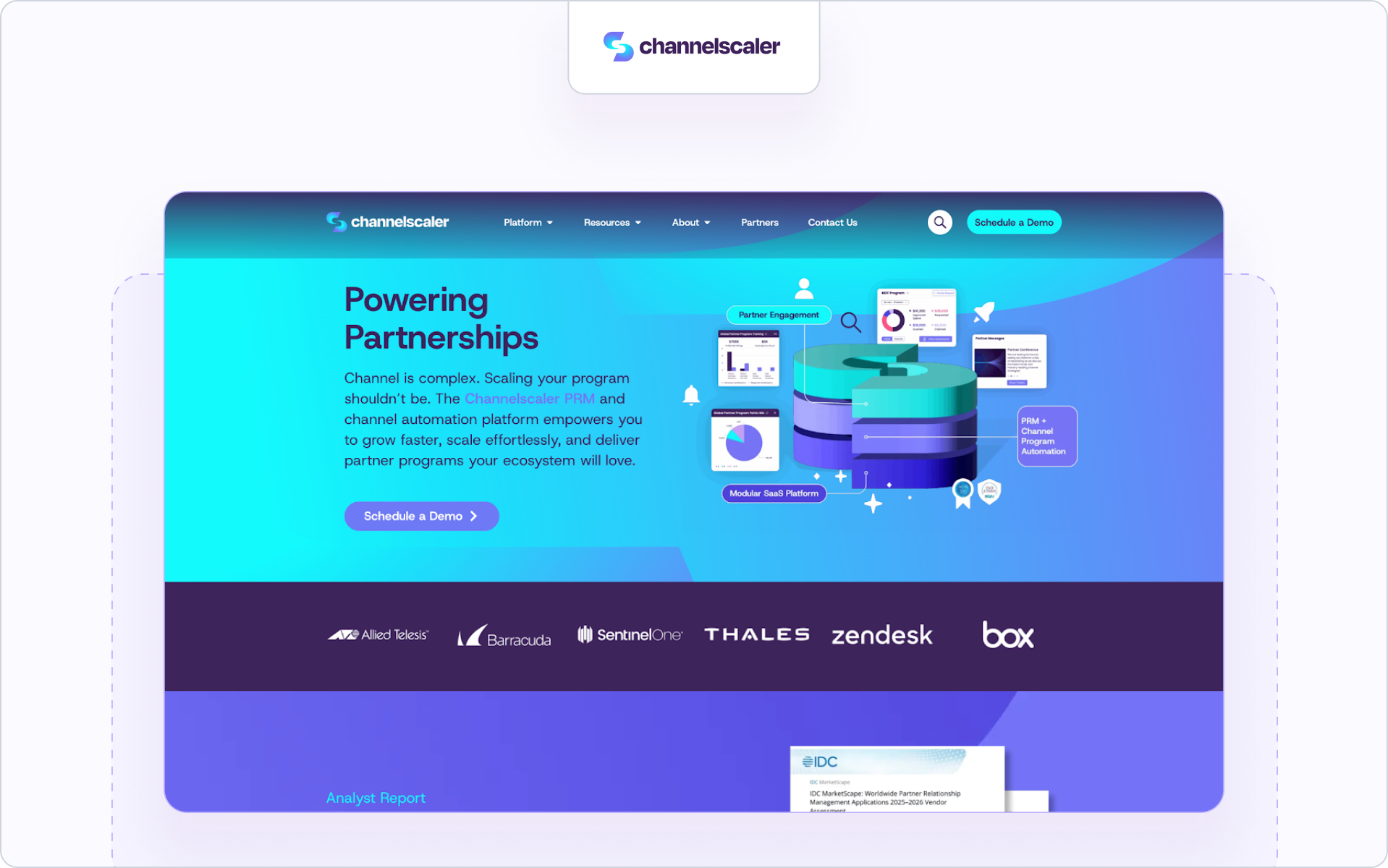
4. Channelscaler (formerly Allbound + Channel Mechanics)
Best for

Channel-driven organizations that prioritize structured program design and incentive governance at scale.

Why it increases revenue

Channelscaler combines enablement, protected opportunity workflows, and incentive management into one system. It supports tiered structures and defined lead routing across large indirect ecosystems.

Revenue levers include:

  • Playbook-driven ramp workflows
  • Incentive and MDF tracking logic
  • Regional governance controls

This model helps standardize operations in mature indirect sales environments, especially where incentive alignment directly influences performance. Companies refining their broader approach to channel partner management often evaluate systems like this for operational consistency.

Where it may not fit

Early-stage SaaS teams may find the configuration depth heavier than necessary.

Good to know

Strong for organizations prioritizing incentive design and structured governance over CRM-native collaboration.

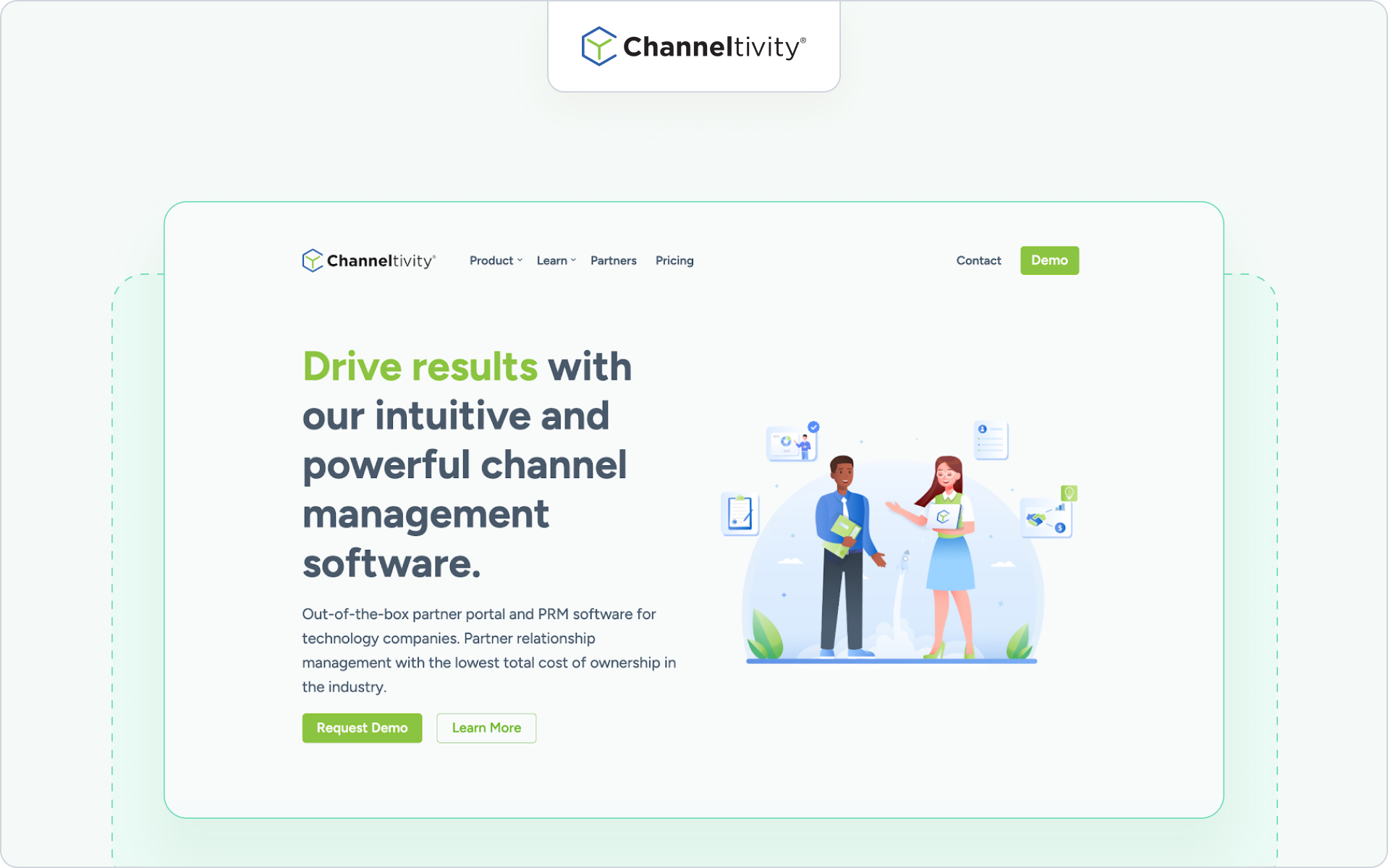
5. Channeltivity
Best for

Mid-market B2B companies seeking straightforward partner management software with clean workflows.

Why it increases revenue

Channeltivity focuses on practical deal registration, partner onboarding, and communication tools. It offers structured partner collaboration within a portal-based system.

Revenue levers include:

  • Transparent deal registration approvals
  • Centralized partner communication
  • Reporting dashboards for partner performance

This can help streamline management for teams that want clarity without enterprise-level complexity. Companies refining their broader partner lifecycle management strategy often look at Channeltivity as a mid-market option.

Where it may not fit

Organizations needing advanced attribution modeling or complex multi-org governance may outgrow it.

Good to know

Often positioned as a balanced option for mid-market partner programs.

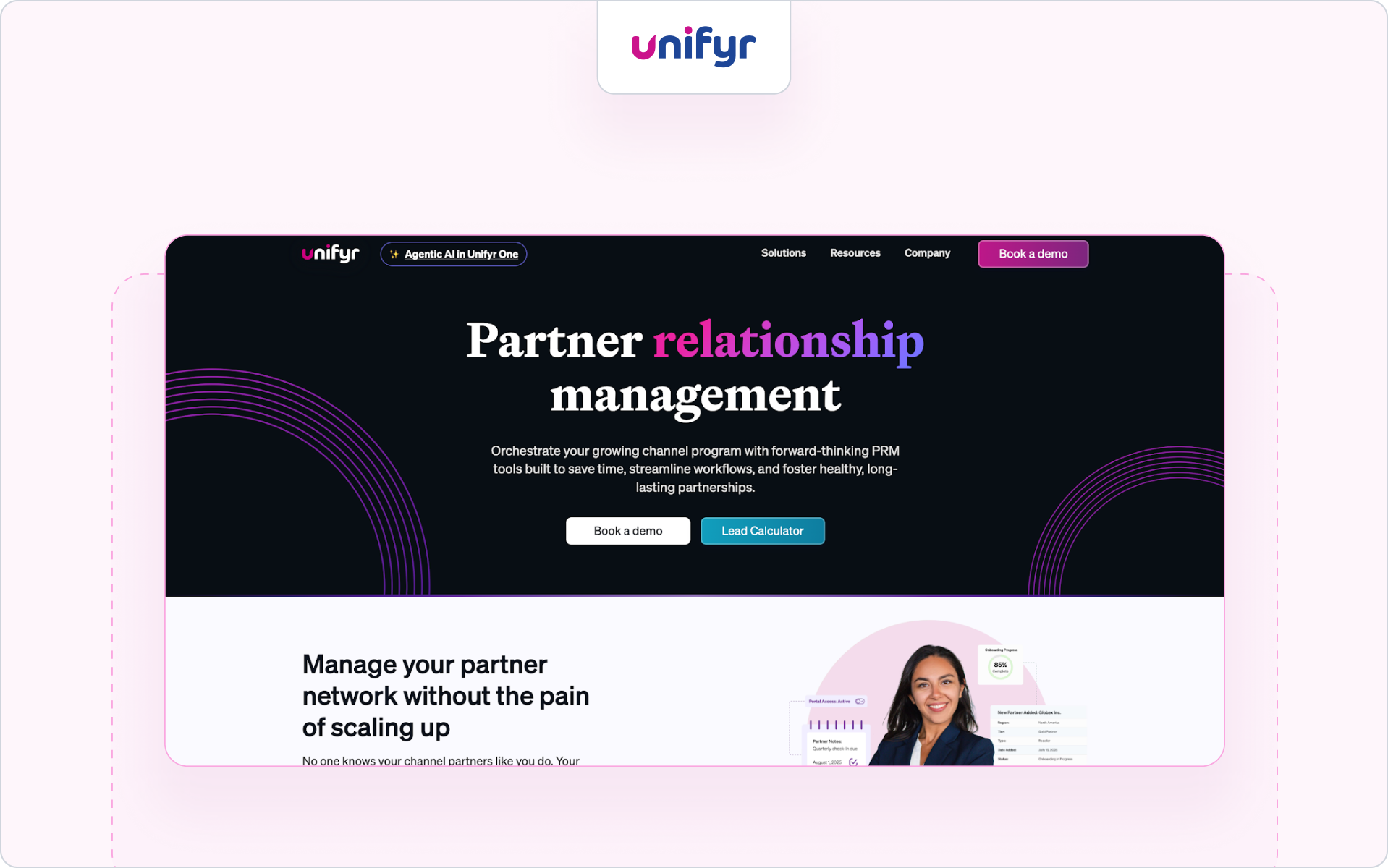
6. Unifyr One (formerly ZiftONE)
Best for

Complex channels that want marketing automation layered into partner management tools.

Why it increases revenue

Unifyr One combines partner portals, deal registration, and campaign execution through channel marketing automation. It emphasizes enhancing partner engagement through coordinated marketing programs.

Revenue levers include:

  • Campaign distribution and co-branded marketing tools
  • Deal registration with workflow automation
  • Analytics tied to campaign and partner activity

This structure supports revenue growth in marketing-led partner ecosystems where structured PRM best practices are essential for scale.

Where it may not fit

Companies prioritizing CRM-first collaboration over marketing automation depth may prefer other partner management platforms.

Good to know

Best suited for organizations with mature channel marketing teams and defined program governance.

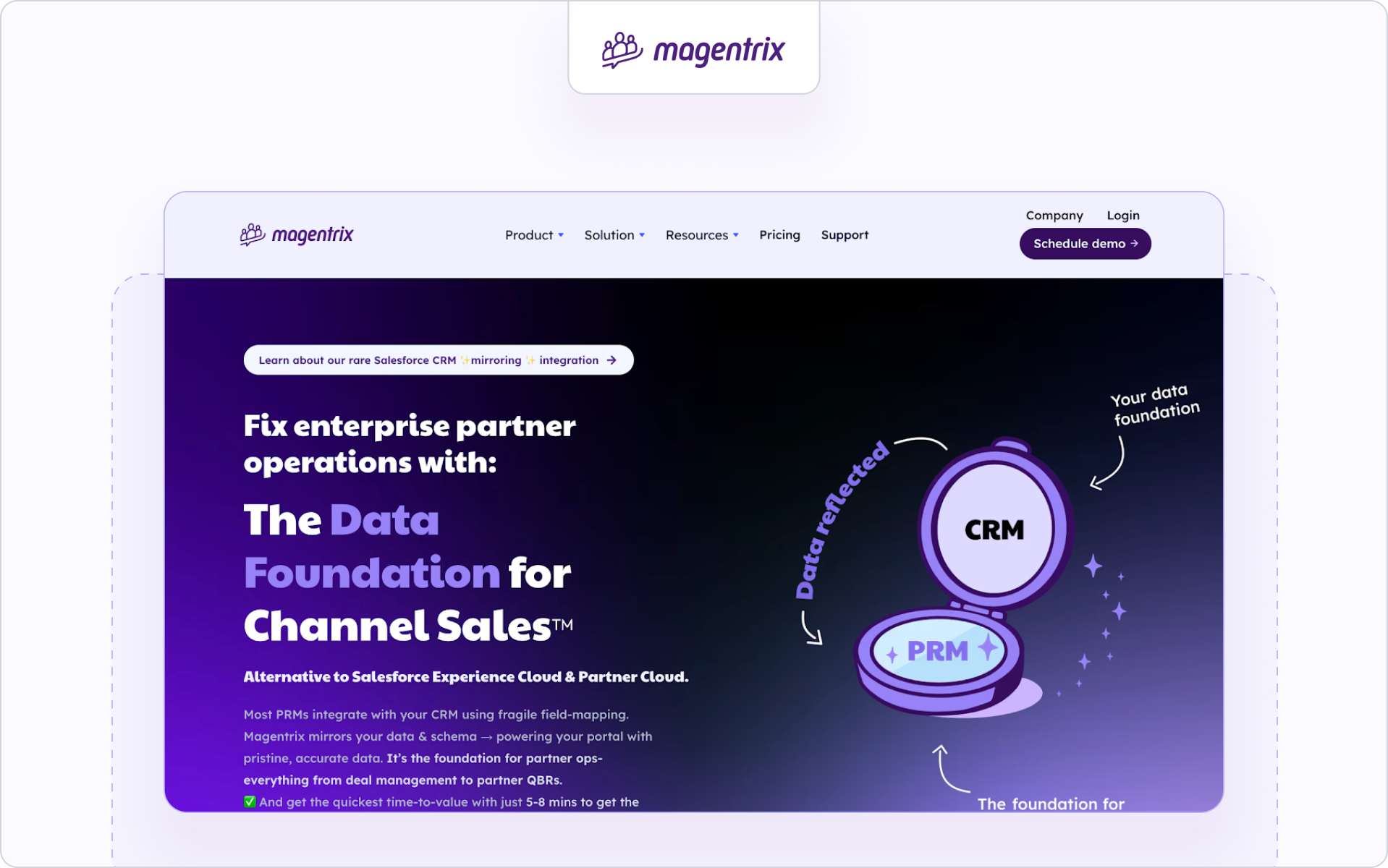
7. Magentrix
Best for

Salesforce-centric teams that want a flexible partner management platform built on top of existing CRM data.

Why it increases revenue

Magentrix delivers partner management through Salesforce-native data structures. It supports partner onboarding, deal registration, and partner collaboration via customizable portals.

Revenue levers include:

  • Salesforce-based partner data control
  • Structured deal registration processes
  • Configurable partner engagement workflows

This alignment can accelerate revenue by keeping partner activity tied closely to CRM reporting. Teams evaluating different models of strategic partner management often assess Magentrix for its flexibility.

Where it may not fit

Teams looking for opinionated revenue workflows or built-in enablement logic may require additional configuration.

Good to know

Best for organizations that want flexibility and control within their Salesforce environment.

8. Kiflo

Best for

SMB and early-stage SaaS companies that want lightweight partner management software with a simple setup.

Why it increases revenue

Kiflo focuses on straightforward partner onboarding, deal registration, and visibility across smaller partner programs. It emphasizes usability and fast deployment.

Revenue levers include:

  • Simple deal registration workflows
  • Clear partner onboarding stages
  • Basic performance tracking dashboards

For teams just formalizing their partner management approach, this can streamline management without heavy configuration. Companies building inside HubSpot often compare options within the broader landscape of HubSpot partner management.

Where it may not fit

Larger organizations with complex partner ecosystems may outgrow its feature depth.

Good to know

Best suited for teams prioritizing speed over enterprise-grade customization.

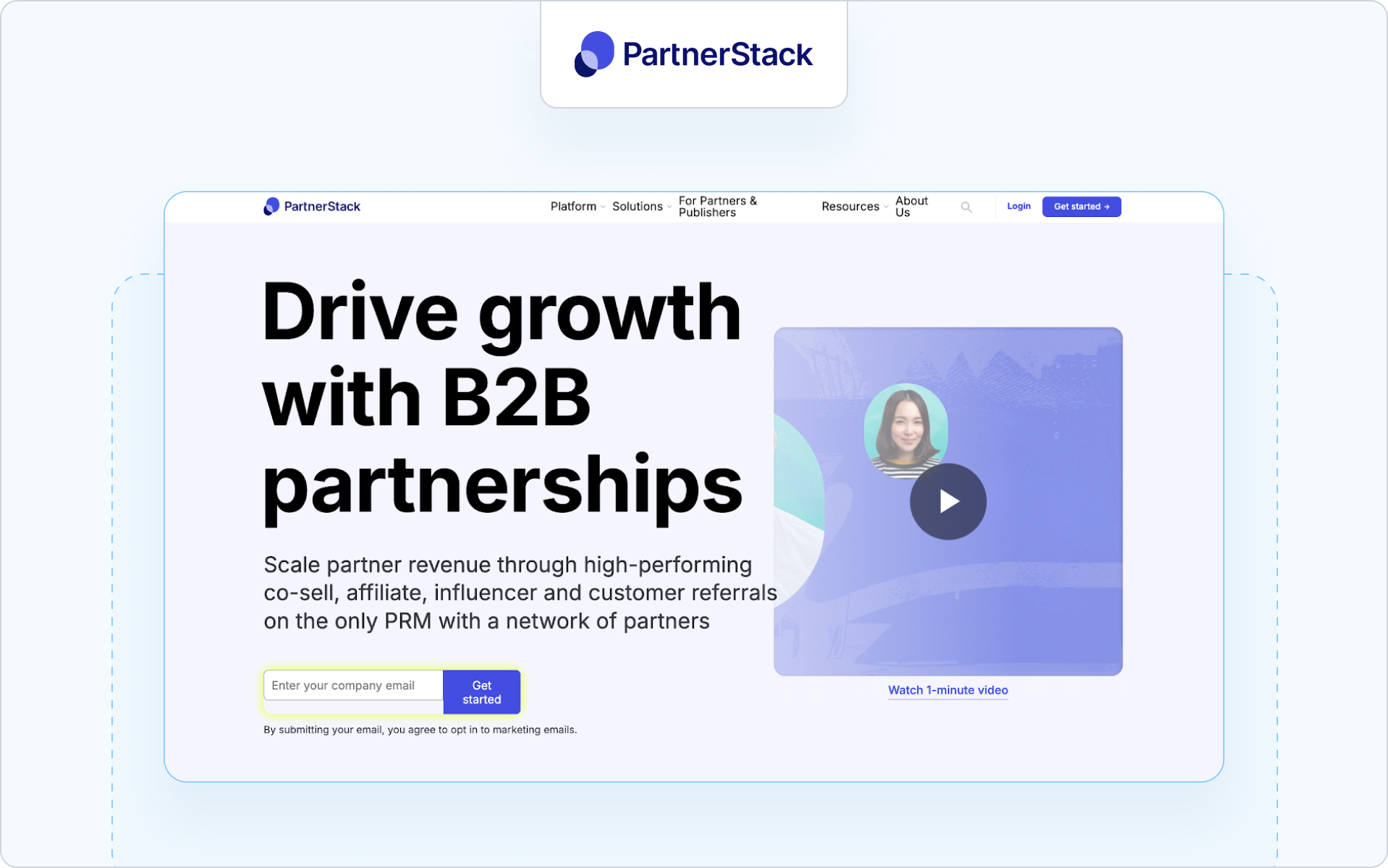
9. PartnerStack
Best for

SaaS companies running affiliate, referral, or ecosystem commerce models.

Why it increases revenue

PartnerStack is designed for ecosystem growth and payout automation. It focuses on tracking referrals, managing commissions, and scaling partner programs through structured incentives.

Revenue levers include:

  • Automated commission and payout management
  • Referral tracking and attribution
  • Marketplace exposure to new partners

This model works well for transactional growth and affiliate-style channel partner management where scale and payout automation drive revenue growth.

Where it may not fit

Organizations needing deep CRM-native co-sell collaboration and complex deal registration may find it affiliate-focused.

Good to know

Strong for SaaS companies prioritizing ecosystem expansion over structured reseller collaboration.

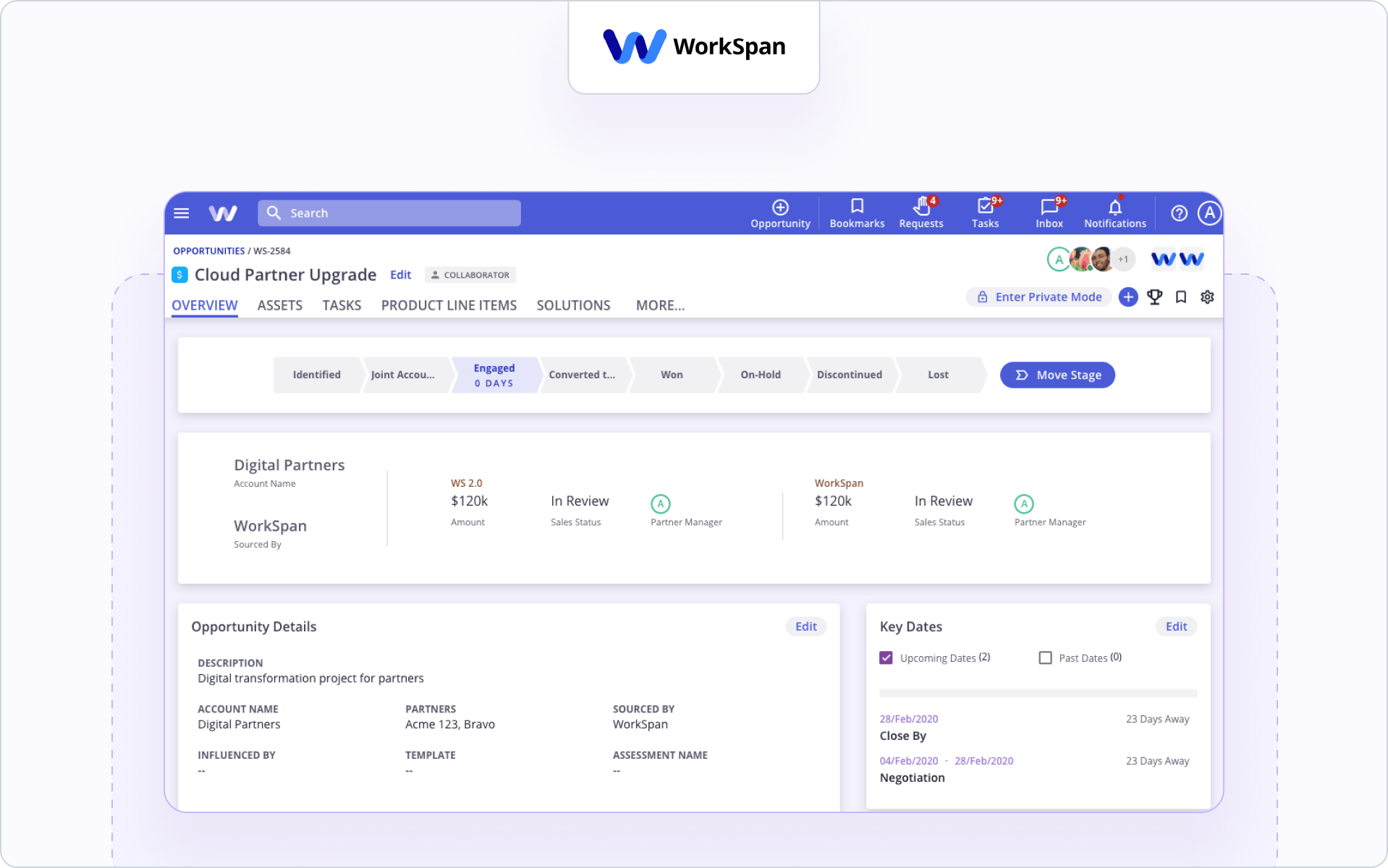
10. WorkSpan
Best for

Large enterprises managing strategic alliances and co-sell motions across multiple business units.

Why it increases revenue

WorkSpan specializes in alliance orchestration and ecosystem revenue management. It supports joint account planning and structured partner collaboration between large organizations.

Revenue levers include:

  • Co-sell pipeline visibility across alliances
  • Joint account mapping and opportunity alignment
  • Ecosystem-level performance analytics

This approach supports mature strategic partner management initiatives where multi-party coordination impacts pipeline outcomes.

Where it may not fit

Mid-market SaaS companies running simple reseller programs may find it too alliance-focused.

Good to know

Best suited for enterprises coordinating global co-sell motions across complex partner ecosystems.

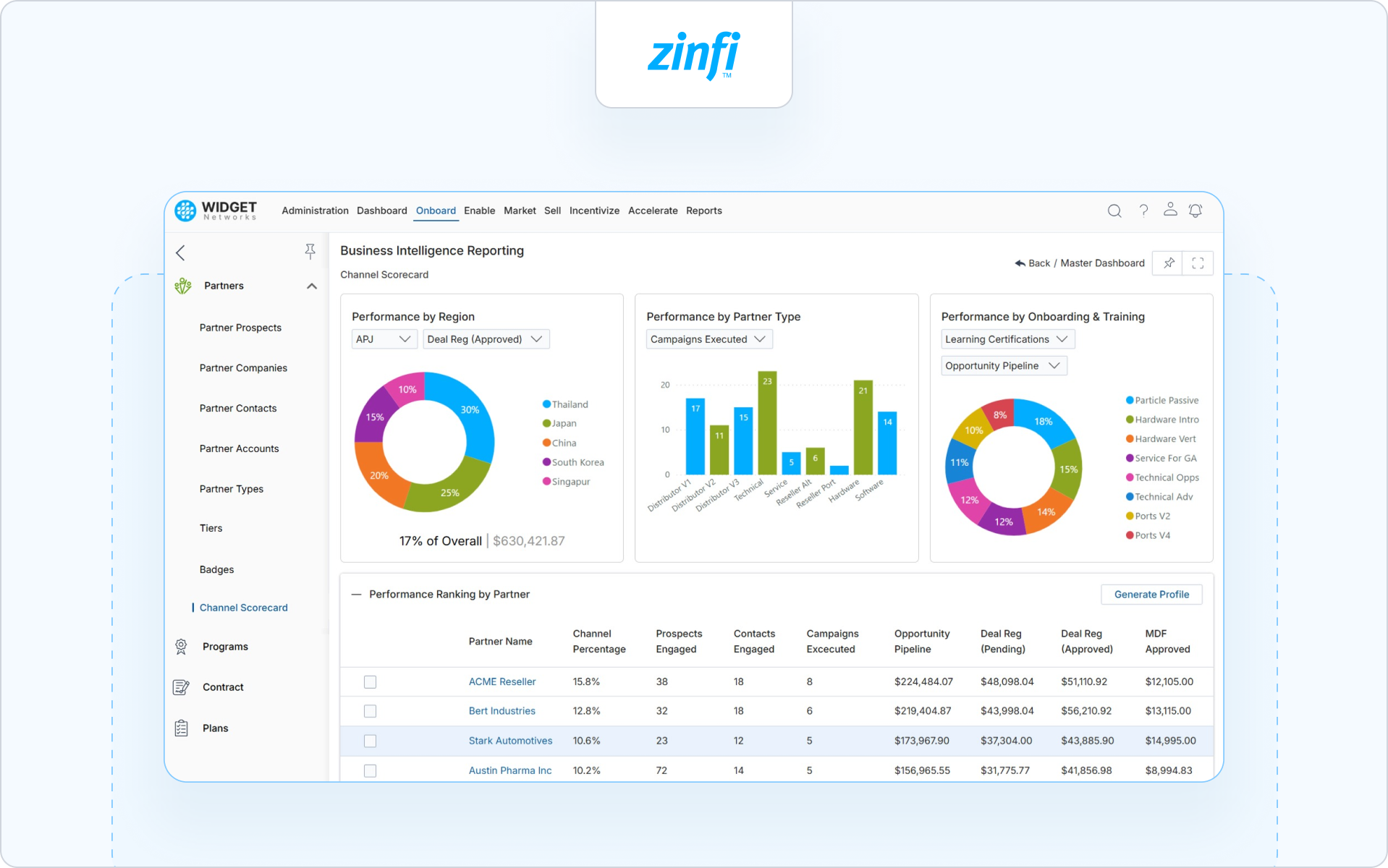
11. ZINFI
Best for

Enterprises seeking broad module coverage across classic channel operations.

Why it increases revenue

ZINFI provides a wide range of partner management tools, including deal registration, incentives, and marketing automation modules. It supports structured partner tiers and global program governance.

Revenue levers include:

  • Multi-tier partner program management
  • Integrated deal registration and incentive tracking
  • Campaign automation across partner networks

For organizations benchmarking traditional systems, ZINFI is often compared within discussions of the best PRM software for established channel operations.

Where it may not fit

Teams prioritizing lightweight collaboration or CRM-first execution may find it module-heavy.

Good to know

Strong for mature channel environments with defined PRM best practices and governance structures.

12. Crossbeam

Best for

Companies focused on ecosystem mapping and account overlap analysis.

Why it increases revenue

Crossbeam helps companies identify shared accounts and co-sell opportunities across partner ecosystems. It emphasizes secure data sharing and ecosystem visibility rather than full partner management software workflows.

Revenue levers include:

  • Account mapping and overlap analysis
  • Secure partner data sharing
  • Ecosystem pipeline visibility

This can accelerate revenue by uncovering hidden co-sell opportunities.

Where it may not fit

Crossbeam is not a full partner management platform. It works best alongside broader partner management systems that handle onboarding, deal registration, and enablement.

Good to know

Often paired with other partner management platforms to enhance ecosystem intelligence.

13. Mindmatrix

Best for

Enterprise channel organizations seeking integrated marketing, enablement, and partner management software.

Why it increases revenue

Mindmatrix delivers structured workflows across partner onboarding, marketing automation, and performance tracking. It supports multi-region channel partner management with integrated campaign tools.

Revenue levers include:

  • Automated partner onboarding workflows
  • Marketing execution through channel marketing automation
  • Reporting across partner programs and incentives

This structure can streamline management for global indirect sales environments.

Where it may not fit

Smaller SaaS teams may find the breadth of modules heavier than necessary.

Good to know

Best suited for enterprises that want marketing automation and partner governance tightly connected.

No single system wins on feature count alone. What matters is how well it supports revenue control, forecast clarity, and execution speed inside your existing motion.

When revenue control, forecast clarity, and execution speed matter more than feature count, the evaluation shifts. Here’s why Introw was designed with that in mind.

Why Introw

Most partner systems create visibility. Introw connects partner activity directly to revenue systems.

Work where sales already works

Sales teams operate inside Salesforce and HubSpot. When partner collaboration happens outside the CRM, context fragments.

In our SANDSIV case study, HubSpot remained the single source of truth after implementing Introw. The integration allowed partner collaboration and deal visibility to stay aligned with existing CRM workflows.

Keeping execution inside the CRM reduced manual coordination and improved internal alignment.

Off-portal collaboration that increases adoption

Before implementing Introw, SANDSIV relied on manual updates and spreadsheets to keep referral partners informed.

After launching Introw, partner adoption increased by 30 percent. Partners gained real-time visibility into deal progress through the CRM-connected system.

When collaboration happens within existing workflows and updates are automated, participation increases.

Deal registration that drives measurable activity

Structured deal registration and improved visibility contributed to a clear operational outcome.

Following implementation, SANDSIV doubled the number of deals created.

Clear ownership and consistent tracking translated into higher deal volume.

Measurable operational efficiency

Automating the partnership process also delivered financial efficiency.

SANDSIV reported approximately $30,000 in annual cost savings after implementing Introw.

When partner collaboration, deal tracking, and CRM reporting operate in one connected system, the impact is visible in both pipeline and operational costs.

Introw is built to make partner revenue measurable inside the systems your sales team already uses.

See Introw in action inside your CRM and request a demo.

FAQs

Still curious? Here are some quick answers to help clear things up.

Contact us

What is the best partner management system for increasing revenue?

The best partner management system for increasing revenue connects partner activity directly to your CRM, protects deals, and makes partner impact measurable. For Salesforce and HubSpot teams, Introw is built specifically for that model.

How is a partner management system different from PRM software?

PRM software focuses on portals and program administration. A broader partner management system supports CRM-native collaboration, deal protection, enablement, and revenue attribution.

Do I need partner management software if I already use Salesforce or HubSpot?

Yes, if you run an indirect motion. Your CRM manages direct sales. A partner system structures collaboration, protected deals, and attribution while keeping the CRM as the source of truth.

How does deal protection increase revenue?

Clear deal ownership reduces conflict and speeds approvals. When partners trust the process, they submit more opportunities.

What should I prioritize when choosing a partner management platform?

Prioritize CRM-native workflows, simple collaboration, clear attribution, and fast execution. The system should improve forecast clarity, not add operational friction

Launch your partner portal
in minutes!

Thank you! Your submission has been received!
Oops! Something went wrong while submitting the form.

Related blog articles

Partner Management

12 Best Partner Portal Software Platforms: Features, Fit, and Gaps

Wouter Moyaert
Product
5 min. read
20 Feb 2026
⚡ TL;DR

Partner portal software wins or loses on adoption. In 2026, prioritize SSO, white-label branding, granular access controls, trackable content, announcements via email and Slack, embedded LMS and certifications, frictionless deal registration, partner-safe pipeline views, and native Salesforce or HubSpot attribution. Our shortlist of the best partner portal software, with Introw ranked #1 for SaaS partner programs that care about CRM integrity and real pipeline visibility.

What is a partner portal, and why and when do you need one

A partner portal is a secure space where your partners access the tools, data, training, and marketing materials they need to sell with you.

Modern partner portal software connects deal registration, partner onboarding, partner marketing, and CRM visibility in one platform so your team can manage relationships and revenue without spreadsheets.

Why and when you need one

You need a partner portal when your partner program starts influencing real sales. If your team is manually updating deals, your resellers need controlled access to pipeline data, or you cannot clearly tie partner engagement to revenue, manual processes will slow your business down.

The right partner portal software gives your partners access to relevant deals and support while keeping Salesforce or HubSpot as the single source of truth. That balance is what drives adoption, visibility, and scalable channel growth.

So what separates average partner portal software from the best partner portal software for your business?

It comes down to adoption, CRM alignment, and how well the portal supports your partners in real selling situations.

The Shortlist: Best Partner Portal Software (2026)

Here's our shortlist of partner portal software platforms worth comparing in 2026, starting with the option built specifically for SaaS channel programs.

1. Introw partner portal

Best for

SaaS partner programs that care about adoption, CRM trust, and measurable revenue impact.

Why it’s a fit for portals

The Introw partner portal is built specifically for external partner use. It gives your partners controlled access to deals, leads, marketing materials, and training while keeping your CRM as the single source of truth.

Unlike traditional partner relationship management software that operates beside your CRM, Introw works inside it. Your partner portal reflects real Salesforce or HubSpot data with permission-based visibility. Your business data stays protected, and your partners see only what is relevant to them.

If adoption is your priority, this matters. Partners can engage through email and Slack without constantly logging in. When they reply by email, activity is logged automatically, so your team sees partner activities without chasing updates.

You can explore the full experience on Introw’s partner portal.

Highlights

Introw focuses on the practical elements that drive partner experience and revenue clarity. The portal connects your partner program directly to your CRM so you can manage deals, engagement, and performance in one platform.

  • White-label branding and SSO so the portal reflects your brand
  • Granular access controls for channel partners, resellers, and distributors
  • Real-time deal registration and partner-safe pipeline views via our Salesforce integration or HubSpot integration
  • Embedded Partner LMS for partner onboarding, certifications, recert windows, and AI-powered course creation

Because the portal is CRM-native, your sales team and internal teams do not need to reconcile data across disconnected tools. You get better reporting, clearer attribution, and visibility into how partners sell and influence deals.

If you want the broader category view, this guide to the best PRM software is a helpful companion.

Considerations

Introw is not designed as a heavy enterprise suite with complex incentive engines or layered distributor rebate structures. It focuses on adoption, clean CRM alignment, co-selling workflows, and partner enablement for SaaS channel programs.

If your channel programs rely heavily on advanced incentive modeling or carrier-style rule complexity, you should validate fit carefully.

Pricing note

Introw is structured to support external partner access without charging for casual logins. If you want to see how it works inside your CRM, you can request a demo.

2. Impartner

Best for

Enterprise companies running large, multi-tier channel programs across regions and partner types.

Why it’s a fit for portals

Impartner is a long-standing partner relationship management software provider with a robust portal module. Its partner portal is designed to support complex channel programs, including distributors, resellers, and global alliances.

The platform emphasizes structured governance, automation, and scale. If your portal sits inside a broader enterprise PRM strategy, Impartner is often on the shortlist.

Highlights

  • Configurable portal with role-based access and SSO
  • Built-in deal registration workflows and approval routing
  • Program management tools for tiers, incentives, and partner performance

Considerations

Impartner’s depth can mean a heavier setup and ongoing administration. If fast partner adoption and lightweight workflows are your priority, validate how complex the experience feels for your partners.

Pricing note

Enterprise pricing. Typically requires direct consultation.

3. Channeltivity

Best for

Mid-market companies that want a clean partner portal combined with core PRM functionality.

Why it’s a fit for portals

Channeltivity positions its portal as a structured, self-service environment for channel partners. It supports deal registration, content access, training, and partner communication within a straightforward interface.

If you want partner portal software that balances functionality and usability without heavy enterprise overhead, this is a practical option.

Highlights

  • Branded partner portal with permission-based access
  • Deal registration and lead distribution workflows
  • Resource libraries and training modules

Considerations

If your business relies heavily on advanced partner marketing automation or distributor-level complexity, validate how far the portal can scale with your channel strategy.

Pricing note

Public tiered pricing is available on their website.

4. Magentrix

Best for

Salesforce-centric teams that want a flexible, community-style partner portal.

Why it’s a fit for portals

Magentrix offers partner portal software that integrates closely with Salesforce and can leverage Experience Cloud foundations. It combines portal capabilities with structured partner relationship management features.

If your business is deeply invested in Salesforce and you want strong layout customization, Magentrix can be a strong fit.

Highlights

  • Salesforce-integrated deal and account visibility
  • Customizable portal layouts and dashboards
  • Training and onboarding modules

Considerations

Portal experience and reporting depth may depend on your internal Salesforce configuration capacity. Admin resources matter here.

Pricing note

Pricing is structured in tiers and typically requires consultation.

5. Salesforce PRM (Experience Cloud)

Best for

Organizations that want their partner portal fully embedded in the Salesforce infrastructure.

Why it’s a fit for portals

Salesforce PRM is built on Experience Cloud and allows you to create a partner portal directly inside your CRM environment. For Salesforce-first companies, this offers deep control over data access, workflows, and reporting.

This approach works well if your internal teams are comfortable managing Salesforce configurations and you want your partner portal tightly aligned with sales operations.

Highlights

  • Direct CRM data access with granular role-based permissions
  • Native deal registration and lead sharing
  • Custom dashboards and reporting tied to sales performance

Considerations

Implementation and maintenance can be resource-intensive. If you want a fast-to-launch partner portal with minimal configuration, this route may require more internal support.

Pricing note

Pricing is typically per partner user license and varies by edition. Consultation with Salesforce is required for exact figures.

6. ZINFI

Best for

Organizations that want a full PRM suite with structured partner lifecycle management and global channel programs.

Why it’s a fit for portals

ZINFI positions its Unified Channel Management platform as an end-to-end partner relationship management solution. Its partner portal sits inside a broader system that supports complex channel programs across regions and industries.

If your partner portal is one layer inside a larger partner tech stack, ZINFI is often evaluated.

Highlights

  • Structured deal registration and partner onboarding workflows
  • Built-in learning management and certification modules
  • Channel marketing automation with analytics for partner performance

Considerations

Because ZINFI is a comprehensive platform, portal experience and speed of rollout may depend on how much configuration your internal team can support.

Pricing note

Pricing is typically customized based on modules and scale.

7. Unifyr

Best for

Vendors and distributors that prioritize through-channel marketing automation alongside their partner portal.

Why it’s a fit for portals

Unifyr combines PRM functionality with through-channel marketing automation. The partner portal is designed to support structured partner communication, campaign distribution, and co-branded marketing assets across large distributor networks.

This makes it a frequent contender for the best partner portal software for technology distributors that need marketing reach across multiple partners.

Highlights

  • Integrated portal with deal registration and partner marketing workflows
  • Campaign distribution and co-branded marketing assets
  • Built-in learning and enablement features

Considerations

If your priority is CRM-native pipeline visibility and streamlined co-selling, validate how tightly reporting and attribution connect to your CRM.

Pricing note

Pricing is typically available upon request.

8. Mindmatrix (Bridge)

Best for

Companies that want a portal focused on sales enablement and partner marketing activation.

Why it’s a fit for portals

Mindmatrix blends partner portal functionality with marketing automation and enablement tools. The portal becomes a structured hub where partners access marketing materials, training, and sales content in one platform.

If your focus is driving partner engagement through marketing tools and guided selling workflows, this approach can fit well.

Highlights

  • Resource hubs with trackable marketing materials
  • Training and coaching modules
  • Campaign and content distribution to help partners sell

Considerations

If your business requires deep CRM alignment for deal visibility and better reporting tied directly to revenue, confirm how data sync is handled.

Pricing note

Pricing varies by configuration and partner scale.

9. PartnerStack

Best for

Companies running partner-led growth programs across affiliates, agencies, and SaaS resellers.

Why it’s a fit for portals

PartnerStack is less a traditional reseller portal and more a partner ecosystem platform focused on acquisition and performance tracking. It supports programs where incentives, referrals, and partner performance measurement drive growth.

If your channel programs revolve around partner recruitment and performance marketing rather than structured reseller co-selling, this model may align.

Highlights

  • Marketplace-style partner recruitment and onboarding
  • Automated tracking of referrals and conversions
  • Incentive and payout management

Considerations

If you need structured deal registration, CRM-aligned pipeline access, and deep collaboration between partners and your sales team, validate fit carefully.

Pricing note

Pricing is typically customized based on program structure.

10. Channext

Best for

Vendors that prioritize partner marketing and campaign distribution across resellers and distributors.

Why it’s a fit for portals

Channext focuses heavily on partner marketing automation. Its portal-like environment enables partners to quickly find and activate marketing materials, campaigns, and co-branded marketing assets.

If your channel strategy is built around helping partners sell through ready-to-use marketing tools, Channext can act as a partner portal automation software layer focused on activation rather than deep CRM workflows.

Highlights

  • Campaign distribution across resellers and distributors
  • Central hub where partners access marketing materials
  • Analytics tied to engagement and marketing performance

Considerations

If your business needs advanced deal registration, structured co-selling, or deep CRM-based collaboration, confirm how well Channext connects to your broader partner tech stack.

Pricing note

Pricing is typically provided upon request.

11. Kiflo

Best for

SMB SaaS companies launching or formalizing their first structured partner program.

Why it’s a fit for portals

Kiflo positions itself as a lightweight partner relationship management platform with built-in portal capabilities. It is designed to help smaller companies manage partnerships, track leads, and support partner onboarding without heavy enterprise overhead.

If you are building your first formal partner portal software solution and want a simpler approach to register deals and manage relationships, Kiflo may fit.

Highlights

  • Straightforward deal registration and lead tracking
  • Basic partner onboarding and training tools
  • Dashboard views to help your team manage partner activities

Considerations

As your partner ecosystem grows, you may need more advanced CRM-native controls, partner communication automation, and deeper reporting to scale revenue across a larger industry footprint.

Pricing note

Tiered pricing is available, typically aligned to partner count and feature depth.

Main takeaways

The best partner portal software depends on your business model and how your partners sell.

  • If you run complex channel programs with layered incentives, enterprise platforms may fit.
  • If your focus is partner marketing activation, choose a portal built around campaigns and content distribution.
  • If adoption, CRM alignment, and clean deal visibility matter most, prioritize software that keeps your CRM as the single source of truth.

Above all, choose a partner portal your partners will actually use. Adoption drives engagement. Engagement drives revenue.

Choosing your partner portal software is step one; getting partners to use it is step two.

A structured rollout is what turns a portal into real adoption, deal registration, and measurable revenue impact. Here is our practical 30–60 day implementation playbook you can execute.

Implementation playbook: launch a portal partners actually use (30–60 days)

Treat your partner portal software rollout like a structured launch. Here is a practical 30–60-day framework you can follow.

Timeline Focus What to do
Days 1–7 Scope and align Define roles, tiers, and SSO groups. Set certification and recert rules. Assign ownership across channel managers, marketing, and internal teams.
Days 8–14 Structure Organize the portal by role, product, or region. Create collections by partner type. Make it easy for partners to quickly find relevant content.
Days 15–25 Migrate Upload marketing materials with tags and version control. Assign owners. Set expiries. Remove outdated assets.
Days 26–35 Enable and activate Publish training and certifications. Bulk enroll cohorts. Surface deal registration so partners can register deals and support co-selling.
Days 36–45 Engage Schedule announcements via email or Slack. Launch campaigns with clear next steps. Set reminders for certifications and partner activities.
Days 46–60 Measure and iterate Connect the portal to Salesforce or HubSpot as your single source of truth. Track adoption, partner performance, and pipeline impact. Gather feedback and refine your partner program.

If you want to validate your CRM setup before launch, this guide to the top partner management CRM can help you align reporting, deal visibility, and revenue tracking.

A structured rollout increases adoption. Adoption drives engagement. Engagement drives revenue.

If this framework feels heavy, it usually means your portal and your CRM are not aligned.

The right partner portal software reduces complexity instead of adding to it. It makes deal registration, partner onboarding, and CRM visibility part of one connected workflow.

Here’s how Introw approaches that model in practice.

Why Introw is a top pick for partner portals (quick proof)

You’ve seen the landscape. Now here’s the difference. Introw is built around one idea: adoption drives revenue.

Adoption-first design

Your partners do not need another login. Announcements go out via email or Slack. Partners can reply by email, and their activity is logged automatically. Engagement happens where they already work.

Enablement built in

Create training in minutes with the AI course builder. Issue one-click certificates. Bulk enroll cohorts. Set recert windows. Partner onboarding and partner enablement live inside the portal, not in disconnected tools.

Revenue visibility

Completions, certifications, and content influence write back into Salesforce or HubSpot. Your CRM stays the single source of truth. Your sales team and internal teams see real partner impact.

Partner-safe execution

Surface deal registration clearly. Let partners register deals and collaborate through shared pipeline views with field-level safelists and SSO controls.

What you can do next

  • Audit your current portal against the 30–60 day playbook
  • Identify where adoption breaks down
  • Decide whether your current partner portal software supports CRM-native visibility

If you want to learn how to enable your partners, request a demo today.

Because in the end, the best partner portal software is the one your partners actually use.

Partner Management

Top 12 Partner Collaboration Platform Options: What to Compare (Plus a Shortlist)

Stijn Provoost
Marketing
5 min. read
16 Feb 2026
⚡ TL;DR

A true partner collaboration platform isn’t just another portal. It gives you partner-safe record sharing inside Salesforce or HubSpot, off-portal collaboration through email and Slack that writes back to your CRM, assigned next steps, governed data access, and clear audit trails across vendors and partners. Use our guidelines to choose a solution that shortens deal cycles, keeps outcomes visible in your CRM, and helps you prevent channel conflict without forcing partners into yet another login.

Partner Collaboration ≠ “Another PRM Tab”

Most partner relationship management software promises better partner relationship management, but your real goal isn’t to manage tabs or dashboards. You want deals to move faster, protect partner revenue, and catch channel conflict before it hits your CRM.

The friction shows up in small ways.

Your sales team works inside Salesforce or HubSpot, while channel partner updates sit in separate partner portals. Then, someone ends up reconciling partner data just to understand deal flow.

Where collaboration breaks down

  1. Deal registration doesn’t write back cleanly to your CRM
  2. Lead distribution lacks visibility for your sales team
  3. Manual data entry keeps systems loosely aligned
  4. Email and Slack updates never connect to partner performance
  5. Channel conflict surfaces too late

Across reseller programs, referral programs, and tech partners, these gaps make partner onboarding heavier than it should be.

What real collaboration looks like

A true partner collaboration platform keeps everything anchored in your CRM integration. Shared records update in real time. Conversations write back automatically. You can see deal flow and partner performance without exporting data.

If collaboration lives inside your CRM, you need a clear way to test whether a platform actually supports that. Not in theory. In practice.

Partner collaboration platform checklist (What to compare in 2026)

When evaluating a partner collaboration platform, don’t get distracted by feature lists. Focus on what protects your CRM, improves deal flow, and keeps partner relationships aligned across the entire partner lifecycle.

Use this checklist to compare partner collaboration tools and the top PRM platforms for partner collaboration in 2026.

Area What to Look For
1. Access & Governance SSO/SAML, partner identity and role mapping, field and record-level safelists, time-boxed links, watermarking or redaction, full audit logs to protect partner data
2. Work Where Sellers Work Salesforce PRM or HubSpot side-panel collaboration, controlled view and edit access, @mentions, tasks, and two-way sync with your CRM integration, so your sales team never leaves their workflow
3. Off-Portal Communication Email and Slack threads attached to opportunities or accounts, reply-by-email, routing by role or territory, and digest modes that support real partner engagement
4. Shared Execution Assigned next steps with owners and due dates, mutual action plans, SLA timers, playbooks for reseller programs and referral programs, and version control for shared files
5. Deal Hygiene & Conflict Prevention Clean deal registration, duplicate detection, conflict flags, deal protection windows, and escalation paths that help prevent channel conflict before it hits your CRM
6. Enablement in the Flow Training and certification status visible in context, stage-based content recommendations, and direct access to your partner LMS, so partner onboarding happens inside the deal
7. Analytics & Attribution Track touches to stage movement, measure partner performance and revenue contribution, and connect collaboration activity to real performance tracking
8. Ecosystem Fit & Scale APIs and webhooks, support for complex partner ecosystems, admin guardrails, multi-brand support, and dynamic partner portals that scale without a steep learning curve

Strong partner management depends on choosing PRM software that keeps collaboration inside your CRM instead of pushing it into disconnected partner portals.

If you’re evaluating partner relationship management software or comparing CRM alignment, the right CRM for partner management should make collaboration visible inside your existing systems, not outside them.

Once you’ve pressure-tested the criteria, the real question is simple: which partner collaboration platforms can actually check these boxes?

Partner collaboration platform shortlist

Not every PRM platform is built for real collaboration. This shortlist focuses on partner collaboration platforms that keep deal flow visible, reduce channel conflict, and support structured execution across the entire partner lifecycle.

1) Introw – CRM-native collaboration for modern partner programs

Who it’s for

Introw is built for SaaS companies running reseller programs, referral programs, and strategic partnerships that need collaboration tied directly to pipeline. It’s a strong fit for revenue teams that live inside CRM and don’t want another disconnected PRM software layer.

If your sales team works in Salesforce or HubSpot and your partner management motion depends on shared deal context, this is designed for you.

Why it stands out

Introw is a partner collaboration platform that keeps shared work anchored inside your CRM instead of pushing it into isolated partner portals. Collaboration happens where sellers already work, with native Salesforce integration and HubSpot integration.

That means partner engagement, deal registration, and shared execution stay connected to real deal flow. No duplicate systems. No manual data entry just to understand what your channel partner is doing.

It also gives you governed visibility. Different partner types see only what they should, which helps prevent channel conflict before it escalates.

Key collaboration features

  1. CRM-first collaboration with field-level visibility controls and full audit logs.
  2. Off-portal email and Slack threads that attach to opportunities and write back automatically.
  3. Partner-safe pipeline views and structured deal registration workflows to reduce channel conflict.
  4. Shared execution tools, such as assigned next steps and action tracking tied directly to the opportunity.
  5. A configurable partner portal that supports dynamic partner portals without breaking CRM alignment.

Where it may not fit

If you’re only looking for basic partner portals to host marketing materials or need a lightweight free plan for simple referral programs, this may feel more robust than you need.

Introw is built for teams that want collaboration, governance, and CRM integration working together as a unified system.

Request a demo to see how collaboration works directly inside your CRM.

2) Impartner: PRM suite with collaboration spaces at enterprise scale

Who it’s for

Teams evaluating Impartner are typically enterprise brands and SaaS companies running structured partner programs across multiple partner types and regions.

Why it stands out

Impartner is a full partner relationship management PRM suite built for governance-heavy environments. It combines partner portals, deal registration, lead distribution, and marketing automation across the entire partner lifecycle.

Key collaboration features

  1. Configurable partner portals with workflow-based deal registration.
  2. Structured collaboration spaces and task tracking.
  3. Performance tracking and reporting across channel programs.

Where it may not fit

For teams prioritizing CRM-first collaboration embedded directly in deal flow, it can feel portal-centric and introduce a steep learning curve.

3) Channelscaler: enterprise partner operations and enablement platform

Who it’s for

Teams evaluating Channelscaler are typically enterprise SaaS companies running structured partner programs across reseller programs and channel partnerships.

Why it stands out

Channelscaler combines partner relationship management, partner onboarding, and marketing execution inside a governance-focused PRM software environment built for complex partner ecosystems.

Key collaboration features

  1. Configurable partner portals with structured deal registration and lead distribution.
  2. Partner onboarding workflows tied to channel programs.
  3. Performance tracking dashboards across the entire partner lifecycle.

Where it may not fit

If your priority is CRM-native collaboration embedded directly inside opportunity records, it may feel portal-driven rather than collaboration-first.

4) Channeltivity: lightweight collaboration for mid-market

Who it’s for

Teams exploring Channeltivity are often mid-market SaaS companies running structured reseller programs without enterprise complexity.

Why it stands out

Channeltivity focuses on practical partner management, clean deal registration, and accessible partner portals that support day-to-day collaboration.

Key collaboration features

  1. Structured deal registration and lead distribution workflows.
  2. Task management and communication inside partner portals.
  3. Reporting dashboards for partner performance and revenue contribution.

Where it may not fit

For complex partner ecosystems or layered strategic partnerships, collaboration depth and governance controls may be limited.

5) PartnerStack: marketplace-driven collaboration for affiliates and resellers

Who it’s for

Companies evaluating PartnerStack are typically SaaS companies scaling referral programs and reseller programs through marketplace-based partner discovery.

Why it stands out

PartnerStack combines partner management with marketplace infrastructure. It supports automated onboarding, automated marketing campaigns, and partner revenue tracking.

Key collaboration features

  1. Marketplace-based partner discovery and onboarding.
  2. Deal tracking and attribution for referral programs.
  3. Performance tracking tied to revenue contribution.

Where it may not fit

If your priority is structured co-sell collaboration embedded inside CRM deal flow, it may feel acquisition-focused rather than collaboration-first.

6) Crossbeam: account mapping plus partner rooms

Who it’s for

Teams considering Crossbeam are SaaS companies focused on account mapping and strategic partnerships with tech partners.

Why it stands out

Crossbeam strengthens partner discovery by securely comparing partner data. It’s strong at the discovery → collaboration transition before formal deal registration.

Key collaboration features

  1. Secure account mapping between business partners.
  2. Partner rooms for shared visibility and early-stage coordination.
  3. CRM integration to push insights back to the sales team.

Where it may not fit

It is not full partner relationship management software. It complements PRM platforms rather than replacing deal registration or partner portals.

7) PartnerTap: account mapping and co-sell collaboration

Who it’s for

Companies considering PartnerTap are typically SaaS companies and tech partners focused on account mapping and co-sell collaboration across strategic partnerships.

Why it stands out

PartnerTap centers collaboration around secure partner data sharing and shared visibility into deal flow before formal deal registration.

Key collaboration features

  1. Secure account mapping across business partners.
  2. Shared pipeline visibility for co-sell motions.
  3. CRM integration to sync collaboration insights to the sales team.

Where it may not fit

It complements PRM platforms but does not replace full partner relationship management software for channel management or partner portals.

8) Unifyr: channel marketing and partner operations platform

Who it’s for

Companies evaluating Unifyr are typically enterprise SaaS companies and tech companies running distributed channel programs with strong marketing execution requirements.

Why it stands out

Unifyr, formerly Zift Solutions, combines partner relationship management, through channel marketing automation, and campaign execution inside a unified platform. It is built for organizations managing structured reseller programs and large partner ecosystems.

Key collaboration features

  1. Through channel marketing automation and campaign distribution across partner portals.
  2. Structured deal registration and lead distribution workflows.
  3. Performance tracking dashboards tied to partner engagement and revenue contribution.

Where it may not fit

If your priority is CRM-first collaboration embedded directly inside deal objects, it may feel more marketing-centric than collaboration-native.

9) Slack with Salesforce or HubSpot apps: flexible “bring your own” collaboration

Who it’s for

Teams combining Slack with Salesforce PRM or HubSpot are usually SaaS companies wanting flexible collaboration tools tied loosely to CRM integration.

Why it stands out

This approach keeps conversations in Slack while pinning threads or notifications to CRM records. It can reduce manual data entry if configured well.

Key collaboration features

  1. Channel-based collaboration across internal and external teams.
  2. CRM notifications and updates pushed into Slack.
  3. Flexible routing across partner types and territories.

Where it may not fit

It requires strong governance to prevent channel conflict and data drift. It is not a unified platform or full PRM software solution.

10) Notion with CRM sync: mutual plans and shared hubs

Who it’s for

Teams using Notion with CRM sync are typically modern SaaS companies wanting lightweight collaboration for mutual action plans.

Why it stands out

Notion can serve as a shared workspace for file hubs, execution plans, and documentation across partner relationships.

Key collaboration features

  1. Mutual action plan templates.
  2. Shared file and documentation hubs.
  3. CRM sync for visibility into deal flow.

Where it may not fit

It requires governance wrappers to prevent channel conflict and lacks built-in deal registration or structured partner management.

11) Monday.com with PRM templates: task-based partner workspaces

Who it’s for

Teams adapting Monday.com for partner programs are usually mid-market SaaS companies needing task tracking and dashboards.

Why it stands out

Monday.com offers flexible boards that support partner onboarding, shared tasks, and light partner management.

Key collaboration features

  1. Task boards for deal flow and partner onboarding.
  2. Dashboards for performance metrics.
  3. Integrations with CRM systems.

Where it may not fit

It is not purpose-built PRM software and may require manual data entry to maintain partner data alignment.

12) Gainsight Customer Communities: external community-led collaboration

Who it’s for

Organizations using Gainsight Customer Communities are typically enterprise brands focused on post-sale collaboration with active partners.

Why it stands out

It supports structured communities for partner engagement and shared resources across complex partner ecosystems.

Key collaboration features

  1. Community-based collaboration for active partners.
  2. Content sharing and discussion threads.
  3. Reporting dashboards for engagement metrics.

Where it may not fit

It is less sales-centric and does not replace PRM platforms for deal registration, lead distribution, or CRM-native co-sell execution.

If you want, next we can trim further by tightening repetitive phrasing across tools while preserving keyword density.Summary

A long feature list doesn’t guarantee better collaboration.

The question now isn’t which platform has the most features. It’s which one actually improves how your sales team and your channel partner work together.

How to implement partner collaboration in 30–45 days

You don’t need a six-month rollout. You need structure, ownership, and clear guardrails. Here’s a practical way to stand up partner collaboration across your partner programs in 30–45 days.

Days 1–7: define what collaboration actually covers

Start by defining the collaboration objects inside your CRM.

  • Decide which objects partners can collaborate on: opportunities, accounts, renewals, and expansions.
  • Clarify how deal registration connects to those objects.
  • Align on how this supports the entire partner lifecycle, not just new deals.

If this step is vague, partner relationships will stay vague.

Days 8–14: map access and visibility

Next, design access before inviting partners in.

  • Map fields, sections, and roles by partner type.
  • Define what each channel partner, tech partner, or reseller can see and edit.
  • Set time-bound links and expiration rules to protect partner data.

The goal is simple: prevent channel conflict before it happens.

Days 15–21: set communication rails

Now decide how communication works.

  • Define Slack and email collaboration channels tied to opportunities.
  • Enable reply-by-email so off-portal updates write back to your CRM.
  • Set routing rules by territory or role so the right partners are looped in.

This removes manual data entry and keeps deal flow visible to your sales team.

Days 22–30: build shared execution workflows

Collaboration without structure creates noise. Add shared execution.

  • Create mutual action plan templates for source, co-sell, and renewal motions.
  • Assign next steps with owners and due dates.
  • Align SLAs across partner programs and reseller programs.

This is where collaboration turns into measurable partner performance.

Days 31–40: enable in the flow

Support partners without pushing them into separate portals.

  • Surface certification status inside the deal context.
  • Recommend content and marketing materials by stage.
  • Make it easy for new partners to complete onboarding without leaving the workflow.

This increases partner engagement and partner adoption.

Days 41–45: measure and govern

Finally, make collaboration measurable and auditable.

  • Build dashboards for touches, time-to-stage movement, and win rate.
  • Track channel conflict rate and revenue contribution across partner types.
  • Review audit logs and refresh safelists quarterly.

When collaboration is visible, governed, and tied to performance tracking, it becomes part of your partner management discipline, not just another tool.

Remember: Structure first. Tools second.

That’s exactly the kind of collaboration Introw was built to support.

Why Introw for partner collaboration

Most PRM platforms add structure. Introw focuses on how work actually moves between your sales team and your channel partner.

It is built around one idea: a partner collaboration platform should live inside your CRM, not around it. That’s what separates partner relationship management PRM in theory from collaboration in practice.

Work where sellers work

Introw runs natively inside Salesforce and HubSpot through its Salesforce and HubSpot integration. Collaboration lives in the side panel of the opportunity or account, not in a separate portal.

Your sales team does not switch tools. Your tech partners do not lose context. Deal flow stays visible across the entire partner lifecycle.

Off-portal that counts

Partners reply by email or Slack, and the conversation attaches directly to the right opportunity. No copy-paste. No manual data entry.

Every update writes back to your CRM, so partner data, deal registration activity, and shared execution stay connected.

Partner-safe by design

Introw uses field-level safelists, role mapping, time-bound links, and full audit trails. Each partner type sees only what they should.

That protects partner relationships and helps prevent channel conflict across complex partner ecosystems.

Execution built in

Collaboration is not just conversation. Introw supports assigned tasks, mutual action plans, conflict flags, and surfaced deal and lead registration context inside the thread.

Instead of adding another feature-rich platform to manage, collaboration becomes part of your channel programs and partnership programs.

Enablement in context

Training and certification status from your partner LMS can surface directly in the deal view. Content recommendations appear based on the stage.

Partner onboarding and partner engagement happen inside the flow of work, not in disconnected partner portals.

Your next steps

  1. Map where collaboration currently breaks down between your sales team and your partners.
  2. Identify which partner types need governed visibility and which fields must stay protected.
  3. Decide whether your current PRM software truly supports collaboration inside your CRM.

If not, you are likely evaluating the best PRM software based on features instead of execution.

Request a demo to see a 10-minute collaboration flow inside Salesforce or HubSpot.

Further reading

If you are refining your broader partner strategy, explore some of our other guides:

Partner Management

12 Partner Relationship Management Best Practices for 2026

Peter Vermeulen
Staff Engineer
5 min. read
13 Feb 2026
⚡ TL;DR

PRM is the system of processes and workflows that runs your partner programme — from onboarding and deal registration to ongoing engagement. In 2026, the highest-leverage PRM moves are keeping partner data CRM-first, building self-serve partner experiences, and using automation to remove operational drag. Strong deal registration paired with clear rules of engagement reduces channel conflict and protects partner trust. Measure what matters — pipeline, conversion, and engagement — then iterate quarterly so your programme scales beyond the first 20 partners.

Partner programs often stall not because of bad partners, but because your internal processes are scattered. Onboarding lives in one place, deal registration in another, and communication happens wherever someone remembers to send an email.

The teams that scale partner revenue treat PRM as an operational discipline, not a collection of disconnected tools. Below are 12 partner relationship management best practices that keep partner data clean, partners engaged, and pipeline visible — without adding complexity.

What is partner relationship management?

Partner relationship management (PRM) focuses on building trust, enabling partners through technology, and driving mutual profitability. PRM includes structured onboarding, consistent communication, deal registration workflows, and performance tracking — all designed to improve collaboration between your company and your channel partners.

PRM sits alongside your CRM but serves a different purpose. While CRM tracks your direct relationships with customers, PRM tracks your relationships with the resellers, referral partners, distributors, and implementation partners who sell on your behalf.

What PRM typically covers

  • Partner onboarding: Getting new partners trained and ready to sell your product
  • Deal and lead registration: Tracking partner-sourced opportunities and protecting them from conflict
  • Enablement: Providing sales materials, training, and ongoing support
  • Performance tracking: Measuring each partner’s contribution to pipeline and revenue
  • Communication: Keeping partners informed, engaged, and aligned with your goals

When onboarding, registration, enablement, tracking, and communication work together, partner programs become measurable and operationally tight — not a side project running on spreadsheets.

Key components of partner relationship management

Before diving into partner relationship management best practices, it helps to name the building blocks of any partner program. The components below form the foundation that PRM software supports at scale.

Each component addresses a specific operational gap. The best practices below show how to implement each one effectively — and how to keep it founder-friendly: simple, measurable, and scalable.

12 partner relationship management best practices to grow your program

1. Build a structured partner onboarding program

Partners who complete onboarding quickly tend to sell faster. Yet many programs leave new partners to figure things out on their own, which leads to slow ramp times and early disengagement.

A structured onboarding program gives every partner the same foundation: a welcome sequence, product training, certification paths, and defined milestones so partners know exactly what “ready to sell” looks like.

Key onboarding elements

  • Welcome kit: Program overview, key contacts, and first steps
  • Product training: Core features, use cases, and competitive positioning
  • Sales certification: Ensures partners can represent your product accurately
  • Defined milestones: Clear checkpoints that signal readiness

Self-serve onboarding works better than scheduled calls for most partners. Partners can move at their own pace without waiting on your team’s availability.

2. Provide on-demand training and enablement resources

Onboarding gets partners started. Ongoing enablement keeps them sharp.

Partners juggle multiple vendor relationships. The vendors who make it easy to find answers and stay current usually earn more mindshare. That means battle cards, demo scripts, objection handling, and pricing documentation — all accessible without emailing a partner manager.

Resources that drive engagement

  • Battle cards: Competitive comparisons partners can reference mid-conversation
  • Demo environments: Sandbox access so partners can show the product themselves
  • Pricing and packaging guides: Clear documentation to avoid quoting errors
  • Case studies: Customer stories partners can share with prospects

If a partner has to ask for basic information, you’ve added friction that slows deals.

3. Integrate your PRM directly with your CRM

When PRM lives outside the CRM, partner pipeline becomes invisible to sales and RevOps. Forecasting suffers. Attribution breaks. And you end up with two systems that don’t agree on what’s happening.

CRM-first PRM solves this by keeping partner data inside HubSpot or Salesforce, where your revenue team already works.

Benefits of native CRM integration

  • Single source of truth: No duplicate records or conflicting data
  • Pipeline visibility: Sales and partner teams see the same deals
  • Accurate attribution: Partner-sourced revenue is trackable for comp and planning
  • Automated workflows: Deal registration triggers can route approvals and alerts inside the CRM

If your PRM creates a separate database, you’re building a visibility gap that grows with every new partner.

4. Implement deal and lead registration workflows

Deal registration is how partners claim an opportunity and receive protection from conflict. Without deal registration, you’re left resolving disputes after the fact, which damages trust and slows deals.

A good registration workflow includes required fields, approval SLAs, protection windows, and clear expiration rules. Partners know what to submit, how long they’re protected, and what happens if a deal stalls.

Workflow elements to define

  • Required fields: Company name, contact info, estimated deal size, expected close date
  • Approval SLA: How quickly you commit to approving or declining registrations
  • Protection window: How long the partner has exclusivity on the deal
  • Expiration and extension rules: What happens when protection expires or deals go quiet

When registration is fast and fair, partners participate. When registration is slow or opaque, partners stop submitting — and you lose visibility into partner-sourced pipeline.

5. Create a self-service partner portal

A partner portal gives partners a single destination for resources, deal registration, deal status, and communication with your team. Done well, it reduces the back-and-forth that bogs down partner managers.

The key is reducing friction, not adding it. Partners don’t want to email someone for basic information or log into multiple systems to check on a deal.

Portal capabilities that matter

  • Resource library: Training materials, sales collateral, product docs
  • Deal registration forms: Submit and track opportunities
  • Pipeline visibility: Partners see status updates on their deals
  • Announcements: Policy changes, new resources, program updates

A portal that’s hard to access or navigate will be ignored. One that’s fast and useful becomes the default way partners engage with your program.

6. Establish consistent partner communication channels

Partners disengage when they don’t hear from you. And when partners are surprised by policy changes, trust erodes quickly.

Consistent communication means defining what you share, how often, and through which channels. Email, Slack, and portal announcements all work. The key is predictability.

Communication types to establish

  • Program announcements: Policy changes, new incentives, product launches
  • Pipeline updates: Deal status changes, approval decisions, expiring protections
  • Enablement broadcasts: New training, updated collateral, competitive intel
  • QBR invitations: Quarterly reviews for strategic partners

Partners manage multiple vendor relationships. The vendors who communicate clearly and consistently tend to stay top of mind.

7. Design incentive programs that motivate partners

Incentives shape behavior. If you want partners to bring new logos, incentivize new business. If you want partners to expand accounts, reward upsells.

The most effective incentive programs are simple to understand and easy to claim. Complexity kills participation.

Incentive type Best for Example
Commission Ongoing revenue share Percentage of deal value
SPIFF Short-term behavior change Bonus for deals closed this quarter
Tier benefits Rewarding top performers Better margins, dedicated support
MDF Co-marketing investment Funds for partner-led campaigns

Align incentives with your program goals. And make sure partners can actually track their progress. Hidden or delayed payouts undermine trust.

8. Track partner performance with real-time analytics

You can’t improve what you can’t measure. Partner performance tracking gives you visibility into who’s contributing, who’s stalling, and where to focus your attention.

Dashboards that live in or sync to your CRM make tracking easier. Partner managers don’t want to pull manual reports just to understand what’s happening.

Key metrics to track

  • Deal registration volume: How many opportunities partners are submitting
  • Pipeline value: Total value of partner-sourced deals in progress
  • Conversion rate: Percentage of registered deals that close
  • Partner engagement: Portal logins, training completions, resource downloads

Real-time visibility helps you spot problems early and double down on what’s working.

9. Automate routine partner operations

Partner managers often spend too much time on tasks that could be automated: registration approvals, status notifications, expiration reminders, welcome sequences.

Automation reduces manual work and ensures nothing falls through the cracks. It also makes it possible to scale your program without proportionally scaling headcount.

Automation opportunities

  • Registration routing: Auto-assign approvals based on deal size or territory
  • Status notifications: Alert partners when deals move stages
  • Expiration reminders: Warn partners before protection windows close
  • Onboarding sequences: Trigger welcome emails and training assignments automatically

The goal isn’t to remove the human element. The goal is to free up partner managers for relationship-building instead of administrative tasks.

10. Prevent channel conflict with clear rules of engagement

Channel conflict happens when partners compete with each other, or with your direct sales team, for the same deal. Channel conflict is one of the fastest ways to damage partner trust.

Prevention starts with clear rules: territory definitions, deal registration policies, and escalation paths. When everyone knows the rules upfront, disputes become rare.

Conflict prevention elements

  • Territory and segment rules: Who can sell to which accounts
  • First-to-register protection: Registered deals get exclusivity
  • Direct vs. partner prioritization: When direct sales can engage partner accounts
  • Escalation process: How to resolve disputes when conflicts occur

Practical tip: Publish your rules of engagement in your partner portal so partners can reference them anytime, not just when a dispute arises.

Ambiguity creates conflict. Clarity prevents it.

11. Give partners pipeline visibility without login friction

Partners disengage when they can’t see what’s happening with their deals. But requiring portal logins for every update creates friction that slows engagement.

The solution is off-portal collaboration. Partners can receive updates via email and respond without logging into a separate system. Partner replies sync back to your CRM automatically.

Visibility approaches that reduce friction

  • Shared pipeline views: Partners see their deals and current status
  • Email notifications: Automatic alerts for stage changes and approvals
  • Reply-by-email: Partners respond to updates without portal login
  • Property-level controls: Show partners relevant fields without exposing sensitive data

Visibility keeps partners motivated. Friction kills momentum.

12. Continuously evaluate and optimize your partner program

Partner programs require iteration. What works at 20 partners often breaks at 100. Reviewing performance quarterly, gathering partner feedback, and adjusting based on results keeps your program healthy as it scales.

Optimization activities to build into your cadence

  • Quarterly business reviews: Deep-dive with strategic partners on performance and roadblocks
  • Partner feedback surveys: Understand what’s working and what’s frustrating
  • Incentive analysis: Check if incentives are driving desired behavior
  • Process audits: Identify bottlenecks in onboarding, registration, and support

The best partner programs treat optimization as ongoing work, not a one-time project.

How PRM software supports partner relationship management best practices

PRM software operationalizes the best practices above. The right platform integrates with your CRM, reduces manual work, and gives partners a professional experience that keeps them engaged.

How software capabilities map to these best practices

  • Partner portal: Centralizes onboarding, resources, and deal registration (practices 1, 2, 5)
  • Deal registration workflows: Automates submissions, approvals, and protection tracking (practice 4)
  • CRM integration: Keeps partner data in Salesforce or HubSpot (practice 3)
  • Announcements and notifications: Streamlines communication (practice 6)
  • Analytics dashboards: Tracks performance in real time (practice 8)
  • Off-portal collaboration: Lets partners engage via email without logins (practice 11)

Introw is built on a CRM-first approach. Partner data stays inside HubSpot or Salesforce, partners can engage without managing another login, and your team gets real-time visibility into partner-sourced pipeline.

Get a demo to see how Introw helps partner teams put partner relationship management best practices into action.

Conclusion: keep PRM simple, measurable, and CRM-first

If you’re building a partner motion as a founder, the biggest unlock is treating PRM like revenue infrastructure. Start with clean data in your CRM, make partner participation easy (self-serve + low-friction collaboration), and automate the operational noise.

Do that, and your partner program stops being “extra pipeline” and becomes a predictable channel you can actually forecast.