

Channel partner segmentation groups partners by shared characteristics, such as type, tier, and growth potential, so each group receives relevant training, incentives, content, and support.
A single partner experience rarely works for a referral agency, a reseller, and a system integrator. The useful question isn't how many segments you have. It's what changes for each group once you've created it.
This guide explains three practical segmentation dimensions, how to build static and dynamic groups, and examples you can apply in HubSpot or Salesforce.
Most partner programs run one experience for every partner. The same portal, the same training, the same incentives, whether the partner is a two-person referral agency or a reseller with a 40-person sales team. The result is a program that's relevant to almost nobody. Partners skim content that doesn't fit them, skip training built for someone else, and quietly stop paying attention, while your best prospects get the same support as partners who will never sell.
What is channel partner segmentation?
Channel partner segmentation is the practice of dividing your channel partners into groups that need different things from you. Each segment shares characteristics that help you decide what partners see, learn, earn, and how much of your team's time they get. Effective partner segmentation should lead to a different action for each group, not just another report.
It's often confused with partner tiering, but the two aren't the same. Tiering is a formal status partners know about, such as Silver or Gold, and it sets their benefits. Segmentation is broader and mostly internal: a way of grouping partners to decide what each group gets. A tier is one dimension you can segment on, alongside many others.
The three core dimensions: type, tier, and potential
Each dimension answers a different question, and strong partner segmentation strategies combine all three. Type tells you what a partner needs, tier tells you what they've earned, and potential tells you where to invest next. This is a practical way to distinguish different partner groups without building separate channel programs for every variation.
| Dimension | Question it answers | What it changes |
|---|---|---|
| Type | What does this partner do? | Tools, training, and sales support |
| Tier | What has this partner earned? | Benefits, incentives, and permissions |
| Potential | Where could this partner grow? | Investment, co-selling attention, and priority |
That last row matters most when you're deciding where to spend partner manager time. Historical revenue shows what happened. Growth potential helps you identify the right partners to develop next.
Partner type: what the partner does
Type is the starting point: referral, reseller, co-sell, technology, implementation, and so on. It decides the basics of the experience, meaning what partners need to see, learn, and do. A referral partner needs a simple way to submit an introduction and hear what happened. They don't need quoting tools. A reseller does, along with pricing rules, deal registration, and sales training. System integrators often need technical expertise and implementation resources; managed services partners may need recurring-service guidance. Get type wrong, and every other dimension is built on the wrong foundation.
Partner type follows the business model, not how much revenue a partner has generated. Channel partnerships with different sales motions need different starting points.
Tier: where the partner stands today
Tiers are formal levels based on performance and capability, with benefits attached. They tell partners what they've earned and what it takes to earn more. Build a separate tier ladder for each partner type. A referral partner and a reseller shouldn't be measured against the same bar, because they contribute in different ways. Revenue thresholds that make sense for a reseller would leave every referral partner stuck at the bottom, and tier-based incentives such as reseller incentives only work when the bar fits.
Potential: where the partner could go
Revenue shows past performance. Potential shows future value: fit with your ideal customer profile, the partner's customer base, vertical focus, capabilities, and engagement.
Your ideal partner profile should describe who already serves your target customers, where their expertise lies, and which opportunities they can realistically pursue. Historical sales data helps, but it can't tell the whole story about future revenue growth.
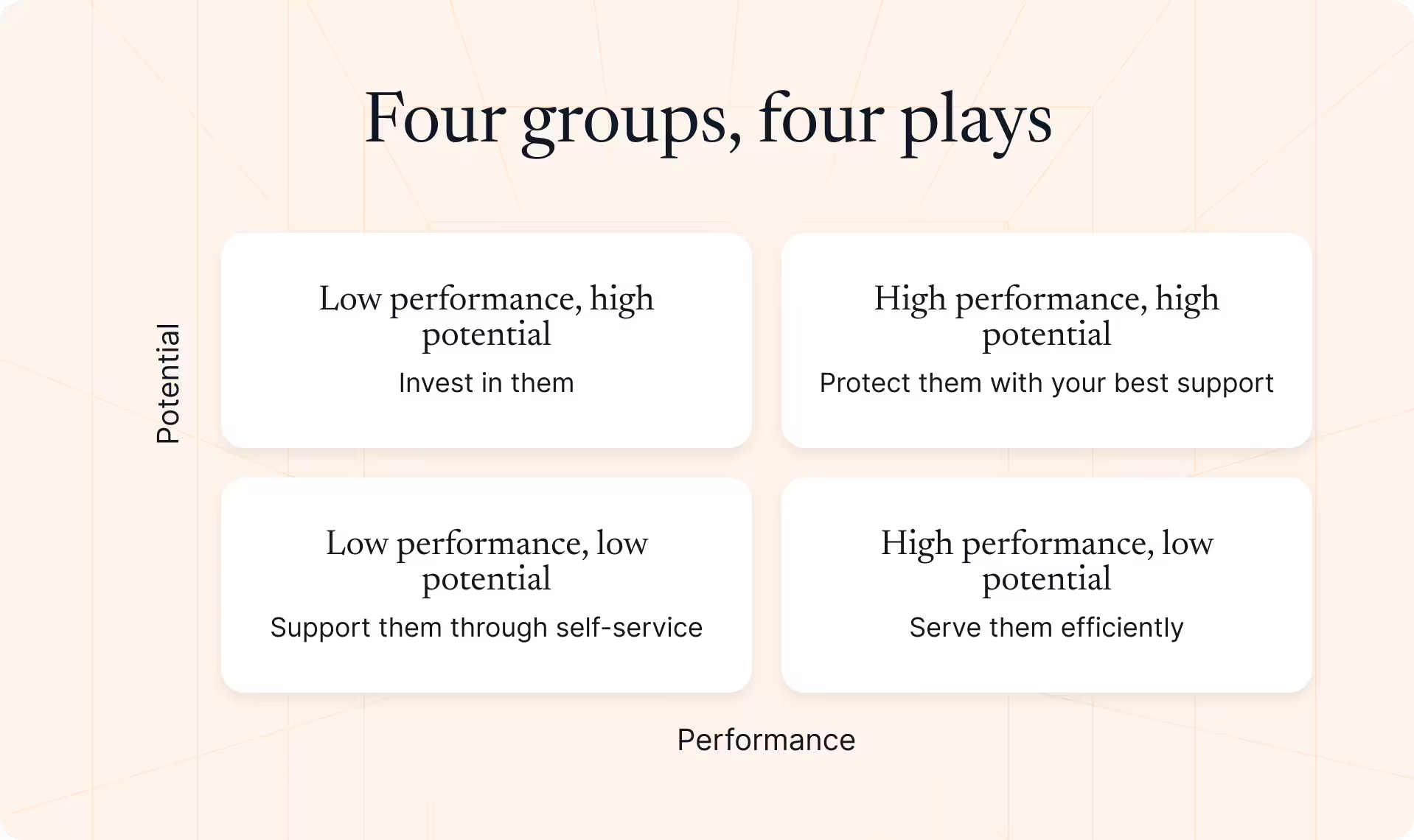
Plotting performance against potential gives you four groups:
- High performance, high potential: protect them with your best support.
- Low performance, high potential: invest in them, because this is where growth hides.
- High performance, low potential: serve them efficiently and keep them happy.
- Low performance, low potential: support them through self-service.
Supporting dimensions
Region, industry, certifications, partner engagement, contact role, and shared accounts all help refine segments. A “certified resellers in healthcare” segment is far more useful than “resellers”. Use these dimensions to sharpen the core groups, not as the starting point. If you begin with region or vertical, you end up with segments that are tidy on paper but don't change what each partner actually needs. Start with type, tier, and potential, then layer on detail where it changes the experience.
How partner segmentation works
What segments are built from
Segments draw on three kinds of data. Partner data in the CRM covers type, tier, region, and vertical. Performance data covers pipeline, revenue, win rate, and historical sales data. Activity data covers training, certifications, and portal and content engagement. Segments are only as good as this data, so it needs one consistent home. If tier lives in the CRM, certifications in an LMS, and engagement in a spreadsheet, nobody trusts the segments built on top.
For channel operations, the useful test is whether a segment can trigger a different partner experience, investment decision, or next action.
Static and dynamic segments
Static segments are hand-picked lists, such as a pilot group for a new program. Dynamic segments update automatically when partner data changes, for example “certified resellers in EMEA”. Dynamic partner segmentation matters because partners don't stand still. They grow, change focus, or go quiet, and dynamic segments move them between groups without anyone rebuilding lists. Static segments go stale the day you create them, so keep them for genuinely fixed groups.
Company and contact segments
Segment both the partner company and the people inside it. A sales rep, a presales engineer, and a marketer at the same reseller need different content and training. The rep wants pricing and battlecards, the engineer wants technical documentation, and the marketer wants campaign kits. A company-level segment alone would send all three the same thing, and two of them would ignore it.
What segments control
Segments decide what each group sees and gets:
- Portal content and navigation
- Training paths and certifications
- Incentives and discounts
- Announcements and notifications
- Permissions, such as who can invite teammates
- How much partner manager time each group receives
That last one is easy to overlook. Partner manager time is your scarcest resource, and segmentation is how you decide where it goes. It also determines how you support new partners, improve partner engagement, and focus on the channel partners with the strongest growth potential.
How partners move between segments
Partners should move up or down as their data changes. Dynamic segments handle most movement automatically, but tier changes need more care: clear criteria, a review at least every quarter, and advance notice before a demotion, so partners have time to respond before they lose benefits. Publish the criteria, too. Partners who can see what it takes to move up are far more likely to try.
Partner segmentation examples
These three segments are illustrative. The first includes a worked segment rule you can adapt to your own CRM fields and channel sales motion.
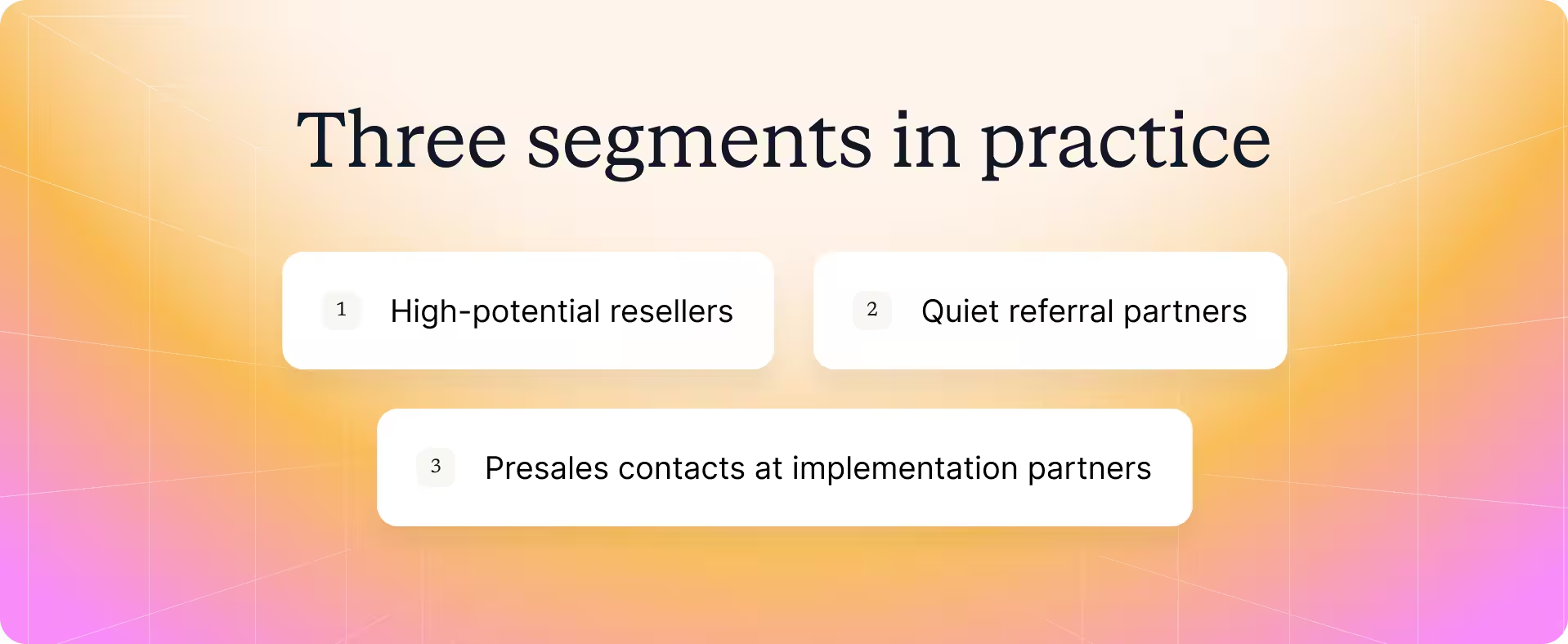
High-potential resellers. Silver resellers certified on your main product, with strong ICP fit but low current revenue. They get partner manager time, co-sell support, and priority leads. The goal is to move them to Gold within two quarters. They're also one of the best places to test new enablement plays, because they have the capability and the room to grow.
Example segment rule (illustrative):
Partner type = Reseller
AND tier = Silver
AND primary-product certification = Complete
AND ideal customer profile fit = High
AND partner-sourced revenue in the past 12 months is below €50,000
Action: Route qualifying partners to an advanced deal kit, a monthly co-sell working session, and a named partner manager. Review progress before changing tier status. The €50,000 threshold is an example, not an industry benchmark.
Quiet referral partners. Referral partners with no referral in 60 days. They get an automatic check-in and a refreshed one-page ICP that reminds them who to send. If they don't respond, their partner manager follows up personally. The goal is a new referral within 30 days, before quiet turns into gone.
Presales contacts at implementation partners. Technical contacts get technical training and implementation guides instead of pricing and sales content, through certification paths built for their role. They also get a direct line to your technical team for escalations. The goal is faster, smoother customer go-lives.
How Introw helps with partner segmentation
Introw runs segmentation on top of HubSpot or Salesforce, so segments use the same partner data your sales team already trusts.
Segments can be built on partner companies or individual contacts, such as a Gold partners segment or every partner contact whose role is sales rep. They can be static or dynamic, and dynamic segments filter on both CRM data and Introw data, such as all certified partners, updating automatically as the underlying data changes.
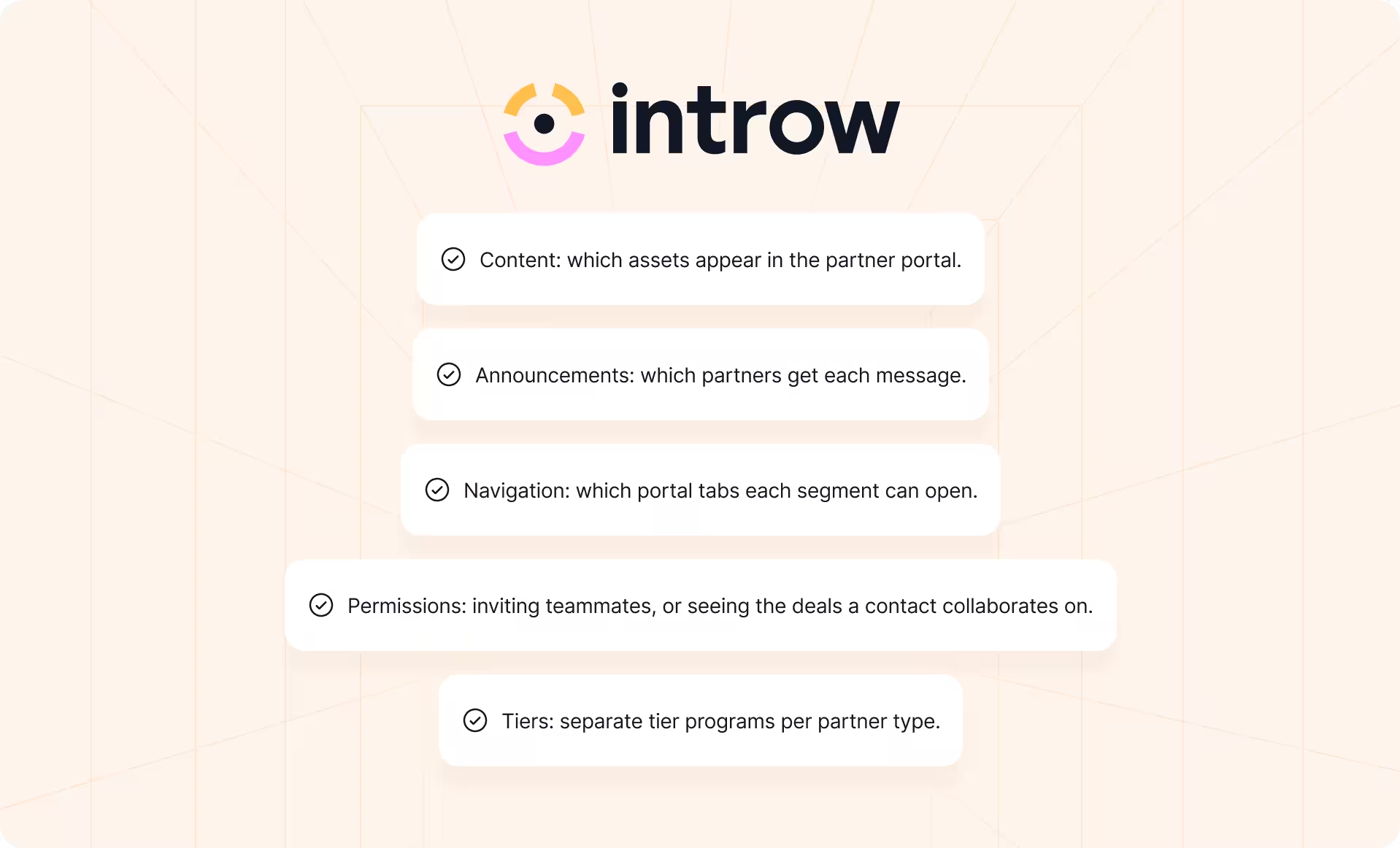
Segments then drive what partners see and receive:
- Content: which assets appear in the partner portal.
- Announcements: which partners get each message.
- Navigation: which portal tabs each segment can open.
- Permissions: such as inviting teammates, or seeing only the deals a contact collaborates on.
- Tiers: separate tier programs per partner type, with requirements and benefits, each partner's tier synced to a CRM property.
Ready to give every partner segment its own experience? Start free and connect HubSpot or Salesforce. No credit card, no time limit.
Still curious? Here are some quick answers to help clear things up
Segmentation groups partners based on what they need and how you should work with them. Tiering assigns a formal level, such as Silver or Gold, with defined benefits. Tier is one input to segmentation, not a substitute for it.
Start with partner type, tier, and growth potential. Add region, industry, certifications, or engagement only when those fields change the content, incentives, or support a partner receives.
Static segments are manually selected groups that stay fixed until someone edits them. Dynamic segments apply rules to partner data and update membership when that data changes.
Both. Company-level segments distinguish partner organizations, while contact-level segments deliver role-specific resources to sellers, marketers, and technical staff within the same partner company.
Dynamic membership can update as data changes, but review the underlying rules at least quarterly. Check whether each segment still drives a useful action, and give partners notice before changing tier-based benefits.





See AI-Native PRM in Action
Book a demo with one of our partner program experts, or explore Introw on your own time.