

Why partner communications go quiet
Manual partner communications rarely survive a busy quarter.
Your partner manager might start with thoughtful partner emails, regular check-ins, and individual follow-ups. Then deals heat up, onboarding grows, internal meetings multiply, and those updates start slipping.
The problem usually shows up in small ways:
- A deal stalls, and nobody follows up.
- A partner finishes training but doesn't know what comes next.
- A registration gets approved, but the partner hears about it too late to keep momentum.
Your partners probably won't complain. They'll simply spend more time on the vendors that stay visible and make it easy to act.
But sending more isn't the answer.
Over-communication creates a different problem:
- Generic product updates get skimmed.
- Repetitive nudges get muted.
- Broad partner newsletters start feeling irrelevant.
Eventually, partners stop opening messages at all. Then the update that actually matters has to fight through the noise you've already created.
Consistent communication supports mutual growth only when it earns attention.
Further reading: If you want the broader partner engagement strategies behind stronger relationships, our partner engagement guide covers the strategy.
This guide focuses on the machinery. Trigger the right message, send it only to the partners it affects, and attach a useful next step.
That's what turns communication into partner engagement and keeps partner activation from fading after onboarding.
The three types of partner communications
Most partner ecosystems use three forms of communication, but healthy programs don't rely on each one equally.
- Automatic notifications are triggered by events such as a deal moving stage, a task becoming overdue, or a payout becoming ready. Once configured, they carry the routine communication load without manual work.
- Deliberate broadcasts cover product updates, promotions, program changes, or a targeted partner newsletter. They're useful when there's genuine news to share, but easy to overuse.
- Human outreach covers strategic conversations, negotiations, account planning, and check-ins that genuinely need a person. This is your scarcest resource, so use it where human judgment matters.
Many partner engagement plans have the balance backward.
Too much manual outreach. Partner managers chase updates, send reminders, and answer status questions that could be automated.
Too many broad broadcasts. Marketing sends partner emails to everyone, whether the message is relevant or not.
Not enough valuable human time. The conversations that align business objectives, motivate partners, and support mutual growth get squeezed out by routine communication.
A better ratio puts automatic notifications underneath the whole program. Broadcasts become selective, while human communication is reserved for collaboration, active listening, and the conversations that actually build trust.
That also makes partner management easier to scale. Companies can manage more relationships without giving every partner the same level of manual attention.
The partner notification catalog
A useful partner engagement plan starts with the events that deserve a response. From there, define what gets sent and who needs to receive it.
These partner communications cover different stages of the relationship, from partner onboarding and training to active collaboration, commissions, and ongoing program updates.
The sleeping-deal nudge deserves special attention because it protects revenue that can otherwise disappear quietly.
Deals don't always die with an obvious “no.” They sit.
A partner gets busy. The prospect stops replying. A follow-up never gets sent. By the time the partner manager spots the problem, the opportunity may already be cold.
Instead, define how long a deal should realistically stay in each stage. Earlier qualification stages usually need shorter inactivity windows. Later stages, such as negotiation, may need more time.
Once a deal passes that threshold, trigger a nudge automatically.
That gives you a simple form of deal intelligence without requiring someone to scan every partner pipeline for trouble. The process keeps partners informed while there's still time to act.
It's also one of the most practical partner engagement strategies you can implement. Rather than hoping partners notice a stalled opportunity themselves, you surface it at the moment action is still useful.
Why a notification without a next step is wasted
Effective communication doesn't just tell partners what happened. It makes the next action easier.
Information only:
“Your deal with Acme has been in proposal for 21 days.”
Useful to know, but now the partner has to decide what to do.
Information plus action:
“Your Acme deal has been in proposal for 21 days. Deals that stall here usually need decision-maker confirmation. Follow up with your champion and confirm who needs to approve the proposal. Here's a message you can send now.”
Now the partner knows what happened, what to do next, and how to do it.
That matters because partners aren't internal sales reps. They don't spend every day inside your product, sales process, and messaging, and a reseller may be managing several vendors at once.
The more thinking a notification requires, the easier it is to ignore.
This is where AI deal coaching becomes useful. Instead of sending the same generic reminder for every opportunity, the coach can use the deal stage and context to recommend a relevant next step.
It's the same principle behind guided selling for partners. Give partners the right support in the commercial moment instead of hoping they remember something from training three months ago.
The format can change too. If a new play is easier to understand in a short video, send the video when it becomes relevant rather than adding it to a library and hoping partners discover it.
Use one test across your notification catalog.
Can the partner do something useful with this in under a minute?
If not, add a clearer next step or stop sending it.
Choosing the right channel for partner communications
The best channel for B2B partnering communication is usually the one your partner already checks.
Email is the safest default, but it works best when partners can reply and keep the conversation moving. If that response is tracked back to the deal record, nobody has to chase context across inboxes or another system.
Slack and Microsoft Teams are better for faster commercial moments, especially with strategic partners who already use shared channels.
The partner portal still matters for training, resources, deals, and goals. It gives partners one place to locate what they need and explore relevant program resources when they choose to log in.
The key is to automate routine updates while keeping human communication for the moments where judgment is essential.
A simple rule works well: use the channel the partner already checks.
That's why CRM-first communication matters. Introw's HubSpot and Salesforce integrations let activity in the revenue workflow trigger partner communications without forcing another login or new habit.
Setting cadence for better channel partner engagement
Good channel partner engagement needs a rhythm, but that doesn't mean putting every message on a calendar.
The strongest cadence combines event-triggered updates with predictable human touchpoints. Partners hear from you when something changes, while regular conversations stay focused on the partnership itself.
Set event-driven communication cadences
A registered deal gets approved. An opportunity moves stage. A task becomes overdue. A commission statement is ready.
Those moments already tell you when to communicate.
Event-triggered partner communications are more relevant than a weekly email sent simply because it's Friday. They keep partners informed without adding unnecessary volume and make it easier to stay engaged with active opportunities.
Predictable communication rhythms still matter for strategic check-ins, joint business plans, and reviews. Use those conversations to realign objectives, share both successes and challenges, and build trust through honest communication.
Automate the status updates. Keep the scheduled time for the conversations that need people.
Match the cadence to the partner
Not every partner needs the same communication.
A strategic co-seller may need regular collaboration around active deals, shared customers, and new markets. A referral partner may mostly expect fast updates on the opportunities they introduced.
The same applies to enablement. Customized training programs can support partner engagement and develop the skills each partner needs for their motion or tier, rather than sending everyone the same resources.
Segmentation keeps communication relevant and helps partners stay aligned with your objectives. It also makes your partner engagement strategies easier to scale across different relationships.
Limit partner notification noise
Automation tools make communication easier to send. That doesn't mean every possible notification should go out.
A sleeping deal nudge that fires every day won't motivate partners. It will teach them to mute you.
The same rule applies to broadcasts and partner newsletters. A useful partner newsletter can combine several relevant updates, but it shouldn't become a monthly dump of every product launch, event, resource, and company announcement.
If one segment needs a new battle card and another needs a certification reminder, send two targeted messages.
Good communication is relevant communication.
Measure partner communication performance
Cadence shouldn't be set once and left alone.
Look at your communication insights.
- Which messages get opened?
- Which links get clicked?
- Which notifications lead to action?
If a partner newsletter repeatedly goes unopened, don't just change the subject line and send it again. Ask whether it deserves to exist.
Use that data to prune weak messages, adjust frequency, and test other ways to reach partners when needed.
The goal isn't more communication. It's a partner experience where the right message arrives at the right moment, partners stay engaged, and important updates still earn attention.
Audience controls protect the partner experience
Relevance shouldn't depend on someone making the right call every time they click send. Build it into the system.
Think about audience control in three layers.
1. Control what gets sent
Every notification should be individually switchable.
If a default alert isn't useful for your program, turn it off. More notifications don't create more engagement.
2. Control who gets it
Scope messages by partner type, tier, segment, or motion.
A reseller shouldn't receive updates meant for referral partners, and a finance contact doesn't need the same communication as someone working an active deal.
That keeps the partner experience relevant as partner ecosystems grow.
3. Control where it goes
Match the channel to the message.
A payout notification may belong in email because the finance contact needs a clear record. A stalled opportunity may work better in a shared Slack channel where the people involved can respond quickly.
Some triggers may sit outside your partner platform, such as a health score, expiring certification, or unsigned order form. Bringing those events into the same communication system through an API keeps the same audience, channel, and tracking rules in place.
The principle behind all three controls is simple.
Every message that doesn't earn attention costs you some attention on the next one.
Audience controls protect more than your notification settings. They protect your brand, keep partners engaged, and stop relevance from disappearing as your network grows.
How Introw automates partner communications
The real value of automating partner communications isn't sending more messages. It's removing the moments where deals, updates, and relationships depend on someone remembering what to do next.
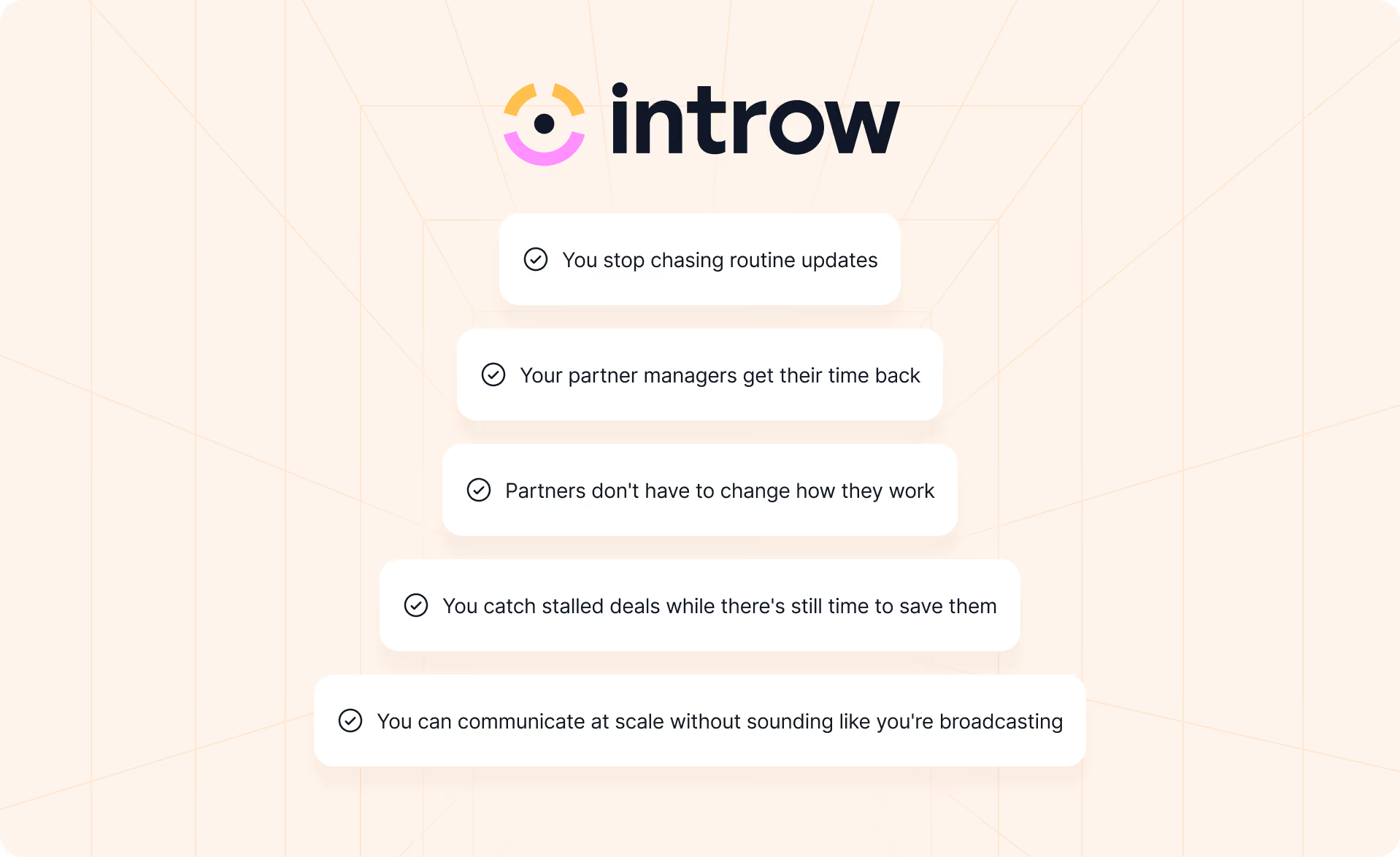
You stop chasing routine updates
Introw can trigger lifecycle notifications from real activity across deals, registrations, tasks, learning, and commissions.
Instead of checking a spreadsheet and realizing three partners are waiting on updates, those messages go out when the event happens. That means fewer status chases and a more consistent process as partner ecosystems grow.
You catch stalled deals while there's still time to save them
You can set inactivity thresholds by deal stage, so partners get nudged automatically when an opportunity sits too long.
With deal coaching, the update can also include what to do next, why it matters, and a ready-to-send message.
That turns a reminder into something useful and helps partners stay engaged with the opportunity.
Partners don't have to change how they work
Important updates can go through email, Slack, or Microsoft Teams, based on the channels each partner already uses.
Partners can also reply directly to email updates, with responses tracked back to the relevant record. They stay in the loop without another login or another set of disconnected tools.
You can communicate at scale without sounding like you're broadcasting
Announcements can be targeted to the partners who actually need them, rather than sent to the entire ecosystem by default.
You can also see who received, opened, and clicked them. Those insights make it easier to keep outreach aligned with what partners are actually responding to.
Introw's AI agent can add more context when partners need help finding information or understanding the next step, without turning every question into another task for the partner manager.
Your partner managers get their time back
Automation handles the repeatable work so people can focus on the parts of partnership management that actually need people.
That might mean:
- Working through a difficult deal with a strategic reseller
- Reviewing joint business plans
- Helping a partner enter new markets
- Addressing a problem before it damages the relationship
Partner engagement scales because communication workload doesn't have to scale at the same rate.
Deals are less likely to stall silently, partners stay informed between check-ins, and businesses have more room for growth without adding another manual follow-up process.
If your partner program still relies on someone remembering who needs an update, where a deal is stuck, or which partner needs a nudge, that's the bottleneck.
Book a demo to see how Introw keeps partner communications moving automatically, without adding more follow-up work to your day.
Still curious? Here are some quick answers to help clear things up
Let events drive operational communication, then use scheduled check-ins for strategic conversations. That balance is vital. It supports consistent communication without overwhelming partners or training them to ignore you.
Use the channel the partner already checks. Email is a strong default. Slack and Teams suit fast collaboration, and the portal works best for information partners intentionally come looking for. The right tools should deliver updates without forcing partners into another login, service, or workflow they don't use.
Segment audiences, switch off unnecessary notifications, cap repeated nudges, control channels by message type, and stop broadcasts that consistently go unopened. Effective communication is about relevance, not volume.
A partner newsletter should include relevant product updates, resources, training, success stories, and important program changes. Keep it focused on what helps partners act. If different groups need different information, targeted announcements usually work better than one general partner newsletter.
It's an automatic reminder triggered when a partner deal stays in one pipeline stage longer than the inactivity threshold you've set. Used well, it can help recover stalled pipeline before revenue is lost.



See AI-Native PRM in Action
Book a demo with one of our partner program experts, or explore Introw on your own time.