

.svg)


.svg)
.svg)







Partner Management
Tips, tactics, and tools for partner managers looking to grow revenue, boost engagement, and run scalable, CRM-first partner programs.
Latest articles
From Strategy to Results: 11 Partner Enablement Best Practices That Work in 2026
Partner enablement looks simple on paper: give partners the right resources, and they’ll sell your product. In practice, most programs stall because content is scattered, training is generic, and no one can tell which partners are actually ready to close deals.
The difference between a partner program that generates attributable revenue and one that drains resources usually comes down to structure — clear goals, the right content at the right time, and data that lives in your CRM instead of a forgotten portal. This guide breaks down partner enablement best practices from strategy through execution, plus the metrics that tell you if it’s working.
What is partner enablement?
Partner enablement is the system you build to help external partners sell (and often implement) your product effectively. That system typically includes structured onboarding, tailored training, and easy access to the right resources so partners can move deals forward without waiting on your team.
When partner enablement is done well, partners don’t just understand what you do. They can position it, handle objections, run a clean handoff, and create repeatable wins — the same way a high-performing internal sales team would.
What partner enablement typically includes
- Training and certification: Product knowledge, positioning, and selling motions (with a quality bar partners must meet).
- Sales and marketing resources: Collateral, templates, and campaigns partners can use with prospects.
- Tools and portal access: Systems that streamline deal registration, content access, and communication.
- Ongoing communication: A predictable cadence for updates, feedback, and performance reviews.
Why partner enablement matters for revenue growth
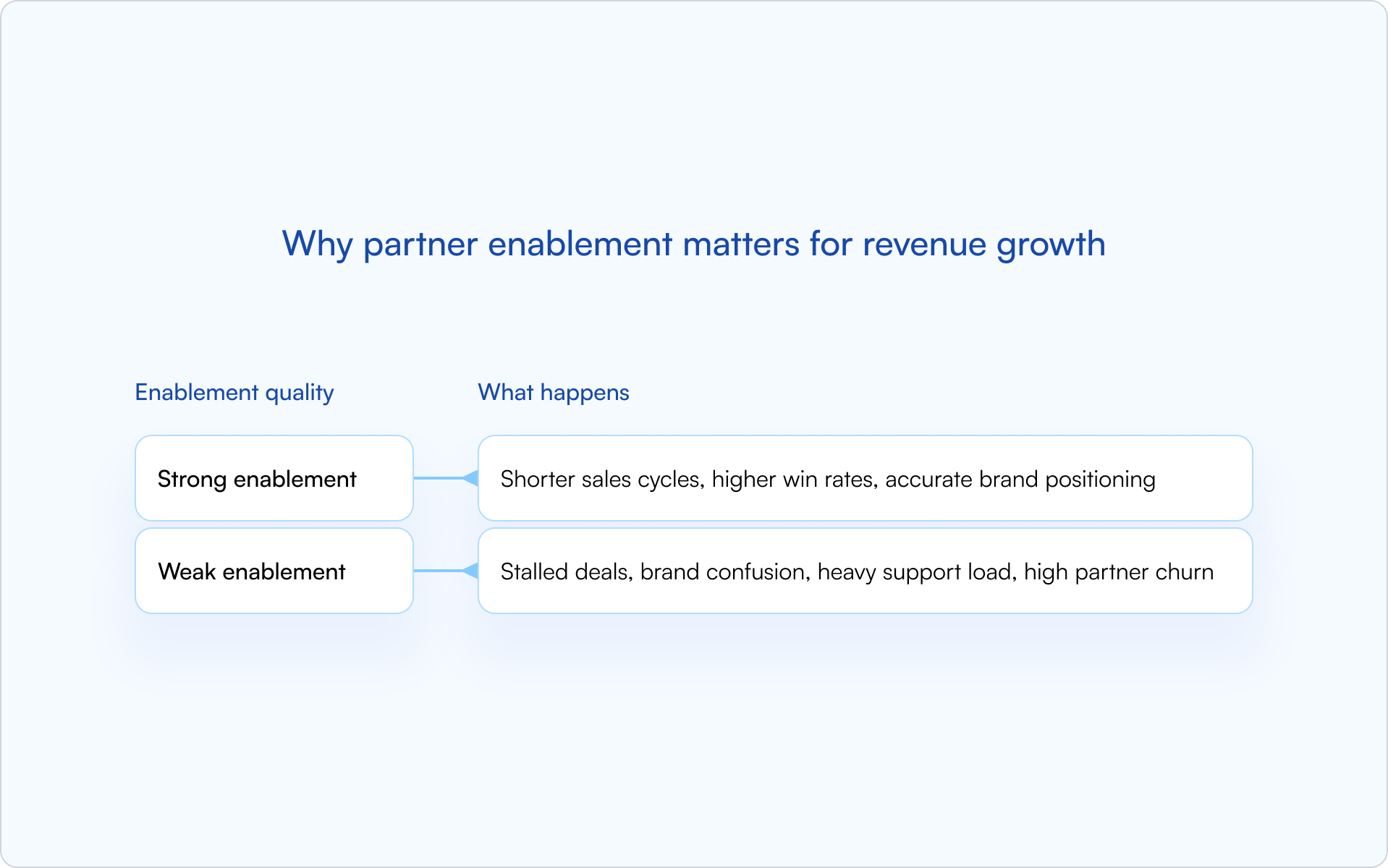
Enabled partners drive revenue because they can execute without friction. They close deals faster, represent your brand accurately, and generate pipeline you can actually attribute.
Weak enablement is expensive in quieter ways: partners misposition the product, opportunities stall, your team becomes the bottleneck, and high-potential partners churn because “it’s too hard to work with you.”
What a partner enablement program includes
A complete channel partner enablement program isn’t a portal full of PDFs. It’s a structured system that helps partners learn, launch, and improve — with clear ownership and measurable outcomes.
Partner training and certification
Training forms the foundation: product knowledge, competitive positioning, and your sales methodology. Certification acts as a gate, ensuring partners meet a minimum quality bar before they’re authorized to sell on your behalf.
Partner sales enablement
Partner sales enablement means giving partners the same caliber of sales tools your direct team uses, adapted to their role. Think: battle cards, demo scripts, objection-handling guides, and pricing documentation.
Marketing support and co-marketing
Effective enablement helps partners generate demand, not just close it. Co-branded assets, “campaign-in-a-box” kits, and structured lead-sharing programs all increase partner-sourced pipeline.
Partner portals (and why login friction kills adoption)
A partner portal should be a self-service hub for training, collateral, deal registration, and updates. But there’s a common failure mode: partners avoid portals that require a separate, inconvenient login.
CRM-first portals reduce that friction by connecting directly to HubSpot or Salesforce, so partners can work inside the flow of real deals instead of “checking another system.”
Performance tracking and ongoing communication
Enablement is ongoing, not a one-time launch. A strong program includes visibility into partner activity, a consistent communication cadence, and mechanisms for gathering feedback and improving the experience.
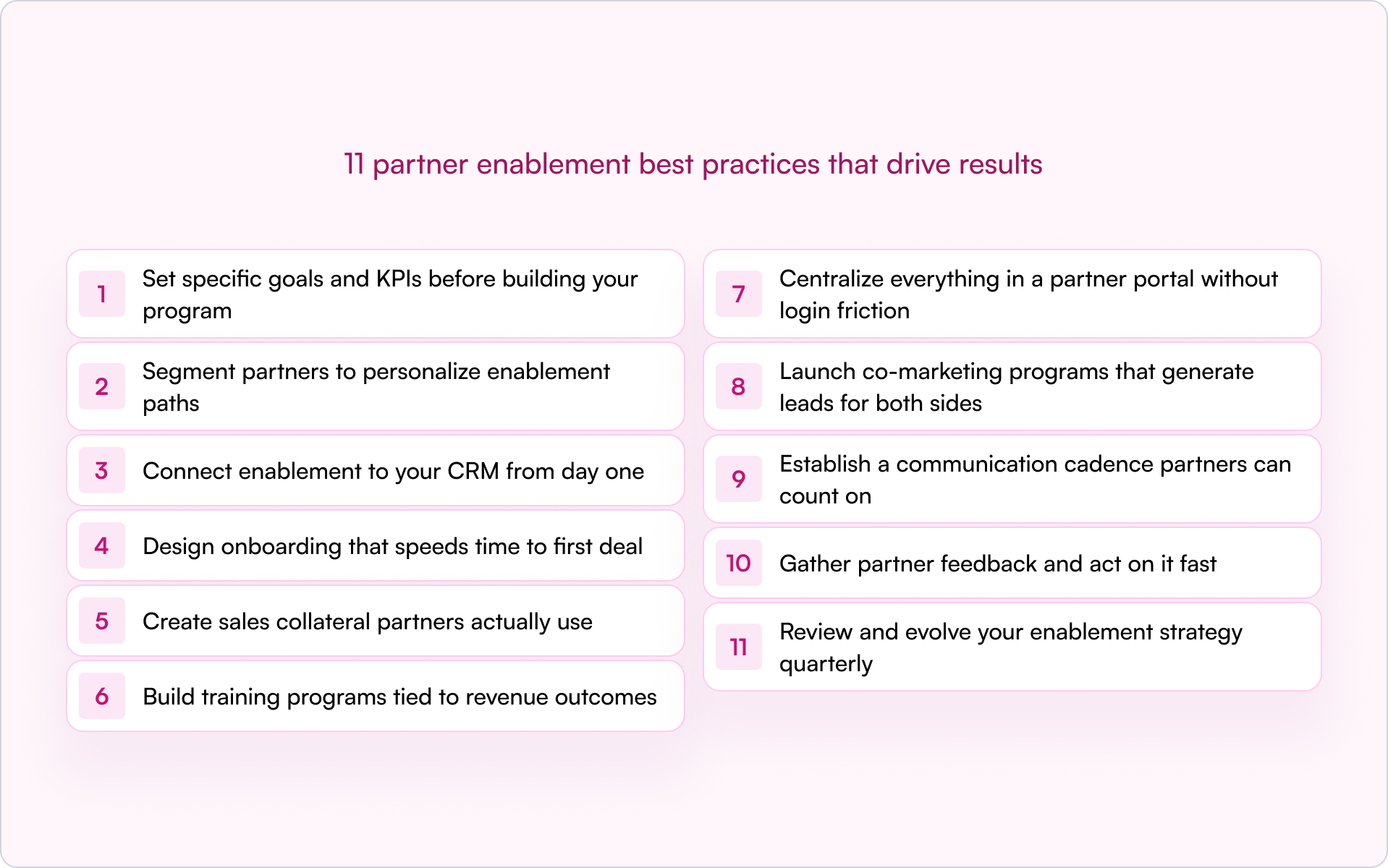
11 partner enablement best practices that drive results
If you’re building a partner program inside a startup, your constraint is almost never “ideas.” It’s focus and execution. These partner enablement best practices move from strategy through rollout and iteration — with an emphasis on what actually shows up in pipeline.
1. Set specific goals and KPIs before building your program
Before you create a single asset, define what success looks like. Start with outcomes — partner-sourced revenue targets, certification completion rates, and a target time-to-first-deal — then work backward into the program.
- Partner-sourced pipeline value
- Certification completion rate
- Average time from onboarding to first registered deal
- Content engagement (downloads, video views)
2. Segment partners to personalize enablement paths
Not all partners need the same materials. Segment by partner type (reseller, referral, systems integrator), vertical focus, or performance tier, then tailor training and content accordingly.
3. Connect enablement to your CRM from day one
For true visibility and attribution, all your enablement data — certifications, content consumption, deal registrations — lives best in your CRM, not in a disconnected system.
A CRM-first approach provides a single source of truth. When partner activity syncs directly to HubSpot or Salesforce, your sales team and RevOps see the same reality. No more chasing updates or reconciling spreadsheets. (If deal attribution is a pain point today, it’s worth tightening up your workflow around partner deal registration specifically.)
4. Design onboarding that speeds time to first deal
Partner onboarding works best as a structured, time-bound journey — not a massive content dump. The goal is to get partners to their first real opportunity quickly, then reinforce with deeper training once momentum is real.
A strong onboarding checklist includes:
- Welcome and program overview
- Product and Ideal Customer Profile (ICP) training
- Competitive positioning
- Deal registration process walkthrough
- First co-sell or shadow opportunity
5. Create sales collateral partners actually use
Don’t reinvent the wheel. Audit the sales collateral your direct team uses most effectively and adapt it for your partners. Prioritize assets that accelerate live deals: one-pagers, battle cards, ROI calculators, and customer stories.
The fastest way to avoid producing content no one opens is simple: ask partners what they need to win the deals they already have, then build for that.
6. Build training programs tied to revenue outcomes
Training works best when it’s modular, role-based, and tied to certification. Use certification as a gate — for example, require a partner to complete key modules before they can register deals or request MDF.
On-demand training offers flexibility; live sessions drive engagement for complex topics. Most teams land on a hybrid model.
7. Centralize everything in a partner portal without login friction
A partner portal should be the single place to find enablement content, register deals, and get program updates. But portals fail when they add friction — especially separate logins, stale content, and unclear navigation.
If you want adoption, reduce steps. Portals built directly on the CRM (with SSO or no-login options) make access feel seamless, which is often the difference between “partners love it” and “partners ignore it.”
8. Launch co-marketing programs that generate leads for both sides
Co-marketing goes beyond providing partners with your logo. Joint webinars, co-branded content like eBooks or case studies, and Market Development Funds (MDF) programs actively help partners generate demand.
If you’re a founder, this is one of the highest-leverage shifts you can make: partners often need help creating pipeline, not just closing it.
9. Establish a communication cadence partners can count on
Define a predictable rhythm. Partners shouldn’t have to guess where to find updates or whether deal registration is working. Use channels like email and Slack to reach partners where they already operate — don’t rely solely on them logging into a portal.
10. Gather partner feedback and act on it fast
Enablement is a two-way street. Collect feedback through surveys, QBR conversations, and portal analytics — then close the loop by making changes and telling partners what you changed.
Partners keep investing when they feel momentum. Small, fast improvements create that signal.
11. Review and evolve your enablement strategy quarterly
Partner enablement isn’t set-and-forget. Quarterly, review what’s working and what isn’t by analyzing content engagement, certification rates, and revenue impact. Then adjust your program like you’d adjust product — based on usage and outcomes.
Partner enablement training metrics to track
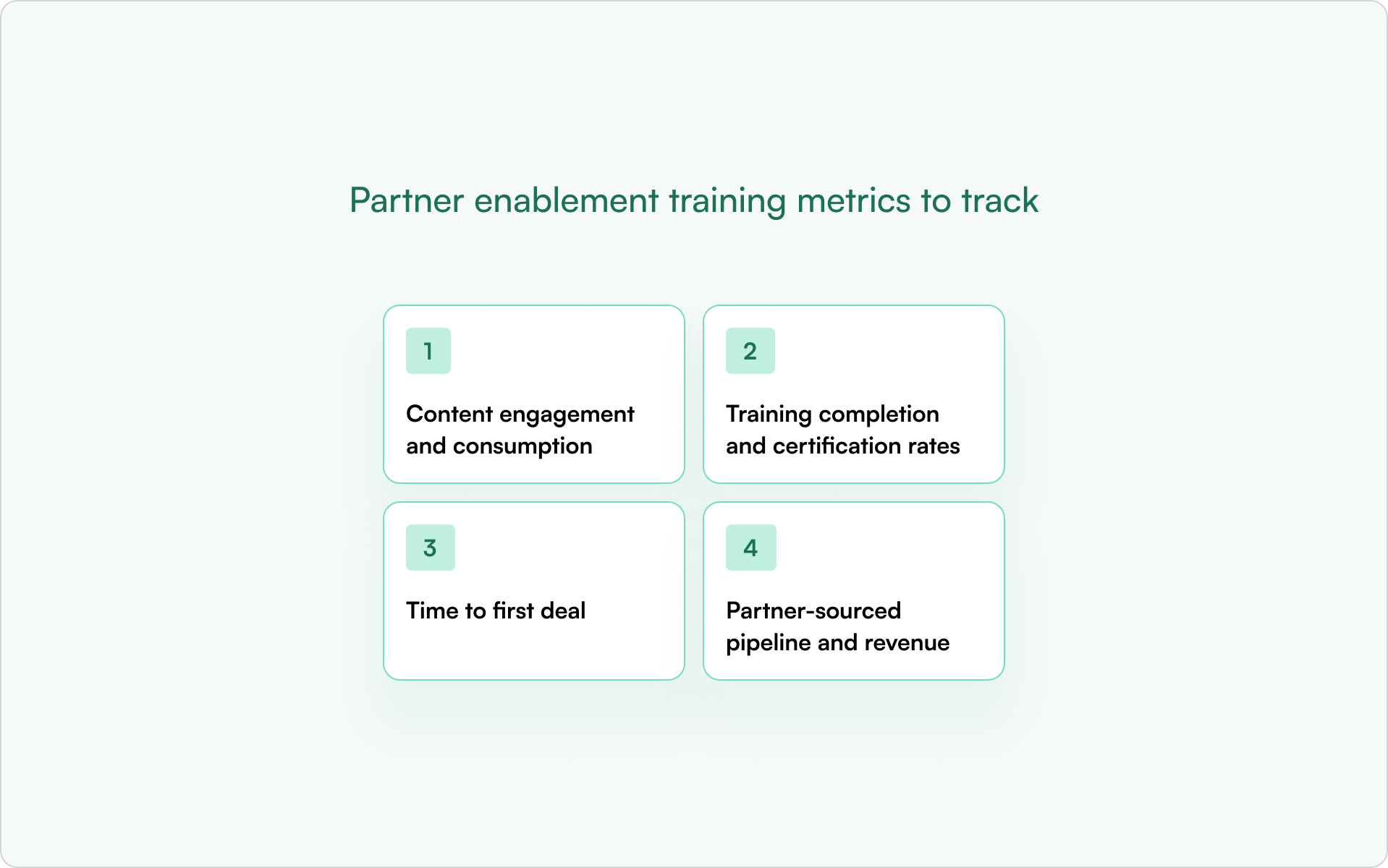
To understand if your partner enablement process is working, track metrics that connect enablement activities directly to revenue outcomes — not just vanity activities.
Content engagement and consumption
Track which resources partners actually use: downloads, video completion rates, and page views. Low engagement can signal the content isn’t relevant, is hard to find, or doesn’t match what partners need in active deals.
Training completion and certification rates
Measure how many partners complete onboarding and earn certifications. Completion rates help you pinpoint drop-off points so you can shorten, reorder, or redesign modules.
Time to first deal
Track the time between partner activation and their first registered deal. This is one of the cleanest indicators that onboarding is working — or that partners are stuck.
Partner-sourced pipeline and revenue
This is the ultimate scoreboard. Track pipeline and closed-won revenue generated by partners. To do it well, you need tight CRM attribution so enablement activity can be tied to financial results without manual cleanup.
How to automate your partner enablement process
Automation lets you scale partner enablement without scaling headcount. The goal isn’t to make the experience robotic — it’s to make it consistent, timely, and measurable.
CRM-based automation is ideal because it keeps data and workflows in one system. That’s how you avoid the “portal says one thing, CRM says another” problem.
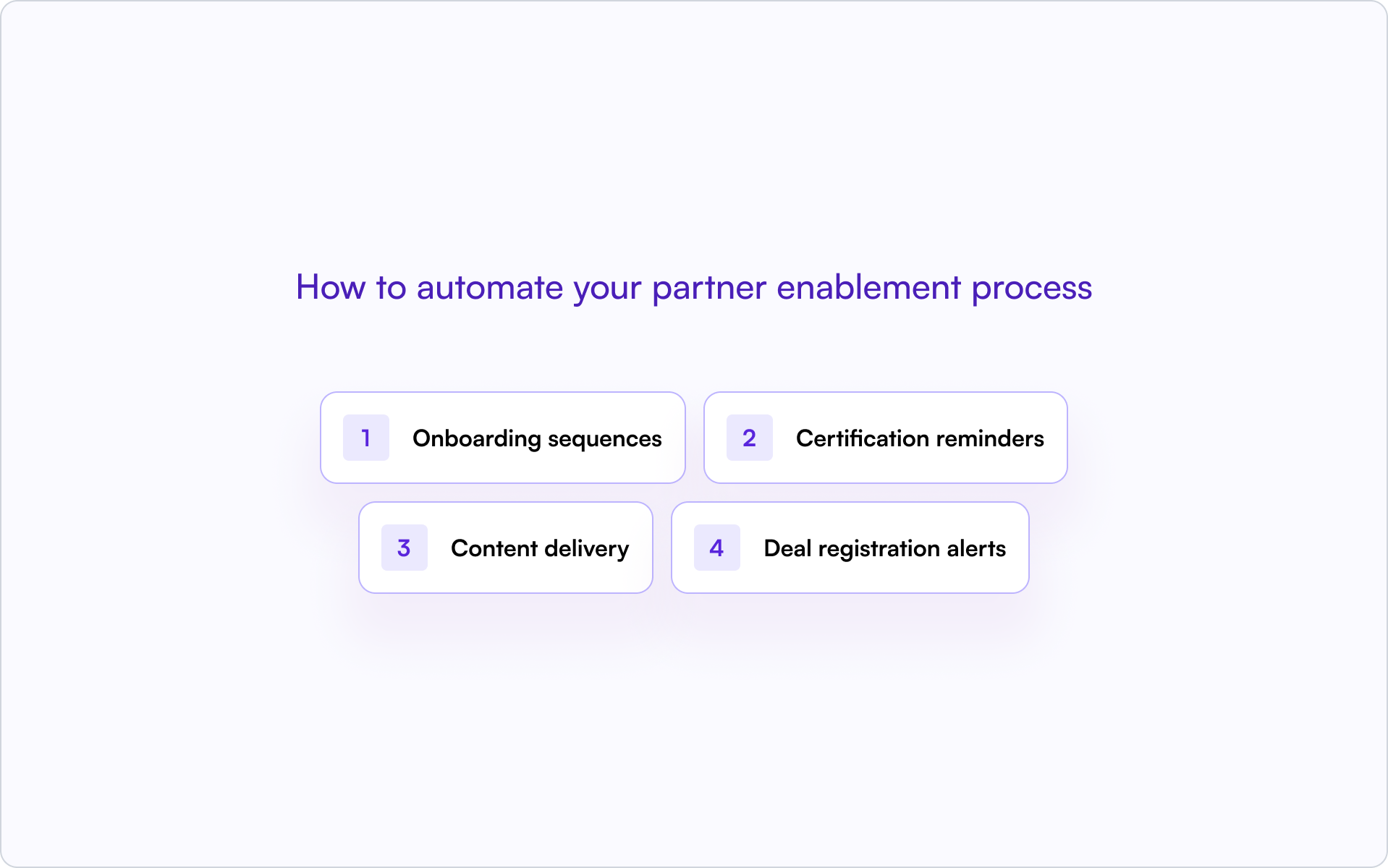
- Onboarding sequences: Automatically enroll new partners in training modules and send welcome materials as soon as they sign up.
- Certification reminders: Trigger automated alerts to partners and partner managers before certifications expire.
- Content delivery: Push relevant collateral to partners based on their segment, tier, or deal stage.
- Deal registration alerts: Automatically notify partners of the status of their registered deals.
Turn partner enablement into a revenue engine with Introw
Introw is the CRM-first PRM that makes best-practice partner enablement practical and scalable. Because it’s built on HubSpot and Salesforce, Introw centralizes your entire partner program where you already work.
It includes a partner portal for centralizing enablement content without login friction, deal registration with real-time visibility, and off-portal collaboration so partners can reply via email while data syncs automatically to your CRM.
If you’re trying to get out of spreadsheet chaos and into measurable partner-sourced revenue, get a demo.
Conclusion
The best partner enablement programs aren’t built on more content — they’re built on clarity. Clear goals, segmented paths, CRM-connected workflows, and a focus on speed-to-first-deal turn “partners we signed” into “partners who ship revenue.”
Use these partner enablement best practices as a blueprint, then iterate quarterly based on what your data (and your partners) tell you.
How to Use AI for Partner Engagement Without Losing the Human Touch
Partner programs don’t fail because of bad partners. They fail because partner managers run out of hours — chasing updates, answering the same questions, and manually personalizing outreach that never truly scales.
AI for partner engagement changes that equation. Not by replacing relationships (the thing that actually drives partner revenue), but by taking repetitive work off your team’s plate so they can spend more time in the conversations that matter.
Below is a practical playbook: what to automate, what to keep human, and how to implement AI without eroding the trust you’ve built.
Why AI for Partner Engagement Matters Now
AI for partner engagement means using artificial intelligence tools — automation, machine learning, and generative AI — to personalize communication, anticipate partner needs, and reduce operational drag. It sits under the broader umbrella of partner relationship management AI, where the goal is simple: keep partners enabled and responsive without adding headcount at the same rate as partner growth.
The underlying math has changed. Partner counts grow quickly, partner expectations rise even faster, and your team is left stitching together engagement across spreadsheets, portals, inboxes, and CRM notes. The result is predictable: slower responses, inconsistent follow-up, and partner managers spending their best hours on admin instead of revenue.
AI addresses that bottleneck by handling the repeatable parts of engagement — so your team can focus on building trust, driving pipeline, and solving real partner problems.
How AI Improves Partner Engagement Without Replacing Your Team
The highest-performing programs don’t automate everything. They automate the right things. AI works best when it amplifies what your team already does well — and removes the friction that prevents consistency.
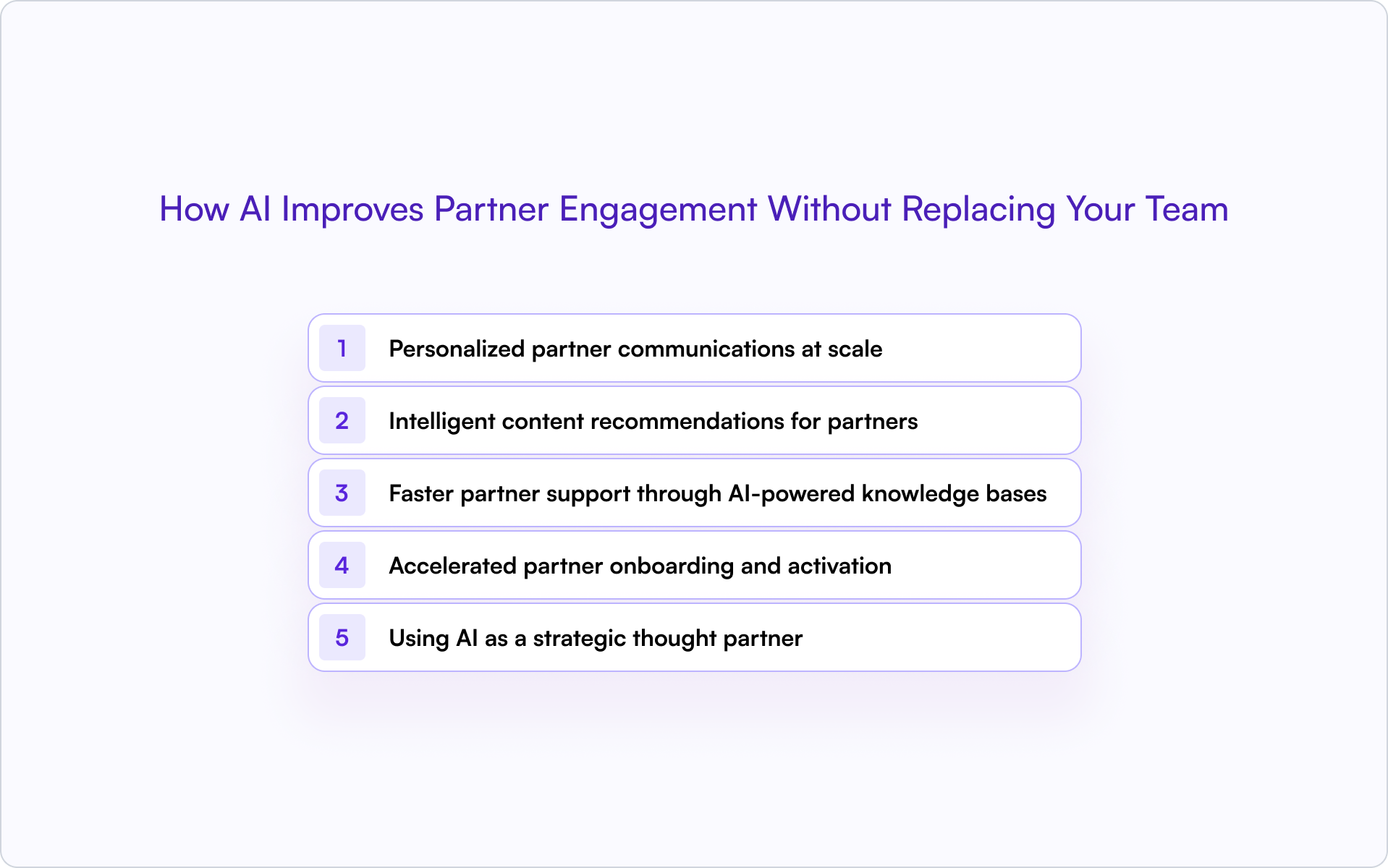
Personalized partner communications at scale
AI can analyze partner data — behavior, preferences, deal history, portal activity — and help tailor messaging without you writing from scratch each time. Done right, the voice stays “yours,” but the volume scales.
- Behavior-based messaging: AI can detect who’s active vs. disengaged and tailor follow-ups accordingly. A partner who hasn’t logged in for 30 days should get a different nudge than one who just registered a deal.
- Segment-specific campaigns: Generative AI can draft outreach by tier, region, or vertical. Your team reviews and sends — keeping quality control and the human touch.
Intelligent content recommendations for partners
Partners often struggle to find the right enablement content at the right time. AI helps by surfacing the most relevant case studies, battle cards, product docs, or training based on partner activity, segment, or deal stage.
This reduces the steady stream of “Where do I find X?” requests and improves time-to-first-deal because partners get what they need when they need it — without hunting.
Faster partner support through AI-powered knowledge bases
An AI-powered knowledge base is a self-serve library where partners ask a question and the AI returns the most relevant answer from your documentation. This works especially well for routine requests like pricing sheets, deal status questions, and portal navigation.
The win isn’t just speed. It’s consistency: partners get accurate answers instantly, while your team stays available for nuanced or sensitive situations.
Accelerated partner onboarding and activation
Partner onboarding AI guides new partners through onboarding steps, auto-assigns training content, and prompts next actions. Instead of manually tracking who completed what, your team gets visibility into progress and can step in only when a partner gets stuck.
Using AI as a strategic thought partner
Partnership leaders also use AI to brainstorm campaign ideas, draft program policies, and summarize what’s working across segments. Think of it as a strategy assistant that’s always available — while final decisions stay with your team.
AI can surface patterns your team might miss, but judgment calls that shape partner relationships should remain human-led.
Practical AI Use Cases for Partner Programs
If you’re building (or scaling) a partner motion, you don’t need “AI everywhere.” You need a few targeted workflows that reduce noise and increase partner responsiveness. These are the patterns that tend to deliver ROI quickly.
Drafting personalized partner outreach and updates
AI can generate email drafts, partner newsletters, and Slack messages tailored to partner segments. Your team reviews and sends — which keeps messages authentic, while eliminating blank-page work.
Tracking partner engagement signals in your CRM
AI can flag disengaged partners, highlight high-activity accounts, and detect patterns in deal registration behavior. The key is CRM-first visibility — data should live in HubSpot or Salesforce, not scattered across tools. That way, partner relationship management AI can operate on a reliable system of record.
Surfacing expansion and cross-sell opportunities
AI can identify partners with upsell or cross-sell potential based on customer fit, deal history, or product usage signals. The output should be a prioritized list for a human follow-up — not a fully automated “spray and pray” campaign.
Automating repetitive partner support queries
Common questions can be handled by AI chatbots, knowledge bases, or automated responses. This is often one of the highest-ROI forms of partner program automation — partners get instant answers, and your team spends less time on repeat tickets.
Delivering tailored partner enablement content
AI recommends relevant training, playbooks, or collateral based on partner type, certification level, or current deals as part of your partner enablement strategy. Partners see what’s relevant to them, rather than a generic content library that overwhelms them.
What to Automate vs. What to Keep Human in Partner Engagement
The easiest way to lose partner trust with AI is to automate moments that require judgment, empathy, or context. The goal is to automate the repeatable work — while protecting the high-stakes relationship moments.
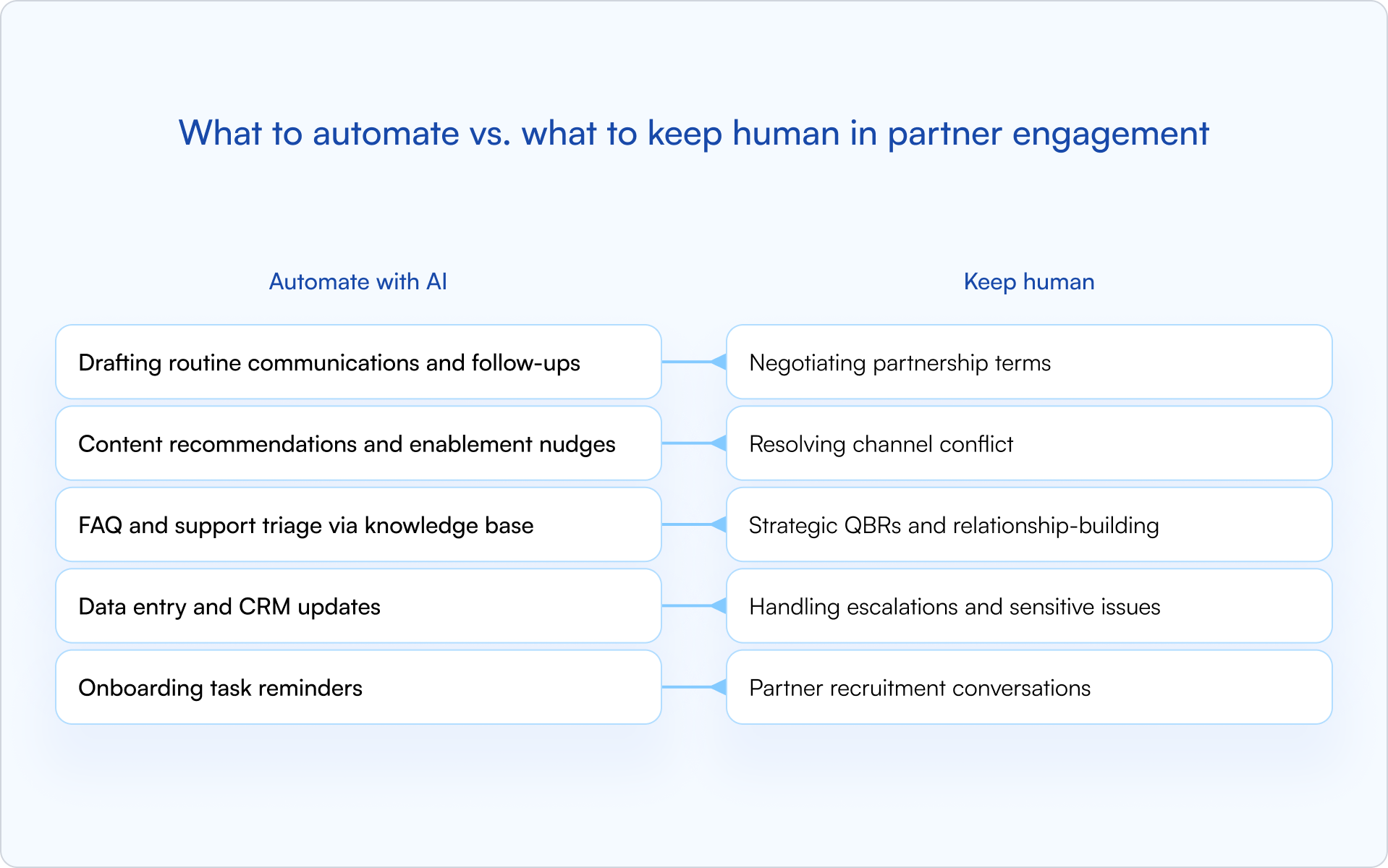
Tasks AI handles well
Repetitive, time-consuming, low-judgment work is ideal: status updates, content requests, FAQ replies, meeting summaries, and CRM hygiene. AI can also assist with partner recruitment by shortlisting candidates or scoring fit — but the qualification conversation should remain human-led.
Moments that require a human touch
Trust-building, conflict resolution, and strategic decision-making don’t automate well. Partners can tell when a program is “bot-led,” especially during escalations, sensitive program changes, and negotiation moments.
A simple rule for drawing the line
If the task requires judgment, empathy, negotiation, or deep relationship context, keep it human. If it’s repetitive and data-driven — especially CRM-based — automate it.
What You Need for AI to Work in Your Partner Program
AI doesn’t magically fix a messy program. It scales what’s already there. Before you roll out AI for partner engagement, make sure a few fundamentals are in place.
Clean partner data in your CRM
Clean data means fewer duplicates, consistent field definitions, and accurate partner records. AI insights are only as good as the data they’re built on. When your partner activity and engagement signals live in HubSpot or Salesforce, AI-driven support, recommendations, and scoring become practical — not theoretical.
Defined processes before implementing technology
Clarify workflows first: onboarding steps, deal registration rules, communication cadence, and support handoffs. AI amplifies your process — so if your process is inconsistent, AI will scale that inconsistency.
Partner buy-in and transparency about AI use
Partners should know when AI is used in communications or support. Transparency builds trust, and it lowers the risk of awkward moments when a partner assumes they’re speaking to a person.
Always provide a clear path to reach a human — and be explicit about what AI can (and can’t) do.
How to Get Started With AI for Partner Engagement
You don’t need a massive implementation to see results. The fastest path is to pick one high-volume pain point, pilot it, measure impact, and expand from there.
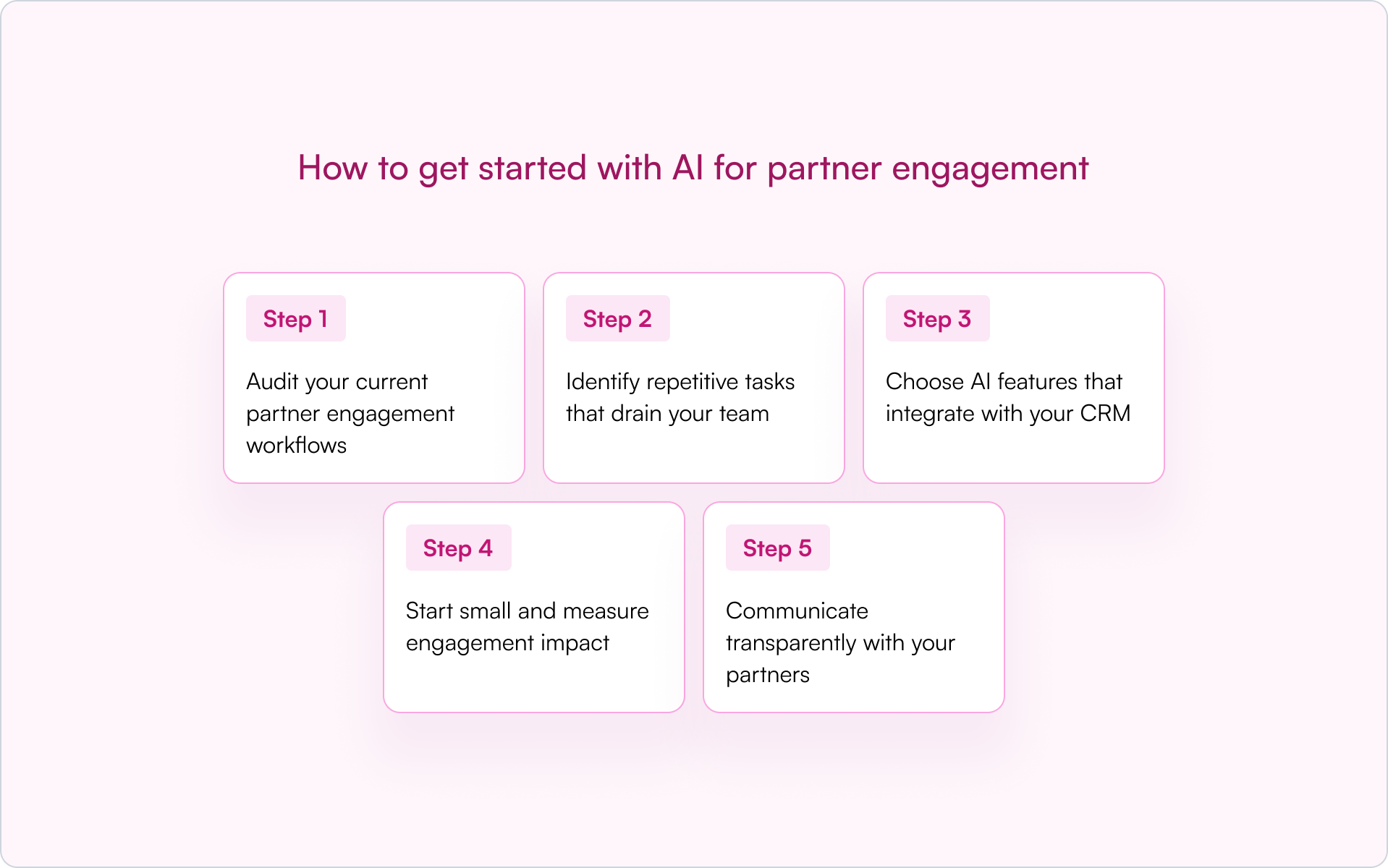
1) Audit your current partner engagement workflows
Map out how you communicate with partners today across their lifecycle stages. Where are the bottlenecks, manual tasks, and repetitive work across communications, enablement, and support?
2) Identify repetitive tasks that drain your team
List the recurring work that eats time but doesn’t require strategic thinking: status updates, content requests, meeting recaps, deal follow-ups, and FAQ replies. Prioritize tasks that can be reliably automated from CRM data.
3) Choose AI features that integrate with your CRM
CRM-first tools matter. AI that writes back to HubSpot or Salesforce keeps data clean, visible, and actionable. AI that creates a separate system becomes another silo your team has to manage.
Platforms like Introw offer AI-powered partner support and engagement features that integrate directly with your CRM — without creating a parallel universe of partner data.
4) Start small and measure engagement impact
Pilot one use case before scaling — onboarding emails and an AI-powered knowledge base are common “quick wins.” Track partner response rates, time saved, and engagement metrics like portal logins or content consumption.
5) Communicate transparently with your partners
Tell partners how AI is being used and where humans are still involved. Offer an escalation path to a person for complex issues. Trust comes from being upfront — not from hiding automation.
Build Stronger Partner Relationships With AI-Powered Engagement Tools
AI handles scale and speed across partner engagement, enablement, and support. Humans handle trust, strategy, and the moments that define long-term partnerships. That balance is where AI becomes a competitive advantage — not as a replacement, but as an enabler.
If you want to see what CRM-first AI for partner engagement looks like in practice, tools like Introw let you keep partner communications, support, and engagement history visible inside HubSpot or Salesforce — where your revenue team already works.
Book a demo to see how AI-powered partner engagement works inside your CRM.
How to Launch an MSP Partner Program in 2026
MSPs already have the clients you want to reach. They’ve built trust, signed contracts, and deliver services month after month — which means one strong partnership can open doors to dozens of accounts your direct team would spend quarters chasing.
The real question isn’t whether MSP partnerships make sense. It’s whether you can build an MSP partner program that actually attracts the right partners, gets them enabled fast, and turns signups into recurring revenue. This guide walks through what to include, how to launch it step by step, and the mistakes that quietly kill most programs before they gain traction.
What is an MSP partner program?
An MSP partner program is a structured partnership between a technology vendor and Managed Service Providers (MSPs). MSPs manage IT infrastructure, security, cloud services, and support for end customers on an ongoing basis. You provide the product plus training, resources, and program incentives. The MSP operationalizes your technology inside their managed services offering.
This differs from a classic reseller relationship in one crucial way: MSPs don’t sell your product once and move on. They bundle it into a recurring service they deliver month after month, meaning your success is tied to their ability to retain clients and standardize delivery.
How the relationship works
- Technology vendor: the company (like yours) that builds the product
- MSP partner: the managed service provider who bundles your product into their client offerings
- End customer: the MSP’s client who benefits from the combined solution
MSP partnerships are especially common in cybersecurity, cloud services, backup, and remote monitoring — anywhere ongoing service delivery matters more than a one-time transaction.
Why launch a managed service provider partner program?
If you’re a founder building a B2B software company, an MSP channel can be one of the most capital-efficient paths to scale. Done right, it expands revenue without requiring a linear increase in direct sales headcount.
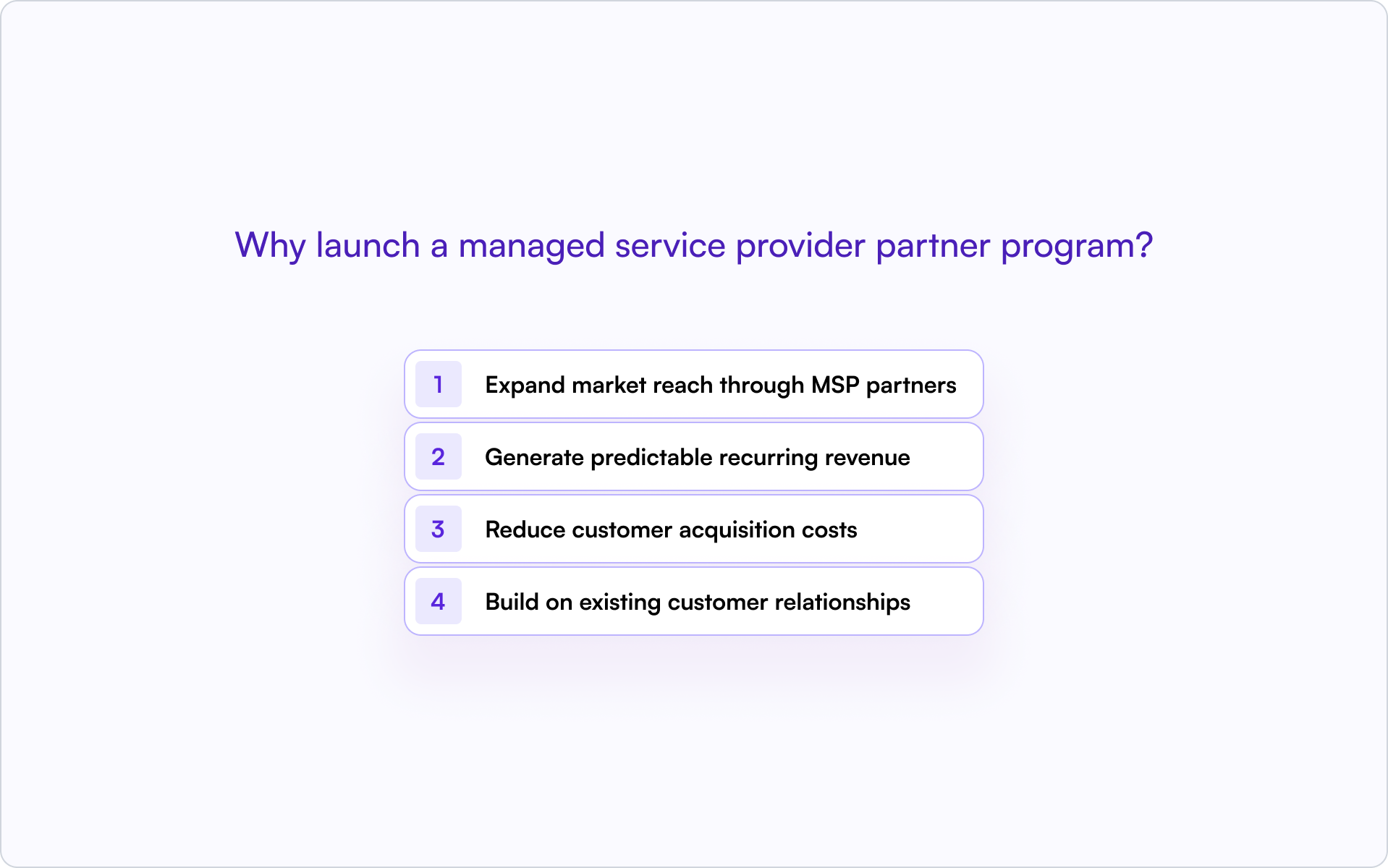
Expand market reach through MSP partners
MSPs already serve the SMB and mid-market accounts that are hardest to reach through cold outbound. They have contracts, renewal cycles, and ongoing service touchpoints — which gives them distribution you can’t replicate quickly.
One MSP partnership can unlock access to dozens (or hundreds) of end customers. Accounts your direct team would spend months identifying and closing become reachable through a single partner relationship.
Generate predictable recurring revenue
MSPs bill monthly, often on a per-user or per-device basis. When they bundle your product into their service, your revenue becomes recurring and correlated with their retention — incentives stay aligned.
Reduce customer acquisition costs
MSPs do the selling and often the implementation. You trade margin for distribution, which can be far cheaper than scaling AEs into every segment and region you want to win.
Build on existing customer relationships
MSPs are trusted advisors. Their recommendation carries more weight than vendor-led outreach — which typically shortens sales cycles and increases close rates.
What to include in your MSP partner program
Program design is where most teams accidentally lose. MSPs evaluate vendor programs constantly; if yours is confusing, under-incentivized, or operationally painful, they’ll simply prioritize someone else.
Partner tiers and qualification criteria
Define tiers based on commitment, volume, or certification status. Keep it simple — three tiers is usually enough.
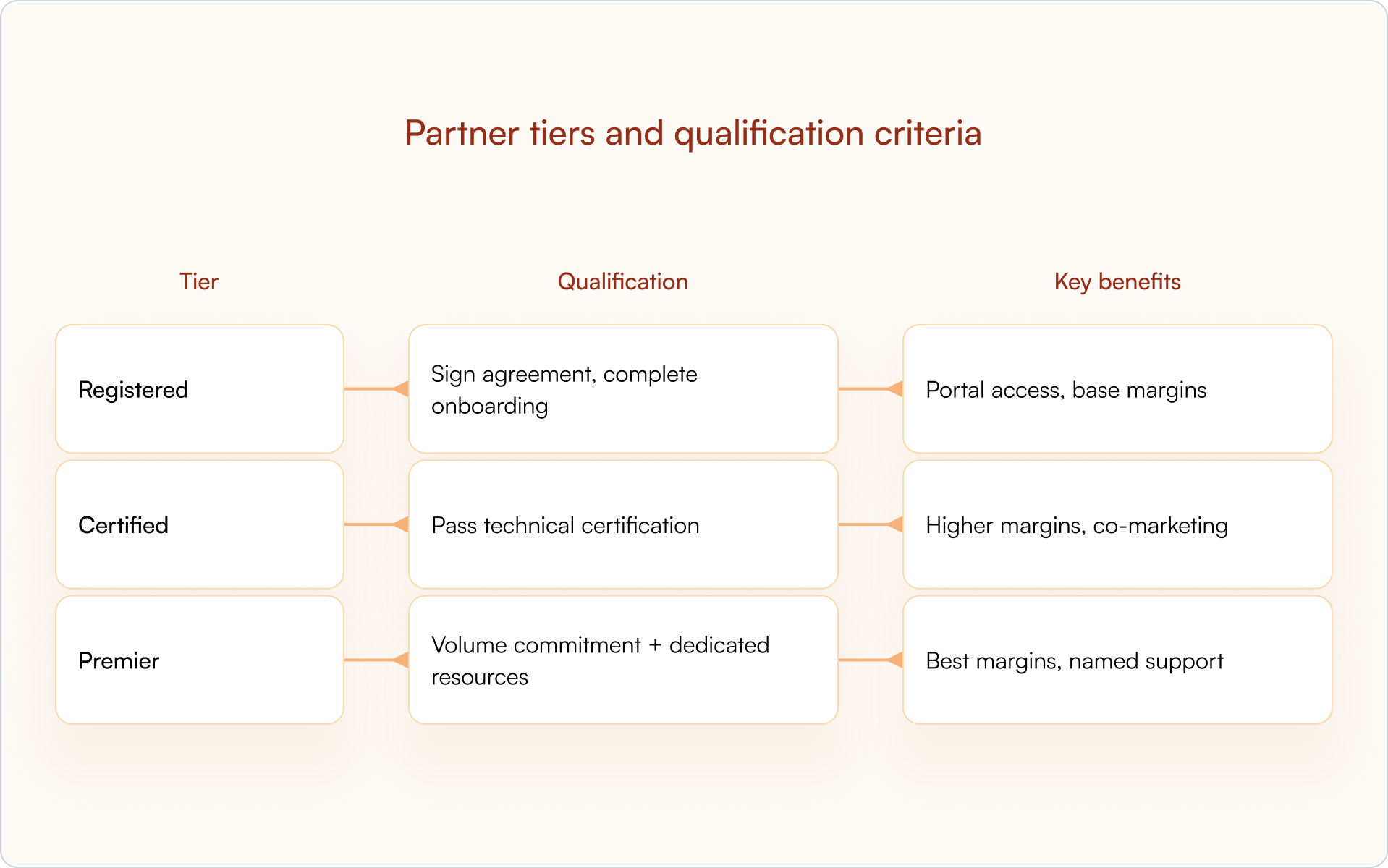
A common failure mode: teams add too many tiers to “cover every case,” and partners can’t quickly understand where they fit or what to do next.
Margin and pricing structure
MSPs need healthy margins to justify bundling your product. Wholesale pricing, volume discounts, rebates, or consumption-based billing can all work — but the economics must match the MSP business model.
- Align to monthly billing where possible (MSPs typically invoice monthly).
- Reduce upfront friction (annual-only commitments can be a deal-killer for monthly service bundles).
- Be explicit about what’s margin, what’s rebate, and what’s conditional on certification or volume.
Certification and enablement requirements
Certification protects your brand and reduces support load. Define what partners must complete before selling, implementing, or supporting your product.
Include technical training, sales enablement, and ongoing recertification. Partners who understand your product close more deals and create fewer escalations.
Deal registration and lead protection
Deal registration is how MSPs claim opportunities, earn protection windows, and avoid conflicts with your direct team or other partners.
Without clear rules, partners won’t invest in building pipeline for you. Define:
- Registration workflow: what they submit and where
- Approval SLA: 48 hours is a common standard
- Protection duration: typically 60–90 days (with clear extension criteria)
- Conflict resolution: what happens if two parties claim the same account
A structured deal registration process is one of the most effective tools for preventing channel conflict and keeping partners engaged.
Partner portal and self-service resources
MSPs expect a professional portal where they can self-serve pricing, training, marketing assets, deal registration, and support — without waiting on your team.
The portal should be connected to your CRM so data stays accurate and reporting stays real. If partners operate in one place and your revenue team operates in another, you’ll spend your time reconciling instead of scaling.
Co-marketing and sales support
Outline what support partners can expect: MDF (Market Development Funds), co-branded campaigns, lead sharing, joint webinars, and sales engineering help. Many MSPs don’t need “more collateral” — they need demand-generation support and a path to their first few wins.
How to launch an MSP partner program step by step
Strategy is the easy part. The program wins or loses in execution — especially in your first 90 days, when partners decide whether you’re worth their time.

1) Define your ideal MSP partner profile
Not all MSPs are a fit. Define your criteria the same way you define an ICP for direct sales:
- Vertical focus (healthcare, legal, financial services, general SMB)
- Client base size and maturity
- Technical capabilities (security operations, cloud migrations, compliance)
- Geographic footprint and service model
- Existing vendor stack and overlaps
This prevents you from recruiting partners who will sign an agreement but never activate.
2) Structure program tiers and incentives
Build out the tier structure, margin tables, and incentive programs (SPIFFs, rebates, MDF). Put it in a partner-facing program guide that’s clear enough to forward internally.
MSPs compare programs constantly. Ambiguity loses to clarity every time.
3) Build certification and onboarding paths
Create the training curriculum: product training, sales certification, technical certification. Then design the onboarding journey from signup to first registered deal.
- Set expectations for time-to-certification.
- Provide a “first deal” playbook (ideal customer, pitch, implementation outline).
- Make enablement easy to complete in the flow of work.
4) Set up deal registration and pipeline tracking
Implement deal registration workflows (submission, approval routing, protection windows, expiration reminders) and connect it to your CRM so partner pipeline is visible alongside direct pipeline.
If partner deals live in spreadsheets or disconnected tools, you’ll create invisible pipeline and messy attribution — and you’ll pay for that later in forecasting, comp plans, and board reporting.
5) Launch your MSP partner portal
Launch the portal with everything a partner needs on day one: program guide, pricing, training, deal registration, and support paths.
Reduce login friction. In the real world, partners abandon portals that feel like extra work.
6) Recruit and activate your first MSP partners
Start targeted recruitment: identify the right MSPs, run outreach, and pitch the program with concrete economics and a clear onboarding plan. Optimize for activation, not signups — a “signed” partner who never registers a deal is a rounding error.
Define activation milestones: completed training, first deal registered, first closed deal, and track them from day one.
Tools for managing MSP partnerships at scale
Most early MSP partner programs don’t fail because the idea is wrong. They fail because operations can’t keep up — approvals lag, data is missing, and partners stop engaging.
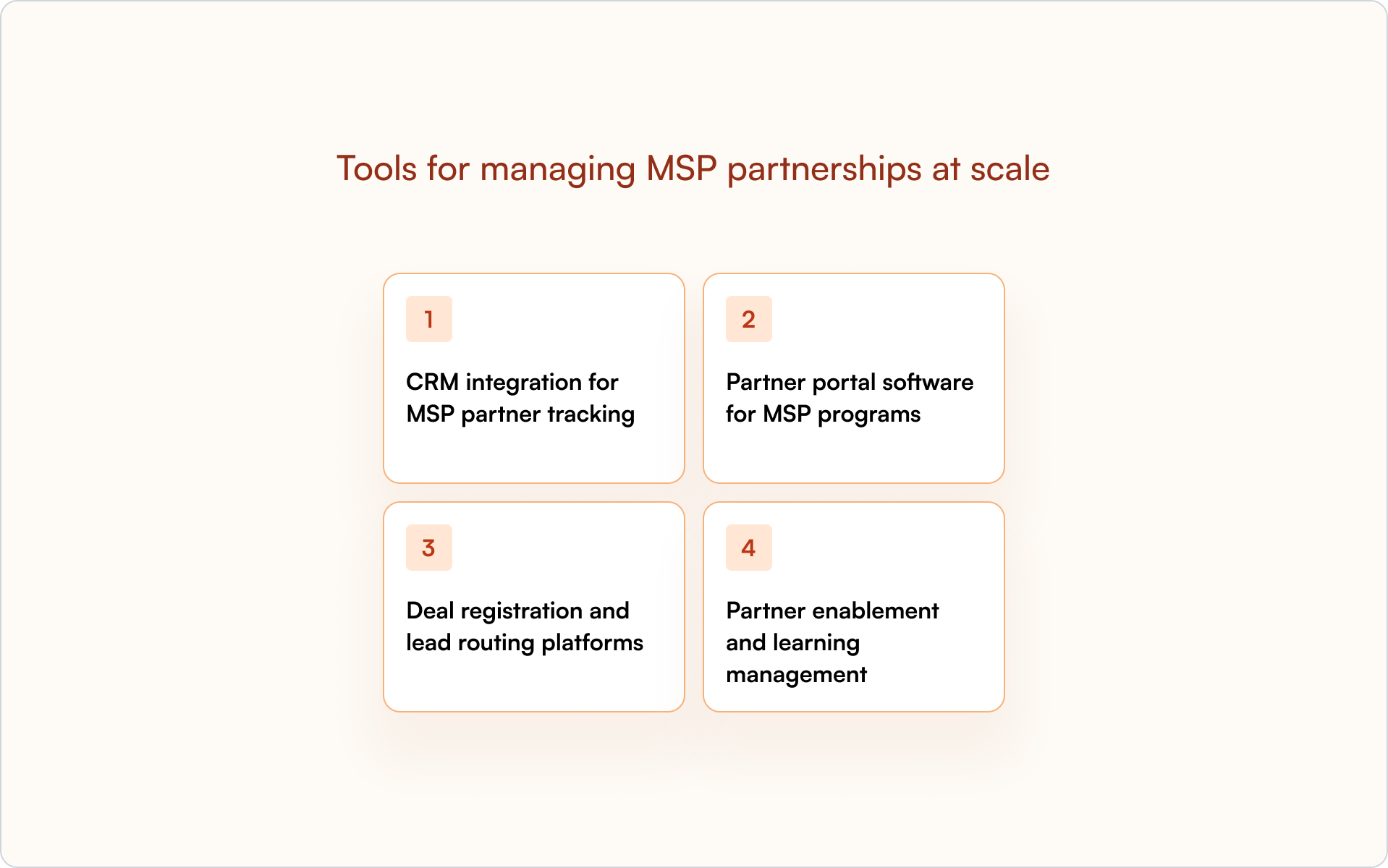
CRM integration for MSP partner tracking
Your CRM (HubSpot, Salesforce) is the system of record for partner deals. Track partner-sourced pipeline, deal registration status, and attribution inside the CRM — not in a separate system.
That’s how RevOps and sales leadership get real visibility without reconciling spreadsheets at the end of every month.
Partner portal software for MSP programs
A partner portal centralizes resources, deal registration, and communication. Prioritize portals that integrate with your CRM so data flows automatically.
Avoid portals that create data silos or require heavy partner logins. The best portals feel like an extension of your CRM — not a separate destination.
Deal registration and lead routing platforms
Deal registration needs workflow automation: submission → approval → protection → expiration alerts. Route registrations to the right approver, enforce required fields, and track protection windows automatically.
Partner enablement and learning management
Deliver training through an LMS or enablement platform. Track certification status, send recertification reminders, and gate key benefits behind completed training.
Trained partners close more deals. Your job is to make “getting trained” feel like momentum, not homework.
Common mistakes when building an MSP partner program
Most MSP partner programs stall for predictable reasons. If you’re building this in 2026, you can avoid months of rework by designing around these failure modes up front.
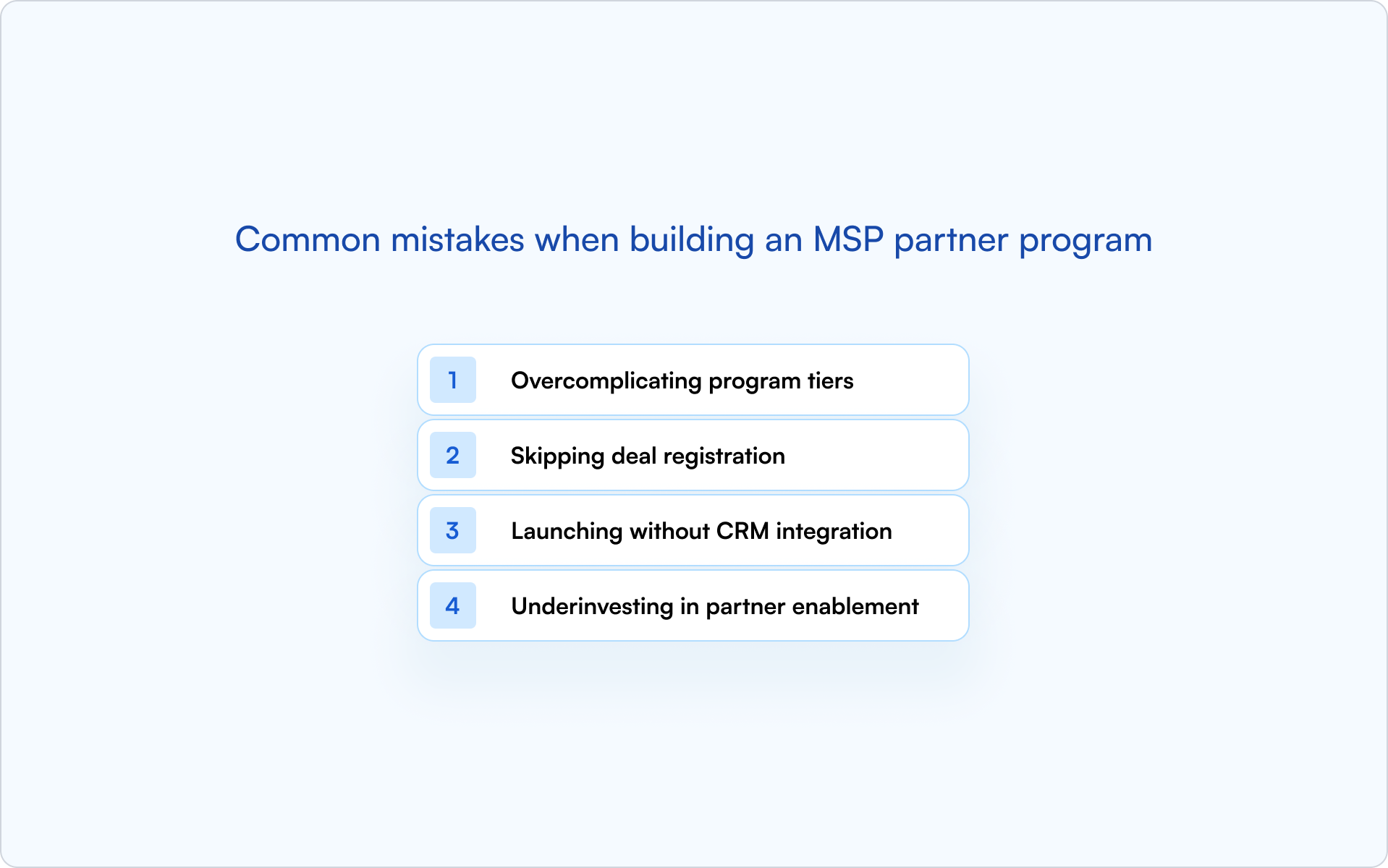
Overcomplicating program tiers
Too many tiers or unclear qualification criteria overwhelm partners. MSPs evaluate dozens of vendor programs — if yours is hard to understand, they’ll skip it. Start simple and add complexity only when real partners ask for it.
Skipping deal registration
Without deal registration, you can’t protect partner deals or prevent channel conflict. Partners won’t invest in selling if they risk losing deals to your direct team or another partner.
Treat deal registration as non-negotiable infrastructure, not a “phase two” feature.
Launching without CRM integration
If partner pipeline lives outside your CRM, you lose visibility, attribution, and forecasting accuracy. Your sales team can’t see partner deals. RevOps can’t reliably report on partner-sourced revenue. Leadership can’t trust the numbers.
Build CRM-first from the start. Retrofitting integration later is painful and expensive.
Underinvesting in partner enablement
MSPs can’t sell what they don’t understand. If training, documentation, and support are thin, partners won’t close — and they’ll blame the product. Enablement is an investment that shows up in activation rate, deal velocity, and retention.
Build your MSP partner program on your CRM with Introw
Launching an MSP partner program gets much easier when your tools work together. Introw connects your partner portal directly to HubSpot or Salesforce, so every MSP deal, lead, and activity lives in one system.
- CRM-first architecture: Partner deals live in the same system as direct deals. No hidden pipeline, no attribution guesswork.
- Deal registration: Partners register deals through the portal or email. Registrations sync to your CRM with protection windows and approval workflows — automatically.
- Partner portal: Launch a branded portal in minutes with resources, deal registration, and pipeline visibility. Partners stay engaged without logging in constantly.
- Real-time visibility: See partner pipeline alongside direct pipeline and forecast with confidence.
If you’re building an MSP channel and want it to scale without spreadsheets or disconnected systems, book a demo to see how Introw supports it.
Conclusion
A successful MSP partner program is less about flashy perks and more about operational trust: clear economics, fast enablement, protected deals, and clean data in your CRM. If you get those foundations right, the channel can become one of the most efficient growth engines in your go-to-market.
How to Launch and Manage a High-Performing Referral Partner Program
Referral partner programs sound simple: partners send you leads, you close them, everyone gets paid. But most programs stall before they generate meaningful revenue — not because the incentives are wrong, but because the infrastructure isn’t there.
The difference between a program that produces sporadic leads and one that drives predictable pipeline comes down to how you design registration, tracking, and communication from day one. This guide breaks down what a referral partner program actually is, how to launch one, and how to manage it as you scale.
What is a referral partner program?
A referral partner program is a mutually beneficial arrangement where you incentivize individuals or third-party companies to recommend your product or service in exchange for a reward — typically a commission on closed revenue.
Unlike affiliate programs that rely on tracking links and high-volume marketing, referral partnerships are built for high-consideration B2B sales. Partners identify strong-fit prospects and make warm introductions, then your sales team runs the sales cycle.
Common referral partners include:
- Consultants and fractional operators
- Agencies serving your target ICP
- Complementary SaaS or service providers
- Happy customers who want to refer peers
The best programs are formal: they define what counts as a qualified referral, how attribution works, when payouts happen, and how conflicts get resolved.
How referral partners differ from affiliates and resellers
Founders often lump “partners” into one bucket. That’s where misaligned expectations start — and where programs get designed incorrectly. Here’s the clean way to think about it:
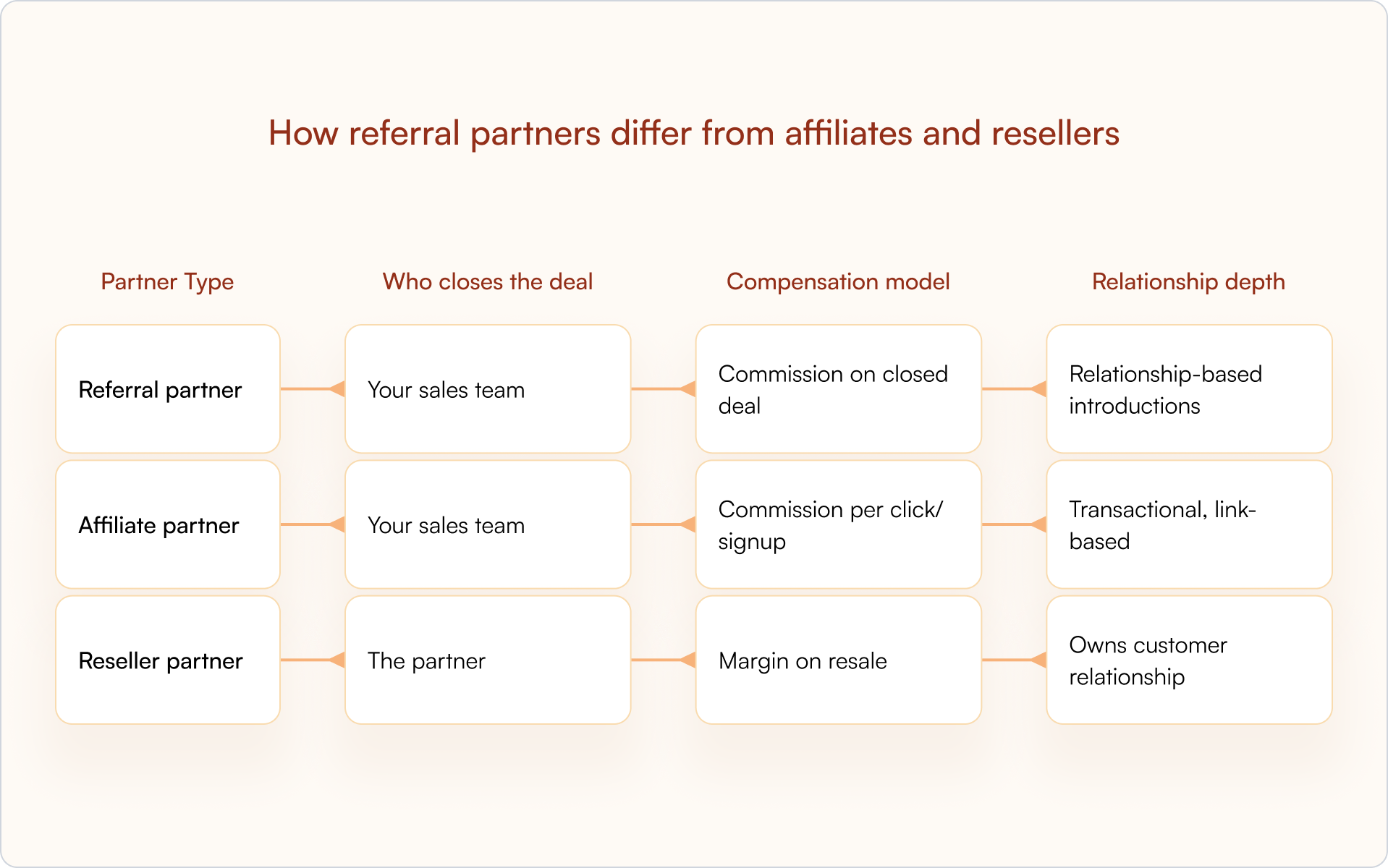
Referral partners vs affiliate partners
Affiliates drive traffic through content, ads, and tracking links. Referral partners make personal introductions based on existing relationships. The trust transfer is different — and so is the lead quality.
Referral partners vs reseller partners
Resellers purchase or license your product and sell it themselves. They own the customer relationship, often handle support, and earn margin on resale. Referral partners hand off qualified leads to you and step back, which changes everything: revenue share, enablement needs, and who owns the pipeline.
Referral partners vs technology partners
Technology partners integrate products or build on your platform. Referral partners recommend without any integration requirement. They’re endorsing, not embedding.
Why B2B companies launch a referral partner program
A referral partner program works when you operationalize it like any other revenue motion — with systems, rules, and accountability. Done right, it becomes a durable acquisition channel.
Lower customer acquisition costs
Partners bring leads through their existing networks, reducing reliance on paid advertising and outbound prospecting. You pay only when deals close, which helps keep unit economics predictable.
Higher quality leads from trusted introductions
Warm referrals carry built-in credibility. Prospects already trust the person making the introduction, which translates to better-qualified pipeline and higher conversion rates.
Expanded market reach without adding headcount
Referral partners help you reach new verticals, geographies, or segments without hiring dedicated sales reps for each. Your partners already have the relationships you’d otherwise spend months building.
Faster sales cycles through warm referrals
Referred prospects skip a chunk of the trust-building phase. In many B2B motions, that means fewer early-stage calls and a faster path to “real” evaluation.
What every referral partner program needs
If you want your referral partner program to be more than a slide deck and a promise, you need the basics in place first. This is the infrastructure that prevents deals from getting lost and partners from going dark.
Commission and incentive structure
Define how partners get paid. The most common options:
- Percentage of deal: Partner earns a cut of closed revenue, typically 10–20%
- Flat fee: Fixed payout per qualified referral that closes
- Tiered rewards: Increasing commission rates based on referral volume
Keep it simple. Complicated partners commission structures create confusion and slow payouts, both of which kill partner motivation.
CRM integration for tracking and attribution
Your CRM for partner management tracks every referral from submission to close. Accurate attribution, forecasting, and commission calculations all depend on clean data.
Referral data belongs inside Salesforce or HubSpot, not in a disconnected spreadsheet or portal. When partner activity lives in your CRM, sales and partnerships operate from the same source of truth.
Deal registration workflow
Partners need a clear way to submit leads, ideally without logging into a portal. Your workflow should capture the essentials (contact, company, context), route for approval, and set a protection window so partners feel safe investing their reputation.
A structured deal registration process is where ownership gets established early and where most conflicts can be prevented.
Rules of engagement documentation
Write down how conflicts are resolved, which accounts are off-limits (if any), what happens if multiple partners refer the same lead, and what “qualified” actually means. A clear policy prevents messy debates later.
Partner communication channels
Decide how you’ll keep partners informed: email updates, Slack notifications, or lightweight portal announcements. The point is consistency — not adding another tool your partners will ignore.
Onboarding and enablement resources
Provide pitch decks, one-pagers, competitive notes, and simple messaging that helps partners explain who you’re for (and who you’re not for). Partners refer more confidently when they can position your product clearly.
How to launch a referral partner program in six steps

1) Define your ideal referral partner profile
Start by getting specific about who is likely to refer your best customers. In most startups, that’s consultants and agencies serving your ICP, complementary providers, and a handful of power users who love your product.
Create simple qualification criteria (audience overlap, deal size alignment, credibility, responsiveness) so you recruit strategically, not randomly.
2) Design your commission structure and tiers
Set compensation that motivates without turning your program into a math problem. Choose percentage vs flat fee, and consider adding tiers (Standard, Silver, Gold) once you have baseline performance data.
Start simple. You can add complexity later, but you can’t easily walk back a confusing structure.
3) Build a deal registration process in your CRM
Create a submission workflow using deal registration software inside Salesforce or HubSpot with required fields, automatic routing for approval, and timestamped records. Set protection windows so partners feel secure that their referrals won’t be claimed by direct sales.
4) Create onboarding materials and partner resources
Build a partner welcome kit with product training, FAQs, email templates, and co-brandable collateral following a structured partner onboarding checklist. The faster partners can start referring, the more likely they will.
5) Set up referral tracking and pipeline visibility
Configure your CRM to tag partner-sourced deals and make deal status visible to partners without constant back-and-forth. Visibility keeps partners engaged and builds trust.
Partners who can see what’s happening with their referrals stay active. Partners who have to email for updates eventually stop referring.
6) Recruit and activate your first referral partners
Start with warm relationships: existing customers, consultants who already mention you, and industry contacts. Reach out personally, explain the program benefits, and make it easy to join.
How to manage and scale your referral partner program
Launching is the easy part. Sustained performance comes from tight operations — and from removing every ounce of friction between a partner thinking “I should introduce you” and that introduction turning into pipeline.
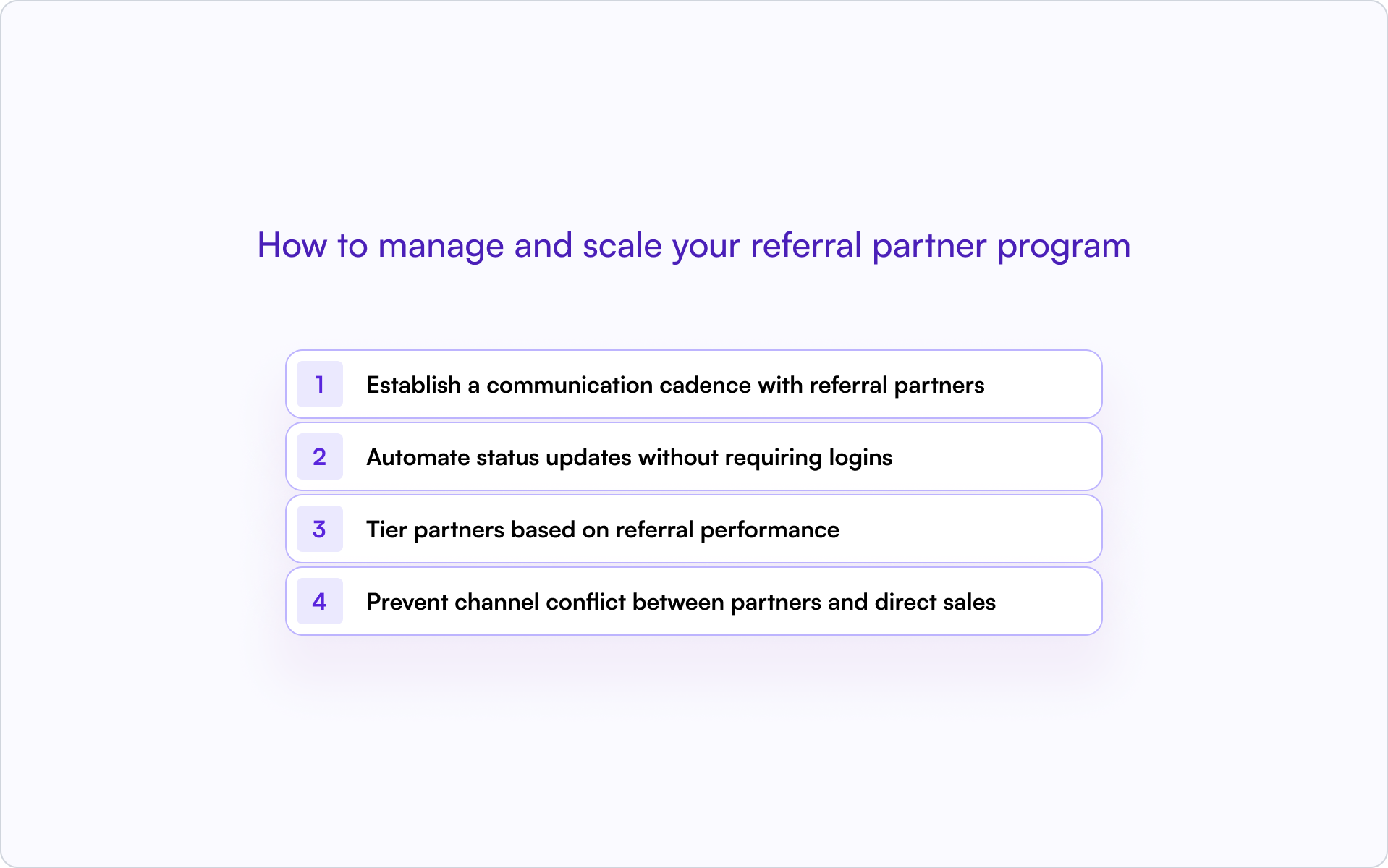
Establish a communication cadence with referral partners
Set regular touchpoints: monthly newsletters, quarterly check-ins, and short program updates when something changes. Silence kills referral partnerships. Consistent partner engagement keeps partners active and informed.
Automate status updates without requiring logins
Partners drop off when they have to log into portals for updates. Use email notifications tied to deal stage changes so partners stay informed automatically.
If you can let partners reply to notifications via email, with responses syncing back to your CRM timeline, you’ll remove the “chase you for updates” loop that quietly destroys many programs.
Tier partners based on referral performance
As you get data, create partner tiers (Bronze, Silver, Gold) with escalating benefits:
- Higher commissions: Reward volume and consistency
- Priority support: Faster response times for top performers
- Co-marketing opportunities: Joint campaigns and content
Tiering motivates top performers and gives newer partners something to work toward.
Prevent channel conflict between partners and direct sales
Define clear rules: who gets credit if a lead is already in your pipeline, how deal protection works, and how disputes are resolved. Document everything in your rules of engagement and enforce consistently.
Channel conflict rarely starts with bad intent. It starts with unclear rules.
Referral partner program metrics you should track
If you want partner-sourced revenue to become predictable, you need a handful of KPIs that tell you what’s actually happening — not just who “seems engaged.”
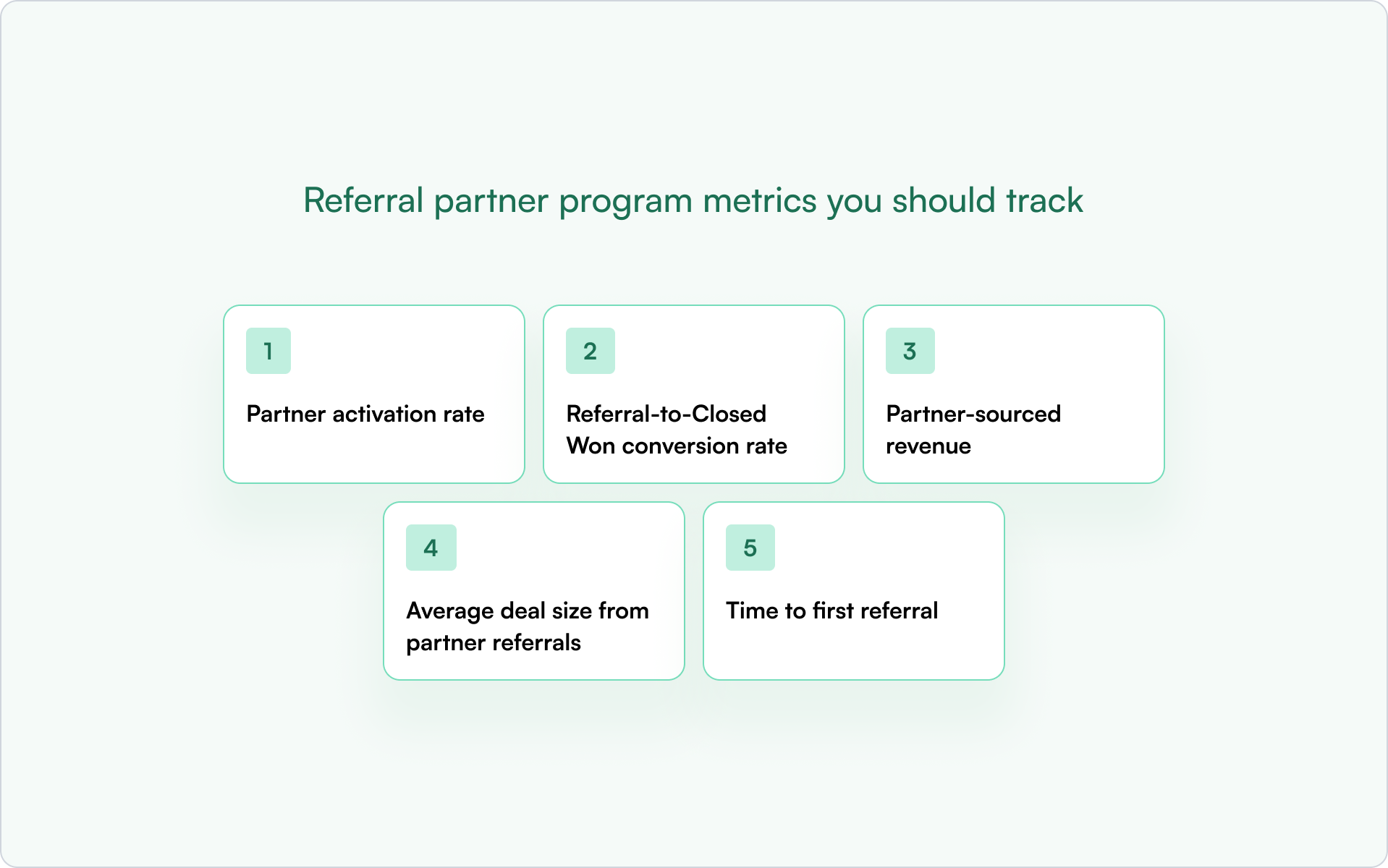
Partner activation rate
What percentage of recruited partners submit their first referral? Low activation usually signals onboarding friction, unclear positioning, or a muddled ask.
Referral-to-Closed Won conversion rate
How many partner referrals become paying customers? This is a direct read on lead quality and how reliably your sales team follows up.
Partner-sourced revenue
The total revenue attributed to partner referrals. This is your north star for program ROI.
Average deal size from partner referrals
Compare this to direct sales. Partner referrals often yield larger deals due to trust and fit.
Time to first referral
How quickly do new partners submit their first lead? Faster activation correlates with long-term partner success because it proves the workflow works.
Common mistakes that kill referral partnerships
Most referral partner programs don’t fail because of bad incentives. They fail because of friction and silence.

- Making registration too complicated: If partners have to jump through hoops or log into clunky portals, they won’t bother.
- Slow response times on deal status: Partners lose trust when they don’t know what’s happening with their referrals.
- Unclear or unfair commission structures: Ambiguity breeds resentment. Partners disengage when they can’t predict payouts.
- Inconsistent communication: Going silent for months then suddenly asking for referrals doesn’t work.
- Ignoring channel conflict: Letting direct sales claim partner deals destroys relationships fast.
Turn referral partners into a predictable revenue channel
A referral partner program works when it’s built on clear structure, CRM-first tracking, and a consistent partner experience. Teams that scale partner-sourced revenue don’t rely on spreadsheets or manual follow-up — they rely on systems that enforce rules and surface visibility automatically.
Introw helps teams launch partner portals connected to Salesforce or HubSpot, automate deal registration, and keep partners engaged without forcing logins. Partners register leads, see status updates, and stay active, all without creating another system to manage.
Book a demo to see how it works.
11 Best Partner Engagement Platforms for SaaS Partner Programs
The 11 best partner engagement tools in 2026
The right partner engagement tools help your team activate partners, keep communication consistent, and connect partner activity to real pipeline.
Here is our shortlist of platforms used by SaaS companies to manage partner engagement, partner enablement, and channel partner collaboration.
1. Introw - Best CRM-native partner engagement platform
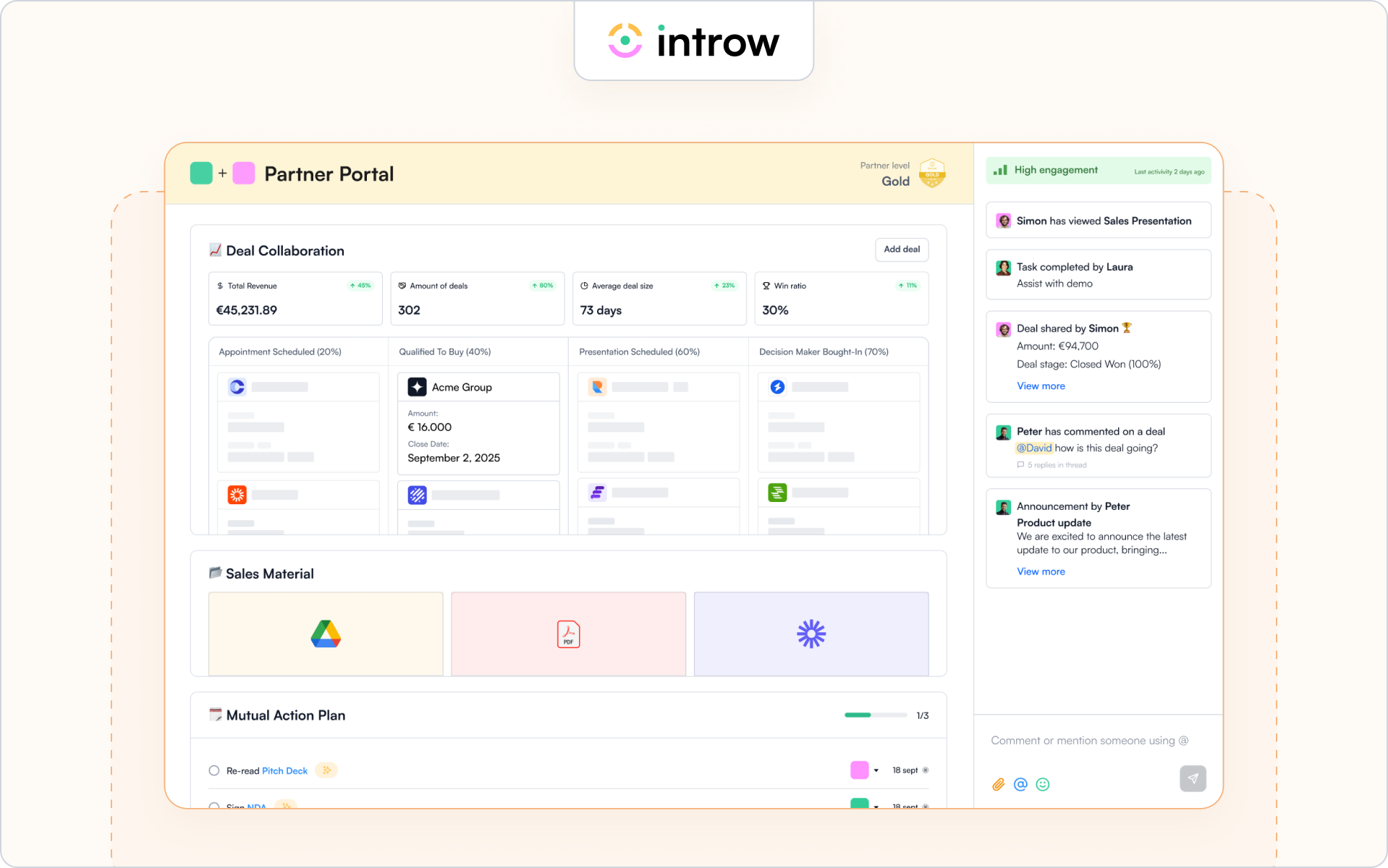
Introw is a CRM-first partner engagement platform built for SaaS companies that want partner engagement tied directly to pipeline activity.
Instead of forcing partners into a portal, Introw keeps partners up to date through email, Slack, and CRM-driven workflows while logging partner activities directly inside HubSpot or Salesforce.
Because engagement data connects to deals and revenue, your team can clearly see how partner engagement influences partner performance and sales performance. This is why many SaaS companies adopt a CRM-native approach to partner engagement rather than relying on standalone partner portals.
Teams often use Introw to manage partner communication, deal registration, partner onboarding, and channel partner enablement directly inside their CRM. Many of the workflows behind these processes are documented in Introw’s resources on partner engagement.
Best for
SaaS companies that want partner engagement tied directly to pipeline and CRM workflows.
Key engagement features
- CRM-native collaboration inside HubSpot and Salesforce
- Segmented announcements to keep partners up to date
- Engagement tracking and performance analytics
- Off-portal communication logging across email and Slack
- Deal registration and deal-based partner activity visibility
- Engagement metrics connected to partner performance and revenue
- Integrated partner portal and partner training capabilities for channel partner enablement programs
Strength
Deep CRM integration allows partner engagement data to live alongside deals, accounts, and sales process activity, making it easier for RevOps and the sales team to monitor partner activities and optimize channel partner performance.
Limitation
Companies without Salesforce or HubSpot will not benefit from the platform’s CRM-native design.
Ideal company size
Mid-market and enterprise SaaS companies running structured partner programs with multiple partner managers and active partner ecosystems.
A strong partner engagement platform should make it easier to activate partners and track their impact on the pipeline. Now let’s look at other tools used across partner ecosystems and channel partner enablement programs.
2. Impartner – Enterprise partner management platform
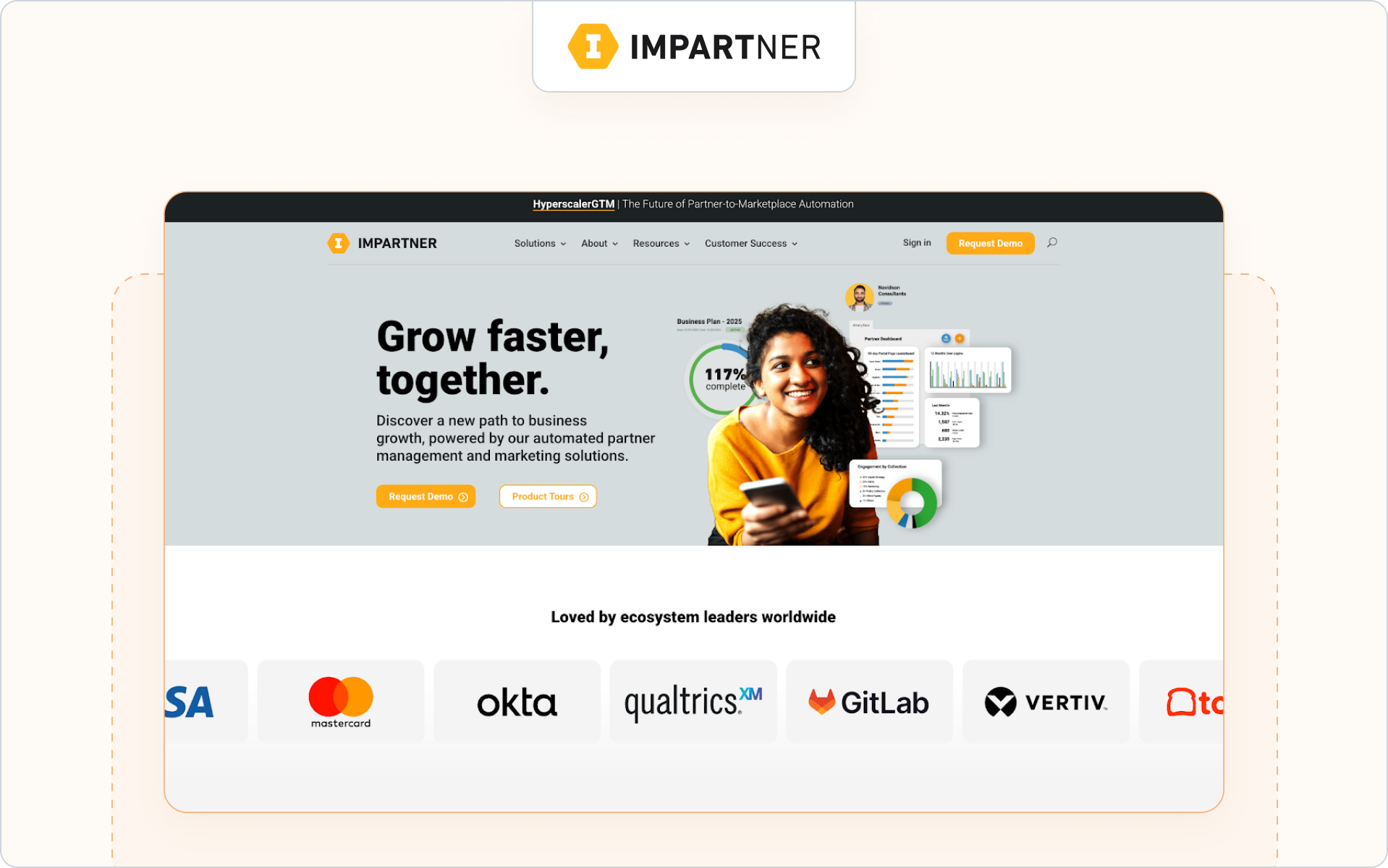
Impartner is a partner management platform designed for companies running large channel partner ecosystems. It focuses on structured partner onboarding, partner marketing, and automation that helps partner programs scale while keeping partners up to date.
Best for
Enterprise companies managing complex channel partner ecosystems and structured channel partner enablement programs.
Key engagement features
- Automated partner onboarding and partner training workflows
- Campaign management and marketing materials for partner marketing
- Performance analytics dashboards to monitor partner performance
Strength
Strong structure for large partner ecosystems that need standardized workflows across partner onboarding, partner enablement, and partner management.
Limitation
Engagement often depends on partners returning to a portal, which can slow down real-time partner activities and collaboration with the sales team.
Ideal company size
Enterprise organizations with global partner programs and large partner networks.
3. Channelscaler – Partner enablement and automation platform
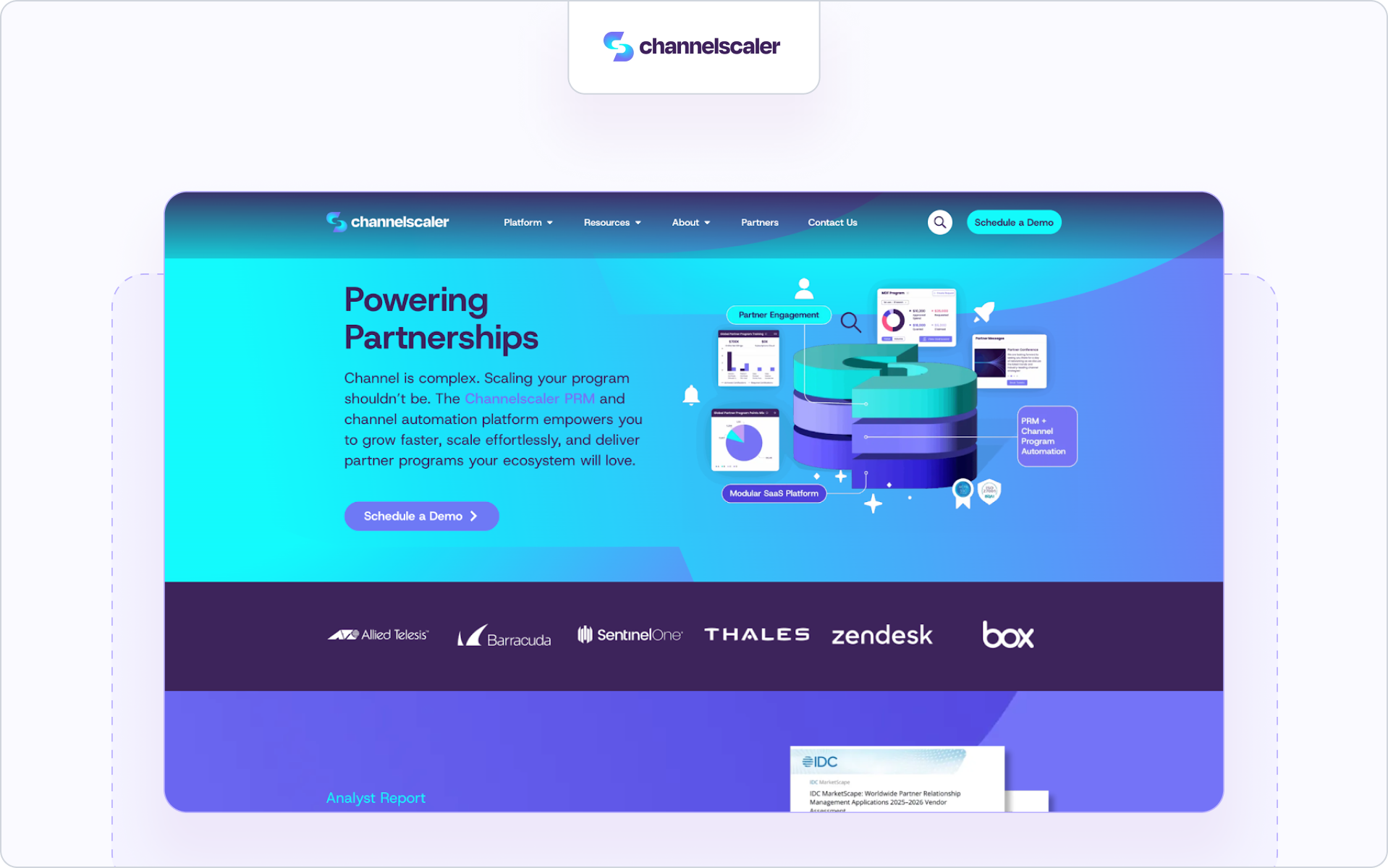
Channelscaler is a partner platform designed to help companies scale partner revenue through PRM, partner program automation, and channel partner enablement. It focuses on partner onboarding, training, content delivery, and structured program management across partner ecosystems.
Best for
Companies that want structured partner onboarding, partner enablement, and channel partner enablement tools in one platform.
Key engagement features
- Partner onboarding, training, and personalized learning paths
- Content delivery for marketing resources and marketing materials
- Program automation and reporting to monitor partner performance
Strength
Strong fit for teams that need structured channel partner enablement and formal partner program workflows across a growing partner network.
Limitation
The platform is more program- and portal-led than lightweight, CRM-native engagement, so it may feel heavier for teams that want faster off-platform collaboration. This is an inference from its public positioning and feature structure.
Ideal company size
Mid-market and enterprise companies running structured partner programs.
4. Channeltivity – Practical PRM for growing channel teams
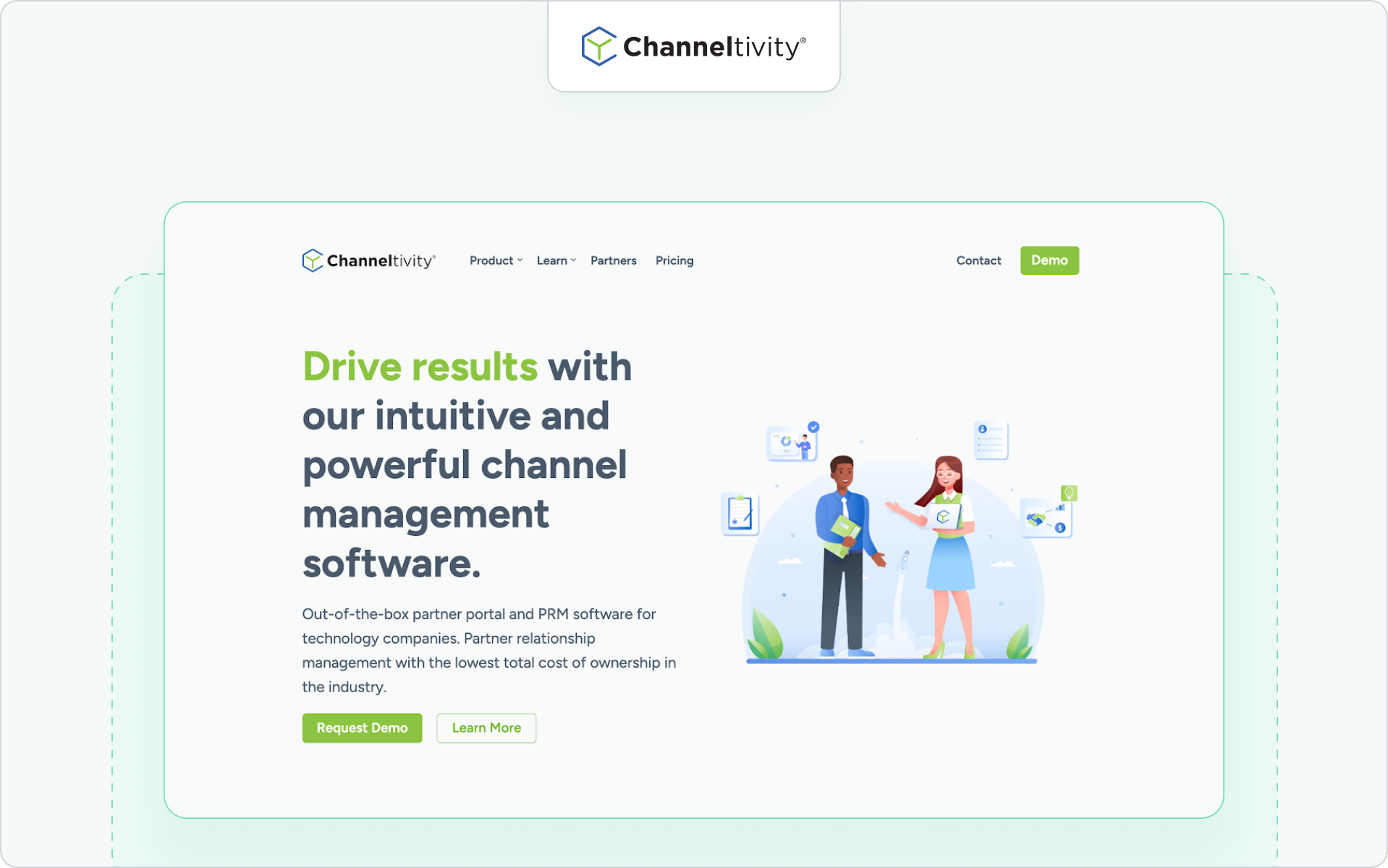
Channeltivity is PRM software built for companies that want practical partner management without heavy enterprise complexity. It supports partner onboarding, partner marketing coordination, and deal registration workflows across growing partner ecosystems.
Teams often use the platform to monitor partner activities, track channel partner performance, and keep partners up to date on sales strategies and partner initiatives.
Best for
Mid-market companies building structured partner programs and growing channel partner ecosystems.
Key engagement features
- Deal registration, referral tracking, and lead generation workflows
- Built-in communication tools to keep partners up to date
- Reporting dashboards that track partner performance and sales performance
Strength
Clear operational structure for partner activities and partner onboarding across growing partner networks.
Limitation
The platform focuses on partner management processes rather than deeper engagement analytics tied directly to pipeline.
Ideal company size
Mid-market organizations with developing partner ecosystems and growing channel partner programs.
5. PartnerStack – Ecosystem platform for affiliate and referral programs
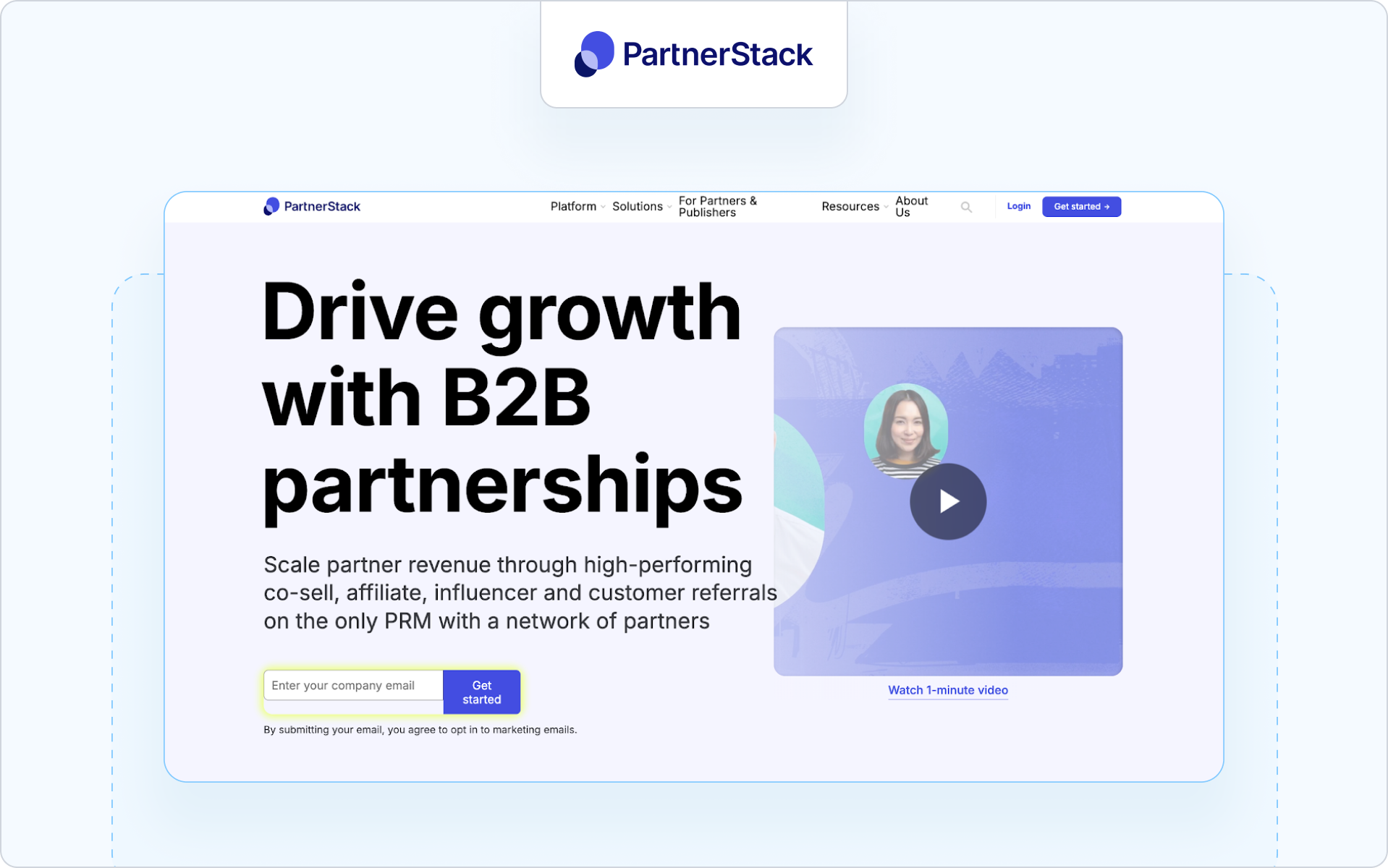
PartnerStack is an ecosystem platform used by SaaS companies to recruit, manage, and reward partners across affiliate, referral, and reseller partner programs. It helps companies scale their market reach by managing partner incentives and partner performance at scale.
Many SaaS companies rely on PartnerStack to support lead generation and expand their partner network while rewarding partner productivity.
Best for
SaaS companies running affiliate, referral, or partner-led growth programs.
Key engagement features
- Automated partner onboarding and partner incentives management
- Commission tracking and reward partners workflows
- Performance analytics dashboards that track partner productivity
Strength
Strong ecosystem platform for scaling partner programs and expanding market reach.
Limitation
The platform focuses primarily on affiliate-style programs rather than deep co-selling workflows tied to CRM sales process activity.
Ideal company size
Small to mid-market SaaS companies scaling partner ecosystems and referral programs.
6. Unifyr – Enterprise ecosystem management platform
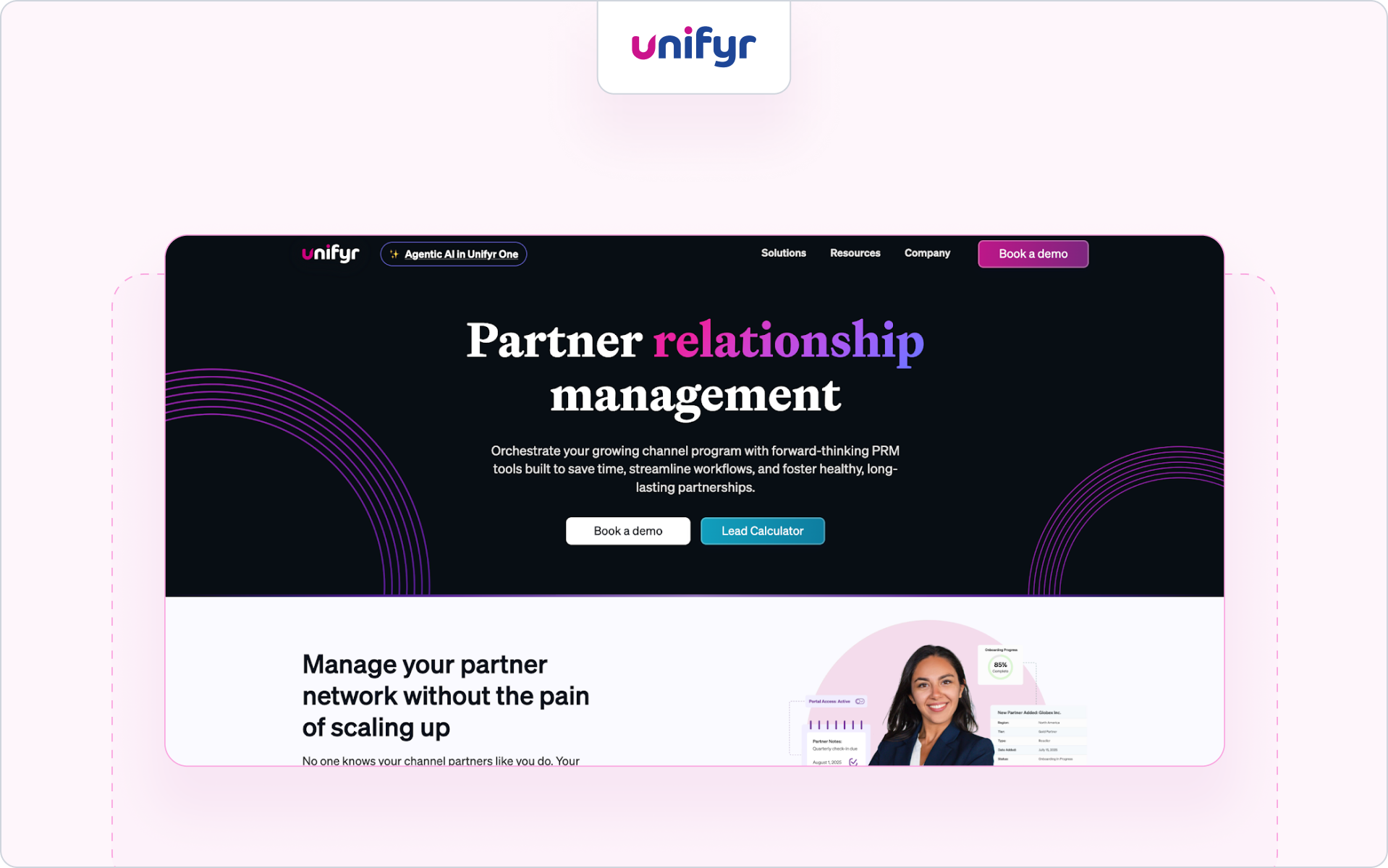
Unifyr is an ecosystem management platform designed to help enterprise companies coordinate partner engagement, partner marketing, and partner enablement across complex partner ecosystems.
It supports structured partner programs with automation, analytics, and tools designed to optimize channel performance across large partner networks.
Companies running global channel programs often use the platform to strengthen relationships with partners and monitor channel partner performance across multiple regions.
Best for
Enterprise companies managing complex global partner ecosystems.
Key engagement features
- Multi-portal partner engagement and partner management capabilities
- Campaign management and marketing resources for partner marketing
- Performance analytics that track channel partner performance
Strength
Enterprise-grade ecosystem management with strong reporting and partner marketing capabilities.
Limitation
The platform is designed for large enterprise ecosystems and may be too complex for smaller partner programs.
Ideal company size
Enterprise organizations managing large partner ecosystems and global channel partner networks.
7. Magentrix – Partner portal and collaboration platform
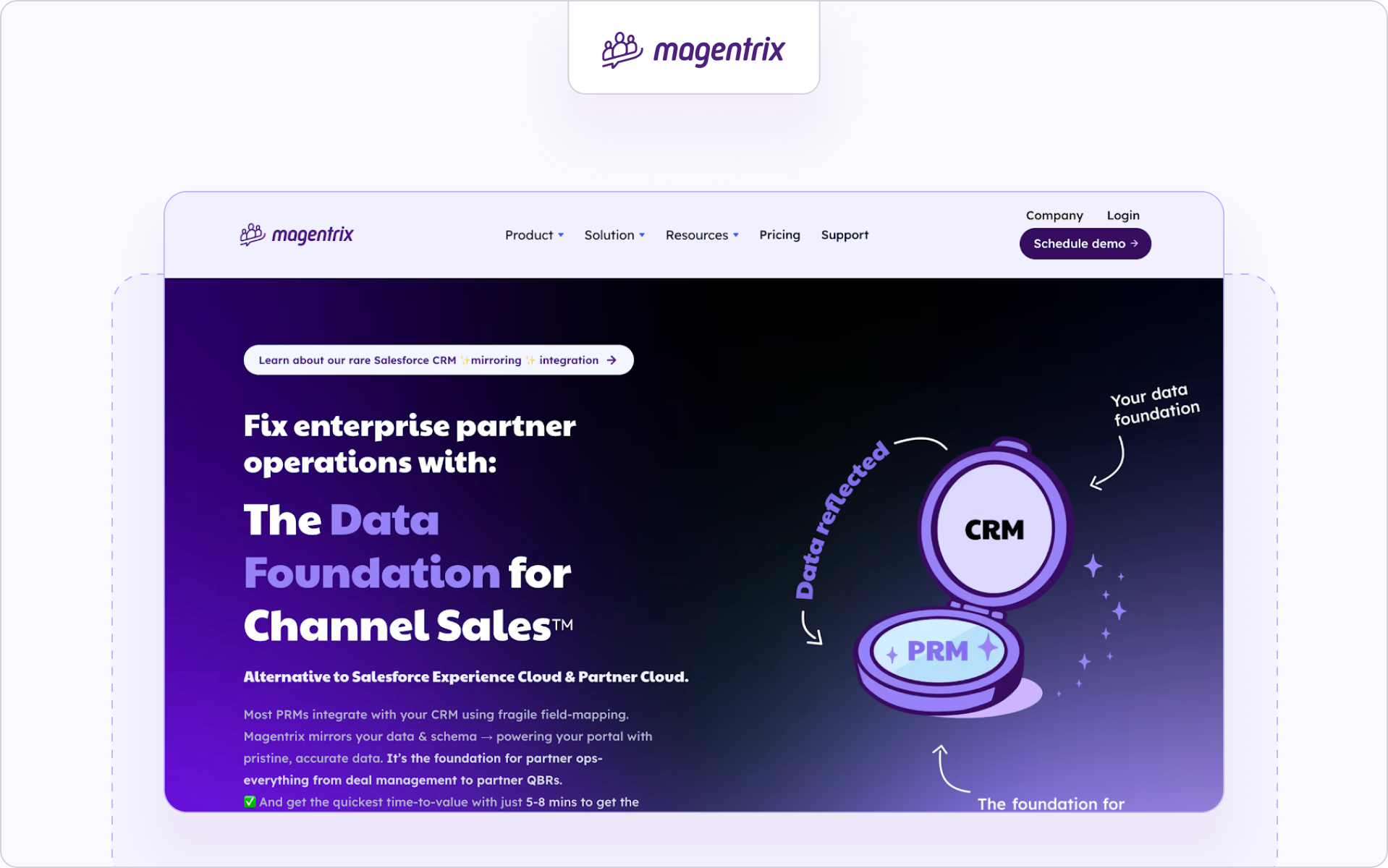
Magentrix is a partner portal platform built on Salesforce that helps companies manage partner onboarding, partner communication, and collaboration across partner ecosystems. It focuses on centralizing partner engagement, marketing resources, and communication tools inside a secure partner portal.
Best for
Companies running Salesforce that want structured partner portals to support channel partner enablement.
Key engagement features
- Partner portal collaboration and communication tools
- Content hubs for marketing materials and partner marketing
- Activity tracking to monitor partner activities and partner performance
Strength
Tight Salesforce integration helps the sales team monitor partner activities and support channel partner performance across deals.
Limitation
Engagement often depends on partners logging into the portal rather than collaborating through external communication channels.
Ideal company size
Mid-market and enterprise companies managing partner ecosystems on Salesforce.
8. Kiflo PRM – Lightweight partner management platform
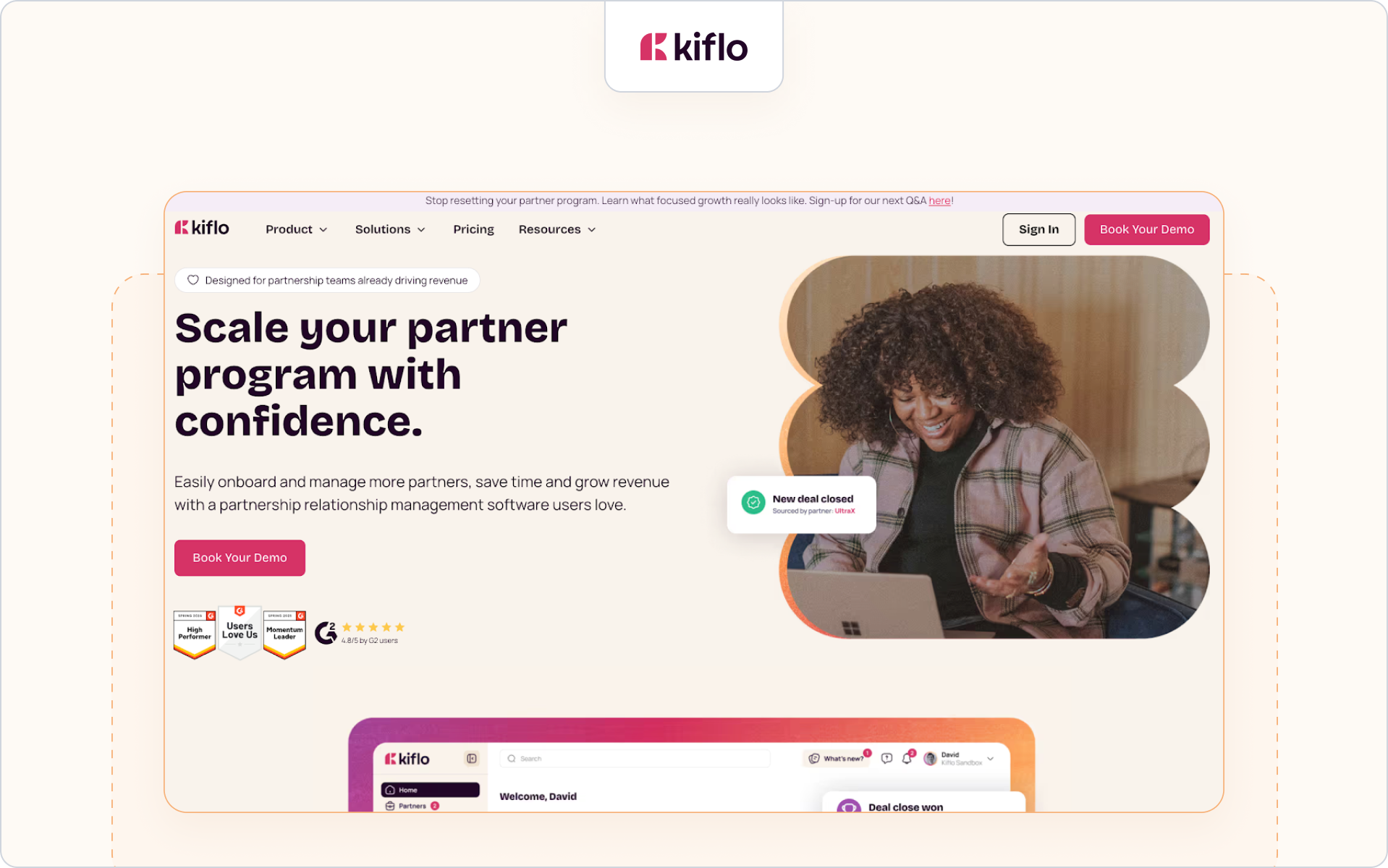
Kiflo PRM is a partner management platform designed for SaaS companies building structured partner programs. The platform focuses on partner onboarding, deal registration, and partner engagement across growing partner networks.
It helps partner managers monitor partner activities and coordinate partner enablement programs without the complexity of heavier enterprise PRM systems.
Best for
SaaS companies launching or scaling channel partner programs.
Key engagement features
- Partner onboarding workflows and partner tiers management
- Deal registration and pipeline collaboration with the sales team
- Reporting dashboards to track partner productivity and partner performance
Strength
Lightweight partner management system that helps smaller teams organize partner activities and improve partner productivity.
Limitation
The platform is simpler than enterprise partner engagement tools and may lack deeper ecosystem automation for very large partner programs.
Ideal company size
Small to mid-market SaaS companies building early partner ecosystems.
9. WorkSpan – Ecosystem collaboration platform
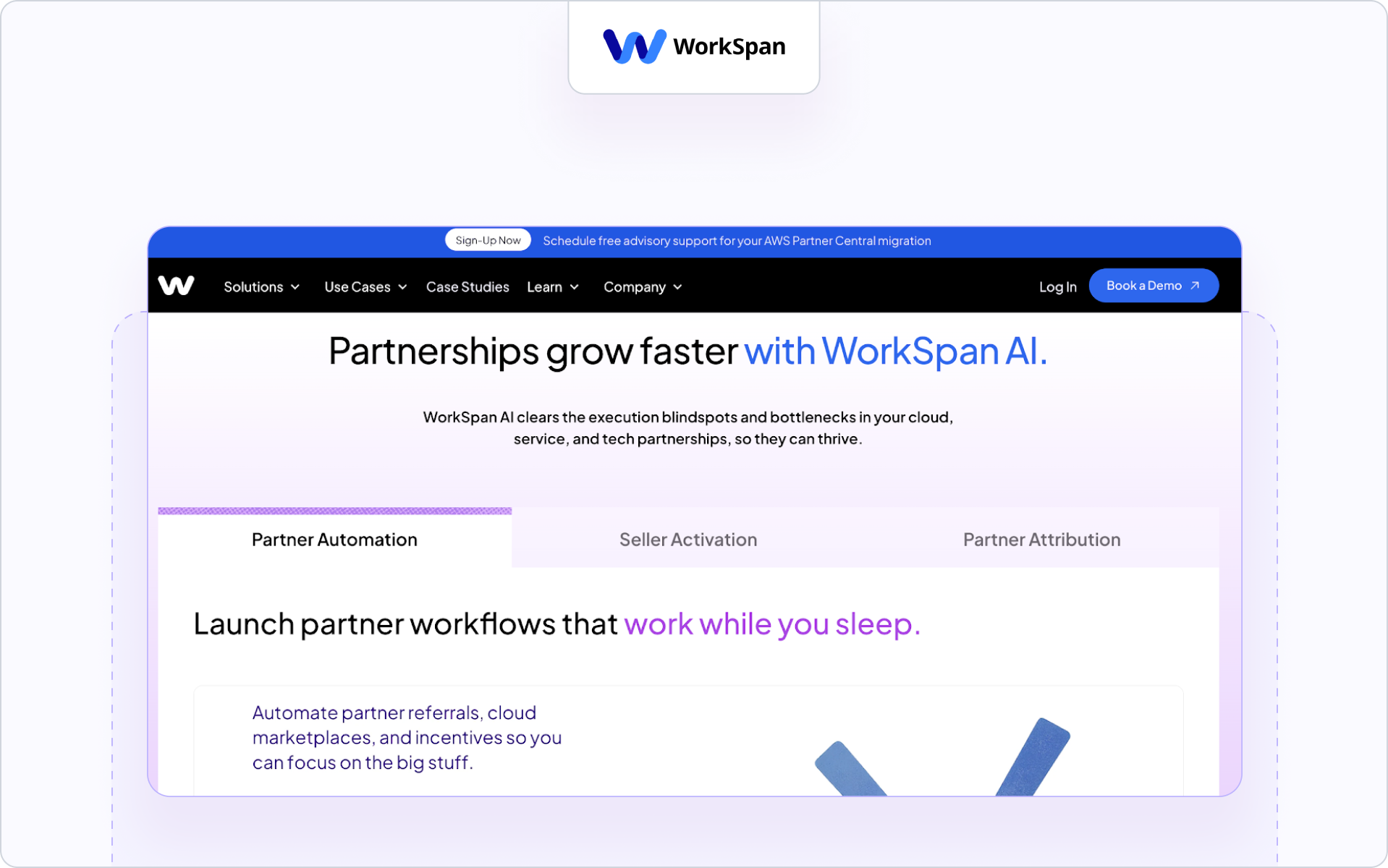
WorkSpan is an ecosystem management platform designed to help companies coordinate partnerships, co-sell motions, and joint sales strategies across partner ecosystems. It focuses on collaboration between companies rather than traditional PRM portals.
The platform helps revenue teams monitor partner activities and connect partner engagement to shared business objectives.
Best for
Enterprise companies running strategic alliances, co-sell partnerships, and ecosystem programs.
Key engagement features
- Joint pipeline tracking and opportunity collaboration
- Ecosystem reporting and performance analytics
- Shared workspaces to coordinate partner activities
Strength
Strong platform for companies that want to optimize channel performance across strategic alliances and joint sales initiatives.
Limitation
It focuses more on ecosystem collaboration than traditional partner onboarding or partner enablement workflows.
Ideal company size
Enterprise companies managing strategic partner ecosystems and alliances.
10. Mindmatrix – Partner enablement and marketing platform
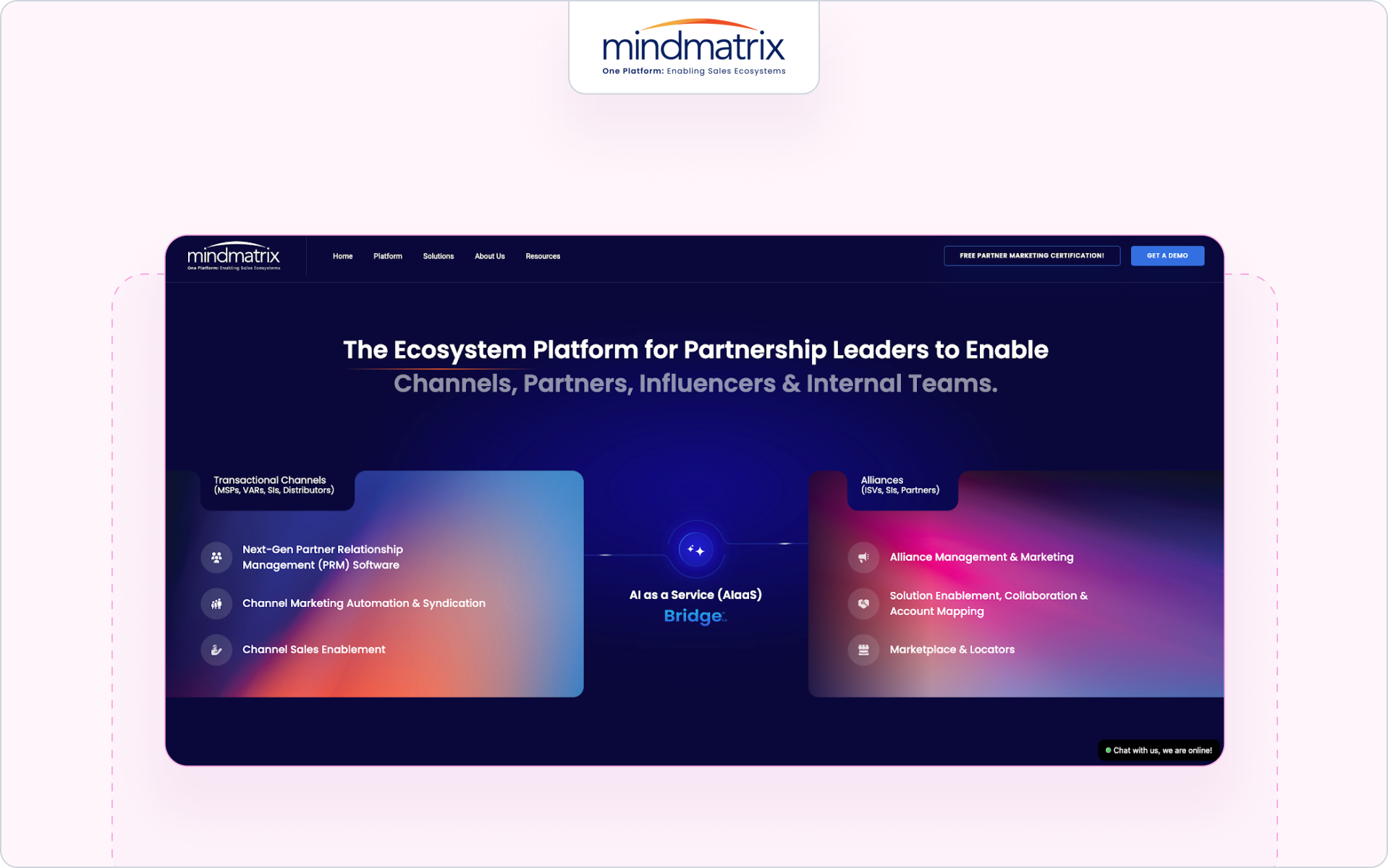
Mindmatrix is a partner enablement platform designed to help companies manage partner marketing, partner training, and partner engagement across global partner networks.
The platform combines partner enablement tools with marketing automation and sales content management to help partners stay aligned with company sales strategies.
Best for
Companies that want to support partner marketing and channel partner enablement at scale.
Key engagement features
- Marketing automation and marketing resources for partners
- Training modules with tailored training programs
- Incentive management and engagement analytics for partner performance
Strength
Strong support for partner marketing and marketing materials that help motivate partners and strengthen relationships.
Limitation
The platform focuses heavily on marketing automation rather than direct CRM collaboration with the sales process.
Ideal company size
Mid-market and enterprise companies managing global partner programs.
11. Salesforce PRM – Native partner management inside Salesforce
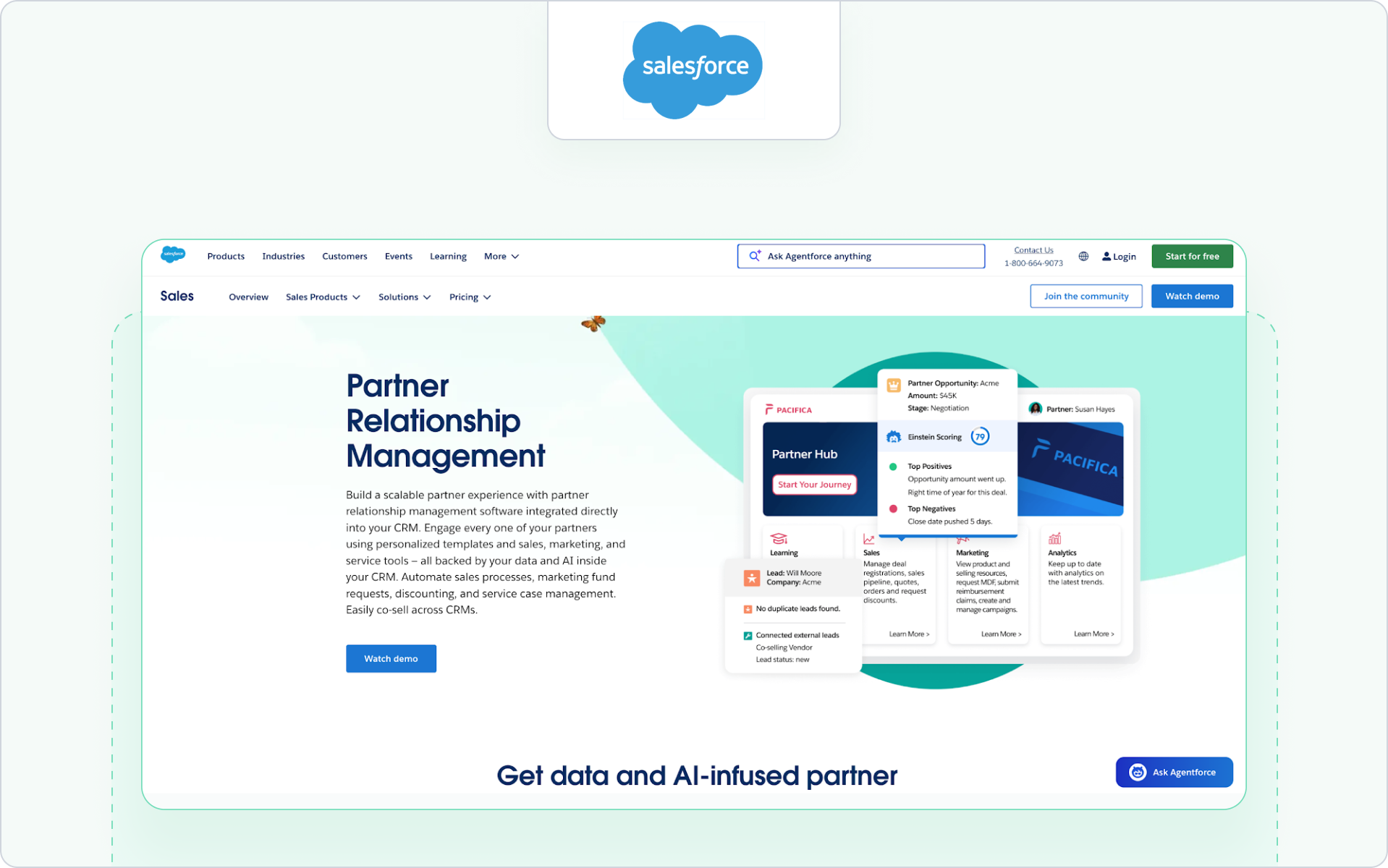
Salesforce PRM is Salesforce’s native partner relationship management solution built within Experience Cloud. It allows companies to manage partner onboarding, partner engagement, and deal collaboration directly inside the Salesforce ecosystem.
Because partner activities are connected to CRM data, revenue teams can monitor channel partner performance and track how partner engagement influences sales performance.
Best for
Organizations already running Salesforce that want partner management built directly into their CRM.
Key engagement features
- Deal registration and pipeline collaboration with the sales team
- Partner portals with content libraries and communication tools
- Reporting dashboards that track partner performance and partner satisfaction
Strength
Native CRM integration allows partner activities to connect directly to pipeline and sales performance.
Limitation
Setup and customization can require significant Salesforce administration and technical resources.
Ideal company size
Mid-market and enterprise companies operating primarily within Salesforce ecosystems.
These platforms show the different ways companies approach partner engagement. Some focus on portals and partner management. Others focus on ecosystem collaboration or partner marketing automation.
The right choice depends on how your team activates partners, supports the sales process, and monitors partner performance across your partner network.
Next, let’s look at the specific capabilities that matter most when comparing partner engagement tools.
What to compare in partner engagement tools
Once you’ve shortlisted a few partner engagement tools, the next step is evaluating how they support real partner engagement across your partner network.
The right platform should help you monitor partner activities, keep partners up to date, and connect engagement to pipeline.
Most modern partner engagement tools also act as a centralized platform that aligns partner work with the sales process.
Here are the capabilities revenue teams compare when evaluating partner engagement platforms.
1. CRM-native collaboration
Many partner engagement tools still operate outside the CRM. That makes it harder for the sales team to see partner activities during the sales process.
Look for platforms that allow partner collaboration directly around deals.
Check whether the tool can:
- Log partner activities inside Salesforce or HubSpot
- Support deal registration and opportunity collaboration
- Capture email or Slack conversations tied to deals
- Give the sales team visibility into partner engagement
CRM visibility helps teams connect partner engagement to sales performance and optimize channel performance across partner ecosystems.
Teams building structured partner programs often pair CRM collaboration with clear partner lifecycle management so engagement aligns with pipeline development.
Next, let’s look at communication capabilities.
2. Segmented announcements and messaging
Generic announcements rarely motivate partners.
Modern partner engagement tools allow partner managers to target messages based on partner tiers, market reach, or product focus.
Look for platforms that support:
- Segmentation by partner tiers or partner programs
- Targeted updates that keep partners up to date
- Communication tools that track responses and engagement
Clear messaging helps improve partner productivity and maintain alignment across B2B SaaS partnerships and partner ecosystems.
Once communication improves, the next step is measuring impact.
3. Engagement analytics and revenue visibility
Partner engagement should connect to measurable outcomes.
Strong platforms provide analytics that help teams monitor partner activities and understand how engagement affects revenue.
Look for reporting that shows:
- Active partners across your partner network
- Campaign participation and engagement trends
- Partner productivity and sales performance
- Revenue influenced by engaged partners
These insights help teams optimize channel performance and reward partners who contribute to the pipeline. Many programs support this with structured partner performance incentives.
Next, consider how tools support collaboration outside portals.
4. Off-portal engagement capabilities
Many partners stop logging into portals after partner onboarding.
Partner engagement tools should support collaboration outside the portal while still tracking engagement.
Look for tools that allow partners to:
- Respond to messages via email
- Collaborate through communication tools like Slack
- Join deal discussions without logging into a portal
- Sync conversations back to the CRM
This improves partner experience and helps partner managers maintain consistent engagement across partner ecosystems.
Finally, automation helps scale engagement.
5. Workflow automation
As partner ecosystems grow, manual partner management becomes difficult.
Partner engagement tools should automate repetitive partner activities so partner managers can focus on strategy.
Look for automation features such as:
- Deal follow-ups tied to the sales process
- Reactivation campaigns for inactive partners
- Partner tier progression triggers
- Incentive management to reward partners
Automation improves partner productivity and helps maintain consistent partner engagement across channel partner enablement programs.
Next, let’s look at how Introw approaches partner engagement at the execution layer.
How Introw powers partner engagement (execution layer)
Most partner engagement tools rely on portals.
But if engagement data never reaches the CRM, revenue teams lose visibility into how partners actually influence pipeline.
Introw is designed to solve partner engagement around deals, conversations, and partner activities that move the sales process forward.
Instead of managing partner engagement in a separate system, Introw connects partner communication, collaboration, and engagement insights directly to HubSpot and Salesforce.
Introw acts as a centralized platform where partner engagement, deal collaboration, and revenue visibility live together.
CRM-native collaboration
Partner engagement should happen where opportunities live.
Introw allows partner managers and the sales team to collaborate with partners directly around deals inside the CRM. Partner activities stay tied to accounts, opportunities, and the broader sales process.
Teams can:
- Track partner engagement alongside deals and pipeline
- Collaborate with partners during deal registration and opportunity development
- Monitor partner productivity and partner performance across partner programs
Because engagement happens inside the CRM, revenue teams can finally connect partner engagement to sales performance.
Announcements and partner segmentation
Keeping partners up to date across partner ecosystems is harder than it sounds.
Introw allows partner managers to send segmented announcements based on partner tiers, region, or product specialization. This helps channel teams communicate relevant updates without overwhelming the partner network.
Announcements often support:
- Product updates and sales strategies
- Channel partner enablement program updates
- Partner marketing initiatives and marketing resources
- Partner training and tailored training programs
Targeted communication helps partner managers motivate partners and strengthen relationships across partner ecosystems.
Off-portal engagement
Many partners stop logging into portals after partner onboarding.
Introw supports off-portal engagement so partners can respond through email or Slack while engagement data still syncs back to the CRM.
This allows teams to:
- Monitor partner activities without forcing portal logins
- Keep partners up to date through familiar communication tools
- Capture conversations tied to opportunities and deal progress
If you would like to explore the feature set in more detail, the resources on partner engagement explain how announcements, engagement insights, and communication workflows work inside the platform.
Engagement insights and revenue visibility
Partner engagement should lead to measurable outcomes.
Introw gives revenue teams visibility into how partner engagement affects channel partner performance across the pipeline.
Teams can track:
- Active partners across the partner network
- Engagement trends across partner ecosystems
- Partner productivity tied to deals and revenue
- How engagement supports lead generation and market reach
This makes it easier to optimize channel performance and reward partners who contribute to real business outcomes.
If you’re evaluating partner engagement tools, start by asking a few practical questions:
- Can we see partner engagement directly inside our CRM and sales process?
- Do we have visibility into partner activities and partner performance across our partner network?
- Can we keep partners up to date without relying on a portal?
- Are we measuring engagement in ways that actually improve channel partner performance?
If the answer to those questions is unclear, it may be time to rethink how partner engagement works in your partner programs.
Over to you
You can request a demo to see how Introw connects partner engagement, CRM collaboration, and revenue visibility in one place.
11 Ways to Use Partner Performance Incentives to Motivate Channel Partners
If you sell through partners, you’re not just competing in your market — you’re competing inside your partners’ inboxes. Most partners sell for multiple vendors. Without a clear reason to prioritize your product, they’ll default to whoever makes it easiest to earn and easiest to close.
Partner performance incentives solve that problem. They’re structured rewards — financial bonuses, rebates, training access, exclusive perks — that motivate channel partners to focus on your deals instead of a competitor’s. Below are 11 specific strategies you can use to build an incentive program that drives engagement, loyalty, and partner-sourced revenue.
What are partner performance incentives?
Partner performance incentives are rewards offered to channel partners — resellers, referral partners, distributors — to encourage specific behaviors that drive mutual business goals. The rewards tie directly to measurable outcomes like:
- Deal registrations submitted and approved
- Closed-won revenue and product mix
- Certifications completed and enablement milestones
In practice, partner incentives give partners a clear reason to prioritize your products over competitors’. Without incentives, you’re relying on goodwill alone — and goodwill doesn’t scale.
Why partner incentive programs drive channel sales
Partners have limited time, limited mindshare, and competing priorities. A strong incentive program makes your offer straightforward: “If you invest here, you’ll get rewarded — predictably.”
Increased partner engagement and mindshare
When partners can quickly understand how they earn — and can see progress toward rewards — they’re more likely to dedicate time to your deals instead of a competitor’s. Incentives keep your product top-of-mind and reduce “random vendor drift.”
Higher partner-sourced revenue
Incentives that reward pipeline creation (not just closed revenue) pull more qualified opportunities into your funnel. A solid deal registration process protects the partner’s investment in sourcing an opportunity and ensures they’re compensated for their work.
Stronger partner retention and loyalty
Consistent, fair, and transparent incentive programs build long-term relationships. Partners stay where they feel valued, can forecast earning potential, and trust that their effort will be rewarded without last-minute rule changes.
Types of channel partner incentives
Most effective programs use a mix of monetary and non-monetary rewards. Different partner models and partner personas respond to different levers — and using only one lever limits your program’s ceiling.
Monetary partner incentives
Monetary incentives are direct financial rewards tied to performance. They’re especially effective when you need a short-term push or you’re changing partner behavior (new product, new segment, new motion).
- Rebates: Volume-based discounts paid back after sales thresholds are met.
- SPIFFs: Short-term cash bonuses for specific sales behaviors, like selling a new product or closing by quarter-end.
- Margin discounts: Better pricing for higher-tier or high-performing partners, increasing their profit on every sale.
Non-monetary partner incentives
Non-monetary incentives build loyalty and capability without always increasing cost of sale. They can also work better than cash for certain partner types (boutique consultancies, agencies, implementation partners).
- Recognition programs: Leaderboards, partner-of-the-year awards, and public acknowledgment at events.
- Training and certifications: Skills development that helps partners sell and deliver more effectively.
- Exclusive access: Early product previews, roadmap visibility, and beta invitations.
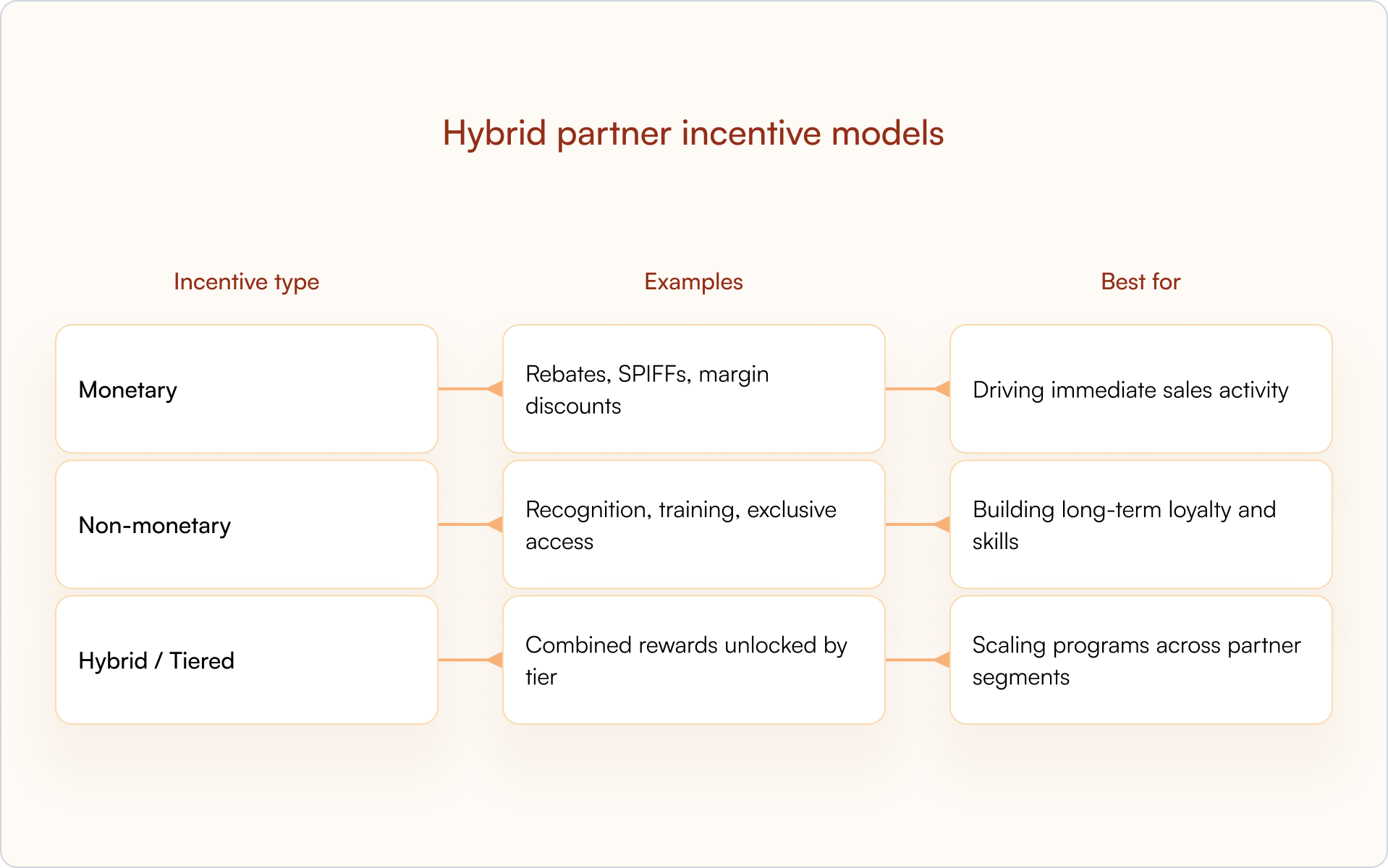
Hybrid partner incentive models
The best programs combine both. Tiered programs are the most common hybrid model — partners unlock better margins (monetary) and more recognition or exclusive access (non-monetary) as they advance through performance-based tiers.
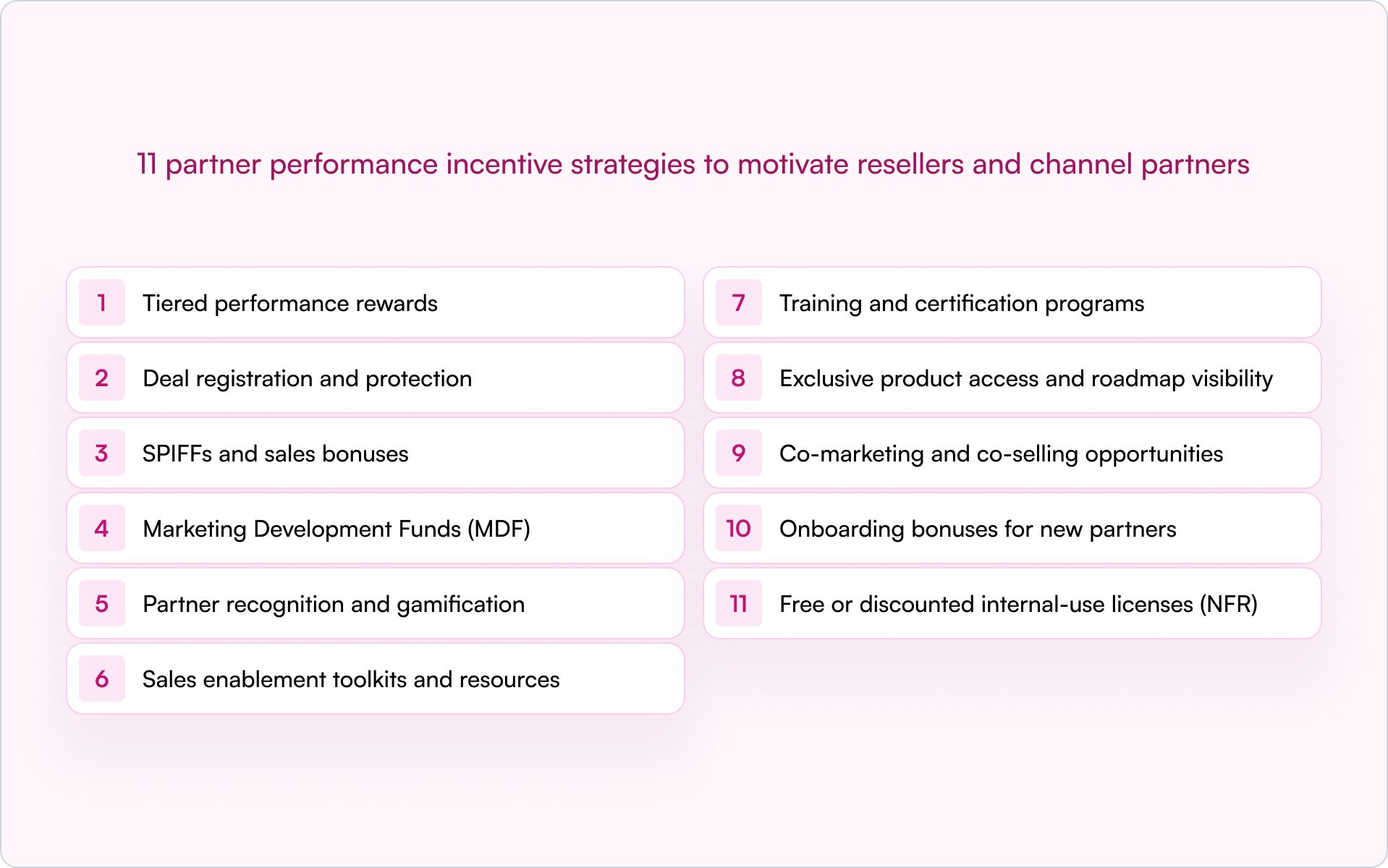
11 partner performance incentive strategies to motivate resellers and channel partners
Think of the list below as a toolbox. Most startups get better results from combining 3–5 incentives that reinforce each other (for example: deal protection + tiering + certification perks) rather than launching 11 at once.
- Tiered performance rewards
Tiered programs create a clear path for partner growth. Partners unlock better incentives — higher margins, more support, co-marketing funds — as they hit performance thresholds like revenue sold or deals closed. Tiers work because they motivate partners to “level up” and invest more in the partnership.
Keep tiers achievable but meaningful. If the first tier is too hard to reach, partners won’t bother. If it’s too easy, the reward loses its value and you end up “giving away” benefits for baseline behavior.
- Deal registration and protection
Deal registration is where partners register opportunities to claim protection and secure their margin. This prevents channel conflict and rewards partners who proactively source new deals.
Partners won’t engage if they fear losing a deal to your direct team or another partner. A CRM-first approach keeps the process transparent and reduces disputes — especially when status and protection windows are visible to both sides.
- SPIFFs and sales bonuses
A SPIFF (Sales Performance Incentive Fund) is a short-term cash bonus for specific, time-bound actions. It’s a practical way to focus partner attention on immediate priorities.
- Use SPIFFs for: New product launches, end-of-quarter pushes, or clearing specific inventory.
- Use margin for: Ongoing, predictable partner compensation that forms the baseline of their earning potential.
- Marketing Development Funds (MDF)
Marketing Development Funds are funds you provide to partners for co-branded marketing activities — webinars, local events, digital campaigns. MDF motivates partners to invest their own time in generating demand for your product.
MDF works best when tied to performance. Partners earn more funds as they deliver more results, which protects your ROI and reduces “free money” spend.
- Partner recognition and gamification
Recognition programs like leaderboards, partner awards, and public shout-outs are powerful non-monetary incentives. Gamification — points, badges, competitions — keeps partners engaged between deals.
Making performance visible in a shared partner portal can drive healthy competition without adding friction — as long as the scoring rules are transparent.
- Sales enablement toolkits and resources
Giving partners better sales tools and enablement resources is an incentive in itself. Ready-to-use pitch decks, battle cards, ROI calculators, and demo environments help partners look good in front of customers and close deals faster.
Partners naturally gravitate toward vendors who equip them for success — especially when your competitors are slow to update materials or keep messaging consistent.
- Training and certification programs
Certifications build partner capability and act as a durable incentive. Tie certification status to tangible benefits — access to better leads, higher margins, or exclusive co-selling opportunities — and partners will invest in learning your product.
For founders, this is also a quality lever: a certified ecosystem usually means fewer failed implementations and fewer escalations landing back on your team.
- Exclusive product access and roadmap visibility
Sharing your product roadmap, offering beta access, or giving early previews makes partners feel like true insiders. This builds loyalty and helps them plan their own sales motion around upcoming releases.
It’s a low-cost, high-impact incentive — and it tends to attract the partners who want to build something long-term, not just resell the easiest SKU.
- Co-marketing and co-selling opportunities
Co-marketing involves joint campaigns and shared content. Co-selling involves joint sales calls and shared pipeline with your direct sales team.
For many partners, access to your internal sales and marketing resources is extremely valuable — especially when they want to close larger, more complex deals or break into a new segment.
- Onboarding bonuses for new partners
Onboarding bonuses reward new partners for completing key activation milestones within a specific timeframe — registering their first deal, closing their first sale, or completing initial certifications.
Done right, onboarding incentives accelerate time-to-first-revenue and reduce churn in the first 60–90 days, when partners are most likely to drop you for “something easier.”
- Free or discounted internal-use licenses (NFR)
Giving partners free or heavily discounted licenses to use your product internally (often called NFR — “Not For Resale” licenses) helps them become product experts and genuine advocates.
Partners who use your product every day understand its value proposition deeply and sell it more authentically — which matters a lot when your category is crowded and messaging sounds the same.
Six common mistakes in channel sales incentive programs
Incentives don’t fail because partners are “unmotivated.” They fail because the program is confusing, feels unfair, or pays out too slowly to change behavior.
- Overcomplicating the program: If partners can’t understand the rules or estimate earnings, they won’t participate.
- Setting unachievable targets: If thresholds feel impossible, partners disengage instead of “trying harder.”
- Inconsistent communication: Partners can’t act on incentives they don’t know exist. Announce early and repeat often.
- Ignoring partner feedback: Programs designed without partner input often miss what actually motivates the channel.
- Delayed payouts or recognition: Slow reward fulfillment kills momentum and erodes trust.
- One-size-fits-all incentives: Different partner types respond to different motivators. Segment and tailor.
How to design an effective partner performance incentive plan
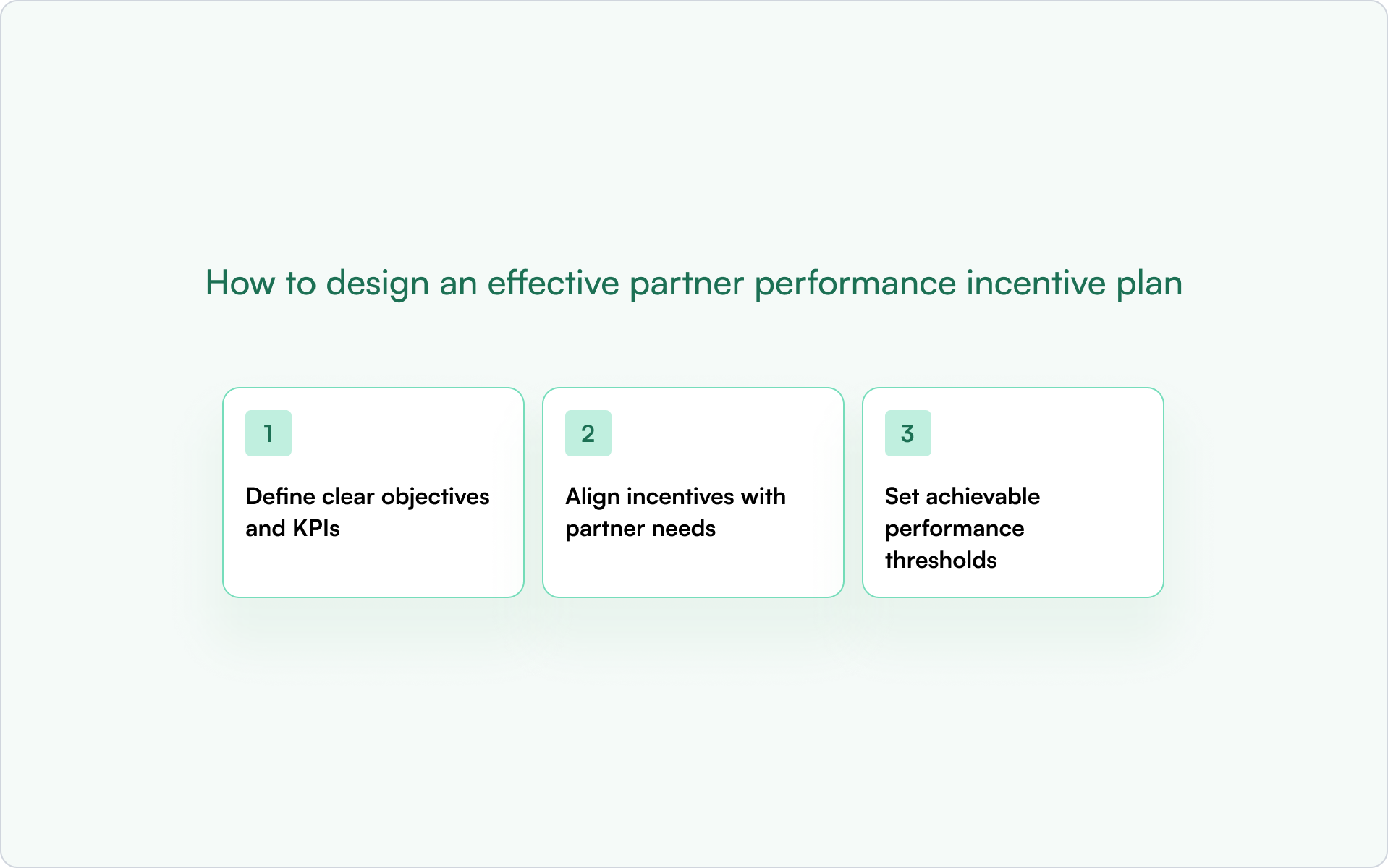
1) Define clear objectives and KPIs
Every incentive should map to a specific, measurable business goal. Before launching, define what success looks like, such as:
- Increase deal registrations from a specific partner segment by 20%
- Accelerate time-to-close on partner-sourced deals by 15 days
- Drive adoption of a new product line through partners to 10% of total sales
2) Align incentives with partner needs
Different partners want different things. Some are motivated purely by cash; others value leads, recognition, enablement, or access. Survey partners or segment them by type (referral vs reseller vs services) so incentives match what they actually care about.
3) Set achievable performance thresholds
Targets should stretch partners but remain realistic. If thresholds are too high, partners disengage. If they’re too low, you risk overpaying for results you would have gotten anyway.
How to measure partner incentive program ROI
Partner performance metrics to track
- Deal registrations submitted: Are partners actively engaging and bringing new opportunities?
- Deal registrations converted: Are registered deals high-quality and leading to closed-won revenue?
- Partner-sourced vs. partner-influenced revenue: What’s the true financial contribution of your channel?
- Average deal size by partner tier: Are higher-tier partners closing bigger deals?
Engagement and participation rates
Tracking who participates is as important as tracking results. Low participation is usually a design or communication issue — not a “partner quality” issue. Track partner portal logins, certification completions, MDF usage, and responsiveness to announcements.
Revenue attribution and ROI calculation
To calculate incentive ROI, compare the total cost of incentives paid out against the incremental revenue generated by partner-sourced deals. Accurate attribution requires clean CRM data and a single source of truth for all partner activity tracking and analytics.
How to communicate incentive programs to partners
Even the most generous incentive program fails if partners don’t know about it — or can’t find the rules when they need them.
- Announce in multiple channels: Email, your partner portal, Slack, and partner QBRs. Don’t rely on one message.
- Make rules accessible: Publish clear program rules where partners can reference them anytime.
- Send reminders: Notify partners when they’re close to a threshold or when a SPIFF is about to expire.
- Celebrate wins publicly: Recognition keeps momentum and signals that the program is real.
- Confirm receipt: For major updates, use read receipts or acknowledgments. Tools like Introw’s Announcements feature push updates via email and Slack with read tracking.
Build a scalable partner incentive program with Introw
A CRM-first partner relationship management platform makes partner performance incentives easier to manage, track, and scale — without creating a spreadsheet-driven mess.
- Deal registration and protection: Introw centralizes deal registration inside HubSpot or Salesforce, so partners can register deals and see protection status without chasing your team.
- Partner portal for program visibility: Publish incentive rules, tier requirements, and leaderboards in a single portal partners can access without friction.
- Announcements and notifications: Push incentive updates, SPIFF deadlines, and recognition via email and Slack — and track who’s seen them.
- Real-time pipeline visibility: Partners see deal status in real time, building trust that registered deals are being worked.
- Clean CRM data for attribution: Because Introw is built on your CRM, partner-sourced revenue is accurately attributed — no more arguing about who brought the deal.
If you’re building your channel motion and want incentives that scale without adding headcount, get a demo to see how Introw works.
Conclusion
The goal of partner performance incentives isn’t to “pay partners more.” It’s to create a system where the right partner behaviors — sourcing deals, getting certified, building pipeline, closing revenue — are clearly rewarded, easy to understand, and consistently tracked.
Start simple, protect partner effort early (deal registration is often the highest-leverage first step), and iterate quarterly based on participation and ROI. The best incentive programs don’t just drive short-term sales — they build a channel partners actually want to invest in.
How to Build a Predictable Channel Partner Revenue Engine
Most partner programs generate revenue. Fewer can predict it.
The difference isn’t luck or partner quality — it’s whether your systems make channel partner revenue visible, attributable, and repeatable. When deals appear without context, ownership gets disputed, or pipeline hides in spreadsheets, forecasting turns into guesswork.
This guide breaks down the business models, metrics, partner engagement practices, and CRM architecture that turn partners into a reliable revenue engine you can actually plan around.
What makes channel partner revenue predictable
Channel partner revenue is income generated through third-party intermediaries — resellers, distributors, referral partners, or implementation partners — rather than your direct sales team. Partners increase market reach and drive sales through commissions, margins, and co-selling initiatives. For many technology vendors, indirect revenue accounts for a significant share of total revenue, yet it often remains the hardest to forecast.
The difference between predictable and unpredictable partner revenue usually comes down to three things:
- Clear attribution: You know which partner brought the deal, and you can prove it in reporting.
- Documented processes: Deal registration, pricing rules, and territory assignments follow consistent, enforced workflows.
- Real-time visibility: Pipeline data lives in your CRM, not in partner inboxes or disconnected spreadsheets.
When attribution is unclear, deals appear without context. When processes are informal, ownership gets disputed. When pipeline is hidden in portals or email threads, forecasts miss.
Put those three foundations in place and partner revenue becomes something you can plan around — not just hope for.
Channel partner business models that drive growth
Different partner types generate revenue differently. The mix you choose shapes how predictable your channel partner revenue can become — and which systems you need to support it.
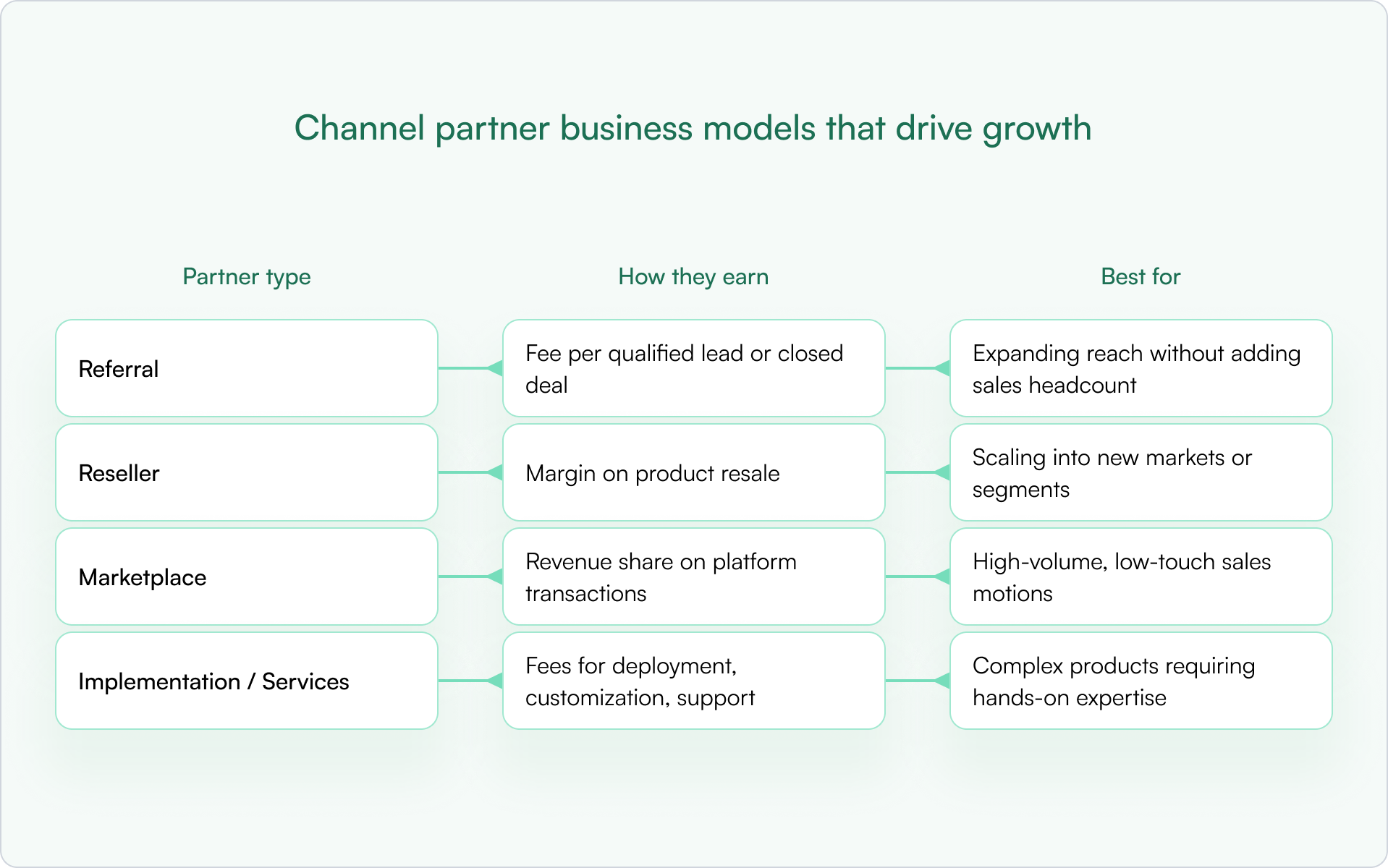
Most companies end up with a blend. The key is to match the model to the segment and build rules that prevent overlap, confusion, and channel conflict.
Referral partners
Referral partners send qualified leads in exchange for a fee. They don’t own the customer relationship or handle the sale. Referral programs are a strong entry point because commitment is low on both sides, and the operational overhead is minimal.
Reseller partners
Resellers purchase and resell your product at a margin. They own the customer relationship and handle the sales process. This motion can scale quickly into new markets, but it only stays predictable if you have clear pricing guardrails and a clean ownership model.
Marketplace partners
Marketplace partners sell through platforms like AWS, Azure, or app marketplaces. Revenue is shared based on platform terms. Marketplace motions work best for high-volume, low-touch sales where buyers expect self-serve discovery, purchase, and provisioning.
Implementation and services partners
System integrators, consultants, and MSPs earn from services around your product — deployment, customization, and ongoing support. These partners often influence deals even when they don’t close them directly, which makes attribution and forecasting more nuanced. If you don’t model “influence” in your CRM, you’ll systematically undercount their impact.
Key metrics for channel partner revenue analytics
If you’re trying to make channel partner revenue predictable, you need metrics that support decisions, not vanity dashboards. You can’t build a predictable revenue engine without knowing what to measure. The right metrics give you the analytics to make decisions, spot problems early, and improve forecast accuracy over time.
Partner-sourced revenue and attribution
Partner-sourced revenue is the primary measure of channel success: revenue directly generated by partners. The distinction between “sourced” and “influenced” matters here.
- Sourced: The partner originated the deal and brought it to you.
- Influenced: The partner materially helped progress or close a deal they didn’t originate.
Both are real value, but they require different rules, reporting, and incentives. If you mix them, you’ll misread performance and misallocate enablement effort.
Deal registration volume and conversion
Deal registration volume tracks how many deals partners register. Conversion rate tracks what percentage of registered deals become closed-won.
- Low registration volume usually signals an engagement or incentives problem — partners don’t see value in registering.
- Low conversion typically points to enablement gaps, weak qualification, or slow internal follow-up.
Partner engagement and enablement rates
Engagement metrics include portal logins, training completions, content downloads, and deal activity. High engagement correlates with higher revenue contribution. Low engagement is often an early warning sign that shows up before your pipeline starts slipping.
Sales cycle length by partner type
Compare how long partner-sourced deals take versus direct deals. Some partner types close faster because they bring existing relationships. Others take longer due to handoffs and multi-party coordination. Knowing these differences is what makes forecasting credible.
Customer retention from partner deals
Retention reveals partner quality and fit. If partner-sourced customers churn faster than direct customers, you may need tighter qualification, better handoffs, or different partner incentives. If they churn less, your best move may be to double down on the partners (and segments) producing that outcome.
How to improve partner engagement to grow channel partner revenue
Predictability isn’t just systems and policy. It’s also behavior. Engagement drives revenue. Partners who are active, enabled, and informed close more deals. Partners who feel ignored or confused go quiet — and so does their pipeline.
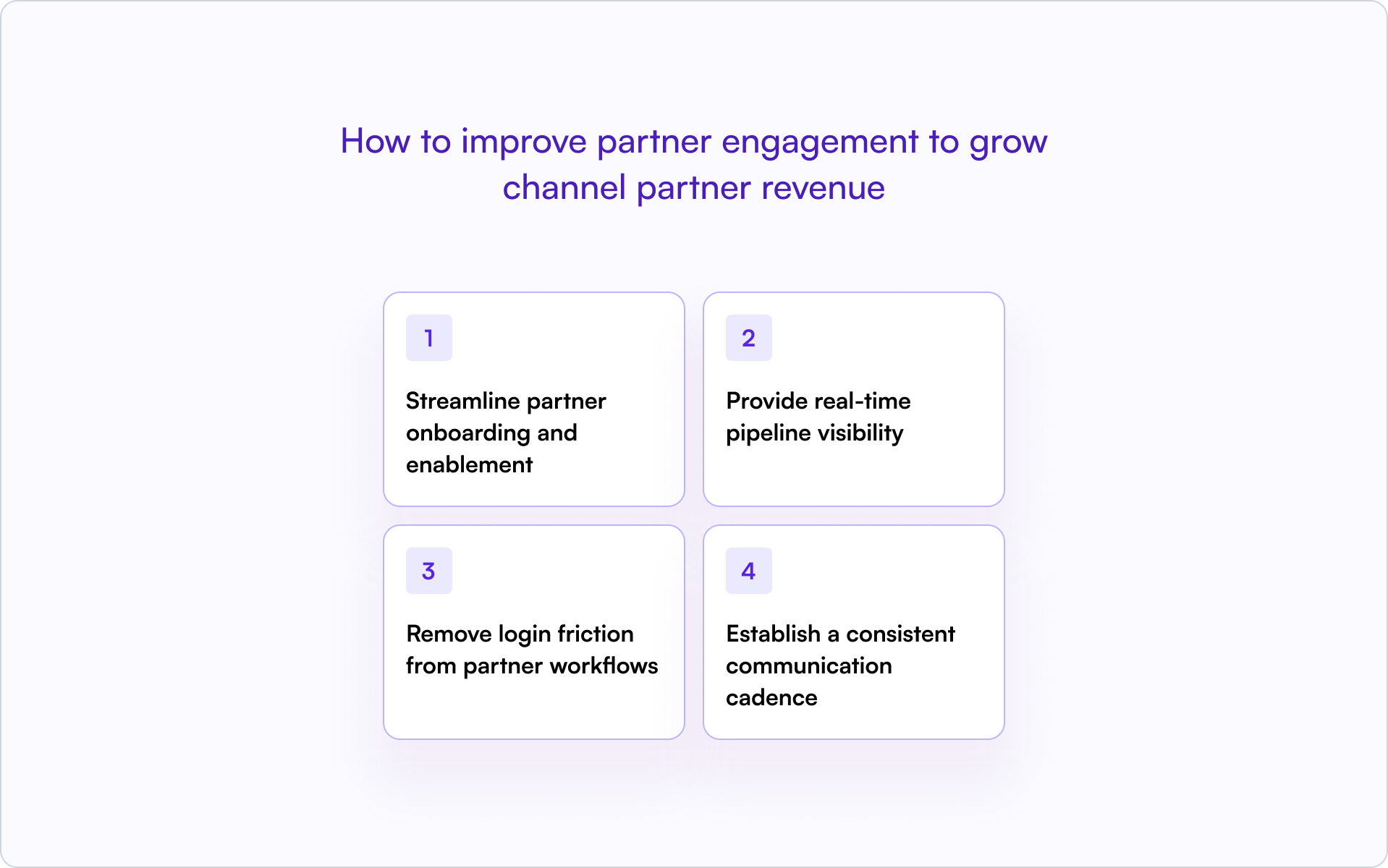
1) Streamline partner onboarding and enablement
Fast onboarding means faster revenue. Partners who know how to sell and position your product within their first week are far more likely to register deals early.
Provide self-serve training, clear playbooks, and certification paths. Define what “activated” means for your program — first registration, first co-sell meeting, first closed-won — and track it like a core funnel stage.
2) Provide real-time pipeline visibility
Partners want to see deal status without chasing your team for updates. Shared pipeline views — with limited, safe fields — keep them engaged and accountable.
When partners can see stage, next step, and protection expiry, they stay involved. When they can’t, they disengage or escalate.
3) Remove login friction from partner workflows
Every login wall kills engagement. The moment partners hit a portal login, many stop — especially for “quick” actions like registering a lead or sharing an update.
Allow partners to register deals, submit updates, and respond via email without forcing portal access. Off-portal collaboration keeps deals moving without adding friction.
4) Establish a consistent communication cadence
Regular updates prevent surprises. Weekly pipeline reviews for active partners, biweekly announcements, and monthly policy updates keep everyone aligned on pricing, program changes, and expectations.
Silence breeds confusion. Consistent communication builds trust — and trust is what keeps partners registering deals instead of “just trying it” and hoping you notice later.
CRM data model for channel partner revenue attribution
Your CRM is the foundation for tracking and forecasting channel partner revenue. Without the right fields and governance, attribution becomes a guessing game — and the quarter-end scramble becomes normal.
Required fields on opportunities and deals
The following fields make partner revenue visible and attributable:
- Partner Type: Referral, Reseller, Marketplace, SI/MSP
- Partner Organization: The specific partner company
- Sourced vs. Influenced: Who found the deal versus who helped
- Deal Registration ID: Links back to the registration record
- Protection Start / End Date: When exclusivity expires
- Incumbent Partner: For renewals, who currently owns the relationship
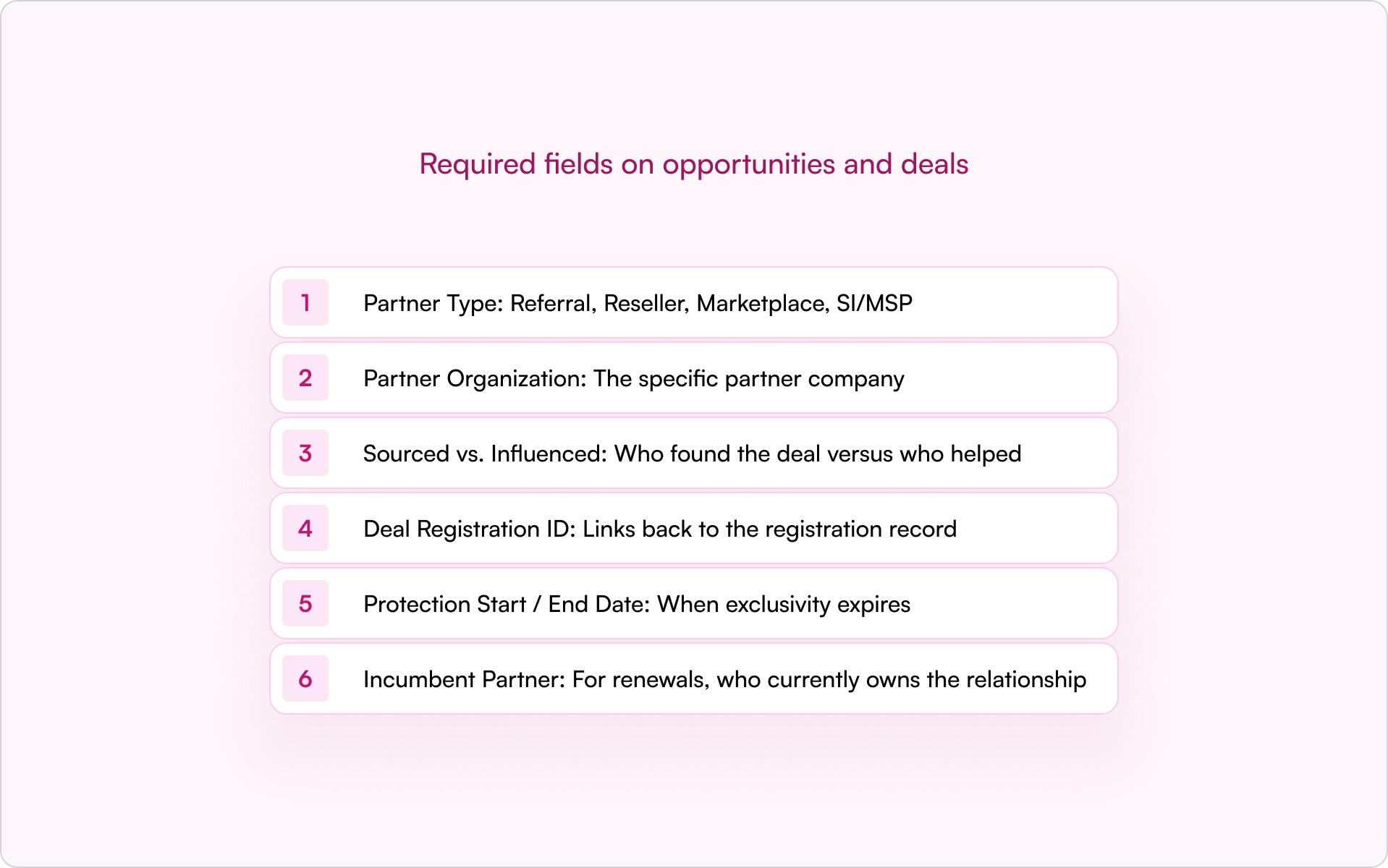
Without partner fields on opportunities, you can’t answer basic questions about partner contribution — and disputes become inevitable because everyone is relying on memory and screenshots.
Sourced vs. influenced attribution models
Sourced means the partner originated the opportunity. Influenced means the partner participated but didn’t originate it.
Some companies split credit. Others use primary attribution. There’s no single right answer — but you need a clear rule, applied consistently, before deals close. Otherwise you’ll end up negotiating credit in the most emotional moment of the cycle.
Governance rules to keep partner data clean
Fields only work if they’re enforced. A practical governance layer usually includes:
- Stage-change validations: Require partner fields before deals advance
- Duplicate rules: Catch overlap on accounts and opportunities early
- Renewal ownership logic: Prevent conflict between partners and direct sales
- Dashboards: Segment by motion and conflict status for fast visibility
Clean data means accurate forecasting. Messy data means surprises at quarter-end — and surprises are expensive.
How deal registration drives channel partner revenue
Deal registration is where ownership gets established early — and where most channel conflicts can be prevented instead of debated later.
Deal registration policy essentials
A clear policy removes ambiguity across partners, direct sales, and other channels. Your policy should define:
- Eligibility criteria, required fields, and proof of engagement
- Customer uniqueness rules to prevent multiple partners pursuing the same account
- A protection window — typically 60–90 days — with explicit extension rules
- Renewal and expansion ownership rules
- A conflict hierarchy: registered beats unregistered, incumbent beats net-new, certification status breaks ties
Without a clear policy, ownership disputes slow deals and strain partner relationships. Worse, partners learn that registration doesn’t protect them, so they stop registering.
Protection windows and SLAs
The protection window is the period a partner has exclusive rights to a registered deal. Most teams set protection windows between 60 and 90 days, depending on sales cycle length.
Approval SLAs matter too. Partners expect a decision quickly — 48 hours is a common benchmark. Slow approvals signal that registration isn’t valued, which reduces adoption and makes your channel harder to forecast.
Conflict resolution hierarchy
When two partners claim the same deal, speed and consistency matter more than debate.
Establish rules such as: registered beats unregistered, incumbent beats net-new, certification status as a tiebreaker. Document escalation paths and evidence requirements. When the rules are clear upfront, resolution is faster and fairer — and your internal teams spend less time litigating deals.
Building your channel partner revenue tech stack
The right tools make predictable channel partner revenue possible. The wrong tools — or too many tools — create friction and hide data.
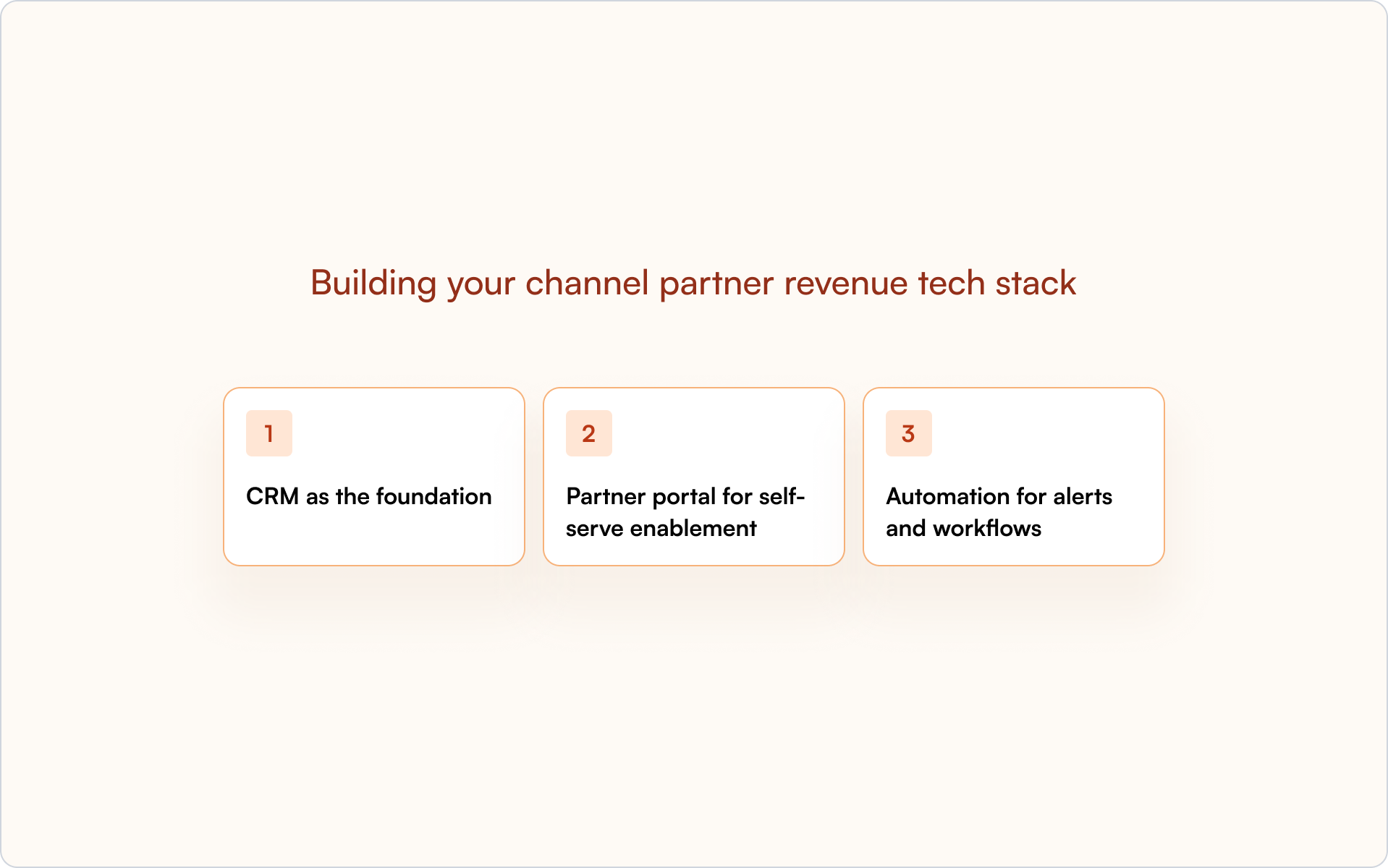
CRM as the foundation
HubSpot or Salesforce should be the single source of truth. Partner data belongs in the CRM, not a disconnected system.
A CRM-first architecture enables forecasting, attribution, and alignment between Sales, Partnerships, and RevOps. When partner activity is visible in the CRM, everyone works from the same reality.
Partner portal for self-serve enablement
A portal gives partners access to training, content, deal registration, and pipeline status. The best portals are CRM-connected, so data stays in sync without manual updates.
Partners get what they need without chasing your team. Your team gets clean data without chasing partners.
Automation for alerts and workflows
Automate deal registration approvals, expiration reminders, stage-change notifications, and partner announcements. Automation reduces manual work and prevents deals from slipping through cracks.
Most importantly, automation enforces consistency. Your program stops relying on tribal knowledge and “who happens to see the email.”
Build a partner revenue engine inside your CRM
Predictable channel partner revenue comes from CRM-first systems, not disconnected tools.
When partner activity lives inside your CRM, you get visibility, attribution, and forecasting in one place. Sales, Partnerships, and RevOps see the same pipeline. Disputes decrease because ownership is clear. Forecasts improve because data isn’t trapped in portals or spreadsheets.
A real partner revenue engine looks like consistent processes, clean data, and real-time visibility — all inside the system your team already uses.
If you want to see how a CRM-first approach works in practice, get a demo and walk through how Introw supports it across your partner program.
Partner Performance 101: What Every Channel Leader Should Know
Partner performance is how you measure and evaluate a partner’s contribution to your revenue goals — including leads, sales, retention, and deal influence. If you’re building a partner program inside a startup, it’s also the difference between “partners feel promising” and “partners are a predictable growth channel.”
Most channel leaders know they should track partner performance. Fewer know what to measure, where to track it, or how to turn the data into decisions that improve outcomes. This guide walks through the metrics, CRM setup, and operating practices that make partner performance measurable — and improvable.
What is partner performance?
Partner performance refers to how you measure and evaluate a partner’s contribution to your broader go-to-market goals. It’s not just “how many leads did they send?” It’s their impact on sales outcomes (pipeline and revenue), customer retention, conversion rates, and the real influence they have on deals.
A useful mental model is to treat partners like an extension of your revenue team. You wouldn’t manage an AE purely on “emails sent,” so you shouldn’t manage a partner purely on “leads submitted.”
- What it measures: leads, sales, retention, deal conversions, engagement, and enablement activity
- Why it’s more than lead counts: a partner who registers ten leads that never close is performing differently than one who registers three that all convert.
- How it’s measured in practice: combine leading indicators (training completion, portal activity) with lagging indicators (pipeline, closed revenue) so you can both coach partners and forecast outcomes.
This distinction matters because programs that only track top-of-funnel activity often over-invest in partners who generate noise, and under-invest in the partners who actually drive revenue.
Why partner performance analysis matters for revenue teams
If you can’t measure partner contribution, you can’t manage it. And if you can’t manage it, you definitely can’t forecast it.
Partner performance analysis is what turns a partner program from a cost center into a revenue function. It aligns partners with your internal teams, reduces attribution debates, and gives leadership a clear story about what the channel is producing.
- Alignment: ensures partners and internal teams share the same objectives
- Value demonstration: proves partner contribution beyond lead volume — critical for budget conversations
- Optimization: identifies underperformers and top contributors so you can allocate resources smarter
- Forecasting: enables accurate revenue predictions when data lives in the CRM instead of spreadsheets
Practically, teams that treat performance analysis as optional end up firefighting: chasing updates, debating credit, and trying to scale on messy data. Teams that treat it as foundational spend more time growing revenue and less time untangling process.
12 Partner performance metrics and KPIs to track
To measure partner performance effectively, you track the right metrics and Key Performance Indicators (KPIs).
When you set targets, use a SMART lens (Specific, Measurable, Achievable, Relevant, Time-bound). “Improve engagement” is vague. “Increase deal registration volume by 20% in Q2” is measurable and operational.
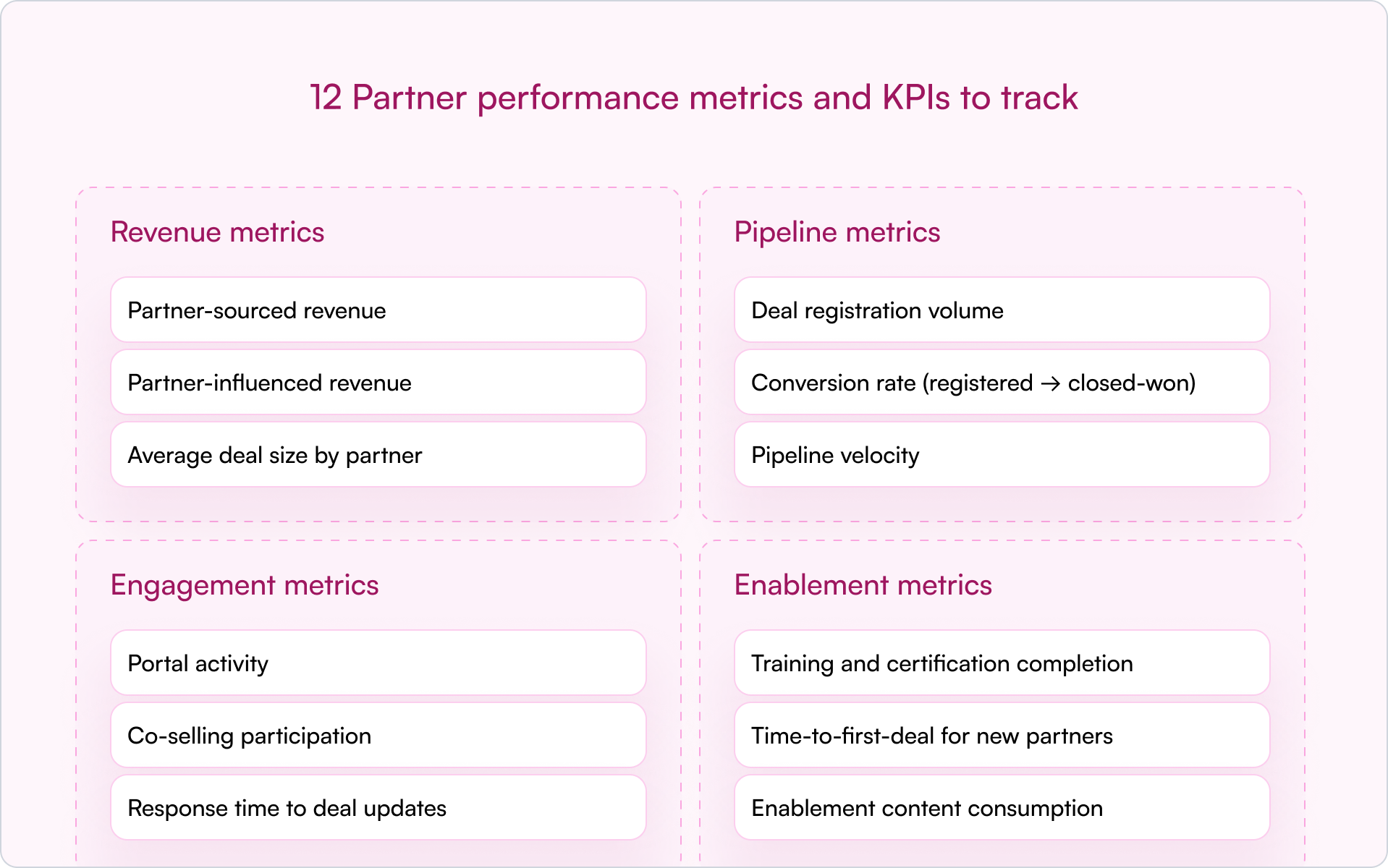
Revenue metrics
Revenue metrics tie partner activity directly to financial outcomes:
- Partner-sourced revenue: revenue from deals the partner originated and brought to you
- Partner-influenced revenue: revenue from deals the partner helped close but didn’t originate
- Average deal size by partner: identifies which partners bring larger, more strategic opportunities
In early-stage companies, sourced vs. influenced is where things often get messy. Define both up front. Otherwise, you’ll burn cycles debating credit instead of building pipeline.
Pipeline metrics
Pipeline metrics show the health and velocity of your partner funnel:
- Deal registration volume: how many deals partners are submitting
- Conversion rate (registered → closed-won): a quality signal behind the volume
- Pipeline velocity: time from registration to close — slow velocity often signals enablement gaps or deal complexity
Engagement metrics
Engagement metrics help you see whether partners are truly active:
- Portal activity: logins, content views, resource downloads
- Co-selling participation: joint calls, shared opportunities, collaboration frequency
- Response time to deal updates: how quickly partners respond on active deals
Engagement is often the earliest warning signal. If a partner stops showing up — fewer logins, slower responses, no co-selling — performance usually drops next.
Enablement metrics
Enablement metrics are leading indicators of future partner performance:
- Training and certification completion: are partners equipped to sell and implement?
- Time-to-first-deal for new partners: how long until they register their first real opportunity?
- Enablement content consumption: what materials are they actually using?
When a partner underperforms, enablement is often the first place to look. Low output isn’t always low effort — it can be low support.
How to track partner performance in your CRM
Tracking partner performance directly in your CRM is the most effective approach. A CRM-first model keeps partner data in one central location so Sales, Partnerships, and RevOps can work from the same source of truth.
Traditional PRM software often lives in a separate platform. That separation creates predictable problems: siloed data, messy attribution, and reporting that requires manual cleanup. A CRM-first approach avoids that by keeping partner workflows and reporting where your revenue team already operates.
Essential fields for partner attribution
Accurate tracking starts with clean data. To attribute deals and revenue properly, your CRM needs consistent partner fields and definitions.
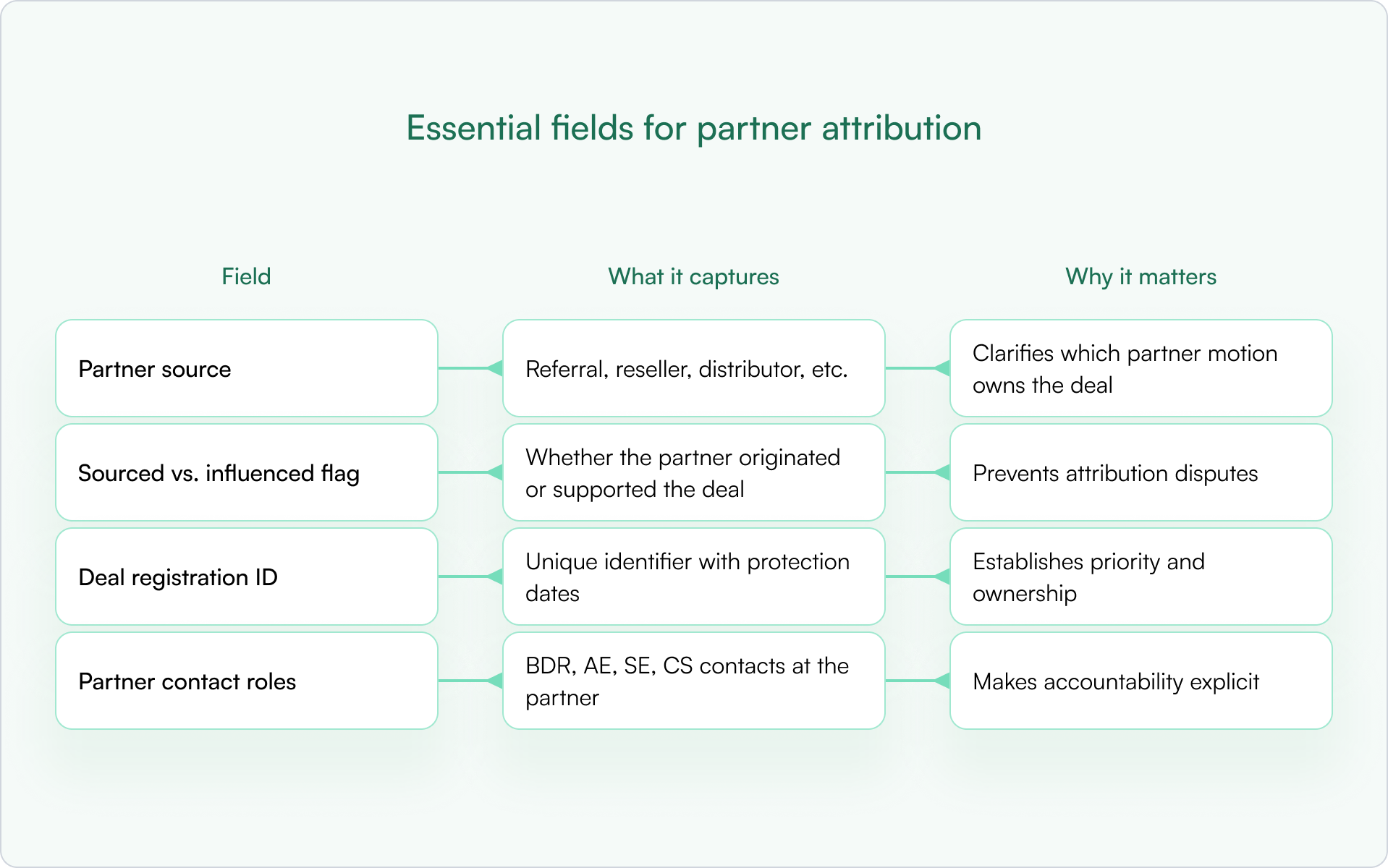
Without these basics, you’ll spend more time debating ownership than closing deals — and your reporting won’t be trusted.
Dashboards and reports every channel leader needs
Once the fields are in place, build dashboards that answer “what’s happening?” in under 60 seconds:
- Revenue by partner (sourced vs. influenced): who’s actually driving outcomes?
- Pipeline by partner tier: are top-tier partners outperforming?
- Deal registration approval and conversion rates: where are deals getting stuck?
- Engagement trends over time: is activity increasing or declining?
Automation for real-time partner performance visibility
Automation is how you scale partner performance tracking without adding headcount. Automated workflows can sync deal updates, alert you on stale deals, and surface underperforming partners early.
CRM-first PRMs like Introw support this inside HubSpot or Salesforce, keeping partner data up-to-date without relying on a disconnected portal. The alternative — manual spreadsheet updates — breaks as soon as you go beyond a handful of partners.
How to improve partner performance in 5 steps
Improving partner performance is an ongoing operating rhythm, not a one-time fix. The goal is to build a system where expectations are clear, data is shared, and interventions happen early — before a quarter is already lost.
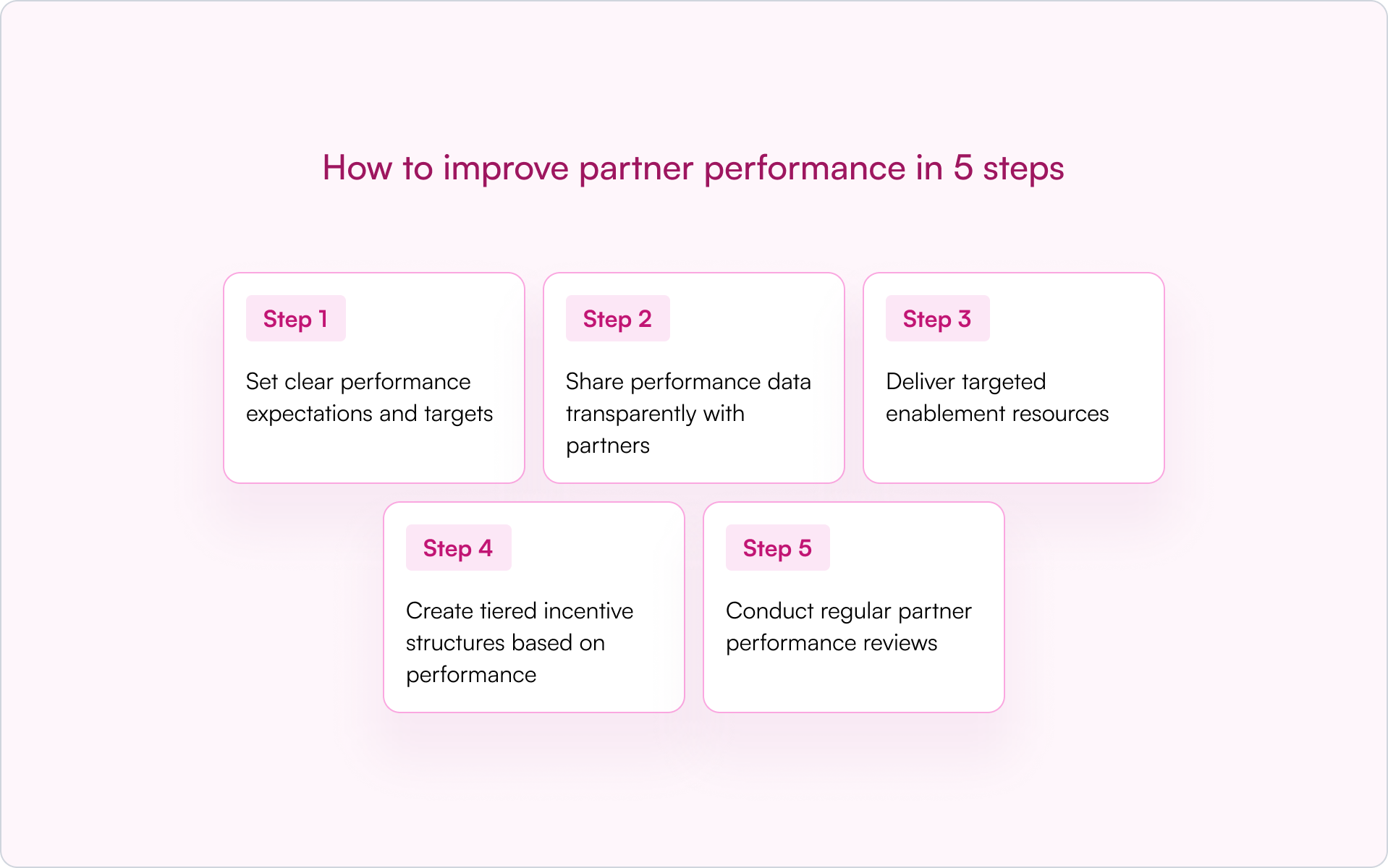
1) Set clear performance expectations and targets
Partners perform better when “good” is defined. Use SMART goals and write them down — in your partner agreement, onboarding plan, or QBR template. Targets can be revenue-based, pipeline-based, or activity-based depending on partner maturity.
Ambiguity creates friction. Clarity creates accountability.
2) Share performance data transparently with partners
If you want partners to behave like a revenue channel, show them the score. Give partners visibility into their pipeline, deal status, and next actions so they don’t rely on ad hoc status checks.
Modern tools like Introw support shared pipeline views so partners can see impact without needing a portal login or full CRM access.
3) Deliver targeted enablement resources
Underperformance is often a capability gap, not a motivation gap. Use enablement metrics to pinpoint what’s missing: product training, competitive positioning, discovery questions, or implementation readiness.
Don’t assume low performance means low effort. Sometimes it means low support.
4) Create tiered incentive structures based on performance
Tiered programs (Bronze, Silver, Gold) are a powerful way to motivate partners. They reward top performers with better benefits and give others a clear path to level up.
Partner scoring — a systematic method for ranking partners based on a combination of performance data — can power tiering. The criteria should be transparent so partners know exactly how to advance.
5) Conduct regular partner performance reviews
Build a cadence: QBRs for strategic alignment and monthly (or biweekly) pipeline reviews for active partners. Reviews work best when guided by CRM data, not gut feel.
Come prepared with trends, specific stuck deals, and a short action plan. That turns the meeting from a status update into a growth lever.
4 Common partner performance management challenges
If you’re searching for better partner performance, you’re usually running into a few predictable bottlenecks. The good news is that most are process and data problems — and those are fixable.
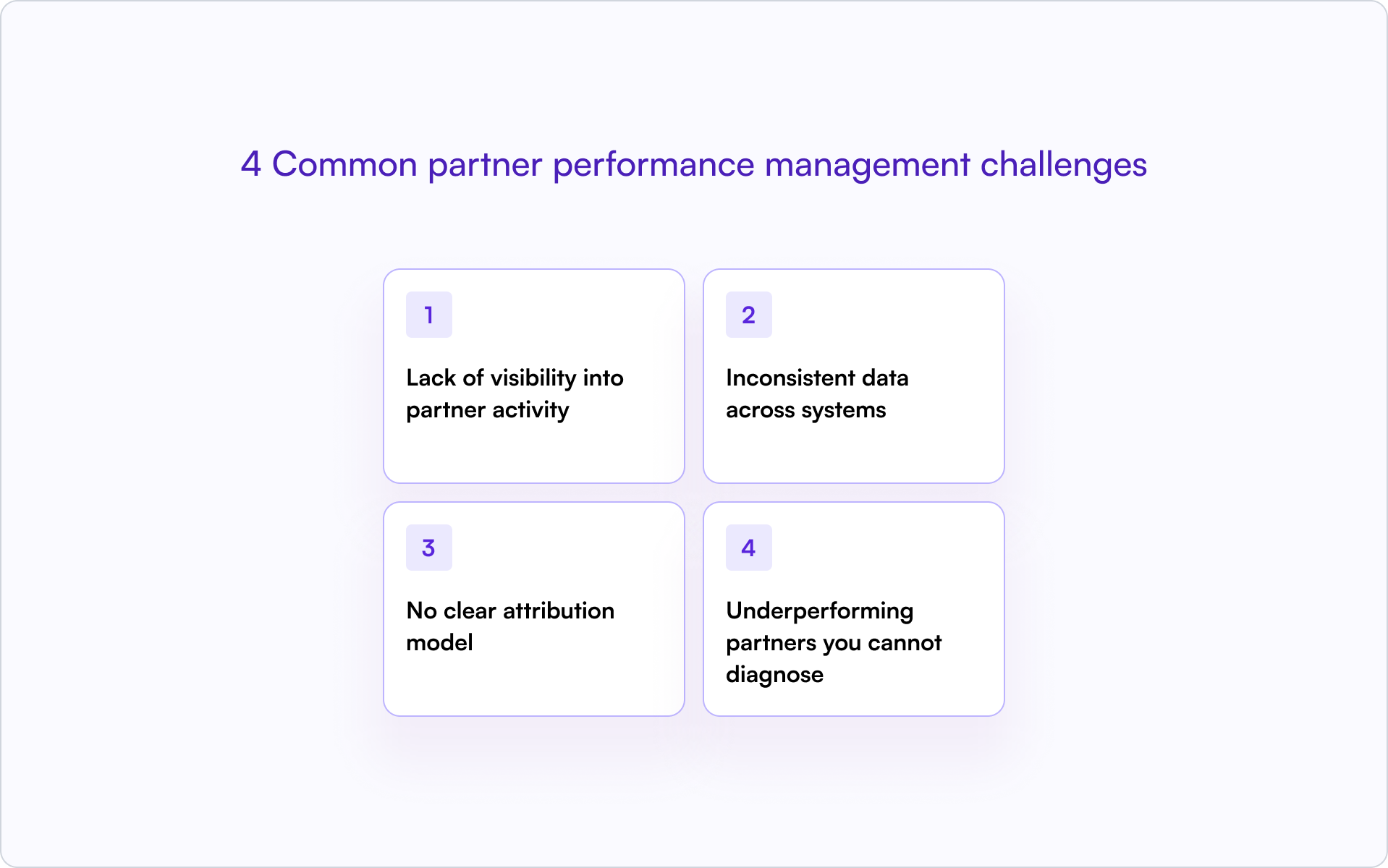
Lack of visibility into partner activity
When partner data lives in spreadsheets or disconnected portals, you’re effectively operating blind. You can’t see deal progress in real time, which makes forecasting unreliable and prevents early intervention.
Inconsistent data across systems
Duplicate records, missing fields, and mismatched lifecycle stages break reporting. The bigger issue is trust: once teams stop trusting the data, they stop using it — and your partner program becomes “feelings-based” again.
No clear attribution model
Without a documented attribution model, it’s difficult to credit partners fairly — especially for influenced deals. Ambiguity leads to disputes that damage partner relationships and slow deal cycles.
Underperforming partners you cannot diagnose
Without performance metrics, you’ll know a partner is struggling but not why. Is it lack of training? Poor lead quality? No internal champion? Low activity? Data turns vague concern into a clear plan.
How to scale partner performance tracking without manual work with Introw
As your program grows, manual tracking breaks. Spreadsheets become time-consuming, error-prone, and outdated — exactly when you need real-time visibility the most.
The solution is to adopt CRM-first PRM software. With this approach, partner data stays inside your core CRM (HubSpot or Salesforce), partners can collaborate without separate logins, and partner performance metrics update automatically.
That gives you a scalable operating system for partner performance — one source of truth, clean attribution, and reporting your revenue leaders can actually trust.
For example, Introw’s Dashboard section allows you to define the metrics that matter most to your partners by pulling data directly from your CRM. You can select which pipeline to use (for example, Sales Pipeline or Renewal Pipeline), decide which attributed deals to include, such as Partner-Sourced Deals or Reseller Deals, and choose which property to use for aggregated data (such as Deal Amount, MRR, or Contract Value). This flexibility provides clear, real-time insights into your partnership performance.
.png)
Introw shows the following default metrics.
- Total Revenue: All deals with this partner that are marked in your CRM as closed won
- Weighed pipeline : All deals with this partner that are neither closed won nor closed lost.
- Number of deals: Total value of all deals closed won with this partner.
- Total deals: All deals registered including closed won.
- Average deal size: Total value of all deals (incl. closed lost) divided by the amount of deals.
- Average sales cycle: The average 'days to close' for all closed won deals in your CRM, showing the average time between Create Date and Close Date.
- Revenue over time
Conclusion: partner performance is a system, not a spreadsheet
The fastest way to improve partner performance is to stop treating it like a vague relationship metric and start treating it like a revenue discipline. Define what “performance” means, track it inside your CRM, and build a cadence to review and improve it.
When you do, partners stop being an unpredictable side bet and start becoming a channel you can scale with confidence.
Subtle next step: If you want partner performance visibility without spreadsheets or a disconnected portal, see how Introw helps channel leaders track partner performance inside their CRM. Book a demo.
Partner Management Automation in 2026: How to Automate Partner Workflows
Partner management automation is the use of software to handle repetitive partnership workflows — deal registration, partner communication, onboarding, and reporting — without manual intervention. In 2026, the teams that scale partner revenue the fastest aren’t the ones with the most portal features. They’re the ones that remove friction for partners while keeping everything measurable for the revenue team.
The most effective approach is CRM-first: automation that enhances your existing HubSpot or Salesforce instead of creating a separate system that hides partner activity.
Manual partner management works fine with a handful of partners. It breaks down fast when you’re chasing updates across fifty partners, copying data between systems, and watching engagement drop because nobody wants to log into another portal.
This guide covers what you can automate, how to implement it step by step, and how to choose partner management software that keeps everything visible inside your CRM.
What is partner management automation?
Partner management automation refers to using software to handle repetitive partnership tasks without manual intervention. Instead of chasing partners for updates, tracking deals in spreadsheets, or manually routing approvals, automation runs the workflow inside your existing systems — with clear ownership, timestamps, and reporting.
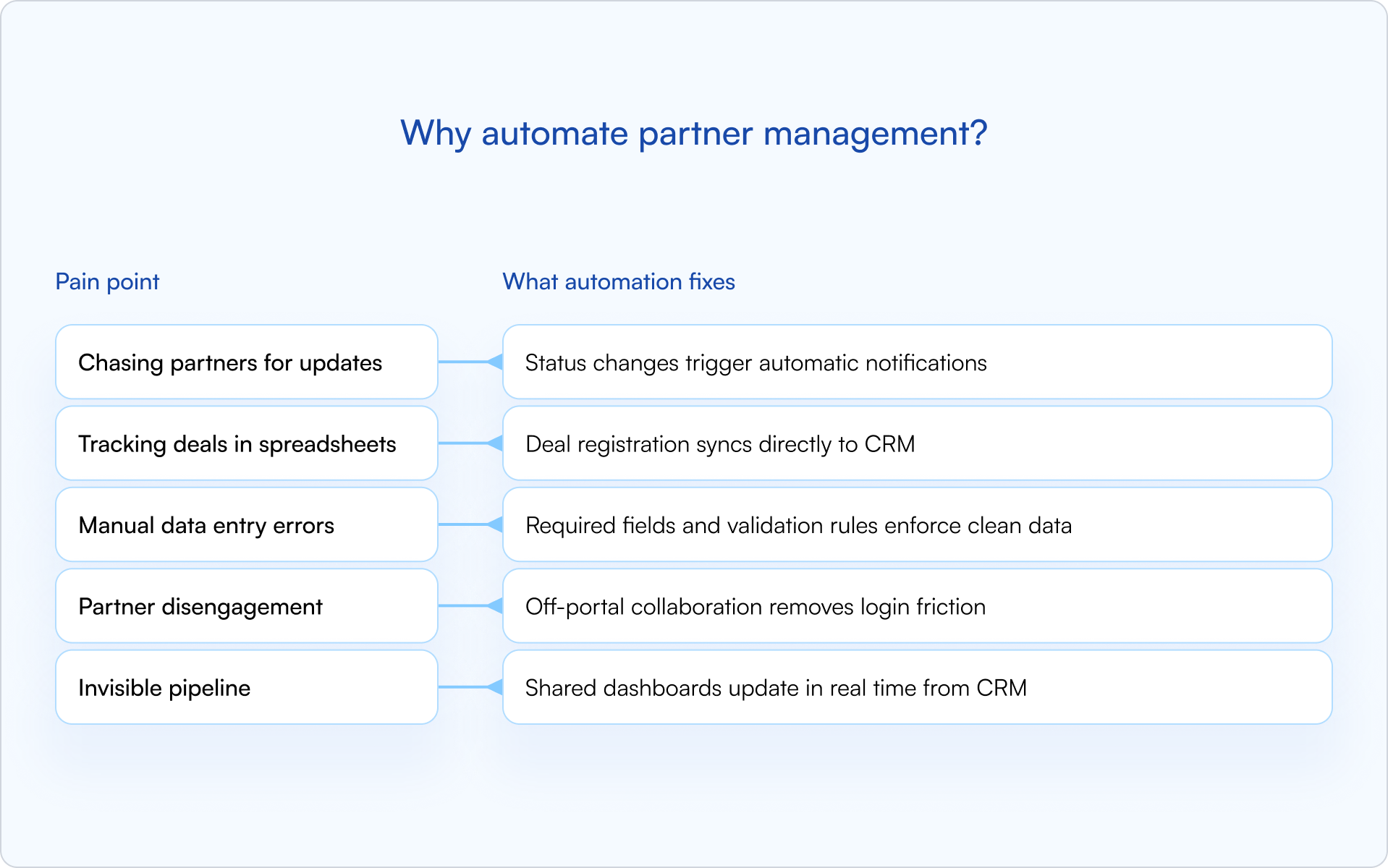
In practice, partner management automation typically covers four areas:
- Deal and lead registration: Partners submit opportunities through forms or email, and the system auto-routes for approval, timestamps decisions, and syncs everything to your CRM.
- Partner communication: Triggered emails, Slack notifications, and announcements go out automatically when deals change status, policies update, or registrations expire.
- Pipeline visibility: Dashboards update in real time from CRM data, so sales, partnerships, and RevOps see the same reality.
- Onboarding workflows: Welcome sequences, task checklists, and document collection happen without manual coordination.
The key distinction is where automation lives. Traditional PRMs often create a separate system that hides partner activity from your CRM. CRM-first automation keeps everything visible inside HubSpot or Salesforce, so partner-sourced revenue is trackable and forecastable alongside direct sales.
Why automate partner management?
Manual partner management works fine with five partners. It breaks down quickly at fifty — especially once you’re dealing with approvals, attribution questions, and a pipeline that leadership wants to forecast.
The pain points are predictable: chasing partners for deal updates, copying data between systems, correcting duplicate records, and watching engagement drop because partners don’t want to log into another portal. Meanwhile, leadership can’t forecast partner revenue because the pipeline is invisible.
The outcome is simple: automation removes the friction that slows everything down. You can grow from twenty partners to three hundred without proportionally scaling headcount, because repetitive work is handled automatically and consistently.
Partner management tasks you can automate
Not every task benefits equally from automation. The highest-impact workflows are the ones that are high-volume, repetitive, and prone to human error — the exact places where a founder-led partnerships function starts to crack as you scale.

Deal and lead registration
This is where most teams start, and for good reason. Manual deal registration creates delays, disputes, and dirty data.
With automation, partners submit deals through a form or email. The system auto-routes the submission for approval, timestamps the decision, and syncs the deal to your CRM. Protection windows are enforced automatically, and expiring registrations trigger reminders before they lapse.
Deal registration is also your primary defense against channel conflict. When ownership is established early and visible to everyone, disputes become rare.
Partner communication and announcements
Partners miss updates when communication depends on someone remembering to send an email. Automation makes “the right update at the right time” the default.
Trigger notifications for the moments that matter: deal status changes, policy updates, expiring registrations, and approval decisions. Notifications can go out via email, Slack, or in-portal announcements — whichever channel your partners actually check.
Off-portal collaboration is a major lever here: partners can reply to notifications via email, and responses sync back to the CRM timeline. No login required.
Pipeline visibility and reporting
Shared pipeline views give partners visibility into their deals without exposing sensitive pricing or internal notes.
Property-level controls let you decide exactly what partners see (stage, next step, protection expiry) while keeping discount bands and internal comments hidden. Dashboards update automatically from CRM data, so you’re not manually pulling reports.
Partner onboarding and enrollment
Onboarding is a repeatable process — and repeatable is exactly what automation is good at. Onboarding new partners involves a predictable sequence: welcome emails, document collection, profile creation, and task assignments.
Automation runs that sequence without manual coordination. Partners receive welcome content, complete required steps, and get provisioned in your CRM, all triggered by enrollment. SSO removes password friction so partners can access the portal immediately.
Partner enablement and training
Training assignments can be automated based on partner tier, certification status, or product focus.
Content lives in the partner portal, completion is tracked automatically, and reminders go out when certifications expire. Partners stay ready to sell without requiring your team to manually assign and follow up on every course.
Payouts and commissions
For programs with referral or reseller commissions, automation can calculate payouts based on deal stage, generate reports for finance, and trigger disbursements.
Payout automation depends heavily on your partner model. Not every program needs it, but for programs that do, automation eliminates the back-and-forth between partner managers, finance, and partners.
How to implement partner management automation
Partner management automation works best when it’s introduced deliberately, not all at once. The goal is to automate what’s repetitive, protect what’s sensitive, and keep the pipeline trustworthy.
1) Audit your current partner workflows
Start by mapping where manual work lives today. Which tasks involve copying data between systems? Where do partners get stuck? What causes the most friction for your team?
Common culprits include deal registration, status updates, onboarding, and reporting. Document pain points before selecting tools or building workflows.
2) Identify high-impact automations first
Not everything deserves automation on day one. Focus on workflows that are high-volume, repetitive, and error-prone.
Deal registration and status notifications are usually the best starting points. Both are frequent, both directly impact partner engagement, and both create clean CRM data that benefits everyone downstream.
3) Select a CRM-first partner management platform
The platform you choose determines whether automation enhances your CRM or creates a parallel system you’ll be reconciling forever.
Look for:
- Native HubSpot or Salesforce integration: Real-time sync, not batch imports.
- Off-portal collaboration: Partners can take action via email without logging in.
- Property-level sharing: Control exactly what partners see in shared pipeline views.
- Fast implementation: Days to weeks, not months.
A CRM-first approach keeps partner activity visible where revenue teams already work — which is what makes attribution and forecasting realistic instead of aspirational.
4) Configure workflows and launch
Set up deal registration forms, approval routing, notification triggers, and shared pipeline views. Then test with a small partner cohort before rolling out broadly.
Start simple. You can add complexity later once the foundation is working and your team trusts the data.
5) Measure results and iterate
Track partner engagement, registration volume, approval times, and pipeline accuracy. Metrics tell you whether automation is working and where to refine.
The goal isn’t perfect automation on day one. It’s continuous improvement based on what you learn.
Best practices for partner management automation
Automation can backfire if it creates friction instead of removing it. These principles help keep your partner program scalable without making it feel robotic.
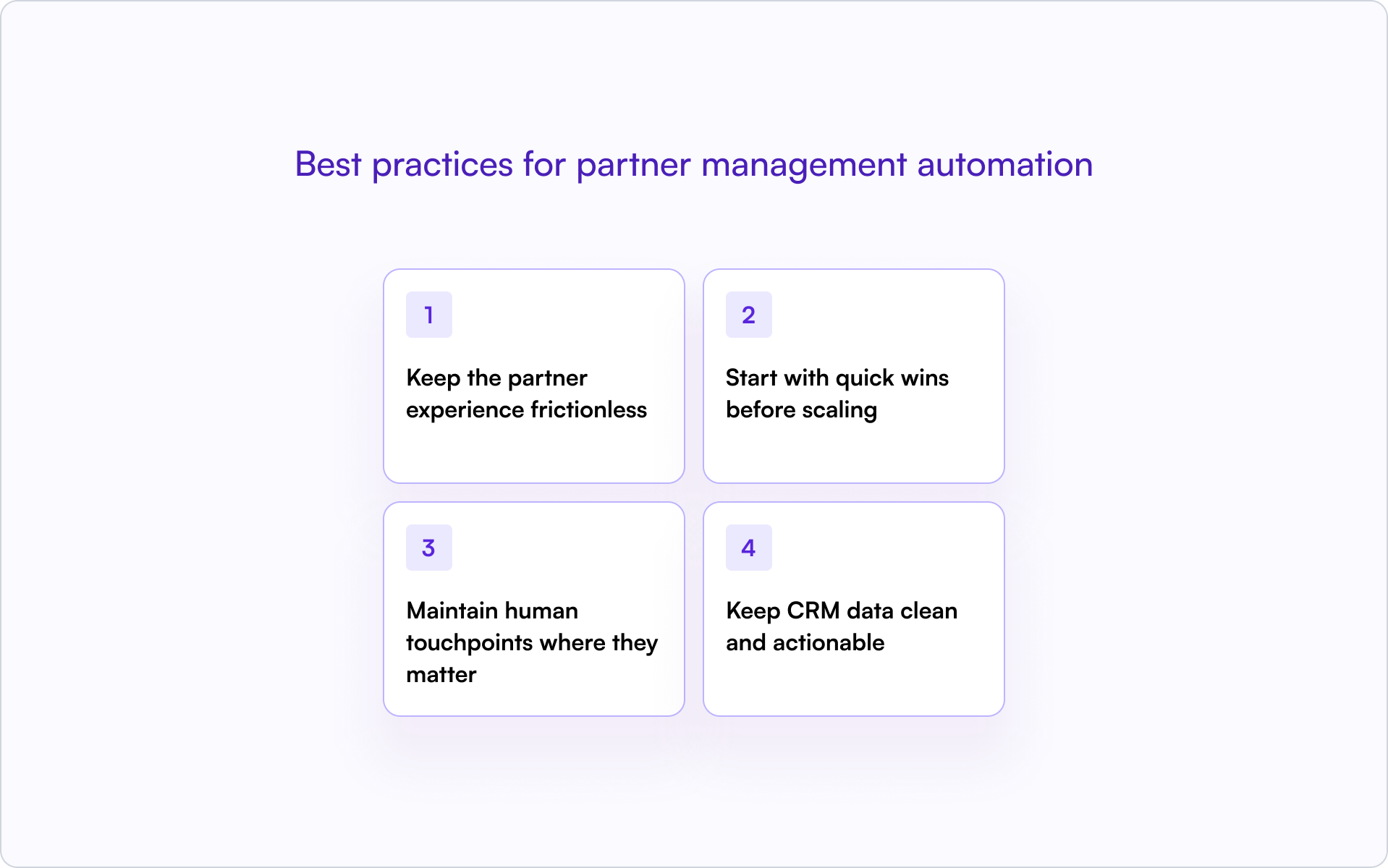
Keep the partner experience frictionless
Portal login walls kill engagement. The moment partners hit a login screen, many stop — especially when registering a deal is “nice to have” compared to running their own pipeline.
- Let partners submit deals via email or lightweight forms.
- Push notifications through channels they already check.
- Enable off-portal collaboration so partners can respond without logging in.
The fewer clicks required, the higher the engagement.
Start with quick wins before scaling
Prove the value of partner management automation with one or two workflows before expanding. Early wins build internal trust and help partners see the system as a benefit, not bureaucracy.
Deal registration is usually the best starting point. It’s visible, it’s frequent, and it creates immediate value for partners and your team. Once deal registration is working, expand to training, payouts, or complex routing.
Maintain human touchpoints where they matter
Automation handles repetitive work. Strategic relationships still require personal attention.
Use automation to free up time for high-value conversations like QBRs, conflict resolution, and partner development. The goal is to spend less time on data entry and more time on relationships.
Keep CRM data clean and actionable
Automation is only as good as the data it runs on.
Set up validation rules, duplicate detection, and required fields to maintain a single source of truth. When partner data is clean, reporting is accurate, attribution is clear, and forecasting becomes possible.
Partner management software for automation
The partner management software landscape includes several categories, each with different trade-offs. If you’re a founder choosing a direction, the real question is: “Will this make partner revenue more visible in our CRM — or less?”
CRM-native partner management platforms
CRM-native platforms are built directly on HubSpot or Salesforce. Partner activity syncs in real time, attribution lives in the same system as direct sales, and forecasting doesn’t require exporting data from a separate portal.
Introw is an example of a CRM-first approach. The partner portal, deal registration, and shared pipeline all live on top of your existing CRM, with no separate database and no data silos.
Standalone PRM platforms
Traditional PRMs like PartnerStack, Impartner, Allbound, Zift Solutions, and Kiflo operate as separate systems.
Standalone platforms are often feature-rich, but they create a parallel database that requires integration to sync with your CRM. Partner activity can become invisible to sales and RevOps unless you invest in maintaining the integration.
HubSpot PRM and Salesforce PRM options
When evaluating HubSpot PRM or Salesforce PRM options, the key question is whether the platform enhances your CRM or sits alongside it.
Native CRM tools offer basic partner tracking, but they often lack deal registration, shared pipeline views, and off-portal collaboration. Third-party integrations vary widely in sync quality and implementation complexity. CRM-first platforms like Introw offer tighter integration than standalone solutions, with real-time sync, property-level visibility controls, and partner collaboration without requiring logins.
Build a partner program that runs (almost) on autopilot
Partner management automation delivers on a straightforward promise: less manual work, cleaner data, engaged partners, and scalable growth.
The teams that get it right don’t automate everything at once. They start with high-impact workflows, choose CRM-first tools, and iterate based on what they learn. A CRM-first approach keeps partner activity visible where revenue teams already work — which means accurate attribution, reliable forecasting, and a partner program that scales without proportionally scaling headcount.
If you’re evaluating what “CRM-first” looks like in practice, you can get a demo and see how Introw automates partner management inside your CRM.

